
Create workflows
Share content
Collect feedback
Compare versions
Track approvals
Trusted by 20,000+ people from top brands and agencies






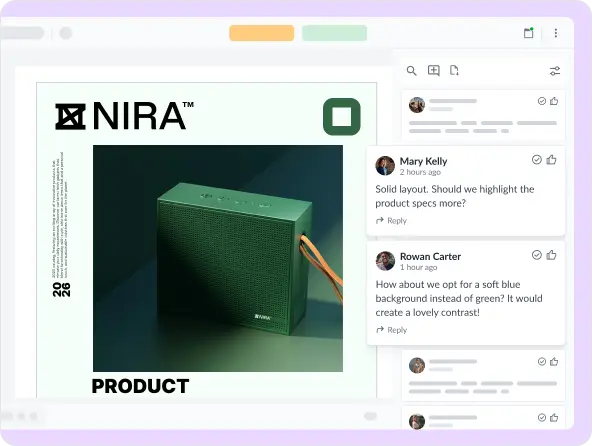
Collect feedback beside your files
Tired of consolidating feedback from a dozen different directions? Filestage takes this stress off your shoulders by giving stakeholders a collaborative space to share comments and get aligned. (Even for videos!)
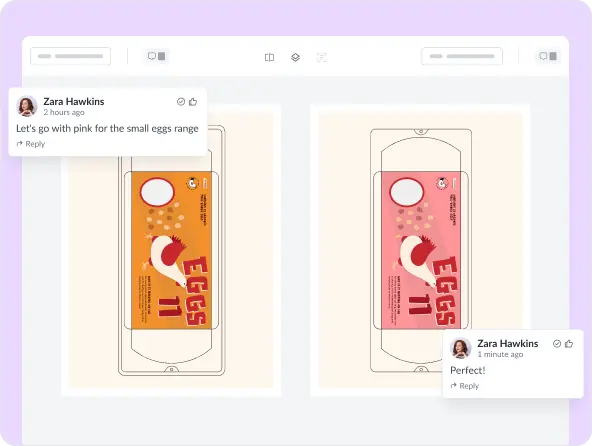
Compare two versions in one click
Between trawling through your inbox and delving into your downloads, verifying feedback over email can take an age. In Filestage, it takes just one click to check the latest version against previous feedback.

Track your project’s progress
Is this ready to print? Where’s the latest version? What edits should we focus on today? Filestage can answer all these questions in seconds, so you can drive project forwards without driving yourself crazy.



A clear overview for project managers and marketers
Review workflows
Due date reminders
Approval tracking
- Follow the same review process for your entire project
- Relax knowing that everything will be approved by the right people
With Filestage, we have the whole review process in one tool. That means no emails, no PowerPoint presentations with screenshots, and most importantly: happy users.

Caro Berlinghof
Senior Concept Developer & Project Manager, CAMAO

- Set due dates in your dashboard to make sure feedback arrives on time
- Filestage will send out reminders while you focus on the work you enjoy
Our review turnaround time has significantly improved. We can easily review all kinds of content formats without any issues.

Zsolt Arnodi
Digital Communication Specialist, B. Braun
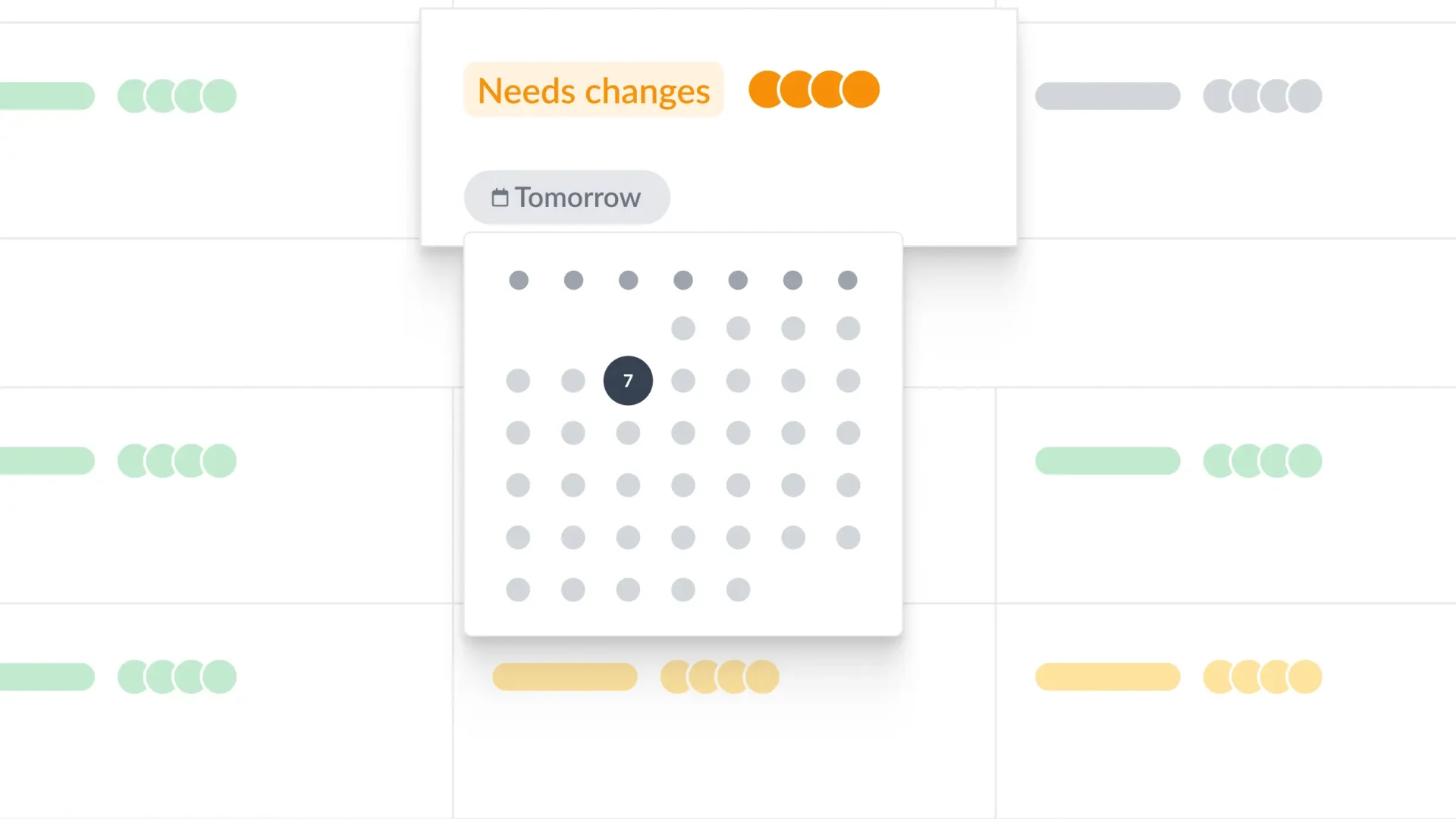
- See who’s approved a version or requested changes at a glance
- Update review statuses to give your collaborators a clear overview
We were looking to avoid mistakes in our approval process and to always know who approved which file. And with Filestage we found a way to double-check these things.

Thomas Arens
Head of Marketing & Corporate Communication, FANUC Europe

More time for creatives to focus on their craft
File sharing
Comment threads
To-do lists
- Simply drag a file into your dashboard to share it and start a review
- Share designs, videos, HTML, and more in one easy-to-use tool
Our designer simply uploads the video, sends it to the group, and everyone is able to comment and select the area where the changes need to happen.

Naeran Rubio
Associate Director of Content & Communications, Sharp

- Get clear and consolidated feedback right on top of your files
- Discuss ideas in context instead of getting lost in email chains
Filestage has reduced our team’s daily email inbox by 25-30%. Since our inboxes are not swamped by emails about content approvals, we can focus on other important tasks.

Rain Balares
INCA Lead, GroupM
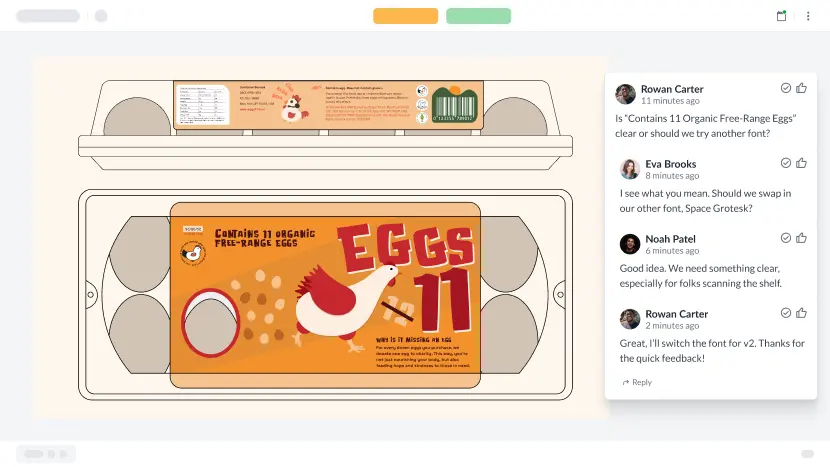
- Use comments as a checklist as you work on the next version
- Get started on amends without waiting around for a brief
Filestage allows our reviewers maximum transparency in the review process. And in return, we receive high-quality feedback and a massively shorter turnaround time.

Thomas Nesensohn
Team Leader of Technical Communications, Zünd

Faster feedback for clients and stakeholders
Email notifications
Annotations
Review decisions
- Get an email notification when there’s a new file or version to review
- Integrate with Microsoft Teams or Slack to get notifications in channels
Filestage makes things easy. All the files and versions are in the same place. The clients really appreciate the ease of use and being able to have a clear overview of their projects.

Sarah Chen
Copy Director/Medical Director, Publicis Health France

- Simply click on what you want to change and add your comment
- Add highlights or draw annotations to make feedback crystal clear
Filestage saves our company a huge amount of time. Instead of writing detailed instructions over email, reviewers can just click on a file to add comments in context.

Karina Berner
Creative Production Specialist, Sartorius

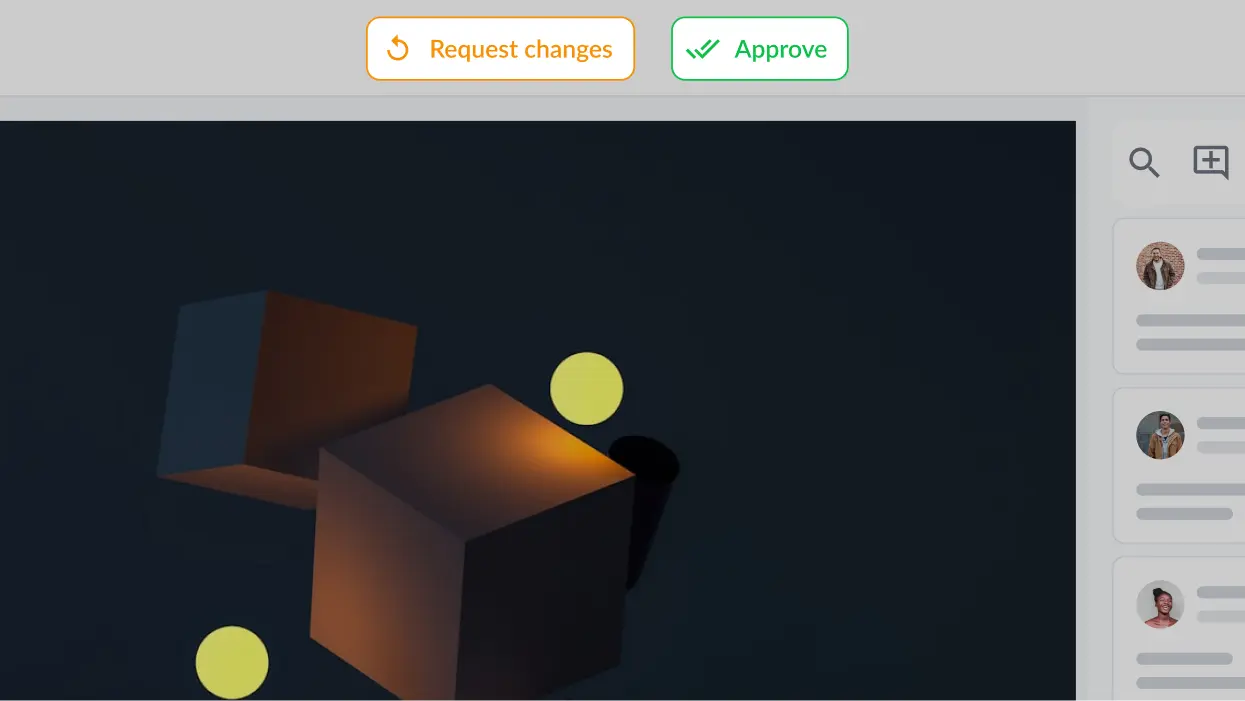
- Submit your decision in a single click to end your review
- Move on to more important tasks until the next version hits your inbox
Filestage received a quick acceptance within the team and the other departments because it is so easy to use and accessible.

Angelika Schneider
Executive Creative Direction Motion Design, Sixt
Connect Filestage with your favorite apps
Automate your workflow with our native and custom Zapier integrations.
Project management
Assign review tasks to your teammates and track file statuses in your project management tool.

Messenger
Share files, comments, and review decisions in your favorite channels and spaces.

Content creation
Upload files and see comments in your content creation tools, so you can iterate and get approval faster.

And many more!
Create custom integrations in Zapier, turn marketing request forms into projects, and more.

Share content with confidence
Manage your files in a GDPR-compliant platform
Filestage uses enterprise-grade AES 256 encryption that’s certified against ISO/IEC 27001:2022.
Control who can access your content
Use password-protected links and email verification to choose who can see your files.


