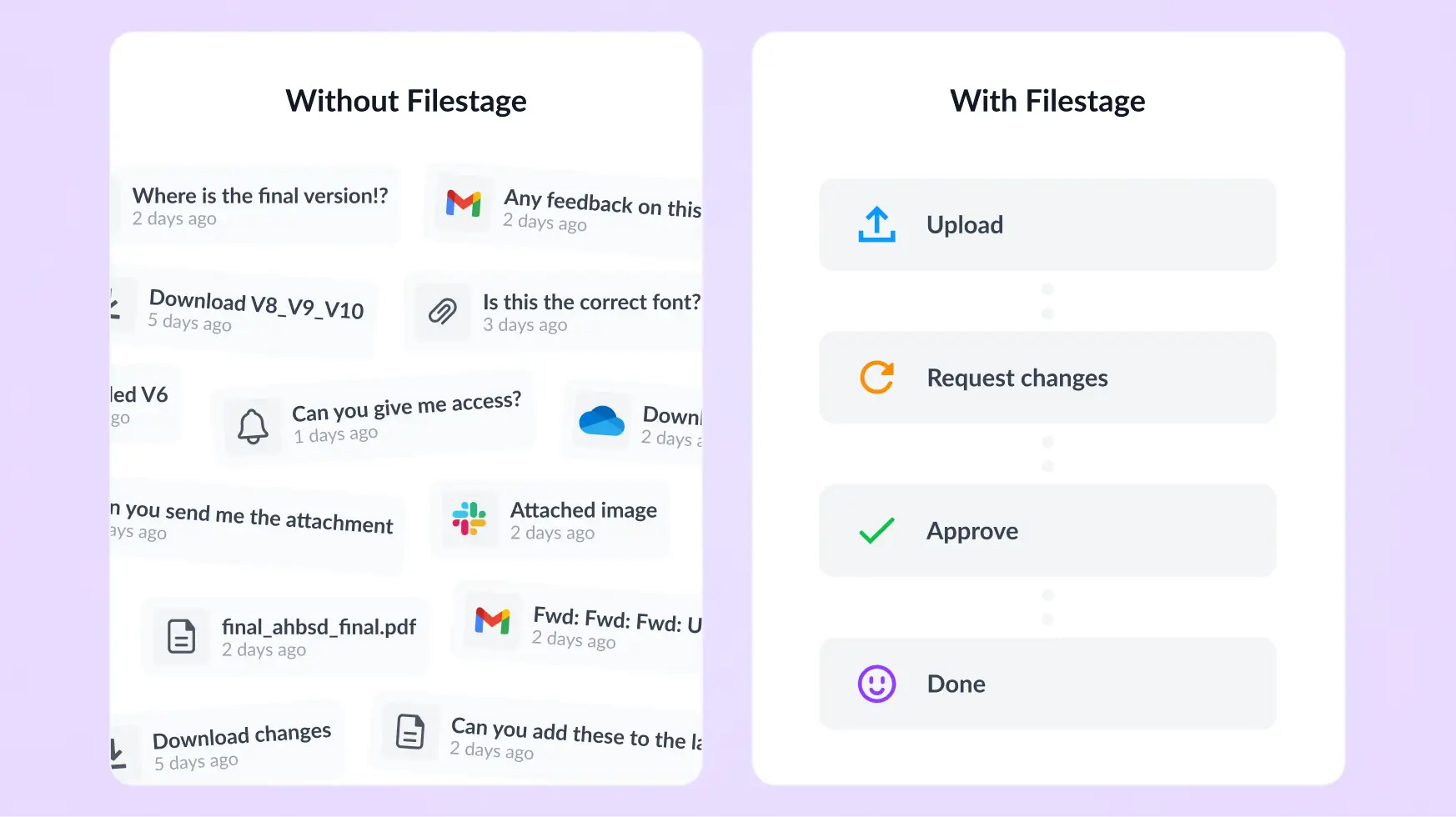



Approve artwork and designs faster – all in one place
Filestage’s design approval software helps your marketing team or agency centralize creative reviews, give precise visual feedback, and track every version. For faster sign-offs and fewer headaches.
- ✓ 14-day free trial
- ✓ No credit card needed
- ✓ GDPR compliant

Trusted by professionals from top brands and agencies


- Proven results with Filestage
Real results from marketing, creative, and production teams


Teams spend less time chasing approvals and more time creating with Filestage’s automated online proofing software.
*Based on customer usage data and internal analysis.
Bring clarity to your artwork reviews with design approval software

Centralize design reviews in one place
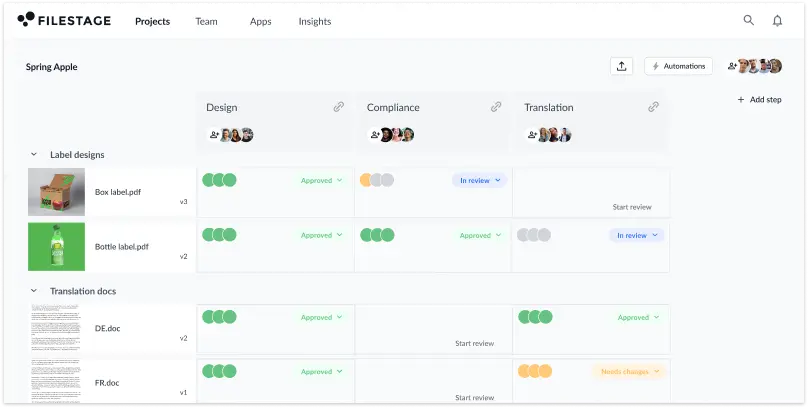
Track every approval and feedback comment from a simple dashboard for full project-level visibility.

Give clear, actionable feedback
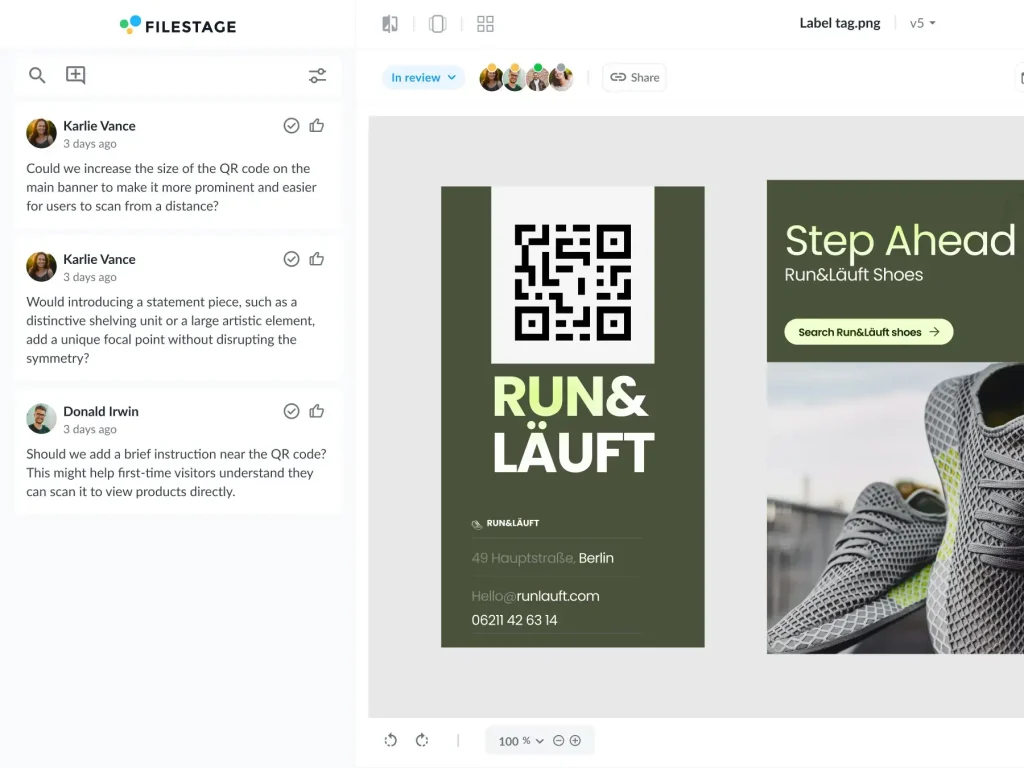
Annotate files directly for clearer collaboration and fewer follow-ups. No more vague or conflicting feedback.

Keep every version organized
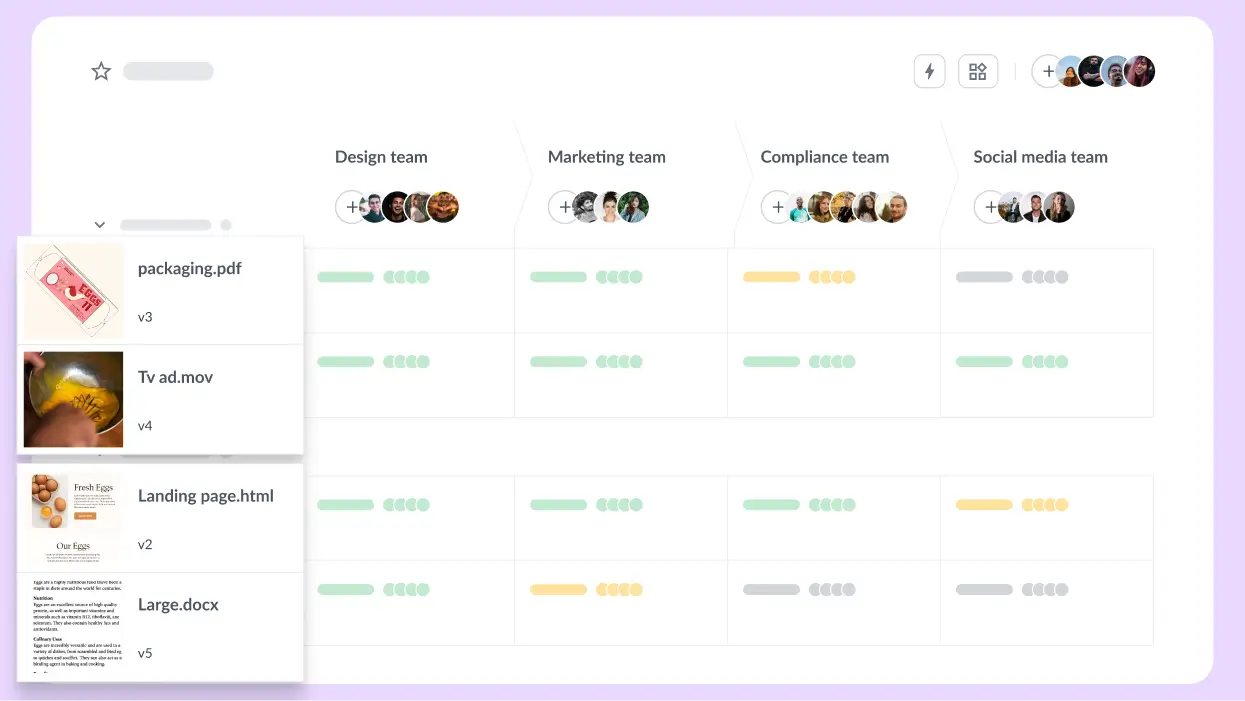
Every asset version is stacked in your dashboard, so you never have to waste time looking for the right file again.

Everything you need to get designs from V1 to approved
- Keep every comment, asset, and approval in one place – no more scattered emails or lost asset versions
- Your marketing team or agency can collaborate in real time with total clarity
“Before Filestage, our review process was pretty chaotic. Feedback came flying in from all directions – emails, Slack, PowerPoint decks, even WhatsApp (yes, really).”

Melissa Abrini
Creative Director at Story
- Give exact, actionable feedback on designs with visual annotations
- Reduce miscommunication and endless revisions by making it clear what to change
“In Filestage it’s always clear which file the feedback refers to because the comments are directly placed on the video file. This is especially helpful when we work with colleagues on multiple projects at the same time.”

Angelika Schneider
Executive Creative Direction Motion Design, Sixt

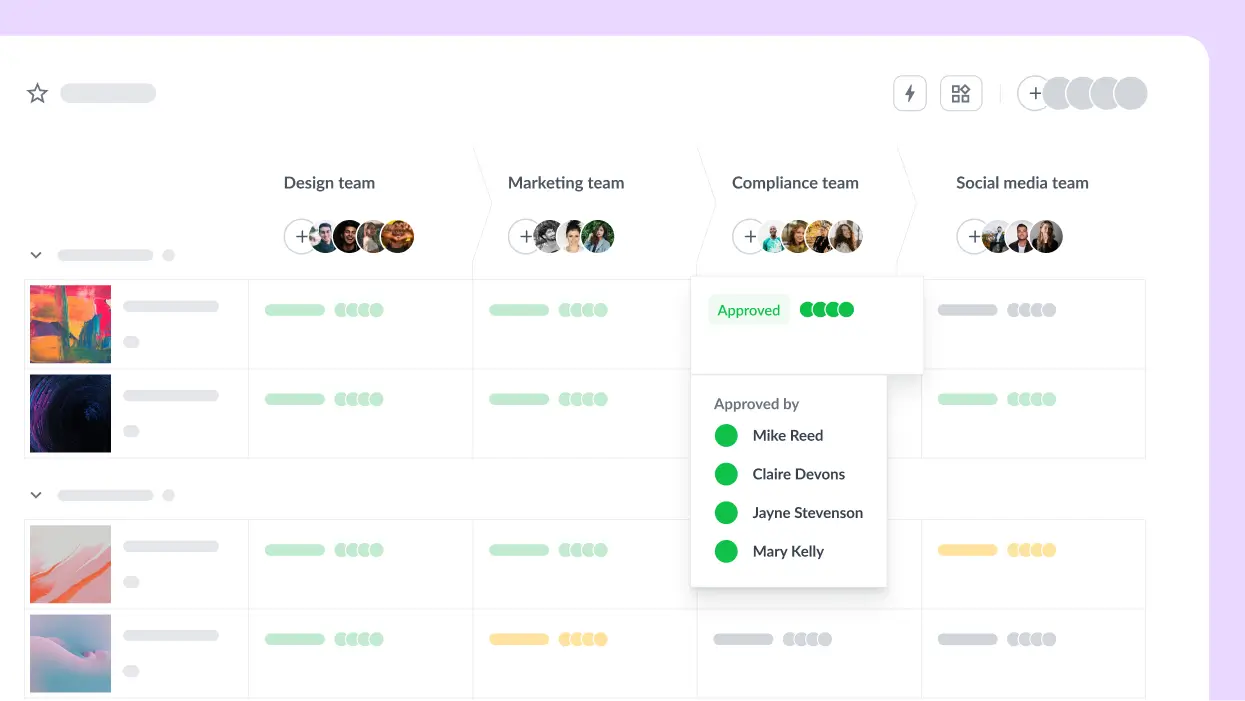
- Maintain full transparency throughout the approval process
- Easily access past iterations, compare updates, and track every change

Sarah Chen
Copy Director/Medical Director, Publicis Health France

- Build approval workflows that fit your team or project
- Assign reviewers, automate steps, and keep projects moving efficiently (even with multiple stakeholders)

Johannes Morath
Manager Marketing Projects Home & Garden at Kärcher

Compare two versions in one click
Quickly pinpoint exactly what changed between file versions and make sure all feedback has been implemented.
And if your client preferred the last version, you can easily revert to earlier versions when needed. No reworks or stress. And approvals stay on track.
Let our Review Agents handle repetitive design checks
Our agents catch details to speed up design reviews. They will instantly flag missing logos, broken QR codes, or forbidden terms to avoid costly reprints or compliance delays.
That gives your team more time to focus on the creative work.

Streamline your design proofing process in three simple steps
1
Step one: Upload your assets
Upload designs to a project and invite stakeholders instantly. Set custom reviewer groups to keep things organized.
2
Step two: Collect visual feedback
Stakeholders can comment directly on your designs with precise visual annotations. Assign due dates to keep projects moving.
3
Step three: Approve and track versions
Track every revision and get final approvals quickly. See who has approved designs and when, all from a central dashboard.
Learn more about design approval software

-
Richard O'Connor

-
Muriel Skusa

-
Muriel Skusa

-
Muriel Skusa

Share content with confidence
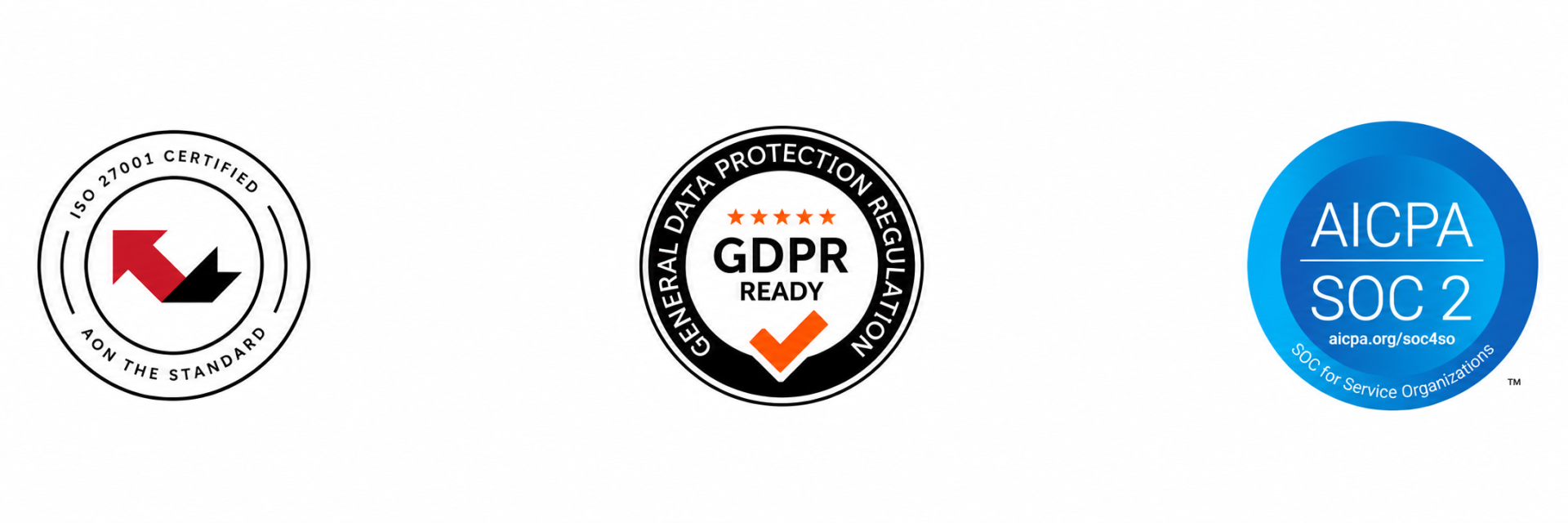
Manage your files in a GDPR-compliant platform
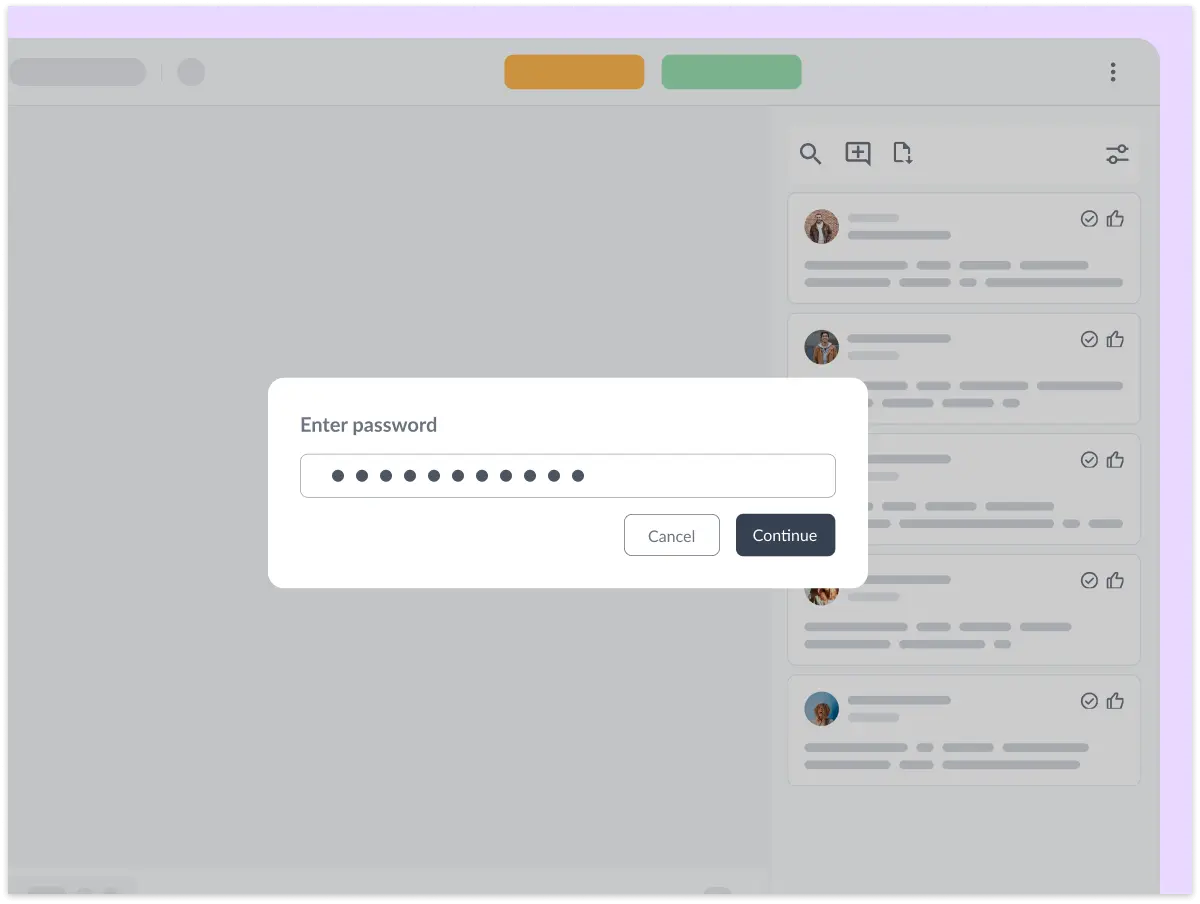
Control who can access your content

Connect Filestage with your favorite apps
Automate your workflow with our native and custom Zapier integrations.
Project Management
Assign review tasks to your teammates and track file statuses in your project management tool.


Messenger
Share files, comments, and review decisions in your favorite channels and spaces.


Content creation
Upload files and see comments in your content creation tools, so you can iterate and get approval faster.


And many more!
Create custom integrations in Zapier, turn marketing request forms into projects, and more.