Did you know that 50% of the work we do today could be automated? That’s right, every other task that you do could probably be automated, leaving you more time for the strategic part of your job.
But finding the right tool for your team can be a tricky task. While some need a tool that will help them quickly spot human error, others are more focused on automating planning and managerial tasks. Luckily, various AI and automation tools have got you covered.
In this article I’ll highlight some of the most useful automation software on the market for different use cases and purposes. Because it’s time to say goodbye to handling mundane tasks once and for all.
But first, some basics.
What are task automation tools?
Task automation tools are software applications or platforms designed to automate repetitive, time-consuming, mostly manual tasks. These tools can help you streamline your workflows, improve productivity, and reduce human error.
Practical task automation can apply to a variety of functions, from simple actions like sending emails to more complex processes involving data analysis and integration between different systems.
Top five criteria for choosing the right task automation tool
In the sea of automation tools currently present on the market, choosing the right one for your team can become overwhelming.
Here are five top criteria for choosing the right task automation tool for your organization.
Ease of use and user interface
Research shows that lack of knowledge and training about automation is the most significant barrier to adoption, affecting 39% of marketers.
One thing to look out for when choosing your future automation tool is how intuitive and user-friendly the interface is. This can reduce the learning curve and enable efficient automation setup.
Here are some elements most user-friendly tools have in common:
- Drag-and-drop features
- Ability to create visual workflows
- Straightforward configuration options
The best way to determine if a specific tool is user friendly enough is by testing it yourself. Most tools offer free trial options which are great for getting a good feel for the software and how your team could use it on a day-to-day basis.
Integration capabilities
Another thing making the tool more useful is its ability to integrate with your existing software stack. This can include integrations with your CRM platform, email platforms, project management tools, or other marketing applications.
A tool with robust integrations will help you automate a wide range of mundane and complex tasks and make your workflows feel as an extension of your work, instead of feeling like a necessary evil.
Customization and flexibility
Similarly to having strong integration capabilities, your task automation software should offer a high level of customization and flexibility. This is quite obvious, but something we can easily forget when assessing a tool.
Try looking for tools that offer flexibility in terms of workflows, triggers, actions, and conditional logic. This will allow you to design processes that are completely tailored to your team’s unique business requirements.
Scalability and performance
The whole idea behind automating tasks and processes is to allow your business to scale. Which makes this one of the most important things to look for in an automation tool.
Google reports that 66% of marketing leaders have found that automation and machine learning allow their teams to prioritize strategic activities. And you should definitely become a part of those statistics.
Choosing an automation tool that can scale as your business grows means considering factors like:
- The volume of tasks the tool can handle
- Its performance in handling large amounts of data
- Whether it can accommodate additional features as your business needs evolve
Security and compliance
By handling basically all business operations and processes online, it’s become critical that applications are secure and compliant with relevant regulations. Especially if you’re dealing with sensitive data.
This includes the ability to offer data encryption, secure authentication, and audit logs.
Top nine task automation tools to boost your productivity
Here are the top nine task automation software for automating various aspects of your business processes.
1. Zapier – best for integrating different apps and automating workflows
Zapier is one of the best task automation tools because of its ability to seamlessly connect thousands of apps and automate workflows without requiring any coding knowledge. Within Zapier, you can create “Zaps” – customized workflows where a trigger in one app automatically initiates actions in others.
Key features include multi-step workflows, conditional logic (Paths), and the ability to handle complex automation scenarios with ease.
Use case example
Your marketing team can use Zapier to automate lead management by setting up a workflow where new leads from a Facebook Ads campaign are added to a Google Sheet, sent to a CRM like Salesforce, followed by an email welcome sequence in Mailchimp.
All without manual intervention!
Setting up automated tasks with Zapier helps your team save time, reduce errors, and streamline processes across various industries
2. Filestage – best for streamlining content review and approval workflows

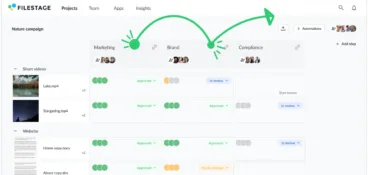
Filestage is a dedicated review and approval solution and the best automation tool for streamlining approval processes. The creative automation platform centralizes your feedback process by bringing together clients, teammates, and other stakeholders to review documents, videos, or designs and reduce back-and-forth communication.
You can also divide stakeholders into reviewer groups and make sure all feedback discussions stay focused. Then, when the deadline approaches, see whose feedback and approval you collected, and whose is still missing.
To streamline your feedback process you can also set up numerous automated actions, including:
- Workflow automations – you can create various automated actions, including sending your files automatically from one review group to another after collecting all relevant approvals
- AI-assisted reviews – make sure that the grammar and style of your assets are on point with AI assisted reviews
- Automated reminders – make sure all your reviewers submit their reviews in time by sending automated reminders as the deadline approaches
Use case example
Filestage is an amazing solution for a creative agency that delivers creative and marketing assets for clients. To make sure no feedback gets overlooked, all deadlines are met, and the assets you create respect brand and regulatory guidelines, you’ll need several task automation capabilities.
Here’s how process automation in Filestage can help you meet all those goals:
- Create a reusable project template with predefined reviewer groups and automated actions for each client approval process
- Automatically upload all creative assets from Gmail to Filestage and kickstart a review
- Automatically send your files from one reviewer group to the next as soon as they receive all relevant approvals
- Automatically notify team members in Slack about all document changes and status updates to keep everyone in the loop
See how Filestage can speed up your approvals
Enjoy a free, 30 minutes consultation with our experts, tailored to your team and use cases.
3. HubSpot – best automated CRM solution

There’s rarely anyone working in marketing at this point who’s not aware of what HubSpot is. This famous CRM solution has been around for years and has risen to the top when it comes to building and nurturing customer relationships. And the automation features are everywhere you look.
You can use HubSpot for sending automated email marketing campaigns, setting up automated lead nurturing workflows, deal tracking, and task creation for sales reps based on specific triggers like email opens or form submissions.
Use case example
When a prospect downloads a whitepaper, HubSpot can automatically add them to an email drip campaign, notify the sales team when the prospect shows engagement (like clicking an email link), and create a task to follow up.
This type of end-to-end enterprise workflow automation streamlines processes, saves time, and helps you make sure you’re not missing any opportunities.
4. Trello + Butler – best for automated task management

If you combine your simple task management platform, Trello, with its content automation tool Butler, you’ll get a powerful automation solution for visual workflow management. With Butler, you can create custom rules, commands, and workflows within Trello boards.
Plus, you can automate tasks like moving cards, assigning due dates, or sending notifications based on specific triggers like status updates or deadlines.
Use case example
Let’s say you’re managing a content calendar: when a card is moved to “In Progress”, Butler can automatically assign the content team, set a due date based on the project’s timeline, and notify the editor via email or Slack.
This integration eliminates manual updates, keeps your team aligned, and helps you make sure deadlines are met.
5. Automate.io – best for creating seamless automated workflows
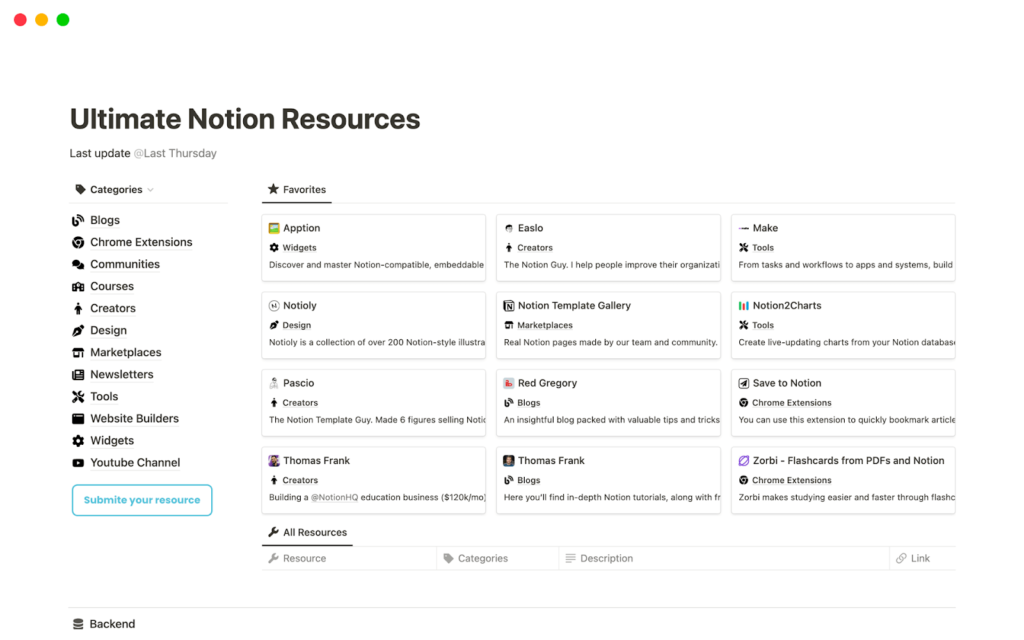
Automate.io has been a leading task automation tool known for its simplicity, versatility, and robust integrations with over 200 apps, making it an excellent choice if you’re looking to seamlessly connect your workflows. And recently, the tool has become an integral part of Notion to offer customers a comprehensive automated workflow solution.
Firstly, its drag-and-drop interface makes it easy to build automation workflows (or, as they call them, Bots) across marketing, sales, customer support, and productivity tools.
Plus, its key features include multi-step workflows, conditional logic, real-time data syncing, and support for both simple and complex automations.
Use case example
Notion is a great tool if you’re looking to integrate Shopify with Mailchimp. This workflow automation tool can trigger an email sequence whenever a customer places an order, add their details to a segmented email list, and notify the sales team via Slack.
This process automation saves everyone on your team valuable time, eliminates manual effort, and most importantly, helps you create a smooth customer experience.
Interested in more relevant examples? Check out our roundup of workflow automation examples.
6. Monday.com – best for automated project management
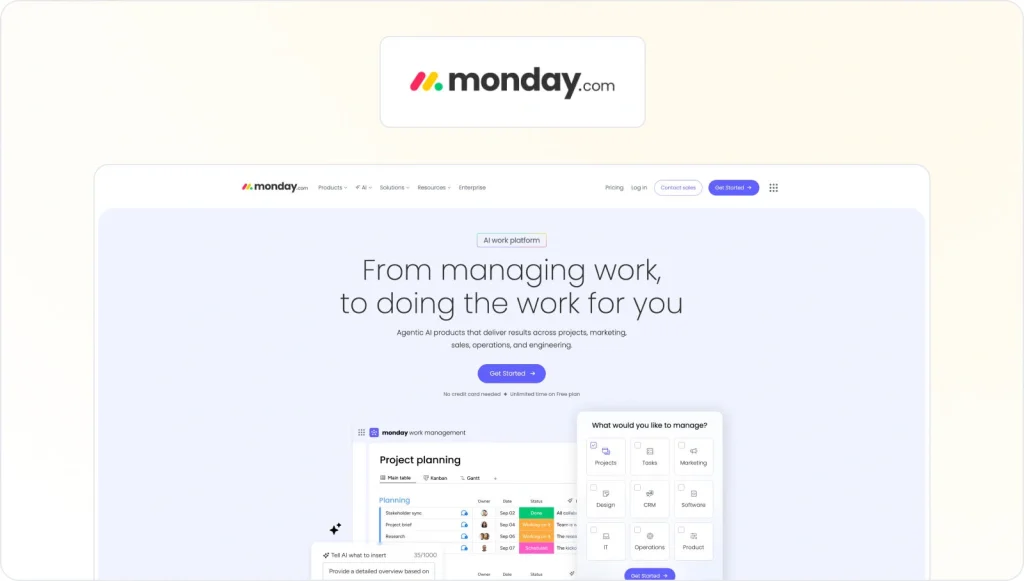
Monday.com is a famous project management tool and a powerful task automation platform that offers customizable workflows and powerful integrations to help your team streamline processes and improve collaboration.
You can use its automation features to set triggers and actions for repetitive tasks, including:
- Sending reminders
- Updating statuses
- Creating new items based on specific conditions
Use case example
Monday is the strongest when it comes to project management. You can create an automation that notifies stakeholders via email, updates the project timeline, and generates a report summarizing the task completion as soon as a task’s status is updated to “Done”.
This desktop automation tool helps you reduce manual effort while keeping people informed and projects on track.
7. Asana + Asana Rules – best for structured project management

One of the biggest Monday.com rivals is definitely Asana. Both tools are comprehensive task management solutions, with Asana leaning towards a more structured approach. This means that Asana emphasizes predefined workflows, task hierarchies, and clear dependencies to guide how projects and tasks are organized.
When combined with its “Asana Rules” feature, Asana becomes a powerful task automation tool that allows your team to reduce manual work and maintain consistency across projects.
Its automation capabilities include:
- Creating custom workflows using “if-this-then-that” logic, combined with the use of a wide range of pre-built rule templates
- Unique features like automatically assigning tasks based on specific triggers (e.g, moving tasks between sections)
- Adding dependencies to tasks to make sure your projects progress seamlessly
Use case example
A powerful real-life use case is managing a product launch with Asana Rules. Asana can automatically update task statuses when specific milestones are achieved, assign follow-up tasks to appropriate team members, and notify stakeholders of key updates.
This helps you make sure all your team members are aligned, deadlines are met, and no critical steps are overlooked in complex, deadline-driven initiatives.
8. Hive – best for streamlining project workflows
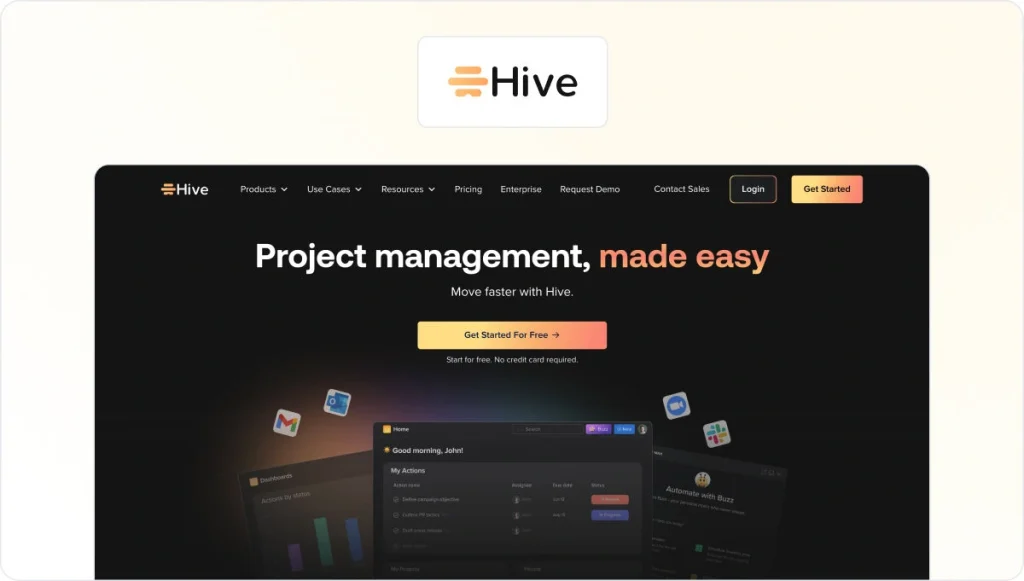
Hive combines intuitive project management features with robust automation capabilities, making it a standout tool for task automation. This helps you streamline workflows and enhance your team’s productivity.
Hive’s automation features include customizable action templates and integrations with email and messaging platforms, allowing you to trigger automatic actions like task assignments or deadline reminders.
A unique feature is its ability to automatically adjust due dates for dependent tasks when delays occur, maintaining accurate timelines without manual intervention. Another great automation feature is its “Hive Forms”, which can collect data and create tasks based on user input and reduce repetitive setup work.
Use case example
If you want to make the best use of Wrike, you should consider implementing it for the sake of marketing campaign management.
Here’s how Wrike can automate this entire process for you:
- When a campaign brief is submitted through a Hive Form, the system can automatically assign specific tasks to team members
- Then it can set deadlines based on the campaign launch date
- Finally, it can notify stakeholders for you
This helps you make sure campaigns progress smoothly from concept to execution, saving you time and reducing errors.
See how Filestage can speed up your approvals
Enjoy a free, 30 minutes consultation with our experts, tailored to your team and use cases.
9. ClickUp – best for customized automation

ClickUp is a great task automation tool thanks to its versatile and customizable automation features that adapt to virtually any workflow.
Within ClickUp, you can create complex automation rules using triggers and actions, including:
- Changing task statuses
- Assigning team members
- Automatically updating due dates
Unique features like “Custom Automations” allow your teams to build multi-step workflows tailored to your needs, while integration with tools like Slack and email creates seamless communication. Another powerful feature is ClickUp’s ability to automate recurring tasks, making it ideal for managing routine processes.
Use case example
If you’re looking for a tool that simplifies the client onboarding process, then ClickUp is the way to go. When a new client is added, ClickUp can automatically generate a checklist of onboarding tasks, assign responsibilities to team members, set deadlines, and send notifications to the client about next steps.
This automation makes sure that no one misses important details, team collaboration is efficient, and the client experiences a smooth, professional process.
Final thoughts
Automating all repetitive tasks sounds so good that it may seem like a dream. But if you understand your team’s processes and needs well enough, you’ll be surprised by how many of those tasks can be automated.
Hopefully, this guide gives you a good overview of what automation tools are out there and what are the best uses for each of them.
And if you’d like to see how Filestage can help you streamline your approval process, try it for free →