Did you know that 57% of work hours could already be automated using technologies that exist today? That’s right, more than half the tasks your team handles every day could potentially run on autopilot, leaving you more time for the strategic parts of your job.
But finding the right tool for your team can be a tricky task. While some need a tool that will help them quickly spot human error, others are more focused on automating planning and managerial tasks. Luckily, various AI and automation tools have got you covered.
In this article, we’ll highlight some of the most useful automation software on the market for different use cases and purposes. It’s time to say goodbye to handling mundane tasks once and for all.
TL;DR
The best task automation tool depends on what you’re trying to automate.
- For review and approval of creative assets, Filestage is the strongest dedicated option.
- Zapier is the default for connecting apps and automating everyday tasks without code, while Make suits teams that need more complex, branching workflow logic.
- HubSpot leads on CRM and marketing automation, particularly for teams managing the full lead-to-deal lifecycle.
- On the project management side, Asana works best for structured, dependency-heavy work, Monday.com and ClickUp for more flexible and customizable setups, and Trello + Butler for teams already using Trello as their main workspace.
What are task automation tools?
Task automation tools are software platforms that handle repetitive, time-consuming manual tasks so your team doesn’t have to. They streamline workflows, reduce human error, and free people up for work that actually requires judgment.
Applications span a wide range: from simple actions like sending automated reminders to more complex tasks like routing files between teams, syncing customer data across platforms, or triggering multi-step approval processes when a status changes.
A few categories are worth knowing:
Workflow automation software handles sequences of tasks between tools using predefined rules and actions. Think of this as the layer that connects your stack and automates the handoffs between systems.
Business Process Automation (BPA) connects entire departments and systems to standardize cross-team processes, rather than just automating individual tasks. It’s suited to organizations looking for cross-team coordination at scale.
Robotic process automation (RPA) mimics human interactions on a screen, making it useful for legacy systems without APIs. This is a form of traditional automation often used in enterprise environments.
AI workflow automation uses large language models to handle the judgment layer, processing natural language inputs and turning unstructured data into structured actions. This is what separates modern AI automation from older rule-based systems.
How we picked these tools
With hundreds of automated workflow software options available, we applied a consistent set of criteria to narrow the list to tools that genuinely deliver.
Ease of use
A tool that’s too complex to configure won’t get used. We prioritized platforms with intuitive interfaces and visual workflow builders that reduce the learning curve and make automation setup accessible without specialist knowledge. Most of the tools below offer free plan options or free trials, so you can take them for a test drive before committing.
Integration capabilities
A task automation tool is only as good as the connections it can make. We looked for platforms that work with the tools most teams already use: CRM systems, email platforms, project management software, and communication apps. Connecting apps without developer support matters here.
Customization and flexibility
The best tools adapt to your processes rather than forcing you to adapt to them. Look for platforms that give you control over triggers, conditional logic, and workflow configuration, so you can build automated workflows tailored to your team rather than working around preset templates.
Scalability
Automation is supposed to let your business scale, so your tool needs to keep up. That means reliable performance at high task volumes, room to grow the number of users, and a feature set that can expand as your needs change. A tool that can’t keep pace just means you’ll be switching again in 12 months.
Security and compliance
Any platform handling your business operations needs to protect sensitive data. Data encryption, secure authentication, and audit logs are the baseline, and they matter especially if your team works with customer data or operates in regulated industries.
AI features
Not all AI features are equal. Beyond the marketing language, what actually matters is whether a platform can process unstructured data, handle natural language inputs, and deploy automation that goes beyond simple rule-based triggers. That’s the bar we applied.
Tool comparison at a glance
| Tool | Best for | Free plan | Pricing | Key integrations | AI features |
| Zapier | Connecting apps and automating workflows | Yes | $19.99/month | 10,000+ apps | AI actions, AI by Zapier |
| Make | Complex multi-branch workflows | Yes | $12/month | 3,000+ apps | AI modules, LLM connectors |
| Filestage | Creative review and approval | Yes | $199/month | Slack, Gmail, Adobe CC, Zapier | AI grammar/style review, AI-assisted feedback |
| HubSpot | CRM and marketing automation | Yes | $9/user per month | Salesforce, Gmail, Slack, 1,500+ | AI content assistant, predictive lead scoring |
| Trello + Butler | Visual task management | Yes | $10/user per month | Slack, Google Drive, Jira | Butler automation (basic) |
| Monday.com | Visual project management | Yes | $9/user per month | Slack, Jira, Salesforce, 200+ | AI automation blocks, AI formulas |
| Asana | Structured project management | Yes | $10.99/user per month | Slack, Jira, Salesforce, 200+ | AI teammates, smart summaries |
| Hive | Streamlined project workflows | Yes | $5/user per month | Slack, Zoom, Gmail, 1,000+ | Hive AI, AI summarization |
| ClickUp | Customized task automation | Yes | $7/user per month | Slack, GitHub, Google Drive, 1,000+ | ClickUp AI, AI writing assistant |
Top nine task automation tools to boost your productivity
Here are the top nine task automation software for automating various aspects of your business processes.
Integration and workflow automation
1. Zapier – best for connecting apps and automating workflows
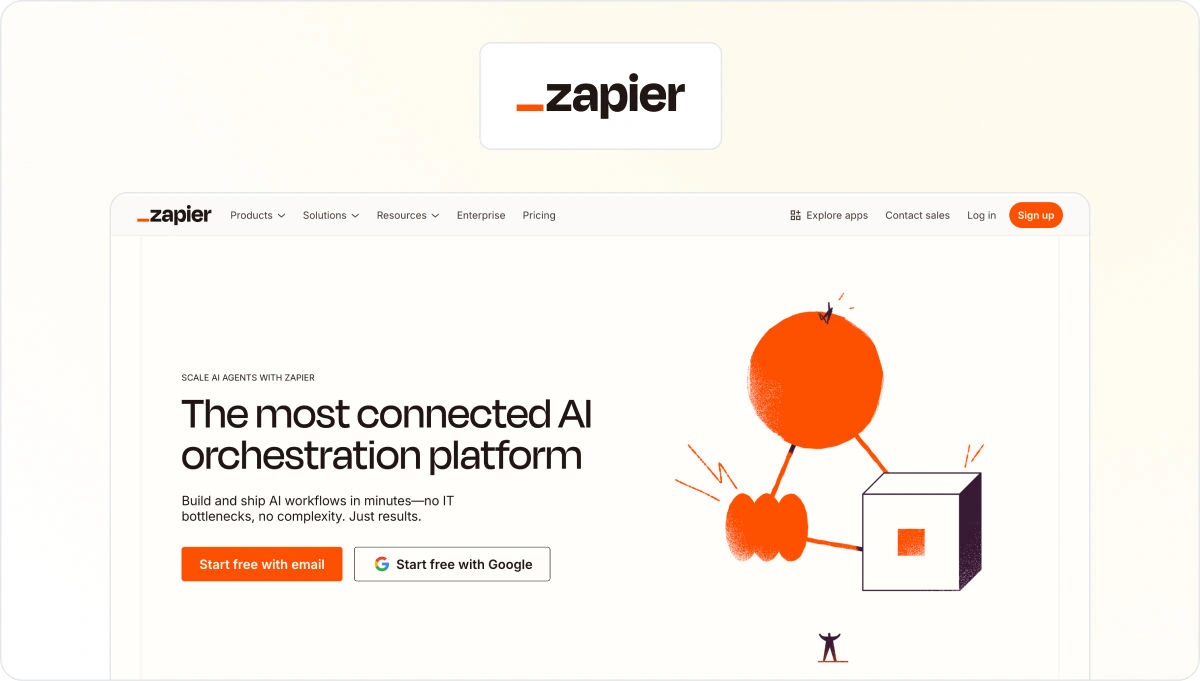
Zapier is one of the most widely used automated workflow software tools because it connects thousands of apps without requiring any coding knowledge. You create “Zaps” – customized workflows where a trigger in one app automatically kicks off actions in others, making it a powerful tool for automating everyday tasks across your entire stack.
Key features include multi-step workflows, conditional logic (Paths), and the ability to create automated workflows that handle more complex tasks across multiple apps. Zapier’s free plan covers basic use cases, and paid tiers unlock unlimited premium apps and higher task volumes.
Use case example
Your marketing team can use Zapier to automate lead management: new leads from a Facebook Ads campaign get added to a Google Sheet, sent to Salesforce, and enrolled in a Mailchimp welcome sequence, all without manual work between systems.
For a broader look at how this fits into your stack, our roundup of workflow automation software covers the category in detail.
2. Make – best for complex, multi-branch automated workflows
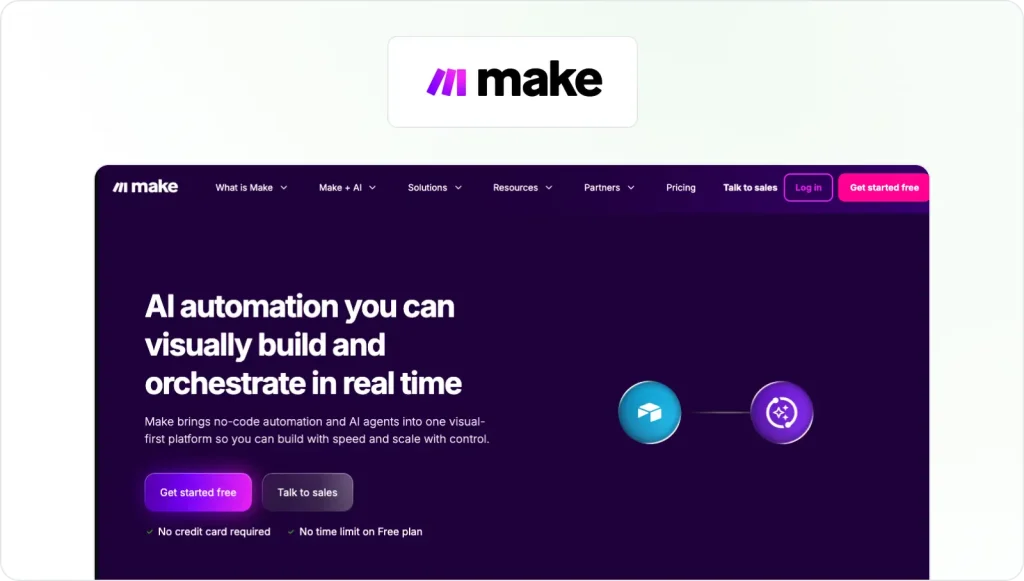
Make (formerly Integromat) is a visual automation platform built for teams that need more than point-to-point app connections. Its module-based drag-and-drop interface lets you build complex, multi-branch workflows connecting over 3,000 apps, with conditional logic and data transformation built in.
Where Zapier suits straightforward linear workflows, Make is the stronger option when you need to create automated workflows with branching logic, data filtering, or API-level customization. It supports webhooks and API calls, and its AI modules let you incorporate large language model capabilities directly into your scenarios.
Use case example
An e-commerce team can use Make to connect Shopify with Mailchimp: when a customer places an order, Make triggers a personalized email sequence, adds their details to a segmented list, and notifies the sales team in Slack. The visual builder makes it straightforward to add branching logic based on order value or product category.
For real-world examples of this kind of automation, see our guide to workflow automation examples.
Creative approval and review
3. Filestage – best for streamlining content review and approval workflows

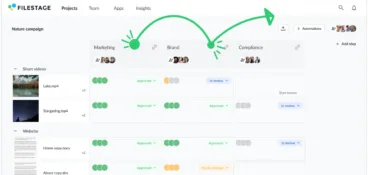
Filestage is a dedicated review and approval platform and the strongest option for teams that need to automate the approval process around creative and marketing content. The creative automation platform brings together clients, teammates, and stakeholders to review documents, videos, and designs in one place, cutting back-and-forth communication significantly.
You can divide stakeholders into reviewer groups to keep feedback discussions focused. As deadlines approach, you can see whose approvals you have and whose are still outstanding.
Filestage’s automation capabilities include:
- Workflow automations – files move automatically from one reviewer group to the next once all required approvals are collected
- AI-assisted reviews – grammar and style checks run on your assets automatically, based on your own guidelines
- Automated reminders – reviewers get nudged as deadlines approach, without you having to follow up manually
- Slack notifications – team members get notified automatically when document statuses change or approvals come in
Use case example
A creative agency delivering assets for multiple clients can use Filestage to standardize and automate the entire review process:
- Create a reusable project template with predefined reviewer groups and automated actions for each client
- Upload assets automatically from Gmail and kick off a review
- Route files automatically from one reviewer group to the next as approvals come in
- Notify team members in Slack automatically when status changes occur
See how Filestage can speed up your approvals
Enjoy a free, 30 minute consultation with our experts, tailored to your team and use cases.
CRM and marketing automation
4. HubSpot – best automated CRM solution
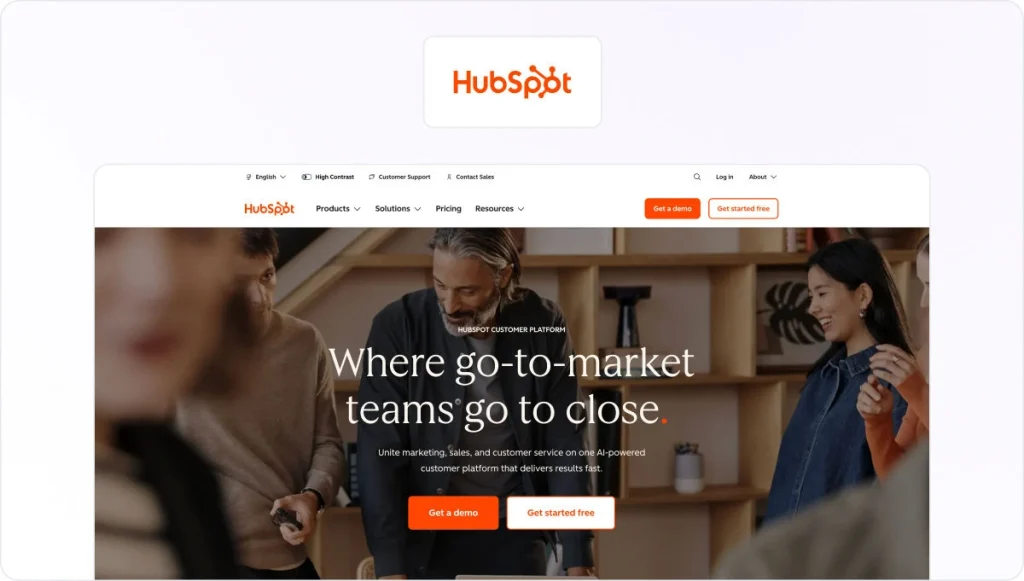
HubSpot has been a leading CRM platform for years, with automation features that extend across marketing, sales, and customer service. You can use it for automated email campaigns, lead nurturing workflows, deal tracking, and task creation for sales reps based on triggers like email opens or form submissions.
HubSpot’s strength is its ability to centralize customer data and automate the entire lifecycle from first contact to closed deal. Its free CRM plan makes it accessible to smaller teams, while paid tiers add more sophisticated AI features and deeper workflow customization.
Use case example
When a prospect downloads a whitepaper, HubSpot can automatically enroll them in an email sequence, alert the sales team when the prospect engages with a link, and create a follow-up task for the right rep. This kind of enterprise workflow automation means fewer leads fall through the cracks and your team focuses time on the opportunities most likely to convert.
Project management automation
5. Trello + Butler – best for automated task management

Combining Trello with its built-in automation tool Butler gives you a capable visual workflow management solution without adding another platform to your stack. Butler lets you create custom rules, commands, and workflows within your Trello boards.
You can automate tasks like moving cards between columns, assigning due dates, and sending notifications based on triggers like status changes or approaching deadlines.
If you’re building a more complete setup, see our roundup of content automation tools that pair well with Trello.
Use case example
On a content calendar board, when a card moves to “In Progress,” Butler can automatically assign the content team, set a due date based on the project timeline, and notify the editor. Everyone stays informed without manual updates.
6. Monday.com – best for automated project management
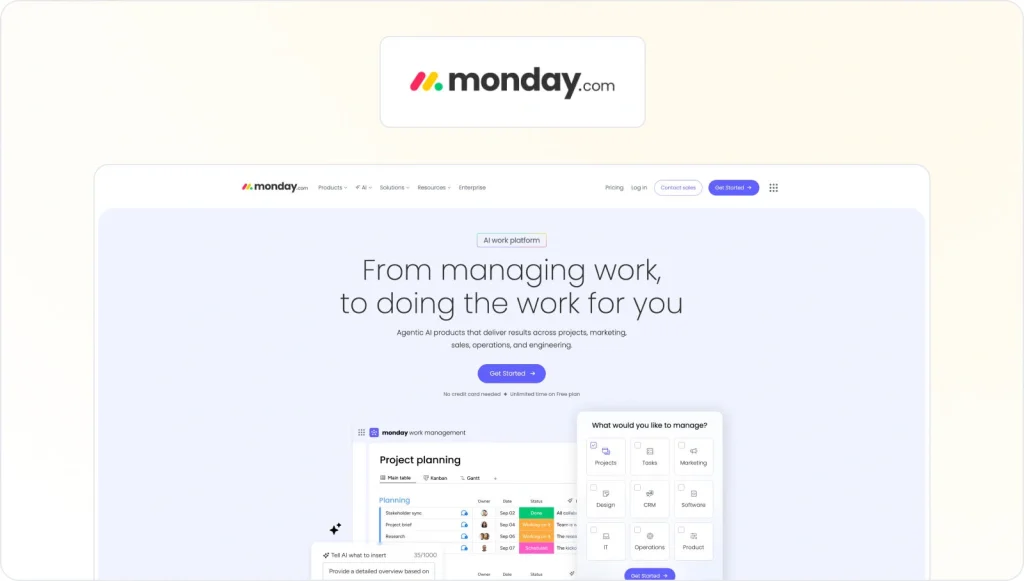
monday.com is a visual work management platform with built-in automation blocks that handle status updates, task assignments, and deadline reminders directly within your project boards. You can set triggers and actions for repetitive tasks without configuring a separate automation tool.
Its automation capabilities integrate with the boards your team already works in, which simplifies adoption. monday.com also connects to over 200 apps via native integrations, so your automated workflows can reach across your full stack.
Use case example
When a task’s status updates to “Done,” monday.com can notify stakeholders by email, update the project timeline, and generate a summary report automatically. This keeps project visibility high without requiring someone to manually update everyone involved.
7. Asana + Asana Rules – best for structured project management

Asana emphasizes structured workflows, task hierarchies, and clear dependencies. Combined with its Asana Rules feature, it becomes a capable task automation tool that reduces manual work and keeps processes consistent across projects.
Asana’s automation capabilities include:
- Custom “if-this-then-that” rules with a wide range of pre-built rule templates
- Automatic task assignment based on specific triggers, like moving a task between sections
- Dependency management to keep projects progressing in the right sequence
Use case example
For a product launch, Asana Rules can automatically update task statuses when milestones are hit, assign follow-up tasks to the right team members, and notify stakeholders of key changes. This keeps complex, deadline-driven initiatives moving without manual coordination at every handoff.
8. Hive – best for streamlining project workflows
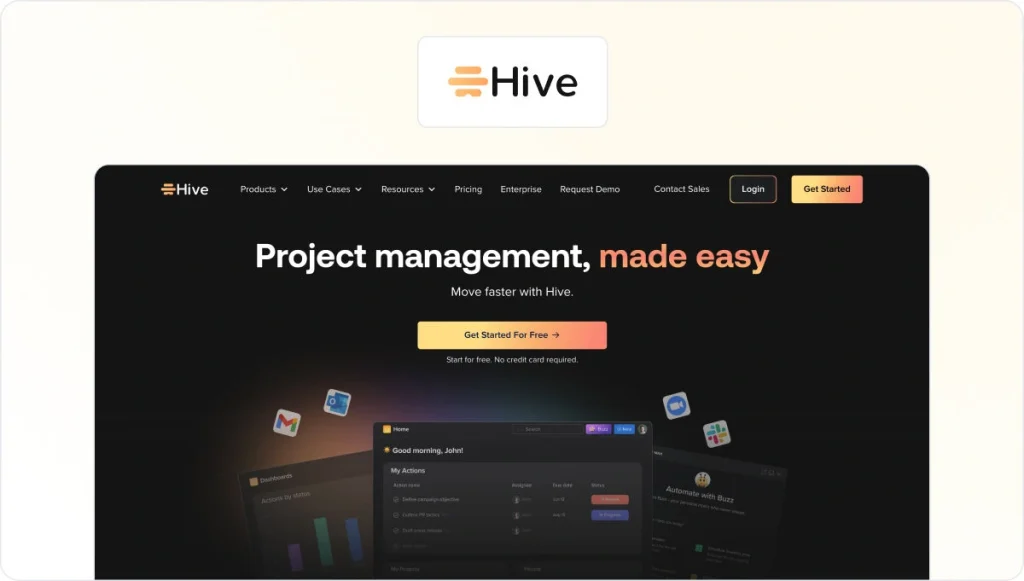
Hive combines project management with automation capabilities that adapt to the way your team works. Its automation features include customizable action templates, integrations with email and messaging platforms, and the ability to trigger automatic actions like task assignments and deadline reminders.
One of Hive’s more practical features is automatic due date adjustment for dependent tasks when delays occur. Rather than requiring a project manager to manually update downstream deadlines, Hive recalculates them automatically. Hive Forms also reduce repetitive setup work by generating tasks directly from submitted form data.
Use case example
When a campaign brief comes in through a Hive Form, Hive can automatically assign tasks to the right team members, set deadlines based on the launch date, and notify relevant stakeholders. This keeps campaigns moving from brief to execution without manual coordination at each step.
9. ClickUp – best for customized automation

ClickUp is a versatile task automation tool with customization options that adapt to almost any workflow. You can build complex automation rules using triggers and actions covering task status changes, team member assignments, and due date updates.
Its Custom Automations feature lets teams build multi-step workflows tailored to their processes, while integrations with Slack and email keep communication connected to task activity. ClickUp also handles recurring task automation well, making it useful for teams managing routine processes on a regular schedule.
Use case example
For client onboarding, when a new client is added to ClickUp, it can automatically generate a checklist of onboarding tasks, assign responsibilities to the right people, set deadlines, and send the client a notification about next steps. This keeps the process consistent and reduces the risk of anything being missed.
See how Filestage can speed up your approvals
Enjoy a free, 30 minute consultation with our experts, tailored to your team and use cases.
The rise of AI workflow automation
The generation of AI workflow automation tools arriving in 2026 and 2027 works differently from traditional automation. Earlier systems needed explicit, predefined rules. AI-powered platforms now let large language models (LLMs) handle the judgment layer, processing natural language inputs and making decisions that previously needed a human in the loop.
This has practical implications. Where traditional automation struggled with unstructured inputs like emails, documents, and images, modern AI tools can extract data, classify content, and route it correctly without manual setup for every edge case.
No-code and low-code platforms with drag-and-drop interfaces have made this accessible to non-technical teams, so you can build automated workflows without developer support.
For teams evaluating AI features in a new tool, the key questions are: Can it process natural language inputs? Does it connect to your existing stack? And can it scale to handle high volume tasks without degrading?
Final thoughts
Automating repetitive tasks can feel like a significant setup investment, but for most teams the time savings compound quickly once the workflows are running. The key is understanding which processes are actually costing your team the most time, then choosing a tool that fits those specific requirements rather than the one with the longest feature list.
One thing worth doing after you deploy any automation tool: measure it. Tracking saved time, cost reductions, and productivity gains will tell you whether the setup is delivering real value and where to optimize next.
If you’d like to see how Filestage can help your team streamline the review and approval process, try it now for free →
Frequently asked questions
What is the difference between task automation and robotic process automation?
Task automation is a broad term for using software to handle repetitive work automatically. Robotic process automation (RPA) is a specific approach that mimics human interactions with a screen, making it useful for legacy systems that don’t have APIs. Most modern workflow automation tools use API-based integrations rather than RPA, making them faster and more reliable for cloud-based workflows.
How is AI workflow automation different from traditional automation?
Traditional automation follows rigid, predefined rules: if X happens, do Y. AI workflow automation tools use large language models to handle the judgment layer. They can process unstructured data including emails, documents, and images, and make decisions that would previously have required a human step. This makes them significantly more flexible for real-world workflows where inputs aren’t always predictable.
What is the best task automation tool for Microsoft 365 teams?
Microsoft Power Automate is purpose-built for organizations in the Microsoft 365 ecosystem. It integrates directly with Teams, SharePoint, Outlook, and other Microsoft products, making it the natural first choice for that environment.
How do I choose the right automation tool for my team?
When selecting an automation tool, consider compatibility and integration with your existing tech stack, ease of use, AI features, pricing, and scalability. Start with: What tools do you already use and what needs to connect? How technical is the person maintaining the workflows? What task volume needs to run through the system? Matching the tool to your actual stack and skill level matters more than headline feature counts.
How do I measure the impact of an automation tool after deployment?
Assessing the impact of an automation tool after deployment is essential. The most useful metrics are time saved per process, reduction in manual errors, task throughput volume, cost reductions, and whether deadline compliance has improved. Without measurement, it’s difficult to know whether the automation is working or simply adding complexity.
Is test automation the same as workflow automation?
No. Test automation tools like Selenium and Cypress are built specifically for developer teams to run automated quality assurance checks on new software features. Workflow automation software is designed for business teams to automate operational processes: approvals, notifications, data routing, and task management.
What is industrial automation?
Industrial automation refers to physical systems like robot arms, conveyor belts, and machine controllers used in manufacturing and logistics environments. It’s a distinct field from software-based workflow automation, though both aim to reduce manual effort and improve consistency at scale.