
TL;DR
Video asset management software centralizes storage for video files, making it faster for creative teams to find, organize, and distribute video content across digital channels. The right platform includes metadata management, version control, and search capabilities that help video teams locate assets without digging through folders or chasing down the latest version. Tools like Filestage streamline approval workflows by letting multiple reviewers add comments and provide feedback directly on video projects with automated timestamps. Features like version control, compare versions, and integrations with Adobe Creative Cloud reduce manual processes and ensure brand consistency across marketing materials. Choosing software that fits your team size and content workflows saves time and prevents outdated assets from reaching production.
Why video asset management software matters when you’re shipping new videos every week
According to Wistia’s 2025 State of Video Report, 43% of businesses produce at least one marketing video a week.
That pace adds up fast. Within a few months, most teams are juggling raw footage, exports, cutdowns, subtitles, thumbnails, and multiple versions for different channels. If those files live across drives, chats, and inboxes, people waste time searching, re-uploading, and redoing work that already exists.
This is where video asset management software starts to matter. Not as another place to store files, but as a system to organize versions, control access, and help you get more value from every video you create.
In this guide, I’ll explore the best video asset management platforms, breaking down what makes each one unique to help you find the right fit for your needs.
But first…
What is video asset management?
Video asset management (VAM) refers to the process and software used to organize, store, and distribute video content efficiently. It falls under the umbrella of digital asset management software (DAM software), but it’s specifically designed for managing large video libraries.
By safely storing all your video files in one central location, you make it easy for everyone in your organization to find and access the correct assets. This leads to better collaboration, fewer bottlenecks, more consistency across projects, and less chance of video content being lost, misplaced, or misused.
Key features to look for in video asset management software
Different video asset management tools offer different features and functionality to support a range of use cases, but some of the key features to look out for include:
- Centralized storage – To keep all your video assets stored and organized in one place
- Metadata management – To tag videos with descriptive information for easy searchability
- Search and retrieval – To quickly find assets using keywords, tags, filters, and other metadata criteria
- Version control – To track changes made to assets over time and revert to previous versions if needed
- Collaboration tools – For teams to review, comment on, and approve video content in real time
- Permissions and access control – To make sure the right people have access to the right content
- Automated transcoding – To convert video files into different formats for different use cases (e.g., web, mobile, and social media)
- Integration capabilities – To connect with other tools like your video editing software, cloud storage, and streaming platforms
Now that you know what to look for, let’s explore 10 of the best video asset management software solutions on the market and find the right fit for your team.
1. Bynder – best for marketing and branding teams

If you’re a marketing or branding team handling video assets alongside other creative materials, Bynder could be the software solution for you. With Bynder, you can find video content faster, streamline content workflows, and get videos to market faster than ever.
From ad campaigns to social media content, this easy-to-use digital asset management platform helps you manage all your video content. Plus, you can use it to manage brand assets like logos, product images, and campaign materials for flawless brand consistency across the board.
Key features
Some of Bynder’s top features for marketing and branding teams include:
- AI asset management – Maximize growth and manage content across its lifecycle
- Bynder Studio – Build brand templates that can be personalized and adapted quickly by other stakeholders
- Version control – Prevent outdated or unapproved content from being used in campaigns
- Integrations – Connect the platform with Adobe Creative Cloud, HubSpot, Hootsuite, WordPress, and more
Learn more about marketing asset management in our handy guide.
2. Canto – best for ease of use

For the ultimate user-friendly VAM platform, look no further than Canto. Its intuitive interface and workflow support make it super easy for teams to adopt. No extensive onboarding is required, so even non-technical users can quickly find, organize, and share video assets.
Canto is packed with powerful AI features too, helping to automate everything from metadata and search to publication.
Key features
Some of Canto’s easy-to-use features include:
- Smart search – Describe what you’re looking for in natural language, and Canto’s AI scans your entire library for relevant videos
- Smart tags – Canto automatically finds objects in your videos and adds timestamps and tags
- Media Delivery Cloud – Instantly transforms your assets into the right sizes and file types, publishing them in real time to your sites, stores, and platforms
3. Filestage – best for review and approval

Feedback and approval are essential steps in video asset management. They keep quality high, branding consistent, and projects on track. Filestage is a review and approval platform that makes it easier than ever to collect feedback from all your stakeholders – no more confusing email chains, no more chasing.
It gives teams a streamlined way to review, comment on, and approve video content in one place. Simply share videos and collect feedback right on top of your content, with automated timestamps to save you time between versions.
Key features
Here are a few ways Filestage helps you review and approve video assets:
- Workflows – Set up custom project workflows to manage and sign off all video assets and stakeholders in one place
- Fast and precise feedback – Reduce time wasted on follow-up questions with point-and-click comments, annotations, and automated timecode capture
- Due dates – Automate deadlines to keep your video projects (and stakeholders) on track
- Version control – Keep a record of every version and comment so you can check that everyone’s feedback has been addressed
- Integrations – Seamlessly integrate with your cloud storage, project management tools, and editing tools

“In Filestage it is always clear which file the feedback refers to since the comment is directly placed on the video file. Since we have a very high project volume, this is especially helpful when we work with colleagues on multiple projects at the same time.”
Angelika Schneider, Executive Creative Director Motion Design
Supercharge your video review rounds
Get point-and-click feedback on your video edits with Filestage.
4. MediaValet – best for large-scale video libraries
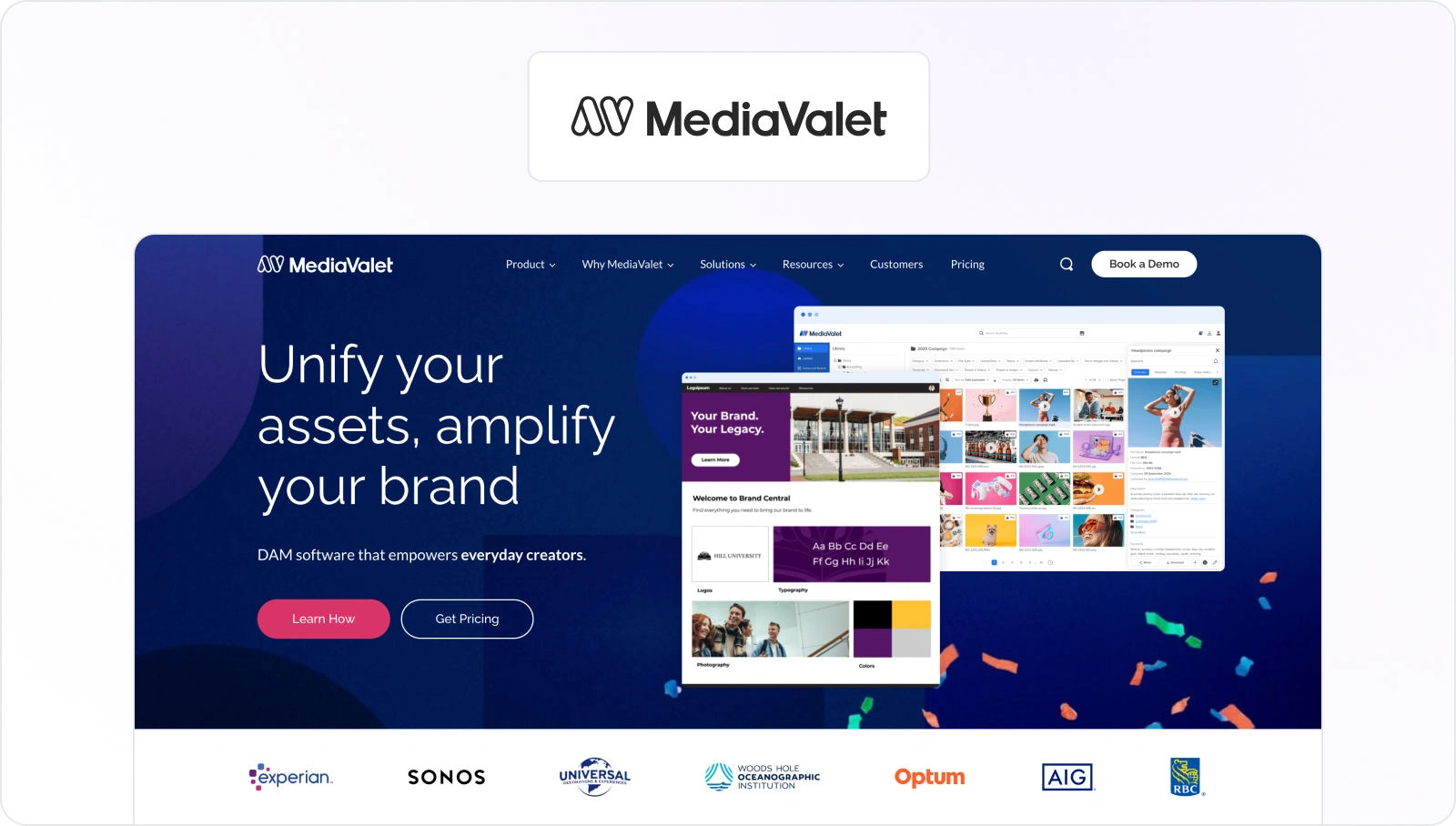
Managing a high volume of video content can get messy fast. Files get lost, outdated versions resurface, and finding the right clip takes forever. MediaValet prevents all this chaos with a powerful video asset management system built for scale.
Whether you’re working with marketing videos, training materials, or production assets, MediaValet keeps everything securely stored, easy to find, and up to date.
Key features
Some of MediaValet’s key features include:
- Robust search capabilities – Refine your search with powerful filters to find the assets you need in seconds
- AI tagging – Object detection, color recognition, face recognition, and automated tags make it easy to find what you’re looking for
- Custom workflows – Customize your workflow with MediaValet’s Open API
- Templates – Create customizable branded templates with ease
5. Cloudinary – best for video optimization and delivery
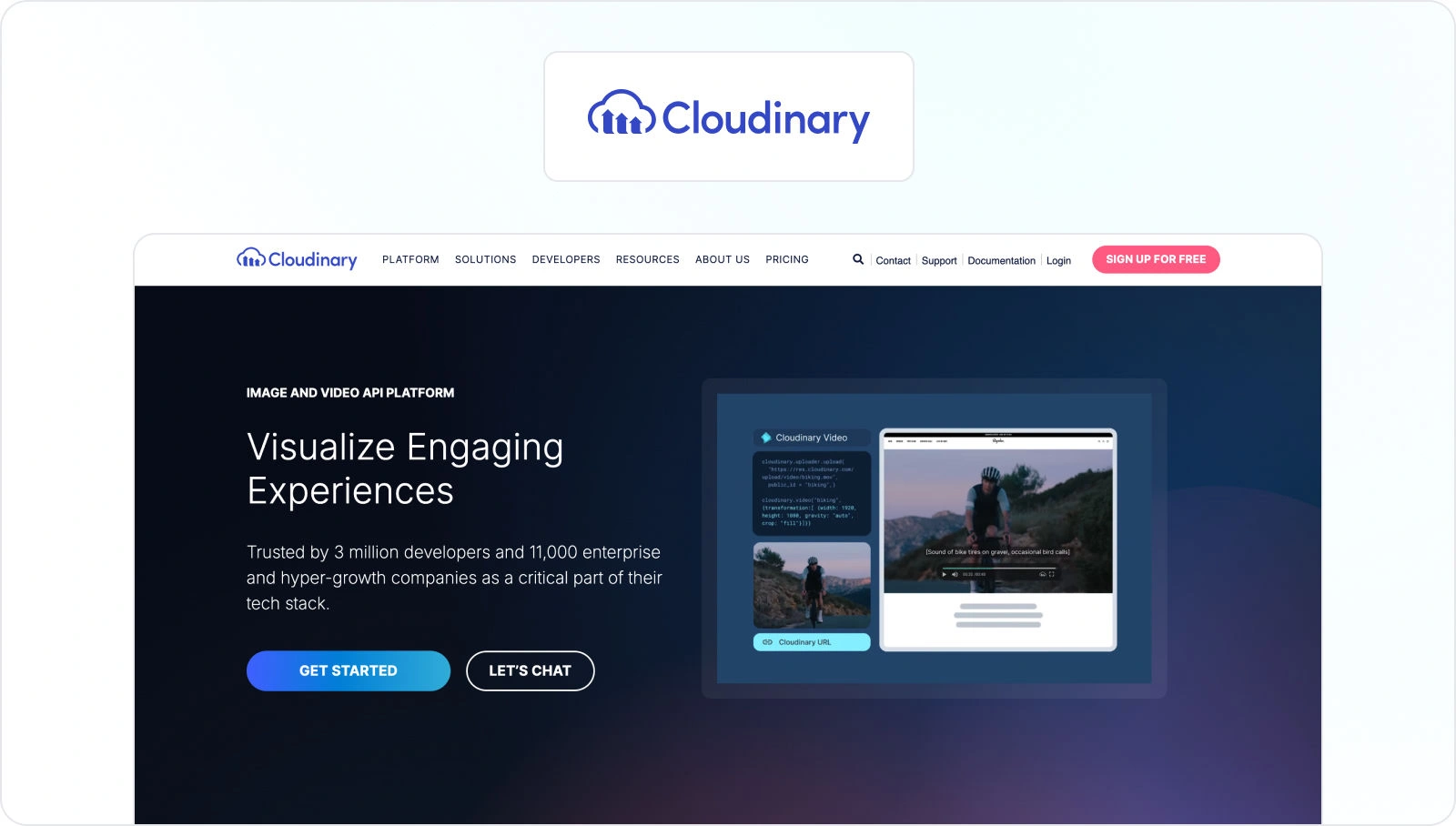
Storing videos is one thing – delivering them fast, in the right format, and at the highest quality is another. Cloudinary makes video management effortless with AI-powered optimization, automatic transcoding, and seamless delivery across websites, apps, and social platforms.
Whether you’re a developer, marketer, or media team, it makes sure your videos load fast, look great, and perform flawlessly everywhere.
Key features
Here’s how Cloudinary helps with video optimization and delivery:
- AI-powered video optimization – Automatically compresses, resizes, and formats videos for faster loading without quality loss
- Automatic transcoding – Converts videos into multiple formats for seamless playback across devices
- Adaptive streaming – Dynamically adjusts video quality based on internet speed and device type
- API-first platform – Ideal for developers integrating digital video assets into web and mobile apps
- Integrations – Works with Adobe, WordPress, Shopify, and more
6. Adobe Experience Manager (AEM) Assets – best for enterprise-level integration
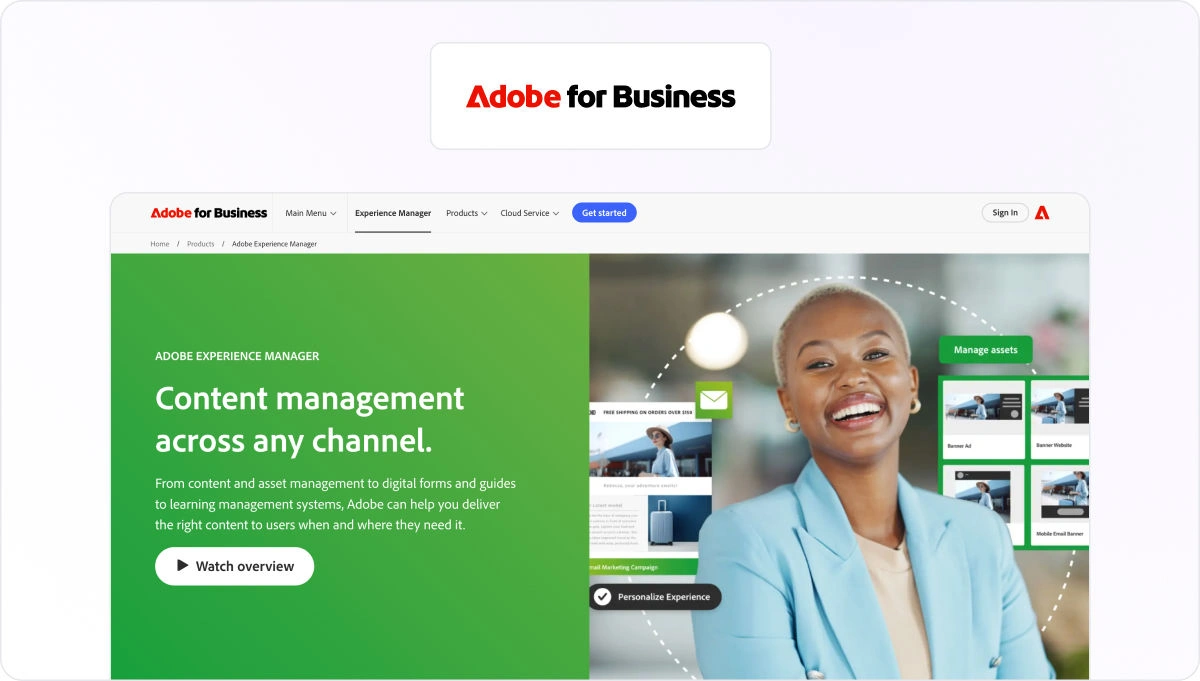
For enterprises managing large-scale video libraries and complex workflows, Adobe Experience Manager (AEM) Assets is the creme de la creme. It’s not just a video asset management system – it’s a fully integrated content hub that connects seamlessly with Adobe Creative Cloud and the rest of your marketing technology ecosystem.
This makes it easy for teams to manage video assets from video creation through to distribution without ever leaving their workflow. All this while keeping everything compliant, accelerating production, and improving the ROI of your video content.
Key features
Some of AEM’s key features include:
- Asset discovery – Search and discover assets from AEM while working in the third-party tools of your choice
- Asset governance – Protect brand integrity, enforce licence requirements, and avoid potential legal issues from using unlicensed, unapproved or expired assets
- Asset delivery – Integrate with social platforms, content management systems, commerce channels, and more to deliver optimized assets
7. Brandfolder – best for AI-powered organization
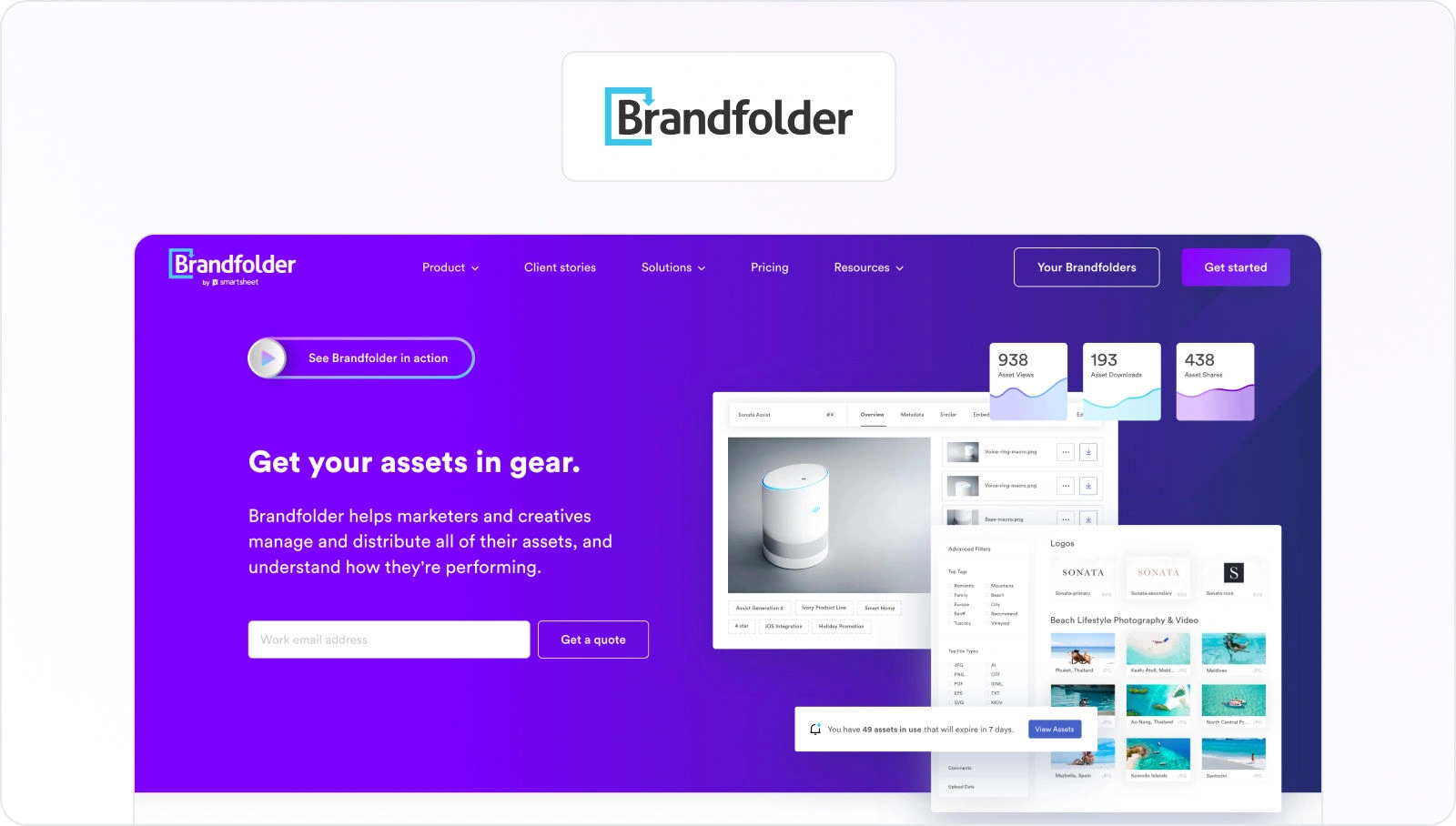
Being able to locate, share, and distribute video files quickly is the starting point of any good video asset management software. Brandfolder makes it effortless with AI-powered tagging, smart search, and automated organization.
As your library grows, Brandfolder makes sure you can always find the right asset at the right time, without wasting time digging through folder after folder after folder.
Key features
Some of Brandfolder’s key features include:
- AI-driven metadata tagging – Automatically detects objects, scenes, and text in videos, making search faster and more intuitive
- Smart search – Find videos instantly using keywords, categories, or AI-suggested tags
- Branded portals – Organize and share curated video content with internal teams, agencies, or clients
- Custom user permissions – Control who can view, download, or edit assets with role-based access
8. IntelligenceBank – best for end-to-end content production

IntelligenceBank is a comprehensive digital asset management system designed for end-to-end content production. So what do we mean by that exactly?
Well, it brings digital asset management, brand asset management, marketing management, and marketing compliance together. The result is more efficient and consistent video content workflows from start to finish.
By integrating all of these features, IntelligenceBank streamlines the entire video production process. This makes it ideal for organizations that want an all-encompassing video asset management solution.
Key features
Here are some of the main ways IntelligenceBank helps with end-to-end video production:
- AI video tagging – To automatically generate metadata tags and improve searchability
- Annotation tools – Users can mark up video content directly within the platform
- Video editing – User-friendly tools to crop videos and adjust aspect ratios without external editing software
- Bulk processing – Apply predefined settings to multiple videos at once
- Closed captions – Provides AI-generated closed captions for audio files and video files
- Compliance and security – For brand governance, licensing compliance, and secure access at every stage
9. Panopto – best for internal knowledge sharing

Panopto is a video asset management platform specifically built for education and corporate training. Whether it’s onboarding employees, recording lectures, or sharing internal knowledge, Panopto provides a secure, searchable, and scalable video library for learning and development.
With Panopto, videos are neatly stored in an organized media library. Knowledge is never lost, and employees or students can learn at their own pace.
Key features
Some of Panopto’s key features include:
- Automated recording tools – To capture and store video training sessions, webinars, and meetings
- Smart video search – AI-powered speech and text recognition lets users search for specific words spoken or shown in a video
- Integrations – Works with Microsoft Teams, Canvas, Blackboard, and more to embed training videos into existing workflows
- Automated transcriptions – AI-generated closed captions and transcripts improve accessibility
10. Wistia – best for video marketing and lead generation

Wistia is a video asset management system designed especially for video marketing. It offers an impressive selection of advanced, specialized tools to help you create videos, store all your content, generate leads, and measure video performance.
For brands and busy marketers focused on growing their audience, boosting engagement, and turning video views into conversions, this sleek, user-friendly platform is just the ticket.
Key features
Some of Wistia’s key features for marketing and lead generation include:
- Version control – Track updates, edits, and different versions of videos so that teams always use the latest, approved content
- Access control – Manage who can upload, edit, or distribute video content for brand consistency and security
- In-depth video analytics – See how audiences engage with your videos and optimize your content based on real data
- Integration with marketing & CRM tools – Sync your video data with HubSpot, Marketo, Pardot, and Mailchimp to nurture leads and optimize campaigns
Final thoughts
I hope this guide has helped you determine the best video asset management software for your needs. With the right system in place, your video files will be neatly stored and organized.
This means your team can find, manage, and distribute assets with ease – no more digging through folders, losing track of versions, or misusing content.
If you’d like to see for yourself how Filestage could streamline the review and approval process for your video content, start a free trial here →
FAQ
What is the best way to migrate existing assets into video asset management software without breaking file organization?
The best way to migrate existing assets into video asset management software without breaking file organization is to start by mapping your current folder structure to a consistent metadata model. This ensures assets remain searchable and organized. Audit your existing library, remove duplicates, and define clear naming conventions for files and types. Import assets in batches, validate search results, and only then migrate the full library into your centralized system. This method ensures your digital asset library stays organized and usable from day one.
How should we set user permissions in video asset management software when working with external users?
Start by defining role-based permissions in your video asset management software that reflect real work, such as viewing, commenting, downloading, or administrative access. For external users, apply the least-privilege principle by default and enable secure sharing through time-limited links or project-specific portals. To maintain brand and marketing compliance, track approvals, restrict downloads of sensitive assets, and review external access quarterly. A clear permissions model ensures security while keeping asset sharing efficient.
When does video asset management software need a separate review and approval layer for video projects?
A separate review and approval layer is needed when your video asset management software handles storage, but your workflows still rely on email, spreadsheets, or manual processes. It’s especially important if your system focuses on licenses and storage rather than creative feedback. Adding approval workflows helps video teams confirm the latest version, capture decisions, and reduce rework across creative projects. Tools like Filestage complement your DAM by collecting frame-accurate feedback, tracking versions, and moving video projects through structured approval steps with clear due dates.
Which integrations matter most when video asset management software needs to support Adobe Premiere Pro workflows?
When using video asset management software with Adobe Premiere Pro, focus on integrations that eliminate unnecessary exporting and re-uploading. Look for a setup that works with Adobe Creative Cloud, connects to production tools, and lets video editors link assets to the right project record. If you publish videos through CMS platforms, make sure metadata flows automatically to maintain consistent distribution across all channels. Teams also benefit when status updates sync back to the centralized platform.
How can you calculate ROI from video asset management software once your team starts using it?
To calculate ROI from video asset management software, measure cycle times and rework before and after implementation. Common drivers include fewer hours spent searching for creative assets, fewer incorrect exports of marketing materials, and improved brand consistency by preventing outdated materials. If approvals are part of the bottleneck, include time saved on review rounds too. Filestage supports this by organizing comments per version, keeping decisions tied to the right file, and helping teams manage large volumes of new projects in one workflow.