

Most compliance management software isn’t built for you. Search the category and you’ll get GRC platforms designed for security teams tracking SOC 2 controls, which is a real problem, just not yours.
Your problem is that a campaign goes out with an unsubstantiated claim in it. Or a regional team publishes an asset that never went past legal. Or an auditor asks who approved a piece of collateral 18 months ago and nobody can produce a record. That last one isn’t hypothetical. FINRA Rule 2210 requires financial firms to retain a copy of every retail communication alongside the name of the principal who approved it and the date they signed off.
Marketing compliance is a review and approval problem before it’s a monitoring problem. The tools that solve it keep every asset in one place, route it to the right approvers in the right order, block anything that hasn’t cleared its checks, and leave a time-stamped record behind.
This guide covers 10 tools built for that job. We judged each one on five things: review and approval workflow, compliance controls, audit trail depth, integrations, and pricing relative to what you get. It’s written for marketing, brand, creative, and compliance teams, including those working under financial, pharmaceutical, or consumer-protection regulation.
How we evaluated these tools
We assessed each tool against vendor documentation, published pricing pages, and product materials, focusing on how it handles review and approval and the record left behind. We have hands-on experience with Filestage only. Everything here about the other nine comes from their own documentation and pricing pages, not from review aggregators.
Filestage is our product. We’ve included it because it genuinely fits the use cases described, and we’ve positioned it accordingly.
Pricing was verified against each vendor’s own pricing page in August 2026. Prices change, so check before you buy.
Quick comparison
| Tool | Best suited for | Free plan | Starting price | Key differentiator |
| Filestage | Compliance-sensitive creative review and approval | Yes | $199/month | Multi-format review with structured approval and an audit trail |
| Ziflow | Online proofing at scale | Yes | $199/month | Deep proofing controls with tiered audit trail retention |
| IntelligenceBank | Marketing resource management with compliance | No | Custom / quote-based | DAM, workflow, and automated legal review in one package |
| PerformLine | Regulated finance marketing monitoring | No | Custom / quote-based | Continuous monitoring of live channels after publication |
| Frontify | Brand governance and guideline enforcement | No | Custom / quote-based | Living brand guidelines tied to the assets themselves |
| Bynder | Digital asset management with brand compliance | No | Custom / quote-based | Modular DAM built around asset lifecycle control |
| Red Marker | AI compliance checks on regulated content | No | Custom / quote-based | AI trained on your specific regulatory and brand rules |
| Gain | Social and marketing content approval | No (14-day trial) | $99/month | Client approval built into the social publishing workflow |
| GoVisually | Lightweight proofing with a CPG compliance add-on | No (free trial) | $16/user per month | Label compliance checking against 20+ regulatory frameworks |
| Marq | Locking down on-brand templates | Yes | $10/user per month | Template locking that prevents off-brand edits at source |
The 10 best compliance management software tools
Each entry covers what the tool does, why it made the list, where it falls short, what it costs, and who it suits. Filestage appears first by house convention, not by rank.
1. Filestage – for compliance-sensitive creative review and approval
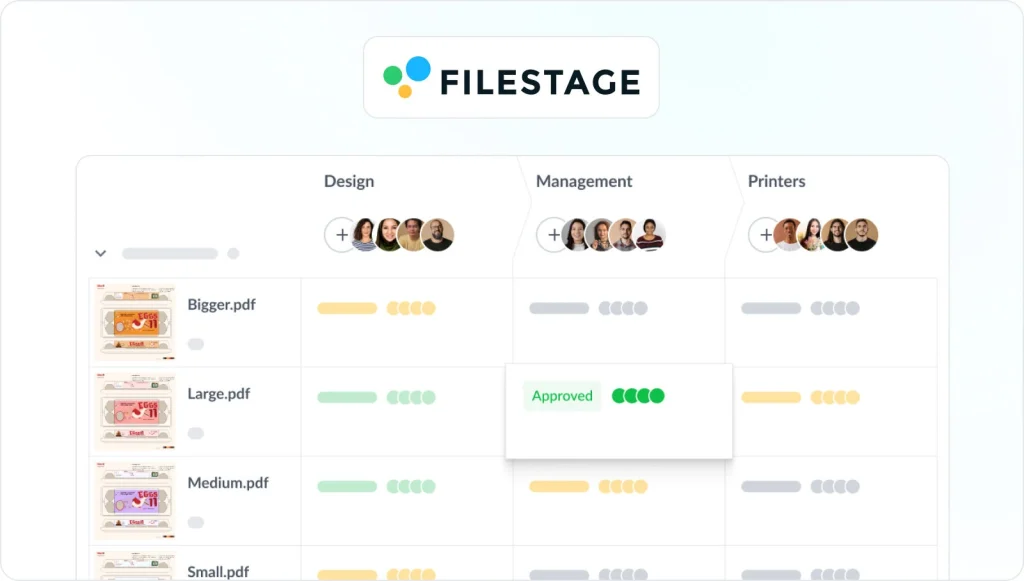
Filestage is a review and approval platform where you route files through stages you define, and approvals get recorded automatically. Most tools here do either creative review or compliance monitoring. Filestage puts the compliance check inside the approval workflow, so the audit trail is a by-product rather than a separate reporting exercise.
Pros
- The only tool here built solely for judging whether copy is compliant
- Reversible review stages make legal or regulatory sign-off a required step
- Review Agents check files against your brand guidelines and industry regulations before a human sees them
- Get clear visibility of which files are approved or in need of changes
- Unlimited reviewers on every plan, so external stakeholders don’t consume licenses
- Exportable approval records covering who signed off and when
Cons
- Review Agents are limited to the Business and Enterprise plans
- Flat monthly pricing means small teams pay the same as larger ones
Where a competitor fits better: Filestage governs content before it publishes. To monitor live channels after publication, PerformLine does something Filestage doesn’t.
Pricing
- Free – one active project, two reviewer groups, unlimited reviewers
- Starter – $199/month, unlimited projects, 1 TB storage
- Business – $329/month, 3 TB storage, Review Agents
- Enterprise – custom, 10 TB storage, verified approvals
See Filestage in action
We’ll give you a personalized tour to help you choose the best online proofing tool for your brand or agency.
2. Ziflow – for online proofing at scale
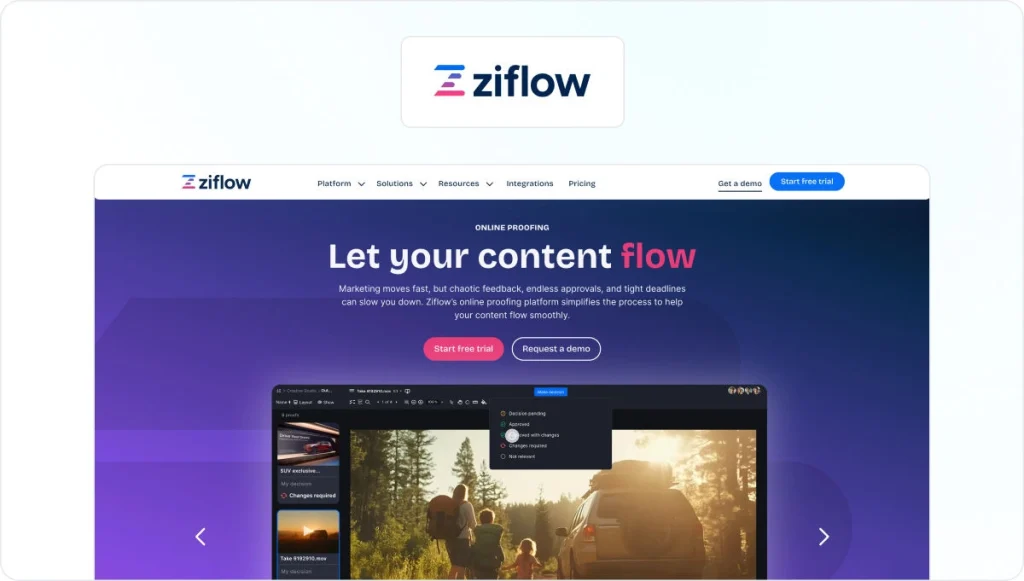
Ziflow is a dedicated online proofing platform supporting many file types. Its workflow engine goes deeper than most, with parallel stages and conditional routing. For teams running the same review path hundreds of times a year, that automation is the point.
Pros
- Unlimited reviewers on every tier, so external stakeholders never consume a license
- Pixel-level version comparison and color separation for print work
- Free tier is usable rather than decorative, with two users and unlimited proofs
Cons
- Audit trail retention is tiered, at 90 days on Standard and one year on Pro, with lifetime history reserved for Enterprise
- ReviewAI, its automated checking layer, is Enterprise-only and not publicly priced
- Only one workflow template can be active below Enterprise
Pricing
- Free – $0, two users, 2 GB, one workflow stage, 60-day review history
- Standard – $199/month billed annually, 15 users, 1 TB
- Pro – $329/month billed annually, 20 users, 2 TB
- Enterprise – custom, unlimited stages and lifetime audit trail
3. IntelligenceBank – for marketing resource management with compliance

IntelligenceBank combines digital asset management, marketing workflow, and automated content review, sold as BrandHub, Marketing Operations, and Marketing Compliance. Where most tools handle one stage, it covers the asset from creation through storage, approval, distribution, and archiving, which removes the handoff where things get lost.
Ownership note: IntelligenceBank acquired Red Marker in July 2024. Red Marker still sells as a separate product and appears separately below, but the two are the same company.
Pros
- Digital asset management included in every package rather than sold separately
- Automated brand and legal content review available across all configurations
- Integrates with Adobe Creative Cloud, Microsoft 365, Google Workspace, and major CMS platforms
- Modular structure lets you start with one package and expand
Cons
- No public pricing, so budgeting requires a sales conversation
- Some integrations are paid add-ons rather than included
- Reviewers describe the interface as unintuitive and the DAM as management-heavy
Pricing
- Custom / quote-based across all packages
- Custom demo or free trial available on request
4. PerformLine – for regulated finance marketing monitoring

PerformLine monitors marketing and sales content across live channels for regulatory risk, covering the web, email, social media, calls, and messages. Every other tool here governs content before it publishes. PerformLine assumes some content reaches the market unchecked, especially from partners, and finds it afterwards.
Pros
- Continuous monitoring across web, social, email, calls, and messages
- Partner and affiliate oversight for channels outside your direct control
- Pre-approval review for material before publication, alongside post-publication discovery
- Remediation workflows that track a violation through to resolution
Cons
- No public pricing and no self-serve entry point
- Built for enterprise scale, which makes it a poor fit for small marketing teams
- Reviewers note a learning curve on the advanced features
- Monitoring finds problems after publication, so it needs pairing with a pre-publication approval tool
Pricing
- Custom / quote-based, demo-led
5. Frontify – for brand governance and guideline enforcement

Frontify is a brand management platform built around living guidelines that sit alongside the assets they govern, rather than a PDF nobody opens. It solves the upstream version of the problem. If your guidelines are current and attached to the assets, fewer off-brand files reach review in the first place.
Pros
- Brand guidelines that update in place, so there’s one current version
- Asset library tied directly to the guidelines governing it
- Widely adopted by large enterprises with multi-brand portfolios
Cons
- Pricing is based on monthly active users, which makes costs unpredictable during campaign peaks
- No published rates and no free plan
- Lighter on structured approval workflow than the dedicated review tools here
- Guidelines are only as good as the discipline keeping them current
Pricing
- Custom / quote-based, priced on monthly active users
- No free plan
6. Bynder – for digital asset management with brand compliance

Bynder is an enterprise digital asset management platform with brand controls layered on top, assembled modularly from the components you need. It’s the strongest option here if your compliance risk is asset misuse rather than asset content. Controlling which version of a logo or claim reaches whom prevents a whole category of problems before anyone opens a review tool.
Pros
- Mature DAM with AI-powered search and auto-tagging
- Granular permissions controlling asset access and usage rights
- Modular packaging so you pay for the components you use
- Strong onboarding and support, consistently noted by reviewers
Cons
- Quote-only pricing with costs driven by users, storage, and module selection
- Per-seat structure means every new hire reopens a budget conversation
- Geared toward larger enterprises, with a learning curve that slows smaller teams
- Controls asset access rather than checking asset content, so it won’t catch a non-compliant claim
Pricing
- Custom / quote-based, modular
- No published list prices
7. Red Marker – for AI compliance checks on regulated content
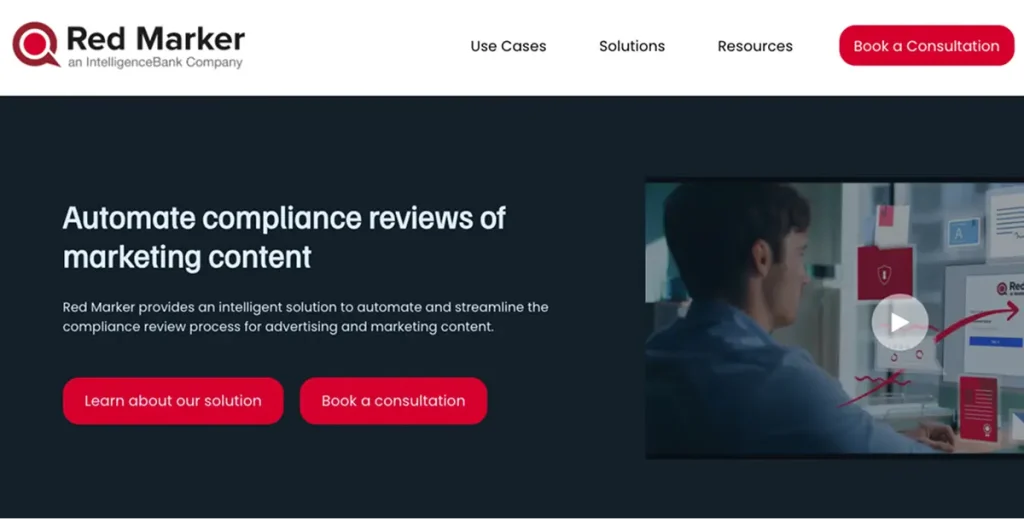
Red Marker scans marketing content for legal, regulatory, brand, and reputational risk, with AI trained against your own rules. Its own example: a credit card sold as offering “limitless spending power” gets flagged, because “limitless” implies no credit limit. It’s the only tool here whose entire purpose is judging whether copy is compliant.
Ownership note: Red Marker was acquired by IntelligenceBank in July 2024 and its technology is being integrated into that platform. It still sells and ships independently, but the two entries here are the same company.
Pros
- AI rules configured to your industry’s regulations and your brand standards
- Recently extended to brand risk, covering off-brand copy, incorrect logos, and banned imagery
- Open API with integrations including Asana, Aprimo, Seismic, Microsoft 365, and Google Docs
- Data sovereignty options across Australia, the US, and the UK
Cons
- No public pricing
- Single sign-on is charged as an add-on rather than included
- It checks content but doesn’t manage the approval workflow, so it complements a review tool rather than replacing one
Pricing
- Custom / quote-based
8. Gain – for social and marketing content approval
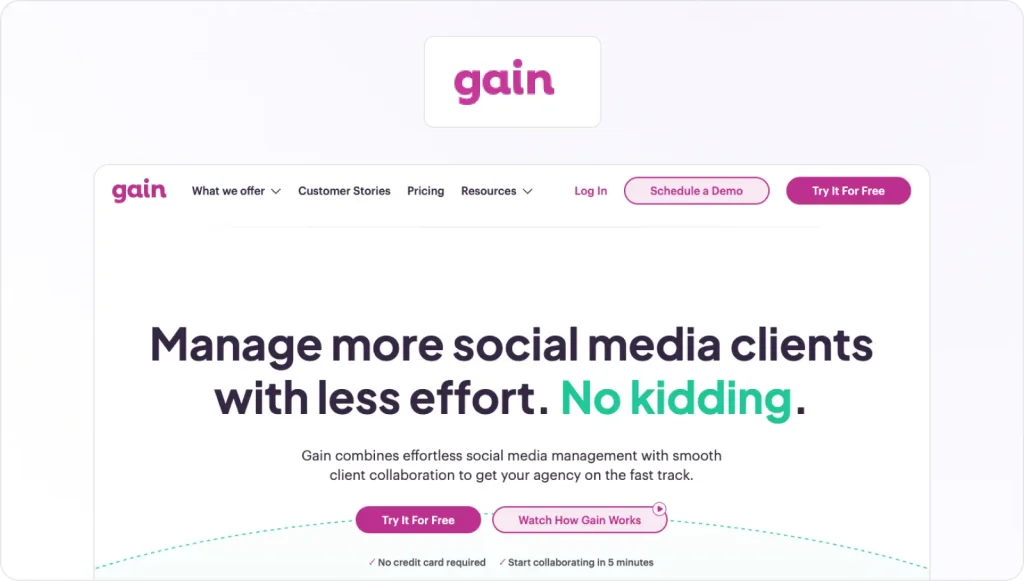
Gain builds client and stakeholder approval into the social publishing workflow, with posts going live across Facebook, Instagram, LinkedIn, X, TikTok, Pinterest, and Google Business Profile only once they’re signed off. Social is where compliance most often breaks, because volume is high and publishing is fast. Gain is the only tool here that puts a required approval gate on the platforms themselves.
Pros
- Approval workflows are mandatory, so nothing publishes unapproved
- Unlimited reviewers, approval workflows, and social accounts on every paid plan
- Separate workspaces per client, each with its own calendar
Cons
- Social channels only, so it won’t cover print, video, or packaging
- No free plan, just a 14-day trial
- Team member limits are tight, at three on Starter and six on Agency
Pricing
- Starter – $99/month billed yearly, three team members, six workspaces
- Agency – $199/month billed yearly, six team members, 12 workspaces
- Agency Premium – $399/month billed yearly, 20 team members, 30 workspaces
- Enterprise – custom, with SSO and contract billing
9. GoVisually – for lightweight creative proofing
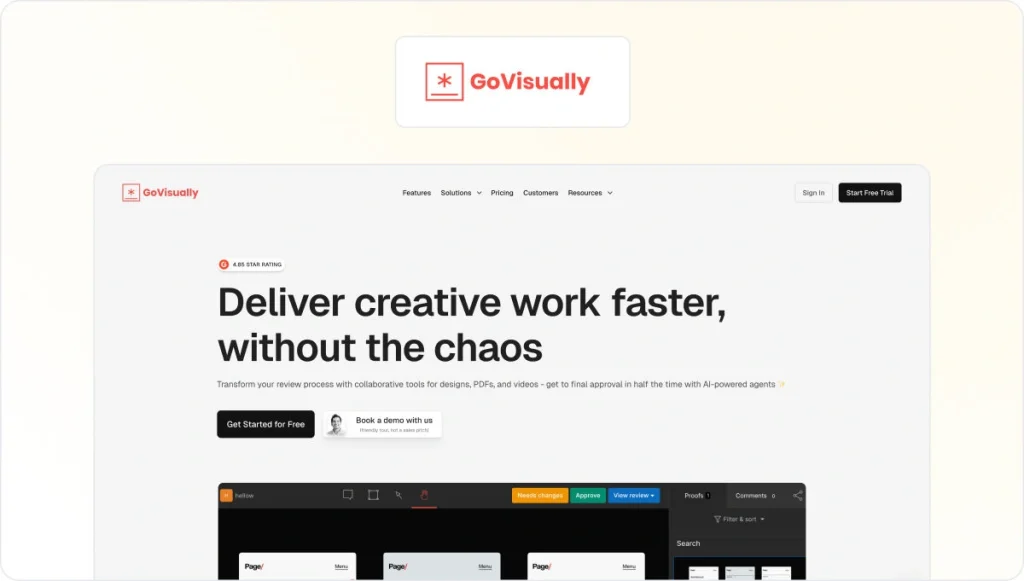
GoVisually is an online proofing tool for design, video, PDF, and web review, with a separate CPG Compliance AI Suite that checks packaging and labels against FDA, EU, UK, and Canadian frameworks. Every other tool here asks you to design a process before you can use it. GoVisually asks you to upload a file.
Pros
- Minimal setup, usable within minutes of signing up
- Annotation tools across design, video, and PDF in one interface
- Compliance suite covers marketing claims review, barcode and QR verification, and print-ready checks
- External reviewers are unlimited on Pro
Cons
- The Lite plan deletes rather than archives projects and excludes video, so it can’t retain records
- The compliance suite starts at $499/month, well above the proofing tiers
Pricing
- Lite – $16/user per month billed annually, one to five users, 50 GB storage
- Pro – $33/user per month billed annually, minimum three users, 150 GB storage
- CPG Compliance AI Suite – from $499/month, checks across 20+ regulatory frameworks
- Free trial, no free plan
10. Marq – for locking down on-brand templates
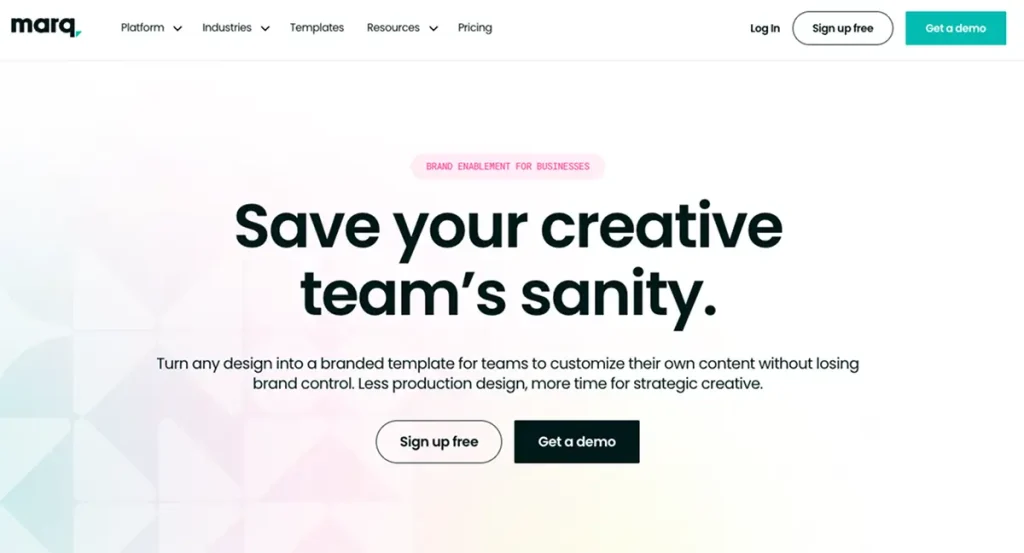
Marq (formerly Lucidpress) is a brand-enablement platform that turns approved designs into controlled templates. Its strength is prevention rather than inspection: teams can personalize local content while template owners lock brand-critical elements such as logos, fonts, colors, layout, and legal copy.
Pros
- Template locking that prevents off-brand edits at the point of creation
- Non-designers can produce compliant collateral without a design queue
- Free plan available, though capped at three projects
Cons
- Not a review or approval tool, so it needs pairing with one
- Limited design capability compared with dedicated design software
- All admins and users need a license to create or use templates
- Custom approval workflow is Enterprise-only, so the compliance-relevant feature sits behind a quote
Pricing
- Free – 25 MB storage, three projects, basic template library
- Pro – $10/user per month billed yearly, 2 GB storage, smart brand assets
- Team – $10/user per month billed yearly, adds a second license and advanced locking
- Enterprise – custom, unlimited storage, custom approval workflow, SSO and SCIM
Which tool is right for your team?
The right choice depends less on features than on where your compliance risk sits.
Marketing and creative teams without heavy regulatory exposure usually have a process problem. Requests arrive without a proper creative intake form, assets get approved over email, and nobody can say who signed off. Filestage and Ziflow both fix that, and the choice comes down to workflow complexity against record retention, since Ziflow’s audit trail is capped below Enterprise.
If your problem is brand drift rather than process, brand compliance software works upstream instead: Frontify keeps guidelines current, Bynder controls which assets people can reach, and Marq stops off-brand edits being possible.
Smaller teams and agencies can skip the setup entirely with Gain for social or GoVisually for design and video, though GoVisually’s Lite plan deletes rather than archives projects, so start at Pro if you need records.
Regulated teams need the check and the evidence. Red Marker judges whether the copy itself is compliant, PerformLine monitors what’s already live across your channels and your partners’, and Filestage enforces the approval gate and holds the record. These solve different halves of the problem, so regulated teams often run more than one. Bear in mind that Red Marker and IntelligenceBank are the same company.
CPG brands checking packaging and labels are the exception worth calling out, because GoVisually’s compliance suite ships with FDA, EU, UK, and Canadian frameworks built in rather than rules you configure yourself.
Security and IT teams are in the wrong guide. Vanta, AuditBoard, and MetricStream handle security frameworks, internal audit, and enterprise risk registers. Nothing on this list does that.
Final thoughts
When it comes to choosing the right compliance management software, pick by where your risk sits rather than by feature count. For creative review and approval with a defensible record, Filestage. For monitoring what’s already live across your own and your partners’ channels, PerformLine. For brand governance that reduces how much needs reviewing at all, Frontify.
Most teams need fewer tools than they expect. The one thing worth insisting on is that approval is enforced rather than assumed, and that the record survives longer than the campaign.
If you want to see how a structured review and approval process works in practice, you can start a free trial of Filestage.
Frequently asked questions
What is compliance management software?
Compliance management software helps organizations make sure their work meets regulatory, legal, brand, and internal standards. For marketing and creative teams, that means controlling how content is reviewed and approved before publication, enforcing brand and regulatory rules, and keeping a record of who approved what. Teams producing content with AI need an extra layer on top, which is where AI content governance comes in. The term is also used for GRC platforms serving security and audit teams, which is a different category of product.
What’s the best compliance software for marketing teams?
For most marketing teams, a review and approval platform is the right starting point, because the majority of marketing compliance failures happen when content reaches publication without the right sign-off. Filestage and Ziflow both cover this. Teams in regulated industries usually add a specialist layer on top, such as Red Marker for automated content checks or PerformLine for monitoring live channels.
Does compliance software replace legal review?
No. These tools route content to your legal and compliance reviewers faster, enforce that the review happens, and record the outcome. Automated checking tools like Red Marker and Filestage’s Review Agents catch mechanical problems such as forbidden terms and missing disclaimers, which frees your reviewers to spend their time on judgment calls. The judgment still belongs to a person. That split, automated checks first and named human sign-off after, is what defines a compliance content review platform.
How much does compliance management software cost?
It varies widely. Tools with published pricing start around $99/month for smaller teams and run to $329/month and above for plans with fuller feature sets. Enterprise compliance platforms including IntelligenceBank, PerformLine, Frontify, Bynder, and Red Marker are all quote-based, with costs driven by user numbers, storage, and which modules you select. Expect a sales conversation for any of those.