When you’re part of a busy marketing team, managing a large volume of diverse marketing assets can feel overwhelming. From videos, photos, and graphics to podcasts, case studies, and presentations, staying on top of all your marketing materials is a pretty complex task.
To keep everything organized, you need a solid strategy and the right tools.
That’s where marketing asset management comes in.
In this guide, I’ll give you the lowdown on marketing asset management. You’ll discover what it is, why it’s crucial for your team, and how to implement a marketing asset management system for smooth operations going forward.
So, without further ado …
What is marketing asset management?
Before we jump into the definition of marketing asset management, let’s outline what we mean by marketing assets.
Marketing assets are all the materials and content you use to promote your brand, product, or service. These assets come in all shapes and sizes and are designed to support every aspect of your marketing strategy.
Some examples of marketing assets include:
- Videos
- Images
- Photography
- Logos and other brand assets
- Brand guidelines
- Brochures
- Case studies
- Presentations
- Podcasts
- Email templates
- Blog posts
- Website content
Marketing asset management (MAM) refers to the process and software used to organize, store, and distribute these marketing materials efficiently. It’s all about optimizing the way your marketing materials are handled so that they can support your overall marketing strategy in the most effective way.
By safely storing everything in one centralized location, you make it easy for all stakeholders to find and access the most current and approved versions of all your marketing assets. This leads to more consistency across all marketing channels, better collaboration among team members, and more streamlined workflows.
The benefits of marketing asset management are pretty extensive. Let’s explore these in the next section.
Why is marketing asset management important?
Marketing asset management plays a crucial role in your marketing efforts. Here are five key reasons why it’s important for your marketing team.
1. It keeps things organized
One of the main benefits of marketing asset management is that it provides a centralized hub for all your marketing assets. This is a godsend when you’re working with a large volume of files across multiple marketing campaigns – as without a good system in place, things can quickly descend into chaos.
With effective marketing asset management, everything stays organized, making it incredibly easy (and quick) to locate specific content assets. This means less time wasted searching for digital files and more time dedicated to executing your marketing strategies.
2. It keeps messaging consistent
Consistent messaging is vital for building and maintaining brand recognition and trust. But when assets are scattered across different platforms and not managed centrally, it’s all too easy for stakeholders to get their hands on outdated or incorrect materials. This can lead to mixed messaging, diluted branding, and all-round confusion for your audience.
By centralizing all assets, marketing asset management eliminates this risk. All stakeholders have access to the most current and approved versions of marketing assets, so that only the correct versions see the light of day. This brand consistency makes all the difference when it comes to building relationships with your target audience, as they become familiar with your brand, your image, and your tone of voice.
3. It boosts collaboration
Effective collaboration is essential for successful marketing campaigns. From creation to distribution, teams need to be able to work together with ease. This is made significantly more straightforward with the collaborative features of marketing asset management software.
Feedback, edits, and approvals are all managed within your marketing asset management software – either via the platform’s own collaborative features or through integrations with online proofing software. This helps to improve teamwork, reduces the risk of errors and miscommunication, and keeps projects moving forward smoothly and efficiently.
Approve all your content in one place
Get quick and clear feedback right on top of your assets with Filestage.
4. It keeps you compliant
It’s every marketer’s worst nightmare: getting into a legal battle over the unauthorized use of an image or video in a marketing campaign. Without proper asset management, it’s easy to lose track of licensing agreements, usage rights, and expiration dates – and the consequences can be pretty dire.
Don’t believe me? Check out our roundup of false advertising examples.
By implementing a robust marketing asset management system, you can make sure all marketing assets are properly tracked, compliant, and used within their legal constraints, reducing the risk of legal issues and protecting your brand’s reputation. Phew!
5. It improves ROI
Marketing teams often operate with tight budgets. So getting the most out of every piece of marketing collateral is a no-brainer. Creativity is key here – but so is organization. With a well-structured marketing asset management system, marketing teams can quickly find and reuse existing assets, saving time and resources – and getting the best bang for their buck.
Four best marketing asset management tools
The right marketing asset management tool for you will depend on the specific needs and focus of your organization and team, but here are four of the best marketing asset management platforms on the market. These all-rounders will help you streamline your marketing workflows, enhance collaboration between stakeholders, and maintain brand consistency across all your assets.
1. Canto
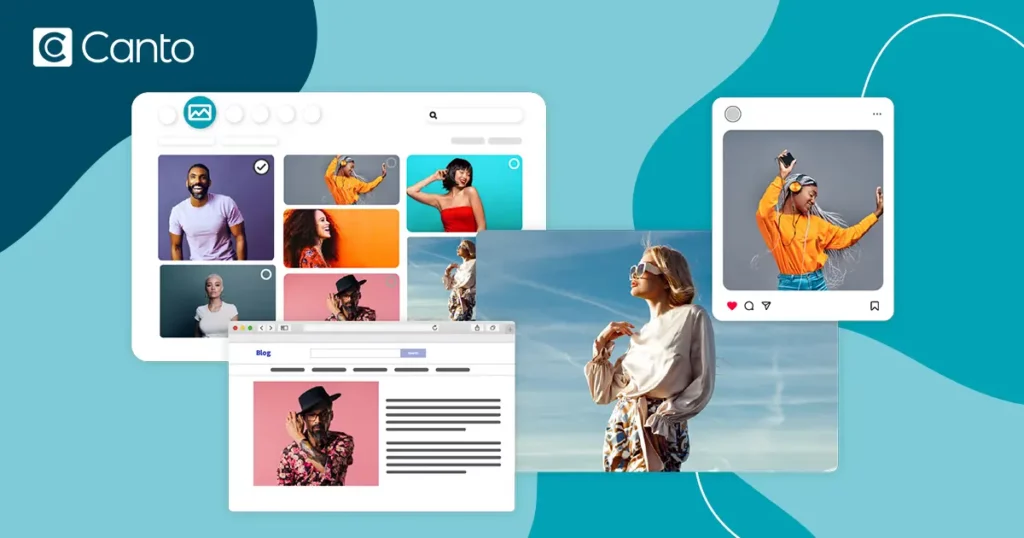
Canto is an intuitive digital asset management tool that’s hugely popular with marketing and sales teams worldwide.
It’s designed to simplify asset storage and boost collaboration, and integrations with the likes of Adobe Creative Cloud, Slack, and Google Drive help streamline workflows and boost productivity.
Its user-friendly interface and robust features make it easier for teams to manage, share, and use their digital assets effectively, for smoother and more efficient marketing processes across the board.
2. Papirfly
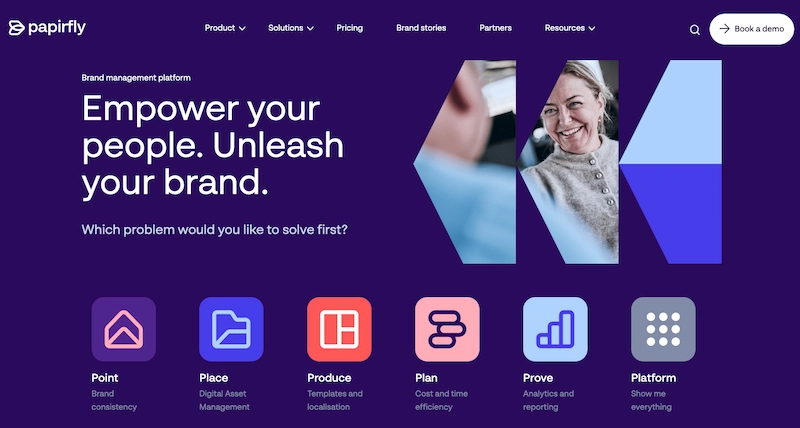
Papirfly is a brand asset management platform that provides a comprehensive suite of tools for managing brand assets and marketing materials.
Papirfly excels in maintaining brand consistency across all marketing channels, as well as streamlining the marketing asset workflow from asset creation to distribution.
Its user-friendly interface and powerful integrations with various other marketing tools make it a great choice for managing complex marketing operations.
3. Filecamp

Filecamp is a cloud-based marketing asset management tool designed for easy file sharing and collaboration.
It supports unlimited users, and key features include drag-and-drop uploads, advanced search capabilities, and version control. This is a particularly suitable option for marketing teams looking for flexible and affordable MAM software.
4. IntelligenceBank

IntelligenceBank is a digital asset management system which specializes in brand compliance and offers features like branded templates, content approvals, style guides, and advanced search capabilities.
It integrates with Adobe Creative Cloud and other useful platforms, making it a powerful tool for managing marketing assets at enterprise level.
Six best practices for implementing a marketing asset management system
Every marketing department is different, and every marketing asset management software is too. How you go about implementing a new marketing asset management solution will depend on the software you use and the needs of your team, but here are some general best practices to help you get the most out of your marketing asset management system.
1. Set up a naming and folder structure
Start by establishing a consistent naming convention and folder structure to keep your digital assets organized. For example, use a format like “Brand_Project_AssetDescription_Date” for file names, and organize folders by project or campaign.
That way, everyone can easily find the files they’re looking for with a simple search, without having to ask for help.
2. Integrate your software with other tools
Make your marketing asset management software work its hardest by exploring its integration potential. Integrate it with other tools you use, from your content management systems and design software to your project management tools and collaboration platforms. This streamlines workflows and enhances productivity by allowing data to flow smoothly between systems – without the constant need for manual input.
For example, integrating your system with Filestage can streamline the review and approval process, allowing team members to provide feedback and approve marketing assets directly within your chosen platform. Seamless!
Approve all your content in one place
Get quick and clear feedback right on top of your assets with Filestage.
3. Use data and analytics to inform your marketing strategy
Harness the power of data and analytics to gain insights into your assets. How are they being used? How well are they performing? Which assets are driving the most engagement?
Metrics like views and downloads help marketing teams to measure the effectiveness of their content and make data-driven decisions for future projects and campaigns. You can use the results to refine your marketing strategies, to allocate resources effectively, and to decide which assets need to be updated or replaced.
4. Carry out regular audits
You know what they say, tidy asset library, tidy mind (or something like that anyway). Take the time to regularly review and audit your marketing asset library to keep it up-to-date and clutter-free. This includes checking for outdated or duplicate assets, removing anything that no longer serves a purpose, and making sure everything complies with current legal and brand standards.
Keeping on top of audits means your library remains a reliable resource for everyone involved, so that your team always has access to the best and most relevant materials.
5. Control access to assets
When you’re part of a large team or regularly have a wide range of stakeholders involved in projects, there’s always the risk of content getting into the wrong hands or being edited without permission.
Implementing access controls– so that only authorized users can view or edit certain assets – keeps your materials safe and secure. For example, internal marketing and brand managers might have different permissions to external partners and agencies. This not only protects sensitive information but also prevents unauthorized access and alterations, so that your content remains accurate and consistent across the board.
6. Train your team to use it
To get the most out of your marketing asset management platform, it’s important to provide comprehensive training for your team on how to use it. Cover the basics of uploading, tagging, and retrieving assets, as well as more advanced features like version control and workflow automation. Regular training sessions will help everyone use the system independently and to its full potential, maximizing productivity and – ultimately – the overall effectiveness of your marketing efforts.
How Filestage helps with marketing asset management
Your marketing asset management software is the centralized hub for all your marketing content. It’s effectively the bible for your digital marketing assets. Your holy grail. So everything that’s uploaded to it should be the best version of itself.
That’s where review and approval comes in.
An effective marketing review and approval process makes sure all your marketing assets are accurate, compliant, on-brand, and the best they can possibly be.
Here’s how Filestage helps with marketing asset review and approval:
- Set up project workflows to manage and sign off all marketing assets
- View and discuss feedback in one place so your stakeholders are always on the same page
- Get fast and precise feedback with point-and-click comments and annotations
- Set due dates to keep your marketing projects on track
- Track approvals and change requests at a glance from your dashboard
- Keep a record of every version and comment, so you can check that everyone’s feedback has been addressed
- Integrate seamlessly with your existing marketing asset management tool so that approved content is directly added to the relevant folder

By incorporating Filestage into your marketing asset management process, you can be sure that all content is thoroughly reviewed, approved, and ready for use. This helps you to maintain consistency and the highest standards of quality across all your marketing materials.
Final thoughts
I hope you’ve enjoyed learning about marketing asset management and why it’s important for your marketing efforts.
By implementing an effective marketing asset management process, you can make sure that all your marketing assets are organized, accessible, and consistent, leading to more efficient workflows and better collaboration within your team.
This not only saves time and resources but also improves the overall quality and impact of your marketing campaigns. Winner winner!
If you’d like to see how Filestage could help you to collect feedback and get approval on your marketing assets before they’re uploaded to your marketing asset management system, start a free trial here →