
TL;DR
Agency workflow software helps marketing agencies manage projects without juggling spreadsheets, emails, and scattered tools. It keeps campaigns moving through clear, structured workflows. This guide covers 11 top tools and how to choose the right one for your setup. It’s designed for agencies handling multiple clients and overlapping projects. While basic project management tools can work for simple needs, growing teams benefit from dedicated workflow platforms that reduce delays and bring clarity to complex operations.
Key takeaways
- Agency workflow software organizes how client work moves from brief to delivery.
- Most agencies combine several tools into a connected tech stack.
- Project management tools coordinate tasks and timelines.
- Review platforms such as Filestage centralize feedback and approvals.
- Automation tools reduce manual updates between systems.
Why your agency needs agency workflow software
Running a marketing agency means coordinating work across multiple clients, campaigns, and internal teams, while simultaneously executing a broader marketing agency strategy. In my experience, a single campaign may involve strategists, designers, writers, account managers, and external stakeholders, with each stage producing drafts, revisions, approvals, and reporting.
The scale of the challenge is well documented. According to the B2B Content Marketing Benchmarks, Budgets, and Trends report, 41% of B2B marketers cite workflow and content approval issues as one of their top operational challenges.
Without a clear system, agency operations quickly become difficult to manage.
Many teams rely on a mix of tools. Budgets live in spreadsheets, messaging platforms handle daily communication, and project managers track tasks in standalone project management software while creative files move through email or shared folders.
Over time this fragmented setup reduces visibility into project progress. Information sits in separate systems and project managers spend more time coordinating updates than moving work forward.
How workflow software helps
Agency workflow software solves this problem by bringing these activities into one platform. Teams can assign tasks, monitor team capacity, allocate resources, and automate routine steps across campaigns.
For agencies managing several projects at once, the right marketing agency software provides clearer visibility into workloads, delivery timelines, and project profitability.
11 best agency workflow software tools in 2026
No single platform works for every agency workflow. Different tools support different parts of agency operations, from project management and resource planning to automation and approvals. The right choice depends on how your team organizes work and which workflows matter most for your projects. Here’s my breakdown of the top 11 platforms for agencies.
Quick comparison of the tools
Here’s how the tools stack up at a glance. Jump to any tool’s full breakdown below.
| Tool | Best for | Review & approval features | Pricing model |
|---|---|---|---|
| Awork | Structured project planning | Basic task comments | Per user |
| Asana | Flexible project management | Basic task comments only | Per user |
| Filestage | Review & approval workflows | Multi-format, version control, audit trails, no-login reviewer access | Flat rate |
| Wrike | Large agencies, complex workflows | Some proofing add-ons available | Per user |
| ClickUp | All-in-one task & workflow mgmt | Limited native review tools | Per user |
| Teamwork | Client-service agencies | Basic client feedback tools | Per user |
| Scoro | Agency mgmt & financial tracking | Minimal review features | Per user |
| Productive | Resource planning & profitability | Minimal review features | Per user |
| Float | Resource scheduling | None | Per user |
| Make | Workflow automation | None (integration layer) | Per credit |
| Zapier | Simple cross-tool automation | None (integration layer) | Per task |
1. Awork – best for structured project planning
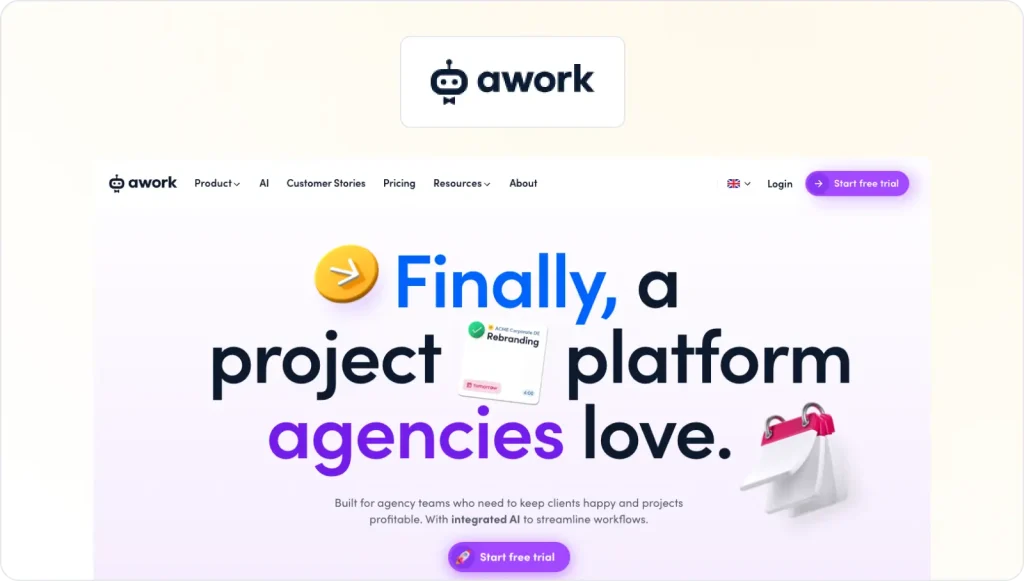
Awork is designed for agencies that need a clear system to plan projects and coordinate day-to-day work. Teams use it to organize tasks, manage timelines, and monitor workloads across multiple campaigns. For agencies that rely heavily on project planning to coordinate teams and deadlines, Awork provides a structured environment to keep projects organized.
Key strengths
Task management, project timelines, and time tracking live in one platform. Workload views help project managers monitor team capacity and plan upcoming work more effectively.
Potential weaknesses
The platform focuses mainly on project planning and coordination, so agencies may still need additional tools for financial tracking or advanced reporting. That said, Awork integrates with tools like Filestage to cover the full agency process.
2. Asana – best for flexible project management
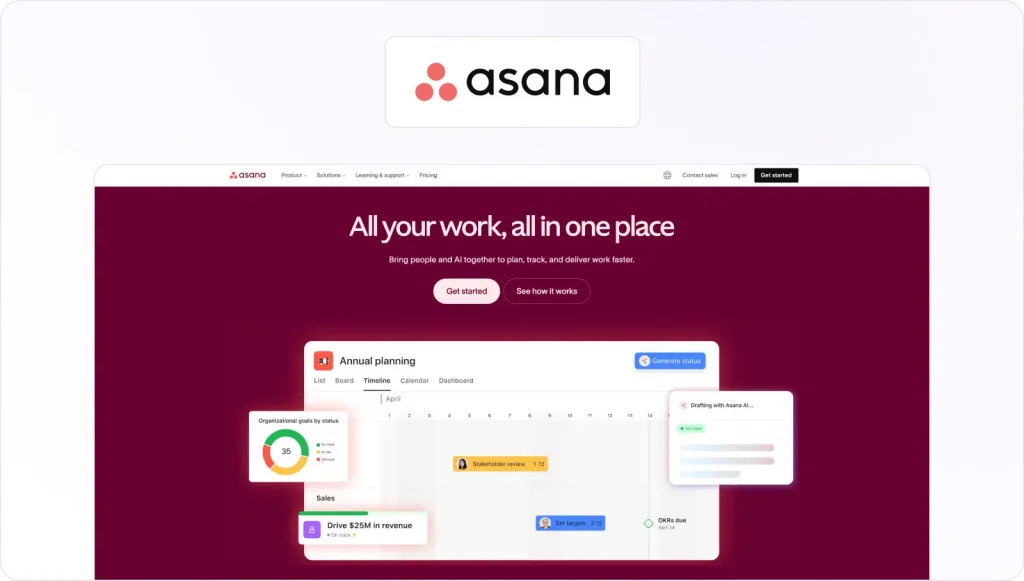
Asana is widely used by marketing teams that need a flexible platform for organizing projects and coordinating work across departments. Agencies often rely on Asana to manage task lists, campaign timelines, and team collaboration. Because it integrates with many other tools, it commonly sits at the center of an agency’s project management setup.
Key strengths
Projects can be viewed in multiple formats including lists, boards, timelines, and calendars. Asana is recognized for its flexibility in project management, offering templates, task management, and automation features.
Potential weaknesses
Asana focuses on task coordination rather than agency-specific needs like resource planning or financial management. It’s also not ideal for sharing creative feedback, as stakeholder comments can easily get lost or lack context.
3. Filestage – best for review and approval workflows

Filestage helps marketing agencies manage the review and approval stage of client projects, which is often where production slows down. Both internal and external stakeholders can upload videos, design files, documents, live websites, audio files, and other campaign assets, then collect feedback directly on the content. Instead of chasing comments across email threads or messaging apps, agencies keep all feedback and approvals in one place.
Key strengths
Unlike most dedicated proofing tools, Filestage supports videos, images, PDFs, live websites, and audio files in a single platform. And because feedback needs to be precise to be useful, you can leave frame-accurate comments on video and visual annotations on design files to make every note clear and actionable.
From there, review stages can be configured to move from internal teams to external clients with mandatory sign-off at each step. Every approval is logged with a timestamp along the way, which makes workflows audit-ready for regulated industries.
On the client side, external reviewers don’t need a Filestage account to leave feedback, which removes a common friction point during the review process. Combined with full version history and clear approval records, your team always knows exactly where a project stands.
Potential weaknesses
Filestage is purpose-built for review and approval rather than end-to-end project management. Agencies typically pair it with a project management tool like Asana or ClickUp to cover the full workflow.
See how Filestage can speed up your approvals
Enjoy a free, 30 minute consultation with our experts, tailored to your team and use cases.
4. Wrike – best for larger agencies with complex workflows
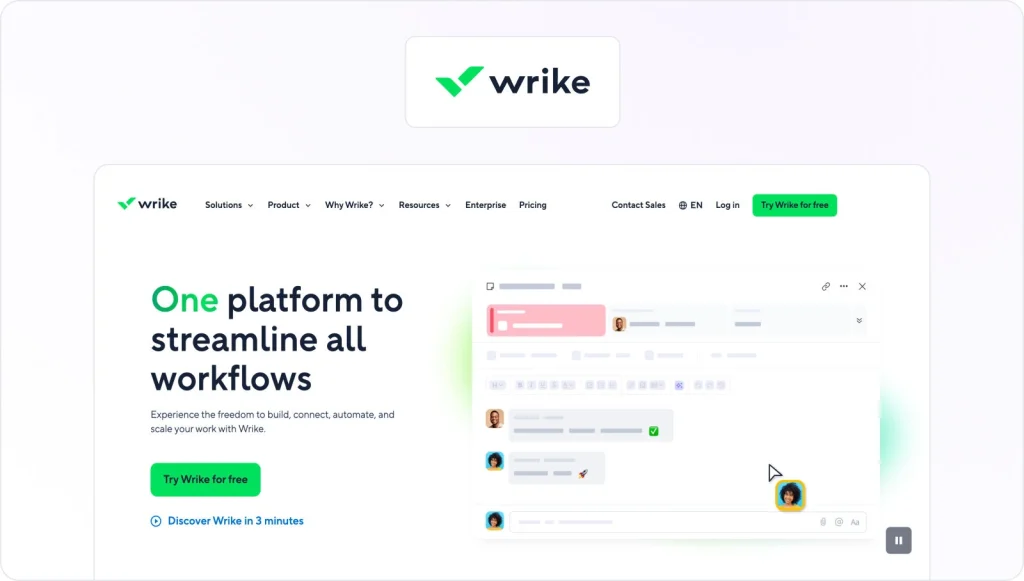
Wrike is built for organizations managing large projects with many contributors and moving parts. Agencies running complex marketing campaigns often use Wrike to coordinate work across departments and maintain visibility over large production pipelines.
Key strengths
Wrike offers advanced reporting dashboards, customizable workflows, and resource management tools that help agencies track deadlines and allocate work based on team capacity.
Potential weaknesses
The platform’s depth and flexibility can make it more complex to configure, particularly for smaller agencies with simpler workflows. While Wrike doesn’t cover complex review and approval processes, it integrates with dedicated proofing tools like Filestage to cover this important piece of the puzzle.
5. ClickUp – best for all-in-one task and workflow management

ClickUp aims to bring project management, documentation, and collaboration into one workspace. Agencies use it to manage tasks and organize different types of work across marketing campaigns. Because the platform is highly customizable, teams often adapt it to match their internal workflows.
Key strengths
Custom dashboards provide real-time insights into project activity and team workloads. Teams can also streamline routine processes across projects with ClickUp’s automation tools.
Potential weaknesses
The wide range of features can make the platform harder to configure at the beginning, especially for teams that prefer simpler tools.
6. Teamwork – best for client-service agencies
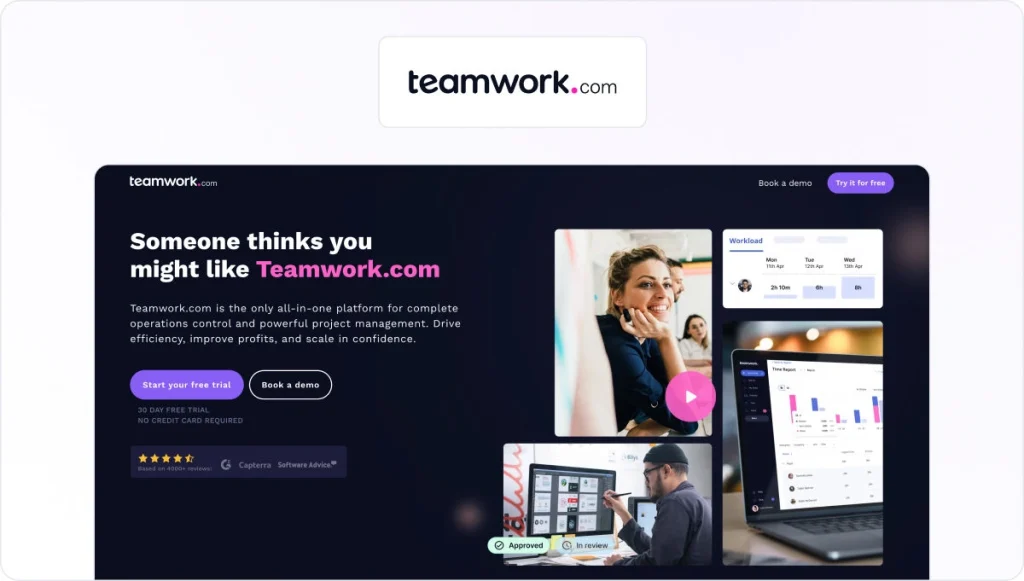
Teamwork is built specifically for agencies that manage ongoing client relationships. It helps teams coordinate internal work while maintaining visibility into client deliverables and timelines. Agencies that run recurring projects often rely on Teamwork to organize both internal tasks and client communication.
Key strengths
The platform combines project tracking, time tracking, and client reporting tools. This makes it easier for agencies to monitor deadlines and track billable hours, while keeping clients in the loop.
Potential weaknesses
Teams focused mainly on internal production workflows may find some of the client management features unnecessary.
7. Scoro – best for agency management and financial tracking

Scoro combines project management, CRM capabilities, and financial management features. Agencies use it to manage client relationships while tracking budgets, revenue, and operational performance across projects.
Key strengths
The platform provides strong reporting tools that help agencies analyze project profitability and monitor financial performance across campaigns.
Potential weaknesses
Because it includes extensive financial management features, the platform may feel overly complex for smaller agencies.
8. Productive – best for resource planning and profitability tracking
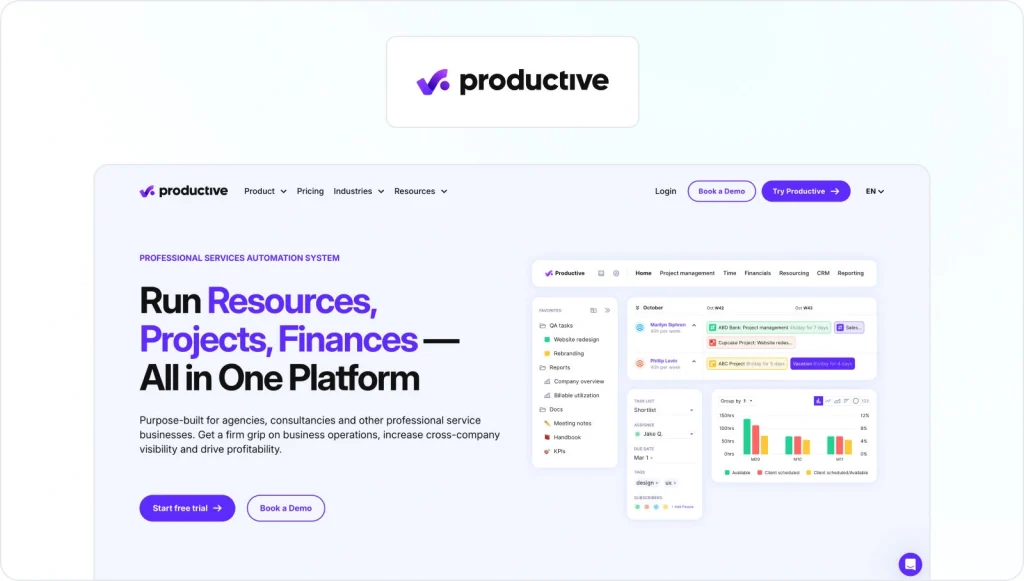
Productive focuses on helping agencies plan resources and understand how projects impact profitability. Teams can schedule work and allocate resources, as well as track financial outcomes across their client portfolio.
Key strengths
The platform includes resource planning tools, budgeting features, and reporting dashboards that give agencies better insight into workloads and project profitability.
Potential weaknesses
Agencies primarily focused on creative production or review workflows may still require additional tools for feedback and approvals.
9. Float – best for resource scheduling

Float specializes in resource scheduling and capacity planning. Agencies use it to visualize team availability and distribute work across projects without overloading contributors. Managers can quickly see who is available and plan upcoming workloads accordingly.
Key strengths
Visual scheduling tools make it easier to allocate resources and balance workloads. Float also integrates with many project management platforms.
Potential weaknesses
The platform focuses mainly on scheduling rather than full workflow coordination, so agencies often pair it with other project management tools.
10. Make – best for workflow automation across tools
Make helps agencies automate processes between different tools in their tech stack. Teams can build automated workflows that move data between systems without manual updates.
Key strengths
The platform allows users to create advanced automation scenarios connecting project management tools, reporting systems, and communication platforms.
Potential weaknesses
Make does not manage projects directly. It works best as an automation layer within a broader workflow system.
11. Zapier – best for connecting agency tools with simple automation
Zapier is widely used by marketing teams to connect different software tools. Agencies use it to automate workflows between project management platforms, CRM systems, and marketing tools.
Key strengths
Zapier supports thousands of integrations and allows teams to create simple automated processes that keep systems synchronized.
Potential weaknesses
Zapier focuses on integrations and automation rather than managing projects or coordinating agency workflows directly.
What features to look for in agency workflow software
Not every agency management system supports the same workflows. Some tools focus on project tracking, while others emphasize financial reporting or resource planning.
The most useful platforms combine several core capabilities. Here are the six features I recommend looking for in an agency workflow platform.
1. Shared source of truth for projects and briefs
Keep your client briefs, timelines, deliverables, and internal notes in a central workspace so everyone works from the same information.
When teams rely on multiple documents or separate systems, details quickly become fragmented and project managers end up double-checking which version is correct.
A shared workspace gives your entire team better visibility when several campaigns are running at once.
2. Clear ownership and visibility on production
Good agency workflow software helps you see who owns each task and how work is progressing at any given moment. It should also make team capacity visible so you know who is available and how tasks are distributed.
Without that visibility, it becomes easy to overload key team members or miss deadlines.
3. Workflow automation
Many agency processes involve repetitive tasks such as onboarding new clients, generating reports, moving deliverables through review stages, and chasing stakeholders for sign-off. Workflow automation removes much of this manual coordination.
When someone completes a task, the next stage can start automatically and the right stakeholders receive a notification, saving time across every campaign.
4. Collaboration and communication
Your team and your clients need clear communication to support effective agency collaboration throughout the project.
The best workflow platforms include file sharing and discussions directly connected to tasks or deliverables. This keeps feedback tied to the work instead of scattered across messaging apps or email chains.
When comments stay attached to the relevant asset, your team can review decisions later and keep context throughout production.
5. Client and stakeholder access
Client portals give stakeholders visibility into how their projects are progressing and help strengthen agency-client relationships. They can review deliverables and leave feedback, without accessing your internal systems.
Some platforms also include structured content approval workflows so you can track sign-offs and move work toward final delivery without long email threads.
6. Integrations with the agency tech stack
Most teams build a stack that includes project management software, CRM systems, reporting tools, and marketing automation platforms.
Look for workflow software that integrates easily with these tools so information stays consistent and manual updates are kept to a minimum.
See how Filestage can speed up your approvals
Enjoy a free, 30 minute consultation with our experts, tailored to your team and use cases.
How to build an integrated agency workflow
Most agencies don’t rely on a single platform to manage every part of their operations. Instead, they combine several tools into an agency tech stack that supports different stages of the workflow.
An integrated agency workflow typically connects project management software, review platforms, resource management tools, and automation systems.
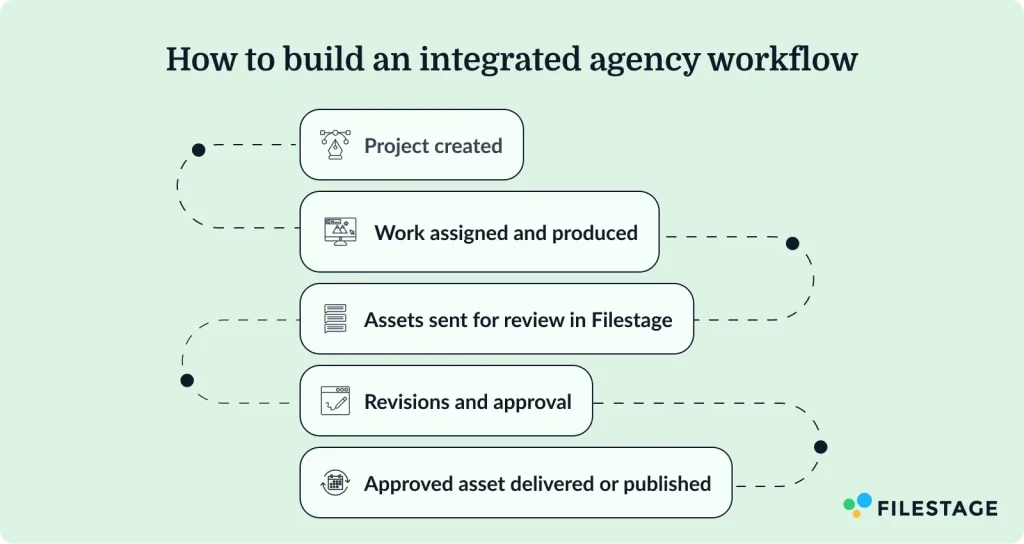
Typical agency workflow
Most agency workflows follow the same pattern:
- Project created
A project manager creates a new client project in marketing project management software such as Asana, ClickUp, or Awork.
- Work assigned and produced
Tasks are assigned to writers, designers, and strategists who produce campaign deliverables.
- Assets sent for review
Completed assets move into a review platform such as Filestage, where internal teams and clients leave feedback directly on the content.
- Revisions and approval
Teams address feedback and move the work through structured approval stages until the client signs off.
- Final delivery or publishing
Approved assets are published, launched in a campaign, or stored in a digital asset management (DAM) system.
Automation tools such as Zapier or Make can connect these systems so updates move automatically between platforms. Integrated workflows reduce manual updates and eliminate constant status-check meetings.
Example agency workflow stacks
Small boutique agency
- Asana — project management and task tracking
- Filestage — client feedback and approvals
- Google Drive or DAM — asset storage
- Zapier — simple workflow automation
Mid-sized integrated agency
- ClickUp — project management and internal workflows
- Productive — resource planning and financial tracking
- Filestage — structured review and approvals
- Zapier or Make — workflow automation
Large network agency
- Wrike — large-scale project coordination
- Float — resource scheduling and team capacity
- Scoro — financial tracking and reporting
- Filestage — client approvals and compliance workflows
- Make or Zapier — system integrations
In many agencies, the review and approval stage is where projects slow down. Adding a dedicated review platform such as Filestage helps teams collect feedback in one place and move deliverables toward final approval without chasing comments across multiple tools.
Final thoughts
Agency bottlenecks usually appear when workflows become difficult to manage, and the review and approval stage is almost always where things grind to a halt first.
The good news is that it’s one of the most fixable problems in agency operations. When feedback has a single home, approval stages are clearly defined, and clients can review work without friction, campaigns move faster and revision cycles get shorter.That’s exactly what Filestage is built for. If you’re ready to take the chaos out of client approvals, start a free trial and see how well it fits into your agency’s tech stack.
FAQ
What is agency workflow software?
Agency workflow software helps marketing agencies manage how work moves from the initial brief to final delivery. It connects project management, task coordination, client communication, and resource planning inside one system. Instead of relying on spreadsheets, email threads, or scattered tools, teams can track deliverables, assign responsibilities, and monitor progress in a single platform. Many tools also include automation and reporting features that support day-to-day agency operations.
What does agency workflow software do?
Agency workflow software allows teams to assign tasks, coordinate production, and follow the status of deliverables across the entire marketing agency process, moving work from the initial brief to final delivery.
Rather than relying on spreadsheets and scattered tools, agencies can manage work through defined stages. Many platforms also support automation, resource scheduling, and reporting features that track performance across campaigns.
For agencies handling several clients at once, workflow management software provides visibility across operations and helps teams maintain consistent processes as workloads grow.
What are typical use cases of agency workflow software?
Agencies use workflow software to manage client projects, coordinate internal teams, and track campaign deliverables. Common use cases include task management, project tracking, resource scheduling, client collaboration, and reporting. Some platforms also automate repetitive processes, such as onboarding new clients or moving work through review stages.
How do I find the best workflow software for my agency?
The right tool depends on your agency’s size, services, and workflows. Some teams prioritize project management and task coordination, while others need stronger resource planning or financial tracking. Start by identifying where projects slow down, then choose software that addresses those gaps and integrates with the rest of your tech stack.
How can workflow software improve agency efficiency and profitability?
Workflow software improves efficiency by organizing tasks, clarifying responsibilities, and giving teams visibility into workloads. Managers can allocate resources more effectively and identify delays earlier. Over time, this structure helps agencies complete projects faster and maintain healthier margins.
What tools do marketing agencies use to manage workflows?
Marketing agencies typically use a combination of project management software, resource management tools, reporting platforms, and workflow automation systems. Many teams also use review and approval platforms such as Filestage to collect client feedback and manage deliverables throughout the production process.
Can small agencies benefit from workflow software?
Yes. Small agencies often benefit from workflow software because it organizes tasks, clarifies responsibilities, and reduces manual coordination. Even simple tools can help teams manage multiple clients, track deadlines, and keep projects moving without relying on spreadsheets or long email threads.