Did you know that companies are focusing 56% of all marketing funds towards digital channels? But this doesn’t mean everything is roses and butterflies for digital marketing teams.
Today’s challenging market is forcing companies and marketing teams to find new ways to produce “more with less”. In short, the appetites are growing but the budgets are tighter than ever.
This puts efficiency at the forefront of all marketing operations. And many companies are realizing that investing in digital asset management (DAM) saves money, time, and effort for the entire team.
A digital asset management solution lets marketing teams upload, organize, manage, share, store, and track their digital assets efficiently, and all in one place.
This helps marketing teams turn into real superheroes, able to produce, repurpose, and publish a larger amount of content while maintaining brand consistency.
Here are some of the key features to look out for in digital asset management platforms:
- Centralized storage – they act as a central repository where all digital assets are stored, making them easily accessible to authorized users
- Metadata management – descriptive information about the assets is used to organize and categorize assets, making search and retrieval easier
- Search and retrieval – they have robust search functionality that allows you to find assets quickly using keywords, tags, filters, and other metadata criteria
- Version control – this helps you track changes made to assets over time and revert to previous versions if needed
- Permissions and access control – you can give different levels of access to different stakeholders to make sure that only authorized team members can view, edit, or download specific assets
- Asset distribution – they help you share digital assets with internal teams or external partners, often through secure links or integrations with other tools
- Integration capabilities – most DAM systems can integrate with other software, such as project management tools, CRM systems, social media platforms, and more
So, let’s look at the 20 best digital asset management solutions on the market!
1. Papirfly – best digital asset management system for managing content at scale
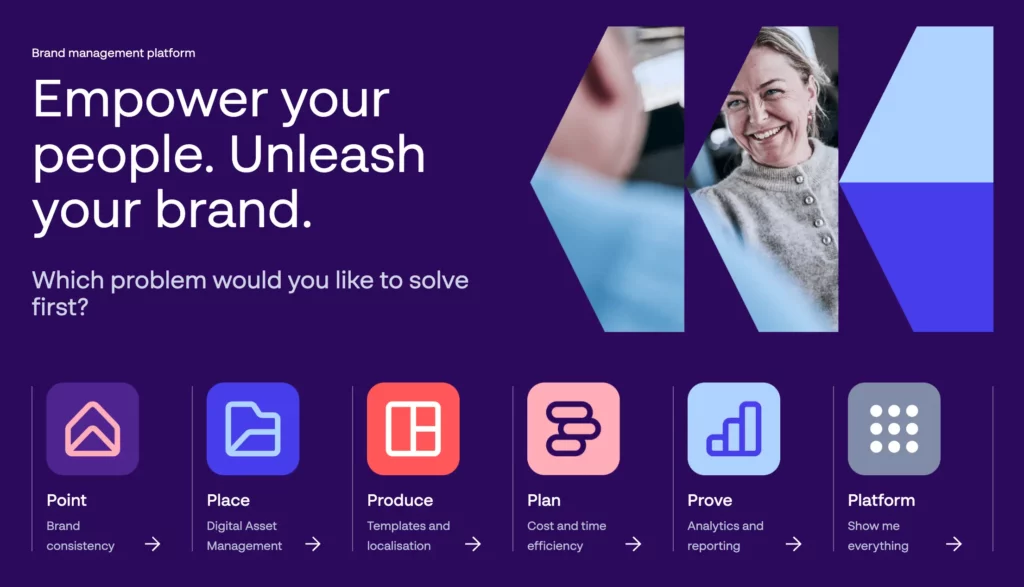
Papirfly is a digital asset management platform that offers your marketing team a wide variety of tools for managing digital assets. You can share, collect, and distribute your assets all in one place.
This DAM system also allows you to set up clear usage and reproduction guidelines for your content and have complete control over the availability and the use of all assets. Plus, it saves your team time and hassle by making it easy to find and download the assets they need.
With a well structured and updated asset library you can also make sure that your team uses only valid and approved assets, making it one of the best digital asset management software out there.
2. DemoUp Cliplister – best asset management software for brands and shops
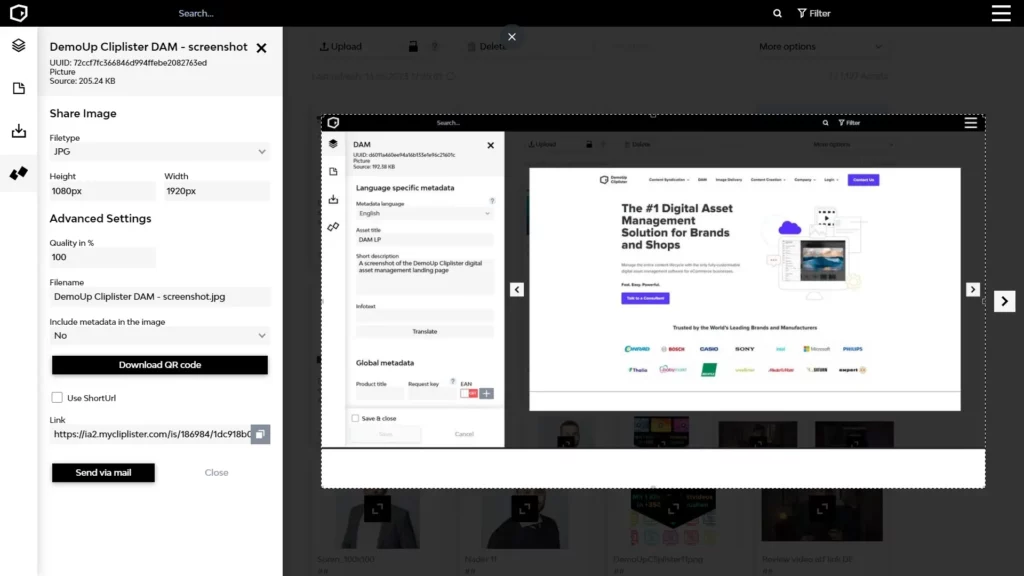
DemoUp Cliplister is a powerful digital asset management tool that allows you to say goodbye to the endless headaches of managing your media files. You can effortlessly organize, store, and distribute your digital assets with just a few clicks.
No more digging through folders or wasting time searching for that elusive file. It’s all right there at your fingertips!
But that’s not all.
DemoUp Cliplister takes your digital asset management game to the next level.
Want to enhance your product listings with stunning videos? Done.
Need to seamlessly integrate your assets into various e-commerce platforms? Easy peasy.
DemoUp Cliplister enables the real-time media transfer between over 3,000 brands and 350 retailers worldwide. So you always have the most up-to-date product content everywhere, with just one click.
3. Filestage – best digital asset management system for brand reviews and approval

Filestage is a content review and approval tool that allows your team to share various digital assets in one platform to gather valuable feedback and approval from different stakeholders. And even better, this tool turns email collaboration into a bad dream from the past.
We all know how hard it is to share files for feedback via emails. You easily miss important comments, notes, and revisions, and everyone wastes lots of time and money, not to mention the amount of frustration everyone can feel.
Once uploaded in Filestage, new projects are easy to set up by adding the working files, whether they are videos, images or documents. Creatives can upload the work and share it with their colleagues and clients with just one click. Then you can track the progress of your file until it reaches final approval.
Supercharge your project collaboration
Share, review, and approve all your content in one place with Filestage.
4. Canto
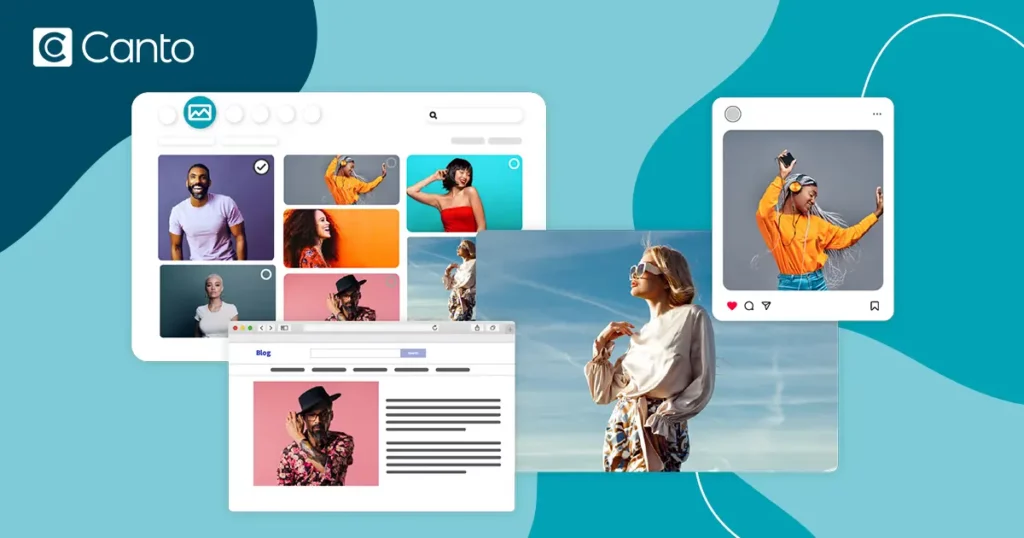
Canto is considered one of the best digital asset management software on the market.
Here are the three main ways in which Canto empowers your business:
- It allows you to centralize and organize digital assets to make them easily accessible and secure
- Improves collaboration and workflow efficiency through seamless sharing, version control, and tool integrations
- It helps you maintain brand consistency and streamline content distribution while providing valuable insights into asset usage
Canto’s most useful features include its easy tag system, collaboration over a bright and user-friendly interface, and its ability to produce reports on the performance of each asset.
5. Wiredrive
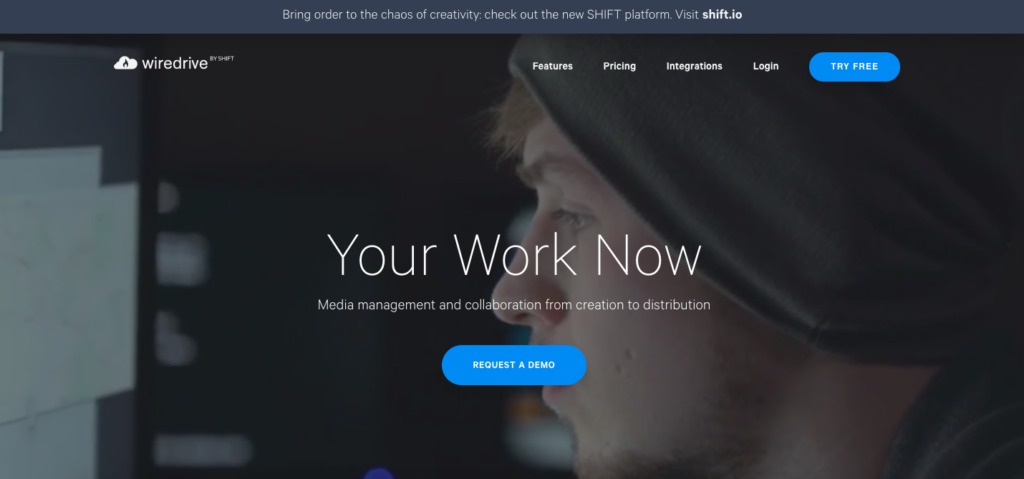
Those who are looking for professional and sophisticated multimedia presentation capabilities will find everything they’re looking for in the digital asset management tool, Wiredrive! Wiredrive is an all-in-one solution for media management and business development.
It simplifies the process of searching through your digital assets with the use of filters like category, date, multiple keywords, and specific tags. You can also track the full life cycle of each digital asset, to see how it’s performing and the behavior of those who view it.
Wiredrive also simplifies collaboration by allowing everyone on your team to access a particular asset under specific access controls. Team members can be given the permission to comment, approve, edit content, or simply share assets with ease.
6. Image Relay
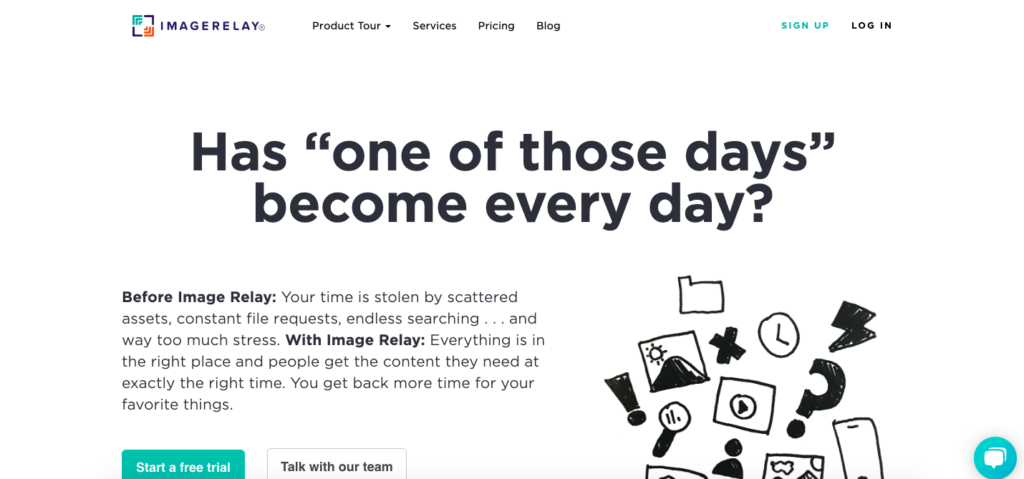
Image Relay sets itself apart from other digital asset management tools through its ability to create asset profiles. This means that you can create profiles for specific assets in one easy-to-use space to further improve the organization of your files.
Image Relay Access also simplifies access to all files, allowing every department in your company to quickly find exactly what they’re looking for. This saves a lot of time, while boosting the performance and productivity of the entire organization. That’s right – with Image Relay, you can finally say goodbye to relying on other departments for specific images or videos.
7. IntelligenceBank
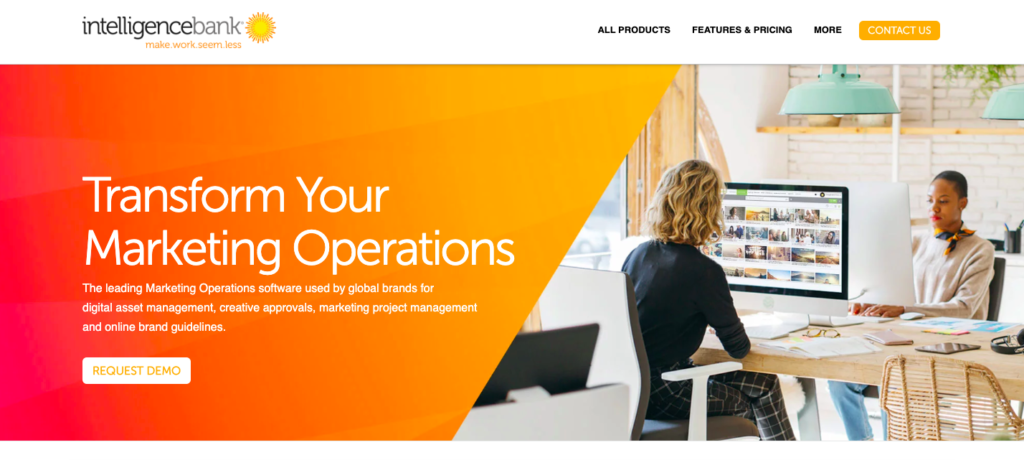
IntelligenceBank is a centralized, shared digital asset management system dedicated to driving content marketing. Its key strength is its simple and user-friendly interface.
IntelligenceBank streamlines your content collaboration process, making it easy for all internal and external stakeholders to access and edit content.
Marketing agencies will benefit the most from its strong content capabilities like conversations, annotations, and access control.
On the other hand, those managing a large number of images or videos will benefit from IntelligenceBank’s AI tagging system. The system develops keywords for its users, saving the time spent in manual tagging.
All changes can also be synced to an email notification system, to keep all your users up to date with the latest changes.
8. Bynder
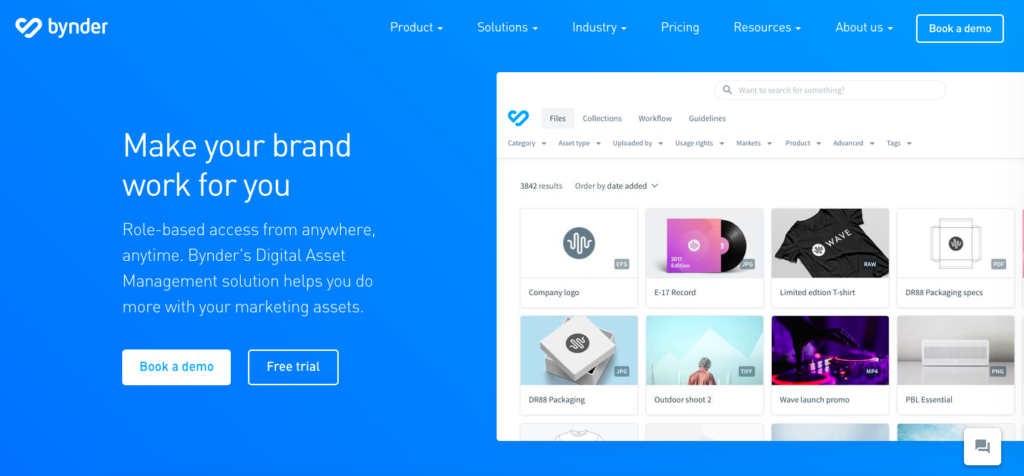
Many large, successful companies like Spotify, Canon, and Puma are big Bynder users. This increasingly popular digital asset management software is helping businesses automate their workflows, including revision rounds, annotation processes, and customizable approval paths.
The thing that makes Bynder one of the best digital asset management software is its built-in brand developer tool, which includes templates that let companies create beautiful, creative artwork.
It’s also easy to integrate with most popular third-party apps, including Google Analytics, Magento, Contentful, and it even includes a number of nifty in-house integrations.
9. Asset Bank
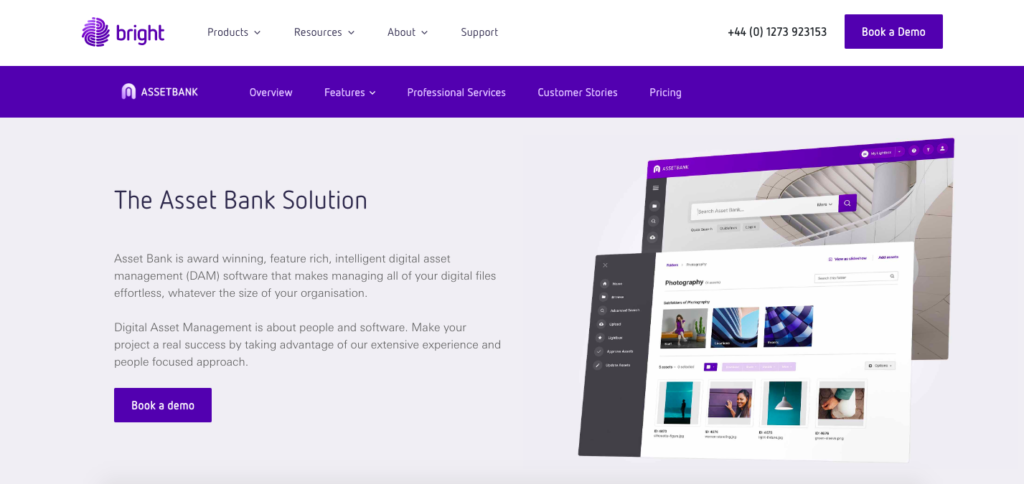
If you are looking for a web-based on-premises end-to-end solution, then Asset Bank is one of the few companies that can help you. Their digital asset management software is full of smart and useful features including bulk uploading, duplicate detection, multiple lightboxes, and advanced download.
All these features allow you to customize existing files by changing the formats and modifying the quality. You can then download the customized files as separate files to your computer.
Plus, those in marketing will be overjoyed with Asset Bank’s built-in content management software. It helps you to improve your workflows and to reach new levels of work efficiency throughout your business.
10. Cloudinary
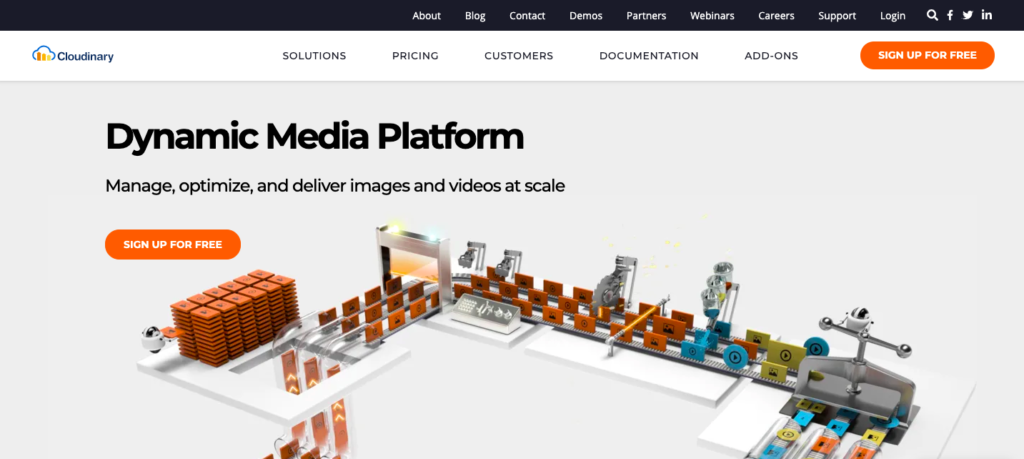
Appropriately named for its successful use of a completely cloud-based system, Cloudinary is an end-to-end document asset management software that has been making a buzz recently. Cloudinary uses AI to automate a lot of its key functions, making the user’s life a lot easier. Their AI can tag images by color, faces, or even objects, to help store your files better.
Cloudinary also offers a unified approach to creating content and sharing it with your customers in one easy-to-use platform. This is useful in a world where customer’s online behaviors and habits are constantly changing.
11. Widen Collective
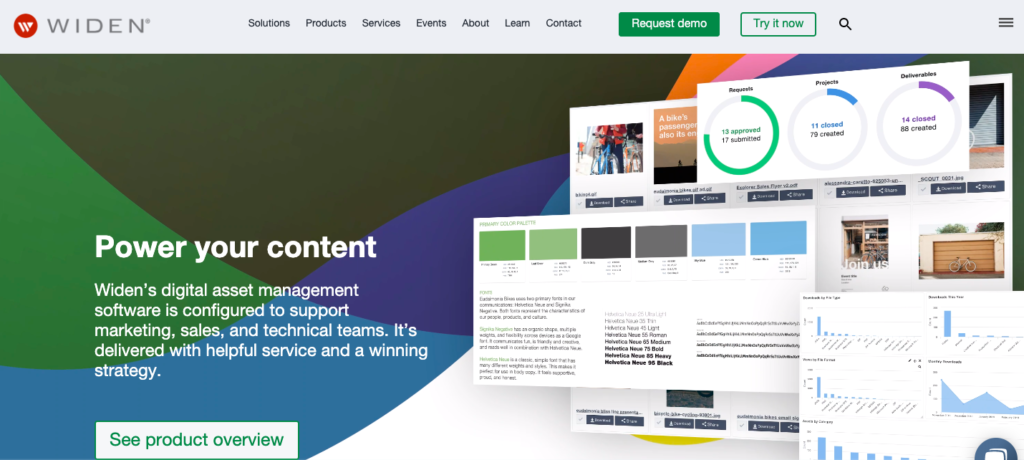
Widen Collective comes with five integrated applications that cover brand management, video management, and creative operations. These are then integrated with over 30 apps including project management, marketing, and sales tools.
This enterprise-grade digital asset management software is a breath of fresh air compared to traditional library asset software. It allows you to share your content easily, with anyone of your choosing, across the entire web. It also includes perceptive analytics that allow a business to observe its workflow efficiency.
12. Portfolio by Extensis
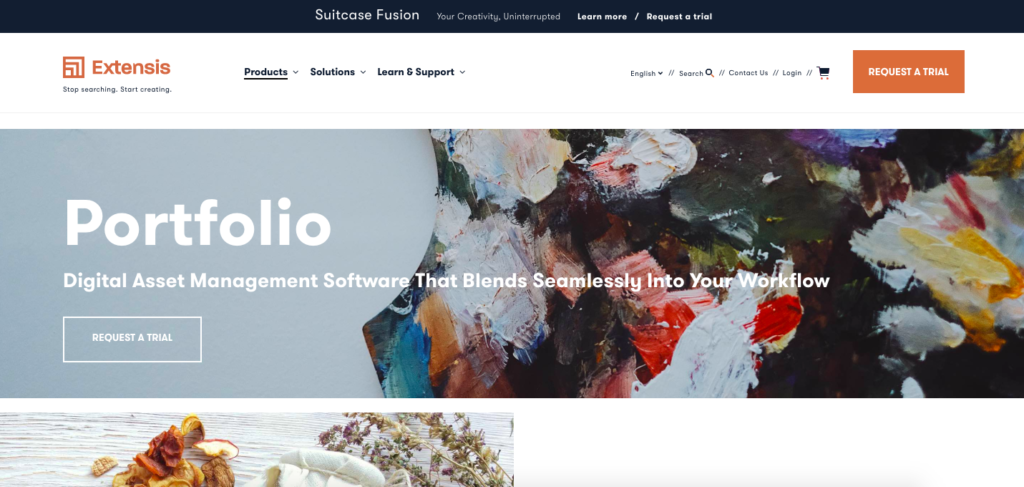
Portfolio by Extensis is sleek, modern and minimalist. This digital asset management solution aims to offer a simple but powerful interface that does only what it needs to do. Creating, storing, finding, sharing, editing, and publishing of multimedia content are all made very simple in Portfolio.
The software uses Smart Automation, which helps you organize your brand assets, add keywords, and create workflows with ease. And it’s easily customizable to your needs, whether you’re a marketer, designer, or operations manager.
Flexible Organization within the tool increases the software’s usability by helping you to define catalogs and folders, based on the specific needs of your team.
Supercharge your project collaboration
Share, review, and approve all your content in one place with Filestage.
13. Panopto
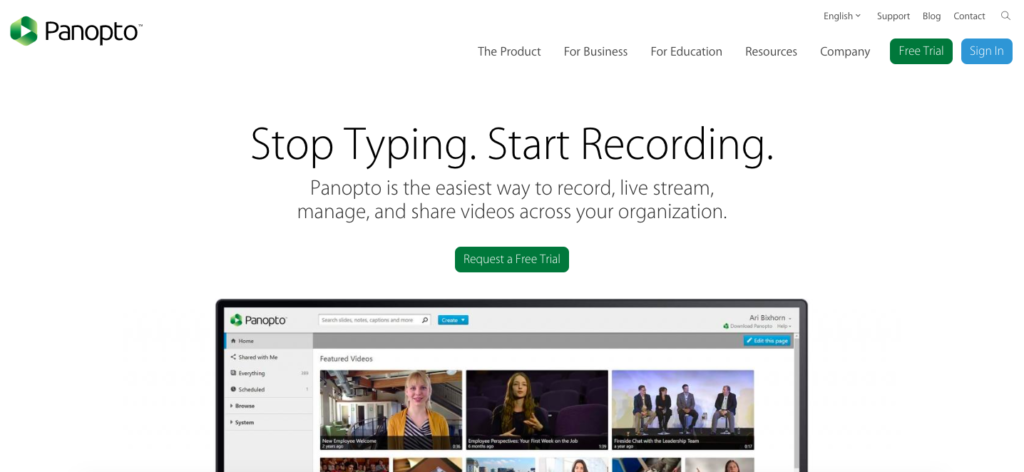
Panopto is the best video DAM software out there. It works much like a private version of YouTube, where companies and educational institutes are able to upload, host, and share videos from all over the world.
So those with businesses that rely on video can benefit from its supported large-scale live streaming service.
One very handy feature in Panopto is the advanced search tool, which allows you to find videos based on keywords that are spoken or displayed within a video. For example, you can type in “corporate responsibility” and you’ll get a list of all the videos on your network where someone has either mentioned that keyword or it was displayed in text. This feature can be really convenient for editors and video makers, speeding up their video creation process.
14. Publitio

Publitio is a cloud-based media asset management system that provides storage, processing, and video and image delivery for modern web apps. Publitio acts as a content delivery network (CDN) that can handle hundreds of millions of requests by design.
Its lightning-fast loading, availability, and deliverability of media assets come from their partnerships with the best cloud providers in the industry. Plus, integration is smooth for any kind of CMS since they support REST API, SDK and recently published Publitio WordPress Plugin as well.
Also, their URL-based transformations can make your media assets dynamic. This means that it will allow you to perform image or video resizing, cropping, merging, overlay, watermark, rotations, or format conversions.
This tool offers a plethora of features for non-coders and editors that love to organize and bring their media library to the next level. Did I mention that they offer a free plan as well?
15. Libris DAM

Libris DAM focuses on image and video sharing and management. The tool allows you to change and edit things like the photo resolution, file format, color space, and much more which mostly benefits the creative and marketing agencies.
One particularly nice touch for businesses handling large numbers of files, is the duplicate deletion feature. This functionality identifies and removes multiple copies of the same digital asset within your library.
By doing so, it helps you keep your digital asset library clean, organized, and efficient, without redundant files taking up storage space or cluttering your content database.
16. Daminion
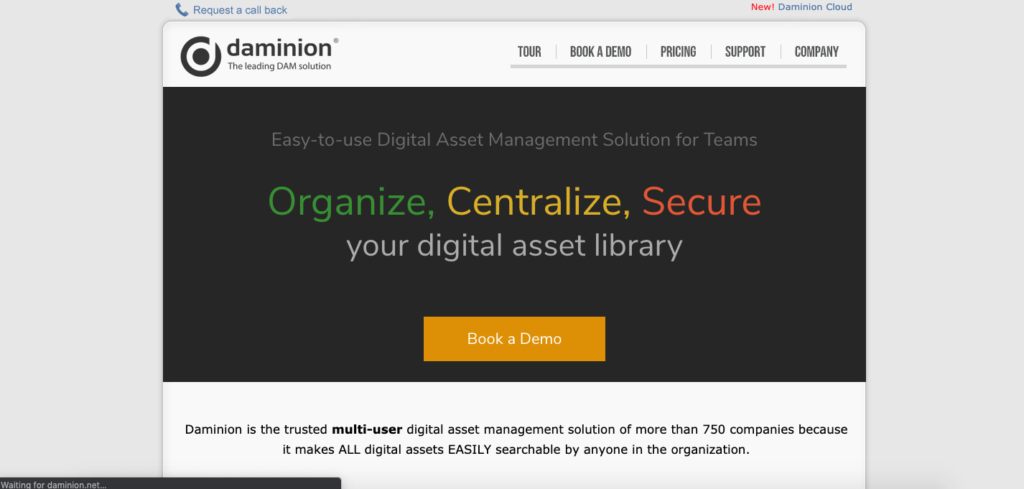
Daminion likes to keep things simple. And its easy-to-use interface together, with support for almost all file types and formats, prove just that. This powerful digital asset management software is designed for teams and small to medium-sized businesses and best known for its strong focus on security, collaboration, and ease of use.
What makes Daminion stand out is its multi-user environment that allows teams to manage, organize, and search large volumes of digital assets efficiently, with precise control over access permissions.
Plus, its robust metadata support, version control, and seamless integration with popular software streamlines workflows, making sure that all team members have quick access to the most up-to-date files.
17. MerlinOne

MerlinOne lets users upload, store, manage, edit, and share marketing materials with ease. Plus, its one-click publishing feature allows you to share media assets via social media, CRM, email, and other channels with simplicity.
Photographers will especially like MerlinOne’s interface and fast bulk edit capabilities. It even has an integration option with Adobe Creative Cloud for master editing – all within one software!
18. Brandfolder
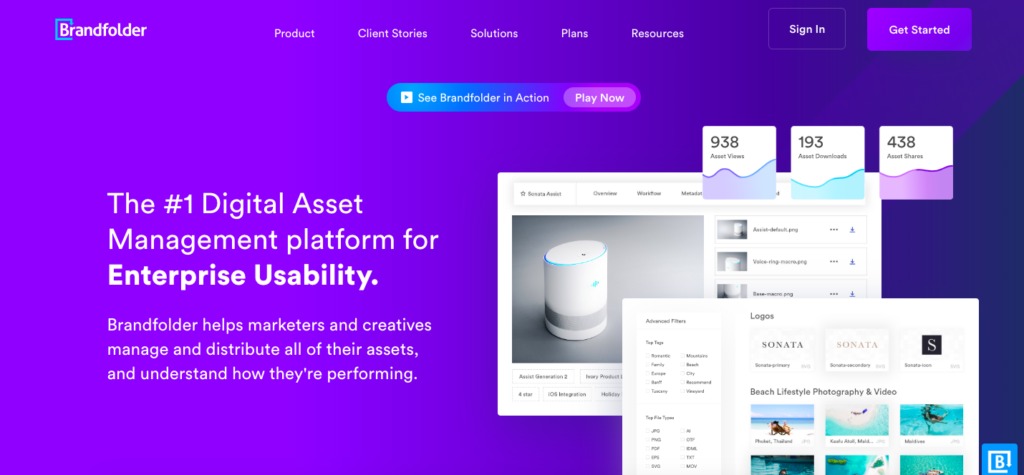
Brandfolder relies on its simplicity to set itself apart from the competition. This digital asset management software lets you easily upload, share, store, analyze, and organize an unlimited number of files – all from one location. It also contains powerful DAM tools that help you organize and scale your business.
A few nice touches from Brandfolder include multiple levels of security, an easy bulk load drag and drop feature, and its guest upload capability. Brandfolder simplifies collaboration between all parties, with smart set permissions, while retaining the security of your data assets.
You can even set up a portal for exclusive use by your external partners where they can upload, analyze and comment on assets within your projects.
19. Syndigo Content Experience Hub
Syndigo Content Experience Hub has been created as one simple platform, where retailers, distributors, and manufacturers can access all their specific product data and digital assets.
This asset management software helps retailers make sure that all their sales channels remain consistent with the same information, maintaining efficiency within sales teams and making sure they work within the company’s best practices.
All of this gives retailers the ability to market their products much faster, while maintaining brand consistency. In short, this is a simple content management system for all your content creation, validation, enrichment, syndication, and analysis needs.
20. iPresent
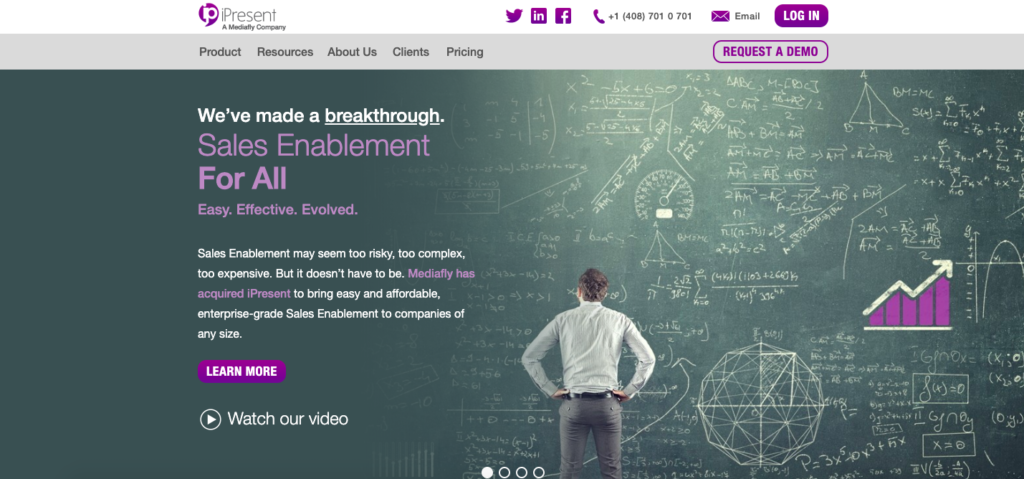
iPresent is a dynamic digital assets solution designed to enhance sales and marketing teams efforts through interactive content delivery. What makes iPresent stand out is its focus on empowering sales teams with easy access to the right marketing assets through customizable and branded content hubs.
Its user-friendly interface, offline access, and integration capabilities make sure that presentations and digital assets are always available, engaging, and on-brand. Plus, the platform’s analytics features provide valuable insights into content performance, helping businesses fine-tune their strategies.
iPresent’s ability to deliver targeted, visually impactful content makes it a great tool for boosting sales productivity and marketing alignment.
Five things to consider when choosing your digital asset management software
In the sea of digital asset management solutions, it’s easy to pick one simply based on its popularity among big profile companies. But, this shouldn’t be your guiding light.
Before making any decision, you need to focus on specific areas of your business and check the digital asset management software reviews online.
Here are the main five criteria for choosing the best asset management solution for your needs.
1. In-house vs. outsourced content creation
If your company creates its content in-house, you may prefer to use a tightly integrated creative system such as Adobe Suite. There, you can keep all your digital files and reviews in one place.
On the other hand, if you outsource your content creation to an agency, you should consider implementing a digital asset management software to keep track of the life cycle of each digital asset.
2. Asset management use cases
Here are three different scenarios to help you understand how different users have different needs from the tool:
- Creative users will need a transparent asset management system with a simple and accessible version control
- Casual users will more likely need a simple DAM, which allows them to search for content easily whenever they please from anywhere in the world
- Content librarians will require a much richer and more complex asset management platform that provides them with the superior searchability of all brand assets
Supercharge your project collaboration
Share, review, and approve all your content in one place with Filestage.
3. Workflow and collaboration
It’s important to understand how your content will move through your DAM software, so that you can select the tool with a workflow that suits the speed and capacity of your team. Remember, unnecessarily complicating your workflow won’t give good results and might even cause more chaos in your asset management.
That’s why you should think about how your team collaborates, both internally and externally, and evaluate different DAM software to see if they match your style of collaboration.
For example, some teams may want limited collaborative functionality, whereas other teams may want all stakeholders to have free and easy access at all times.
4. Integration and delivery
Modern businesses require seamless integration with many different tools. If your business already relies on a number of applications and tools, it’s worth implementing a DAM software that integrates with them.
Salesforce, Google Suite, InDesign, Adobe Suite, Slack, Magento, social media platforms, and many more can all be integrated with your DAM, depending on which one you choose. So make sure your DAM software supports all the applications and tools that your team loves.
5. Making the decision
When presenting a DAM software to your managers for consideration, you’ll need to consider all the above points and present the advantages of each.
Here are some important questions you’ll need to answer:
- How will this DAM improve efficiency?
- How will it save the business money?
- How long will it take to set up?
- Will it disrupt the business and if so, for how long?
- What return on investment (ROI) can the company expect and when?
Final thoughts
I hope this selection of digital asset management systems helped you make the right decision for your company. Remember, you’re not alone in this! The creation, uploading, sharing, editing, and overall management of files is becoming an increasingly tough job for digitized companies worldwide.
But, spending some time to find the correct DAM tool for your specific needs will definitely be worth all your time and effort.
If you’d like to check out Filestage and see how it can help you manage the review and approval process for your digital assets, start your free trial today.