
TL;DR
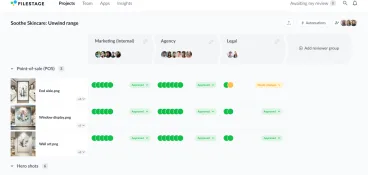
This guide compares marketing project management software that helps marketing teams organize tasks, plan complex projects, track progress, and balance team workload across multiple campaigns. See how project managers combine project management tools with Filestage to review creative assets, automate approvals, and keep project status, KPIs, budgets, and due dates under control.
Why marketing teams need project management software in 2026
Marketing is renowned for being fast-paced. And as a marketing project manager, you’ve got to keep up. That means staying on top of tasks, deliverables, and deadlines across multiple projects and campaigns. And with 77% of high-performing projects now using project management software, having the right platform in place has become a must-have rather than a nice-to-have in 2026.
The right project management tool can make all the difference, helping you streamline workflows, avoid bottlenecks, and hit every milestone.
In this guide, we’ll explore the best marketing project management software, starting with all-in-one solutions and finishing off with specialized tools for specific parts of the process.
1. Asana

Asana is one of the best marketing project management tools around, designed to help marketing teams stay organized, plan tasks, and track progress. Its intuitive interface makes managing projects easier by keeping tasks, deadlines, and project goals clear for everyone involved.
With Asana’s visual layout, your team members can quickly see who’s working on what, when tasks are due, and what the overall project goals are. This makes it easy for everyone to stay on track and understand how their work fits into the bigger picture.
The platform also lets teams customize their ways of working, allowing marketing project managers to organize projects in a way that works for them.
Key features
- Task management and tracking
- Project organization with lists, boards, and timelines
- Workflow automation for repetitive tasks
- Multiple project views, including Kanban and Gantt charts
- Data security and permissions management
- Built-in team messaging and cross-departmental collaboration features
- Ready-made templates for quick project setup
Pros
- Easy to use
- Visually clear design
- Customizable project views
- Integrates with over 100 popular apps
- Great for managing task deadlines and dependencies
Cons
- Not ideal for managing large files like videos
Pricing
Asana offers a Starter plan for $10.99/user per month and an Advanced plan for €24.99/user per month.
Supercharge your marketing reviews
Share, review, and approve all your content in one place with Filestage.
2. Monday.com
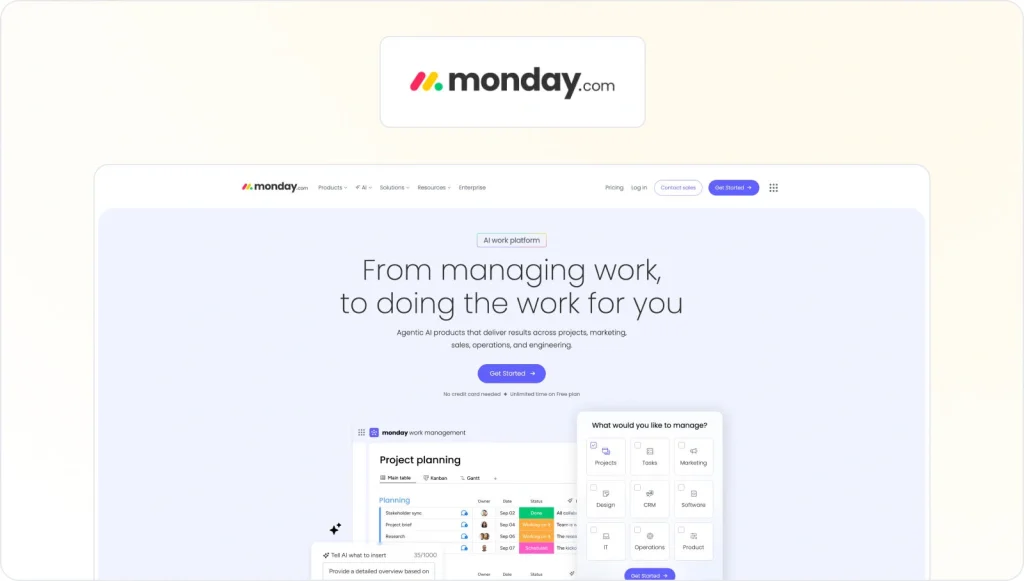
Monday.com is a simple and flexible marketing project management software designed to help marketing teams of all sizes organize tasks, track progress, and collaborate effectively. It uses a Kanban-board-style interface as the default, with options for Gantt charts and other views too.
There are templates tailored for marketing projects, and the drag-and-drop system makes setting up task boards quick and easy. You can assign tasks, track hours, set deadlines, and manage entire workflows from one place.
Key features
- Task management and assignment
- Multi-level user access control
- Visual progress tracking
- Workflow automation
- Secure file sharing and storage
Pros
- Intuitive interface that’s easy to learn
- Customizable features for various project needs
- Excellent customer support
- Visual task manager for straightforward tracking
Cons
- Can be overwhelming with many features and add-ons
- Limited third-party integrations
- Reporting features could be improved
Pricing
Monday.com offers a free individual plan, while team plans start at $8/month for up to three boards and unlimited viewers.
3. ClickUp

ClickUp is a powerful, all-in-one project management software that makes managing marketing projects a breeze. It’s especially well-known for its customizable workflows and automation features – which save marketing teams a whole load of time and effort.
ClickUp centralizes tasks, files, and communications, bringing everything and everyone together for seamless collaboration. It also helps with project planning, with handy features including checklists and to-do lists. Its user-friendly interface and scalability make it ideal for small to large marketing teams.
Key features
- Customizable task management and assignment
- Workflow automation for marketing processes
- Real-time chats for team communication
- Project progress tracking with clear percentages
- Built-in time tracking and ETA estimates
- Kanban boards for visual task management
- Built-in image markup tools for creative reviews
- Threaded comments for organized discussions
Pros
- Intuitive, easy-to-use interface
- Custom notifications and alerts
- Native desktop and mobile apps for on-the-go management
Cons
- Uploaded files can’t be moved between tasks
- New projects appear at the bottom of the list by default
Pricing
ClickUp offers a free personal plan, while business plans start at $7/user per month.
4. Wrike
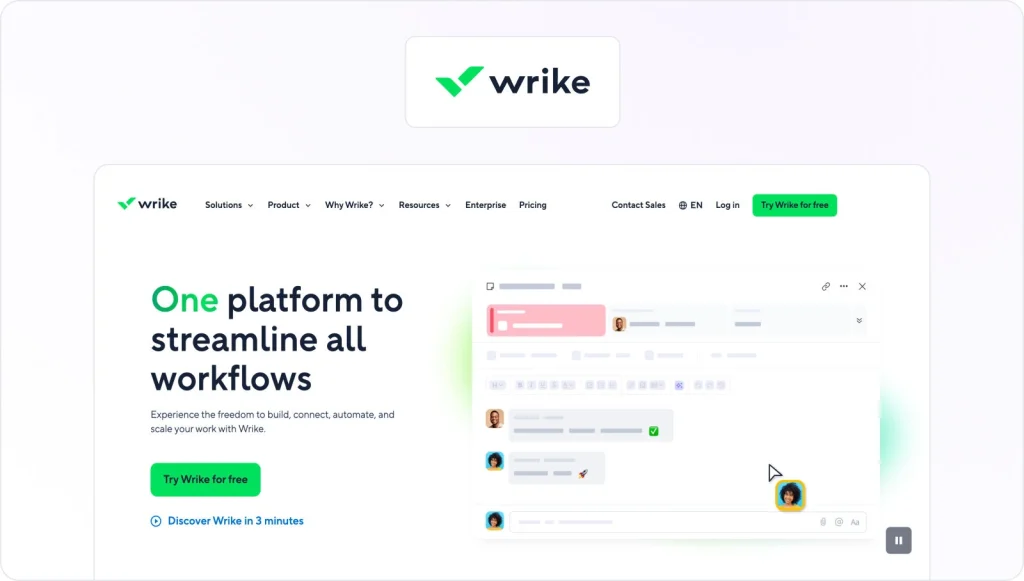
Wrike is a cloud-based project management platform designed to help marketing teams streamline workflows. Teams can manage projects, monitor progress, and collaborate in real time from any location.
Customizable dashboards and templates make it easier to manage large projects, while integrations with tools like Slack and Microsoft Teams make it easier to communicate and collaborate.
Its robust features support even the most complex projects and make it ideal for scaling teams and organizations.
Key features
- Task tracking and management
- Real-time team collaboration from any location
- Customizable dashboards for personalized project views
- Workflow automation to reduce repetitive tasks
- Resource management options for organizing workloads
- Built-in budget management features
- Tool integrations with apps like Slack and Microsoft Teams
Pros
- Easy-to-use, intuitive platform
- Flexible project management features
- Strong collaboration tools
- Scalable for teams of all sizes
Cons
- Limited customization without coding
- Mobile app lacks some desktop features
- Certain integrations have restrictions
Pricing
Wrike offers a free plan for up to five users, with basic project management features. Paid plans start at $10/user per month for the Professional plan, $24.80/user per month for the Business plan, and custom pricing for the Enterprise plan.
5. Hive
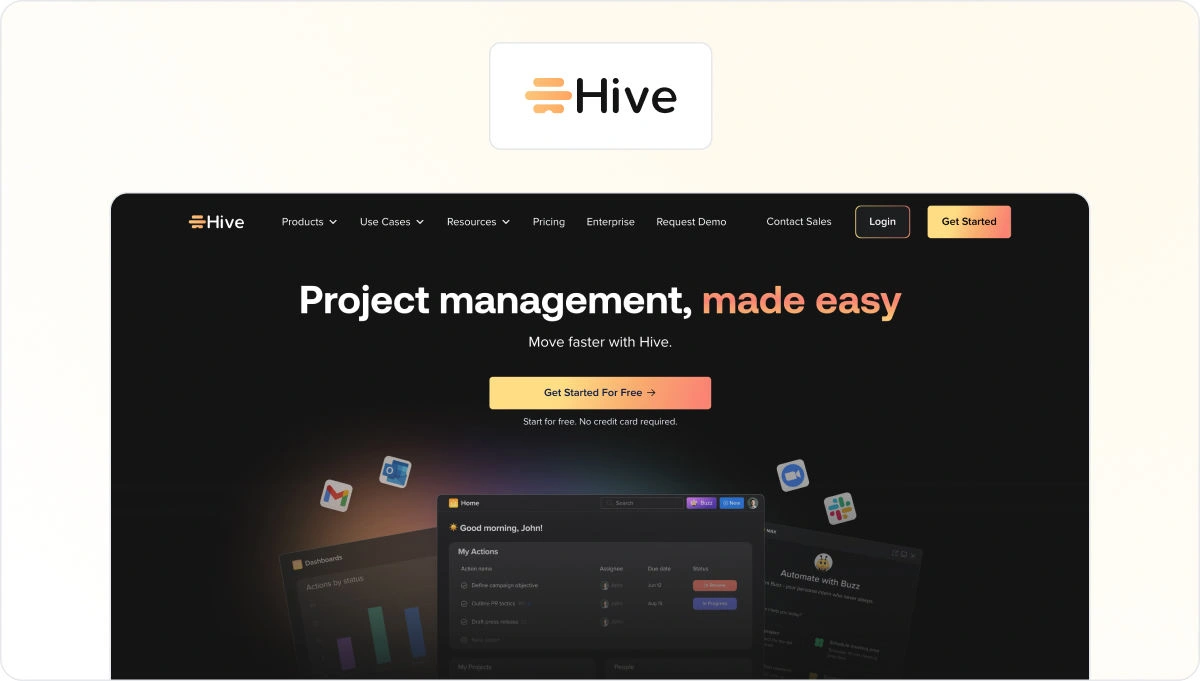
Hive is another of the best marketing project management tools. This cloud-based platform features a user-friendly interface and robust features that help marketing teams to manage projects, track progress, and collaborate in real time.
With customizable workflows for all manner of projects, Hive provides the flexibility you need to handle complex marketing campaigns from start to finish. And automation capabilities reduce time spent on those mundane, repetitive tasks, freeing you up to focus on more strategic and creative work.
Key features
- Custom workflows for task management
- Gantt charts for project planning
- Time tracking for tasks and deadlines
- Team collaboration with chat and file sharing
- Task automation to streamline processes
Pros
- Simple and user-friendly interface
- Integrates with many popular apps and tools
- Full range of project management features
- Customizable workflows and processes
- Great for team communication and collaboration
Cons
- Limited customization for reports
- Some mobile app features are missing
- Basic access control options
- No advanced resource management tools
Pricing
Hive offers a Free plan for up to 10 users, a Starter plan at $3/user per month, a Teams plan at $6 /user per month, and a custom-priced Enterprise plan with extra security and support.
6. Notion

Notion is an all-in-one workspace that combines the functionality of multiple project management tools in a single platform. Your marketing team can create notes, tasks, wikis, and databases, and tailor the platform to suit your specific needs.
Its flexible database system and intuitive drag-and-drop interface allow you to organize information and workflows effortlessly. And Notion’s real-time collaboration features mean teams can share ideas, provide feedback, and access resources collectively with ease.
Key features
- Flexible databases for organizing information
- Versatile content creation tools, including notes and wikis
- Intuitive drag-and-drop interface for easy organization
- Project management tools for tasks and workflows
- Real-time collaboration and communication
Pros
- All-in-one platform with versatile functionality
- Highly customizable to suit various needs
- User-friendly and easy to learn
- Great for collaboration and communication
Cons
- Limited formatting options for text and images
Pricing
There’s a free plan for individuals, a Plus plan for $9.5/user per month, a Business plan at $14/user per month, and an Enterprise plan with custom pricing.
7. Basecamp
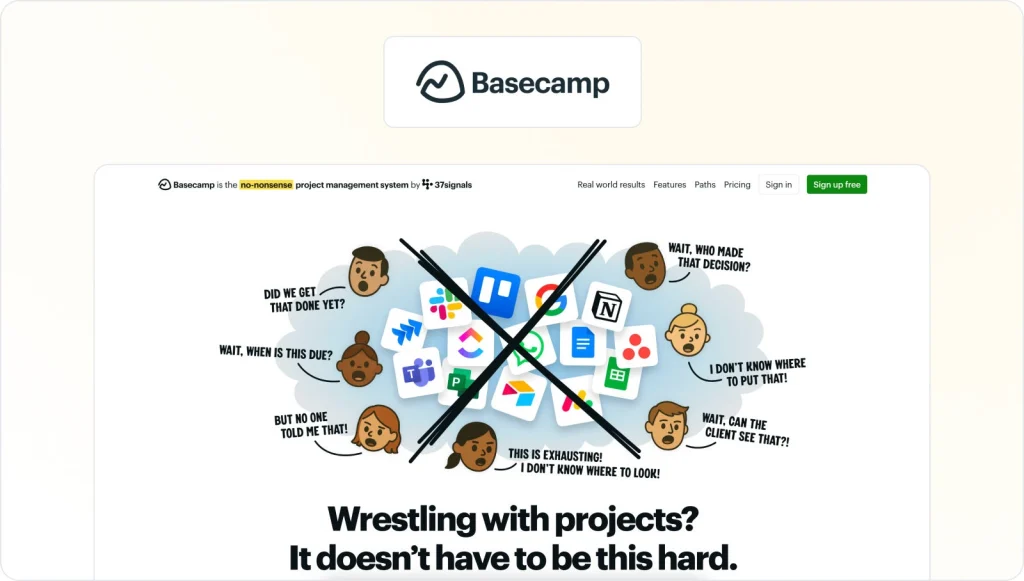
Basecamp is a marketing project management software that helps marketing teams organize tasks, communicate, and share files in one place.
It offers features like to-do lists, message boards, document sharing, schedules, and automatic check-ins to keep your teams coordinated and efficient. It has a simple, easy-to-use interface, and is accessible on both desktop and mobile devices.
Key features
- To-do lists for task management
- Message boards for team discussions
- Document sharing and storage
- Scheduling with calendar integration
- Automatic check-ins for progress updates
Pros
- User-friendly interface
- Centralized platform for project management and communication
- Supports remote collaboration
- Customizable settings and integrations
- Automatic check-ins for team progress updates
Cons
- Limited customization for some features
- No real-time chat for instant communication
- Basic time tracking and invoicing capabilities
- No built-in video conferencing
- Limited third-party integrations
Pricing
Basecamp’s pricing includes a standard plan at $15/user per month and a Pro Unlimited plan at $299/month for unlimited users and projects.
8. Teamwork.com

Teamwork.com is a project management platform designed with marketing agencies in mind, offering tools to manage tasks, track time, allocate resources, and handle client relationships. Its user-friendly interface and customizable features make it ideal for overseeing multiple client projects and enhancing team collaboration.
Key features
- Time tracking for billable hours and project time
- Resource allocation to manage team workloads
- Client management for tracking client details and communications
- Project templates to standardize recurring tasks
- Gantt charts for project timelines and task dependencies
Pros
- Designed specifically for agencies managing multiple clients
- Comprehensive time tracking and billing features
- Flexible project views including lists, boards, and Gantt charts
- Robust reporting and analytics tools
- Integrates with popular apps like Slack and QuickBooks
Cons
- Some advanced features may have a learning curve
- Limited functionality in the mobile app
Pricing
Teamwork.com offers a Free Forever plan for up to five users with limited features. Paid plans include the Deliver Plan at $10.99/user per month, the Grow Plan at $19.99/user per month, the Scale Plan at $54.99/user per month, and the Enterprise Plan with custom pricing.
Discover more of the best project management software for agencies.
Three specialized tools for specific marketing tasks
While comprehensive project management tools handle the bulk of marketing workflows from start to finish, sometimes teams need specialized tools for key tasks like creative reviews, content planning, and campaign collaboration.
Here are three tools that can supercharge specific parts of your marketing project management process.
1. Filestage – for content review and approval

Filestage is a review and approval platform designed to help marketing teams get speedy sign-off on their creative content. It streamlines the review process by centralizing file sharing, comments, and approvals – all in one secure platform.
Teams can upload videos, images, PDFs, and other media, then invite clients and stakeholders to leave real-time, in-context feedback. This helps keep marketing projects on track while reducing all those confusing back-and-forth emails.
Key features
- Project dashboards for tracking review progress and outstanding tasks
- Due dates to keep projects on schedule
- Review steps to make sure files are approved by the right people at the right stage
- In-context comments for clear, real-time feedback
- Visual annotations to show exactly what needs changing
- Version history to track previous comments and updates
- Automations to reduce manual tasks and speed up reviews
- Integrations with Dropbox, Google Drive, Slack, Microsoft Teams, and more
Pros
- Centralizes the entire review and approval process
- Easy-to-use interface with clear feedback tools
- Supports multiple file types (videos, PDFs, images)
- Reduces back-and-forth emails with real-time feedback
Cons
- No desktop app
Pricing
Filestage offers a free plan for freelancers and small teams, a Starter plan at $199 per month, a Business plan at $329 per month, and an Enterprise plan with custom pricing.
Supercharge your marketing reviews
Share, review, and approve all your content in one place with Filestage.
2. Planable – for social media planning

Planable is a specialized project management tool for social media marketing, helping your team plan, create, and schedule posts across all major social platforms. It fits seamlessly into marketing workflows by simplifying content management and collaboration.
Key features
- Multiple content views for flexible planning
- Real-time collaboration with comments and team tagging
- Post-scheduling across major social media platforms
- Content previews to see how posts will look when published
Pros
- User-friendly interface with intuitive design
- Supports team collaboration
- Works across multiple social media platforms
- Offers flexible content views for better planning
Cons
- No social inbox for managing messages and DMs
- Limited built-in analytics and reporting features
Pricing
Planable offers a free plan with up to 50 posts per month, unlimited users, and workspaces. Paid plans start at $33/ workspace per month.
3. Miro – for creative planning

Miro is a creative project management tool that helps your marketing team brainstorm, plan marketing campaigns, and track projects visually using an online whiteboard. Its real-time collaboration tools make working together easy, whether you’re mapping out strategies or organizing content calendars.
Key features
- Infinite canvas for unrestricted brainstorming and project mapping
- Real-time collaboration and simultaneous editing
- Pre-built templates tailored for marketing campaigns
- Visual project tracking using Kanban boards and Gantt charts
- Integration capabilities with tools like Asana, Slack, and Jira
Pros
- User-friendly interface with intuitive design
- Facilitates seamless remote collaboration
- Highly customizable to fit various project needs
- Extensive library of templates and resources
Cons
- Some advanced features are tricky to get your head around
- Larger boards may cause the platform to run more slowly
Pricing
Miro offers a free plan with three editable boards and unlimited team members. Paid plans start at $8/user per month.
Final thoughts
I hope you’ve enjoyed discovering the best project management tools for marketing teams. If you’re ready to level up your project management process with smoother reviews and faster approvals, give Filestage a try. Start your free trial today →
FAQ
1. What is marketing project management software, and how is it different from general project management tools?
Marketing project management software is built around marketing tasks like campaign planning, creative briefs, content calendars, and asset production. Compared to most project management software, it leans more on collaboration tools, task management, and project views (lists, Gantt charts, and Kanban boards) that make it easier to manage projects, track progress, and coordinate creative teams.
2. How do marketing teams connect project management software with content review tools like Filestage?
Many marketing project managers use project management software to organize tasks and project details, then connect it to a review and approval platform like Filestage for feedback on creative assets. Integrations with tools such as Adobe Creative Cloud, Slack, or Microsoft Teams help assign creative requests, sync due dates, automate status updates, and reduce manual work between systems.
3. Which KPIs should marketing project managers track to understand project health?
Helpful key performance indicators include on-time delivery (meet deadlines vs. delays), budget management (planned vs. actual spend), team capacity and workload, number of review rounds, and cycle time from new project to final approval. Adding custom fields in your management software lets you track campaign goals, channels, and conversion outcomes to support data-driven decision-making.
4. How can project management software support remote teams, agencies, and clients working together?
For remote teams and agencies, look for collaboration features such as shared project views, real-time collaboration on meeting notes, client portals or guest access, and clear resource allocation to balance workloads. Pairing your project management platform with a review tool like Filestage gives the whole team one place to comment on files while the PM tool handles timelines, portfolio management, and task ownership.
5. Is a free plan enough for managing marketing projects, or do we need premium features?
A free plan can work for small teams testing new workflows or handling a single marketing project at a time. As you add more complex projects and marketing campaigns, you’ll usually need premium features like automation features, time tracking, capacity planning, advanced reporting, powerful search functionality, mobile version access, and integrations with tools like Zoho Projects or knowledge bases. These help improve efficiency, reduce repetitive tasks, and keep project status clear at scale, even when plans are billed annually.