Digital marketing covers a lot of ground. Social media, SEO, email campaigns, paid ads – the list goes on. And from small agencies to global brands, it’s a lot to manage.
That’s where digital marketing apps come in. These tools help you streamline campaigns, measure performance, and scale your efforts with ease. Whether you’re creating content, trying to climb the search rankings, or managing multiple ad campaigns across platforms, the right apps will keep you organized and on track.
In this guide I’ll introduce you to 17 of the best digital marketing apps for 2026, broken down by use case. Each of these mobile apps and online tools is designed to make your marketing efforts smarter, faster, and more effective.
Let’s get started!
How we evaluated these tools
We looked at each app through the lens of a working marketing team: how much of a real job it takes off your plate, how quickly you can get value from it without a long onboarding, how well it fits alongside the rest of your stack, and whether the price matches what you get.
We also leaned on our own experience. Our team uses Ahrefs, Grammarly, Google Analytics, and Asana every day, so those four come with first-hand notes on what works well and what grates. For the rest, we cross-referenced live feature pages, current vendor pricing, and verified user reviews rather than claiming hands-on testing.
Note: Filestage is our own product. We’ve applied the same evaluation criteria here as to every other tool on this list. All pricing was checked in August 2026 and may change, so confirm on each vendor’s own page before you buy.
An overview of the best digital marketing apps
Here’s how all 17 apps compare at a glance, before we get into the detail.
| Tool | Best for | Free plan | Starting price | Key differentiator |
| Semrush | SEO and content marketing | Limited | $117/month | All-in-one SEO and content toolkit |
| Ahrefs | Digital PR and link building | Webmaster Tools only | $108/month | Deepest backlink database |
| Google Business Profile | Local SEO | Yes | Free | Puts your business on Google Maps |
| Buffer | Social media management | Yes | $5/channel per month | Per-channel pricing, no per-seat fees |
| Meta Business Suite | Managing Facebook pages | Yes | Free | Runs Facebook and Instagram together |
| Sprout Social | Social listening | No | $199/seat per month | Brand and competitor monitoring |
| Mailchimp | Simple email campaigns | Yes | $13/month | Easy templates and segmentation |
| HubSpot | Email marketing and CRM | Yes | $20/seat per month | Email built on top of a full CRM |
| Canva | Visual content | Yes | $12/month | Design with no skills needed |
| Ripl | Social posts and videos | No | $12.99/month | Fast branded video for social |
| Grammarly | Error-free written content | Yes | $12/user per month | Real-time writing and tone checks |
| Google Analytics | Tracking website traffic | Yes | Free | Full traffic and conversion data |
| Hotjar (now part of Contentsquare) | Understanding user behavior | Yes | $49/month | Heatmaps and session recordings |
| Meta Ads Manager | Facebook and Instagram ads | Yes | Free | Manage paid campaigns on the go |
| Google Ads | Search advertising | Yes | Free | Reach people at the moment they search |
| Asana | Task management | Yes | $10.99/user per month | Clear ownership across campaigns |
| Filestage | Marketing content review and approval | Yes | $199/month | Structured approval across every file type |
Pricing verified August 2026. Free tools like Google Ads and Meta Ads Manager cost nothing to use, but you pay for the ads you run. Always check each vendor’s own pricing page before committing.
Best digital marketing apps for SEO
Here’s a breakdown of the top three digital marketing apps designed to help you boost your SEO efforts.
1. SEMrush – best for SEO and content marketing
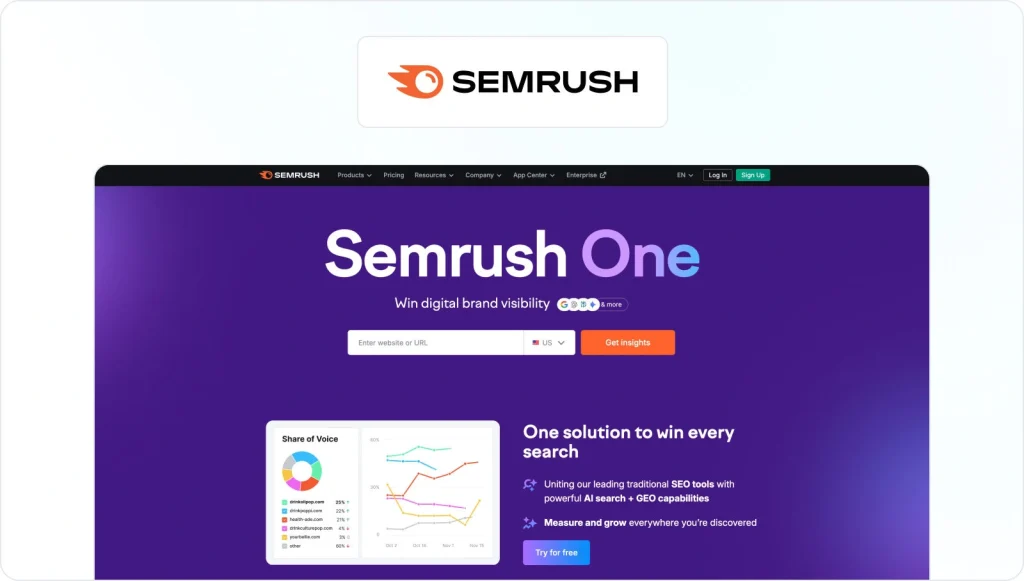
Content marketing is considered the most effective digital marketing technique by marketers worldwide. So investing in the right content marketing tools should be a top priority.
SEMrush is an excellent all-rounder for all things SEO and content marketing. Packed with tools for keyword research, site audits, and competitor analysis, it helps you uncover actionable opportunities to boost your brand’s visibility.
Use it to track your website’s performance, identify gaps in your strategy, and secure those all-important top spots in Google search results.
Pricing
Semrush offers tiered pricing plans starting from the $60/month Base plan for content production, or from $117/month for SEO and AI search plans. There’s also a limited free account.
Supercharge your marketing reviews
Share, review, and approve all your content in one place with Filestage.
2. Ahrefs – best for digital PR
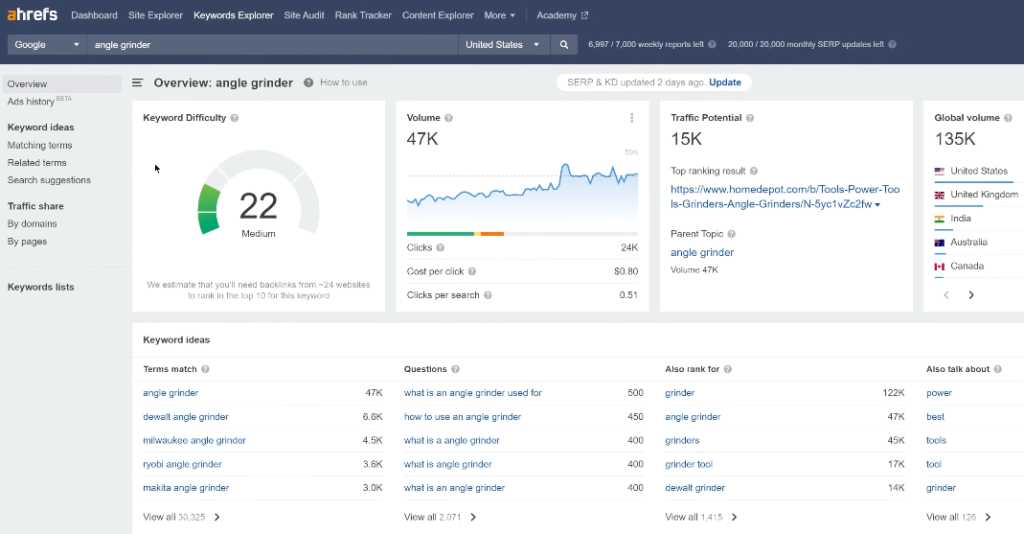
When it comes to link building and increasing your site’s authority, Ahrefs is every digital marketer’s best friend.
Its advanced backlink analysis tool helps you identify high-authority websites to target for outreach, while its keyword and content discovery tools help you uncover trending topics that resonate with your audience.
Ahrefs also lets you analyze competitors’ link-building strategies so you can see what works and what doesn’t (and use that to your advantage).
What the Filestage team thinks
Ahrefs is part of our daily routine, mostly for checking new keywords, rankings, and spotting which competitor pages are pulling traffic. Data quality is the reason we stay, since the backlink index refreshes faster than the alternatives and it settles arguments quickly.
The honest gripe is the credit system. Every report you open and every filter you apply burns a credit, so an hour of genuine curiosity can eat through your monthly allowance faster than you’d expect. Prices have also climbed steadily, and there’s no free trial, so you’re committing before you can properly test it.
Pricing
Ahrefs plans start at $29/month for Starter, with Lite at $108/month, Standard at $208/month, and Advanced at $374/month on a yearly plan. Enterprise starts at $1,499/month. There’s no free trial, though Ahrefs Webmaster Tools is free for sites you own.
3. Google Business Profile – best for local SEO

If your business thrives on local customers, Google Business Profile (formerly known as Google My Business) is the tool for you. It puts your brand on the map (literally) by managing your online presence in local search results and in Google Maps, particularly for “near me” searches.
You can use this tool to keep your business information up to date, like your contact details, address, opening hours, and website link. Plus, you can add photos and videos to showcase your products and services.
Customer reviews are an important factor here too, and you can use your Google Business Profile to respond to reviews and build trust with your customers.
Pricing
Great news, it’s free to create your Business Profile on Google.
Best digital marketing apps for social media marketing
Social media is an essential part of your digital marketing strategy. Here are some of the best marketing apps for setting up a successful social media marketing workflow.
4. Buffer – best for social media management
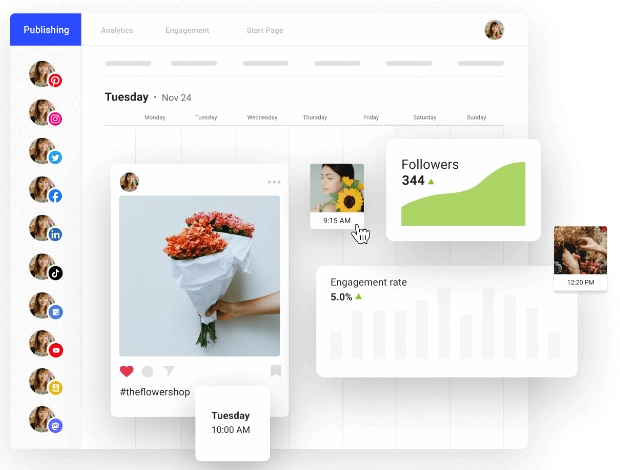
Regular posting is a key aspect of your social media strategy– not just because it engages your audience, but because the algorithms love love LOVE consistency.
Buffer is a social media management tool that takes the stress out of all things social. With Buffer, you can plan and schedule social media posts ahead of time across all your social media platforms – without needing to be on your phone ready to manually publish at the right time.
Plus, Buffer’s analytics tools help you track how your posts are performing, so you can fine-tune your strategy and watch engagement soar.
Pricing
There’s a free plan covering three channels, or paid plans starting at $5/channel per month for Essentials, billed annually. The Team plan is $10/channel per month.
5. Meta Business Suite – best for managing Facebook pages
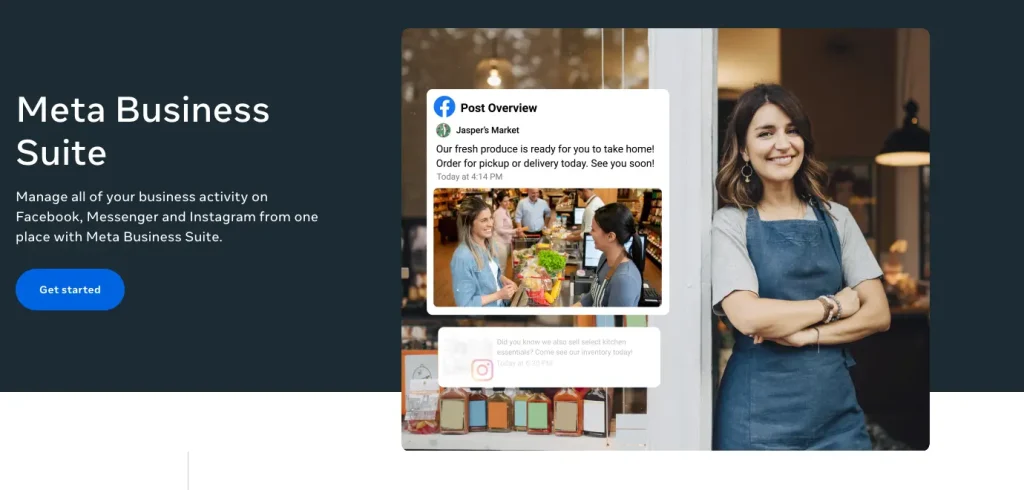
The Meta Business Suite app (which has replaced the Facebook Pages Manager app) is an important one if you have a presence on Facebook and Instagram. And it’s especially useful if you manage multiple accounts. It lets you switch between pages, draft and schedule posts, and respond to comments and messages, all from one place.
With built-in insights, you can track metrics like reach and engagement across both platforms, helping you refine your content strategy and better connect with your audience. Plus, you can manage ad campaigns and streamline your cross-platform marketing efforts.
Pricing
Meta Business Suite is a free tool so there’s no cost involved when it comes to managing Facebook pages.
6. Sprout Social – best for social listening

Sprout Social is another great tool for social media marketers, offering a whole host of features to help you run your social strategy like a pro.
First up: advanced analytics to help you uncover what’s working, track audience engagement, and fine-tune your strategy for maximum impact.
Then there’s social listening, which helps you keep tabs on brand mentions, industry trends, and even what your competitors are up to on different social media channels.
And then there are the handy digital collaboration features, which allow you to assign tasks, track progress, and streamline your workflows.
Pricing
Subscriptions start at $199/seat per month for Standard, with Professional at $299/seat per month and Advanced at $399/seat per month. Enterprise pricing is custom.
Best digital marketing apps for email marketing
Email marketing can help you build better relationships with your customers, boost engagement, and even help you grow revenue. Here are two great digital marketing apps designed to support your email marketing efforts.
7. Mailchimp – best for simple email marketing campaigns
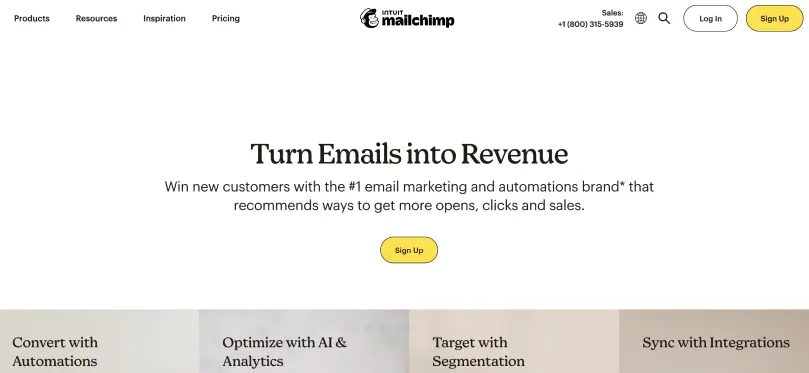
Mailchimp is an email marketing tool that helps digital marketers to create, send, and track email campaigns, completely stress-free. With its customizable templates and easy-to-use editor, you can design professional emails that align perfectly with your brand.
Its audience segmentation features allow you to target specific groups based on demographics, behavior, or engagement history.
And beyond sending emails, the platform provides detailed analytics and performance reports, helping you track open rates, click-throughs, and conversions to refine your email marketing strategy.
Pricing
There’s a free plan, though it’s limited to 250 contacts and 500 emails a month. Paid plans start at $13/month for Essentials and $20/month for Standard.
8. Hubspot – best for integrated email marketing and CRM
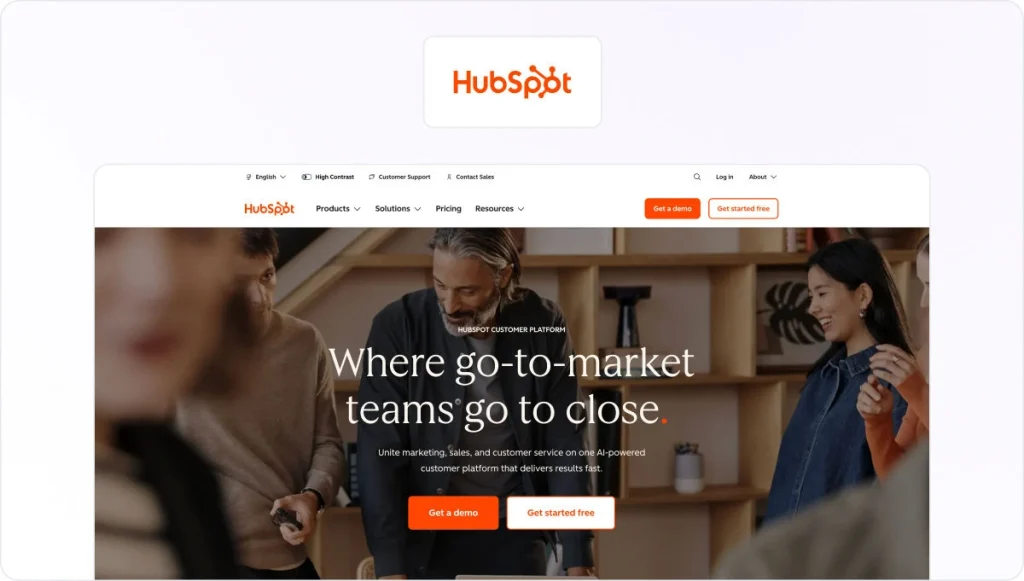
HubSpot takes email marketing a step further, offering tools that seamlessly integrate with its powerful CRM. This means you can create personalized email campaigns based on real-time customer data – like purchase history or engagement patterns.
Its advanced automation features allow you to build complex workflows and nurture leads with tailored content at every stage of the customer journey. HubSpot also provides you with in-depth analytics, giving you insights into ROI and campaign effectiveness, as well as all the usual metrics.
Pricing
There’s a free version for up to two users, or paid plans start at $20/seat per month for Starter. Marketing Hub Professional starts at $890/month and Enterprise at $3,600/month.
Best digital marketing apps for content creation
These days, digital marketing is all about efficient and creative content production. Here are the top three tools helping you achieve these goals!
9. Canva – best for creating a variety of visual content

Whether you want to design an eye-catching social post or a sleek infographic for your next marketing campaign, Canva is on hand to help you create professional-looking graphics. Plus, it requires no design skills!
This free graphic design tool has a user-friendly interface and comes with tons of pre-built templates, fonts, and photos, making it easy to get started. And with its intuitive drag-and-drop editor, you can effortlessly customize designs to reflect your brand’s unique style and personality.
Give it a try and see how simple digital content creation can be!
Pricing
Canva is free to use, and for most users the free version is all you need to get started. If you want premium templates and advanced design tools, Canva Pro is $144/year for one person, and Canva Business is $250/year per person.
10. Ripl – best for designing social media posts and videos

If your goal is to create captivating social content, Ripl is a user-friendly app that makes it quick and easy to design stunning visuals and short, professional videos.
In Ripl, you can choose various assets to craft eye-catching posts in minutes, including:
- Thousands of templates
- Over 500,000 stock photos
- 90,000 videos
- A library of royalty-free music
With Ripl, you can also schedule and share your creations across all your social media channels, directly from the app. Seamless!
Pricing
Ripl’s Base plan is $12.99/month, with a Premium plan at $19.99/month for planning and working with others.
Supercharge your marketing reviews
Share, review, and approve all your content in one place with Filestage.
11. Grammarly – best for creating error-free written content

Whether you’re writing an email, a blog post, or social media ad copy, Grammarly can give you peace of mind that your words are polished, professional, and ready to publish.
This handy digital marketing app provides real-time grammar, spelling, and style suggestions to make your writing clear and impactful. Its tone detector also helps you align your content with your intended audience – be it formal, casual, or somewhere in between.
What the Filestage team thinks
Grammarly runs in the background on almost everything we write, from blog drafts to emails. It’s the safety net that catches the typo you’ve read past four times, and the tone check is quietly useful when you’re writing something you’d rather not get wrong.
Where it falls down is brand voice. We’ve found that rewrites can sometimes flatten our writing into something more generic. So, take the grammar fixes, treat the style suggestions as optional, and keep a human eye on anything that needs personality.
Pricing
There’s a free version for individuals, or professional plans start at $12/user per month billed annually.
Best digital marketing apps for analytics
There’s no digital marketing without powerful analytics guiding your creative decisions. Here are the top two digital analytics tools helping you track the success of your efforts:
12. Google Analytics – best for tracking website traffic
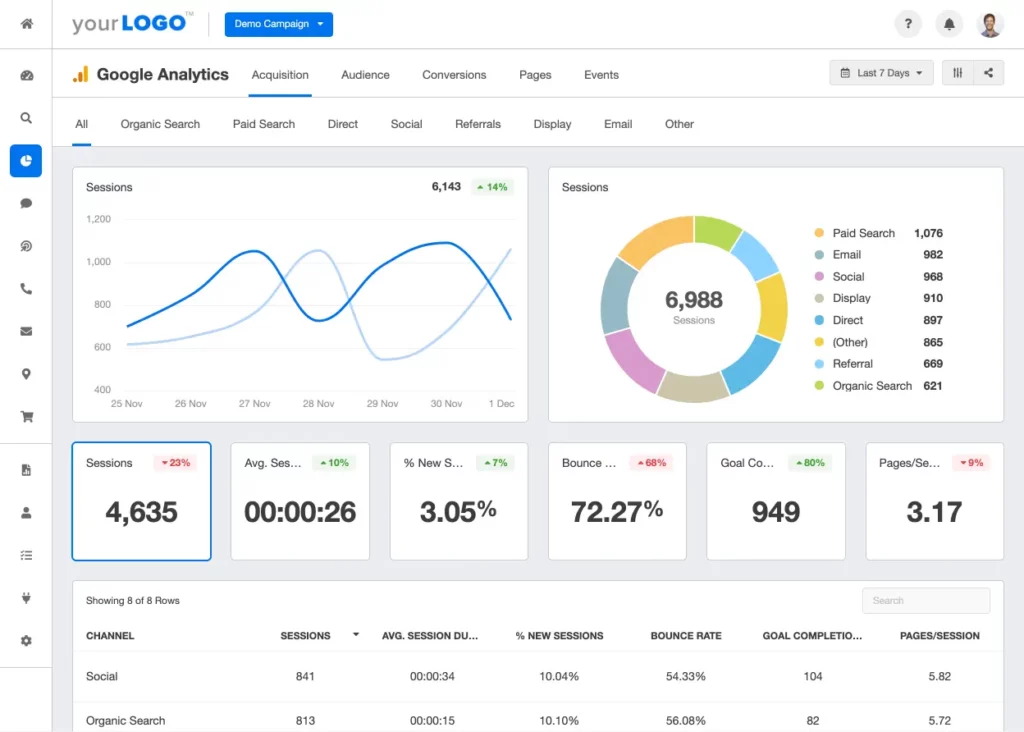
The cream of the crop for tracking website traffic and SEO metrics is Google Analytics.
This useful (and free!) tool allows you to track visitor behavior, identify your most popular pages, and uncover the sources driving traffic to your site – whether it’s organic search, social media, or paid campaigns.
Its robust reporting features help you monitor key metrics like clicks, bounce rates, session duration, and conversion rates, giving you crystal-clear insights into what’s working and what needs a bit of work.
The Google Analytics app also provides detailed keyword data, helping you identify the terms that bring in the most traffic. Combine this with its integration with Google Search Console, and you have a well-rounded picture of how your site is performing in search results.
What the Filestage team thinks
For a free tool the depth is hard to argue with, and pairing it with Search Console gives you a full picture of how people find you and what they do next.
Be prepared for the learning curve. GA4 is a different beast from the old Universal Analytics, and plenty of marketers still find the reporting less intuitive than what it replaced. Expect to spend time building custom reports before it tells you what you actually want to know.
Pricing
Google Analytics is free to use.
13. Hotjar – best for understanding user behavior

Curious about how visitors are interacting with your website? Hotjar is an insights platform that helps businesses understand user behavior and collect customer feedback on their sites. It’s now part of Contentsquare, so new sign-ups happen through Contentsquare rather than Hotjar directly, though the heatmaps and recordings you know still work the same way.
One of its standout features is these heatmaps, which visually represent where users click, move, and scroll on a page. This data helps you pinpoint popular areas and identify layout issues. You can use these insights to improve navigation, optimize content placement, and enhance your website’s overall usability, which will ultimately help boost conversions.
Pricing
There’s a generous free plan covering 200,000 sessions a month, which is a big step up from the old Hotjar free tier. Paid plans are now split by product, with heatmaps and session recordings starting at $49/month and surveys priced separately from $99/month, both billed annually.
Best digital marketing apps for paid advertising
Here are the two best digital marketing apps designed to maximize the output of your paid advertising efforts.
14. Meta Ads Manager – best for managing Facebook and Instagram ads

The Meta Ads Manager app (formerly the Facebook Ads Manager app) is a must-have for anyone running paid advertising on Facebook or Instagram. This app allows you to create, monitor, and adjust your ad campaigns directly from your mobile device.
Whether you’re testing new creatives, adjusting your target audience, or analyzing performance metrics, Ads Manager makes it easy to stay on top of your campaigns on the go.
Use it alongside the Meta Business Suite and you have all the tools you need to manage both organic content and paid strategies!
Pricing
Meta Ads Manager is a free tool, and you only pay for the ads you run, based on your budget and campaign settings.
15. Google Ads – best for managing Google Ads
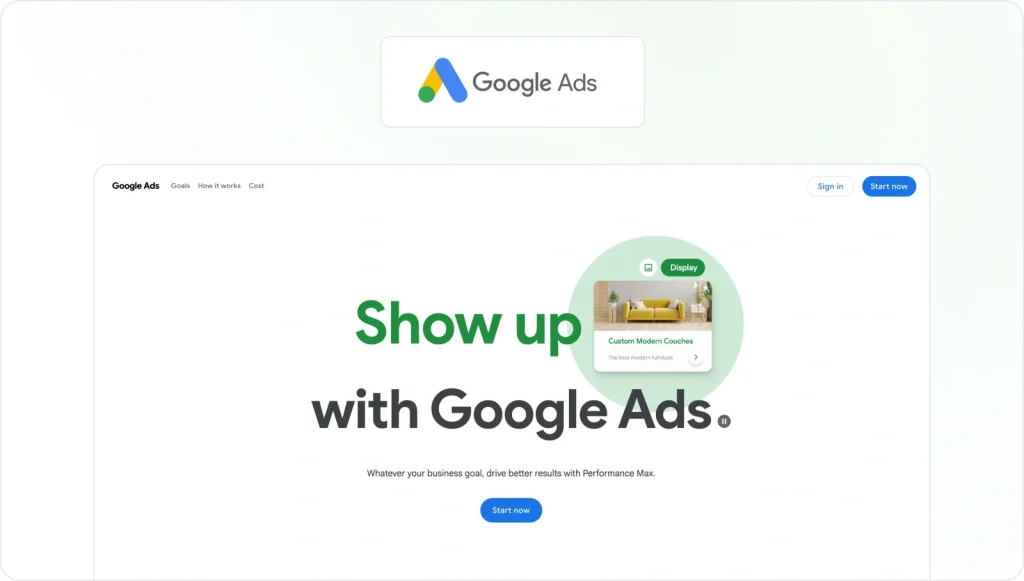
Google Ads is one of the best digital marketing tools out there! It connects businesses with their target audience at the exact time they’re searching for relevant products or services.
Its precise targeting options allow you to reach users by keywords, demographics, location, interests, and browsing behavior, so that your message hits the right people at the right time.
Its pay-per-click model means you only pay when someone clicks on your ad, making it a cost-effective way to drive traffic.
Pricing
Google Ads is another free platform, and you only pay for the ads you run, with costs based on your budget, keywords, and campaign settings.
Best digital marketing apps for team collaboration
Maximizing your marketing efforts requires great collaboration – both inside your team and with external stakeholders.
Here are the top two collaboration tools helping you manage multiple marketing projects at once!
16. Asana – best for task management

Asana is a project management tool that helps digital marketing teams stay organized and work more efficiently. It allows you to create, assign, and track tasks across campaigns , making sure everyone knows their responsibilities and deadlines.
Asana’s visual dashboards and timeline views make it easy to track the progress of your marketing projects at a glance. Plus, integrations with popular tools like Slack, Google Drive, and Adobe Creative Cloud keep your workflow seamless.
What the Filestage team thinks
Asana is where our daily tasks and projects live. Once work is in there, it’s clear who owns what and when it’s due, which removes most of the “who’s picking this up?” back and forth.
Two things are worth knowing. Notifications pile up fast, and important updates can get buried if you’re not disciplined about your inbox. And a lot of the features you’ll eventually want, like timeline views and advanced reporting, sit behind the higher tiers, so the cost climbs as your team grows.
Pricing
There’s a free Personal plan for up to two users, or paid plans start at $10.99/user per month for Starter and $24.99/user per month for Advanced, billed annually.
17. Filestage – best for feedback and approval
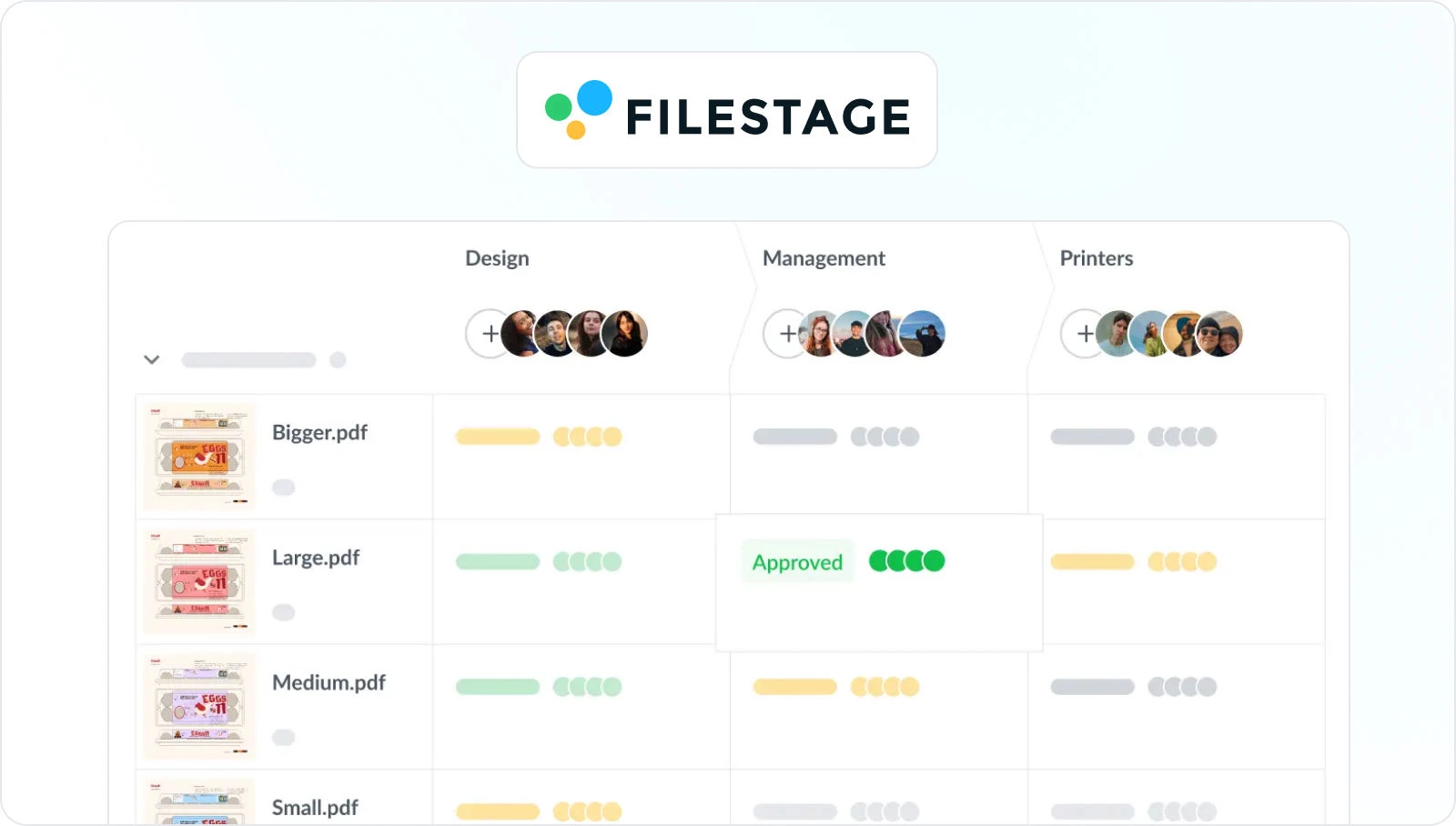
Filestage is a super-intuitive digital marketing tool that lets your team share and review any type of digital marketing content – be it documents, designs, videos, landing pages, web banners, or email templates.
It streamlines and automates your review and approval processes, providing one centralized place for you to share files, collect and discuss feedback, and get your digital marketing assets over the line.
Filestage doesn’t require installation, and your stakeholders – both internal and external – can review and approve files without needing to register an account. How’s that for frictionless?
Pricing
Filestage offers different pricing plans, including:
- Free plan with one active project, two reviewer groups, and unlimited reviewers
- Starter plan – starts at $199/month and includes unlimited projects and files
- Business plan – starts at $329/month and includes more complex features like Review Agents and automations
- Enterprise plan – custom pricing (contact sales)
How to choose the best digital marketing apps for your team
Start with the job you need doing rather than the tool that looks most impressive. If organic traffic is your priority, Semrush or Ahrefs will earn their keep. If you’re shipping social content every day, Buffer or Ripl will save you the most hours. And if your bottleneck is getting work signed off, a review platform like Filestage will do more for you than another analytics dashboard.
Then look at what you can get for nothing. Google Analytics, Google Business Profile, Meta Business Suite, and both ad managers cost nothing to set up, and several paid tools have free tiers worth starting on. Build your stack from those first, then pay only where a free option genuinely runs out of road.
Finally, think about how the tools fit together and how the cost scales. Per-seat and per-channel pricing looks cheap at three people and less so at 15, so check the maths at the size you expect to be next year. The best stack is usually a small number of tools your team actually opens every day, not the longest list you can afford.
Final thoughts
And there you have it – 17 of the best apps to make your digital marketing efforts smarter, faster, and more effective. I hope this guide helps you pick the perfect tools to support your team.
If you’d like to see how Filestage can simplify the review and approval process for your marketing content, start a free trial here →
FAQ
What are the top seven types of digital marketing?
As you can see from our extensive list of apps, there are several different types of digital marketing. Seven different types, to be more specific. They are:
Search engine optimization (SEO) – optimizing web content with keywords and other technical best practices to make your website more visible in search engine results pages (SERPS)
Social media marketing – using social media platforms to build brand awareness, promote your business, and engage directly with customers
Content marketing – creating and distributing engaging content in multiple formats (blogs, videos, webinars, etc) to attract and retain your target buyer
Email marketing – sending targeted email sequences to your list of subscribers to promote products, build a relationship with your customers, and nurture leads
Pay-Per-Click (PPC) advertising – creating ads for search engines or socialmedia where you pay every time someone clicks on your advertisement
Affiliate marketing – partnering with influencers or other third parties to promote your products and services
Mobile marketing – communicating with your audience via SMS, mobile apps, or other location-based marketing apps
What are the most popular apps for digital marketers?
The most popular apps for digital marketers typically fall into six categories:
1. SEO tools, eg, Ahrefs, for keyword research and linkbuilding
2. Content creation tools, eg, Canva, for making digital assets like infographics and presentations
3. Social media management platforms, eg, Buffer for scheduling and managing your posts
4. Analytics software, eg, Google Analytics, to track website traffic
5. Email marketing platforms, eg, Mailchimp, for scheduling and managing email campaigns
6. Team collaboration software, eg, Filestage, to manage the review process for digital content
What digital marketing tools are free?
Plenty of the most useful ones cost nothing. Google Analytics, Google Business Profile, Meta Business Suite, Meta Ads Manager, and Google Ads are all free to use, though with the two ad platforms you pay for the advertising itself. Beyond those, several paid tools offer free tiers that are genuinely usable: Canva for design, Buffer for scheduling up to three channels, Mailchimp for small email lists, Hotjar for basic heatmaps, and Filestage for reviewing and approving your marketing content. Ahrefs also gives you Webmaster Tools free for sites you own. Starting with the free options and upgrading only where you hit a real limit is the sensible way to build a stack.
Which digital marketing app is best for beginners?
If you’re new to digital marketing, you should opt for intuitive tools with a small learning curve. The apps we’ve listed in this article are all user-friendly enough for beginners to jump in right away and start their digital marketing careers. It’s also worth looking out for tools that offer a Freemium option, such as Filestage.