

Your website proofing questions, answered
What is a website proofing tool?
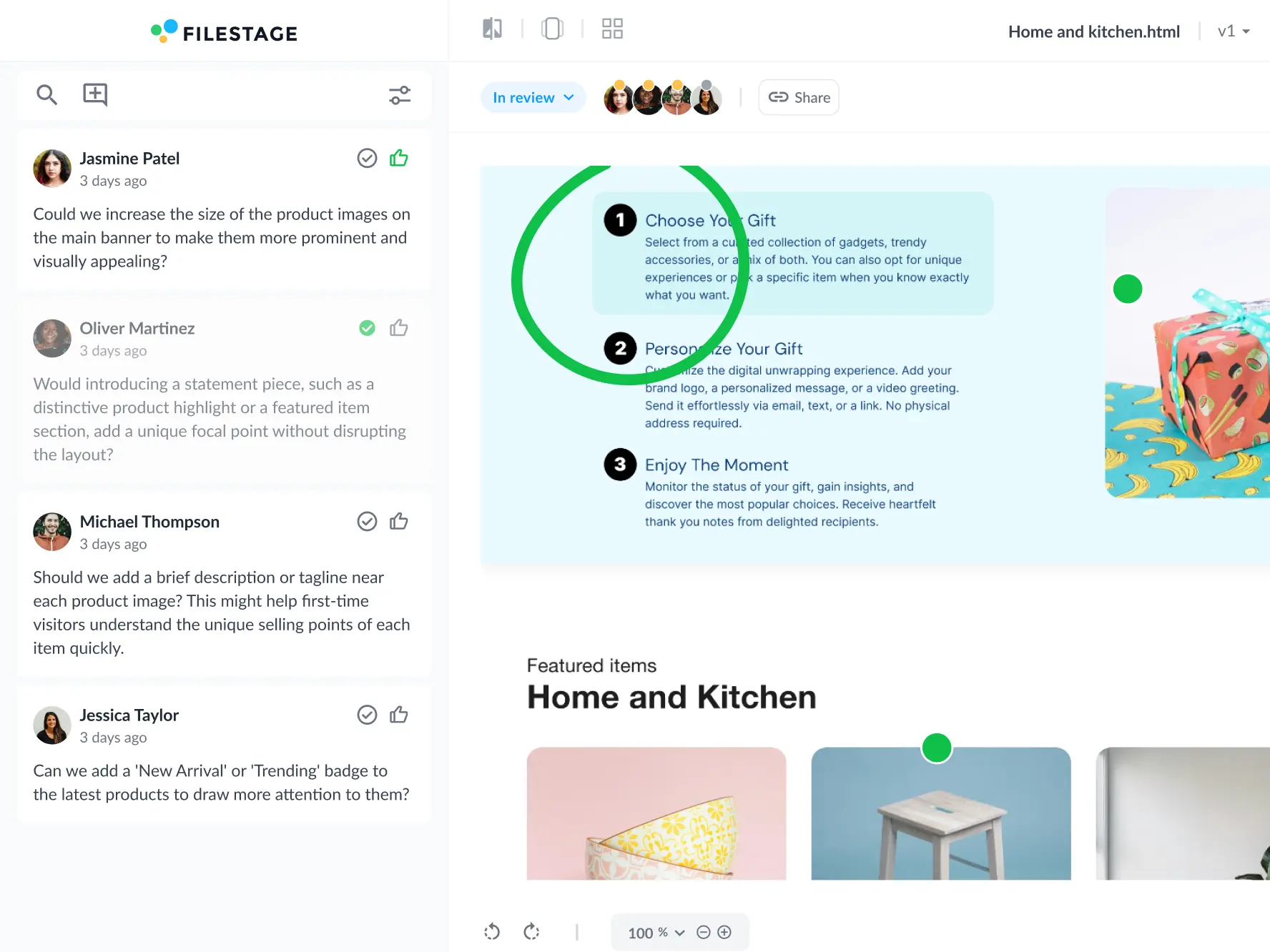
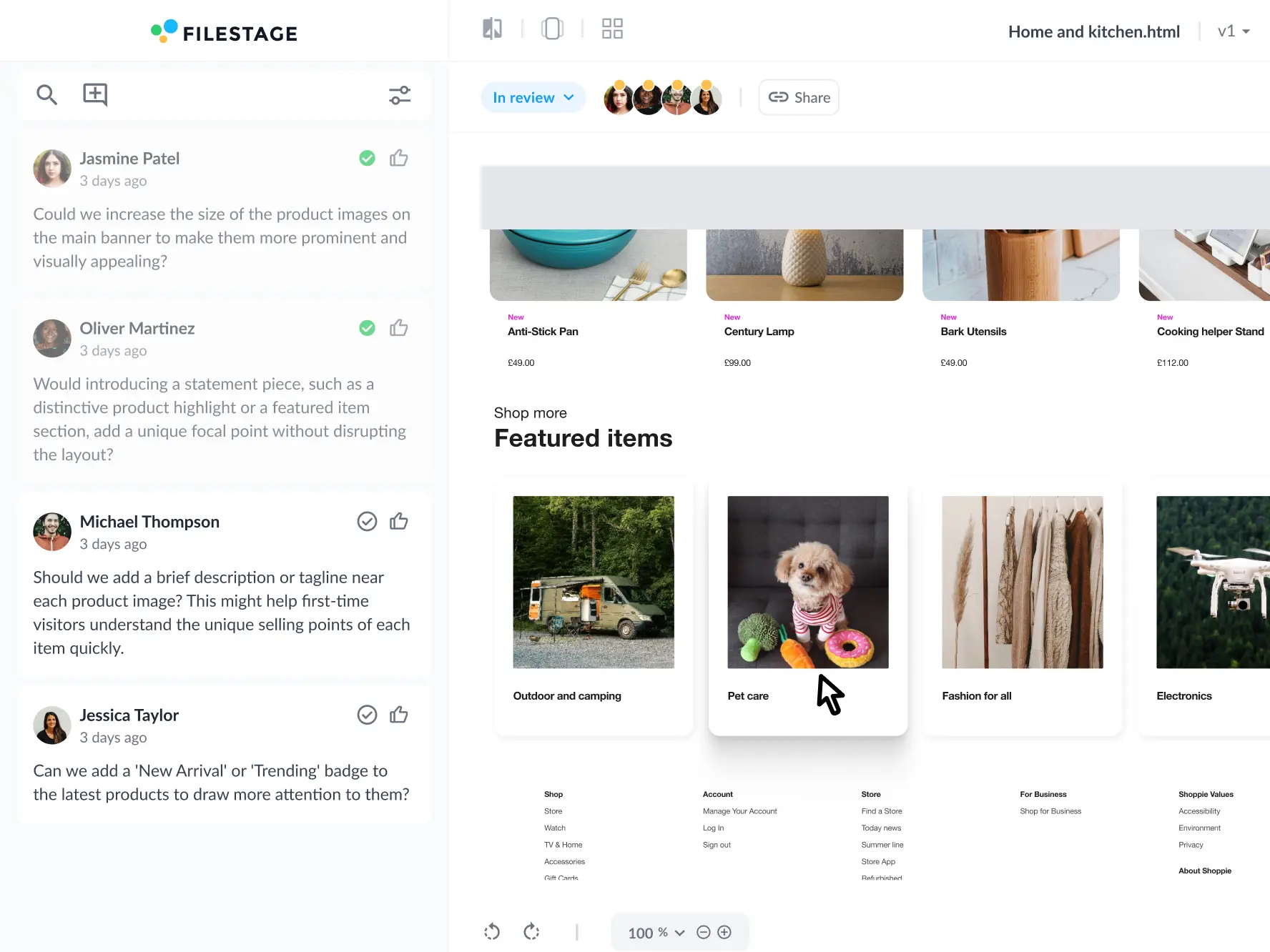
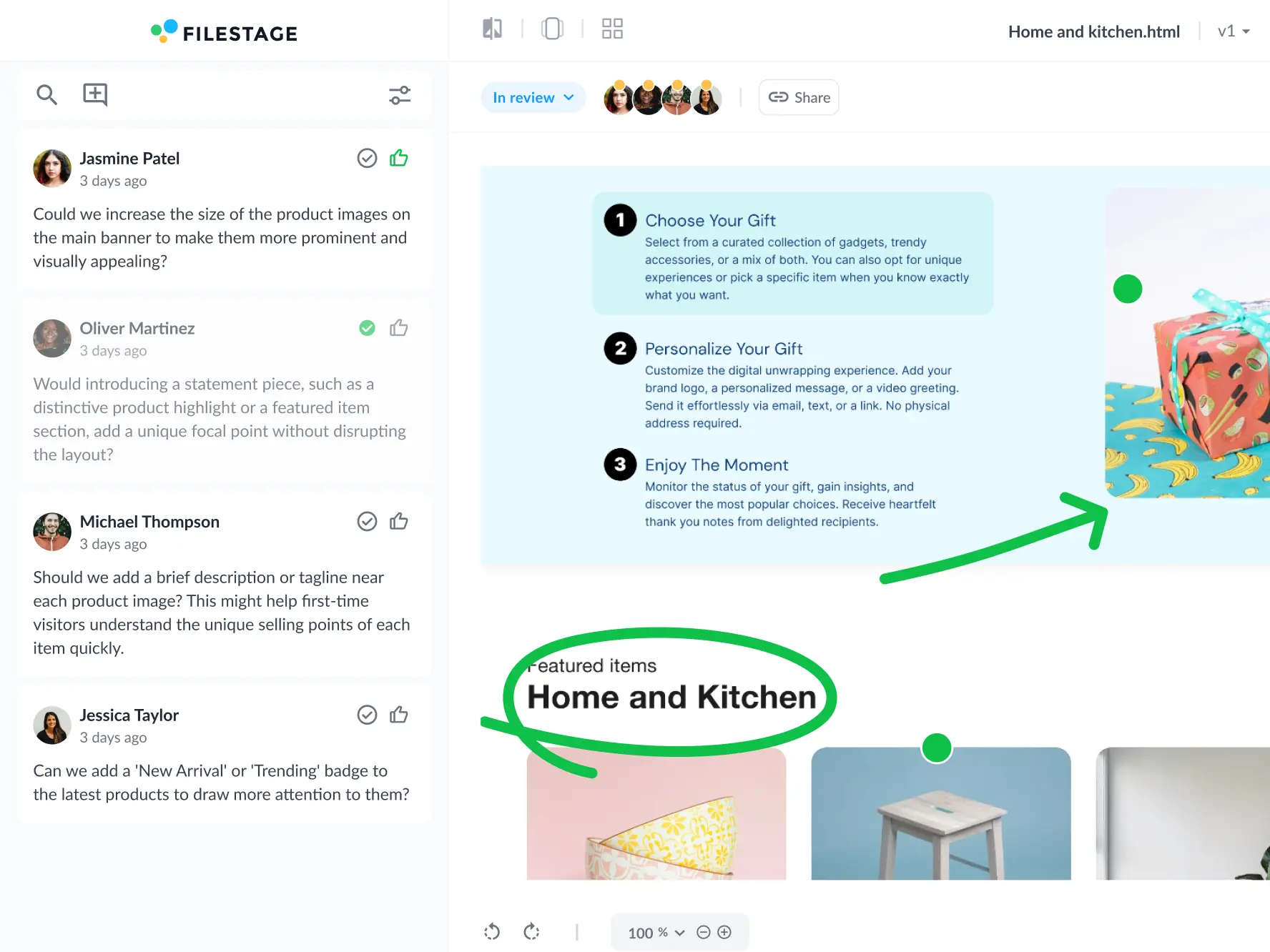
A website proofing tool is software that lets teams review, comment on, and approve live web pages and interactive HTML before they go live. You share a URL, reviewers browse the page as they normally would, then switch to comment mode to mark up copy, design, and layout issues in context – with every comment tracked through to sign-off.
How do you proof a website?
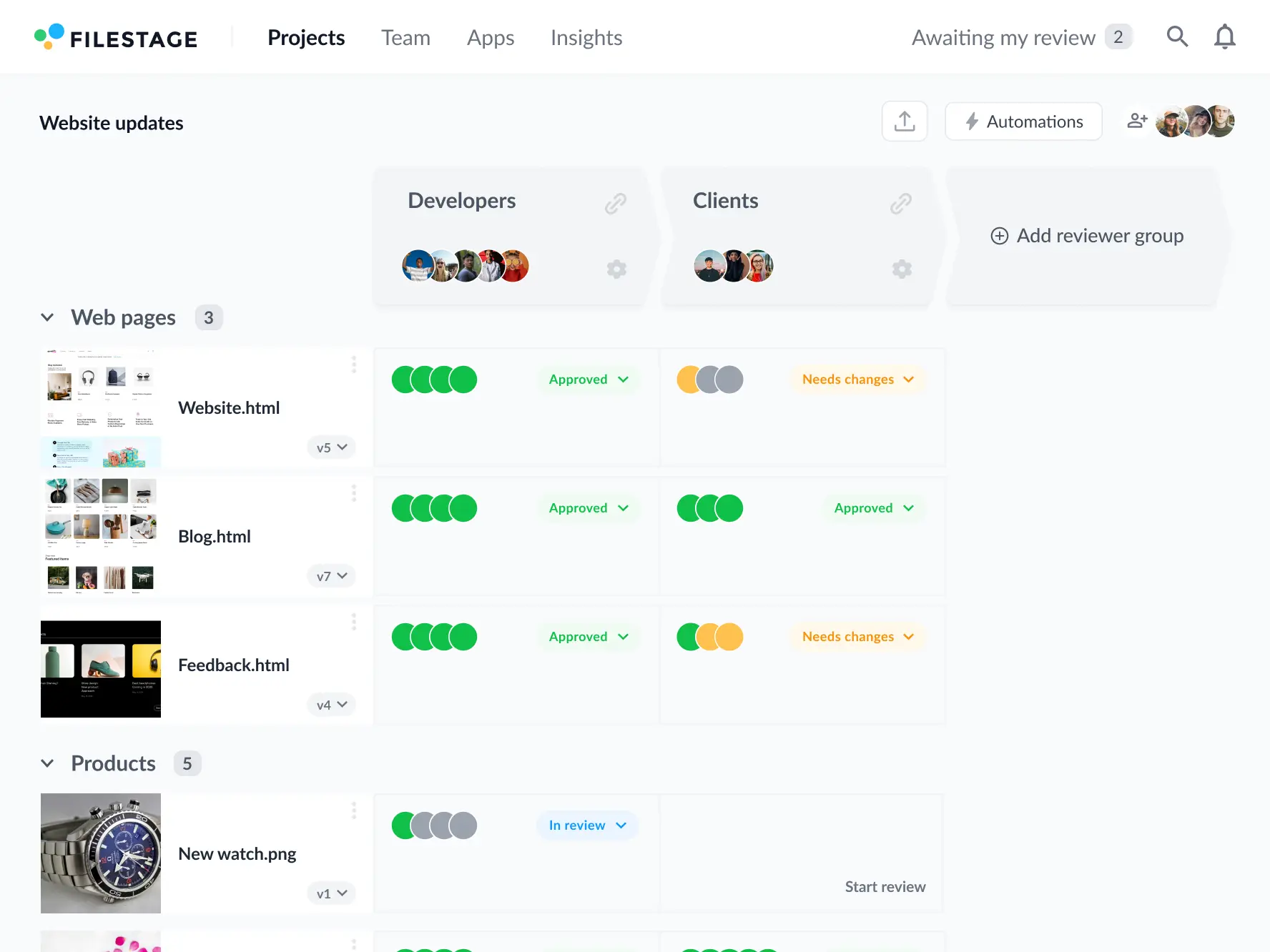
There are two ways to proof a website. A free browser extension works for solo designers who just need quick markup in Chrome, but it stops at comments – no approvals, no version history, no record of who signed off. A dedicated web proofing platform like Filestage adds review stages, due dates, approval tracking, and automatic version comparison, so nothing ships without a documented yes.
How is website proofing different from website annotation?
Annotation is one step inside proofing. Website annotation means adding markers and comments on top of a page. Website proofing covers the full cycle: sharing the page, collecting annotations from every reviewer, resolving conflicting feedback, comparing versions, and capturing formal approval. If you need a record of who approved what and when, you need a proofing tool, not just an annotation tool.
What’s the difference between website proofing and online proofing?
Online proofing is the broader category – reviewing and approving any asset, from PDFs and videos to banner ads and packaging. Website proofing is online proofing applied to live URLs and interactive HTML, where reviewers need to click, scroll, and hover before they can give useful feedback. Filestage covers both in one workflow, so your landing page and the campaign assets around it move through the same approval process.
Who uses website proofing tools?
Marketing, creative, legal, and compliance teams all use website proofing tools, usually together. Marketers check messaging and CTAs, designers check layout and brand consistency, and legal or regulatory reviewers check claims and disclaimers before publication. In Filestage you can separate these into reviewer groups, so legal only sees the page once marketing has signed off.
How do you collect feedback on a website?
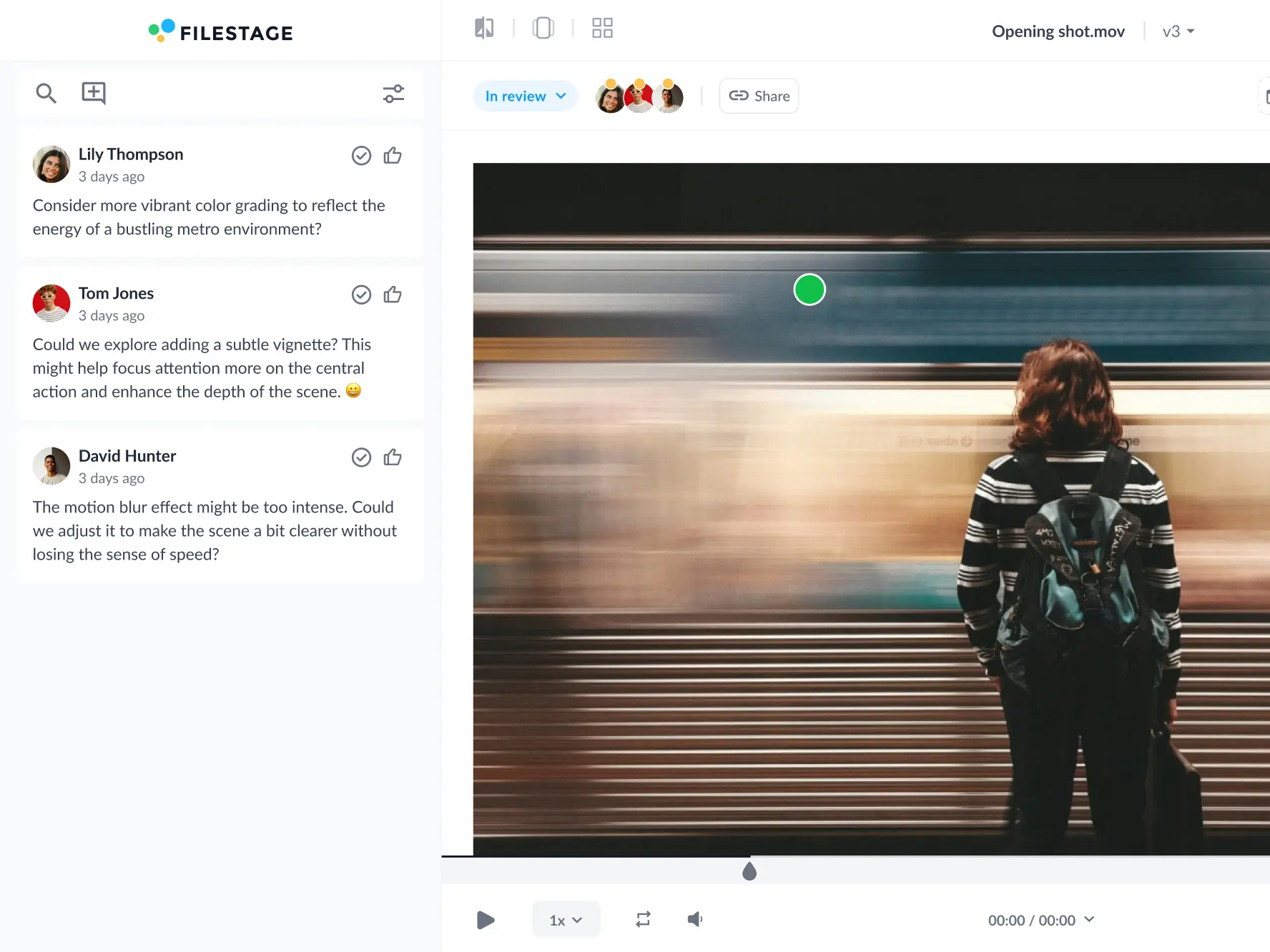
Import your website URL into a Filestage project and share the review link with your stakeholders. They can interact with the page exactly as they would in their browser, then switch to comment mode to add annotations and pin feedback to a specific element. Filestage captures a screenshot with every comment, so context is preserved even after the page changes.
What should you look for in a website proofing tool?
Look for five things: in-context annotation on live pages, a screenshot captured with each comment, multi-stage review workflows with due dates, version comparison, and a complete approval record. Free extensions cover the first item only. If your work touches regulated claims or client sign-off, the approval record is the one you can’t skip.
Can you track approvals and version history with a website proofing tool?
Yes. Every review in Filestage records who commented, who approved, and when – with each round saved as a separate version you can compare side by side. That audit trail matters most for teams in regulated industries, where you need to prove a claim was reviewed and approved before it went live.
What’s the difference between website proofing and customer feedback tools?
Customer feedback tools – surveys, heatmaps, session recordings – tell you how visitors behave on a page that’s already published. Website proofing happens before publication, with your own team and clients, and focuses on getting the copy, design, and compliance right the first time. Most teams need both, at opposite ends of the same page’s life.
Can you proof banner ads and HTML5 creatives?
Yes. Zip your banner files and upload them to Filestage the same way you’d upload a document or a video. Reviewers can click through each size, leave comments on individual frames, and approve the set – so display creative moves through the same proofing workflow as the landing page it points to.
Do reviewers need to install anything?
No. Reviewers don’t need a Filestage account or any software to annotate a web page – they just add their name and email so you know who left each comment. If you’re reviewing hidden elements, pop-ups, or animated content, reviewers can optionally install our browser extension for deeper access.
Is there a free website proofing tool?
Filestage has a free plan for freelancers and small teams working on one project at a time, plus a 14-day free trial of the Business plan with unlimited projects, custom review workflows, and automations. Free browser extensions can handle basic markup, but they don’t manage approvals across multiple reviewers or keep a version history.