Your website feedback questions, answered
How do you annotate a website?
There are two common ways to annotate web pages. The first is using a third-party browser extension, which works best for individuals or small teams who exclusively use Google Chrome. These extensions are usually free and are easily accessible directly from your browser. The downside is that they have limited collaboration options. For larger teams or client-facing work, an website annotation tool like Filestage works best. It offers comprehensive annotation features, real-time collaboration, workflow management, and integrations. Plus, you can use it to review a range of file types, not just web pages.
How do I annotate a Chrome page?
If you’re a freelancer or a small team looking to annotate a web page, a Chrome annotation extension should cover your needs. Simply open the page you want to annotate, activate the extension, and use the markup tools provided. On the other hand, if you’re a brand or agency and you need to leave detailed feedback on web pages, your best bet is a dedicated website annotation tool. For instance, with Filestage, you can annotate everything from web pages to videos and manage all feedback from a central hub. It offers a range of integrations with apps like Google Drive, Figma, and Microsoft Teams to streamline your workflows.
What are website annotation tools?
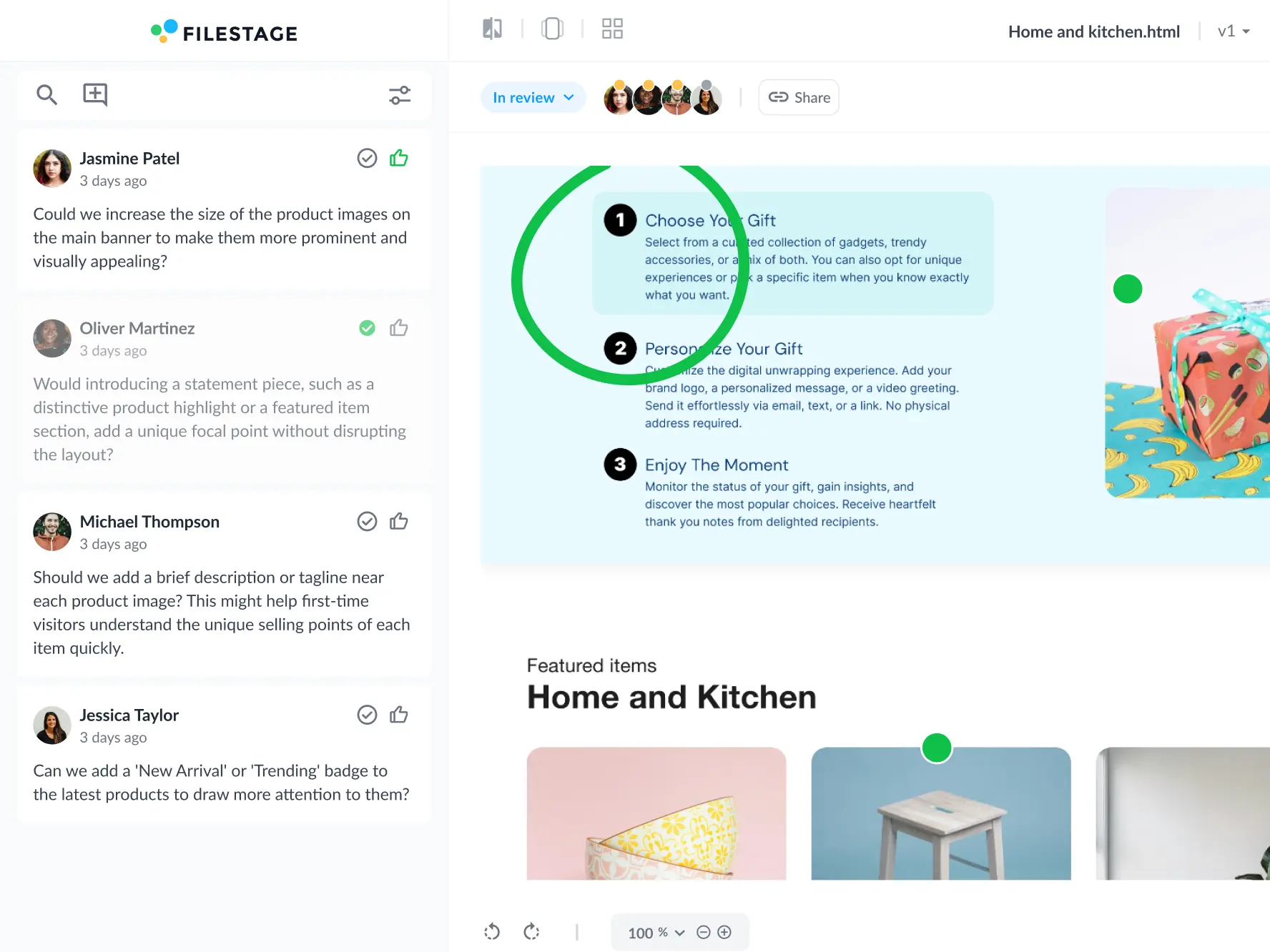
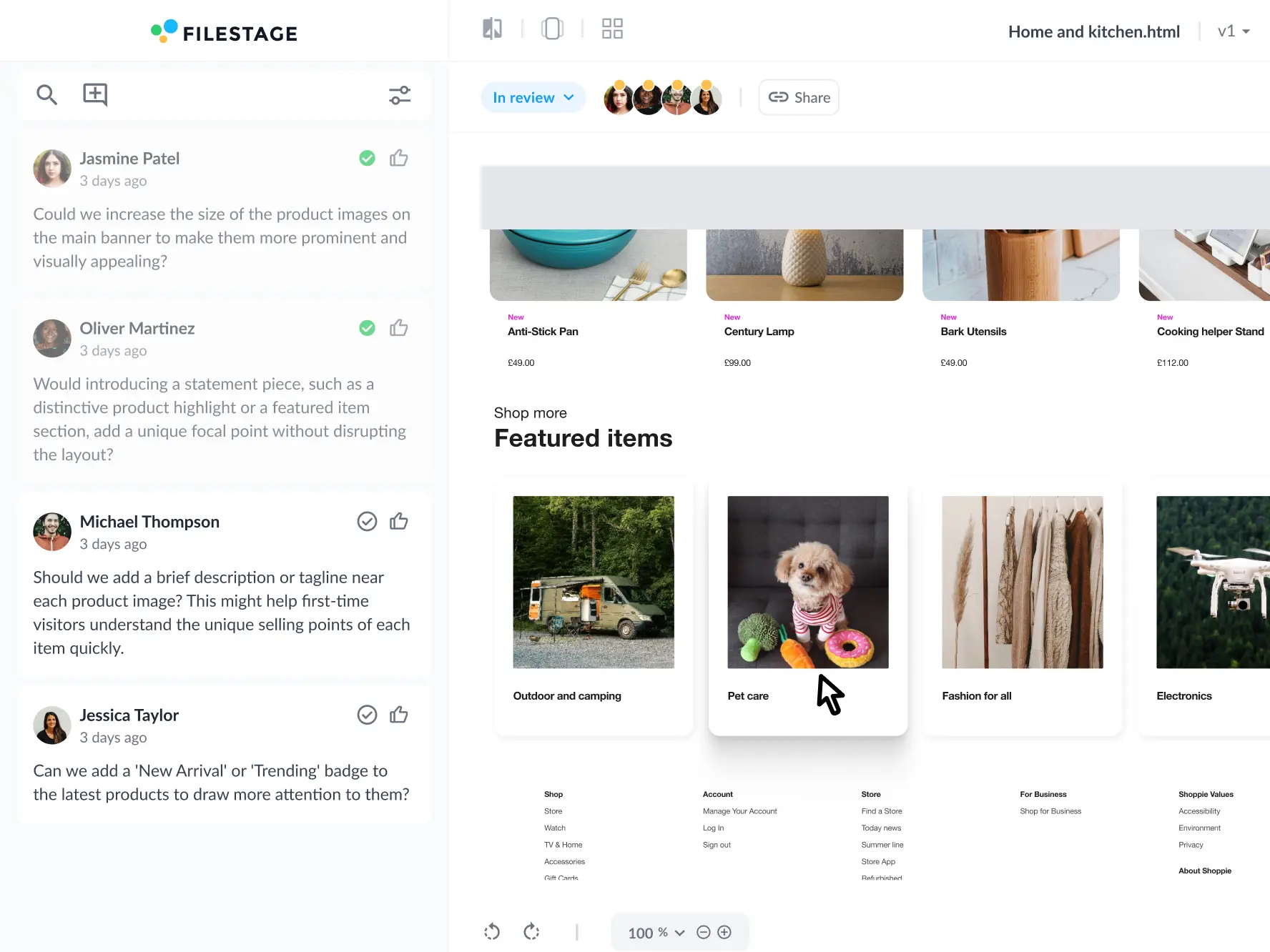
Website annotation tools are a type of collaboration tool that help you get feedback and approval on live websites and interactive HTML. You can import your content and share it with stakeholders. Then they can browse, add comments, and respond to other people’s feedback – all in one place.
Who can give feedback using website annotation tools?
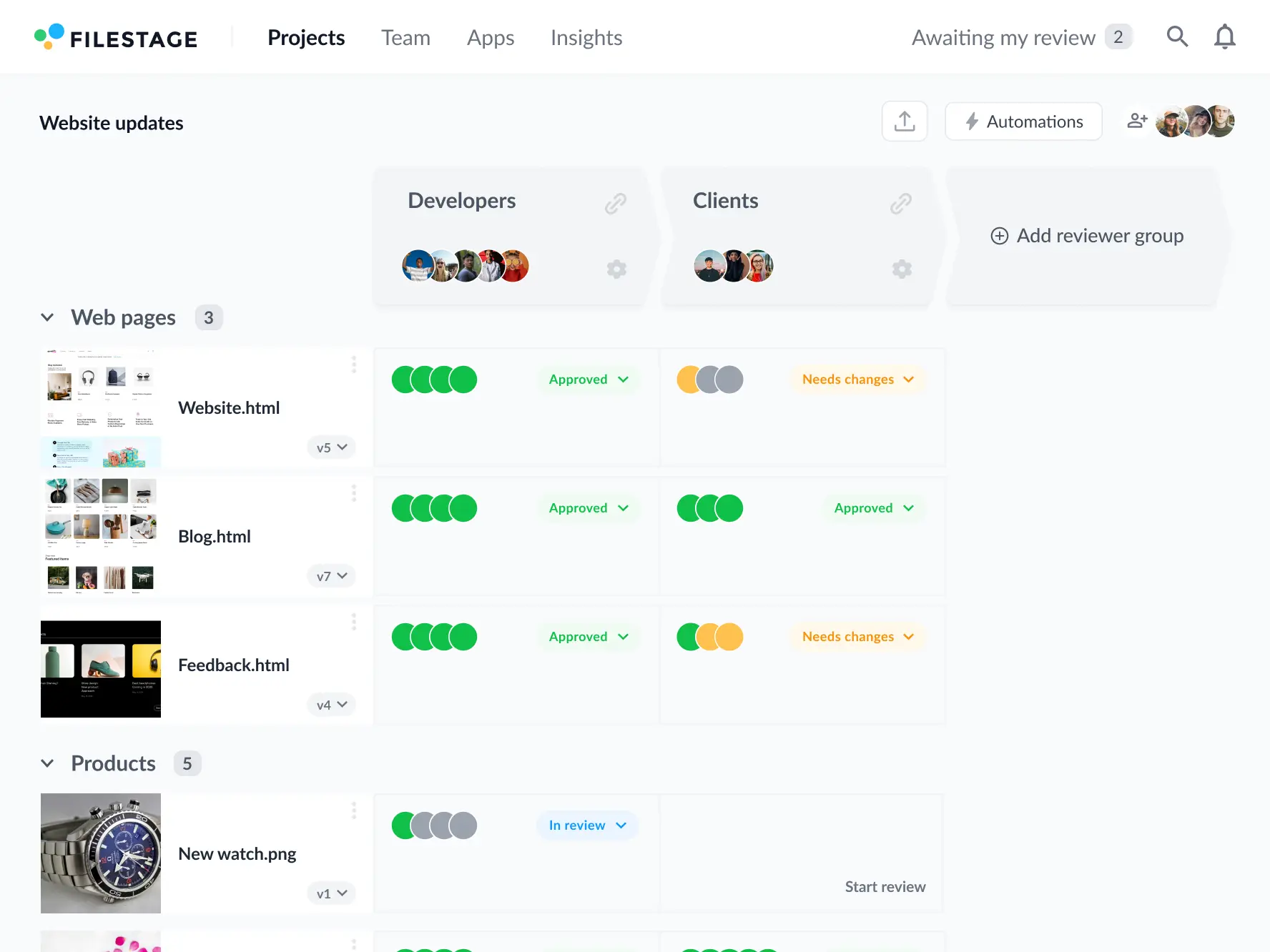
With website annotation tools, you can collect user feedback, customer feedback, and even design feedback from your teammates and clients. In Filestage, you can keep different types of website feedback organized by setting up reviewer groups. These help to focus website feedback on specific topics, removing the need to filter and consolidate comments when you’re ready to make edits to your website.
How do you collect feedback on a website?
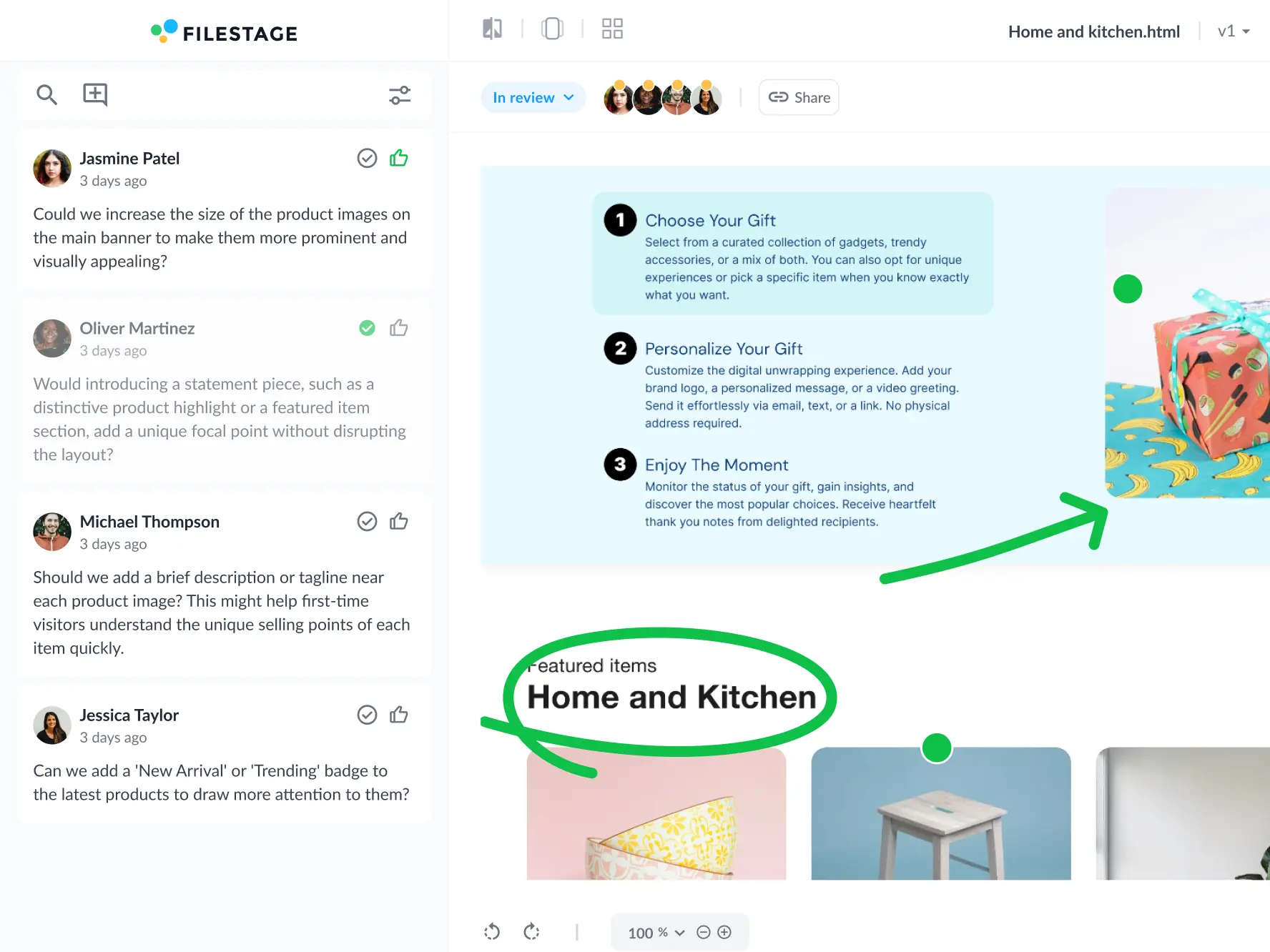
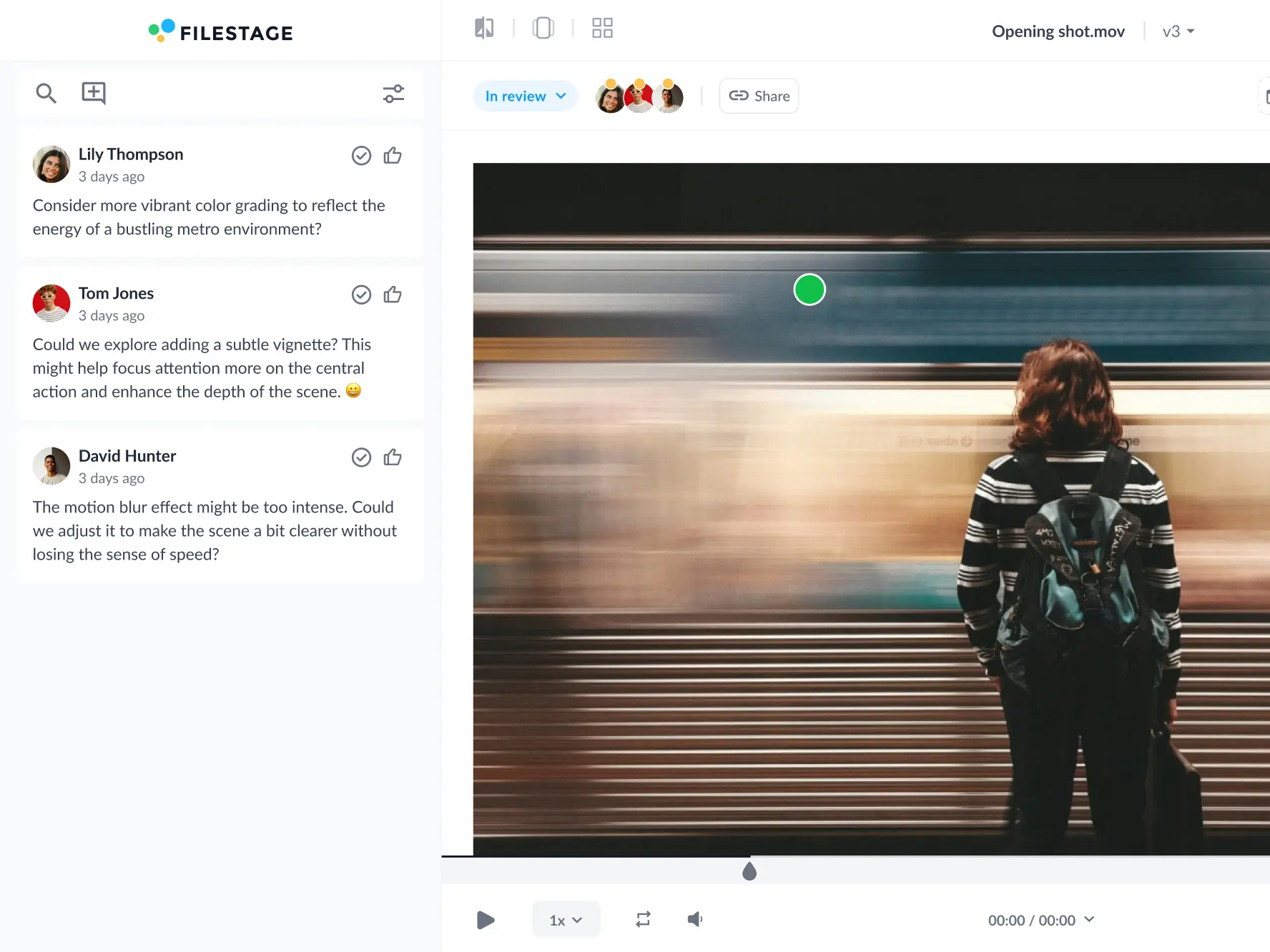
Import your website URL into a Filestage project, then share the review link with your teammates or stakeholders. They’ll be able to interact with your content, just like they would in their browser. Then they can switch to comment mode at any time to add feedback and create markers and annotations.
What separates the best website annotation tools from the rest?
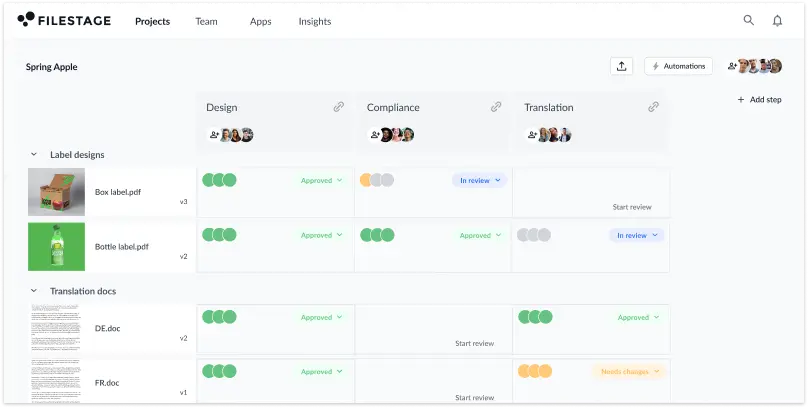
The best website annotation tools have two big benefits. First, they let you set up custom workflows for reviewing content with your team or collecting user feedback – keeping everything organized and easy to find. And second, they capture a screenshot of the website whenever someone adds a comment. This means that, even if your live website changes, you’ll maintain context of what they were talking about.
What’s the difference between a website annotation tool and customer feedback tools?
Customer feedback software is a broad term that spans survey tools, website heatmaps, and other website analytics tools. They give you valuable insights about how people are using your website and how they feel about it. A website annotation tool is more visual, focused on things like website design and copy.
What’s the difference between a website annotation tool and feedback widgets?
Website annotation tools are designed to let you collect visual feedback on top of live websites and prototypes. Using visual feedback tools like markers and annotations, reviewers can give clear and contextual feedback that’s easy for designers to act on. A feedback widget, on the other hand, is a tool for collecting customer insights. These usually live in the sidebar of your site, making it easy for website visitors to access and share customer feedback.
What’s the difference between a website annotation tool and product experience insights tool?
A website annotation tool makes it easy to comment on live websites and prototypes and discuss feedback in context. A product experience insights tool is a bit different. Instead of discussing feedback and comments, it gives you insights into user behavior on your website.
How do you share banner ads for feedback and approval?
Create a zip file containing your banner files, then upload it to Filestage’s website review tool – just like you would a document or video. Invite your stakeholders or send them a review link, then they’ll be able to add comments, discuss feedback, and give their approval. All without sending a single email!
Is Filestage a free tool?
Filestage is not a free tool, but it does have a free version for freelancers and small businesses only working on a couple of projects at a time. We also offer a free seven-day trial of our Professional plan so you have plenty of time to try out more advanced features.
Do reviewers need to install anything to annotate websites in Filestage?
Your reviewers won’t need to create an account to use our website markup tool. All they have to do is give their name and email address so you know who the comments are coming from. But if you’re working with a lot of hidden elements or animated content, your reviewers will also want to download our browser extension (we’ll explain how to do this in the app). This attaches screenshots to comments to give additional context and make sure everything is crystal clear.