

TL;DR
Creative agency software is a set of tools for project management, reviews and approvals, and client management that helps creative teams deliver high-quality work on time without drowning in email or spreadsheets. The tools in this guide cover everything from collaborative design and content creation to workflow automation, file sharing, time tracking, and client portals. This helps creative agencies manage multiple clients, control project costs and budgets, and keep team communication clear with minimal effort.
Why your creative agency tech stack matters more than ever
My guess is that your agency already uses a few tools to stay on track. But are they the best ones? With Adobe reporting that more than four in five (86%) global creators now use generative AI in their workflows, teams are producing more content faster than ever. That means more versions to review, more stakeholders to align with, and more pressure on your process – so you need an effective stack that helps everyone collaborate smoothly and meet deadlines without sacrificing their sanity.
In this article, we’ll break down the best creative agency software for:
- Content creation
- Reviews and approvals
- Client management
By the end, you’ll have a better idea of what tools are actually worth your time, and maybe even win a few hours back at the end of your workweek. Optimistic, I know. But hey… goals.
Alright, let’s dive in.
Best creative agency software for content creation
When it comes to creating high-quality content at high speeds, you need to work smart. With that said, here are a few of the sharpest content creation tools on the market right now.
Figma – Best for collaborative digital design

Figma is a cloud-based design platform that enables collaboration within creative teams. It’s perfect for marketing agencies working on websites, mobile apps, and prototypes. And because it runs entirely in the cloud, teams and clients can access and comment on files in real time. So you can wave goodbye to the back and forth with PDFs and outdated file versions.
Key features:
- Design systems: Create reusable components, style guides, and shared libraries to maintain consistency and speed up your workflows across projects
- Prototyping tools: Build interactive user flows directly in Figma, no finicky coding required
- Dev Mode: Enjoy smoother handoffs between designers and developers, with detailed specifications, code snippets, and assets
- Plugins: Automate various design tasks like generating Lorem Ipsum text, creating illustrations, or managing content
Cons:
- Limited tools for print and traditional graphic design
- Robust organizational skills are needed to manage larger-scale projects
See how Filestage can speed up your approvals
Enjoy a free, 30 minutes consultation with our experts, tailored to your team and use cases.
Canva – Best for fast, on-brand visual content

Canva is a favorite among marketing agencies, freelancers, and design hobbyists alike, streamlining the content creation process for a wide range of assets like social media posts, presentations, and ads. It’s intuitive enough for non-designers but powerful enough to create quality client work.
Tip: Canva Pro adds advanced features that make it ideal for larger agency teams.
Key features:
- Templates for everything: Access thousands of pre-built templates for social, print, video, email, and more
- Brand kits: Upload your agency or client’s fonts, colors, logos, and templates to ensure consistent branding
- AI tools: Auto-generate visuals based on brief inputs. Great for fast-paced brainstorming sessions
- Content calendar and scheduler: Use Canva as a social media management platform by planning and posting social content directly from Canva
Cons:
- Limited flexibility for complex, custom layouts
- Can lead to generic designs if not customized properly
Grammarly – Best for polished, client-ready written content

Despite the name, Grammarly is much more than a grammar checker. It’s a full-service writing assistant for everything from pitch decks and blog posts to entire email campaigns.
When time is tight, the risk of human error rises. So Grammarly is especially useful for marketing agencies juggling multiple brands’ tone of voice and high-stakes messaging.
Key features:
- Real-time suggestions: Analyze your spelling, grammar, punctuation, clarity, and tone as you type
- Tone detection: Keep your writing tone in line with the brief
- Style guides (Business plan): Build shared rules for brand voice, banned phrases, or formatting requirements
- AI rewrite and prompt-based writing: Use AI to rewrite awkward phrasing or generate content from a prompt
Cons:
- Suggestions can be overly formal or generic without customization
- Not a substitute for strategic, voice-driven editing
Descript – Best for fast audio and video content creation
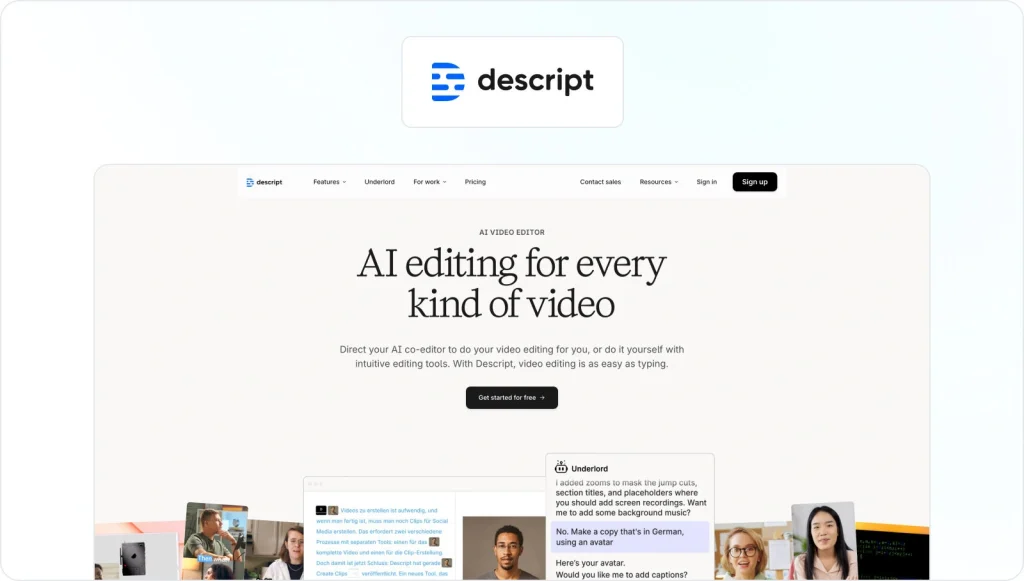
Descript is a game-changing tool that’s ideal for marketing agencies that create social videos, explainer content, and podcasts. It uses AI to simplify the entire video creation process, empowering teams to produce high-quality content quickly. No editing or production experience needed.
Key features:
- Text-based editing: Edit your video or audio simply by editing the transcript
- Filler word removal: Automatically delete “ums,” “uhs,” and pauses to tighten up your edits
- Overdub (AI voice cloning): Fix voiceover blips without re-recording by generating synthetic voice edits
- Automatic transcription: Fast and accurate, with speaker detection and timestamping
Cons:
- Less control than traditional editing software for advanced visuals
- Best for short- to mid-length content, not feature-length or cinematic work
Best creative agency software for reviews and approvals
If you work in a creative agency, you know how chaotic the review process can get. Delayed feedback, missed DMs, mixed-up file versions. And that’s before your work even goes to the client!
One of the most effective ways to boost productivity across projects is with a reliable review tool. So, let’s take a look at four of the top marketing agency software to help streamline the way you review and approve content.
Filestage – Best for fast approvals across all of your marketing assets

Filestage is an all-in-one platform built for creative teams and marketing agencies that need structured, efficient review processes. It’s especially effective for those working with multiple stakeholders and complex campaigns, as it keeps all of your creative feedback in a user-friendly dashboard.
Filestage supports all the primary file types (designs, videos, documents, PDFs, wireframes) and creates a seamless approval workflow that makes life easier for everyone involved. Plus, you can build custom workflows to boost your agency’s efficiency even further.
Key features:
- Real-time, in-context feedback: Comment directly on video frames, PDF pages, images, or documents — reviewers can draw, highlight, and leave time-stamped notes
- Version control: Easily compare versions side by side, so feedback doesn’t get lost or repeated across revisions
- Custom reviewer groups: Set up review stages, assign roles and permissions, and create multi-stage approval workflows
- No-login reviewer access: External users (like clients and third-party creators) can upload files and review content without an account, and you can control what comments or assets they can see
- Due dates and reminders: Set deadlines for each reviewer and automate nudges for late feedback
- AI-powered reviews: Get instant, AI-assisted feedback on your team’s work based on your custom brand guidelines and regulations
- Secure file-sharing: Keep your clients’ work secure with features like password-protected links and email verification
- Real-time insights: Your project manager can easilt visualize bottlenecks in your creative workflows and easily see where your review process is stalling
- Intuitive interface: Clients and internal stakeholders can jump in and review campaign elements with no learning curve
Cons:
- Might be too robust for very small or informal teams

“The overall process has become much faster and more efficient thanks to Filestage. This workflow has improved our client relationships by providing a transparent and organized review process. Clients can easily see the progress, track revisions, and feel more involved without the confusion or back-and-forth of traditional review methods.”
Melissa Abrini, Creative Director at Story
See how Filestage can speed up your approvals
Enjoy a free, 30 minutes consultation with our experts, tailored to your team and use cases.
Frame.io – Best for video feedback and collaboration
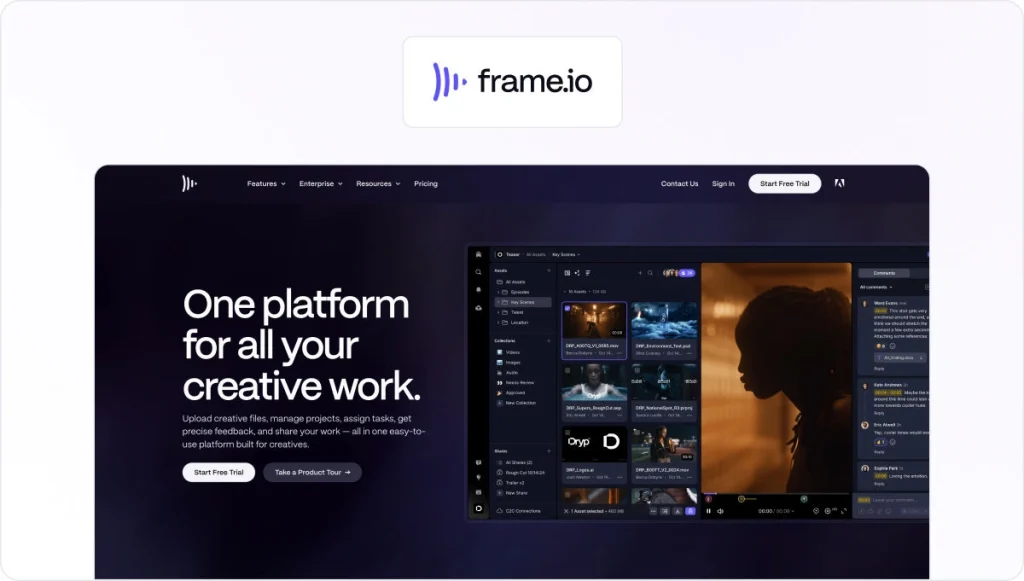
Frame.io is a popular marketing tool for creative agencies that create lots of video content for multiple platforms. It streamlines the video review process with centralized, time-coded feedback for speedier cross-team collaboration across video projects. If your agency is already embedded in the Adobe ecosystem, it’s a strong option.
Key features:
- Time-stamped comments: Leave precise, frame-specific notes directly on the timeline (great for editors and producers)
- Drawing and annotation tools: Sketch directly on video frames to clarify visual feedback
- Real-time collaboration: Multiple team members can review, comment, and respond to each other at the same time
- Adobe integration: Enjoy a seamless video review and editing workflow with Premiere Pro and After Effects
Cons:
- Primarily built for video, so it’s not suitable for reviewing PDFs, live websites, or images
- Premium features are locked up in higher pricing tiers
- Extra fees for additional members can make it hard to scale if your agency is on a budget
Here you can check out our detailed comparison of Filestage vs. Frame.io.
GoVisually – Best for small teams reviewing visual content
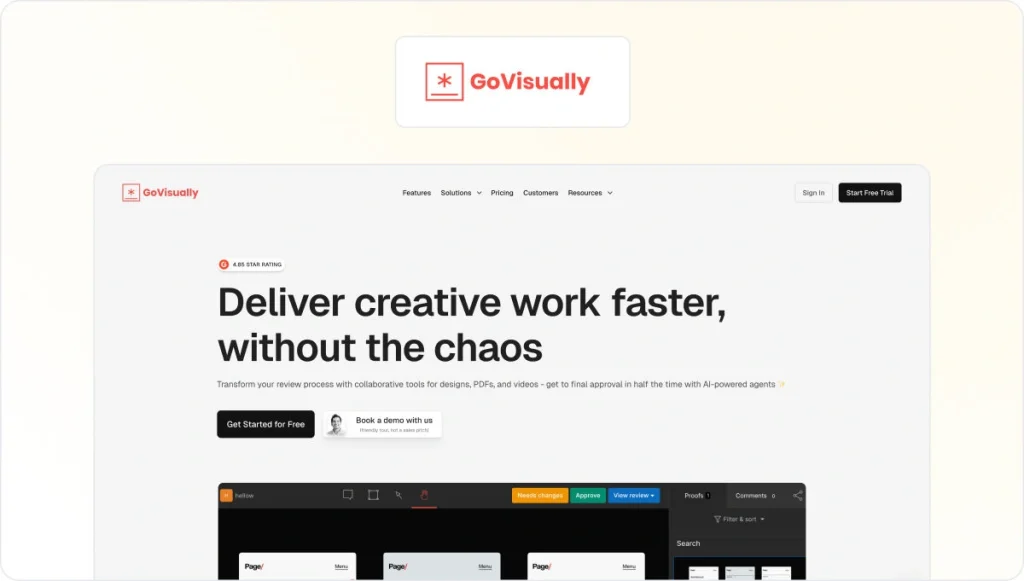
GoVisually is a simple, visual-first review platform built for marketing agencies that work with design, image, and PDF files. It’s easy to use, so you can onboard clients, stakeholders, and new teammates quickly without the steep learning curve.
Key features
- Visual, pin-based commenting: Reviewers can click directly on any part of an image or PDF to leave precise feedback without a screenshot in sight
- Easy reviewer access: Clients and stakeholders can quickly review and comment on files via a shared link
- In-platform branding: Add your own logo and custom URL to give clients a polished, branded review experience
- Mobile-optimized interface: All of your stakeholders can give feedback anytime anywhere using their mobile browser
Cons:
- Doesn’t support video review, audio, or live website feedback
- Lacks advanced automation or multi-stage automated workflows found in other tools (like Filestage)
- Users find it difficult to know when artwork has been approved, making it confusing for busy agencies to track the progress of projects
Ziflow – Best for large internal teams
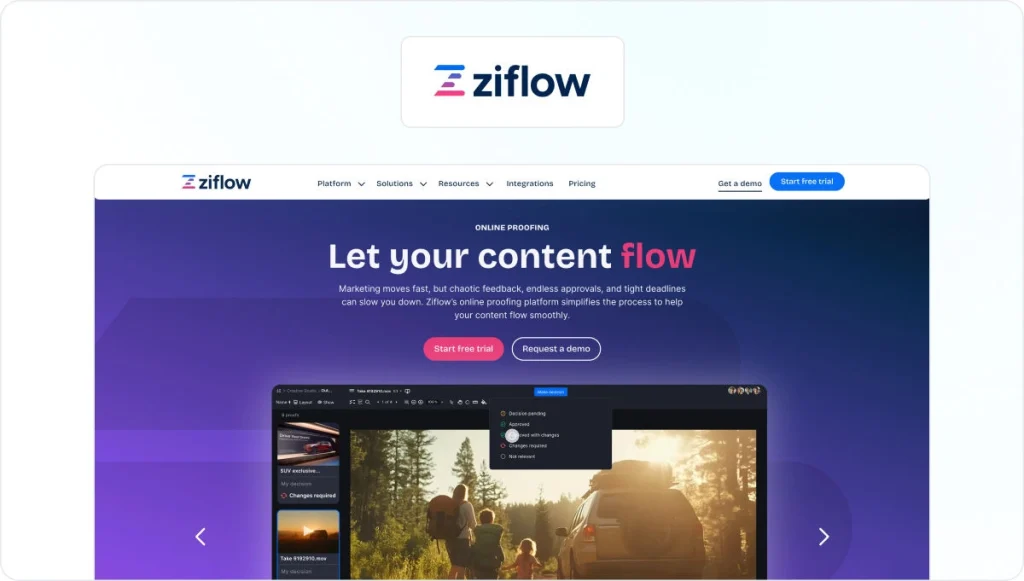
Ziflow is a trusty creative management platform that helps marketing agencies handle complex approval stages and automate routine tasks in high-stakes creative projects. Its rock-solid set of security features makes Ziflow a strong fit for regulated industries or clients with strict compliance needs. But the steep learning curve and limited ability for external users to participate in review cycles make it less suitable if your agency has multiple outside stakeholders.
Key features:
- Multi-stage workflow automation: Build structured workflows where files automatically move from one reviewer to the next
- Audit trail and compliance: Every action is logged on the platform for easy tracking (great for industries with strict documentation needs)
- Integrations: Robust integrations with Adobe CC, Monday, Trello, Slack, Dropbox, and enterprise DAMs
Cons:
- Steep learning curve for teammates and stakeholders
- High pricing can be a barrier for smaller teams or startups
- External users can’t upload files for review, making it less suitable as a client feedback tool
Check out our Filestage vs Ziflow comparison for more information.
Best agency software for client management
Clear, timely collaboration between your agency and your clients is crucial. But it’s not always easy. Especially when you’re juggling multiple accounts, deadlines, and expectations.
The good news is that there are lots of great creative project management software out there to help keep your clients happy from initial kickoff through to final deliveries.
Let’s take a look at four of the best software for client management!
monday.com – Best for flexible client workflows
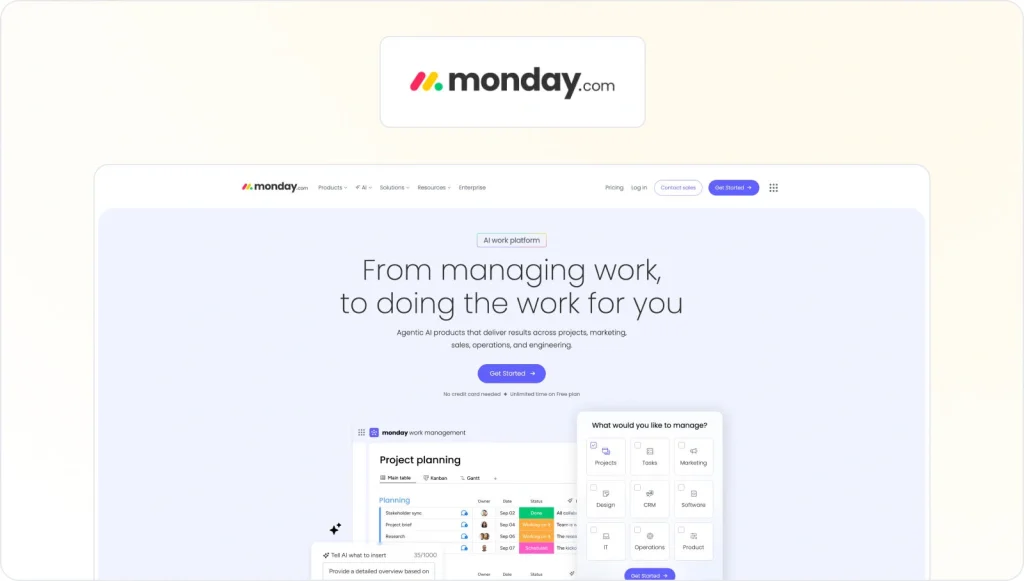
You’ve probably heard of monday.com by now. It’s one of the most well-known platforms among marketing teams, and for good reason.
monday.com gives you complete control over how you manage every aspect of agency-client collaboration. You can use it to build custom pipelines, assign tasks across teams (resource management), and keep clients in the loop about project progress (when you want to do so, of course).
Key features
- Customizable project boards: Build your own workflows, timelines, and dashboards for different clients or campaigns
- Automations: Streamline repetitive tasks like status updates, notifications, and task handoffs
- Integrations: Connect with tools like Slack, Gmail, Google Drive, HubSpot, and social media platforms like LinkedIn and Instagram
- Workload management: Assign resources, balance team capacity, and track billable hours (with add-ons)
Cons
- The number of options can slow down onboarding if you’re new to creative project management software
- Customization makes it easy to overcomplicate your workflows if not used thoughtfully
- It’s not the best tool to manage projects with a lot of creative assets, since you’ll need to collect visual feedback outside of the platform
ClickUp – Best for client-agency collaboration

ClickUp is a fantastic project management software that takes the hassle out of managing multiple clients. Creative agencies that need to juggle lots of different deliverables find ClickUp invaluable for keeping everything centralized and transparent. You can easily track project progress to make sure your marketing campaigns stay on track.
Thanks to its high level of customization, ClickUp is one of the best project management software solutions for agencies. You can personalize it to match your creative processes in a way that’s not possible with other project management tools.
Key Features
- Custom client workflows: Build unique pipelines for each client’s projects, with stages that fit your agency’s process
- Centralized communication: Comments, chat, and notifications are tied to tasks and projects, so nothing gets lost in email chains
- Built-in docs and portals: Share briefs, timelines, or deliverables with clients through ClickUp docs that update in real time
- Time tracking and reporting: Track billable hours per client, generate detailed reports, and monitor team workload to meet deadlines
Cons
- The extensive features can take some time to master, especially for client-facing setups
- Occasional bugs and glitches when used for heavy workloads
- If your agency works on a lot of visual content (videos, social media posts, images), the review and approval feature may not be robust enough
Productive.io – Best for end-to-end client management

Productive.io is an agency management software that combines project tracking, client communication, budgeting, and detailed analytics in one platform.
If you want a single tool to help manage both the work and the business side of client relationships, this marketing agency software is a strong contender.
Key features
- Client portals: Share project progress, deliverables, and updates directly with clients in a secure space
- Integrated time tracking: Log billable hours directly within tasks and link them to specific clients or projects
- Project management views: Use lists, boards, and calendars to organize deliverables and streamline operations
- Reporting and analytics: Generate detailed insights on client profitability, team utilization, and project health
Cons
- Doesn’t have as many client-facing features as other client management tools
- Takes some time to set up workflows and reports to fit your agency’s exact needs
Teamwork – Best for automated billing

Teamwork is a multifaceted tool that combines project management software with efficient time tracking, invoicing, and client collaboration features. So, if you want to streamline internal operations and give clients visibility without compromising control, Teamwork could be the software for you.
Key Features
- Task and project management: Assign tasks with deadlines, priorities, dependencies, and milestones across multiple projects
- Time tracking and billable hours: Log hours directly within tasks, generate reports, and convert time logs into invoices
- Built-in invoicing and budgeting: Send invoices, track expenses, and set budget limits to avoid scope creep
- Robust reporting: Real-time dashboards and custom reports for project status, team capacity, and time spent (a firm favorite with account managers)
Cons
- The interface isn’t as sleek or modern as some other tools
- Teamwork’s mobile app is limited, with some core features only available on the desktop version
Best CRM software for agencies
If your agency produces a lot of content and manages many client and stakeholder touchpoints, you will need a robust customer relationship management (CRM) tool that links leads, clients, and deliverables.
The right CRM will help you keep client info organized, streamline communications, track performance, and automate manual admin tasks. And that ultimately helps your agency collaborate better and grow faster.
Let’s take a look at my top CRM pick.
HubSpot – Best CRM for agencies

If your agency wants a customer relationship management tool that connects everything (I’m talking leads, marketing, deals, and client success), then HubSpot CRM is a strong contender. It’s easy to use compared to some CRMs, offers an extensive integration ecosystem, and can support a host of marketing activities.
Key Features
- Contact and deal tracking: Manage every touchpoint in one place
- Free tier available: Smaller agencies can get started with a free version and scale over time
- Extensive integrations: You can connect it to the existing tools in your agency’s tech stack to avoid silos
- Intuitive to use: It has a user-friendly interface and a smooth onboarding process
Cons
- There are multiple paid hubs and modules, which can become expensive to scale
- Smaller agencies with simple pipelines may not need many of its features
Give your creative workflow a boost with Filestage
There’s never a dull moment in agency life. But with smart tools to help you create content, review files, and collaborate with clients, you’ll have more time to focus on the work and deliver epic results.
Thanks for checking out the best creative agency software with me. I hope you found this article helpful. And if you’d like to whip your review workflow into shape with Filestage, start your free trial now.
FAQ
1. What is creative agency software, and how is it different from generic project management tools?
Creative agency software is a set of tools built specifically for creative agencies and marketing teams, not just general projects. There’s no single “creative agency software” that does everything. Instead, most agencies use a set of tools that work together, including:
• Project management software – to plan campaigns, manage tasks, deadlines, and project budgets
• Client management software – to track client relationships, briefs, and client projects
• Collaboration tools – for team communication, comments, and file sharing on creative work
• Creative content management tools – like review workflows for designs, videos, and social media posts
Generic project management tools can handle tasks and timelines, but the best creative agency software is tailored to creative workflows, multiple clients, and content-heavy projects.
2. How do I choose the best software for my creative agency?
Start by mapping your agency operations and where things break down today. Then look for software that helps with:
Project management & visibility
Can specific team members see precisely what they’re working on and when?
Does it support project templates for recurring campaign types?
Resource management
Can you see team capacity and avoid overloading creative teams?
Does it help track project costs and time spent?
Client management & collaboration
Does it make client communication easier (client portals, shared views, etc.)?
Can you handle collaboration on creative work without endless email threads?
Workflow automation
Can you automate status changes, reminders, or approvals to streamline operations?
Many creative agencies pair a flexible project management tool (such as monday.com, ClickUp, or Teamwork) with a dedicated review platform, such as Filestage, to manage feedback and approvals on creative assets.
3. Where does AI software for creative agencies fit into the stack?
AI is most useful as an assistant, not a replacement for creative professionals. It can help with:
Content & concept support
Drafting copy or captions
Generating quick variations for social media posts or ads
Project and workflow support
Summarizing long threads or project data
Highlighting risks, delays, or bottlenecks in agency workflows
Quality and compliance checks
Spotting potential issues against brand guidelines or rules
Flagging inconsistent messaging or missing legal elements
Some creative agency software now includes built-in AI features. For example, Filestage includes AI reviewers that check marketing assets for spelling and grammar or highlight forbidden terms. This helps creative teams catch issues earlier with minimal effort.
4. How can creative agency management software improve client relationships?
Creative agency management software makes your agency feel more organized and transparent to clients by:
Centralizing information
One place for briefs, project timelines, files, and feedback
Less chasing across email, chat, and random links
Making collaboration smoother
Clear status on specific projects and deliverables
Easy ways for clients to review and comment on deliverables (e.g., via client portals or review platforms)
Improving communication
Structured updates instead of ad-hoc messages
Clear ownership for tasks and approvals
5. When should an agency move from “a bunch of tools” to a more unified software setup?
It’s time to rethink your stack if:
– Your team is manually copying info between several project management tools
– Nobody is quite sure where the latest files or project data live
– Project costs, budgets, and time tracking are handled in separate spreadsheets
– Managing multiple clients feels chaotic instead of organized
At that point, a more unified setup helps you:
– Streamline operations – fewer logins, less duplicate data, clearer workflows
– Boost team productivity – better task management and resource allocation
– Improve visibility – see key metrics like project performance and team capacity at a glance
Look for platforms that reduce the number of multiple subscriptions you need, integrate with tools like Slack or Microsoft Teams, and can scale from small project teams to larger creative agencies without a huge learning curve.