Your PDF proofing questions, answered
What is PDF proofing?
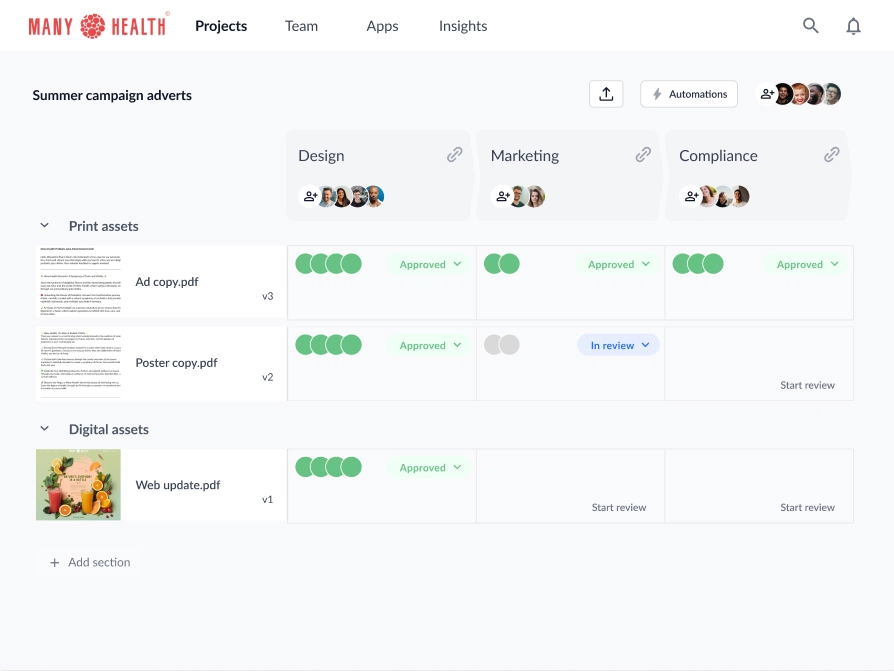
PDF proofing is the process of reviewing a document or design to confirm that it’s ready for printing. During this process, stakeholders can add comments and suggest revisions to make sure the piece of work is error free. The PDF proofing process is usually broken down into a number of structured reviewer groups. Once the first group of reviewers approves the PDF file, it will move to the second group, and so on. This creates a healthy level of transparency between stakeholders while avoiding a chaotic free-for-all between totally different types of reviewers.
How do I proofread a PDF document?
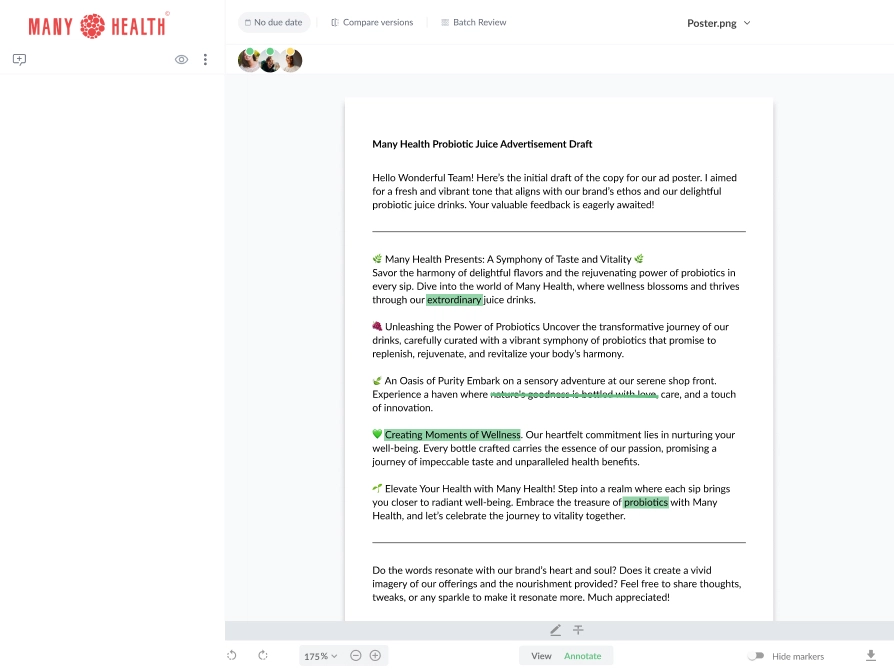
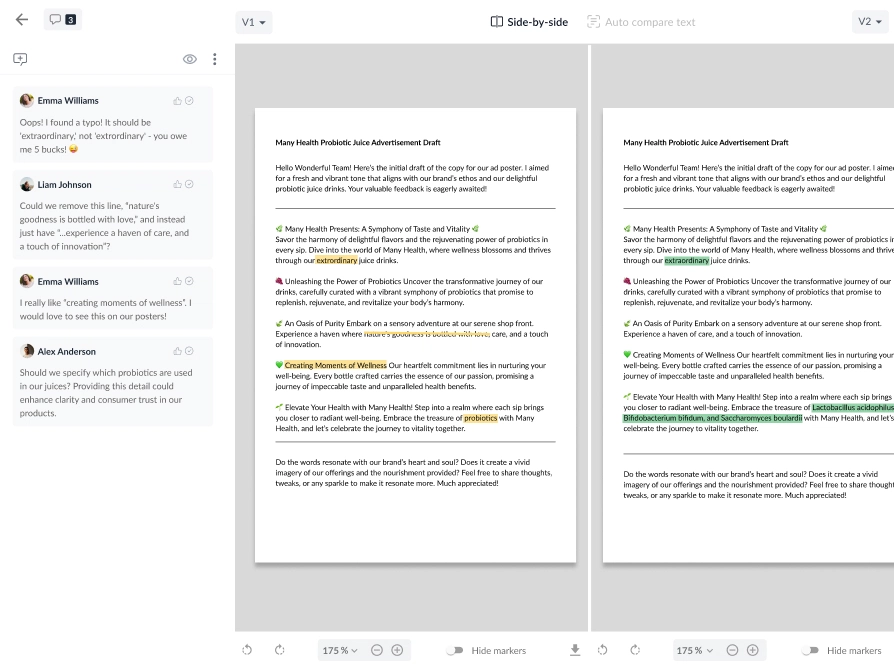
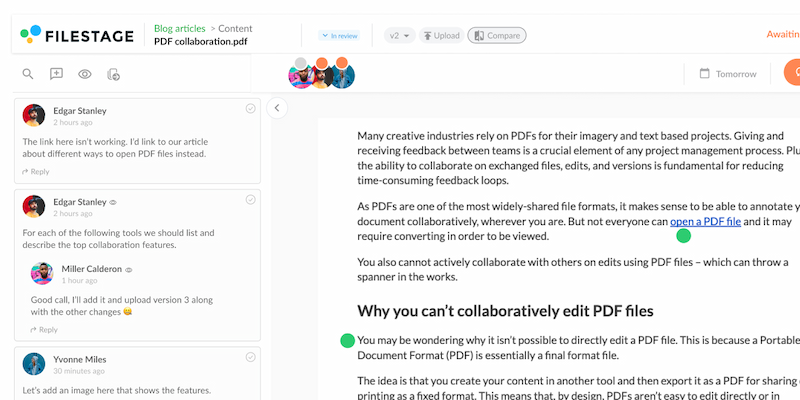
Unless you want to waste hours manually leaving comments on PDF files, your best bet is a PDF proofing tool. One option is to go with a PDF reader and editor that allows you to organize files and add new pages. Another option is to go for an online proofing tool. This is best if you need a tool to review all your files before approving them. With online proofing software, you can simply upload a PDF file and invite your reviewers. Then, reviewers can leave contextual feedback directly on the file. Solutions like Filestage integrate with leading project management tools so you can create a smooth online proofing process.
What are PDF proofs?
A PDF proof is an electronic file that brands use to review and approve a document before final printing or publication. Different stakeholders will typically check the PDF proof for errors, design issues, and messaging alignment before it gets the final sign-off. The advantage of PDF proofs is that they are a quick and cost-effective way to share artwork or designs that need to be checked. This can speed up the review and approval process, mitigate costly mistakes or re-prints, and improve workflows.
What are the biggest challenges in PDF proofing?
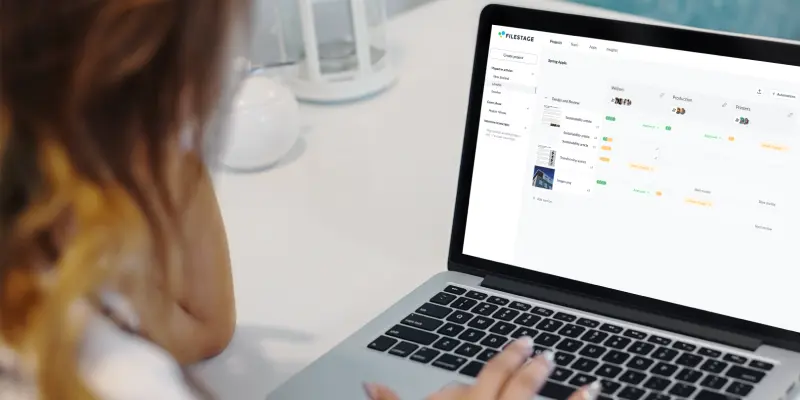
PDF proofs offer an easy format to send to clients or internal stakeholders. But there are a few downsides. If each stakeholder has to annotate and return the PDF with their feedback, your project manager is going to have a difficult job consolidating all of the comments in one place. Not only is this time-consuming, but it often ends in feedback getting missed, stakeholders making edits to old versions, or just a really inefficient review process. The best solution is to upload PDF proofs to online proofing software like Filestage. That way, reviewers can save time by leaving contextual feedback directly on the asset. Plus, project managers have a central hub with all content versions, comments, and statuses. No more chasing feedback or searching for the right version of an asset.
What’s the difference between Filestage and Adobe Acrobat?
Filestage is a collaborative online proofing system, while Adobe Acrobat is a PDF reader, editor, and creator. If you need to create PDF files or organize pages in existing PDF documents, Adobe Acrobat is your best option. But if you need to set up approval workflows, proof PDF files, and collaborate with teammates and stakeholders, Filestage is the best solution for you. It offers key features to make it easy for stakeholders to leave actionable feedback and for project managers to keep the review process organized.
What is the maximum PDF file size in Filestage?
The maximum upload size for single PDF file in Filestage is 20 GB, which covers most use cases. If your PDF file is larger than that, you may be able to compress it or split it into multiple files before sharing it in Filestage.
Do stakeholders need to install anything to review PDF proofs in Filestage?
Filestage is a cloud-based tool that works in popular browsers like Google Chrome, Safari, Firefox, and Edge. That means no tricky set ups or software installs for your stakeholders! In fact, your reviewers don’t need to make an account to review your PDFs.
What other file types does Filestage support?
As well as support PDFs, you can also use Filestage to review documents, videos, image files, designs, websites, audio, and interactive HTML. This is ideal for projects containing lots of different formats, as it allows you to keep everything centralized in one place.