
TL;DR
Team communication tools are a must-have for collaborating on projects – especially for hybrid or remote teams. They make it easy for you and your teammates to stay in touch, share information with one another, and keep each other informed every step of the way. With features like video conferencing, instant messaging, file sharing, and real-time collaboration, communication tools keep things transparent, clear, and coordinated. Which ultimately leads to more successful project outcomes. When choosing the right tools, consider your team’s size, its specific needs and preferences, and the nature of the projects you’re working on.
Why team communication tools matter in 2026
The average employee now receives 117 emails and 153 Microsoft Teams messages every workday, according to the Microsoft Work Trend Index Special Report. It is a signal that work has become a steady stream of pings, threads, and follow-ups.
For teams, this volume creates a specific problem. Important context gets buried. Decisions are split across tools. Reviews drag on because nobody can see what is final, what changed, and who still needs to weigh in.
That is why team communication tools matter more than ever. The right setup reduces back and forth, keeps work moving, and makes ownership clear across functions and time zones.
In this guide, I’ve highlighted eight of the best team communication tools to help your team stay connected as you collaborate.
Let’s dive in!
1. Asana – The best team communication tool for overall project management

Effective stakeholder communication is crucial in project management, as it makes sure everyone is aligned and can see the bigger picture.
Asana is a project management tool that helps you and your team to communicate effectively at every stage of a project. It assists with every aspect of task management, helping you to organize, plan, and track all your projects, keeping your team on schedule and on the same page at every step.
All team members can see exactly what each person is tasked with, when those tasks are due, what the big goals are, and a well-defined path for achieving those goals. By providing total visibility, it’s clear how each individual impacts the overall goal, helping each team member to feel accountable and prioritize their workload.
Key features
- Create projects, organize tasks within projects, and set dependencies between tasks
- Assign tasks to team members and set due dates
- Set clear priorities so everyone knows which tasks are most important
- Use the inbox feature to comment on tasks, respond to requests, and view project updates
- Track progress and share status updates to keep your team aligned on project progress
- Integrates with a variety of other business communication software, including Google Drive and Slack
Pricing
Paid plans start at $10.99/user per month.
Alternative project management tools
- Trello
- Monday.com
- Basecamp
2. Slack – The best team communication software for ad hoc questions and conversations related to the project
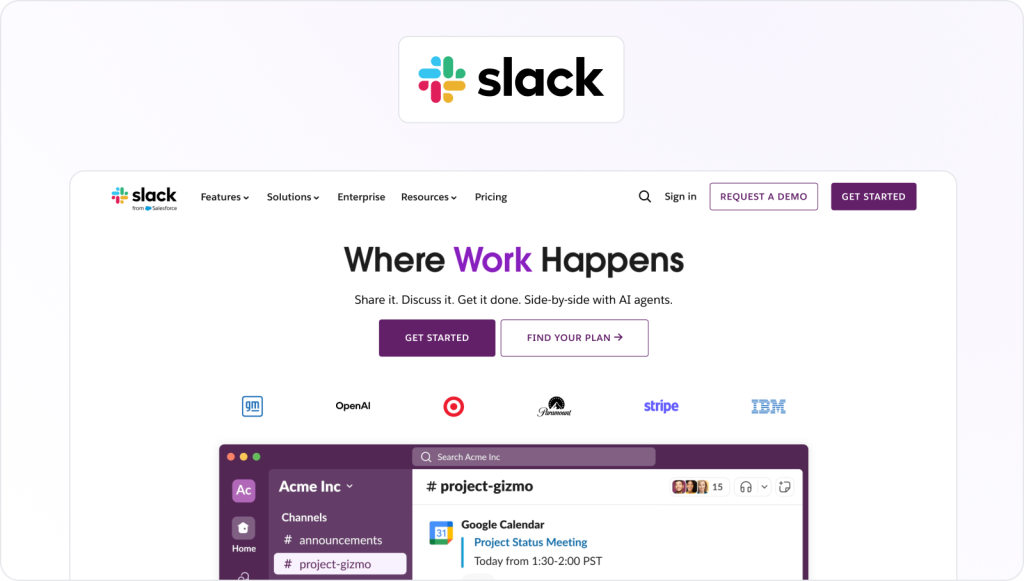
Being able to get in touch with your teammates quickly and easily is crucial, especially when you’re all working remotely. That’s why instant messaging software had to be in the top two in our list of team communication tools.
Slack is one of the best team communication apps for instant messaging, and it’s adored by small teams and large organizations alike. It helps with internal team communication, collaboration, and organization, providing an intuitive solution for day-to-day conversations and team chat related to your project.
One of the key features of this team communication software is the ability to create channels, which are dedicated spaces for teams to discuss specific topics or projects. With the help of channels, you can keep all your conversations neatly organized so that they’re easy to refer back to as and when.
Key features
- Create dedicated channels for conversations about specific topics or projects
- Send direct messages to individuals or create small group chats
- Share files of all types, including documents, images, and videos
- Send voice messages to help you get your point across faster
- Search for specific messages, files, and other content with the intuitive search function
- Make audio and video calls to your team
- Integrate with a variety of other team communication tools, including Google Drive, Dropbox, and Filestage
Pricing
Paid plans start at $6.75/user per month.
Alternative instant messaging tools
- Microsoft Teams
- Google Chat
- Flock
3. Filestage – The best team communication tool for getting collaborative feedback on creative content

Getting feedback on your content – whether that’s designs, documents, videos, or something entirely different – can be hard work. To put it lightly. But it’s super important if you want to avoid getting called out for false advertising.
Enter Filestage.
Filestage is a review and approval platform that gives you one centralized place for collecting feedback. You can invite as many team members as you like to review your work, and your teammates can leave feedback in various ways – depending on their preferred communication style.
Any disagreements can be hashed out there and then, with in-context, real-time comments and teammate tags boosting team communication. So that you can get your work across the finish line – fast.
The simple and intuitive interface of this team communication software makes it easy to use, and the entire feedback process becomes more collaborative, more streamlined, and more enjoyable for everyone involved.
Key features
- Leave in-context comments for clear feedback that shows up in real time
- Bring comments to life with visual annotations, and make it clear what needs changing
- Turn comments into to-do lists to give your team a clear picture of what needs amending
- Verify changes by viewing two edits side by side on one screen
- See the full journey of your file from v1 to approval with version history
- Create reviewer groups to make sure your files get approved by the right people at the right stage of the process
- Use project dashboards to keep track of who you’re still waiting to hear from
- Benefit from integrations with other team communication tools, including Dropbox, Google Workspace, Slack, Microsoft Teams, and more
Pricing
Filestage offers different pricing plans, including:
- Free plan – Free forever, with 5 new files per month, 1 active project, and unlimited reviewers
- Starter plan – Starts at €199/month, with unlimited projects, unlimited files, and workflow features like due dates, reminders, and version comparison
- Business plan – Starts at €329/month, adding AI reviewers, automations, templates, and advanced roles for growing teams
- Enterprise plan – Custom pricing (contact sales) for organizations that need advanced security, verified approvals, SSO, and centralized controls

“Before Filestage, our review process was pretty chaotic. Feedback came flying in from all directions – emails, Slack, PowerPoint decks, even WhatsApp (yes, really). It felt like one’s entire role was just to track down comments, consolidate input, and try to maintain a smooth workflow.”
Melissa Abrini, Creative Director at Story
Supercharge your project communication
Share, review, and approve all your content in one place with Filestage.
4. Miro – The best team communication tool for project planning and brainstorming

With more and more of us working remotely, the way we ideate has had to evolve. You might not be able to get everyone in the same room, but with the help of team communication tool, you can still conduct effective brainstorming and project planning sessions.
Miro is a digital whiteboarding platform that allows you to work with your team in real time on various projects, like brainstorming and project planning. No matter where you and your teammates are in the world, this tool helps you to connect, collaborate, communicate, and co-create for ultimate creativity.
Key features
- Create boards and share them with colleagues for real-time communication and collaboration
- Express yourself in real time with sticky notes, images, mind maps, videos, drawing capabilities, and more
- Use customizable templates for standardizing processes
- Control access and permissions for security and confidentiality
- Benefit from seamless integration with other apps like Slack, Jira, Trello, and Google Drive
Pricing
Paid plans start at $8/user per month.
Alternative virtual brainstorming tools
- Mural
- Lucidspark
- Conceptboard
5. Microsoft Teams – The best team communication tool for daily or weekly video calls
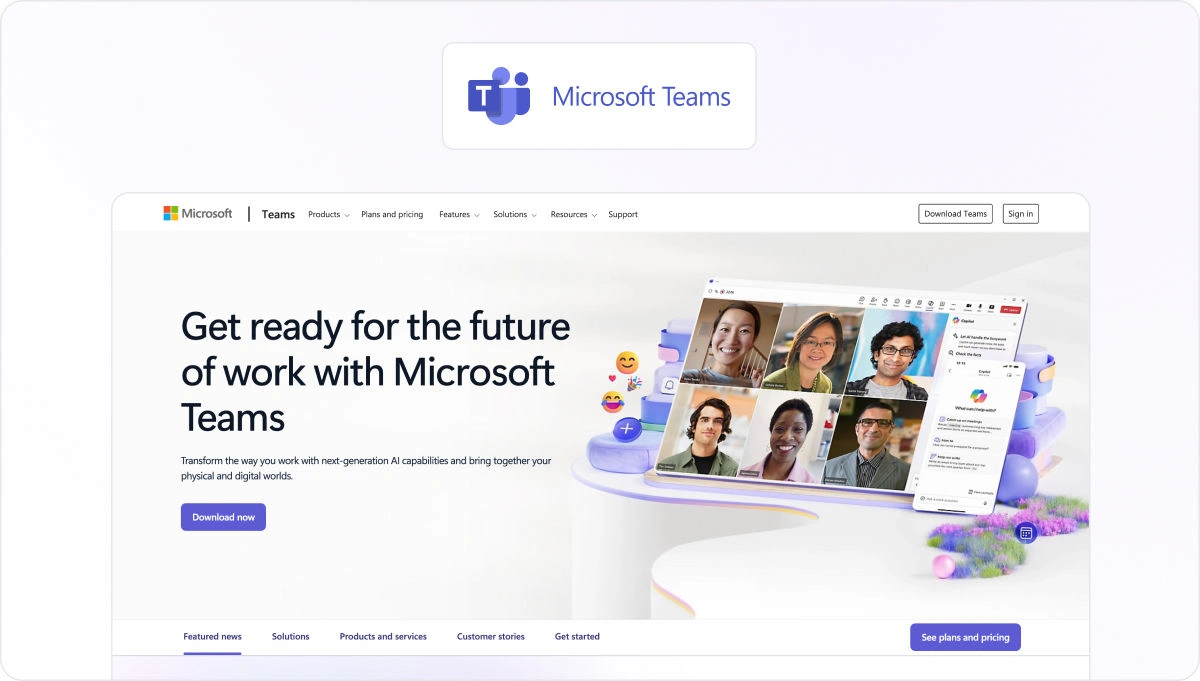
Whether it’s for project status updates, collaboration sessions, or check-ins, a video conferencing platform is another one of your must-have team communication tools.
Microsoft Teams is a corporate communication and collaboration tool designed for businesses and organizations of all sizes. It’s part of the Microsoft Office 365 suite and allows teams to work together on projects and stay connected via virtual meetings, regardless of location.
With features like voice and video calls, instant messaging, file sharing, and seamless integration with other Microsoft apps, Microsoft Teams is a comprehensive team communication software solution for any team’s communication.
Key features
- Launch audio and video conferencing calls and make the most of screen sharing for remote communication and collaboration
- Chat and share files in the sidebar, without ever leaving your meeting
- Create and post polls in any chat to get responses in real time
- Set up channels and group chats for project-specific communication
- Benefit from integration with Microsoft Office 365 apps
Pricing
Get Microsoft Teams Essentials for $4/user per month, or Microsoft Office 365 packages start at $6/user per month.
Alternative video conferencing tools
- Zoom
- Google Meet
- Slack
6. Figma – The best team communication tool for collaborating on designs and prototypes
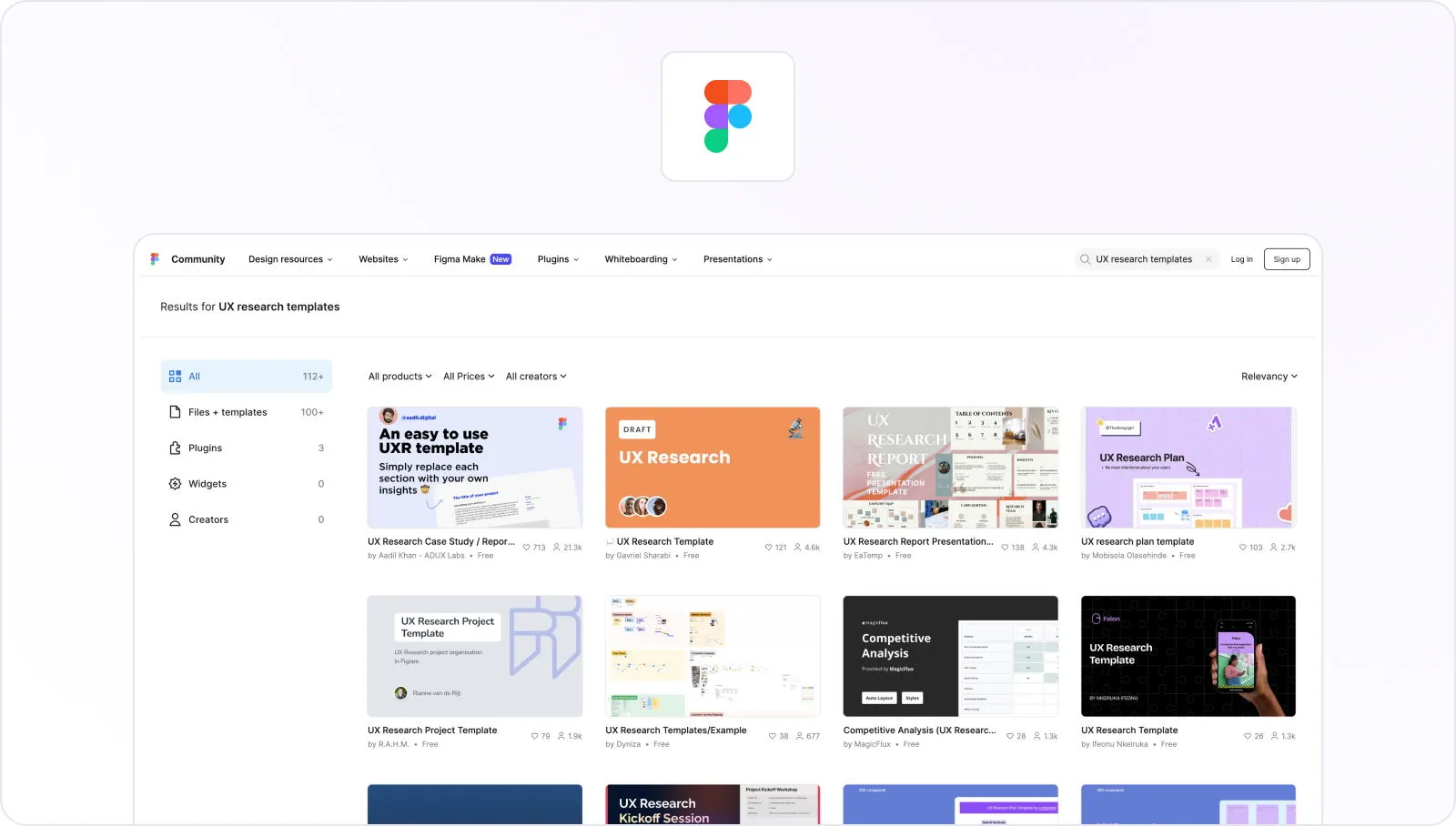
Communication is a key part of the design process. Design teams need to be able to work together effectively, no matter where they are in the world – sharing ideas, feedback, and suggestions for improvement.
Figma has become one of the most popular team communication tools for designers due to its ease of use, collaborative features, and flexibility. It’s a cloud-based design tool that helps design teams to communicate and collaborate on projects, allowing them to work together in real time.
Multiple designers can work on the same project at the same time, with features like commenting, live editing, and version history tracking. Changes and comments appear immediately, for flawless communication and collaboration.
Key features
- Collaborate on designs in real time from anywhere, with multi-user access to the same files
- Add in-context comments and tag your teammates for clear communication
- View version history so nothing gets lost
- Access and edit your designs on any computer or mobile device
- Create standardized design systems for consistency in your designs
Pricing
There’s a free version of Figma, or paid plans start at $3/user per month.
Alternative design tools
- InVision
- Sketch
- Adobe XD
7. Google Workspace – The best team communication tool for collaborating on documents, sheets, and slides
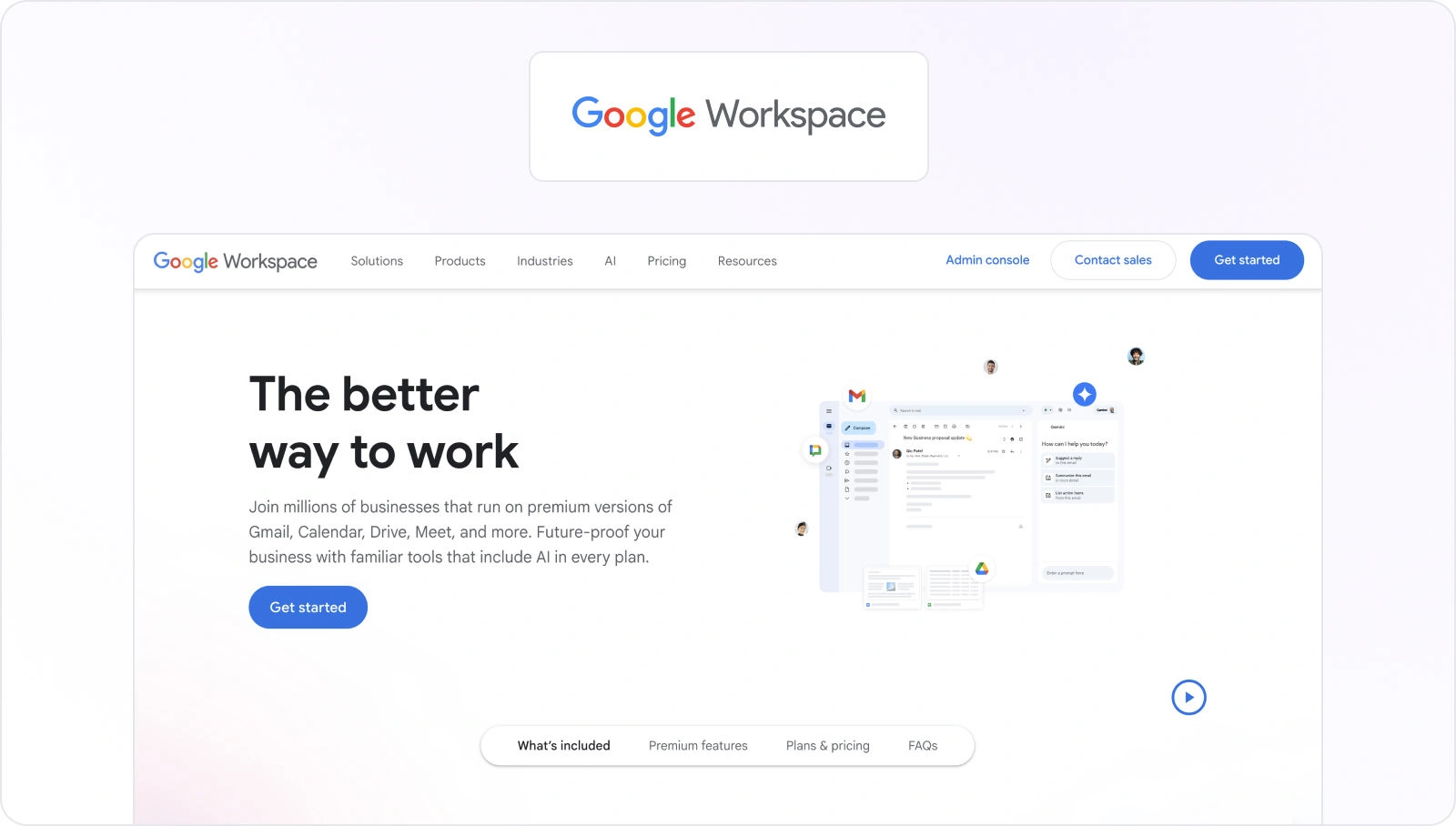
When your project requires you and your team to collaborate on a wide range of content – from documents and spreadsheets to slides and forms – you need an all-in-one solution for file sharing.
Google Workspace offers a range of virtual team communication tools, including Google Docs, Google Drive, Google Sheets, and Google Slides. With the help of these tools, you and your team can access, review, edit, comment, and give feedback on documents.
You can track changes, make notes, tag colleagues, and have conversations in real time as you work collaboratively on your files.
The Workspace also includes popular team communication software like Gmail, Google Chat, and Google Meet for emails, instant messages, and video conferencing.
Key features
- Comment on files and edit in real time for flawless collaboration
- Save files in the cloud for easy access by all your team members
- Set different access settings for different team members (view, comment, or edit mode)
- Create shared calendars using Google Calendar to see when your team is free or busy
Pricing
Google Workspace plans start at $4.76/user per month.
Alternative collaboration tools
- Microsoft365
- Dropbox
8. Loom – The best team communication tool for updating teammates on a project’s progress
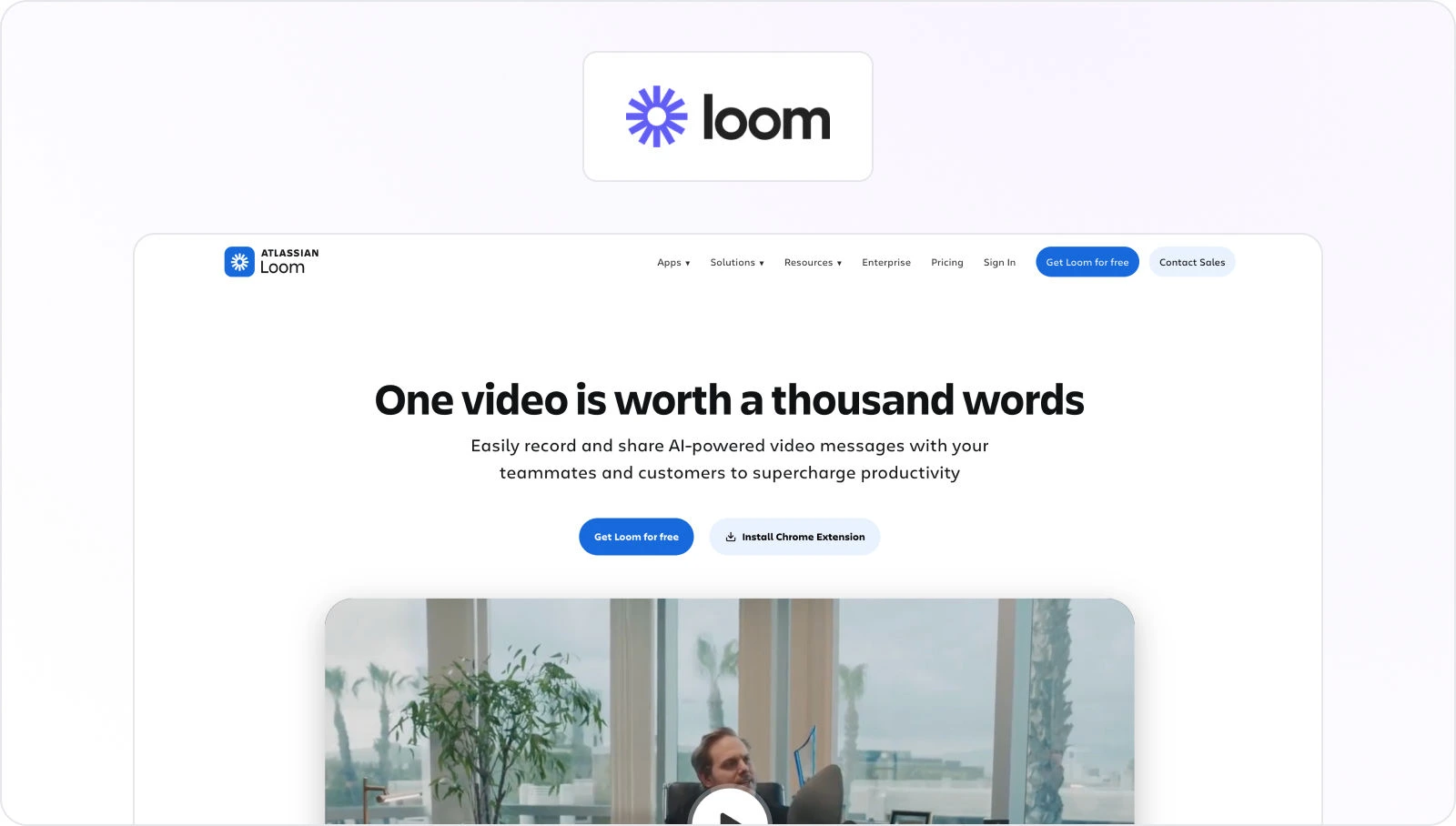
When you’re working on a big project, spinning multiple plates, and racing to meet deadlines, the last thing you need is the stress of trying to find yet another time in everyone’s diaries for yet another video call. That’s where team communication software like Loom saves the day.
Loom is one of the best team communication tools for updating teammates on a project’s progress – without the need for video conferencing. Instead, it allows you to record messages and demos to send to your team. And they can watch the recordings at a time that works for them.
This free team communication tool (with the option of a paid upgrade for advanced features) is a saving grace for busy remote teams who want to all be kept in the loop without breaking one another’s flow.
Key features
- Record your screen, face, and voice at the same time
- Add links to relevant files and resources for your viewers to reference
- Add comments and react to your video with emojis for richer reactions
- Watch content at double speed to get information faster
Pricing
There’s a free version, or paid plans with advanced features start at $18/user per month.
Alternative screen recording tools
- Clip by ClickUp
- SoapBox
- ScreenRec
How to choose the right team communication tools
Communication tools are a must-have these days, especially if you’re a remote team. But how can you pick the right tools for your team and use case? Here are some practical tips to help you:
- Define your team’s needs – think about your size and structure, your preferred communication style, integration requirements, security considerations, and budget
- Make a shortlist of tools that match your use cases – you may need several tools that integrate well with each other to create your perfect tech stack
- Evaluate the features based on your needs – look out for tools that fulfill your needs, e.g., an intuitive user experience, integrations with your existing software, and customization options
- Take your shortlisted tools for a test-drive – request trials and demos to see each communication software in action and understand how it will improve productivity
The best team communication apps for different use cases
We all know how important clear communication is. And with so many of us working in remote-first teams, it’s more fundamental than ever. But with so many different options on the market, it can be tough to choose the right collaboration tools for your needs.
Here’s a brief breakdown of which tools work best for different use cases:
- Team chat apps – best if you want real-time messaging with colleagues
- Project management software – best if you need full visibility of projects and an easy way to assign tasks
- Collaborative design tool – best if your design team needs a way to collaborate on prototypes
- Online proofing software – best if your marketing team needs a tool to manage the review and approval process for creative assets
Final thoughts
And there you have it: eight of the best team communication tools for collaborating on projects. From brainstorming and content creation to review and approval, these effective communication tools will help keep your projects running smoothly from start to finish. If you’d like to see for yourself how Filestage could help with team communication throughout the review and approval process, you can start a free trial here →
FAQ
What security checks should you run before standardizing on team communication tools?
Before you roll out team communication tools, confirm they match your security baseline, not just your workflow. Check access controls, admin roles, SSO support, audit logs, and data retention. For remote teams, review device policies and how mobile access is handled. If the vendor positions itself as a unified communications platform, validate encryption and third-party security reviews. These internal communication tools should reduce risk while keeping employee communication reliable.
How to manage feedback and approvals using team communication tools?
A common gap is that file sharing happens in one place, while task management happens somewhere else, so feedback gets lost. With team communication tools, you can reduce rework by making feedback actionable at the source. For example, Filestage supports in-context comments and visual annotations, then lets you turn comments into to-do lists and verify updates with version history and compare versions. Reviewer groups and dashboards help you manage projects with external partners and keep everyone on the same page.
Can you connect team communication and project management tools?
Team communication tools work best when they’re not trying to replace your project management tools, but to support them. Use your team chat app (like Slack or Microsoft Teams) for real-time messaging, quick questions, and group chat, then keep tasks and deadlines in a dedicated project management platform. This gives you clear communication channels without hiding work in DMs.
Aim for one platform as the source of truth for tasks, and connect your other tools to it instead of duplicating info. For example, Filestage can handle feedback and approvals on files, while in your project management tool, you manage all subtasks and the timeline for your projects. That way, your team communication tools help manage projects and keep everyone on the same page, without creating extra noise.
What are the 5 C’s of communication skills?
The 5 C’s are a framework to ensure team communication is effective, especially when working remotely.
1. Clear: Define the goal so team members aren’t left guessing.
2. Concise: Keep group messages short to respect everyone’s time.
3. Correct: Use accurate data to keep employees aligned with company policies.
4. Coherent: Ensure the message fits the project management plan.
5. Courteous: Maintain a positive tone in a team chat app to build employee engagement.
What are the best tools for project communication?
To effectively manage a modern workflow, you need communication tools that fall into a few categories:
– Real-time messaging: A team chat tool like Microsoft Teams or Slack keeps conversations organized through the ability to create channels.
– Video conferencing: For deep dives, a video conferencing tool is essential for screen sharing and face-to-face online meetings.
– Documentation & file sharing: Google Workspace (including Google Docs and Google Drive) allows remote teams to co-edit in real time.
– Specialized review: Filestage centralizes feedback on creative work, replacing messy communication channels with a single source of truth.