

TL;DR
If your team is juggling multiple stakeholders and tight deadlines, the right creative approval software can have a direct impact on how fast campaigns move. The strongest platforms go beyond collecting comments. They help teams keep track of versions, manage approvals, and give precise feedback across everything from documents and designs to video and live content.
This guide compares the leading creative approval software options for 2026, focusing on how they handle feedback quality, integrations, security, compliance, and pricing. Some tools work well when creative review is just one small part of a broader project management setup. But if you need a dedicated creative review platform or creative review and approval software that supports complex campaigns, external reviewers, and compliance-ready approvals, Filestage stands out as the most complete option.
Why creative approvals software is important
Creative teams are under constant pressure to deliver great work fast, but the review stage still slows projects down more than it should. Approvals shouldn’t derail a project. But according to a Filestage survey, 84% of account managers say chasing people for approval slows their work down – long before the real creative pressure even begins. That’s why so many teams are turning to creative approval software.
The right creative review software brings feedback and versions into one organized space, giving your marketing and creative teams a clearer way to move work forward. Instead of losing hours to email threads or scattered comments, everyone can review assets where they live, without the usual hunt for missing input.
And with more channels and stakeholders involved in every campaign, having a tool that simplifies the review and approval process becomes less of a nice-to-have and more of a practical necessity.
In this guide, I’ll explore the best creative approval software for 2026 and break down how each option supports fast, confident reviews across a wide range of creative workflows.
14 best creative approval software compared and the features that matter in 2026
1. Filestage

Core use case
Filestage is a dedicated creative review and approval software built for in-house marketing teams and creative agencies that produce high volumes of content. It’s a cloud-based platform that gives teams a single space to gather feedback, review assets, and manage the entire creative approval process without the usual chaos.
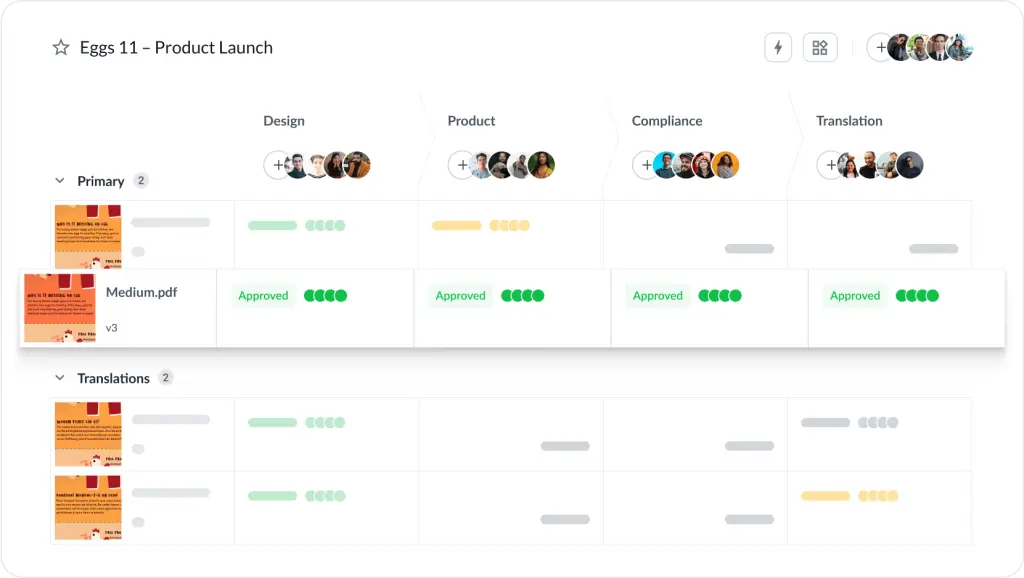
It centralizes feedback and approvals for marketing campaigns, social content, videos, design files, and documents, so every stakeholder can review and sign off in one place without relying on email or shared drives.
Feedback precision
Filestage supports contextual comments and annotations across PDFs, images, videos, audio files, and live websites. Clear approval states prevent feedback on outdated versions, while version comparison helps teams track changes across review rounds. Structured workflows support multi-stage reviews, making Filestage effective software for tracking creative project reviews and approvals, even in regulated environments.
Integrations
Filestage integrates with common tools across creative workflows, including project management platforms like Asana, monday.com, Jira, and ClickUp. It also connects with Slack and Microsoft Teams for review updates, creative tools such as Adobe Premiere Pro, InDesign, After Effects, and Figma, and cloud storage platforms including Google Drive, OneDrive, and Dropbox. Zapier extends integrations to thousands of additional apps.
Security and compliance
Filestage is built for regulated and privacy-conscious teams. It is GDPR-compliant, certified to ISO/IEC 27001:2022, and holds a CSA STAR Level One attestation. The platform is hosted on AWS EU data centers and uses TLS 1.2 and 1.3 for data in transit, with AES-256 encryption for data at rest.
Enterprise plans include verified approvals aligned with FDA 21, CFR Part 11, and EU Annex 11, alongside detailed audit logs for compliance.
Pricing
Filestage offers a free trial and a free plan, along with paid tiers that scale based on features and usage. Paid plans start at $199/month for unlimited projects, files, and reviewers.
See how Filestage can speed up your approvals
Enjoy a free, 30 minutes consultation with our experts, tailored to your team and use cases.
2. Ziflow
Core use case
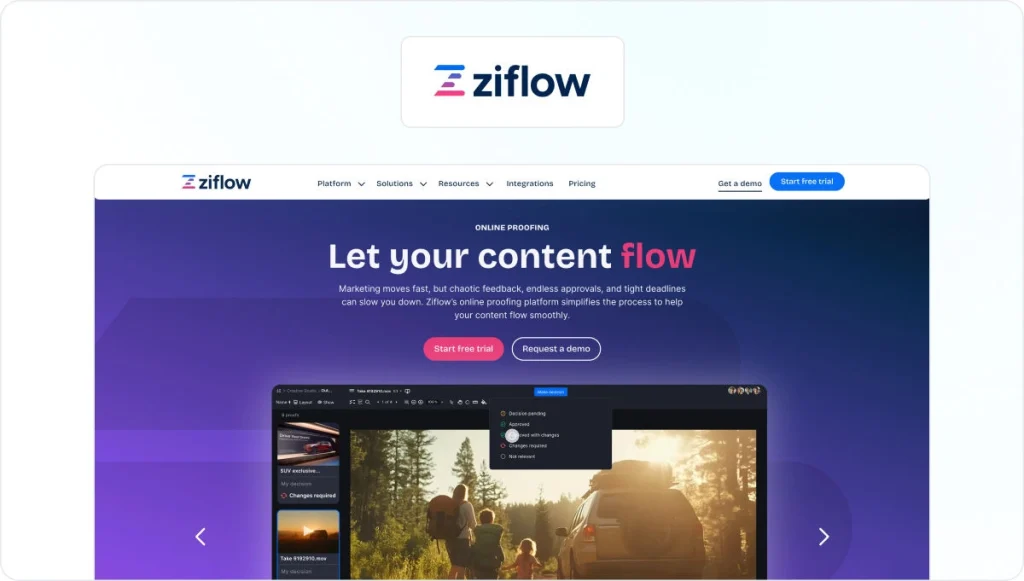
Ziflow is an online proofing and creative feedback platform designed for marketing teams, creative agencies, and enterprises that manage high volumes of visual content. It focuses on streamlining review and approval workflows for design files, videos, and documents across distributed teams, positioning it as a strong creative review software option for larger teams.
Feedback precision
Ziflow supports annotations and comments on images, PDFs, videos, and other common creative file types. Versioning tools help teams track iterations and compare changes between review rounds. Approval statuses and decision tracking are built into the review flow to help teams move assets forward without ambiguity.
Integrations
Ziflow integrates with Adobe Creative Cloud and connects with project management and storage tools, such as Asana, monday.com, Slack, Dropbox, Google Drive, and more. These integrations allow teams to sync review activity with existing creative and marketing workflows.
Security and compliance
Ziflow is positioned as an enterprise-focused online proofing platform and places strong emphasis on security and regulatory readiness. It supports GDPR compliance, uses encryption to protect data, and runs its infrastructure on AWS with regular penetration testing. Ziflow is certified against ISO/IEC 27001 and SOC 2 Type II, with documented security controls covering access management, data handling, and operational continuity.
Pricing
Ziflow offers a free trial and a free plan for up to two users. Paid plans start at $249/month for up to 15 users. It offers tiered plans, with pricing structured around feature access and usage.
Check out our complete Filestage vs Ziflow comparison guide for a deeper dive.
3. PageProof

Core use case
PageProof is a creative review and approval platform built for marketing teams, agencies, and enterprises that need secure proofing across design, video, and document workflows. It focuses on helping teams manage feedback and approvals while meeting strict security, privacy, and data residency requirements.
Feedback precision
PageProof supports in-context comments and annotations across a wide range of file types, including design files, videos, documents, and prototypes. Versioning tools help teams track changes across review rounds, while structured approval flows guide assets toward final signoff with less ambiguity.
Integrations
PageProof integrates deeply with Adobe Creative Cloud, allowing designers to create and manage proofs directly from tools like InDesign, Photoshop, Illustrator, Premiere Pro, and After Effects. It also connects with platforms such as Figma, Canva, Asana, monday.com, ClickUp, Slack, Microsoft Teams, and common storage tools, helping teams keep proofing aligned with their existing workflows.
Security and compliance
PageProof places strong emphasis on security and enterprise readiness. It supports GDPR and CCPA requirements, offers single sign-on, SCIM-based provisioning, and multi-factor authentication, and allows customers to choose from multiple global data residency locations. The platform uses a multi-layer encryption approach and is certified against ISO/IEC 27001:2022.
Pricing
PageProof offers paid plans for teams of different sizes, with pricing structured around usage and feature access. A free trial is available, but a free plan is not. Paid plans start at $249/month for small teams.
For more, check out our full Filestage vs PageProof comparison guide.
4. GoVisually
Core use case
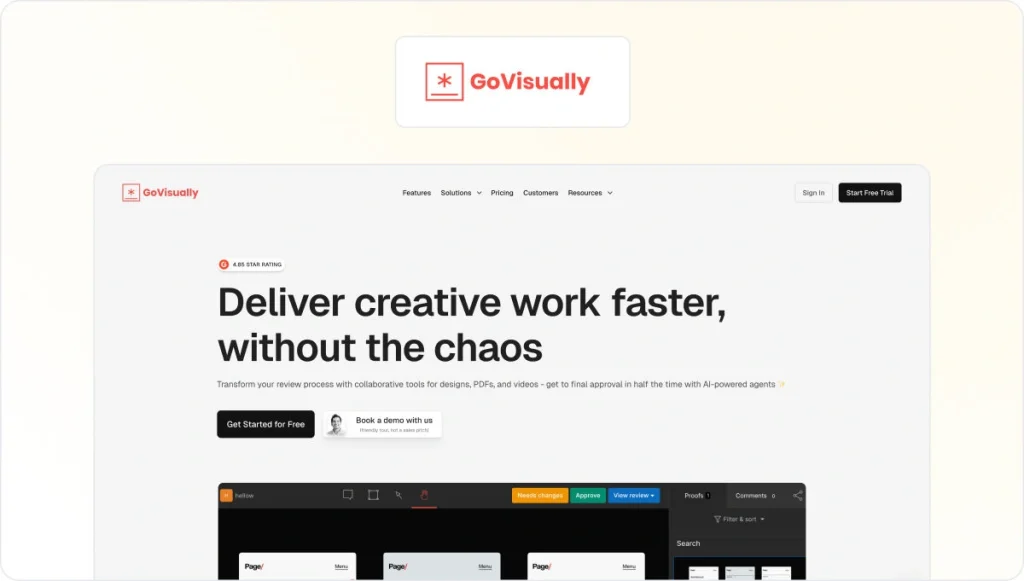
GoVisually is a lightweight creative review platform aimed at freelancers, small agencies, and early-stage marketing teams. It provides a simple space to share visual assets and gather feedback without the overhead of complex workflows or advanced approval logic.
Feedback precision
GoVisually supports in-context comments and markup on images, designs, PDFs, and video files. Version handling is available at a basic level, helping teams manage review rounds, though it is less structured than enterprise-focused creative approval software.
Integrations
GoVisually integrates with Adobe Creative Cloud and connects with collaboration tools such as Slack and Asana. It also supports integrations with thousands of additional apps via Zapier, allowing teams to link proofing activity with their existing workflows without requiring custom development.
Security and compliance
GoVisually encrypts all traffic using 256-bit SSL over TLS 1.2 or higher and encrypts customer data at rest. The platform runs on enterprise-grade cloud infrastructure backed by SOC 2 Type II–compliant providers. Data is backed up daily using encrypted storage, with controlled access for file delivery.
Pricing
GoVisually doesn’t offer a free plan, but it does offer a free trial. Paid plans start at $20/user per month for up to five users.
5. Frame.io

Core use case
Frame.io is a creative review platform built primarily for video teams. It’s used by marketing departments, production teams, and agencies that need fast, frame-accurate feedback on video content, with support for related assets like images, audio files, and PDFs.
Feedback precision
Frame.io supports frame-level comments that attach directly to moments in a video timeline, making it well suited to detailed video reviews. Version stacks help teams track updates across review rounds, while approval states clarify when assets are ready to move forward. Its feedback tools are strongest in video-first workflows.
Integrations
Frame.io integrates deeply with Adobe Creative Cloud, including Premiere Pro and After Effects, allowing editors to review comments and upload new versions without leaving their editing environment. It also connects with a wide range of project management and collaboration tools such as Asana, monday.com, ClickUp, Slack, and Trello, alongside storage platforms like Google Drive. A public API and no-code connectors support custom workflows and automation.
Security and compliance
Frame.io offers enterprise-grade security controls designed to protect creative content throughout the review process. It supports role-based permissions, single sign-on, and two-factor authentication, with additional safeguards such as watermarking to protect intellectual property. The platform is certified against SOC 2 Type II and ISO/IEC 27001, and holds the TPN Gold Shield for secure media handling.
Pricing
Frame.io offers a free trial and a free plan for up to two users. Paid plans start at $15/user per month, with higher tiers available for larger teams and more advanced workflow needs.
For a deeper dive, read our full Filestage vs Frame.io comparison guide.
6. StreamWork

Core use case
StreamWork is a creative review and workflow platform designed primarily for large enterprises managing high volumes of brand and marketing content. It focuses on coordinating reviews, approvals, and asset governance across distributed teams, often within complex organizational structures.
Feedback precision
StreamWork supports structured feedback and review workflows for marketing assets and documents. Version tracking and approval states help teams follow changes across review stages, though the depth of annotation tools and multi-format proofing capabilities varies by configuration.
Integrations
StreamWork integrates with common collaboration and project management tools such as Asana, monday.com, and Slack, helping teams keep review activity connected to their wider creative workflows. It also offers a customizable API, allowing larger organizations to tailor integrations to their existing systems and internal processes.
Security and compliance
StreamWork offers enterprise-grade security features designed to protect creative assets and feedback throughout the review process. It supports SOC 2 Type II compliance and includes security controls such as single sign-on and two-factor authentication. Advanced settings allow organizations to align StreamWork with internal IT and security policies.
Pricing
StreamWork offers a free trial, with limited free usage options available depending on plan and region. Paid plans start at $219/month for up to 15 users.
7. Wrike
Core use case
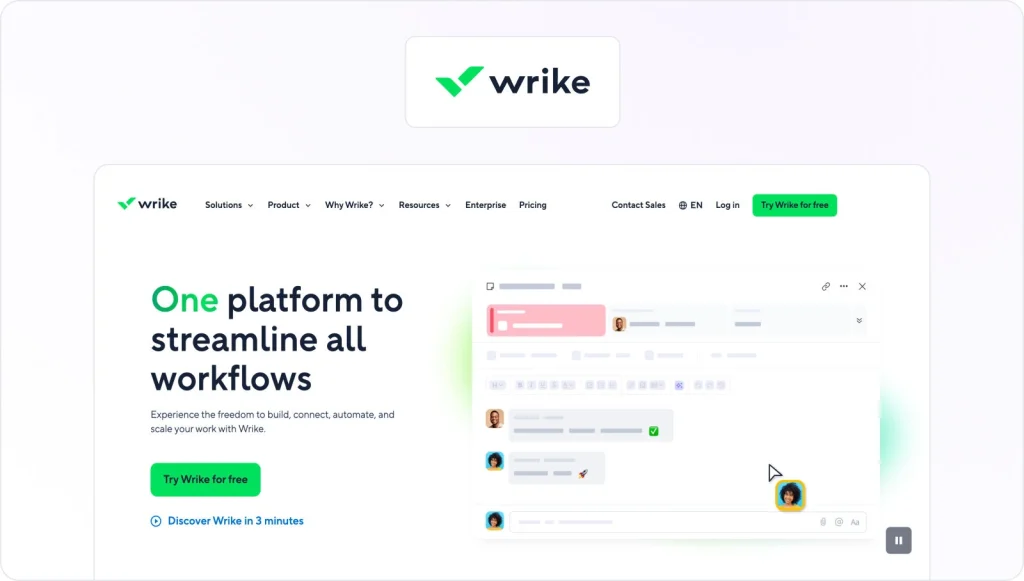
Wrike is a project management platform with built-in review and approval features. It’s used by marketing, creative, and operations teams that want to manage tasks, timelines, and collaboration in one workspace, with proofing added as part of a broader project workflow.
Feedback precision
Wrike supports basic proofing and approval for creative assets, allowing teams to comment on files and track approvals within tasks. Version handling and markup tools are suitable for straightforward feedback rounds, though they are less specialized than dedicated creative review platforms.
Integrations
Wrike connects with a wide range of business, collaboration, and creative tools. It integrates with Adobe Creative Cloud, Microsoft Teams, Google Drive, SharePoint, Salesforce, Tableau, Power BI, Miro, Zoom, and MediaValet. Wrike Integrate and a public REST API allow teams to automate workflows and connect Wrike to additional cloud or on-premises systems.
Security and compliance
Wrike operates a global infrastructure hosted in secure data centers across the US and EU. Its environments rely on SOC 2–compliant and ISO 27001–certified facilities, with additional standards including ISO 27017, ISO 27018, ISAE 3402, and SSAE 16 supported at the infrastructure level. Security controls include role-based access, continuous monitoring, restricted system access, and disaster recovery hosted on Google Cloud Platform.
Pricing
Wrike offers a free trial and a free plan with limited functionality. Paid plans start at $10/user per month for up to 15 users, with higher tiers unlocking advanced workflows, automation, and security features.
See how Filestage can speed up your approvals
Enjoy a free, 30 minutes consultation with our experts, tailored to your team and use cases.
8. Adobe Workfront

Core use case
Adobe Workfront is an enterprise work management platform designed for large organizations coordinating complex projects across marketing, creative, and operations teams. It focuses on managing tasks, resources, and approvals at scale, rather than acting as a dedicated creative review platform.
Feedback precision
Workfront supports review and approval workflows within broader project plans, allowing teams to manage signoff as part of structured processes. Feedback and approvals are closely tied to tasks and assets, though annotation and proofing capabilities are more limited compared with purpose-built creative review software.
Integrations
Workfront integrates deeply with Adobe’s ecosystem, including Creative Cloud, Adobe Experience Manager Assets, Adobe Express, Frame.io, and GenStudio for Performance Marketing. It also connects with tools like Slack, Microsoft Teams, and Figma, enabling task updates, approval notifications, and design changes to flow into structured workflows.
Security and compliance
While Workfront is positioned for enterprise use and offers robust admin controls, detailed product-specific security certifications are typically shared during the sales process rather than listed publicly.
Pricing
Adobe Workfront is sold as an enterprise solution with pricing available on request. There is no publicly listed free plan or trial.
9. QuickReviewer
Core use case
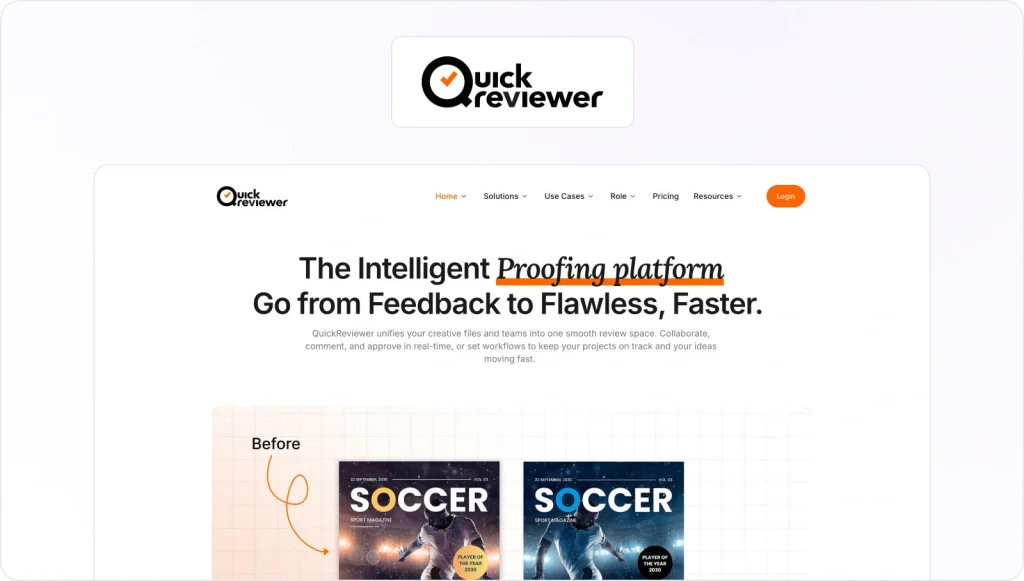
QuickReviewer is a creative review and approval platform used by teams that work across many formats and workflows. It can operate as a standalone proofing hub or integrate into an existing tech stack, supporting reviews for videos, PDFs, images, live websites, 3D models, and interactive content.
Feedback precision
QuickReviewer supports contextual comments and annotations across more than 150 file types, including video, documents, web pages, and design files. Version comparison, real-time collaboration, and multi-stage approval workflows help teams manage complex review cycles. The platform also includes AI-assisted checks to support brand consistency during reviews.
Integrations
QuickReviewer integrates with a broad range of creative, project management, and collaboration tools. These include Adobe Creative Cloud, Canva, Google Drive, Dropbox, Box, Jira, Asana, Trello, Slack, Microsoft Teams, YouTube, Vimeo, and Shopify. Automation platforms like Zapier and Make extend integrations further, while a public API supports custom workflows and enterprise system connections.
Security and compliance
QuickReviewer is built for enterprise use cases and is SOC 2 Type II certified and GDPR compliant. It supports single sign-on and SCIM via Okta, role-based access controls, and password-protected share links.
Data is encrypted using AES-256 at rest and TLS 1.2+ in transit, with additional controls for secure sharing and access expiry.
Pricing
QuickReviewer offers a free plan but no free trial. Paid plans start at $79/month for up to ten users, with higher tiers available for advanced integrations, security options, and enterprise support.
10. ReviewStudio
Core use case
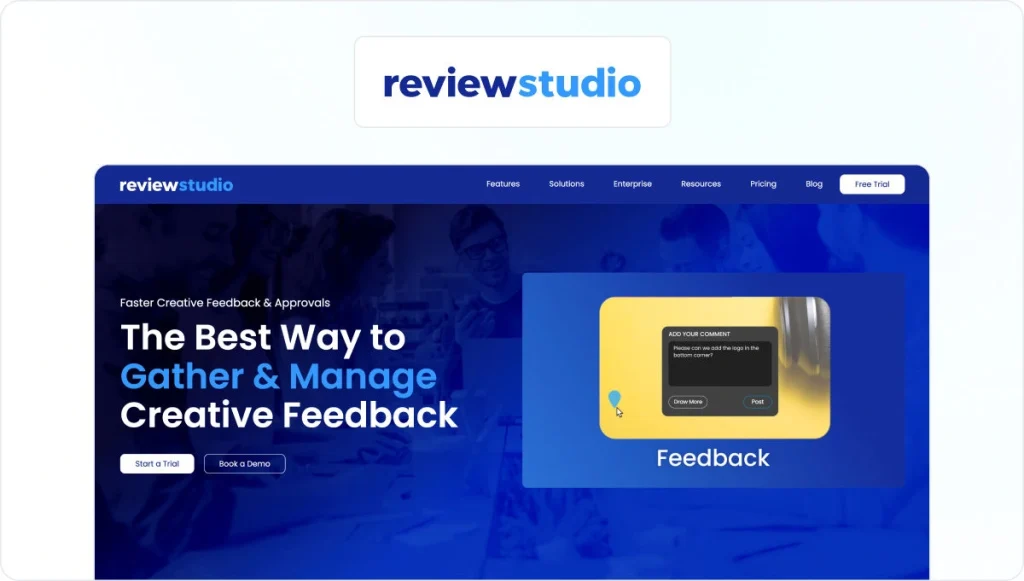
ReviewStudio is an online proofing and creative review platform used by marketing teams, agencies, and in-house creative departments. It supports structured reviews and approvals for images, PDFs, video, HTML content, and design files, helping teams manage feedback, tasks, and approvals in one centralized workspace.
Feedback precision
ReviewStudio offers contextual markup and commenting tools across multiple file types, including frame-level video comments, text-specific PDF annotations, and live website reviews. Version history, side-by-side comparison, and task-based feedback help teams track revisions and manage multi-stage approval workflows with clarity.
Integrations
ReviewStudio integrates with common project management and workflow tools including Asana, monday.com, Wrike, Kantata, and Workzone. It also offers a robust API and supports automation through Zapier and Make (formerly Integromat), enabling connections with thousands of additional applications.
Security and compliance
ReviewStudio is ISO 27001 certified and GDPR compliant, with data hosted on AWS infrastructure. Security features include audit trails, single sign-on, two-factor authentication, and 256-bit SSL encryption. The platform states compliance support across standards including PCI, HIPAA, SOC, and GDPR, alongside a 99.99% uptime SLA.
Pricing
ReviewStudio offers a free trial and a free plan. Paid plans start at $15/user per month, with higher tiers available for advanced workflows, integrations, and enterprise support.
11. GoProof

Core use case
GoProof is a creative review and approval platform built primarily for design-led teams working inside Adobe Creative Cloud. It’s used by agencies and in-house creative teams that want to launch proofs directly from design tools and manage approvals without switching platforms.
Feedback precision
GoProof supports contextual markup and commenting on design files, PDFs, videos, and live web pages. It offers version comparisons, side-by-side views, and structured approval stages, with additional tools for copy editing and role-based review routing. These features suit multi-stage design and artwork approvals.
Integrations
GoProof integrates deeply with Adobe Creative Cloud, including InDesign, Photoshop, Illustrator, and Premiere Pro, allowing designers to launch and manage proofs directly from their creative tools. It also connects with project management and collaboration platforms such as monday.com, Asana, ClickUp, Trello, Basecamp, Slack, and Microsoft Teams. Zapier extends integrations further, and calendar syncing supports deadline management.
Security and compliance
GoProof uses secure cloud infrastructure with SSL encryption, role-based access controls, and user permissions to protect creative assets and feedback. The platform is GDPR compliant and certified against ISO/IEC 27001:2022, supporting enterprise-grade security practices for managing sensitive creative work.
Pricing
GoProof offers a free trial, but there’s currently no free plan. Paid plans start at $159/month for up to two users, with higher tiers available for larger teams and advanced workflow needs.
12. Approval Studio

Core use case
Approval Studio is a client-oriented creative review and approval platform used mainly by agencies and design teams. It’s particularly well-suited to packaging, branding, and artwork reviews where precise visual feedback and client sign-off are central to the process.
Feedback precision
Approval Studio supports contextual annotations on images, PDFs, and design files, with multiple comparison modes to spot changes between versions. Side-by-side comparisons, structured approval stages, and optional AI-assisted tools help teams manage detailed design reviews and maintain brand consistency.
Integrations
Approval Studio offers an official Adobe Creative Cloud extension, allowing teams to upload and track proofs directly from Photoshop, Illustrator, and InDesign. It also integrates with Slack for notifications, Shopify for print-on-demand workflows, and Zapier to connect with thousands of additional apps. A public API supports custom integrations for more tailored workflows.
Security and compliance
Approval Studio stores data in controlled facilities in the Netherlands and follows ISO/IEC 27001 security practices. Data is encrypted during transmission, regular encrypted backups are performed, and payments are processed via Stripe with PCI Level 1 compliance. Single sign-on is supported via providers such as Okta and Google.
Pricing
Approval Studio offers a free trial but does not offer a free plan. Paid plans start at $60/month for up to five users, with per-user pricing tiers available for larger teams.
For a more in-depth overview, check out our Filestage vs Approval Studio comparison guide.
13. Markup Hero
Core use case
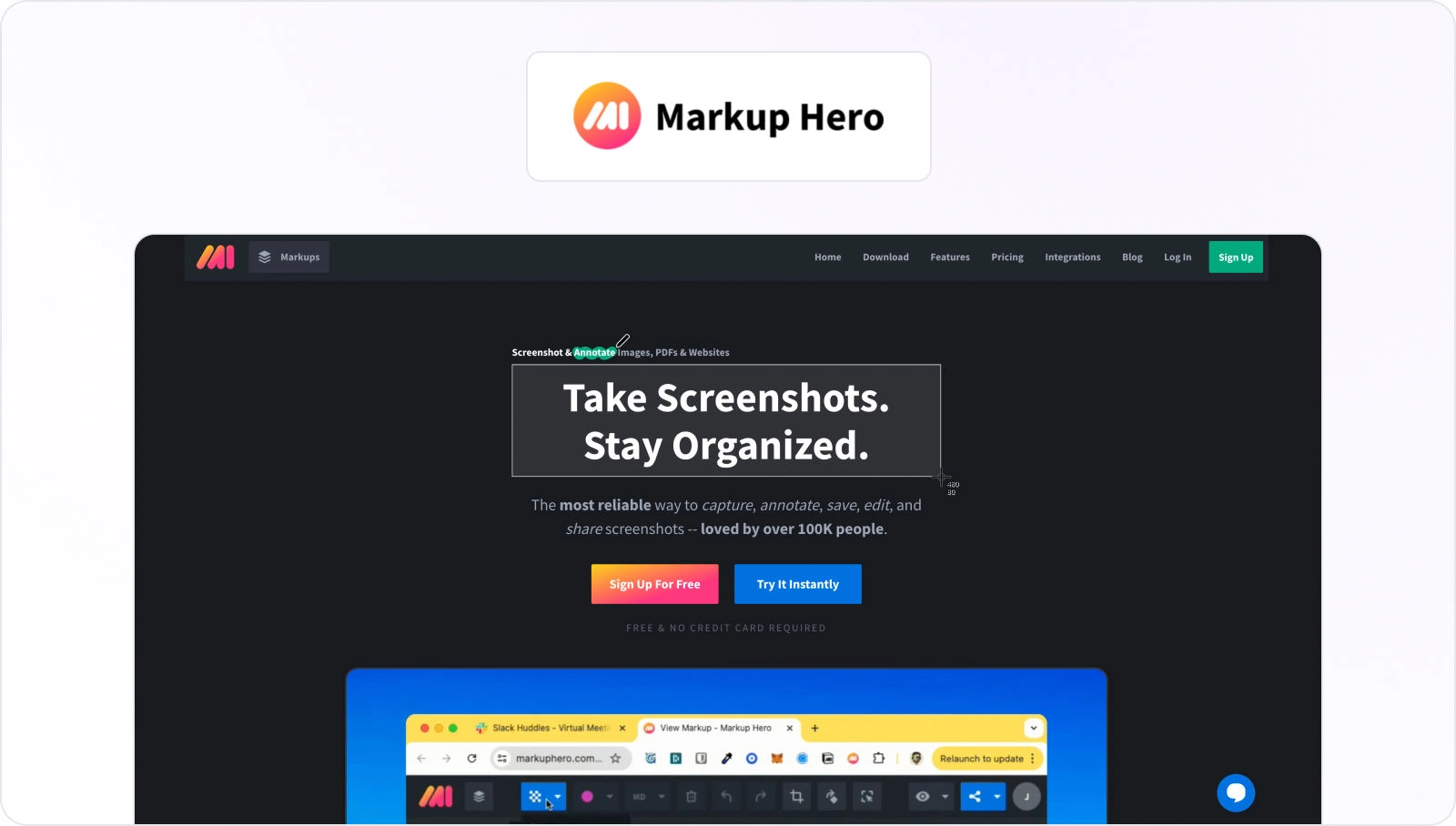
Markup Hero is a lightweight annotation and markup tool designed for individuals and small teams who need fast feedback on screenshots, images, PDFs, and simple web captures. It focuses on quick visual communication rather than structured review or approval workflows.
Feedback precision
Markup Hero provides straightforward annotation tools for images, PDFs, and captured web pages, including drawing, highlighting, text, and blur tools. Version history and shared links support simple collaboration, but it does not offer multi-stage approvals or formal review workflows.
Integrations
Markup Hero integrates with tools commonly used for quick collaboration. These include a Chrome extension for capturing and annotating web pages, Google Drive for marking up documents and files, Notion for embedding screenshots, and Slack for annotating shared images and PDFs.
Security and compliance
Markup Hero does not publicly document specific security certifications, compliance frameworks, or enterprise-grade access controls on its website.
Pricing
Markup Hero offers a free plan but no free trial exists. Paid plans start at $5/user per month, positioning it as a low-cost option for basic markup and annotation needs.
14. Wipster
Core use case
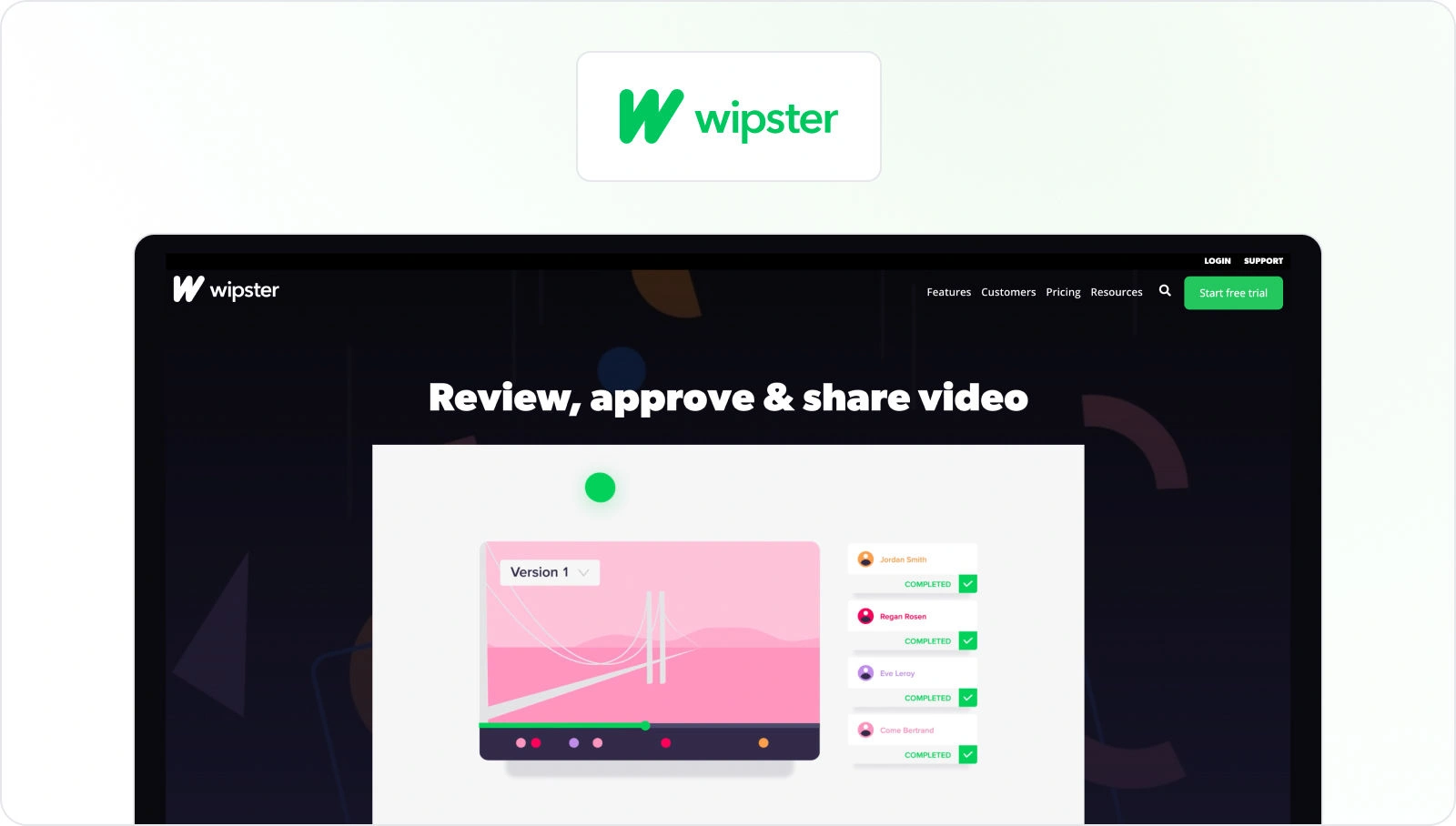
Wipster is a cloud-based creative review platform focused primarily on video. It’s used by agencies, marketing teams, and creative departments that need a simple way to share video content, gather feedback, and manage approval rounds without heavy workflow overhead.
Feedback precision
Wipster supports frame-accurate, timestamped comments on video assets, helping reviewers leave precise feedback at the right moment. Version management keeps review rounds organized, and streaming-based previews allow stakeholders to review content without downloading large files. Support for PDFs, images, and audio is available, but video remains the core strength.
Integrations
Wipster integrates with professional video editing tools such as Final Cut Pro, allowing editors to reference feedback directly during production. It also connects with common creative workflows through its broader platform integrations, though its ecosystem is more limited compared with multi-format creative review tools.
Security and compliance
Wipster uses 256-bit encryption for data in transit and at rest and is hosted on Microsoft Azure infrastructure. The platform supports enterprise single sign-on via Auth0, private-by-default content access, and role-based sharing controls. Its cloud environment benefits from Azure’s certifications, including ISO 27001, SOC 1, and SOC 2 at the infrastructure level.
Pricing
Wipster offers a free trial but does not offer a free plan. Team plans start at $25/user per month, with enterprise options available for larger teams and advanced requirements.
How I evaluated the best creative review platforms
To compare creative approval software and identify the best creative review platforms, I focused on the features that actually affect review speed, clarity, and decision-making once real stakeholders get involved. These criteria reflect how teams review work day to day, not just what looks good on a feature list.
Here’s what I considered:
Supported file types
Creative teams rarely work in one format. I looked at how well each platform handles common review assets, including documents, PDFs, images, social previews, emails, video, audio, live websites, and prototypes.
Tools that support multiple formats in one interface remove friction and keep feedback in context. This is especially important for teams managing complex visual workflows, such as artwork proofing and packaging reviews.

Feedback precision and UX
Clear feedback only works when it’s easy to give and easy to act on. I evaluated annotation depth, timecode, and frame-level comments for video, threaded discussions, and @mentions.
Just as important was usability. Busy stakeholders should be able to open a file, leave feedback, and approve without training or technical hurdles.
Platforms that support structured design approval workflows tend to perform better here, especially when multiple reviewers are involved.
Workflow
Review tools need structure, not just comments. I assessed how each platform supports customizable review steps, serial or parallel routing, automated reminders, and clear status tracking.
Strong platforms act as software for tracking creative project reviews and approvals, helping teams move work forward without manually chasing sign-off at every stage.
See how Filestage can speed up your approvals
Enjoy a free, 30 minutes consultation with our experts, tailored to your team and use cases.
Integrations and ecosystem
Creative review rarely lives in isolation. I looked at how well each tool fits into existing ecosystems, including Adobe and Figma, project management tools, chat platforms, DAMs, and cloud storage.
The strongest platforms enhance existing creative project management setups rather than trying to replace them entirely.
Security and compliance
For many teams, especially in regulated industries, security is non-negotiable. I reviewed encryption standards, access controls, SSO support, audit trails, and compliance features such as verified approvals. These capabilities matter most for enterprise buyers, legal reviews, and brand-sensitive campaigns where traceability is required.
Time-to-value
A powerful platform still needs to be usable quickly. I considered ease of rollout, onboarding effort, and how simple it is for external reviewers to participate. Tools that work straight from a browser and avoid mandatory accounts tend to deliver faster time-to-value.
Pricing and scalability
Finally, I looked at pricing models and how well they scale. Free plans versus free trials, per-seat pricing versus flat tiers, and clarity around limits all affect the total cost of ownership.
Transparent pricing makes it easier for teams to compare creative approval software and shortlist tools with confidence.
Based on these criteria, I came up with my final list. You’ll find options for large enterprises looking for complex review features and learner tools that work best for small, agile teams. You’ll also find some great all-rounders like Filestage that combine deep creative review features with flexible workflows (while also supporting enterprise-ready security and compliance).
Hopefully, this shortlist will make your decision-making process easier and help you pick your top two or three solutions to take for a test drive.
Final thoughts
Creative approval software only earns its place if it actually keeps campaigns moving. The strongest platforms keep reviews moving, reduce rework, protect brand standards, support compliance requirements, and give creative teams space to focus on ideas instead of admin.
Each tool in this guide has different strengths across the creative review platform landscape. Some platforms make sense when creative review sits inside a broader project management setup. Others shine in specific niches like video-only feedback or lightweight design proofing. But once campaigns span multiple channels, formats, and stakeholders, teams tend to benefit most from a dedicated creative review and approval platform built for that complexity.
That’s where Filestage stands out. It combines precise, in-context feedback with flexible approval workflows, clear version control, and enterprise-ready security, all in one focused workspace.
For teams managing high volumes of creative assets, coordinating internal reviewers alongside clients or partners, working across documents, designs, videos, and live content, or needing reliable audit trails for regulated environments, Filestage consistently covers a broader range of review and approval needs than single-purpose or bolt-on solutions.
If you’re ready to stop chasing approvals and start launching campaigns with confidence, start your free trial of Filestage and see how much smoother creative reviews can be.
Start your free Filestage trial today →
FAQ
What is creative approval software?
Creative approval software is a cloud-based tool that gives teams one place to review creative work, leave feedback, and formally approve assets. Instead of comments living in emails, chat threads, PDFs, and screenshots, everything happens directly on the file itself. Versions are tracked automatically, decisions are recorded, and everyone can see what’s approved, what’s still under review, and what needs attention next.
Which features matter most when choosing creative review and approval software?
The most important features in creative review and approval software are the ones that remove friction from everyday reviews. That usually means reliable version control, precise in-context comments, and approval states that make sign-off unambiguous. For more complex teams, workflow flexibility matters too, especially when reviews involve legal checks, brand approvals, or multiple rounds with different groups.
This is where dedicated tools like Filestage tend to outperform general platforms, because they’re built around the review process itself rather than bolted on as an extra.
How can creative approval software help agencies and in-house teams manage feedback from multiple stakeholders?
Creative approval software gives every stakeholder a single, shared place to review work. Internal teams, clients, legal reviewers, and external partners can all comment directly on the same version, with permissions controlling who can view, comment, or approve. This reduces duplicate feedback, avoids conflicting requests, and makes it much easier to move from draft to sign-off without endless follow-ups.
What security and compliance features should I look for in creative approval software?
Security becomes especially important once sensitive brand, marketing, or regulated content is involved. Look for encryption in transit and at rest, role-based access controls, single sign-on, and clear audit logs. Teams in regulated industries may also need verified approvals and compliance-aligned workflows. Filestage, for example, is built with GDPR compliance, ISO 27001 certification, and enterprise-grade approval records in mind.
When does it make sense to choose a dedicated creative review tool like Filestage instead of an all-in-one project management suite?
All-in-one tools work fine when creative review is occasional or informal. They start to struggle when reviews become central to how work gets shipped. If your team is handling lots of creative assets, juggling multiple formats, or coordinating approvals across departments and external partners, a dedicated review platform is usually the better fit.
Filestage is built specifically for those scenarios, where review clarity, compliance, and momentum matter more than generic task lists.