TL;DR
- The tools in this guide span the full production cycle, from planning through design, writing, review, and sign-off
- ClickUp, monday.com, and CoSchedule keep campaign timelines and content calendars organized
- Adobe Express, Figma, and CapCut handle visual content from branded graphics to short-form content and video
- Grammarly, Jasper, and Writer help your team produce campaign copy faster while keeping messaging consistent
- Filestage, Markup.io, and Planable bring structure to the review and approval stage and cut sign-off delays
- Most effective teams build a focused stack of complementary content tools rather than depending on a single platform
_____________________________________________
Modern campaigns require more content across more channels than ever before. According to Salesforce’s 2026 State of Marketing report, 75% of marketers have now adopted AI to help close the content production gap. But AI alone isn’t enough. You need dedicated platforms for planning, designing, writing, and approvals.
This guide covers 12 of the best campaign content creation tools across all four stages so you can build a content strategy and stack that works for your team.
What are the benefits of dedicated campaign content creation tools?
The right tools don’t just make your team faster. They make your content creation process more repeatable and give every team member clearer visibility into what’s coming next. These platforms also function as collaboration tools that reduce the communication overhead slowing campaigns down.
A faster content creation process
Artificial Intelligence, templates, and automation cut manual steps out of the production cycle. When you add the right AI tool at each stage of your workflow, teams can create content faster, spending less time on repetitive setup and more time on work that requires judgment and strategy.
Better collaboration between teams and stakeholders
Centralized platforms replace scattered emails and shared drive folders. When teams and stakeholders share a single feedback hub, comments are clearer, and producing content through structured review cycles is far more efficient than managing feedback by email.
More consistent branding across social media channels
Shared brand kits and approved asset libraries mean every social media post and campaign visual reflects the same identity, regardless of who created it. Your team can maintain consistency across every piece of content it publishes, from social media posts to display ads.
Easier content scaling across platforms
Once a campaign asset exists, the right content creation tools make it faster to resize, adapt, and repurpose it for multiple platforms. What once took hours of reformatting can often be reduced to minutes, making producing content at scale significantly more manageable.
Improved review and approval processes
Structured approval workflows replace ad hoc feedback with defined stages and clear accountability. Relevant content reaches publication faster when the approval path is clear, and high quality content is less likely to pass through with errors still in place.
Approve all your campaigns in one place
Get quick and clear feedback right on top of your content with Filestage.
Top 12 campaign content creation tools
Choosing the right tools starts with knowing what each category is built to solve. These 12 tools are organized by production stage so you can see exactly where each one fits in your campaign workflow.
Planning and campaign management tools
Good campaign planning starts before a single asset is created. These tools help content teams build timelines, assign work, manage content calendars, and track progress across marketing campaigns from brief to delivery.
ClickUp

ClickUp is an all-in-one productivity platform that brings tasks, docs, timelines, goals, and dashboards into a single workspace. It works as an AI tool for campaign teams, automating routine handoffs between stages and surfacing content summarization features on demand. Key features include custom dashboards, AI task creation, and campaign timeline views.
Marketing teams use it to manage work from brief to delivery, and a generous free plan makes it accessible to teams of all sizes.
monday.com
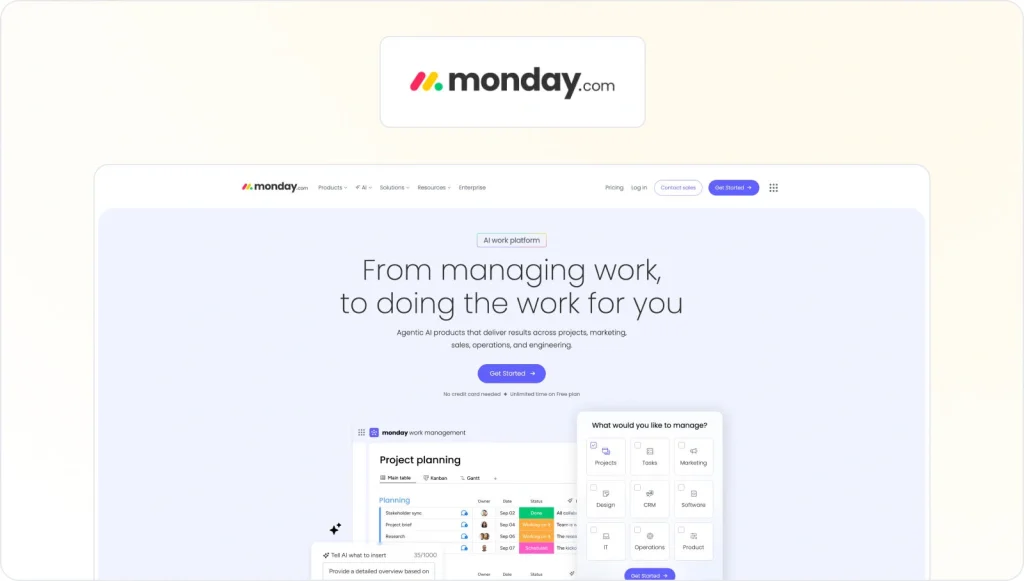
monday.com is a visual work management platform built around boards, dashboards, and automations. Teams use it to plan campaigns, track content production across multiple workstreams, and maintain visibility across the full campaign calendar. AI features automate routine status updates and surface project risks earlier.
monday.com works well for teams managing diverse campaign types alongside other business workstreams. Its free plan is a low-barrier entry point, with paid plans available for larger operations.
CoSchedule

CoSchedule is a purpose-built marketing calendar for content teams with a strong social media marketing focus. Its drag-and-drop calendar gives you a unified view of every campaign, blog post, social media post, and email across channels in one place. There’s an AI tool called Mia (the Marketing Intelligence Assistant) that generates first-draft copy and content ideas directly within the platform.
Key features include the unified calendar, Mia’s AI writing capabilities, and the ReQueue automation for scheduling posts with top-performing content. CoSchedule offers a free tier for teams getting started.
For a wider look at options at the planning stage, see our guide to campaign management tools.
Visual content creation tools
Strong visual content is essential for campaign performance across social media channels and paid media. These design tools cover the formats content teams need most, from graphic design and collaborative prototyping to short-form video content.
Adobe Express
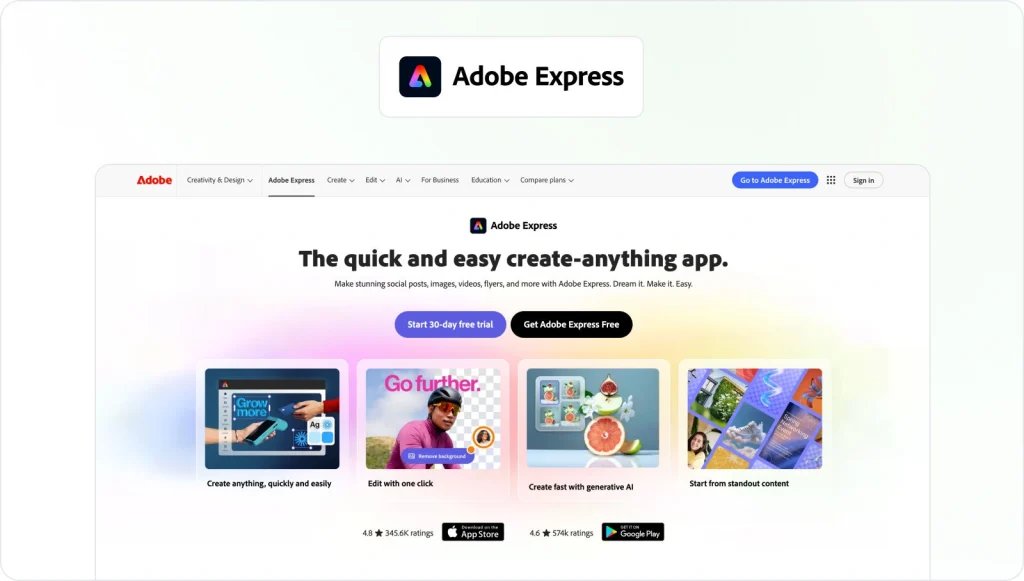
Adobe Express is Adobe’s accessible design tool (part photo editor, part template studio) for content creators who need to produce on-brand assets quickly. Teams use it to build social graphics, blog images, short promotional videos, and PDF documents from a library of pre-built templates, branded fonts, and approved colors.
Key features include a built-in Brand Kit, support for producing high quality images for campaigns, and a free plan covering core design features.
Figma

Figma is the leading browser-based design platform for teams that need real-time collaboration on campaign assets. It runs in web browsers without requiring a separate install. Multiple designers and stakeholders can work on the same file simultaneously with contextual commenting and full version history built in.
For content teams creating campaign assets, Figma is most useful for high-fidelity ad templates, landing pages, and campaign visuals before handoff to development. A free plan covers individual use and small teams, with advanced features and paid plans available for larger operations.
CapCut
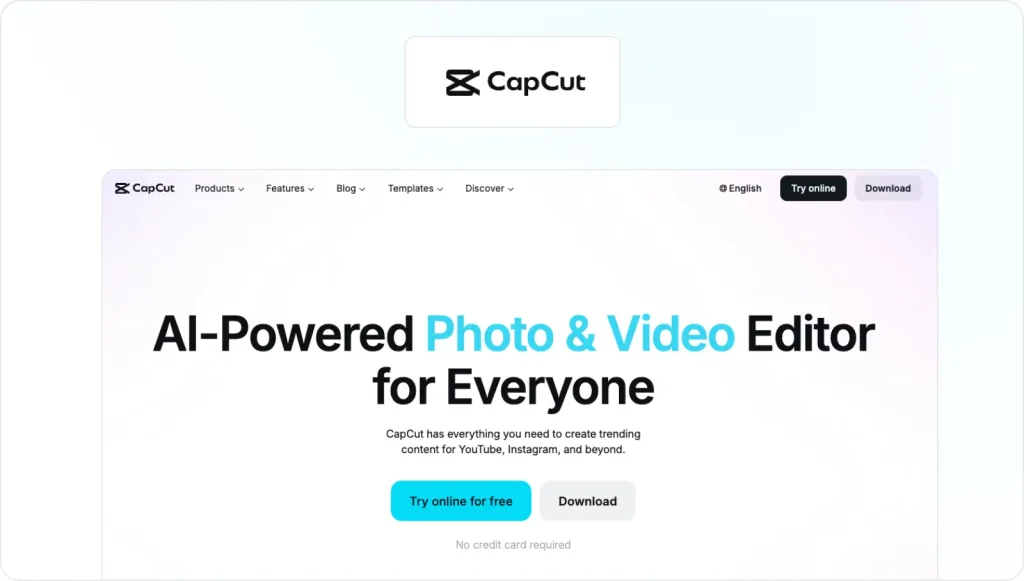
CapCut is an AI tool for video editing, widely used by content creators for producing short-form content for Instagram, TikTok, and other social media platforms. AI-powered features handle auto-captioning, background removal, and scene transitions automatically, making it possible to create videos at the pace that high-volume social media publishing schedules demand.
The platform also lets teams create AI generated videos using its built-in generation tools, making it one of the more popular tools for video content production. CapCut is available on mobile and desktop, and its core features are free to use.
Writing and editing tools
Keeping up with content writing demands at campaign speed is one of the harder challenges in content marketing. These AI content creation tools help you generate content, improve your content writing, and produce compelling content at the pace modern campaigns require, as artificial intelligence continues to change how teams work.
Grammarly
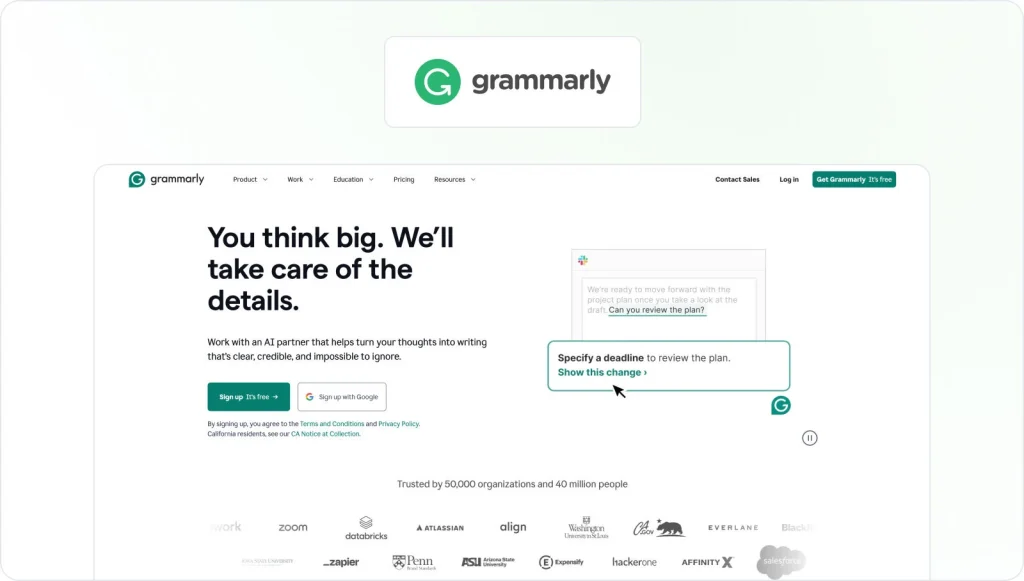
Grammarly is an AI tool for content writing that gives real-time feedback on basic grammar, spelling, clarity, tone, and style wherever your team works. It integrates into your writing process across the browser, desktop app, and within tools like Google Docs and Microsoft Word.
For content teams, it works best as a final editing pass before content moves to review. Grammarly’s free plan covers core quality checks, with more advanced features available on premium plans.
Jasper

Jasper is an AI tool built for marketing content. It helps content teams scale their content writing, from blog posts and landing pages to social ads and email campaigns, while maintaining brand voice through trained style profiles.
Teams use it to move from campaign brief to first draft quickly, and built-in keyword research features make it useful for content that needs to rank in search and convert.
For a deeper look at AI-driven production, see our guide to automated content creation.
Writer

Writer is an enterprise AI tool designed for organizations that need to maintain consistent brand voice across a large team of content creators. Its core feature is a company-trained AI that applies your style guides, approved terminology, and brand voice automatically through built-in guardrails.
A Knowledge Graph connects the platform to your internal documents so it can generate content grounded in your own products, policies, and messaging. Writer suits larger content teams with governance and compliance software requirements.
Review and approval tools
Even strong campaign content can stall in a disorganized review cycle. Dedicated review and approval tools replace email-based feedback with structured workflows that keep social posts, campaign assets, and design files moving and stakeholders accountable.
Filestage

Filestage is a dedicated review and approval platform built for marketing teams and creative teams. Reviewers leave contextual comments directly on video content, PDFs, audio files, images, and live websites, with automated workflows routing assets to the right stakeholders at each approval stage. Review Agents scan uploaded files for spelling errors and brand guideline violations before human review begins.
Key features include contextual commenting, Review Agents, automated routing, and a version-controlled audit trail that records every decision from brief to final sign-off.
Approve all your campaigns in one place
Get quick and clear feedback right on top of your content with Filestage.
Markup.io

Markup.io is a lightweight annotation tool for collecting visual feedback on websites, PDFs, and images. Reviewers click directly on content to leave a comment, which makes it straightforward for non-technical stakeholders to flag specific issues without lengthy descriptions. It works well for simple web feedback and design reviews.
Teams managing multi-format campaigns or complex approval workflows may find they need more comprehensive content tools as their campaigns scale.
Planable

Planable is one of the more popular social media tools for agencies managing content across multiple client accounts. Teams draft, preview, and approve social media posts across a variety of social media channels using a drag-and-drop interface, with approval workflows scaling from one-click sign-off to custom multi-stage reviews.
Unlimited users are included in every workspace, making it a practical fit for agencies managing social media content across multiple client accounts.
For a wider look at this category, see our guide to social media content creation tools.
How to choose the right content creation tools for your campaigns
First, map your content strategy before you look at any feature comparison. Work out which stage of your content creation process causes the most delays. Is it planning, content writing, design, or approvals? That’s where you’ll get the most value from a new tool.
Once you know where the bottleneck is, compare key features with integration depth in mind. A design tool that connects to your project management software removes manual handoffs. A review platform that syncs with your asset management system keeps everyone working from the right file. Integrations often matter more than headline features.
That said, watch out for tool overload. As capable as most AI tools are, adding too many platforms at once tends to create fragmentation rather than efficiency. Effective teams typically keep a focused stack of four to six tools, each solving a specific problem at a specific stage. Think carefully about whether you need social media tools built into your planning setup, or whether separate social media marketing capabilities in a dedicated platform make more sense for how your team works.
Finally, match each tool to its target audience of users. A platform built for an individual content creator may not scale to a cross-functional campaign team. Free plans and free tier options are useful here, letting you test fit before committing budget to paid plans or longer contracts.
Best practices for building an efficient campaign content creation workflow
The most efficient campaign teams share a few habits that hold regardless of which tools they use.
- Keep feedback and approvals centralized. When review comments land in one place rather than being scattered across email and Slack threads, you can create content and move it through approval without losing context between tools or conversations.
- Build reusable templates for every asset type. Templates help you create content consistently, maintain brand consistency, and make onboarding much faster for new team members. A well-documented content creation workflow makes template adoption easier to enforce.
- Set clear approval stages before production starts. Content pipelines with multiple stakeholder groups need a defined sign-off order, or last-minute bottlenecks appear exactly when deadlines are tightest.
- Feed results back into your content marketing strategy. When you know which relevant content performed well, you start the next campaign with sharper inputs and more clearly defined goals.
Conclusion
Modern campaigns depend on a coordinated mix of planning, production, design, and approval. When any one stage breaks down, the whole pipeline stalls.
The 12 tools in this guide each solve a specific problem at a specific stage. Together, the right combination gives your team what it needs to distribute content efficiently and produce high quality content on a consistent schedule.
Filestage handles the review and approval stage, replacing scattered email feedback with structured review cycles and a clear audit trail from first draft to final sign-off.
Start your free trial of Filestage and see how it fits your campaign workflow.
FAQs
These are the most common questions marketers ask when building their campaign content toolkit.
What are campaign content creation tools?
Campaign content creation tools are software platforms that help teams plan, produce, and create content across the full production cycle. From ideation and design through to written content, video, and stakeholder sign-off. They replace scattered workflows and manual handoffs with centralized, repeatable processes.
What are the best content creation tools for small businesses?
Tools with a free plan or free tier offer the lowest barrier to entry. ClickUp and monday.com cover campaign planning and task management without upfront cost. Adobe Express handles graphic design affordably for smaller teams, Grammarly covers grammar and content writing quality checks on its free plan, and Filestage offers a free trial for getting approval workflows started.
Which tools are best for collaborative campaign reviews?
Filestage is the most complete option for multi-format reviews, with contextual commenting on video content, PDFs, audio content, images, and live websites. Planable works well specifically for social media content review, and Markup.io handles website and design feedback simply and quickly.
Are AI-powered campaign content tools worth using?
Artificial intelligence has transformed how content teams work, and AI tools for content creation can meaningfully speed up the process, particularly for generating first drafts, refining copy, and exploring content ideas. Human oversight is still essential for accuracy and tone. Most effective teams use AI content creation tools as part of a broader stack rather than as a replacement for editorial judgment.