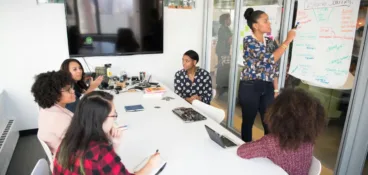
We’re firmly in the era of remote and hybrid working, which means team collaboration looks a whole lot different than it used to. Gone are the days of simply swivelling around on your chair to talk to your team. These days, teams are scattered across cities and countries, often working in different time zones and on different schedules.
So to master team collaboration in 2026 and beyond, you need the right tools, techniques, and attitudes within your workplace.
Let’s explore what team collaboration means, why it’s important, and how you can improve the way your team works together. First things first, let’s break down what team collaboration really means.
What is team collaboration?
Team collaboration is the process of multiple people or teams working together to achieve a shared goal. Today, that means harnessing the power of digital collaboration tools to share ideas, manage projects, collaborate on content, and communicate in real time. No matter where you and your team are all based.
Why is team collaboration important?
There are loads of benefits of team collaboration, for both the people doing the work and the organization as a whole. Here are three of the main perks.
1. Higher quality output
When people team up, they bring different skills, perspectives, and strengths to the table. This leads to better ideas, smarter decisions, and higher-quality work overall. And with more eyes on each stage of the process, mistakes get spotted early, before they slip through the cracks.
2. Faster, more efficient workflows
It might be a cliché, but many hands really do make light work. By sharing the load and tapping into each individual’s skillset and strengths, you’ll find you can brainstorm ideas, solve problems, and push projects over the finish line far more efficiently.
3. Boosted motivation and morale
Effective team collaboration creates a culture where everyone feels supported and valued. When people see their contributions making an impact and feel part of something bigger, motivation and employee engagement will be sky high!
11 tips for improving team collaboration
Let’s walk through 11 steps you can take to improve collaboration for your entire team.
1. Assign clear roles and responsibilities
One of the biggest nemeses of good teamwork is confusion regarding who’s responsible for what. When people aren’t clear on their role within a project, chaos descends. There’s frustration. There’s finger-pointing. And there’s a whole load of missed deadlines.
That’s why it’s important to assign clear roles and responsibilities for every project.
When everyone knows exactly what’s expected of them and what they’re accountable for, it gives team members the confidence to focus, make progress, and support one another, without stepping on anyone’s toes.
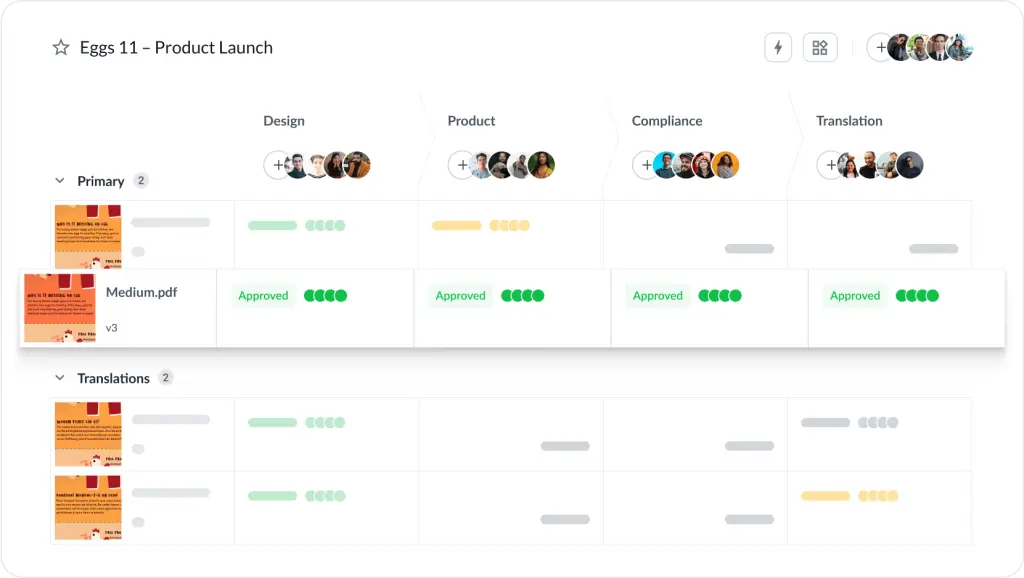
The more visual this is, the better. Here’s an example of how this might work for sharing feedback on content (using an online proofing tool like Filestage).
With Filestage, all of your reviewers are divided into clear groups so everyone who needs to can see who’s reviewing what (and at what stage). That way, everyone knows:
- What they need to review
- When they need to submit their comments by
- What kind of feedback they’re expected to share
Supercharge your team collaboration
Share, review, and approve all your content in one place with Filestage.
2. Set clear goals
Even the most motivated team will struggle to collaborate if they’re not clear about what they’re working towards. When an end goal isn’t clear, it’s easy for people to make different assumptions, head off in different directions, and waste time on work that doesn’t move the project forward.
So before you begin any project, big or small, take time to set clear goals.
Everyone should understand the common end goal, how their individual responsibilities feed into it, and what success actually looks like. This gives people a shared direction and makes collaboration feel smoother, more purposeful, and a whole lot more focused.
3. Use collaboration tools to streamline communication
You’ve heard it before, and you’ll hear it again: communication is key to successful teamwork. And when people are spread across offices, dining tables, and time zones, the right tools make all the difference.
Providing the right tools is one of the best things you can do as a project manager or team leader. Team collaboration tools come in all shapes and sizes, but real-time communication tools and video messaging tools are fundamental, especially for hybrid or remote collaboration.
What matters here is choosing the right tools for your team’s use case and making sure they integrate with each other so you don’t waste time toggling between apps.
- Instant messaging tools like Slack or Microsoft Teams help your team chat back and forth, ask quick questions, and keep conversations open and transparent
- Video tools like Zoom or Google Meet make it easy to jump on a call, share screens, and get clarity fast
- Review and approval platforms like Filestage allow your team to leave real-time feedback on content for faster reviews and a more aligned team

4. Use a project management tool to keep everyone aligned
Project management software gives your team a shared home for tasks, timelines, and priorities, so everyone always knows what’s happening, what’s coming next, and who’s responsible for what.
No more digging through old emails. No more updating a dozen scattered spreadsheets. Instead, everything lives in one organized space where people can see what’s been done, what’s on the horizon, and where potential bottlenecks might pop up.
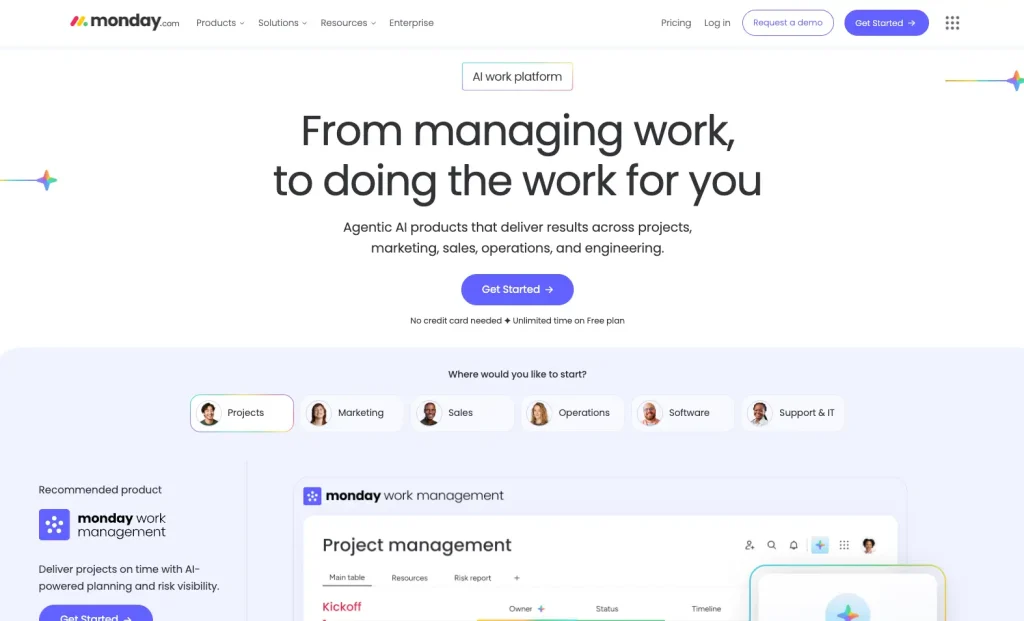
There are loads of tools to choose from – from Asana and Trello to monday.com and Jira – and each of these will help you create full visibility across your workflow so that your team can stay aligned, collaborate effectively, and deliver work without any last-minute surprises.
5. Make information and resources easily accessible
Nothing derails team collaboration faster than people struggling to find what they need. When files, assets, guidelines, or instructions live in scattered folders or private inboxes, work slows to a painful, collaboration-crushing crawl.
By centralizing all your resources in one accessible place, you empower your team to work independently without waiting for answers.
Tools like Notion, Confluence, and Google Sites are great for building searchable knowledge hubs. This might include documents, how-to guides, templates, and training videos – think of it like a comprehensive digital handbook for your company.

6. Set up a consistent process for review and approval
The review and approval process can be challenging, especially when there are lots of different stakeholders involved.
Constant chasing. Conflicting feedback. Confusion over who’s approved what. It can be a headache. A migraine even.
By setting up a consistent review and approval process, you give your team a clear path to follow every time. This means everyone knows where to share files, how to give feedback, and what “approved” actually looks like. It also helps avoid conflicting comments, edits to the wrong version, and long email chains that quickly get confusing.
Filestage can help with that. I’ll explain more later.
Whether you’re reviewing designs, documents, or video content, a structured review and approval workflow makes team collaboration infinitely easier.
Supercharge your team collaboration
Share, review, and approve all your content in one place with Filestage.
7. Find the right balance between synchronous and asynchronous communication
Successful collaboration isn’t about being always on and available to speak at the drop of a hat. It’s about knowing when to connect in real time and when to let people work at their own pace.
- Synchronous communication – like live calls, workshops, or quick stand-ups – is important for things like brainstorming sessions, quick decisions, and anything that needs instant back-and-forth.
- Asynchronous communication – like emails, comments, and recorded videos – gives people the flexibility to focus deeply and respond when they’re ready. It’s particularly helpful for hybrid and remote teams working across different schedules.
It’s all about balance. Most teamwork can happen asynchronously, as long as you build in regular real-time touchpoints that keep everyone aligned, energized, and feeling like a team.
8. Hold regular check-ins and progress updates
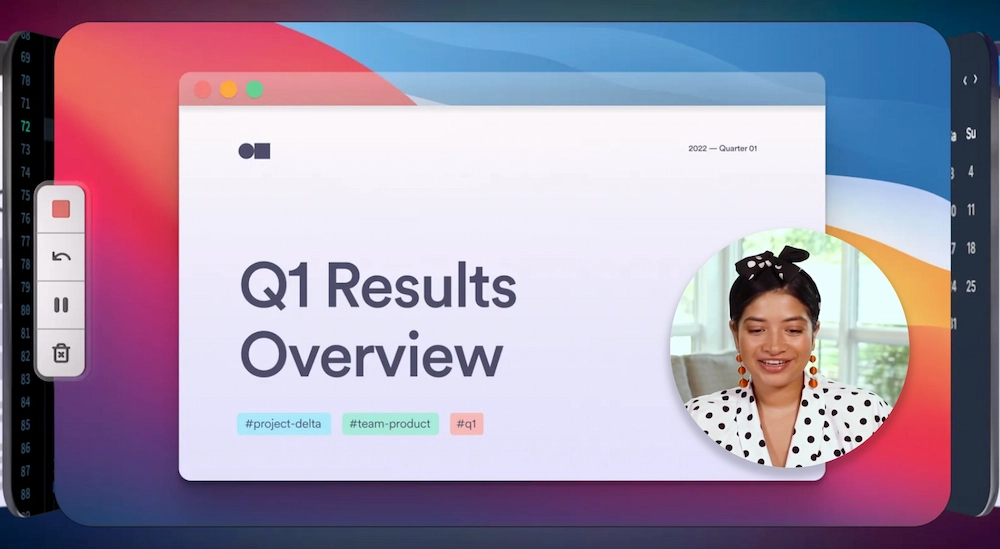
Let’s talk about those real-time touchpoints I just mentioned, because they’re essential for keeping teams aligned and projects running smoothly. These check-ins or team meetings don’t need to be long or formal. Even a quick 15-minute stand-up can make a world of difference.
Use this time to share progress, highlight wins, call out any issues, and make sure everyone still feels connected to the wider team. This is particularly important when your team is spread out all over the place – you’ll find that regular check-ins help everyone feel supported, informed, and connected, no matter where they’re working from.
9. Celebrate wins
It’s all too easy to get caught up in deadlines and challenges, but taking time to recognize great work keeps morale high and strengthens team collaboration. Celebrate fast turnarounds, creative ideas, thoughtful feedback, and moments where people went the extra mile. It’s a great way to make people feel valued and motivated.
Encourage team members to shout out each other’s successes too. A little recognition goes a long way, and it helps to create a more positive work environment that fosters collaboration.
10. Invest in team-building activities
Team collaboration improves when people feel comfortable with one another. There needs to be an element of trust and openness between team members. Team building activities can be a great way to achieve this.
Whether it’s a fun challenge, a creative workshop, or a relaxed social catch-up, team-building activities help people connect on a more human level, build stronger relationships, and establish mutual respect.
Back in the workplace, a well-connected team will communicate more openly, raise issues sooner, and feel more confident offering ideas or feedback, so a little time spent building those connections really can go a long way.
11. Provide training and development
Collaboration is a skill. And like any skill, it gets stronger with practice and the right support. Offering training opportunities can help your team build confidence in areas like communication, giving feedback, conflict resolution, and working effectively with others.
When everyone has the tools and skills to collaborate effectively from the start, you build a collaborative environment where teams can hit the ground running with a positive, solution-focused approach to every project.
Characteristics of successful team collaboration
So how do you know if you’ve got it right? Here are six signs your team collaboration strategy is working.
- Everyone knows who’s responsible for what
- Communication feels open and easy
- Projects move forward smoothly
- People feel comfortable giving and receiving feedback without things feeling personal
- There’s a genuine sense of trust
- Remote or hybrid work doesn’t slow things down
How Filestage helps with team collaboration
As you’ve seen, the content review process can be one of the biggest challenges in workplace collaboration, especially when multiple stakeholders are involved.
Filestage is designed to turn those complex approval processes into simple, step-by-step workflows. It lets you share files, collect feedback, manage versions, and track approvals – all in one place. From first draft to final sign-off, it makes the entire process faster, clearer, and far less stressful for your team.
With Filestage, you can:
- Create review steps with due dates for each stage of your project and invite different stakeholders to each one
- Leave in-context comments and visual annotations, and add attachments
- Turn comments into a clear to-do list so your team has a clear picture of what needs amending for the next version
- Compare versions side by side to see what’s changed
- Keep track of every project using the project dashboard and see who’s left to review
Final thoughts
Building team collaboration comes down to two things: empowering your team to develop collaboration skills, and providing them with the best tools to help them work together with ease. And when your team members collaborate effectively, you’ll notice higher morale, better quality work, and a more productive work environment.
I hope this article has given you the confidence to build a more collaborative team. And if you’d like to see how Filestage can transform the way your team reviews and approves content, start your free trial today.
FAQs
What are the 4 principles of collaboration?
The four principles of collaboration are often defined as communication, coordination, cooperation, and trust.
What are the 3 C’s of collaboration?
The classic three are communication, coordination, and cooperation.
What is the best example of team collaboration?
One of the strongest examples of team collaboration is when people with different skills work together toward a shared goal – communicating openly, sharing responsibilities, and supporting one another along the way.
Imagine a marketing team creating a campaign. Copywriters draft the messaging, designers create visuals, project managers keep everything on track, and senior stakeholders review and approve the content. Each person contributes their expertise, and everyone works together to deliver the final result.
That combination of shared ownership, open communication, and coordinated effort is what great team collaboration looks like.