
TL;DR
Video proofing tools help creative teams collect frame-accurate feedback directly on the video timeline instead of juggling endless email chains and vague comments. This guide covers the 12 best platforms and how to choose the right tool for your team’s use case. It’s written for marketing teams, agencies, and post-production professionals who rely on clear version control and formal approvals. If you only need basic video sharing with occasional feedback, a hosting platform might be enough. But growing teams usually need more control.
Why your team needs a video proofing tool
Video content has exploded over the past decade. Today, it accounts for more than 82% of global internet traffic, and 91% of businesses use video as part of their marketing strategy. What was once supplementary is now the dominant digital format.
But with higher production volume comes more complexity. Creative teams still juggle feedback across email, chat, and shared drives, which leads to missed comments, conflicting input, and project delays.
Video proofing tools fix this by enabling precise, timestamped feedback directly on the video timeline and structuring the review and approval process inside one centralized platform.
In this guide, I compare 12 of the best online proofing tools for video projects. These range from post-production-focused platforms to enterprise-level solutions, so you can choose the right tool for your team.
The 12 best video proofing tools in 2026
The list below focuses on video review software that offers frame-accurate video review, version control, and structured approval workflows.
I’ve grouped them by primary use case, from marketing teams that need compliance-ready approval workflows to post-production teams working inside Adobe Creative Cloud and small agencies looking for a simple online proofing solution.
Let’s dive in.
1. Filestage – best for marketing and creative teams needing compliance-ready video approvals

Who it’s for
Filestage is built for marketing teams, agencies, and creative operations that manage video projects – alongside other marketing assets – and require a structured review and approval process. This includes legal or compliance stakeholders where necessary.
Stand-out strengths for video proofing
- Frame-accurate, timestamped comments directly on the video timeline and audio
- Side-by-side comparison of two video versions to review changes between edits
- Multi format support so you can review video, PDFs, images, documents, and live websites in one centralized online proofing platform
- Customizable multi-stage approval workflows with clear statuses such as “in review”, “changes requested”, and “approved”
- External reviewers can upload video content and leave feedback on assets without setting up an account (ideal for teams that work with external agencies, partners, or agencies)
- Adobe Premiere Pro integration for seamless integration between editing and review
Other use cases
Beyond video proofing, Filestage also works well for reviewing campaign landing pages, packaging artwork, social posts, and other digital assets that need centralized feedback and strong brand consistency.
Pricing
Free plan and free trial available. Paid plans start from $199/month (billed annually), with higher tiers adding AI reviewers, automations, and advanced workflow features. Enterprise plans offer custom pricing with audit logs, SSO, and verified approvals.
See how Filestage can speed up your approvals
Enjoy a free, 30 minutes consultation with our experts, tailored to your team and use cases.
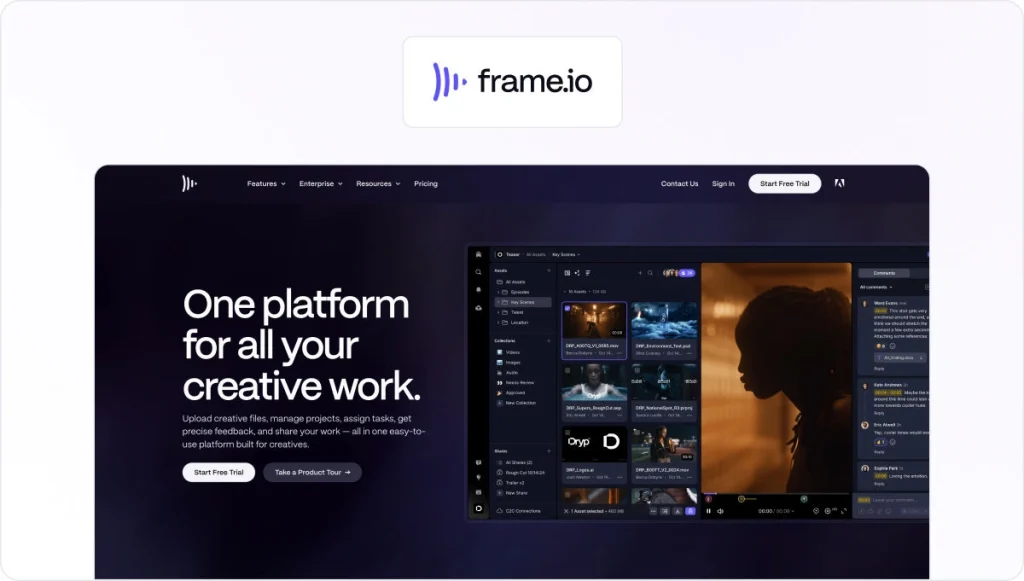
2. Frame.io – best for post-production teams deep in Adobe workflows
Who it’s for
Frame.io is best suited to post-production teams and video editors who already work heavily inside Adobe Creative Cloud. Some features may be too advanced if your team includes people with no video editing experience.
Stand-out strengths for video proofing
- Frame-accurate, time-coded comments directly on the video timeline
- Deep integration with Adobe Premiere Pro and After Effects
- Version stacking to keep edits organized across previous versions
- Real-time collaboration for editors and stakeholders
- Built specifically for video editing collaboration and video post-production workflows
Other use cases
While Frame.io is video-first, it also supports review of images and certain other file types. That said, it’s primarily used for video content rather than multi-format creative workflows.
Pricing
Free plan and free trial available. Paid plans start at $15/user per month for up to five users.
For more, check out our full Filestage vs Frame.io comparison guide.
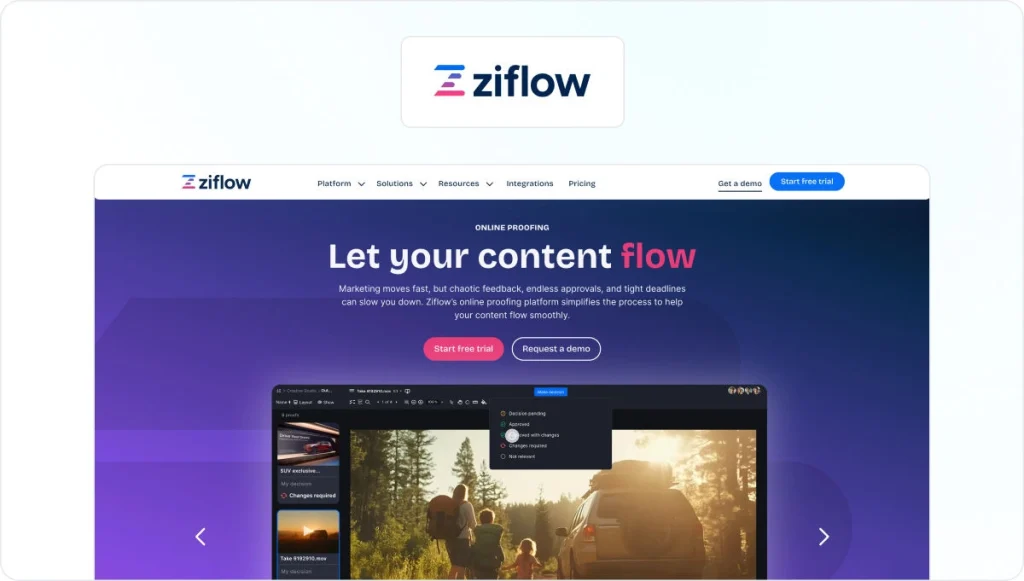
3. Ziflow – best for complex creative operations and automation
Who it’s for
Ziflow is a strong fit for larger marketing teams and creative operations that manage high volumes of creative projects across departments. It has a higher learning curve than other tools on this list, which is important to bear in mind if you work with a large number of internal or external stakeholders.
Stand-out strengths for video proofing
- Timestamped comments on video with structured review and approval workflows
- Automated workflows that help route video projects between teams
- Detailed version control to manage previous versions of creative assets
- Support for multi-stage approval workflows across multiple stakeholders
- Enterprise-grade security with ISO 27001 and SOC 2 Type II positioning
Other use cases
Beyond video proofing, Ziflow is often used as an online proofing platform for complex creative workflows, including campaign assets, packaging artwork, and other digital content that requires centralized feedback and workflow automation.
Pricing
Free plan and free trial available. Paid plans start at $249/month for up to 15 users.
For more, check out our full Filestage vs Ziflow comparison guide.
4. PageProof – best for security-sensitive design teams

Who it’s for
PageProof is well suited to marketing and design teams that operate in security-sensitive or regulated environments.
Stand-out strengths for video proofing
- Timestamped comments on video to provide precise feedback
- Structured review and approval workflows with clear status tracking
- Strong emphasis on security, privacy, and enterprise-level controls
- Deep integration with Adobe Creative Cloud tools
- Version control to track changes across previous versions
Other use cases
PageProof is commonly used as an enterprise level online proofing solution for design files, packaging artwork, and other creative assets that require centralized collaboration and strict governance.
Pricing
PageProof offers a free trial. Paid plans begin at $249/month.
For more, check out our full Filestage vs PageProof comparison guide.
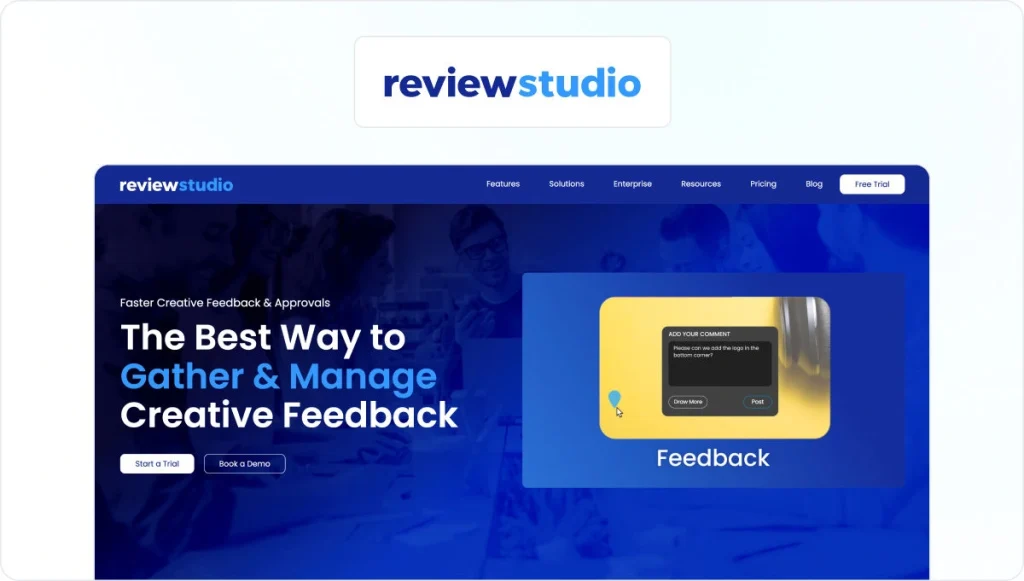
5. ReviewStudio – best for small creative teams that want simple video review
Who it’s for
ReviewStudio is a strong fit for small creative teams and agencies that want a user friendly interface and straightforward video proofing software without complex enterprise configuration.
Stand-out strengths for video proofing
- Timestamped comments directly on the video timeline for precise feedback
- Versioning and compare mode to review previous versions
- Task management and approval management built into the review process
- Unlimited guests for easy client collaboration
- Workflow automations are available on higher tiers
Other use cases
Beyond video review, ReviewStudio supports all file formats, making it a flexible online proofing tool for creative projects involving design files, documents, and other digital content.
Pricing
Free plan and free trial available. Paid plans start at $15/user per month.
6. Approval Studio – best for packaging and artwork-heavy teams

Who it’s for
Approval Studio is best suited to packaging teams, brand managers, and agencies managing artwork-heavy creative projects.
Stand-out strengths for video proofing
- Visual annotation tools for reviewing creative assets
- Structured review and approval workflows across multiple stakeholders
- Version control and comparison tools to manage previous versions
- Integrations with Adobe Creative Cloud for creative workflows
- Focus on brand consistency across creative assets
Other use cases
Approval Studio is widely used as an approval platform designed for packaging artwork, labels, and marketing materials that require strict version control and clear approval workflows.
Pricing
Approval Studio offers a free trial, but no free plan. Paid plans start at $60/month.
For more, check out our full Filestage vs Approval Studio comparison guide.
7. GoVisually – best for small design teams that need quick video approval
Who it’s for
GoVisually works well for small design teams and agencies that want a lightweight video proofing tool without complex configuration.
Stand-out strengths for video proofing
- Frame-accurate feedback with comments directly on specific frames and sequences
- Visual annotation tools to provide precise feedback
- Version control to manage previous versions
- Centralized feedback to keep multiple stakeholders aligned
- Adobe Creative Cloud plugin for seamless workflow
Other use cases
GoVisually also supports review of design files and other creative assets, making it a practical online proofing solution for marketing teams handling mixed creative projects.
Pricing
Free trial available. Paid plans start at $20/user per month.
8. Wrike Proof – best if you already manage projects in Wrike
Who it’s for
Wrike Proof makes the most sense for teams already using Wrike for project management, since adding proofing within the same collaboration tool keeps creative workflows, task management, and project status tracking in one place. That said, if you have complex review processes with a lot of assets or stakeholders, you may need a dedicated online proofing tool.
Stand-out strengths for video proofing
- Timestamped comments directly on video files
- Proofing embedded within Wrike’s project management environment
- Centralized collaboration tied to tasks and project status
- Version control to manage previous versions of creative assets
- Automated workflows to move files through approval stages
Other use cases
Wrike Proof is part of Wrike’s broader project management platform, which supports task management, resource planning, and creative operations beyond video projects.
Pricing
Free plan and free trial available. Paid plans start from $10/user per month.
9. Adobe Workfront Proof – best for enterprises invested in Adobe Workfront

Who it’s for
Adobe Workfront Proof is best suited to enterprise marketing teams that already manage projects inside Adobe Workfront.
Stand-out strengths for video proofing
- Timestamped commenting and annotation capabilities
- Enterprise access controls and permission management
- Auditable approval histories for compliance and brand protection
- Integration with the broader Adobe ecosystem, including Frame.io
- Unified storage and centralized asset access across workflows
Other use cases
Adobe Workfront Proof is typically used as part of a larger enterprise content supply chain, connecting creative management and project management to streamline online video collaboration and reduce review process bottlenecks.
Pricing
Pricing is available via contact sales and is typically structured for enterprise deployments. There is no publicly listed free plan or free trial.
10. MarkUp.io – best for quick browser-based reviews (including video)

Who it’s for
MarkUp.io is best for teams that want a fast, browser-based online proofing tool without heavy workflow configuration.
Stand-out strengths for video proofing
- Browser-based review with no complex setup
- Visual annotation tools for clear feedback
- Centralized feedback directly on live websites and uploaded files
- Simple sharing via review links
- Lightweight workflows designed for fast feedback cycles
Other use cases
MarkUp.io is widely positioned as a website-first online proofing solution. Beyond video review, it’s commonly used for web page feedback, landing pages, and digital assets where teams want to manage feedback in context.
Pricing
Free trial available. Paid plans start at $79/month for unlimited users.
11. QuickReviewer – best for budget-conscious teams
Who it’s for
QuickReviewer is a strong option for marketing teams, motion graphics studios, and agencies that want a unified platform for the entire video production lifecycle.
Stand-out strengths for video proofing
- Frame-perfect feedback with comments tied to exact frame numbers
- Real-time markup directly on video frames
- Side-by-side version comparison to manage previous versions
- Adobe Creative Cloud integration to stay inside your editing workflow
- Guest review links with no required login
Other use cases
QuickReviewer also supports storyboarding, dynamic video briefs, and cloud storage integrations, making it useful for managing the broader creative process beyond final video review.
Pricing
Free plan available. Paid plans start at $79/month.
12. Vimeo’s review tools – best if your team already uses Vimeo for hosting
Who it’s for
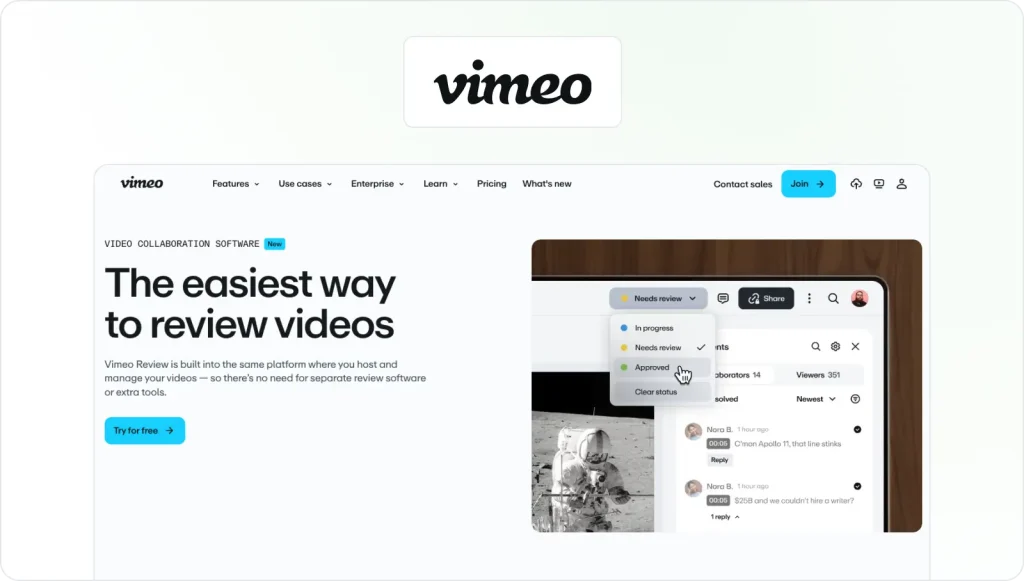
Vimeo’s review tools work best for creative professionals, agencies, and marketing teams that already host and distribute video content on Vimeo.
Stand-out strengths for video proofing
- Time-coded and frame-by-frame comments for precise feedback
- Secure review links with password protection and embed controls
- Built-in video library to support video asset management
- Review and collaboration tools included in paid plans
- Enterprise options with SSO and advanced permissions
Other use cases
Beyond video proofing, Vimeo is a full video platform for hosting, portfolio presentation, distribution, analytics, and live streaming, making it attractive for agencies and marketers managing published video content.
Pricing
Free trial available. Paid plans for teams start at €18/month (billed annually).
Why you need a dedicated video proofing tool
If you’ve ever reviewed video content over email, you already know how quickly things fall apart. Someone says, “Can we adjust that transition?” Another replies with feedback about “the scene around the 2-minute mark.” Before long, you’re stuck in endless email chains trying to figure out which frame anyone is actually talking about.
Without a proper video proofing tool:
- Feedback gets scattered across chat threads, file sharing links, and meeting notes
- Comments disappear between previous versions
- Multiple stakeholders weigh in at different times
- No clear audit trail showing who approved what is visible
- Reviewers waste hours noting down timestamps and project managers waste hours consolidating feedback in one place
That confusion slows down the entire video review and approval process and increases the risk of brand mistakes.
A dedicated video proofing software platform fixes this. It lets teams provide precise feedback directly on the video timeline, manage version control properly, and move through structured approval workflows.
So, instead of chaos, you get centralized feedback, clear project status, and a documented path from first draft to final approval.
See how Filestage can speed up your approvals
Enjoy a free, 30 minutes consultation with our experts, tailored to your team and use cases.
Key features to look for in a video proofing tool
Not all video feedback tools are built the same. If I’m evaluating the right online proofing tool for a team, I focus on the features that directly impact the video review process, the approval process, and how well multiple stakeholders can collaborate without slowing down creative projects.
Here’s what matters most
Frame-accurate commenting and markup
At a minimum, a video proofing tool should support timestamped or frame-based video annotation directly on the video timeline. This allows reviewers to provide precise feedback without confusion.
Look for:
- Comments tied to exact frames or timecodes
- Video annotation tools to draw directly on frames
- Threaded replies so conversations stay contextual
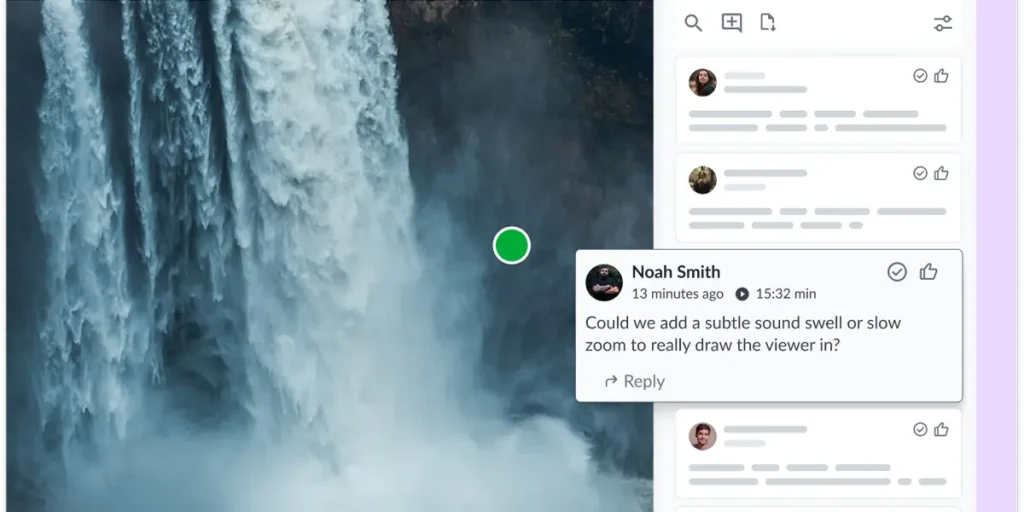
These features make it easier to manage feedback and keep everyone on the same page.For context, here’s how Filestage’s automated timecode capture looks:

Version control and side-by-side compare
Video projects often go through many edits. Strong version control is essential to prevent project delays.
Look for:
- Clear version history
- Easy switching between previous versions
- Side-by-side comparison where available
- Obvious labeling of the latest version
- The ability to track project status across edits
Without version discipline, the review and approval process quickly becomes chaotic. I’ll use Filestage as an example – it automatically stacks all versions of your video, so you can quickly refer to the previous one.

Multi-stage approval workflows
As video content moves from draft to final delivery, it often passes through several approval workflows, such as creative review, internal sign-off, client approval, and sometimes legal or compliance review.
Look for:
- Customizable workflows
- Defined reviewer groups per stage
- Clear status labels like “in review” and “approved”
More advanced tools like Filestage also offer automated approval workflows and reminders to reduce manual coordination. Here’s how that looks in your dashboard:

Collaboration with non-creative stakeholders
Not everyone reviewing video content is an editor. Marketing managers, executives, and clients need a user-friendly interface.
Look for:
- Secure file sharing via simple review links
- No forced logins for guest reviewers
- Clear buttons to review and approve
- Centralized collaboration in one online proofing platform
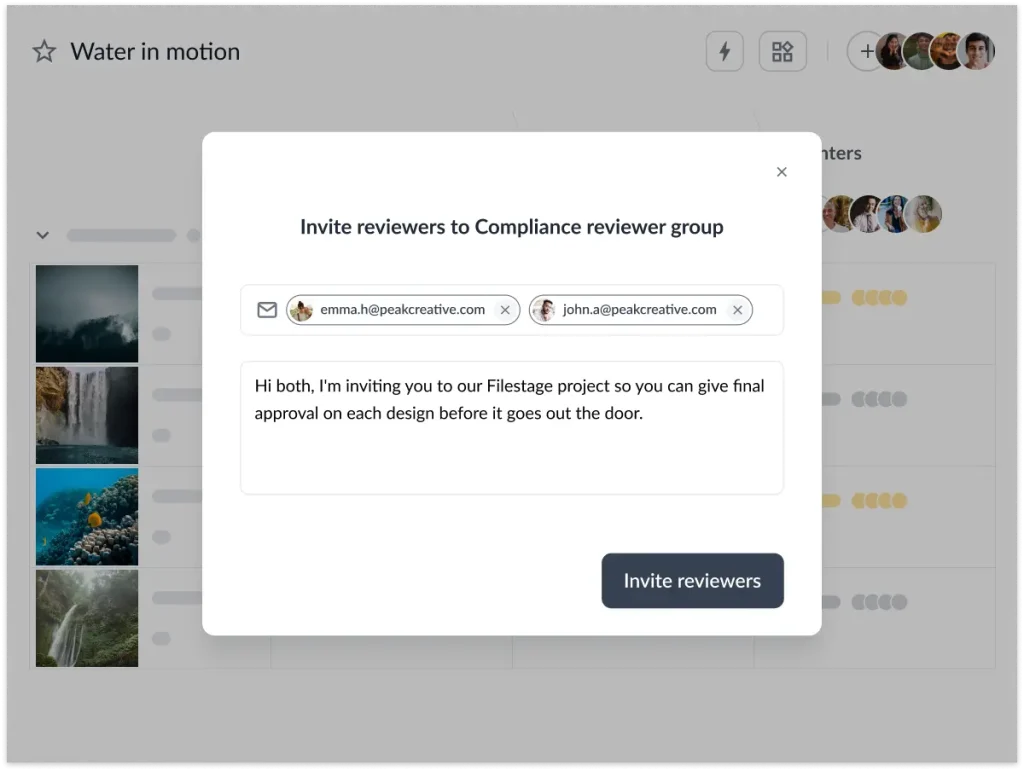
The easier it is to provide feedback, the faster feedback cycles move. I’ll use Filestage as an example again. External and internal reviewers receive a link and they can jump right in and leave their feedback directly on the video file.
Compliance, audit trails, and security
For enterprise-level online proofing, governance matters.
Look for:
- Clear audit trail of comments and approvals
- Access controls and permission management
- Enterprise-grade security standards
- Password protection to keep sensitive files secure
- E-signature style approvals if required
If your brand operates in regulated environments, these features protect both your creative process and your organization.
Automation to reduce manual work
As video production management workflows scale, manual coordination becomes a bottleneck.
Look for:
- Workflow automation
- Automated reminders and due dates
- Notifications tied to project status
Small efficiencies here can dramatically reduce project delays.
Integrations with your existing tools
A video proofing solution shouldn’t live in isolation.
Look for:
- Integration with Adobe Creative Cloud tools
- Connections to project management platforms like Asana, Wrike, Jira, or monday.com
- Slack or Teams notifications
The right online proofing tool should fit naturally into your existing creative workflows.
How to choose the right video proofing tool for your team
At this point, most video proofing tools will claim similar features. The real question is whether the platform fits your team’s actual creative process.
When I evaluate the right online proofing tool, I run through a simple checklist:
- Does it support frame-accurate commenting on both video and audio?
- Can you map your real approval workflows, from internal review to client and legal sign-off?
- Can non-technical stakeholders review and approve without training?
- Does it support all your file types, not just video?
- Does it meet your security and compliance requirements?
- Will the pricing still make sense as you add more reviewers or campaigns?
If your team manages only video and lives inside a post-production environment, a tool like Frame.io may feel natural. If you’re already running projects in a project management platform like Wrike or Workfront, adding proofing there might simplify your workflow.
But if you’re a marketing team handling multi-format campaigns, multiple stakeholders, and structured review and approval processes, you’ll likely need more than just basic video review.
In my experience, that’s where a platform like Filestage stands out, especially when compliance, centralized feedback, and scalable approval workflows matter.
The key is to match the tool to your real creative workflows, not just its feature list.
Final thoughts
Choosing the right video proofing tool can completely change how your team handles the review and approval process. Instead of juggling file sharing links, scattered comments, and endless email chains, you get structured workflows, centralized feedback, and a clear path from draft to approval.
My advice is simple: shortlist two or three video proofing tools and test them with a real project. Run a proper video review process with multiple stakeholders and see how well each platform supports your creative workflows. If you need frame-accurate feedback, multi format support, and compliance-ready approval workflows, make sure Filestage is on that shortlist.
You can try Filestage for free and see how it fits your team.
FAQ
What is a video proofing tool?
A video proofing tool is an online proofing platform that allows teams to review and approve video content with precise, time-based comments. Instead of giving feedback through email or chat, reviewers can comment directly on the video timeline, suggest edits, and track previous versions. Most video proofing software also includes approval workflows, version control, and centralized feedback to streamline collaboration across creative teams.
How does frame-accurate feedback work in video proofing tools?
Frame-accurate feedback ties each comment to a specific moment in the video timeline. When a reviewer clicks on a frame, they can provide precise feedback linked to that exact timestamp. Some tools also allow visual markup directly on the frame. This eliminates confusion about “which scene” someone is referencing and helps editors respond faster and manage feedback more effectively.
Can I invite external clients or stakeholders to review videos?
Yes. Most video proofing tools support secure file sharing via review links. External stakeholders can provide feedback, review and approve content, and sometimes even mark comments as resolved. Many platforms allow guest access without forcing account creation, making it easier to collaborate with clients while maintaining access controls and a clear audit trail.
What’s the difference between a video hosting platform and a video proofing tool?
A video hosting platform (see our guide to video sharing platforms) focuses on publishing, distribution, and analytics. A video proofing tool is designed specifically for the review and approval process. It offers frame-accurate commenting, version control, approval workflows, and feedback management features that help creative teams streamline collaboration before content goes live.