TL;DR
If your artwork approval process still runs on endless email chains, shared folders, and half-updated PDFs, you’re burning time and inviting errors. Artwork approval software replaces that chaos with a single system that tracks the approval status of artwork, versions, and reviewers, so teams always know what’s approved and what still needs action.
This guide compares eighteen artwork approval and collaboration software tools used by packaging, brand, and creative teams in 2026. Some focus on regulated packaging artwork, while others support marketing campaigns or agency workflows.
I break down core use cases, feedback precision, integrations, security, and pricing, with Filestage positioned as the most flexible, compliance-ready option for teams reviewing both packaging design and campaign assets.
Why you need artwork approval software
Approving artwork shouldn’t feel like detective work. Yet for many creative teams, the approval process still means hunting for the latest version, reconciling conflicting comments, and chasing stakeholders who missed “the final_final_v7” email.
Artwork approval software fixes that by centralizing review and approval workflows. Instead of manual tasks, disconnected tools, and guesswork, teams get structured approval stages, real time collaboration, version control, and a clear audit trail.
That matters even more when packaging artwork, regulated content, or multi-market campaigns are involved, where even the smallest differences can trigger costly errors.
In this guide, I compare the best artwork approval and collaboration software tools in 2026. You’ll see how they support online proofing, secure artwork sharing, collaboration, and compliance, so you can shortlist the right tool for your creative process without overbuying or undercooking.
18 best artwork approval software tools in 2026
1. Filestage

Core use case
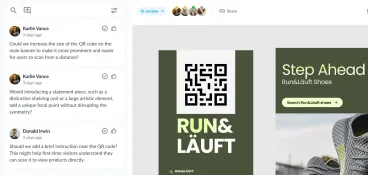
Filestage is a dedicated artwork approval software built for creative and marketing teams that need clear, auditable approvals across packaging artwork and marketing assets. It centralizes feedback and streamlines approvals for labels, packaging design, POS, digital campaigns, videos, and documents, keeping every stakeholder aligned throughout the artwork approval process.
Feedback precision
Reviewers can leave pinpoint comments and annotations directly on PDFs, images, videos, audio files, and live websites. Clear approval stages, automatic version control, and side-by-side comparisons prevent feedback on previous versions and reduce approval cycles. Verified approvals and a detailed audit trail support regulated workflows.
Integrations
Filestage integrates with Adobe Creative Cloud tools, including InDesign, Premiere Pro, and After Effects, as well as Figma, Microsoft 365, project management tools, and cloud storage platforms.
Security
Filestage is ISO/IEC 27001 certified, GDPR-compliant, and listed on the CSA STAR. Features include SSO, granular permissions, and compliance-ready approval records for regulated teams, such as pharmaceutical artwork reviews.
Pricing
Filestage offers a free plan, a free trial, and paid tiers that scale by features and usage. Paid plans start at $199/month for unlimited projects and files.
To see how this works in practice, you can start your free Filestage trial.
See how Filestage can speed up your approvals
Enjoy a free, 30 minutes consultation with our experts, tailored to your team and use cases.
2. Ziflow
Core use case
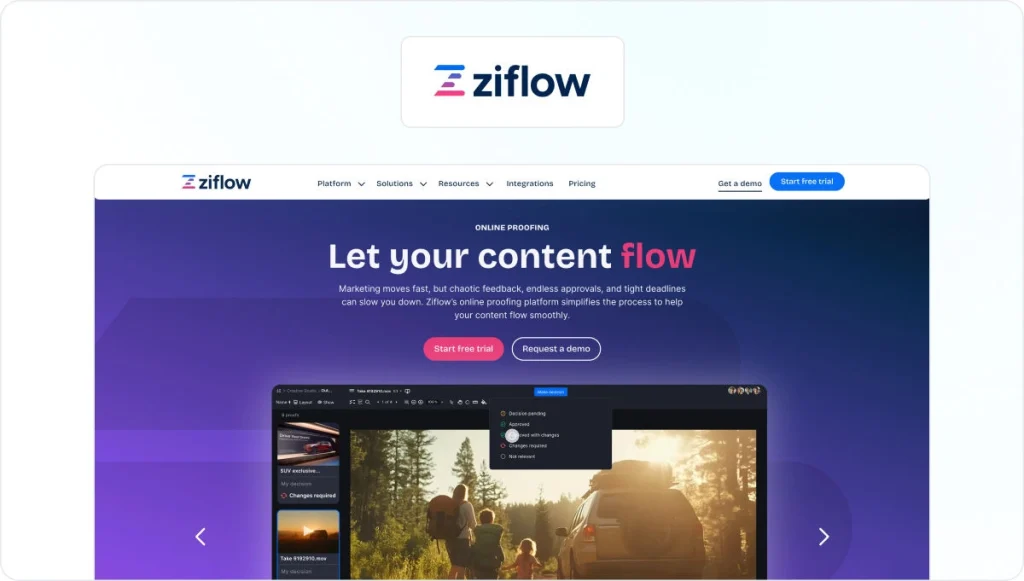
Ziflow is an online proofing and artwork approval platform used by marketing teams, creative agencies, and enterprises managing high volumes of creative projects. It replaces manual approval processes and email-based reviews with a structured proofing process.
Feedback precision
Supports annotations on images, PDFs, and videos, along with version comparison and approval status tracking.
Integrations
Integrates with Adobe Creative Cloud, project management tools, collaboration platforms, and cloud storage services.
Security
ISO/IEC 27001 and SOC 2 Type II certified, with encryption and GDPR compliance.
Pricing
Limited free plan and free trial available. Paid plans start at $249/month.
Check out our complete Filestage vs Ziflow comparison guide for a deeper dive.
3. PageProof

Core use case
PageProof is a creative review and approval software designed for marketing teams and agencies that need secure, enterprise-ready online proofing across campaigns, brand assets, and creative projects.
Feedback precision
The platform supports in-context annotations, structured approval workflows, and version tracking across design files, videos, documents, and prototypes.
Integrations
Deep integrations with Adobe Creative Cloud, Figma, Canva, and common project management and collaboration tools keep review workflows aligned with production work.
Security
ISO/IEC 27001 certified, GDPR and CCPA compliant, with SSO and configurable data residency options.
Pricing
Free trial available. Paid plans start at $249/month.
For more, see our full Filestage vs. PageProof comparison guide.
4. ManageArtworks
Core use case
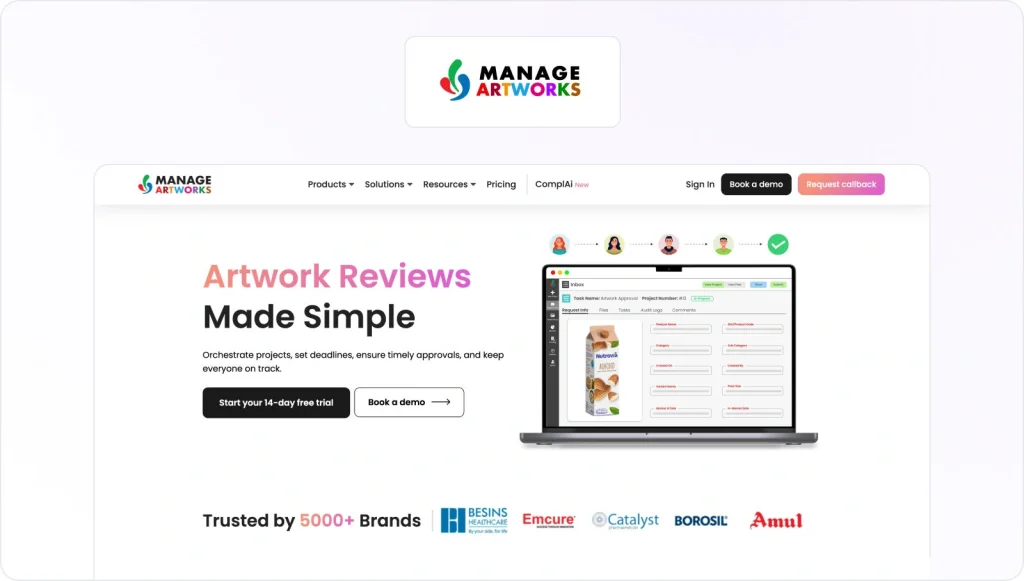
ManageArtworks is built specifically for packaging artwork management in regulated industries, such as FMCG, food and beverage, and pharma, where the artwork approval process must be fully traceable and inspection-ready.
Feedback precision
Approval workflows are highly structured, supporting formal reviews, version control, audit trails, and documentation required for regulatory sign-off.
Integrations
ManageArtworks integrates with enterprise systems across the packaging approval lifecycle, including ERP platforms, such as SAP, Oracle, and Dynamics, as well as PLM, DAM, PIM, QMS, and e-commerce systems.
Security
Designed for regulated environments, with compliance-focused controls.
Pricing
Free trial available. Paid plans start at $399/month.
5. Artwork Flow
Core use case
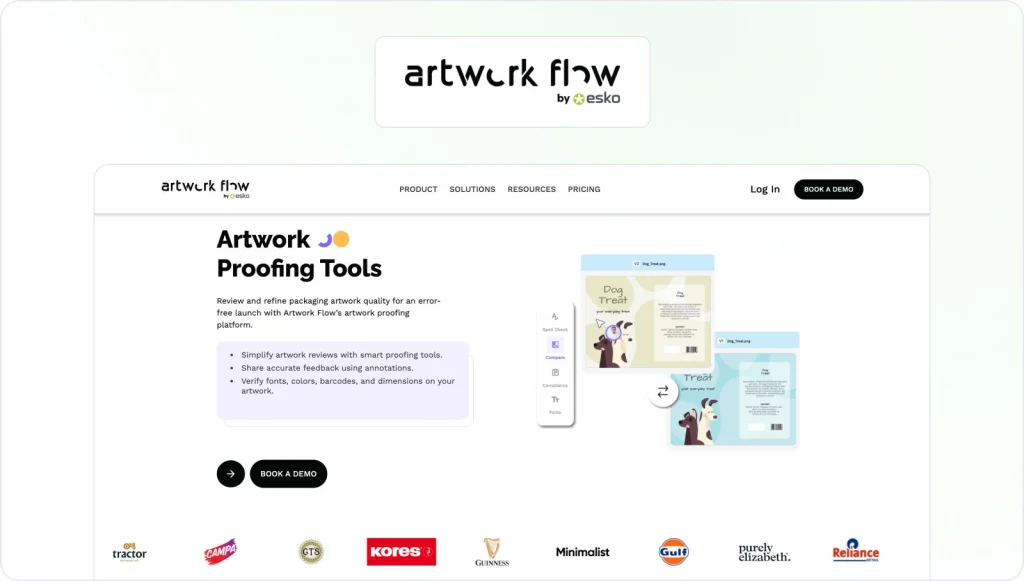
Artwork Flow is designed for packaging and labeling teams that need structured artwork approval workflows, particularly in regulated environments.
Feedback precision
The platform supports visual annotations directly on artwork files, with defined approval stages, version control, and automated workflows.
Integrations
Artwork Flow integrates with tools such as Asana, Slack, Figma, monday.com, Google Drive, Dropbox, and Google Calendar.
Security
Artwork Flow is ISO/IEC 27001:2013 and SOC 2 Type II certified, with infrastructure hosted on AWS. The platform supports encrypted data at rest and in transit, detailed audit logs, electronic signatures, and 21 CFR Part 11 compliance for regulated packaging reviews.
Pricing
Pricing information is available on request. Artwork Flow does not currently offer a free artwork approval software plan or a publicly listed trial.
6. Cway Viewer (Cway®)
Core use case
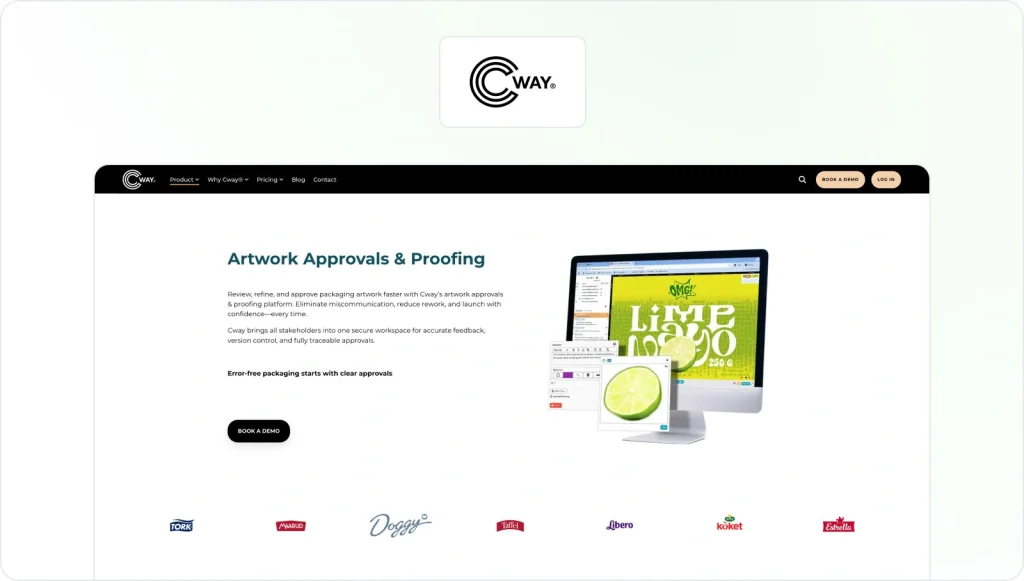
Cway® Viewer is an artwork approval software designed for packaging teams that need fast, accurate reviews and structured approvals.
Feedback precision
The platform supports precise annotations, comments, and highlights directly on artwork files. Reviewers can compare revisions side by side or overlaid to spot even the smallest differences.
Integrations
Cway® Viewer is designed to support enterprise packaging workflows and connects with broader artwork management and production processes.
Security
Hosted on AWS, Cway® Viewer uses encryption in transit and at rest, role-based access, activity logging, audit trails, and geo-redundant backups to support compliance-focused reviews.
Pricing
Cway® offers a free trial, but no free plan. Paid plans start at about $1,747/month.
7. Approval Studio

Core use case
Approval Studio is a client-facing artwork approval tool used primarily by creative agencies and in-house design teams working on branding, packaging artwork, and marketing assets that require formal client sign-off.
Feedback precision
Approval Studio supports contextual annotations directly on artwork files and side-by-side version comparisons to highlight changes between revisions. Structured approval stages help avoid confusion during multi-round review cycles.
Integrations
The platform offers an Adobe Creative Cloud extension that allows designers to upload proofs directly from design tools. Additional integrations include Slack, Shopify, Zapier, and access via a public API.
Security
Approval Studio adheres to ISO/IEC 27001 security standards, supports single sign-on, and encrypts data in transit to protect shared artwork.
Pricing
Approval Studio offers a free trial, but no free plan. Paid plans start at $60/month.
8. Loftware Smartflow

Core use case
Loftware Smartflow is a cloud-based packaging and artwork approval management software designed for regulated, enterprise environments. It supports end-to-end packaging artwork processes, from initial project setup through design, review, and final approval.
Feedback precision
Loftware Smartflow enables review and approval of high-resolution artwork files and pack copy directly in the browser. It supports structured approval stages, version control, text comparison, and detailed audit and traceability reports.
Integrations
Loftware Smartflow integrates with enterprise systems, including ERP, PLM, WMS, and MES platforms.
Security
Loftware Smartflow is SOC 2 Type II compliant and part of Loftware’s ISO 9001:2015–certified quality management framework.
Pricing
Loftware Smartflow offers a free trial, but no free plan. Pricing for paid plans is available on request.
9. GoVisually
Core use case
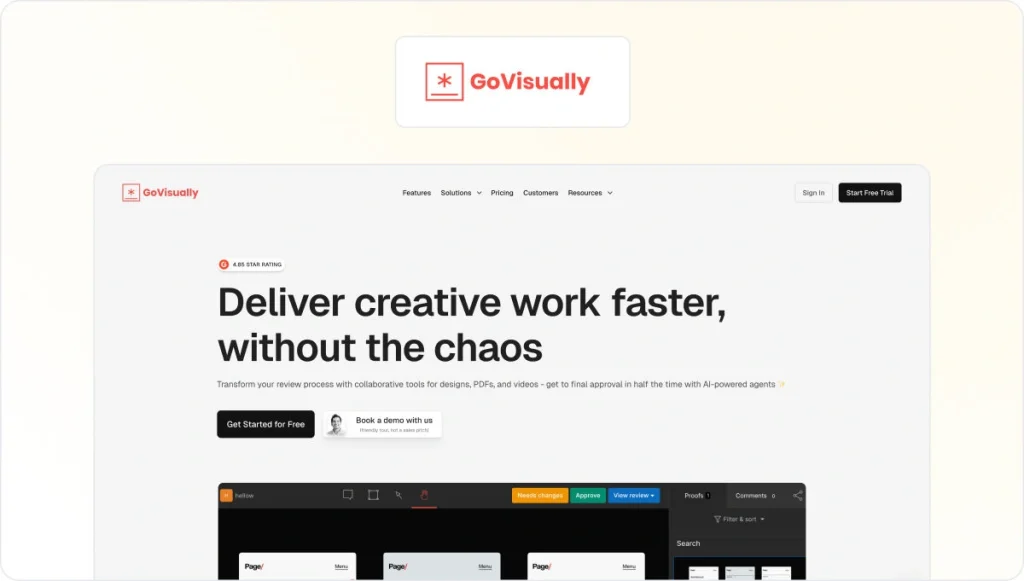
GoVisually is a lightweight online proofing tool designed for freelancers, small agencies, and early-stage marketing teams that need a simple way to review artwork and gather feedback.
Feedback precision
The platform supports annotations on images, PDFs, and videos, allowing reviewers to leave contextual comments during review cycles.
Integrations
GoVisually integrates with Adobe Creative Cloud, Slack, Asana, and Zapier, allowing teams to connect proofing activity with design and task management tools.
Security
GoVisually protects data using encryption in transit and at rest and operates on SOC 2–compliant infrastructure, supporting general security expectations for creative teams.
Pricing
GoVisually offers a free trial, but no free plan. Paid plans start at $20/user per month.
See how Filestage can speed up your approvals
Enjoy a free, 30 minutes consultation with our experts, tailored to your team and use cases.
10. ReviewStudio
Core use case
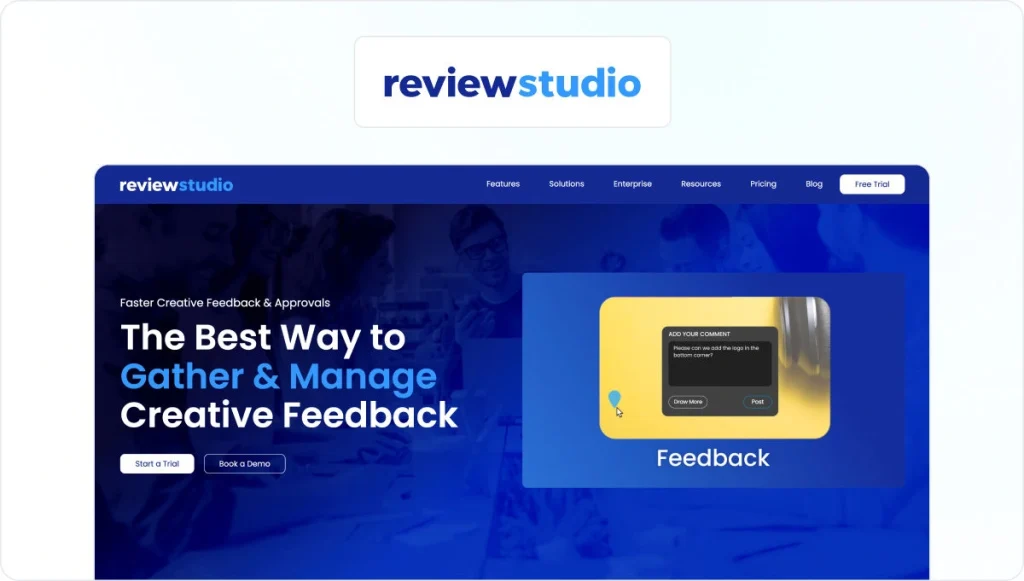
ReviewStudio is an online proofing and artwork approval platform used by marketing teams and creative agencies managing multi-format creative work across campaigns, channels, and clients.
Feedback precision
The platform supports annotations on images, PDFs, videos, HTML content, and live websites. It offers version history, side-by-side comparisons, and task-based feedback.
Integrations
ReviewStudio integrates with project management and collaboration tools, including Asana, monday.com, Wrike, Zapier, and Make, keeping approval workflows connected to broader project tracking.
Security
ReviewStudio is ISO 27001 certified, GDPR-compliant, and supports single sign-on and audit trails to maintain accountability throughout reviews.
Pricing
ReviewStudio offers a free plan and a free trial. Paid plans start at $15/user per month.
11. Markup.io

Core use case
Markup.io is a visual collaboration and feedback tool designed for marketing, product, and web teams reviewing digital content.
Feedback precision
Markup.io supports contextual comments directly on assets, including live websites, and supports over 30 file types. The Chrome extension allows users to create markups directly from the browser with automatic screenshots for added context.
Integrations
Markup.io integrates with common design and project workflows and offers browser-based collaboration rather than deep enterprise system integrations.
Security
Markup.io is SOC 2 compliant and supports SSO for enterprise customers.
Pricing
A free trial is available, but there is no free plan. Paid plans start at $79/month.
Check out our list of the best Markup.io alternatives to improve visual collaboration.
12. Pastel

Core use case
Pastel is a visual feedback and collaboration tool built for agencies and marketing teams that need to collect client feedback quickly without back-and-forth emails.
Feedback precision
Pastel allows reviewers to drop in-line comments directly on live websites or uploaded files, making feedback clear and easy to act on. Versioning is lightweight and focused on speed rather than formal approval stages.
Integrations
Pastel connects with project management tools, such as Trello, Asana, Jira, and Zapier.
Security
Pastel is SOC 2 compliant. SSO is available on enterprise plans.
Pricing
Pastel offers a free plan and a free trial. Paid plans start at $35/month.
13. Adobe Workfront

Core use case
Adobe Workfront is an enterprise work management platform used by large organisations coordinating complex projects across marketing, creative, and operations teams.
Feedback precision
Workfront supports review and approval workflows within broader project plans, allowing teams to manage sign-off as part of structured processes.
Integrations
Workfront integrates deeply with Adobe Creative Cloud, Adobe Experience Manager Assets, Frame.io, Adobe Express, and other Adobe tools. It also integrates with platforms such as Slack, Microsoft Teams, and Figma to keep approvals aligned with project workflows.
Security
Workfront is positioned for enterprise use and offers robust admin controls.
Pricing
Adobe Workfront is sold as an enterprise solution with pricing available on request. There is no publicly listed free plan or free trial.
14. Ashore

Core use case
Ashore is an online proofing and approval platform designed for creative teams and agencies that need faster client approvals with a branded experience.
Feedback precision
Ashore supports in-context annotations, version control, automated approval workflows, and real-time collaboration.
Integrations
Ashore integrates directly with Adobe Creative Suite, cloud storage tools, communication platforms, and Zapier. An API is also available for custom integrations and workflow automation.
Security
Ashore provides access controls and audit trails suitable for professional creative workflows.
Pricing
Ashore offers a free plan but not a free trial. Paid plans start at $57/month.
15. QuickReviewer
Core use case
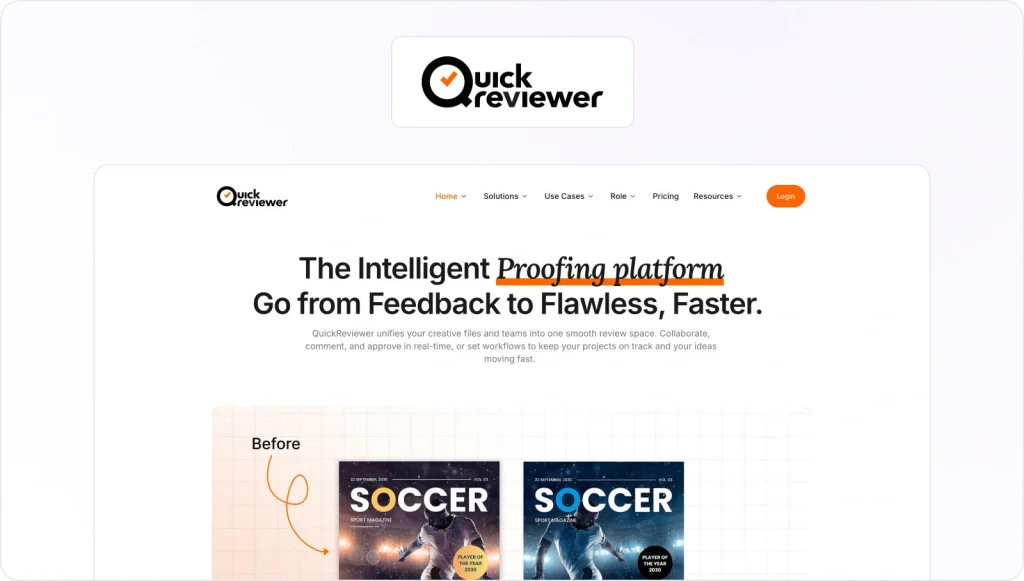
QuickReviewer is an artwork approval platform designed for marketing teams, agencies, and organisations managing complex, multi-format creative workflows.
Feedback precision
The platform provides contextual annotations directly on assets, along with side-by-side version comparison, real-time collaboration, and AI-assisted brand consistency checks.
Integrations
QuickReviewer integrates with Adobe Creative Cloud, project management tools, collaboration platforms, e-commerce systems, and APIs.
Security
QuickReviewer is SOC 2 Type II certified, GDPR compliant, and supports SSO to control access and maintain accountability.
Pricing
QuickReviewer offers a free plan but no free trial. Paid plans start at $79/month.
16. GoProof

Core use case
GoProof is designed for creative teams working directly inside Adobe Creative Cloud who want proofing and approvals tightly integrated with their design tools.
Feedback precision
The platform supports markup directly on creative files, along with version comparison and copy-editing features, to support multi-step review cycles and structured approval stages.
Integrations
GoProof integrates natively with Adobe Creative Cloud applications and also connects with project management platforms, collaboration tools, and calendar systems.
Security
GoProof is ISO/IEC 27001 certified and GDPR compliant, supporting controlled access and secure handling of creative assets.
Pricing
GoProof offers a free trial, but no free plan. Paid plans start at $159/month.
17. ProofHub

Core use case
ProofHub is a combined project management and proofing platform designed for teams that want to manage creative projects, tasks, and approvals in one place.
Feedback precision
ProofHub supports annotations and approval workflows on creative assets, allowing teams to gather feedback and move work through review stages alongside tasks and timelines.
Integrations
ProofHub integrates with tools such as Slack, Google Calendar, iCal, QuickBooks, Box, OneDrive, Dropbox, and FreshBooks.
Security
ProofHub uses SSL encryption for data in transit, role-based permissions, IP restrictions, and admin controls. White-labeling and custom roles are available.
Pricing
ProofHub offers a free trial, but no free plan. Paid plans start at $50/month.
18. Artworker
Core use case
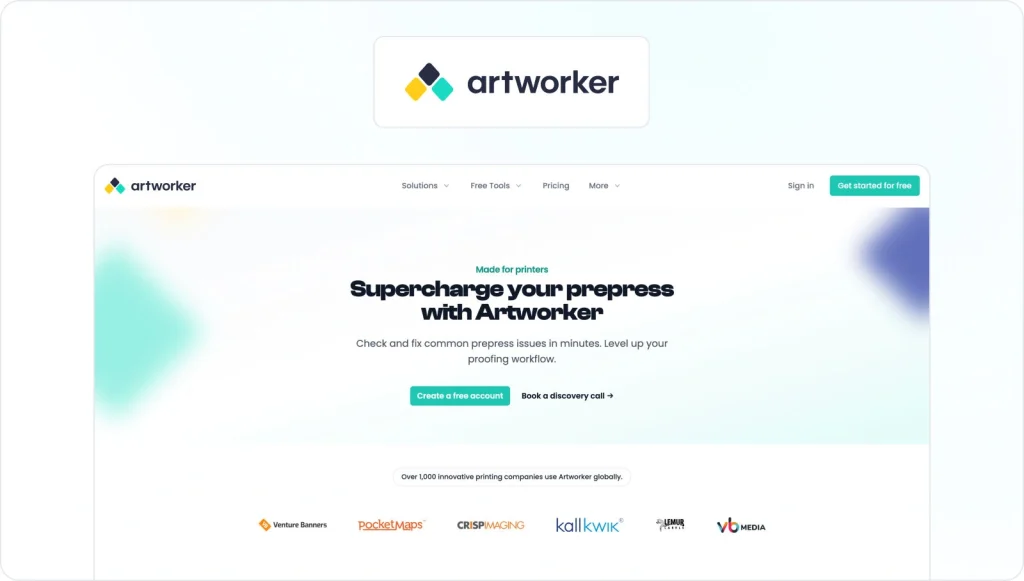
Artworker is an artwork approval and prepress automation platform built specifically for printers and print service providers.
Feedback precision
Artworker supports online proofing with pinned comments, version tracking, reminders, and time-stamped sign-off checklists.
Integrations
Artworker integrates with Zapier and offers native integrations with print-focused systems, such as Web2Print platforms and MIS tools.
Security
Artworker follows industry-standard security practices to protect uploaded artwork and client files.
Pricing
A free plan is available, but there is no free trial. Paid plans start at £150/month.
What is artwork approval software (and who needs it)?
Artwork approval software is designed to manage the review and approval process for creative work, particularly when multiple stakeholders, versions, and compliance requirements are involved. At its core, it’s software for secure artwork sharing and approvals, giving teams one place to review files, gather feedback, and reach final approval without relying on email chains or shared folders.
Compared to generic online proofing software, artwork proofing software goes further than simply collecting comments. It replaces ad-hoc sign-offs with structured artwork approval forms, clear approval stages, version control, and audit trails.
This allows teams to see who needs to review what, which version is the latest, where feedback is still outstanding, and when an asset is formally approved. That’s why it’s often described as online artwork approval software or artwork approval workflow software, rather than basic proofing.
Artwork approval software also differs from full label and artwork management suites. Those systems typically cover the entire packaging lifecycle, from briefing and specification through to production and supplier management.
Artwork approval software focuses specifically on the approval stage. It integrates with existing creative workflows rather than replacing every system a team already uses.
Typical use cases
Artwork approval software is widely used by packaging and labeling teams in the following industries, where packaging accuracy, version control, and traceability are critical:
- Pharma
- Food and beverage
- Consumer packaged goods
In-house creative and marketing teams rely on it to manage campaigns, POS, OOH, and digital assets across multiple channels and stakeholders. While creative agencies use artwork approval software to collaborate efficiently with clients and vendors without losing control of versions or feedback.
What it does
In practice, artwork approval software solves three core jobs:
- Secure artwork sharing and approvals
- One place with software for tracking artwork approval status across versions and stakeholders
- Full auditability for regulated industries
The result is fewer errors, shorter approval cycles, and greater confidence at launch.
How I evaluated the best artwork approval software
I evaluated each artwork approval software tool based on how well it supports real-world creative workflows, rather than relying on feature checklists alone. The goal was to reflect how packaging, brand, and creative teams actually review artwork and reach final approval under time pressure.
I assessed each platform using the following criteria:
- Artwork formats and proofing depth – including support for PDFs, images, videos, and live websites
- Annotation and comparison accuracy – with attention to how tools handle differences between versions
- Artwork approval workflows – including approval stages, version control, and status tracking
- Collaboration and stakeholder access – covering internal teams, agencies, clients, and regulators
- Security and compliance – based only on documented features, such as audit trails, access controls, and certifications
- Integrations and ecosystem – particularly with design tools, project management tools, and storage platforms
- Pricing and free options – looking at transparency, free plans, and free trials
Across these criteria, Filestage aims to balance creative flexibility with structured artwork approval workflows and compliance-ready features, making it well-suited to teams managing both packaging artwork and marketing assets.
Streamline artwork approval workflows with Filestage
The best artwork approval software helps teams reduce errors, cut review rounds, and protect compliance, especially when packaging and multi-market launches are involved.
If you mainly need end-to-end packaging label management with deep production and compliance controls, enterprise systems like Esko WebCenter or Loftware may be the right fit.
If you’re a marketing or creative team that needs multi-format reviews, legal or regulatory input, and secure artwork sharing and approval software that works for both internal teams and external partners, Filestage is a strong choice. Its intuitive interface makes it easy for internal teams and external partners to collaborate without slowing reviews down.
Ready to streamline your artwork approvals? Start your free trial of Filestage.
FAQ
How is artwork approval software different from general online proofing tools?
Artwork approval software goes beyond basic online proofing by adding structure to the review and approval process. While proofing tools mainly collect comments, artwork approval software includes approval stages, version control, and audit trails.
Which features matter most for packaging and label projects?
Packaging and label projects demand accuracy and traceability. Version control, approval stages, audit trails, and accurate color representation are essential.
How do these tools reduce errors and misprints?
By centralizing feedback in one place, artwork approval software prevents conflicting comments and outdated files. Clear version history and documented final approval reduce the chance of errors caused by missed feedback or incorrect assets.
What security features should regulated teams look for?
Regulated teams should prioritize access controls, audit trails, encryption, and recognized compliance certifications, such as ISO/IEC 27001.
When should you choose a dedicated artwork approval tool like Filestage?
A dedicated tool like Filestage makes sense when teams need multi-format reviews across packaging and campaigns, secure and traceable approvals, and an easy way for internal teams and external partners to collaborate without the overhead of a full packaging management system.