TL;DR
MarkUp.io is a popular website feedback tool for collecting visual comments on live web pages. But many teams outgrow it once they start managing multiple projects, involving more stakeholders, or reviewing more than just websites.
In this guide, I compare the best MarkUp.io alternatives for 2026 and explain when a dedicated alternative to MarkUp.io makes more sense as teams scale. Some alternatives focus purely on website feedback and bug tracking, while others support full review and approval processes across design files, video, documents, and web apps.
If you need lightweight client feedback on live websites, several tools here will do the job well. However, if your feedback process spans creative projects, marketing teams, and multiple approval stages, Filestage stands out as the most scalable alternative.
10 best MarkUp.io alternatives for scalable feedback workflows
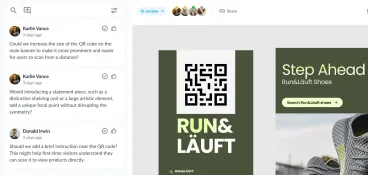
MarkUp.io helps creative teams and web designers collect visual feedback directly on live websites. Reviewers can leave comments and annotate elements in context, without relying on long email threads or static screenshots. That simplicity is a big reason it’s popular with web agencies and development teams.
But as teams grow, the cracks start to show.
Many teams begin searching for alternatives to MarkUp.io as feedback needs expand beyond simple website comments. That might mean reviewing more file types, involving marketing teams or clients more formally, or needing feedback to flow into existing project management tools.
As workloads grow and expectations around structure and visibility change, pricing has also become part of the decision, prompting teams to reassess whether MarkUp.io still offers the right balance of cost, functionality, and workflow fit.
This list covers the best MarkUp.io alternatives for different use cases, including website feedback, design feedback, client collaboration, bug tracking, and enterprise workflows. It’s written for teams that want a clearer, more reliable way to collect, manage, and act on feedback across multiple projects. Each tool is reviewed using the same structure so you can compare them side by side.
1. Filestage

Filestage is a feedback platform built for creative teams and marketing teams that need to manage reviews and approvals across more than just live websites. It supports website feedback alongside design files, PDFs, static images, videos, audio, and documents, making it a strong MarkUp.io alternative for teams working across multiple channels.
Feedback precision
Filestage supports contextual feedback on live websites, web pages, PDFs, static images, videos, audio files, and documents. Reviewers leave comments directly on the content, with clear approve or request changes actions that remove ambiguity from the feedback process. Version control helps you prevent feedback from drifting across iterations, while video feedback supports time-based comments for detailed reviews. Plus, AI reviewers help accelerate approvals and maintain quality standards.
Integrations
Filestage integrates with Adobe Creative Cloud, supports Figma imports, and connects with project management tools such as Asana, Trello, Jira, and Monday.com. Collaboration tools like Slack and Microsoft Teams help keep feedback flowing without switching platforms.
Pricing
A free plan and free trial are available. Paid plans start at $199/month for unlimited active projects and files, making Filestage a suitable alternative to MarkUp.io for larger teams scaling feedback across channels.
See how Filestage can speed up your approvals
Enjoy a free, 30 minute consultation with our experts, tailored to your team and use cases.
2. Pastel

Pastel is a website feedback tool built for designers and web agencies that want a fast way to collect client feedback on live websites. It’s typically used during early design reviews or visual QA, where speed matters more than structured workflows.
Feedback precision
Reviewers leave sticky note–style comments directly on web pages. Feedback is tied to specific URLs and screen sizes, which helps clarify design context during website reviews. It’s important to note that Pastel focuses exclusively on website feedback and does not support multi-format reviews or advanced proofing features.
Integrations
Pastel integrates with Slack, Trello, Asana, Jira, and Webflow, allowing teams to pass feedback into existing project management tools or collaboration tools without adding friction for clients.
Pricing
A free plan is available. Paid plans start at $35/month, positioning Pastel as an affordable option for small teams and lightweight website feedback needs.
3. Marker.io

Marker.io is built for web development teams, web agencies, and technical marketing teams that want to collect website feedback and push it directly into their existing project management tools. It’s often used when feedback needs to turn into tasks quickly, without introducing a new system for clients or stakeholders to learn.
Feedback precision
Marker.io allows users to leave contextual feedback directly on live websites. Each comment automatically captures screenshots, browser data, screen resolution, and technical details, which helps development teams reproduce issues faster. Reviewers can also use video recording to explain complex problems or edge cases more clearly. Marker.io focuses primarily on website feedback rather than multi-format creative reviews.
Integrations
Integrations are Marker.io’s strongest feature. It connects with Jira, Asana, ClickUp, Trello, GitHub, Linear, and Slack, allowing feedback to flow straight into existing project management and development workflows. Browser extensions, including a Chrome extension, make it easy to leave feedback without setup friction.
Pricing
A free trial is available. Paid plans start at $39/month, making Marker.io an accessible option for teams that want affordable website feedback tightly connected to their current tools.
4. BugHerd

BugHerd is designed for web agencies, web designers, and development teams that need structured client feedback during website builds, testing, and UAT. It’s commonly used when multiple stakeholders are reviewing live websites, and feedback needs to stay organized without long back-and-forth.
Feedback precision
BugHerd uses point-and-click annotations directly on live websites. Each comment automatically captures screenshots, browser information, screen size, and DOM element data, giving developers the technical context they need. Interestingly, reviewers can also submit video or audio feedback to explain more complex issues. BugHerd focuses on website feedback rather than broader creative reviews across multiple formats, making it less ideal for full-stack marketers.
Integrations
BugHerd offers two-way integrations with popular project management tools, including Jira, Asana, ClickUp, Monday.com, Trello, GitHub, and Slack. Feedback syncs into existing workflows as tasks, allowing teams to manage website issues alongside other development work.
Pricing
A free trial is available. Paid plans start at $50/month, positioning BugHerd as a mid-range option for agencies and teams running frequent website reviews.
5. Webvizio
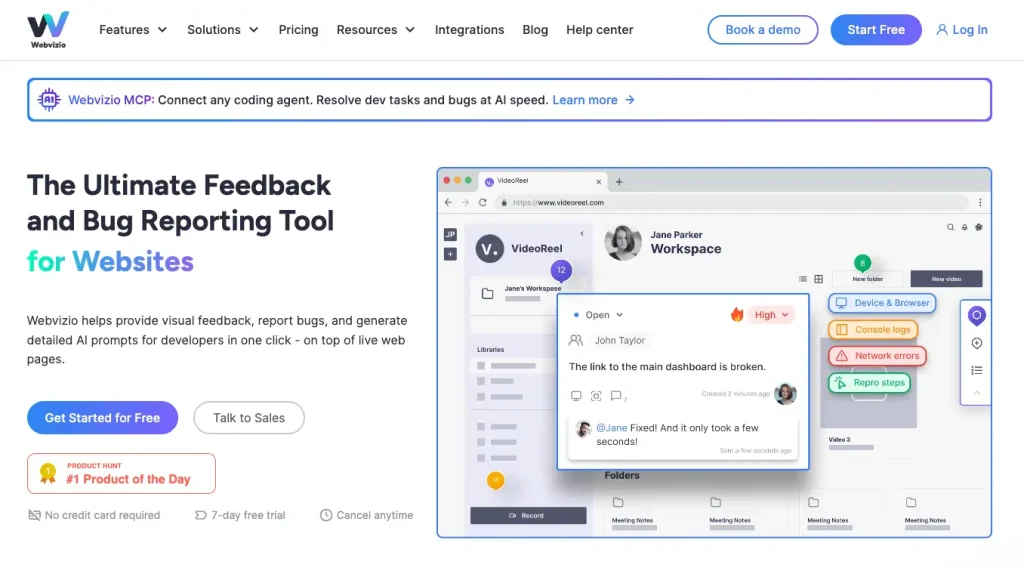
Webvizio is aimed at web agencies, product teams, and development teams that want to combine website feedback, bug tracking, and task management in one place. It’s positioned for teams that regularly collaborate with non-technical stakeholders but still need developer-ready feedback.
Feedback precision
Webvizio allows users to leave visual feedback directly on live websites and web apps. Bug reports automatically capture technical details such as browser data, console logs, user steps, and screen resolution, reducing the need for follow-up questions. Reviewers can also leave annotated comments on images and PDFs, making Webvizio broader than simple website proofing tools, though its strongest use case remains web-based feedback.
Integrations
Webvizio integrates with Jira, ClickUp, Trello, Slack, and Zapier, with additional support for webhooks and APIs. It also offers native integrations with WordPress and Figma, plus developer-focused tools like Cursor, allowing feedback to flow into both design and development workflows.
Pricing
A free plan is available, along with a free trial. Paid plans start at $10/month, with higher tiers supporting more users, projects, and advanced workflow features.
6. Feedbucket
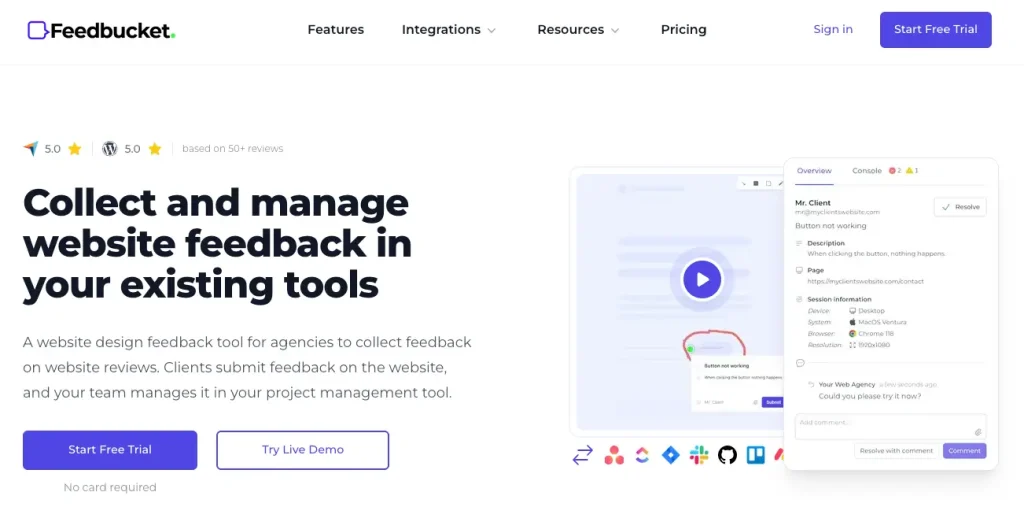
Feedbucket is built for web agencies and teams that want client feedback to live inside their existing project management tools. It’s designed for situations where clients should be able to leave feedback easily, without creating accounts, installing extensions, or learning a new interface.
Feedback precision
Clients submit annotated screenshots or short video feedback directly from the website. Each submission includes technical metadata, which helps teams understand context without follow-up emails. Feedback is visual and clear, but Feedbucket is focused on website feedback rather than multi-format creative reviews or formal proofing.
Integrations
Feedbucket’s core strength is its two-way integrations with project management tools. It connects with Asana, Jira, ClickUp, Trello, Basecamp, Monday.com, GitHub, Linear, Notion, Slack, and Zapier. When a task is resolved in the project management tool, the update is reflected back to the client automatically, keeping everyone on the same page.
Pricing
A free trial is available. Paid plans start at $39/month, positioning Feedbucket as a practical option for agencies that already rely heavily on project management tools to manage client work.
7. GoVisually
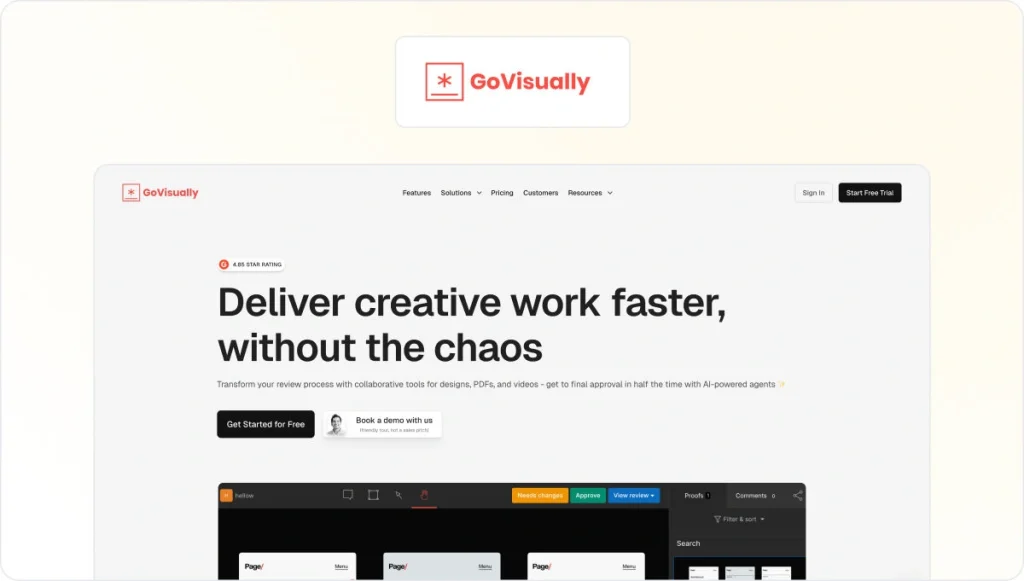
GoVisually is aimed at small creative teams and agencies that need a simple way to collect visual feedback and approvals from clients. It’s commonly used for reviewing design assets rather than managing feedback across complex, multi-channel campaigns.
Feedback precision
GoVisually supports visual annotations on static images, PDFs, and design files. Reviewers can leave comments directly on assets, which helps keep feedback clear during design reviews. Compared to other MarkUp.io alternatives, its website feedback capabilities are limited, and it does not support live website annotation or advanced multi-format proofing.
Integrations
GoVisually integrates with Adobe Creative Cloud tools and Slack, allowing teams to connect design feedback with their existing creative workflows. Integration options are more limited than website-focused or development-oriented feedback tools.
Pricing
GoVisually does not offer a free plan, but a free trial is available. Paid plans start at $20/month, making it a lower-cost option for teams focused on visual design feedback rather than website or development reviews.
8. Usersnap
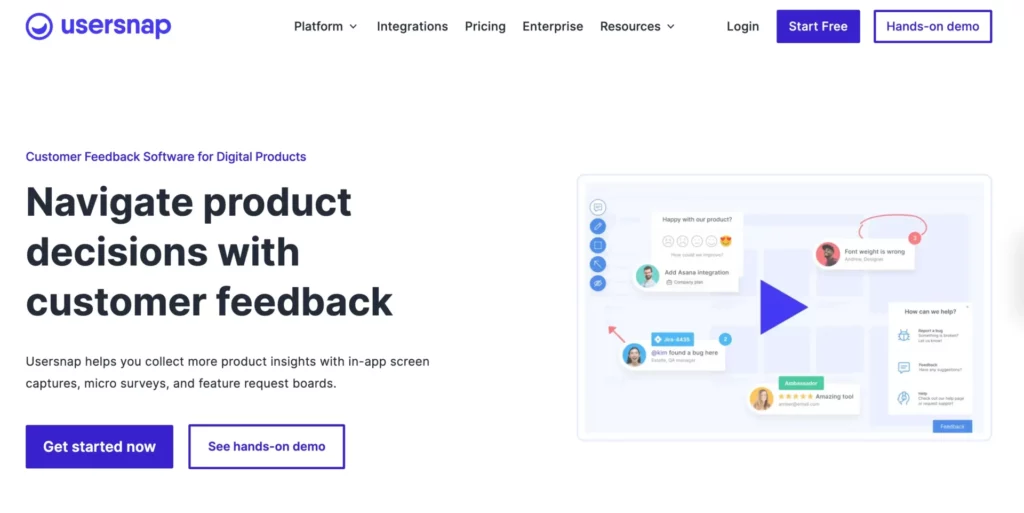
Usersnap is built for product teams, development teams, and SaaS companies that want to connect user feedback directly to product decisions. It’s less agency-focused than many MarkUp.io alternatives and is typically used by teams managing web apps, digital products, and ongoing feature development.
Feedback precision
Usersnap supports visual bug reporting, screenshots, screen recordings, and in-app feedback widgets. Feedback is captured with contextual and technical details, helping teams understand issues in real usage scenarios. In addition to website feedback, Usersnap supports surveys, feature requests, and customer feedback collection, making it broader than simple annotation tools.
Integrations
Usersnap integrates with a wide range of project management and development tools, including Jira, Asana, ClickUp, Monday.com, Trello, GitHub, Azure DevOps, and Slack. It also connects with CRM, analytics, and customer support tools, allowing feedback to flow across product, support, and delivery workflows.
Pricing
A free plan is available with limited usage. Paid plans start at €49/month and scale to higher-tier and enterprise plans, positioning Usersnap as a more robust feedback platform for teams managing complex products rather than lightweight website reviews.
9. Atarim

Atarim is aimed at web agencies, creative teams, and solo creators that want AI-assisted collaboration built directly into their workflow. It positions itself less as a traditional feedback tool and more as an AI-powered creative partner that supports reviews and planning, as well as execution.
Feedback precision
Atarim enables visual feedback directly on live websites and designs, keeping comments tied to specific elements. A key differentiator is its AI layer, which helps clarify vague feedback, break it into actionable tasks, and flag potential issues early. While Atarim supports website and design feedback well, it’s more focused on accelerating collaboration than managing formal review and approval processes across many formats.
Integrations
Atarim supports integrations through native connections, custom APIs, and automation platforms such as Zapier, Make, and webhooks. It offers a wide range of workflow automations, allowing teams to sync feedback with external tools and trigger actions based on task status or urgency.
Pricing
A free plan is available. Paid plans start at $29/user per month, with higher tiers offering more AI credits, projects, and advanced collaboration features. Custom enterprise pricing is also available for larger teams.
10. Ruttl
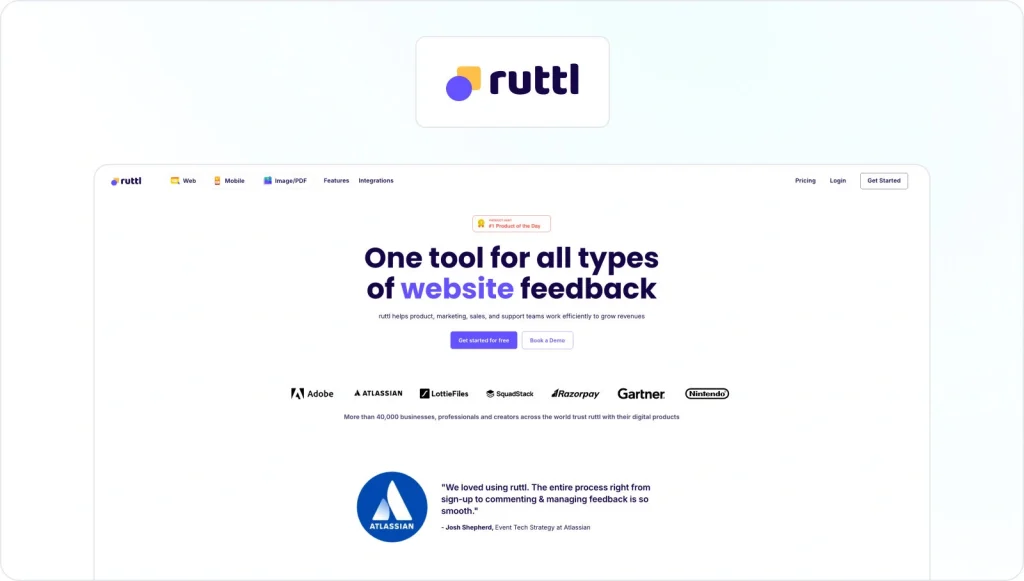
Ruttl is designed for cross-functional teams that need visual feedback and lightweight task management across websites and digital assets. It’s commonly used by web teams, product teams, and marketing teams that want a single place to collect feedback without adding friction for external reviewers.
Feedback precision
Ruttl supports pixel-pinned comments on live websites, web apps, PDFs, and images. Reviewers can leave contextual feedback directly on the content, attach files, and highlight specific areas. Feedback stays tied to the relevant asset and version, which helps reduce confusion during revisions. While Ruttl supports multiple formats, its strength is still visual feedback rather than deep proofing or compliance-driven approvals.
Integrations
Ruttl integrates with popular project management and digital collaboration tools including Jira, Asana, Trello, ClickUp, Slack, and Zapier. These integrations allow teams to turn feedback into tasks and keep discussions connected to existing workflows.
Pricing
A free plan is available. Paid plans start at $12/user per month, making Ruttl one of the more affordable MarkUp.io alternatives for teams that want visual feedback and basic task tracking without a large upfront cost.
How to choose the best MarkUp.io alternative for your team
Choosing the right alternative to MarkUp io starts with understanding how feedback actually flows through your team. What works for quick website comments often breaks down once more people get involved or reviews extend beyond web pages.
For many teams, the real challenge is managing website content alongside other work in tools they already use.
Supported file types
Some feedback tools focus exclusively on live websites, which can be enough for simple web reviews. Others support design files, PDFs, static images, video, audio, and web apps. If your team reviews content across channels, choosing a tool with broader format support will reduce friction and tool sprawl.
Feedback precision and usability
Look for tools that support contextual feedback, such as pinned comments, video feedback, @ mentions, or video recording for complex explanations. Clear resolution states and intuitive interfaces matter, especially for clients or stakeholders who only leave feedback occasionally.
Workflow depth
Decide whether you need a lightweight annotation layer or software that supports a full review and approval process. Teams managing multiple projects often benefit from built-in task management, version control, and clear approval states rather than relying on manual follow-ups.
Integrations and ecosystem fit
The right tool should work alongside your existing project management tools, not fight them. Integrations with platforms like Jira, Asana, Monday.com, or Slack help feedback move forward without creating extra admin work.
Security and governance
For larger teams or agencies working in regulated environments, features such as access controls and audit trails become increasingly important. Structured approvals also play a bigger role as more stakeholders get involved and accountability matters.
Pricing and scalability
Free plans and affordable entry tiers are useful early on, but pricing models matter as teams grow. Flat pricing or unlimited users can be more predictable than per-user costs once feedback involves many stakeholders.
At the end of the day, the best MarkUp io alternative is the one that fits how your team works today, while still supporting where your review process is headed next.
See how Filestage can speed up your approvals
Enjoy a free, 30 minute consultation with our experts, tailored to your team and use cases.
Conclusion: The best alternatives to MarkUp.io for growing teams
When I look at why teams move away from MarkUp.io, it’s rarely because the tool stops working. It’s usually because the feedback process around it starts to break once projects multiply, stakeholders increase, or reviews stretch beyond web pages.
Website-only feedback tools can be a great fit for focused design reviews or quick client input. Options like Pastel, Marker.io, BugHerd, Webvizio, and Feedbucket work well when feedback stays close to live websites and development tasks. They’re easy to adopt and effective within a narrow scope.
However, as soon as feedback spans broader creative work and involves marketing teams or external reviewers, the requirements change. Tools like Filestage support reviews across more formats and give teams better visibility into what’s approved and what still needs attention.
If your team is managing a growing volume of creative work and needs a reliable review and approval process across channels, Filestage is the strongest MarkUp.io alternative I’ve seen for scaling feedback without losing control.
Ready to streamline your reviews and approvals across multiple formats? Start your free trial of Filestage
FAQ
1. What is MarkUp.io, and why are creative teams looking for alternatives?
MarkUp.io is a website feedback tool that allows users to leave visual comments directly on live web pages. It’s popular with web designers and agencies because it makes client feedback easier to collect without screenshots or long email threads. Teams usually start looking for alternatives when their feedback process expands beyond websites, involves more stakeholders, or needs stronger integrations with project management tools.
2. Which features matter most when choosing a MarkUp.io alternative?
The most important features depend on how your team works. Key areas to consider include feedback precision, support for different file types, and how well the tool helps manage feedback across multiple projects. Many teams also look for integrations with existing project management tools, version control, clear approval states, and options like video feedback or contextual comments.
3. What’s the best MarkUp.io alternative for agencies and in-house marketing teams?
For agencies focused on website feedback, tools like BugHerd, Feedbucket, or Marker.io are often a good fit. Agencies and in-house marketing teams reviewing creative work across channels usually benefit from broader feedback platforms that support design files, video, and structured approval processes. Filestage is a strong option in those cases.
4. Are there free MarkUp.io alternatives I can try?
Yes. Several MarkUp io alternatives offer a free plan or free trial. Tools like Filestage, Pastel, Marker.io, Webvizio, Usersnap, Atarim, and Ruttl all provide ways to test their features before committing to paid plans. Free tiers are useful for smaller teams, but limitations often apply as usage grows.
5. When does it make sense to choose a dedicated review tool like Filestage?
A dedicated review tool makes sense when feedback needs to stay organized across different types of creative work and a growing group of stakeholders. If your team needs clear approval states and reliable version control, especially when reviews extend beyond websites into design files or video, a platform like Filestage offers more control than simple website annotation tools.