
TL;DR
Graphic design project management software helps creative teams plan projects, organize tasks, manage design requests, and track progress across multiple clients and campaigns. This guide compares the best tools, including free options, to help graphic designers and creative directors streamline their workflows and spend more time on design rather than administrative tasks.
Why is proper graphic design project management software required in 2026?
As content demands grow across more channels, design teams are under pressure to deliver high-quality work while keeping everything organized. A 2025 Monotype survey of more than 1,000 creative professionals found that 57% of creative teams spend more than a quarter of their time on non-creative tasks such as asset management, compliance checks, and workflow bottlenecks. This is exactly the kind of work the right graphic design project management software can streamline.
Choosing the right creative project management software should be a strategic decision that reflects your company’s specific needs. Whether you work as a freelance designer or as part of a large enterprise, this will significantly affect the software you use.
To help you make the right decision, we summed up the 10 best graphic design project management tools for you. You’ll see all their pros, cons, and price ranges to ensure you’re investing in the most efficient, cost-effective graphic design project management tool.
But before we dive into our delightful dozen, here are our top three picks and why:
- Filestage – best graphic design project management software for content reviews
- Basecamp – best for smaller teams who collaborate on a variety of projects and tasks
- Miro – best for remote design teams looking for a good design collaboration tool
1. Filestage – best graphic design project management software for content reviews
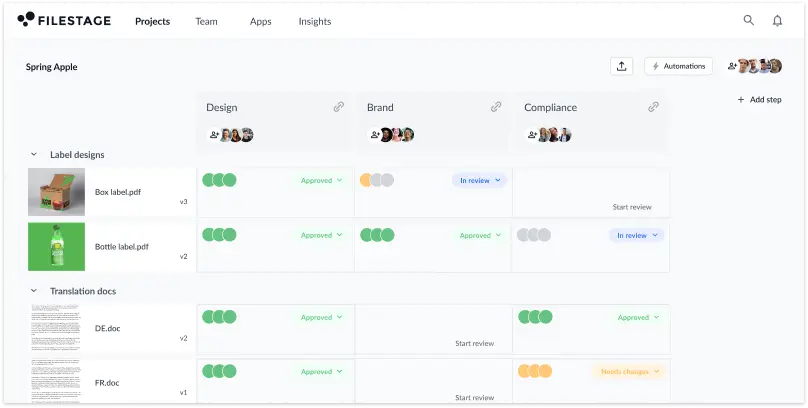
Filestage is a graphic design project management platform that helps you run content review rounds with your stakeholders.
Instead of chasing your stakeholders for feedback over email and wasting time consolidating their (often contradictory) reviews, you can collect and discuss all feedback in one place. Upload your graphic and packaging designs, or artwork, and add all your stakeholders as reviewers so all feedback comes to you.
Pros
- Due dates keep your creative project management on track and help you meet deadlines
- In-context comments make for clear feedback that shows up in real time
- Visual annotations bring comments to life and make it clear what needs changing
- To-do lists give your creative team a clear picture of what needs amending
- Version control history helps you keep tabs on previous comments and see what’s changed
- Review steps mean your files get approved by the right people at the right stage of the process
- Project dashboards help you keep track of who you’re still waiting to hear from
- Integrations with Dropbox, Google project management apps, Slack, Microsoft Teams, and more
- Automation reduces manual tasks and speeds up content reviews

“Filestage is our centralized platform for clients to go in and review and approve every design we upload. The whole process is streamlined and we have a tracked record that shows our clients when they review the comments and the date that they approved it.”
Mark Stern, CEO at Custom Box Agency
Cons
- No mobile or desktop app
Price
Filestage offers a Free plan with unlimited files, versions, reviewers, and team members. This package is designed for small teams and freelancers, offering a few projects and limited storage.
Larger teams can choose from Basic ($109/month), Professional ($299/month), or Enterprise (contact sales) packages, depending on the number of projects they need to manage simultaneously.
Best for companies of all sizes due to its flexible pricing
Since Filestage offers everything from a free plan for freelancers to an enterprise package for large companies, this tool can be helpful to a wide range of users. Filestage is also the best design approval software for a fast and efficient review and approval process.
Additional uses
Thanks to its robust Zapier integration, Filestage helps users automate many repetitive tasks related to graphic design projects. For instance, you can set up automated messages in Slack or Microsoft Teams whenever your file status changes in Filestage.
Alternatively, you can set up automated actions to import all email attachments from a specific set of senders into Filestage for review. This way, you can ensure you always complete all tasks.
Centralize your design approval workflows
Set up automated workflows to keep standards high across all your teams and content.
2. Basecamp – best for smaller teams who collaborate on a variety of projects and tasks
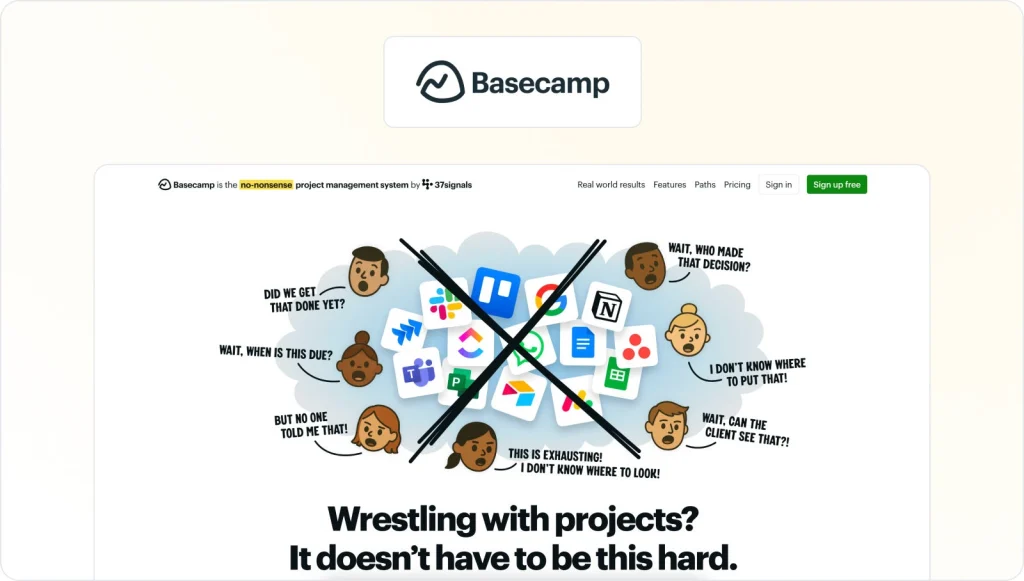
Basecamp is a web-based project management tool that allows individuals and teams to collaborate and organize their work efficiently. The software offers a range of features, including to-do lists, secure file sharing for businesses, messaging, scheduling, and time tracking.
With its user-friendly interface and minimalist design, the tool has become a popular choice for small to medium-sized businesses, startups, and freelancers seeking a streamlined way to manage projects and communicate with team members.
Pros
- It allows graphic designers to create a centralized hub for all project-related communication, files, and tasks
- The tool’s to-do lists and task assignments make it easy to keep track of who is responsible for what, and when tasks are due
- It has file-sharing capabilities that make it easy to share and collaborate on design files with team members, clients, and stakeholders
- Real-time messaging feature allows graphic designers to communicate with team members and clients quickly and easily
- Its mobile app allows graphic designers to access their projects and communicate with team members from anywhere, at any time
Cons
- It lacks advanced design collaboration features, including design versioning, commenting, AI-graphic design, and markup tools.
- Limited project customization options may not meet the specific needs of some graphic design projects
- Its pricing can be relatively high for smaller graphic design teams or freelancers
- It has limited integrations with other software tools, which can be a drawback for graphic designers who use a range of different tools and software
Price
The tool offers three pricing plans:
- Basecamp Personal is free for personal use
- Basecamp Plus for $15/user per month
- Basecamp Pro Unlimited with the price of $299/month when billed annually
Best for teams of up to 50 members who need to collaborate on a variety of projects and tasks
Basecamp is best suited for small to medium-sized companies, startups, and freelancers seeking a simple yet powerful project management tool.
It’s particularly useful for companies with remote or distributed graphic design teams, as it provides cloud-based access and real-time communication features that enable collaboration from anywhere.
Additional uses
In addition to project management and collaboration, Basecamp is also good for:
- Document management: Its file-sharing capabilities can be used to store and organize documents, including employee handbooks, manuals, and training materials.
- Customer support: It can be used to manage customer support requests and tickets, allowing teams to track and resolve issues in a centralized tool.
- HR management: The tool can be used to manage HR tasks such as recruiting, onboarding, and performance management.
3. Miro – best for remote design teams looking for a good collaboration tool

Miro is a collaborative online whiteboard platform that enables creative teams to work together in real time from anywhere in the world. Its users can create, share, and edit visual content like diagrams, flowcharts, wireframes, and mind maps, making it an ideal tool for remote collaboration, brainstorming, and ideation.
This design project management software offers a wide range of features, including sticky notes, voting, commenting, and video conferencing integration, to enhance team communication and productivity.
Pros
- It enables real-time design collaboration and team feedback, streamlining the workflow.
- Its endless canvas and flexible layout options allow a wide range of design possibilities.
- It integrates with popular design tools like Sketch, Figma, and Adobe Creative Cloud.
- Its web-based platform and a mobile app make it accessible from anywhere.
- Miro’s organizational tools, such as sticky notes and grouping, make it easy to manage complex projects.
Cons
- Miro is primarily a collaboration tool, so its design capabilities may not be as robust as dedicated design software.
- It has limited file format support, so exporting designs to other software may be challenging.
- Its pricing can be expensive for some users, especially for teams requiring advanced features.
- Some users find its interface cluttered and overwhelming, making navigation difficult.
Price
The tool offers Free, Team ($8/user/month), Business ($16/user/month), and Enterprise (custom pricing) plans.
Best for remote design teams looking for a good collaboration tool
Miro is primarily designed for remote teams to communicate and collaborate across formats, tools, channels, and time zones — without the constraints of physical location, meeting space, or whiteboards.
At the same time, all hybrid or in-office teams can benefit from the tool’s well-developed productivity and collaboration features.
Additional uses
Miro helps teams go beyond brainstorming with tasks such as workshopping, strategy mapping, Agile ceremonies, UX research and design, product development, customer discovery, and process visualization.
4. Trello
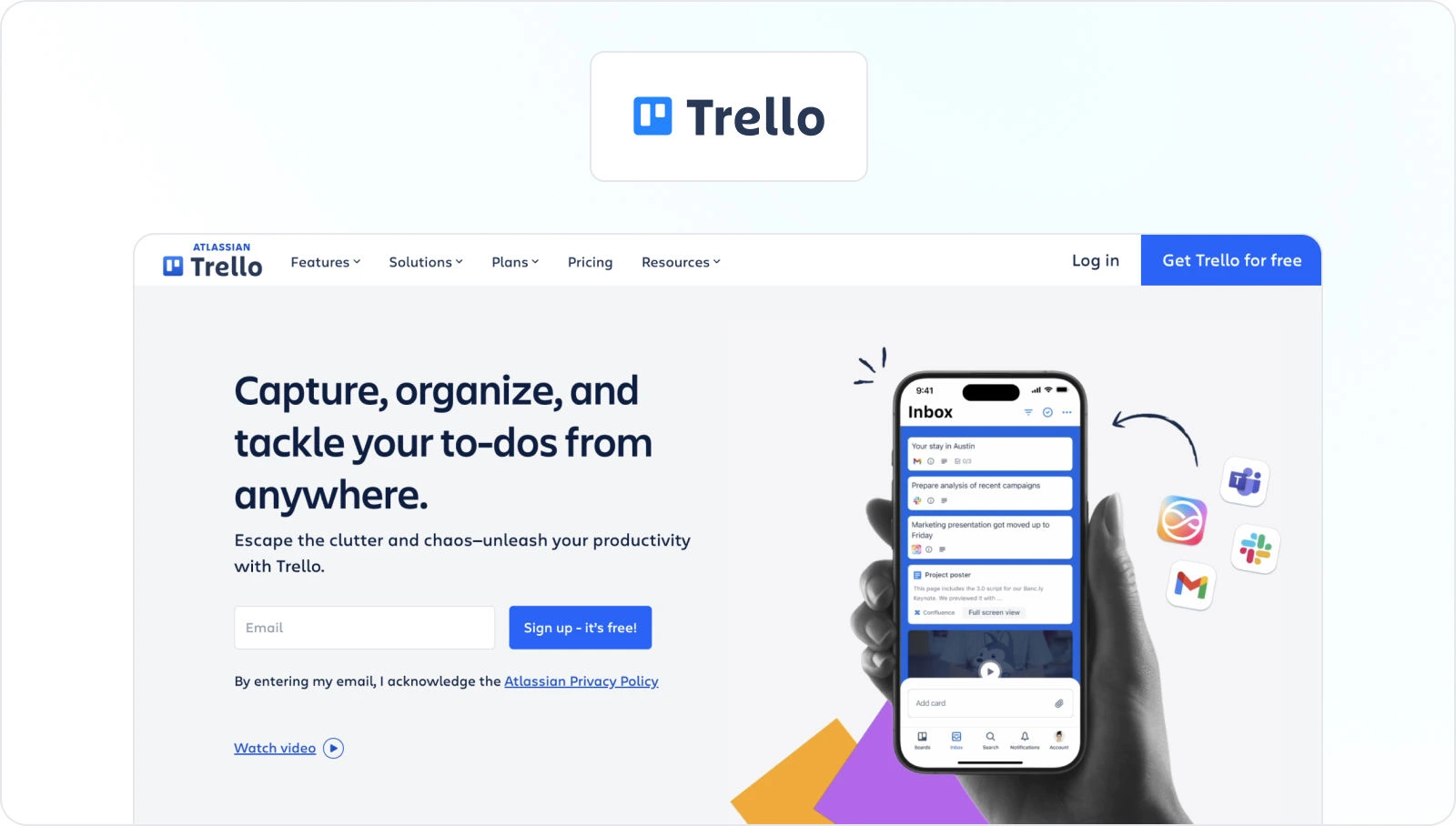
Trello is a popular project management tool with an easy-to-use, customizable interface that helps designers organize their work, track deadlines, and collaborate with the team.
The tool uses a card-based system to visually represent tasks. This helps designers to easily see what needs to be done, who is responsible for what task, and when it’s due.
The platform also integrates with various other tools and applications, making it a versatile option for designers managing creative projects across multiple platforms.
Pros
- An easy-to-use, customizable interface enables designers to manage projects and tasks efficiently.
- Visualizing tasks with card-based systems enables easy tracking of progress and deadlines.
- Integration with a wide range of tools and applications enables designers to streamline their workflows.
- Collaboration features help team members work together and share information in real time.
- Mobile app available to help designers access and manage creative projects.
Cons
- Limited customization options compared to more advanced design project management software.
- A lack of advanced features, like charts, may be necessary for complex projects.
- Card-based systems may be less useful for certain types of projects or workflows.
- Limited file storage options, with larger files requiring integration with external storage services.
- It can become cluttered or difficult to navigate with larger projects or teams.
Price
Trello uses a freemium pricing model, offering a free plan with limited features and paid plans with more advanced features. The free plan includes basic features, such as unlimited cards and boards, up to 10 MB of file storage, and integration with up to 10 apps.
The paid plans include Standard at $5 per month, Premium at $10/user per month, and Trello Enterprise at $17.50/user per month. Trello also offers a 14-day free trial for the paid plans.
Best for remote teams looking for a simple and user-friendly project management software
Trello is a versatile project management tool used by companies of all sizes, from small businesses to large corporations. It is particularly suitable for remote or distributed teams, allowing team members to collaborate and share information from anywhere.
Overall, Trello is the best project management software for companies seeking a simple, user-friendly tool that can be customized to their specific needs.
Additional uses
Trello can be used for various project management-related tasks. Your graphic design department doesn’t have to be the only team using it to improve its efficiency when managing multiple projects.
With its highly visual card-based system, this creative project management tool can be an excellent choice for any team looking to become faster and more efficient at managing projects.
5. Hive
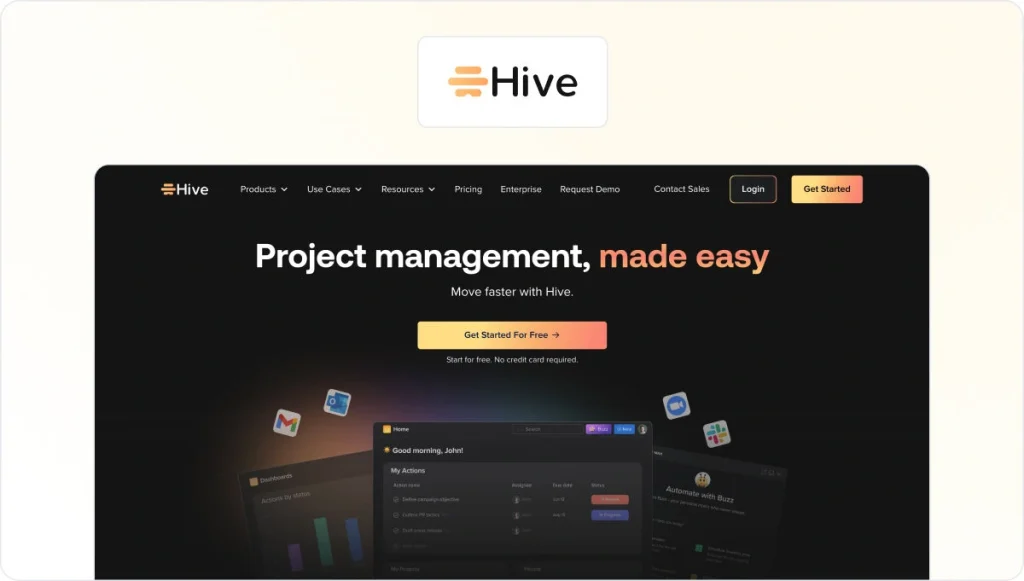
Hive is a comprehensive project management software for creative teams, including graphic designers. It offers a range of features and tools to help designers stay organized, collaborate with team members, and manage multiple projects efficiently.
The tool offers a visual project management approach that allows users to create and manage tasks using kanban boards, Gantt charts, and other visual aids. It also provides customizable templates and workflows, making it easy for designers to set up and manage projects.
Pros
- A visual project management approach, with Kanban boards and Gantt charts, is ideal for managing the design of multiple projects and tasks.
- Customizable templates and workflows to help designers lead their projects more efficiently.
- Integration with popular design tools like Adobe Creative Cloud and Sketch to streamline workflows.
- Collaboration features, including real-time messaging, commenting, and file sharing, allow team members to collaborate seamlessly.
- Analytics and reporting features allow designers to track project progress, identify bottlenecks, and make data-driven decisions.
Cons
- Pricing may be higher than that of other creative project management tools.
- The user interface may take some time to get used to for new users.
- Some users have reported slow loading times when working with large files or projects.
- The mobile app has limited functionality compared to the desktop version.
- Some users have reported that the software can sometimes be buggy and unstable.
Price
Hive offers three pricing plans: Starter for $ 5 per user/month, Teams for $12 per user/month, and a customized Enterprise Plan.
Best for growing teams that need to collaborate on complex projects
Hive is best suited for large, distributed teams working on complex projects. All companies working on multiple projects with multiple stakeholders, dependencies, and deadlines can use Hive’s project management software to keep everything on track.
Features such as Gantt charts and custom workflows enable teams to create detailed plans and track progress in real time.
Additional uses
Hive’s users can also enjoy features for:
- Task management
- Project tracking
- Time tracking
- Resource management
- Reporting
Centralize your design approval workflows
Set up automated workflows to keep standards high across all your teams and content.
6. Wrike
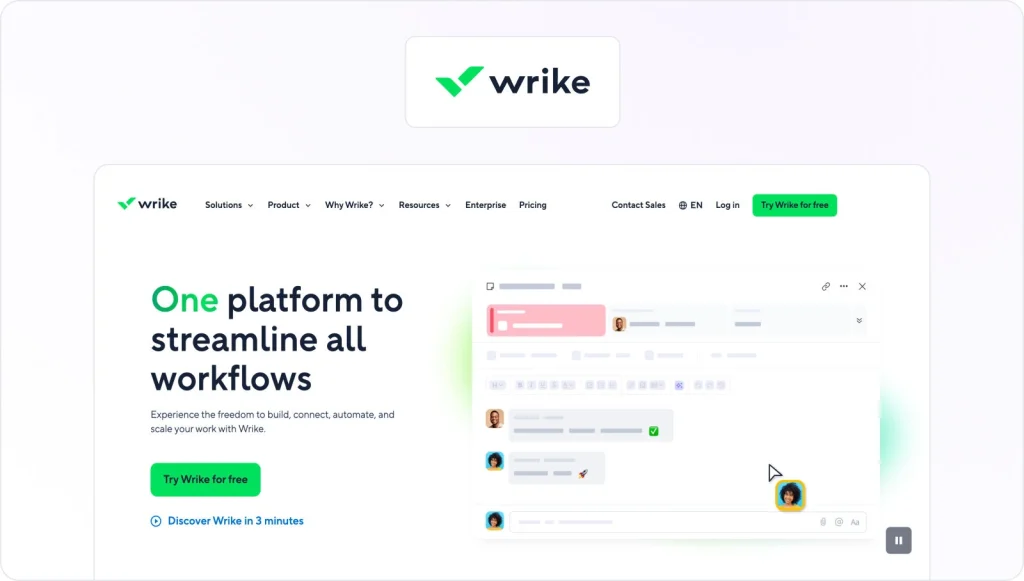
Wrike is a cloud-based design project management software that helps teams streamline their work and collaborate effectively. It allows teams to plan, organize, prioritize tasks, track progress, and manage resources.
The software offers a range of features, including customizable dashboards, Gantt charts, time tracking, collaboration tools, and integrations with other business software.
Pros
- Customizable workflows and templates enable efficient project management.
- Robust collaboration features facilitate communication and feedback among team members.
- Gantt charts and timelines help track project progress and deadlines.
- The proofing and approval feature streamlines the design review process.
- Integration with Adobe Creative Cloud and other tools simplifies file sharing and version control.
Cons
- Limited design-specific features like color swatches and font management.
- Limited customization options for the interface and dashboard.
- Cost can be prohibitive for smaller design teams or freelancers.
- The mobile app lacks some of the functionality available on the desktop version.
Price
Wrike offers a range of plans for different use cases. They offer a free plan for teams getting started, a $10 per user/month plan for small teams, a $25 per user/month plan for businesses, and customizable Enterprise and Pinnacle plans.
Best for medium to large companies with complex needs
Although Wrike advertises its software for companies of all sizes, its complex features and pricing make it better suited to larger organizations.
Its customizable workflows and templates, advanced reporting and analytics, and integrations with other business software make it the best project management software for managing multiple projects at scale.
Additional uses
In addition to more efficient graphic design project management, Wrike’s users can use the tool for sales pipeline management, lead tracking, and customer relationship management (CRM). This makes the tool more versatile than some of its competitors.
7. Asana
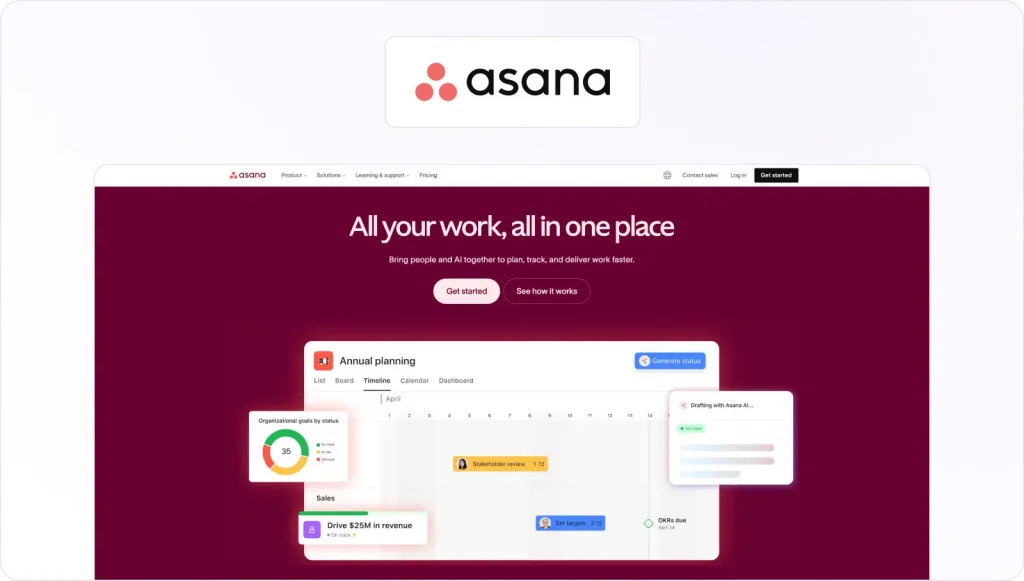
Asana is powerful design project management software that offers a range of features to help teams streamline their work and collaborate effectively, including customizable workflows, Gantt charts, time tracking, and file sharing.
Its proofing and approval feature allows for efficient review and feedback on design work. At the same time, its integrations with other creative software, such as Adobe Creative Cloud, enable seamless file sharing and version control.
Pros
- Customizable project workflows enable efficient design project management.
- Robust collaboration features facilitate communication and feedback among team members.
- The proofing and approval feature streamlines the design review process.
- Integrating Adobe Creative Cloud and other tools simplifies file sharing and version control.
- The intuitive interface and mobile app make it easy to use and stay on top of projects.
Cons
- Limited design-specific features, such as color swatches and font management.
- Limited customization options for the interface and dashboard.
- The free version is limited in terms of users and storage.
- The reporting features can be limited for more complex projects.
- Some users may find the task hierarchy system confusing.
Price
Asana offers four pricing plans:
- Basic – free for up to 15 users and includes basic task management and collaboration features, with limited storage and integrations.
- Premium – starting at $10.99/user per month
- Business – starting at $24.99/user per month
- Enterprise – designed for larger teams and offers custom solutions and support
Best project management software for graphic design agencies and IT companies
Asana is particularly useful for companies with complex projects involving multiple tasks and stakeholders. Graphic design agencies, marketing teams, and IT departments are some of the industries that could benefit from Asana’s project management features.
Additional uses
Asana offers advanced process automation that enables teams to automate repetitive tasks, such as sending notifications, setting reminders, and updating project status. This ability makes the tool highly efficient and enables even more organized graphic design project management.
8. Coda

Coda is powerful, all-in-one creative project management software for graphic design projects. It combines the features of a document editor, spreadsheet, and project management software, making it highly customizable and adaptable to a range of use cases.
With Coda, teams can create customized workflows, assign tasks, track progress, and collaborate in real time. Its extensive library of templates and integrations with other software, such as Adobe Creative Cloud, make it a valuable tool for managing graphic design projects.
Pros
- It allows highly customizable workflows, enabling the creation of unique templates and automations.
- The possibility of real-time collaboration and commenting makes it easy for teams to work together on projects.
- Combines features of a document editor, spreadsheet, and project management software, enabling a range of use cases.
- It integrates with other software, such as Adobe Creative Cloud, making it a valuable graphic design project management tool.
- Its drag-and-drop functionality and user-friendly interface make it easy for teams to adapt to their specific needs and workflows.
Cons
- Coda’s formatting options are more limited than those of other document editors, which may be a downside for some users.
- Its mobile app has limited functionality, which may be a downside for teams working on the go.
- Its integrations are less extensive than those of some other project management tools.
- Reporting features are less robust than some other project management tools.
Price
Coda offers a Free Plan with basic features with limited functionality, including up to three docs, basic templates, and access to community support.
From there, they offer three paid packages: Pro (starting at $10/user per month), Team Plan (starting at $30/user per month), and an Enterprise Plan with custom pricing.
Best for all company sizes that require data analysis and visualization
Coda can be a valuable tool for companies of all sizes, from small startups to large enterprises, as it offers a range of features that can be customized to meet diverse needs.
However, its ability to create interactive, dynamic documents makes it the best project management software for teams working on complex projects or those requiring data analysis and visualization.
Additional uses
Besides its use for graphic design project management, Coda is an excellent tool for these tasks:
- CRM
- Knowledge Base
- Event Planning
- Product Development
- Sales Pipelines
9. ClickUp

ClickUp is a cloud-based graphic design project management and productivity platform that offers a customizable interface and a tool suite to help teams collaborate, organize tasks, and track progress.
The platform also offers integrations with various popular tools, including Slack, Trello, and Google Drive. Whether managing a small team or a large enterprise, ClickUp can help you stay on top of your tasks and achieve your goals more efficiently.
Pros
- Customizable task views for managing design tasks efficiently
- Ability to attach design files and provide feedback within the platform
- Task dependencies and timelines for managing project timelines
- Time tracking and reporting for accurate billing and budgeting
- Integrations with popular design tools like Adobe Creative Cloud and Figma
Cons
- Limited options for design-specific project templates
- UI can be overwhelming for some users
- Lack of advanced design features compared to dedicated design software
- Some features, like time tracking and reporting, require premium subscriptions
Price
ClickUp offers four pricing plans: Free, Unlimited ($5/user/month), Business ($9/user/month), and Enterprise (custom pricing).
Best for SMBs that need powerful graphic design project management software
ClickUp is best suited for small to medium-sized businesses needing creative project management software to manage tasks and collaborate with team members.
The tool is also the best project management software for teams across industries, including graphic design, software development, and marketing.
Additional uses
Besides graphic design project management, ClickUp offers a range of features designed specifically for software development teams, including project planning, bug tracking, and Git integrations.
10. Teamwork
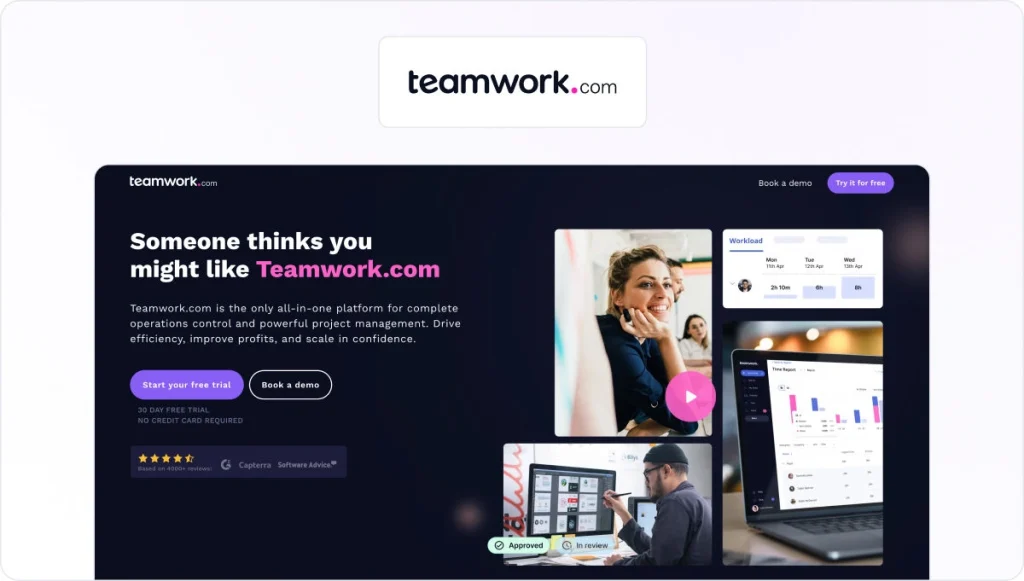
Teamwork is a creative project management software designed to streamline innovative team collaboration and project management workflows. It provides a comprehensive suite of features that make it an ideal graphic design project management platform, including task management, time tracking, file sharing, and project planning.
With this project management app, teams can manage projects from start to finish, assigning tasks, setting deadlines, and tracking progress all in one place.
Pros
- The intuitive user interface for easy project setup and management.
- Comprehensive task management tools, including time tracking, project calendars, and task dependencies.
- Advanced reporting and analytics for tracking team performance and project progress.
- Robust file sharing and collaboration features, including commenting, proofing, and version control.
- Extensive integrations with other software tools, including Adobe Creative Cloud, Slack, and Zapier, for seamless workflows and enhanced productivity.
Cons
- Limited customization options for project templates and workflows.
- Relatively higher pricing compared to some other creative project management tools.
- Limited mobile app functionality for on-the-go project management.
- Limited collaboration and communication tools compared to Asana or Trello.
Price
Teamwork offers four pricing plans: Free Forever, Deliver (starting at $10.99/user per month), Grow (starting at $19.99/user per month), and a customized Scale plan.
Best for teams of all sizes looking for a comprehensive PM tool
Teamwork suits companies of all sizes and types, but it’s particularly well-suited for mid-sized to large companies with complex project management needs.
Its advanced features, like task dependencies, time tracking, and project portfolios, make it an ideal tool for managing large-scale projects and teams. However, it can also be a good fit for small teams or freelancers who need a more comprehensive project management tool.
Additional uses
In addition to graphic design project management, Teamwork can be used for marketing, advertising campaign management, and event planning and management.
Its robust collaboration and task management features make this tool excellent for managing marketing and advertising campaigns across multiple channels. Plus, its project templates and task dependencies make it easy to manage complex event-planning projects involving multiple stakeholders.
Why do graphic designers need job-specific project management software?
When choosing a graphic design project management tool, companies aren’t looking for just any PM tool. Most project management software isn’t made specifically for graphic design or graphic design studios and falls short.
Graphic design involves a high level of collaboration and requires an effective feedback and review system to ensure all visuals are approved as quickly as possible.
That’s why it’s important for graphic design teams to find the right creative project management software to help them navigate through more or less complex design projects.
If you’re looking for free project management software for designers, check out Filestage’s free version to manage your review process.
FAQ
1. What should I look for in graphic design project management software in 2026?
When you compare graphic design project management software, focus on key features that support the full design process:
– Clear task management and project planning
– Custom workflows and project templates for different types of design projects
– File sharing and collaboration tools for feedback and approvals
– Time-tracking features and basic budget tracking
– Project reporting and workload management so you can balance team capacity
If you handle complex projects, look for a project management platform that lets you create task dependencies, automate repetitive tasks, and keep all project data in one place.
2. How does Filestage fit into graphic design project management?
Filestage isn’t a full project management solution, but it integrates with your graphic design project management software to manage feedback. You can upload design files, invite stakeholders, and collect precise, in-context feedback without chasing email threads. This helps graphic designers, creative directors, and account managers keep creative work moving, reduce revision cycles, and make sure every design project is approved before it goes live.
3. Can I use free project management software for graphic designers?
Yes. Many project management tools offer a free plan or a free tier of graphic design project management software. These are perfect for solo designers or small graphic design agencies that need simple task management, basic collaboration features, and file sharing. Just keep in mind that free versions often limit the number of projects, users, or advanced features like workload management, time tracking, and detailed project reporting. As your graphic design teams grow, upgrading to a paid plan will give you more power and flexibility.
4. How do I know if it’s time to upgrade my design project management tools?
It’s probably time to switch to more robust graphic design project management software if:
– Your team is managing multiple projects and can’t see project timelines at a glance
– Designers are spending too much time on admin instead of creative tasks
– Project scope and deadlines keep slipping because work isn’t clearly organized
– You don’t have a clear view of project progress, future projects, or team capacity
Upgrading to a dedicated design project management tool or creative project management software helps you organize tasks, optimize resource allocation, and keep everyone on the same page. From the project manager and design team to the production team and the client.