

PageProof is an online proofing platform that helps creative and marketing teams run creative reviews and approve content in one place. Agencies, in-house studios, and enterprise brands use it to replace messy email feedback with structured approvals. It’s well rated, holding 4.8 stars on G2’s online proofing category, but it isn’t the right fit for everyone. As the market for creative tools has grown, you now have more options suited to different sizes, budgets, and workflows.
Here are the five best PageProof alternatives worth considering in 2026.
But first …
Why should you look for a PageProof alternative?
PageProof has strong reviews, so most users who leave aren’t unhappy with the proofing itself. They leave over price, or the everyday friction of a tool that doesn’t quite fit. Here are the three issues that come up most often in user reviews on G2 and Capterra.
It gets expensive fast
PageProof’s pricing carries a 10-user minimum, so small businesses pay for seats they don’t use. One G2 reviewer running a five-person team called it the most expensive software in their business, even while rating the product highly. Below the minimum, the per-seat math works against you.
The interface can be buggy and slow
Several G2 and Capterra reviewers report the platform becoming unresponsive or hanging mid-review, forcing a browser refresh or restart. Others describe the markup tools as clunky, with comment pins that don’t always line up on the page. For high-volume work, those slowdowns add up over time across a busy day.
File organization is limited
A repeated G2 complaint is how proofs are organized. Reviewers want a cleaner way to group and archive work instead of everything stacking up on one dashboard. PageProof offers folders and collections today and has said a subfolder system is coming in 2026, so it’s a known gap rather than a misunderstanding.
The five best PageProof alternatives for marketing teams
Each tool solves a slightly different problem, so the right pick depends on your team size, budget, and how much of your workflow you want in one place. Here’s how they compare.
| Tool | Main use case | Strength vs PageProof | Weakness | Pricing (cheapest, billed annually) |
|---|---|---|---|---|
| Filestage | Multi-step review and approval workflows | Intuitive interface, broad file support | Higher entry price for very small teams | Free plan; from $199/month |
| GoProof | Proofing inside Adobe Creative Cloud | Direct Adobe CC integration | Less of an all-rounder than PageProof outside Adobe | From $129/month |
| ReviewStudio | Simple proofing with a free entry point | Free plan, low per-user cost | Dated interface; automation on higher tier | Free plan; from $12/user per month |
| Wrike | Proofing inside a project management tool | Proofing and project management in one place | Fewer file types; proofing needs Business tier | Free plan; from $10/user per month |
| Lytho | Proofing inside a creative operations platform | Intake, workflow, proofing, and assets combined | No free tier; pricing not public | Custom pricing |
1. Filestage: best proofing tool for teams that want structured creative review across every file type
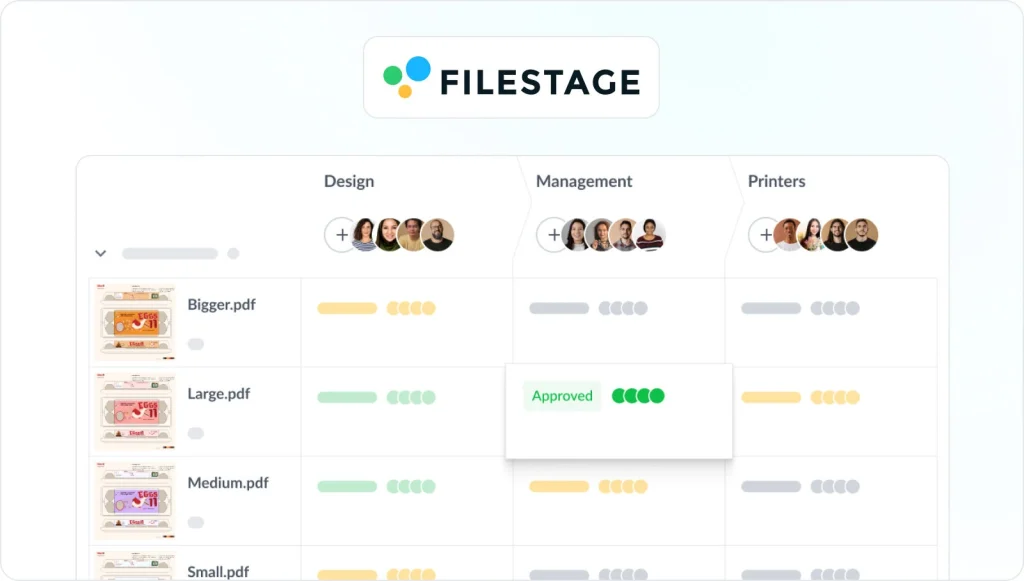
Filestage is a dedicated review and approval platform for marketing and creative teams. Reviewers comment directly on videos, images, PDFs, audio, and live websites, and robust automated workflows route each file to the right people. Where PageProof reviewers often flag a clunky, slow-to-navigate interface, Filestage keeps markup simple enough that external stakeholders need no training.
It also offers seamless integrations with Slack, Microsoft Teams, Google Drive, Adobe apps, Jira, and monday.com, all backed by enterprise-grade security.
Pricing starts free, then $199/month, with a 14-day free trial. Best for anyone who wants one platform to create and run the whole content review and approval process.
Note: Filestage is our product. We’ve included it in this list because it genuinely fits the use cases described, and we’ve positioned it accordingly.
See how Filestage can speed up your approvals
Enjoy a free, 30 minute consultation with our experts, tailored to your team and use cases.
2. GoProof: best for creative teams working inside Adobe Creative Cloud

GoProof integrates directly with Adobe Creative Cloud apps, so designers send proofs and pull feedback back into InDesign, Illustrator, Photoshop, and Premiere Pro without leaving their workspace. Unlike PageProof’s flat rate with its 10-user minimum, GoProof only charges users who send proofs and includes unlimited reviewers, so smaller teams can pay less. The trade-off is breadth: it’s built around Adobe, so PageProof handles a wider mix of file types. It also connects with monday.com, Asana, Slack, and Microsoft Teams.
Pricing starts at $129/month for the Connect plan billed annually, with a 14-day free trial. Best for Adobe-first studios that want proofing built into their design tools.
3. ReviewStudio: best for teams that want a free plan and simple pricing
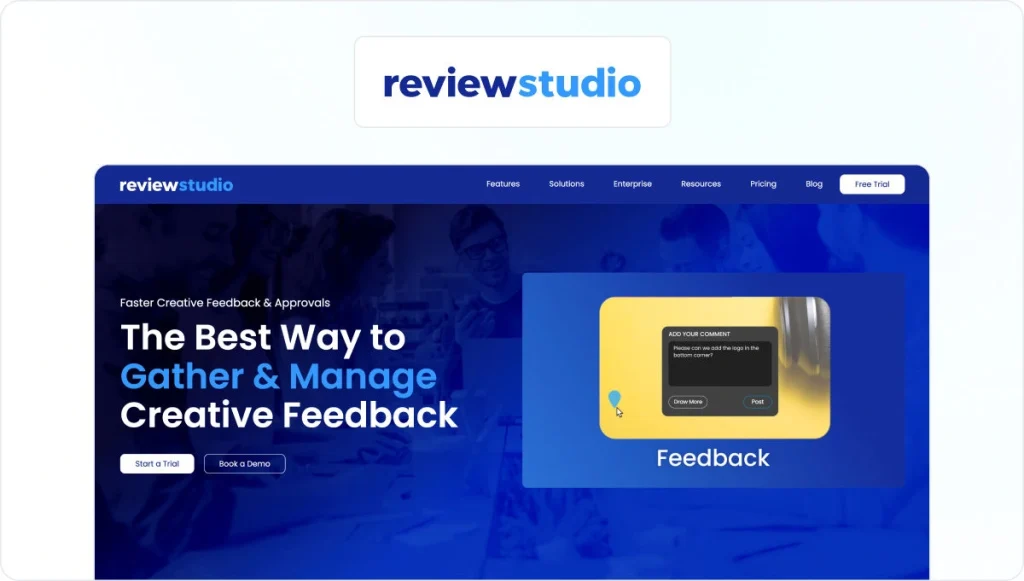
ReviewStudio keeps proofing straightforward, with side-by-side version comparison, live review sessions, and support for video, audio, images, PDFs, HTML, and 3D files displayed in one place. A usable free plan and low per-user pricing make it easy to start small. It has no named smart compare feature like PageProof’s, an interface some reviewers find dated, and automation locked to the Advanced tier. It connects with Asana, monday.com, Wrike, Adobe Photoshop, and Dropbox.
Pricing runs from a free plan to $12/user per month billed annually. For close comparisons, see our guide to ReviewStudio alternatives. Best for small teams and freelancers.
4. Wrike: best for teams that want proofing inside a project management tool
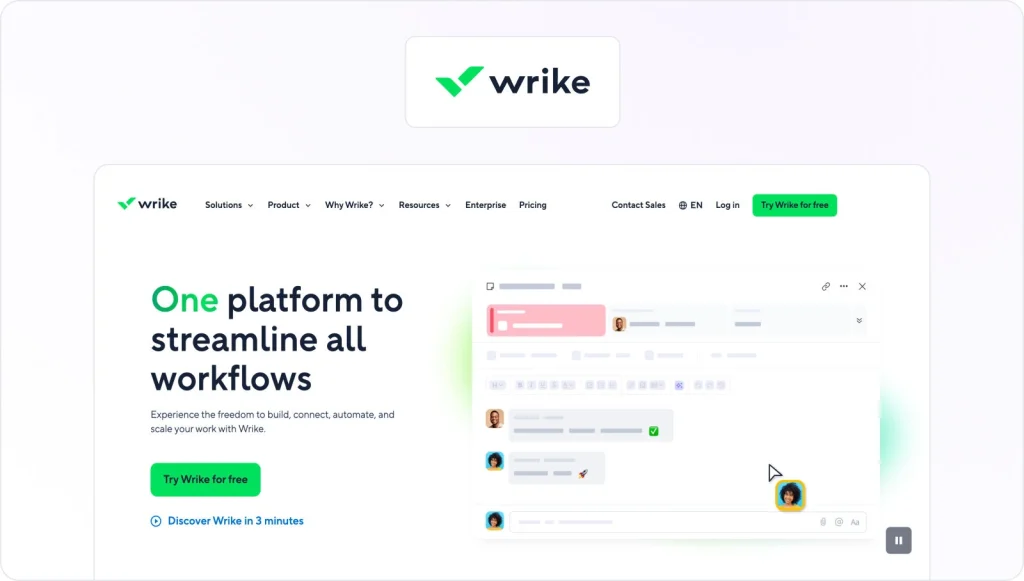
Wrike is a full project management platform with proofing built in, so review lives alongside tasks, timelines, and resourcing rather than in a separate app. That’s its main edge if you want fewer tools. The trade-offs: PageProof supports more file types than Wrike’s proofing tool, and proofing only unlocks on the Business tier. It integrates with Adobe Creative Cloud, Google Workspace, Slack, Jira, and Salesforce.
Pricing includes a free plan and a Team plan from $10/user per month, with proofing from $25/user per month on Business. Best for anyone already running projects in Wrike.
5. Lytho: best for larger teams that want a creative operations platform

Lytho combines request intake, project management, online proofing, and digital asset management in one platform. Designers submit proofs from within Adobe Creative Cloud, automated routing moves work through stakeholders, and built-in asset management keeps approved files organized and on brand. Some reviewers find the interface complex, and there’s no free tier. It integrates with Adobe Creative Cloud, Slack, and Microsoft Teams. Where PageProof is a focused tool that’s quick to learn, Lytho is a far larger platform with a steep learning curve and busier interface.
Pricing is custom and quote-based. Best for larger organizations that want intake, workflow, proofing, and assets together.
How to pick the right tool for your team
The right choice comes down to three variables: how many people you have, how complex your workflow is, and the design tools you already use.
Start with size. Small studios and freelancers get the most from ReviewStudio or Filestage’s free plan, since neither forces a seat minimum. Mid-size marketing teams tend to land on Wrike, while large organizations with governance needs are better served by Filestage or Lytho’s higher plans.
Then weigh workflow complexity. If your process is simple, ReviewStudio or GoProof will cover it. If you run multi-stage approvals across departments, Filestage and Lytho handle that structure better, and a clear marketing approval process matters more than feature count.
Finally, match the tool to your stack. Adobe-heavy studios should look at GoProof for seamless design integration, anyone who lives in a project management tool will prefer Wrike. Teams that needs end-to-end video review and approval alongside everything else calls for broad file support over narrow functionality should check out Filestage.
See how Filestage can speed up your approvals
Enjoy a free, 30 minute consultation with our experts, tailored to your team and use cases.
FAQs
How does PageProof work?
PageProof is an online proofing tool that brings review and approval into one space. You upload a file, and reviewers comment directly on it instead of scattering feedback across email. It supports a wide range of file types, from artwork and video to HTML and documents, and its smart compare feature checks versions side by side. It provides unlimited automated workflows with reminders that route each proof from one reviewer group to the next, plus enterprise-grade security with ISO 27001 certification for strict compliance needs. The interface is user-friendly enough for quick setup, support runs 24/7 over chat and email, and reviewers can comment without an account, so you get started in minutes.
Is there a free alternative to PageProof?
Yes. ReviewStudio, Filestage, and Wrike all offer a free plan with limits on projects, storage, or features. GoProof and Lytho don’t have free tiers, though GoProof offers a 14-day free trial. A free plan is the lowest-risk way to test fit before paying.
How does Filestage compare to PageProof?
Both are dedicated review and approval platforms, so the core experience is similar. Filestage differentiates on an intuitive interface, broad file-type support, and it includes Review Agents that check files against your brand guidelines before human review. For a full breakdown, see our Filestage vs PageProof comparison.
Which PageProof alternative is best for marketing teams?
Filestage is the strongest fit for most marketing teams, with multi-stage approval workflows, support for every common campaign file type, and integrations with the tools marketers already use. The Review Agents check files against brand guidelines, forbidden terms, or mandatory images before human review, which larger campaigns often require. Wrike suits anyone who wants proofing inside a broader project management setup, while Lytho fits larger organizations that need asset management and governance alongside review.
Final thoughts
PageProof is a solid proofing platform, but price and everyday friction lead plenty of users to look elsewhere. The best alternative depends on your size, workflow, and stack, and any of these five is worth a closer look.
Start your free trial of Filestage to see how it fits your review process.