

TL;DR
ReviewStudio works well for small teams doing basic proofing. But as your approval process gets more complex, its limitations show up fast. These seven alternatives offer deeper workflows, broader format support, and stronger compliance features for teams that need more structure.
What ReviewStudio does well (and where it starts to creak)
Before we dive into the alternatives, here’s a quick look at the strengths and weaknesses of Review Studio.
What ReviewStudio does well
ReviewStudio is a capable online proofing tool for teams that need to get up and running quickly. You can mark up images, PDFs, video, and HTML files, compare versions side by side, and invite external reviewers without requiring them to create an account.
It added approval workflow automations, so you can now define sequential review stages with designated reviewers and deadlines. At its price point, that’s a solid feature set.
For small teams doing straightforward review cycles, that covers most of what they need.
When ReviewStudio starts to creak
The friction shows up as your team and project volume grow. ReviewStudio is priced per user, which gets expensive when you’re bringing in clients, agencies, and multiple markets.
Native integrations are limited compared to larger platforms. Teams often rely on workarounds or Zapier connections. Some competitors offer more advanced functionality and a higher level of service, including better support, reliability, and cost-efficiency.
There’s no AI layer to catch content errors automatically before reviews begin. Some users also report that the interface feels outdated and unintuitive, with more navigation clicks than necessary for simple actions, and that adding new users to the platform can be a frustrating process. Storage is tiered per user rather than pooled or flat.
If you’re feeling these limits, you’re probably searching for a ReviewStudio alternative that can scale with your workflow. Here’s what I’d prioritize in a replacement.
What to look for in a ReviewStudio alternative
Not every tool fills the same gap. When searching for a ReviewStudio alternative, here’s what matters when you’re comparing options.
1. Workflows that match your real approval process
Most creative projects move through more than one round of review. A good alternative supports multi-stage workflows so you can route content through creative, internal, client, and compliance stages in sequence.
Each stage should have its own reviewer group, a clear status (in progress, changes requested, approved), and ownership that’s visible to everyone.
2. Strong support for all your file formats
If your team reviews video, audio, live websites, and presentations as well as PDFs and images, a single platform that handles all of them saves time. Switching tools per format adds friction and spreads feedback across multiple systems.
3. Compliance, security, and audit trails
Verified approvals create a timestamped record of who signed off on what. That matters for regulated industries and any team that needs to prove a piece of content was reviewed before it went live. Enterprise-grade security means SSO, role-based permissions, and certifications like ISO 27001.
4. AI and automation that reduce manual checks
Review Agents can flag spelling errors, forbidden terms, brand inconsistencies, and visual elements like logos and barcodes before a piece of content reaches a human reviewer. That shortens review cycles and reduces rework.
5. Integrations and scalability
The best tools connect with Adobe Creative Cloud, project management platforms, storage tools, and communication apps. Pricing should also hold up as your team grows: per-user costs can get expensive fast when you’re onboarding clients, agencies, and markets.
Seven top ReviewStudio alternatives in 2026
I’ve grouped these tools by their strengths and best-fit team types, and compared them against leading competitors in the online proofing space to help you make an informed choice.
Filestage is listed first because I consider it the most direct upgrade for people and teams that have outgrown ReviewStudio.
1. Filestage (for growing marketing and creative teams)

Who Filestage is for
Filestage is for agencies and in-house marketing teams that manage multiple stakeholders, mixed file formats, and regulated content across campaigns. It’s designed especially for teams in regulated industries like Consumer Packaged Goods, Retail, Manufacturing, and Pharmaceuticals.
Where Filestage shines vs ReviewStudio
- Multi-stage approval workflows with separate reviewer groups for internal, client, and legal stages, each with a clear status and ownership trail
- One platform for video, audio, images, PDFs, documents, and live websites
- Review Agents that check for spelling, grammar, tone, forbidden terms, logo usage, and QR/barcodes (Business plan and above)
- Workflow automations, review reports, and custom routing on higher tiers
- ISO/IEC 27001:2022 certified and GDPR-compliant, with SSO, audit logs, and verified approvals at Enterprise level
- Integrations with Adobe Creative Cloud, Asana, Monday, Wrike, Slack, Microsoft Teams, and cloud storage tools (custom integrations also available)
Things to keep in mind
Filestage is a dedicated review and approval platform, not a project management tool. It’s most powerful when integrated with project management software. Review Agents and automations require the Business plan. Verified approvals and SSO are Enterprise-only.
See how Filestage can speed up your approvals
Enjoy a free, 30 minute consultation with our experts, tailored to your team and use cases.
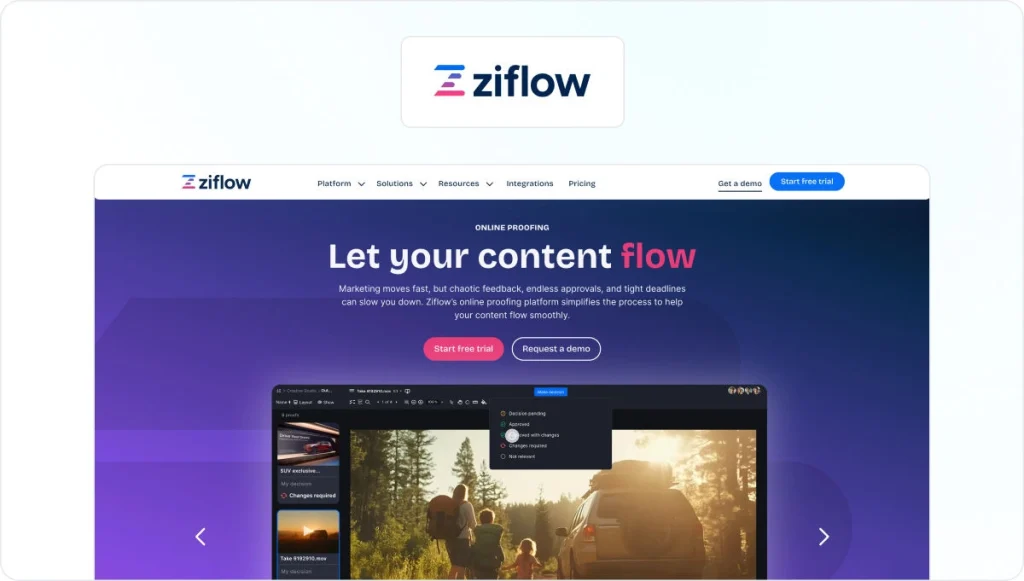
2. Ziflow (for enterprise teams with complex workflows)
Who it’s for
Marketing and creative operations teams at larger organizations that need powerful automation and deep compliance support.
Where it shines vs ReviewStudio
- Advanced multi-stage workflow automation with conditional routing
- Support for over 1,200 file types, making it one of the broadest format libraries in this category
- Strong compliance and audit trail features suited to regulated industries
- Side-by-side version comparison and detailed annotation tools
- Enterprise-grade security including ISO 27001 certification
Things to keep in mind
Ziflow is feature-rich, which comes with a steeper learning curve and a higher price point than most alternatives on this list. Setup time is longer for smaller teams.
If you’re weighing up options at this tier, our Ziflow alternatives guide covers the full picture.
3. PageProof (for teams that want deep Adobe and creative tool integrations)

Who it’s for
Design-heavy teams that live in Adobe Creative Cloud and need a proofing tool that connects natively to their existing design review software workflow.
Where it shines vs ReviewStudio
- Native integrations with Adobe InDesign, Illustrator, Photoshop, Premiere Pro, and After Effects, as well as Figma and Monday
- Unlimited storage on all plans, unlike ReviewStudio which imposes storage limits as usage grows
- ISO 27001 certified with triple-layer encryption
- AI-suggested markups, automated change detection, and hidden metadata checks to guide reviewers and reduce missed issues
- Barcode scanner and color separation tools for packaging teams
- Flat-rate pricing with unlimited reviewers
Things to keep in mind
PageProof starts at a higher price point than ReviewStudio. Teams that don’t use Adobe tools heavily may find they’re paying for integrations they don’t need.
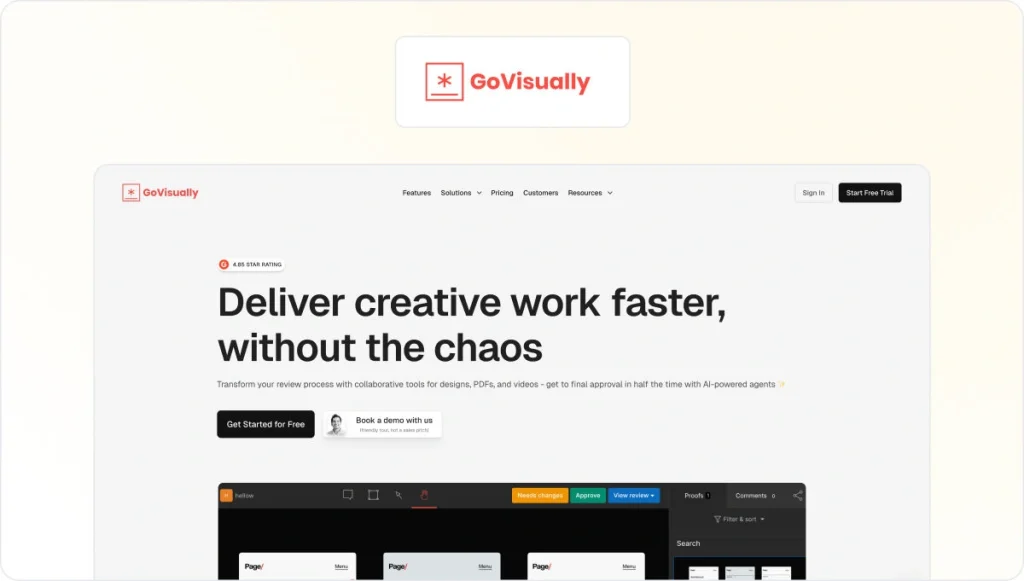
4. GoVisually (for small teams that want simplicity)
Who it’s for
Freelancers and small creative teams that want a lightweight proofing tool without the overhead of a full approval platform.
Where it shines vs ReviewStudio
- Clean, straightforward interface built for visual content approval
- Unlimited reviewers on all paid plans
- Low starting price makes it accessible for solo designers and small agencies
Things to keep in mind
GoVisually is well-suited to simple review cycles. Teams that need multi-stage workflows, compliance features, or extensive automation will quickly find the ceiling.
5. Approval Studio (for packaging and retail teams)

Who it’s for
Teams that review print and packaging artwork and need specialist tools for that format.
Where it shines vs ReviewStudio
- Barcode scanner and on-screen ruler tools built specifically for packaging review
- Supports a wide range of file formats including packaging-specific formats
- Adobe Creative Cloud extension for submitting artwork directly from InDesign, Illustrator, and Photoshop
- Kanban view for tracking projects across the workflow
- Spot-Check Assets tool for reviewing key file details immediately to verify accuracy and completeness
Things to keep in mind
Approval Studio follows ISO 27001 practices but doesn’t publicly confirm third-party certification. If your team operates in a regulated industry, it’s worth verifying their compliance credentials directly before committing. Lower plans also come with limited storage.
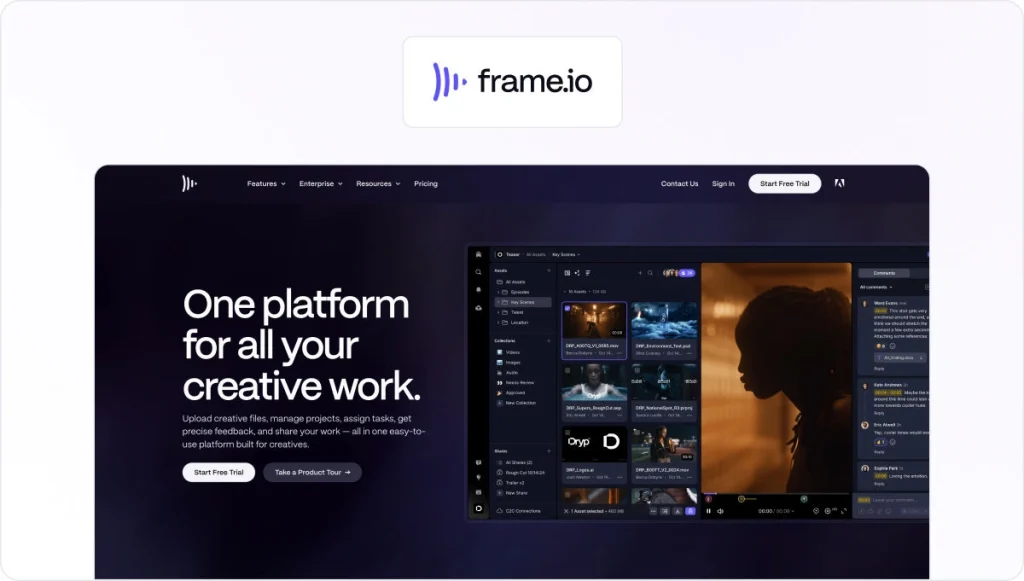
6. Frame.io (for video-first teams)
Who it’s for
Video production and post-production teams that need frame-accurate feedback and deep Adobe integration.
Where it shines vs ReviewStudio
- Time-stamped, frame-level comments directly on video, widely regarded as the standard for video collaboration
- Native integration with Adobe Premiere Pro, Final Cut Pro, and After Effects
- Camera-to-cloud workflow for fast review during active production
- Clean interface that external clients can use without any onboarding
Things to keep in mind
Frame.io is built around video. Teams that regularly review PDFs, design files, documents, or live websites will need additional tools alongside it.
Take a look at our Frame.io alternatives guide if you need broader format coverage.
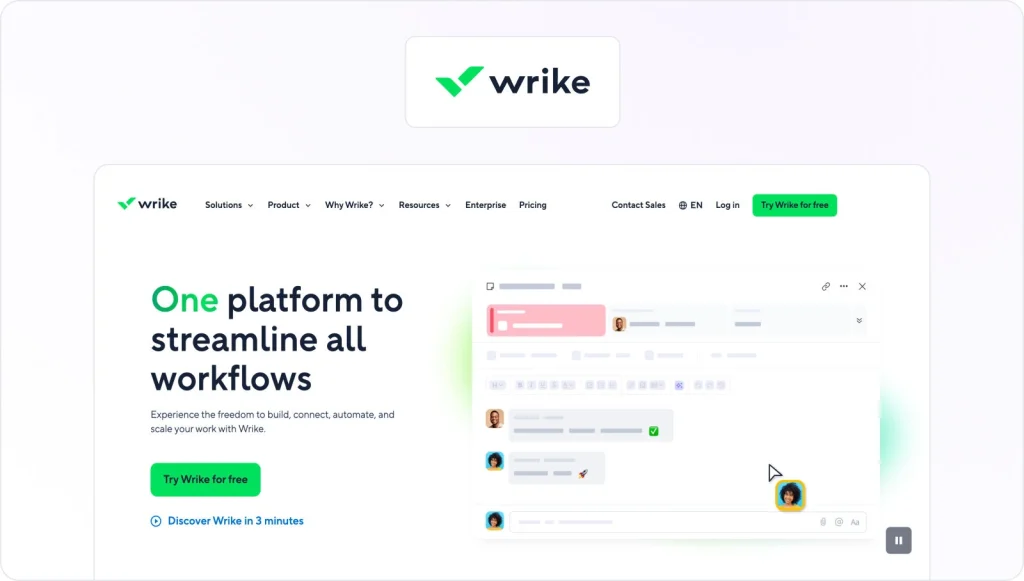
7. Wrike Proof (for teams already using Wrike)
Who it’s for
Teams that want to handle task management and creative review in a single platform, without switching tools.
Where it shines vs ReviewStudio
- Proofing and approval built directly into Wrike tasks, so review and project management stay in one place
- Supports images, PDFs, video, and documents
- Approval tracking linked directly to project timelines
- Strong workflow automation across the broader Wrike platform
Things to keep in mind
Wrike Proof works well if your team is already invested in Wrike. If your team doesn’t use Wrike for project management, the broader platform adds complexity and cost.
How to choose the right ReviewStudio alternative for your team
The right tool depends on what’s actually slowing you down. The following questions are worth asking before you decide:
- How many stakeholder groups need to be involved in your reviews, and do they need separate stages?
- Do you need multi-stage workflows and audit-ready approvals for compliance purposes?
- Which formats do you review today, and which are you likely to add over the next year?
- How important are AI checks for catching errors before content reaches reviewers?
- What tools does a new platform need to integrate with from day one?
- Will your costs stay manageable as you add more clients, markets, or reviewers?
If compliance, multi-format support, ease of use, and scalability are all on that list, I’d say Filestage is the most complete fit.
See how Filestage can speed up your approvals
Enjoy a free, 30 minute consultation with our experts, tailored to your team and use cases.
Why Filestage is a strong ReviewStudio alternative for modern teams
ReviewStudio handles the basics well, but Filestage handles what comes next.
The biggest gap is workflow intelligence. Where ReviewStudio gives you markup tools and version comparison, Filestage adds Review Agents that scan content for spelling errors, forbidden terms, tone issues, and logo violations before a single human reviewer sees it. This means that teams running high-volume campaigns can catch issues earlier and reduce the number of review rounds.
That depth follows through at every tier, from unlimited active projects on the Starter plan, to automations and custom workflows on Business, to audit logs, SSO, and verified approvals at Enterprise level.
Every format your team works with is covered in one place with Filestage:
- Video
- Audio
- PDFs
- Images
- Documents
- Live websites.
And because reviewers don’t need a paid seat, you can bring in clients and external stakeholders without per-user costs adding up.
If your team has outgrown ReviewStudio, Filestage is one of the top ReviewStudio alternatives and the most direct path to a structured, scalable approval workflow.
Try Filestage free to see how it compares to your current ReviewStudio setup.
FAQ
1. What are the top ReviewStudio alternatives for marketing teams?
Filestage is the most complete alternative for marketing teams. It supports multi-stage approvals, covers every file format a marketing team typically works with, and includes Review Agents to catch errors before content is signed off. Unlike ReviewStudio, it includes unlimited reviewers on paid plans, so external stakeholders don’t add to your costs.
2. Is there a free ReviewStudio alternative?
Filestage offers a free plan that lets you start reviewing files without a credit card. It covers one active project, all file types, and unlimited reviewers. Frame.io also has a free tier for video teams. GoVisually offers a free trial. If you have ongoing review needs, a paid plan gives you the workflow structure and automation that matter at scale.
3. What does ReviewStudio lack compared to modern proofing tools?
The main gaps are AI-powered content checks, a flat pricing model that holds up at scale, and native integrations with tools like Slack, Microsoft Teams, Adobe Creative Cloud, and cloud storage platforms. ReviewStudio does offer approval workflow automations and solid compliance credentials. However, teams with high project volumes or complex stakeholder structures often find they need more flexibility and automation than it currently provides.
4. How does Filestage compare to ReviewStudio on compliance?
Both platforms offer ISO 27001 certification, GDPR compliance, SSO, and audit trails. The difference is context: Filestage wraps those compliance features around a modern review workflow that also includes Review Agents, automated content checks, and verified approvals at the Enterprise tier. For teams in regulated industries that also need AI-powered error checking and structured multi-stakeholder workflows, Filestage offers more in a single platform.
5. What collaboration features do alternatives offer compared to ReviewStudio?
Filestage, for instance, enables teams to collaborate on live websites, unlike ReviewStudio which is limited to mockups. This allows for seamless collaboration and real-time feedback on actual digital products.