TL;DR
Visual content doesn’t need a big budget or a full design team. With the right setup, you can create images, videos, infographics, and social media graphics quickly, even without design expertise. This guide focuses on how to produce visual content that fits your brand, turns ideas into scroll-stopping assets, and keeps feedback and approvals organized so you can publish your content with confidence.
Why visual content tools matter when only 43% of workflows are truly efficient
In 2025, 85% of marketers say visual content is a core part of their marketing strategy, and over 70% of brand content shared online includes images or video.
That’s not a surprise, since visual content grabs attention and generates new leads (hello, more sales).
But they’re also time-consuming to produce. As a result, many companies struggle to consistently deliver high volumes of this style of content despite knowing the huge business benefits. Visual content creation tools could be the solution. They speed up the development process so you can make high-quality images and videos faster. And on a shoestring.
That’s what I’ll be getting into in this article. I’ve rounded up 13 of the best visual content tools to help you grab your audience’s attention without blowing your budget. If you’re a business or creator producing high volumes of content, this one’s for you.
Here’s what we’ll cover:
- Image creation tools
- Video creation tools
- Meme and GIF creation tools
- Infographic creation tools
- Content review tools
See how Filestage can speed up your approvals
Enjoy a free, 30 minutes consultation with our experts, tailored to your team and use cases.
Image creation tools
We process images 60,000 times faster than text and retain that information much more effectively. That’s why so many companies are scrambling to make visual content.
Here are the best tools to create gorgeous images.
1. Canva – best for creating and editing stunning visuals (no design experience needed)

Source: Canva
Canva is one of the most popular visual content tools thanks to its user-friendly interface and a wide selection of pre-made templates.
You can quickly create professional-grade social media images, infographics, ebooks, and animated videos with no previous design experience. It’s ideal for beginners who don’t have time to master more advanced photo editing software like Adobe Photoshop.
Top features
- AI-powered magic suite for generating image copy and editing visual assets (not available in the free plan)
- Large library of free pre-made templates to speed up the design process and keep imagery consistent
- Features for real-time collaboration during the content creation process
- The simple drag-and-drop interface makes it easy for non-designers to navigate
Price
Canva has a free version, which gives you access to most of its basic functionality. Pro plans start from $110/user per year.
2. Adobe Express – best for creating high-quality visual content faster
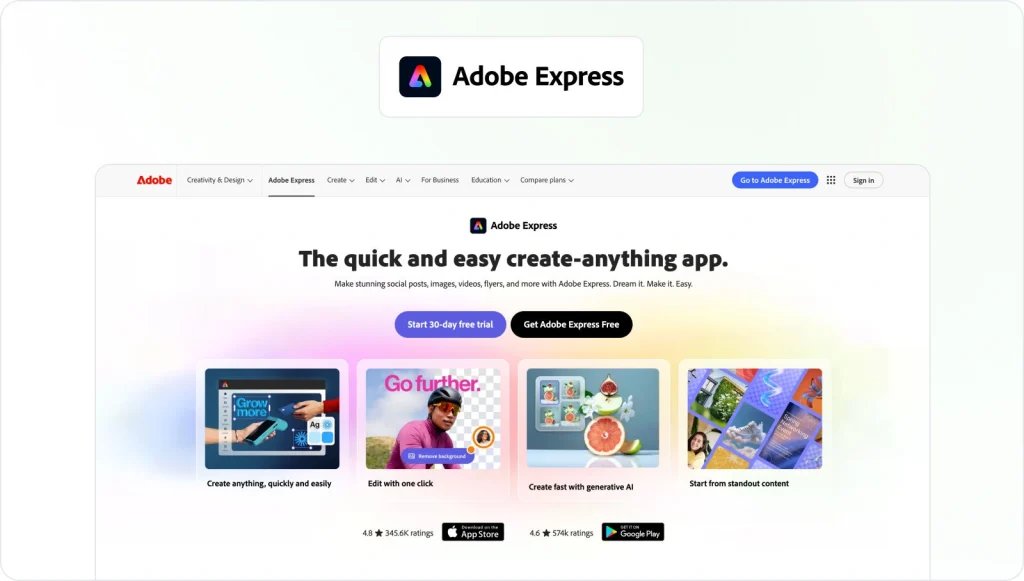
Adobe Express is a content creation app with built-in generative AI that is ideal for making all kinds of visual media. The app is quick and easy to use, speeding up creation time for social media content, videos, and images.
Top features
- Thousands of high-quality templates and design assets to speed up content creation
- Generative AI tools to quickly create images and video content
- Brand kits to keep your visual assets cohesive across multiple social media platforms
- In-built collaboration tools to streamline the content design process
Price
There’s a free basic version of Adobe Express with limited functionality. The Teams plan starts at $12.29/seat per month (with a free 30-day trial).
3. Stencil – best for creating engaging visual content for social media posts
Source: GetStencil
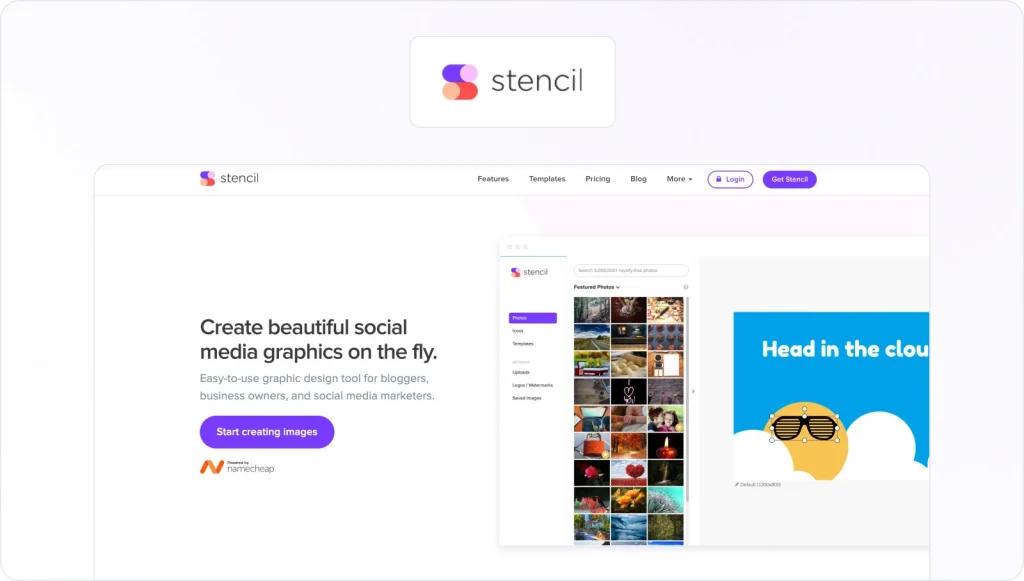
Stencil is simple-to-use graphic design software for creating social media content. It’s a great time-saving tool for businesses, bloggers, and social media marketers. Plus, it integrates with Buffer, so you can schedule your visual content posts in advance.
Top features
- Library of over 1,350 high-quality content templates for social media graphics, marketing ads, and stunning blog imagery
- Instant image resizing to tailor your visual content to different platform requirements
- In-built social media scheduling tools so you can plan your visual content marketing campaigns
- Access to millions of high-res stock photos
Price
Stencil plans start from $1 /month (billed annually).
4. PicMonkey by Shutterstock– best for seamless image and photo editing

Source: PicMonkey
PicMonkey is a graphic design tool and photo editor that helps even novices create “scroll-stopping” images. It covers all types of visual content, but excels in social media assets with a generous selection of pre-sized templates for each channel.
Top features
- Powerful photo editor so you can touch up, color-correct, or enhance the background of your visual assets
- Thousands of pre-sized templates to help you create a consistently high standard of content across all social media platforms
- A library of stock images and videos from Shutterstock to make visual content creation faster and easier
- Brand toolkit to help you nail your visual identity and voice across your socials
Price
Unfortunately, there’s no free version of PicMonkey. Plans start from $10.99/month.
Keep reading: 10 essentials to nail digital content creation in 2026
Video creation tools
In 2026, video is still the standout visual content format for consumers. Recent research shows that users spend 88% more time on websites that feature video content, and around 80% of people say they’d rather watch a video than read text. On top of that, 82% say watching a video has influenced a purchase decision.
Here are the top visual content tools for video creation and editing.
5. Animaker – best for making fun and engaging video content
Source: Animaker
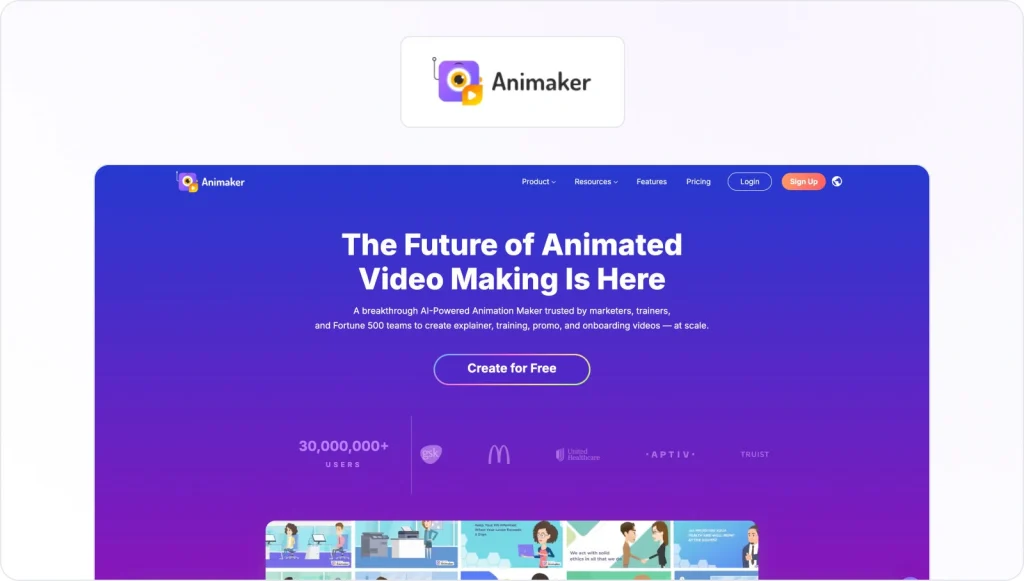
Animaker is an AI-powered video creation platform that’s ideal if you have no previous design or editing experience. There are thousands of templates for making a range of video types, including whiteboard-style, infographic, and explainer videos.
Top features
- A powerful suite of video editing features to polish your content
- AI-driven subtitle auto-generator to make your video content accessible to a wider audience
- Built-in screen recorder for creating and editing engaging tutorial videos
- Voiceover app with over 200 voices and 50 languages to choose from
Price
Animaker starts at $25/month for the starter plan.
6. iMovie – for fast video editing and easy sharing

Source: Apple Store
If you’re an iOS or MacOS user and you’re looking for a free video editing tool, try iMovie. This free app is packed with features that streamline the video editing process. You can make everything from cinematic-style videos to high-quality product demos.
Top features
- The magic move tool identifies the best parts of your video footage and auto-creates an edit
- Access to over 20 video storyboards to organize your content and speed up creation times
- Robust editing tool to polish your video content and add special effects
- Access to over 100 smart soundtracks on iOS that auto-adjust to suit the length of your video
Price
iMovie is free.
Meme and GIF creation tools
Recent 2025 meme marketing research shows that memes drive around 10 times more reach and about 60% higher organic engagement than regular marketing graphics. These visual content tools are the “best in show” for creating fun GIFs and memes for your email and social media campaigns.
7. GIPHY – best for making animated GIFs, clips, and stickers
Source: GIPHY
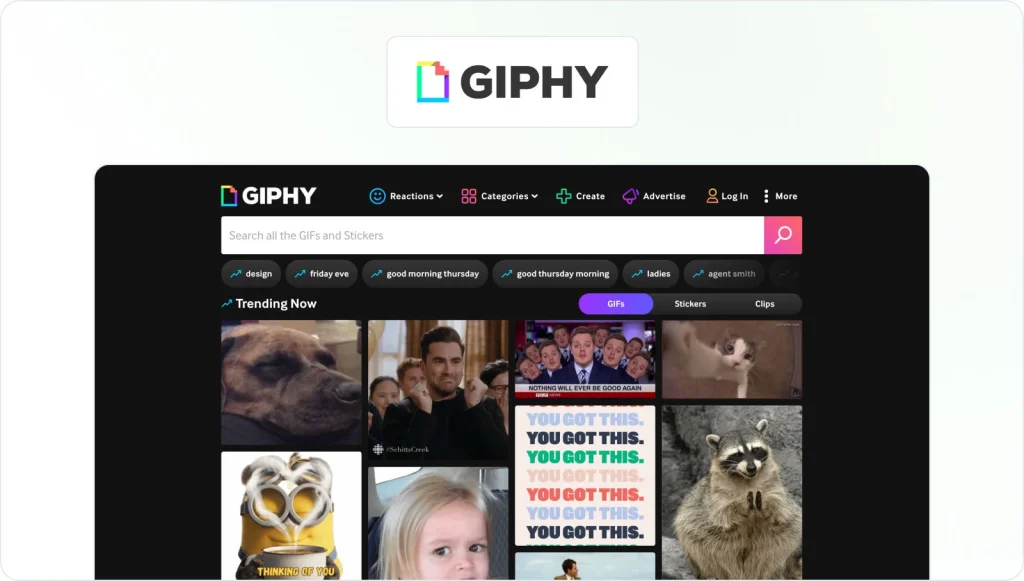
GIPHY is a visual search engine database of user-generated GIFs. It’s also one of the best free tools to create visuals.
You can convert your own video footage into GIFs to create fun, original content for social media, blogs, or email campaigns. Plus, it integrates with popular social media platforms so you can easily share your finished product.
Top features
- Curated content channels so you can quickly find and share GIFs from your favorite series or movie
- The online GIF creator allows you to build and edit unique visual content
- Animated sticker maker creates custom visual assets for your social media channels
- GIPHY offers developer tools, so your business can customize integrations
Price
GIPHY is free.
8. imgflip – best for making custom meme content

Source: imgflip
imgflip is an online meme and GIF generator with AI capabilities. You can choose to customize an existing meme from the template library or upload your own image and make one from scratch. There are also options to create charts and AI-generated memes
Top features
- Meme generator allows you to add text to existing templates or create your own
- AI tools turn your text prompts into custom memes (only available with the paid plans)
- Chart marker to create custom data visualizations for blogs or social media
- Tool to make your own demotivational posters
Price
imgflip offers a free version. The Basic plan starts at $3.95/month (billed annually).
9. Meme Buddy – best for making memes on the go

Source: Meme Buddy
Meme Buddy isn’t your average meme generator. It’s an experiment by developer Mike Bodge that integrates with Google Assistant, so you can make memes using your voice. Simply open Google Assistant on your mobile and say, “Talk to Meme Buddy.”
Watch this quick video to see where the idea behind Meme Buddy came from.
Top features
- Integrates with Google Assistant, so you can make hands-free memes
- Responds to your voice prompts with a meme image
- Adds text captions to images based on your voice prompts
- Translates your meme captions into multiple languages
Price
Meme Buddy is free.
Infographic creation tools
Recent 2026 infographic stats show that content posts with images and graphics can see up to 650% higher engagement, and infographics are around 30 times more likely to be read than a text-only article.
Here are the best tools to help you.
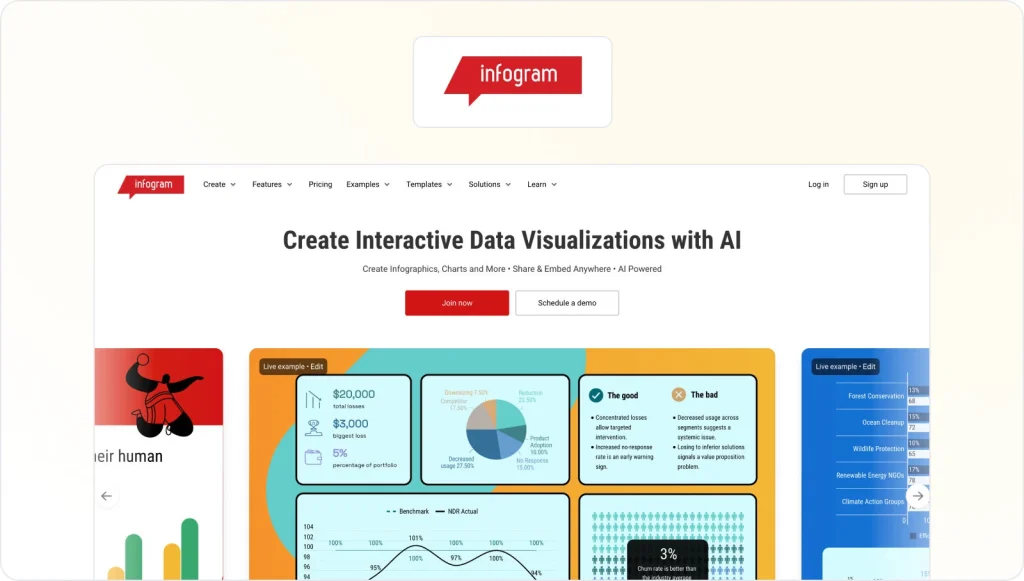
10. infogram – best for making AI-generated data visualizations
Source: infogram
If you want to create interactive charts, graphs, maps, and reports without a design background, infogram is for you. It’s one of the most intuitive visual content creation tools on this list, with a simple interface and robust features.
Top features
- Its AI tool makes it simple to create interactive data visualizations in multiple formats
- Well-stocked library of templates for quick AI content creation
- In-built social sharing tools mean you can easily distribute your visual content
- Detailed analytics and custom tracking links make it easy to monitor content performance
Price
infogram’s free version allows you to make up to 10 projects. The Pro plan starts at $19/month (billed annually) and supports up to 100 projects.
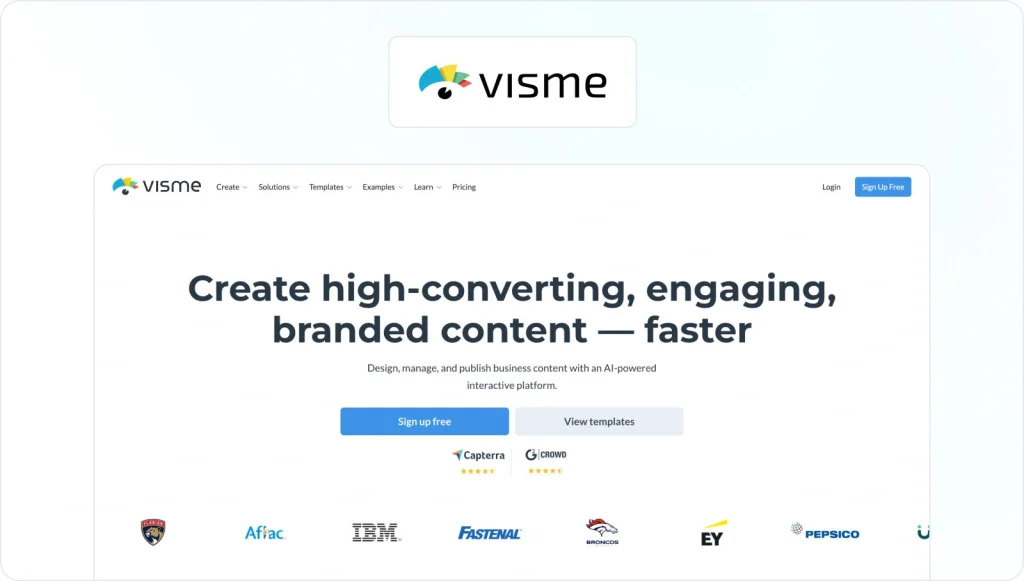
11. Visme – best for making and scheduling branded content from one platform
Source: Visme
Visme is a visual corporate communication tool for marketers and brands. It allows you to create branded content like presentations and data visualizations with a little help from AI. You’ll also find templates for creating ebooks, short videos, and social posts.
Top features
- AI image editor to polish your visual content and make sure it’s always on brand
- Social scheduler so you can plan and publish your content without
- In-built presentation recording software to create interactive product demos
- AI text generator helps you refine your copy for different content pieces
Price
Visme offers a free version, but it only allows you to share a link to your visual content. To download it, you’ll need a paid plan. The Pro plan starts at $24.75/month.
⭐ Bonus read: 20 best social media content creation tools for 2026
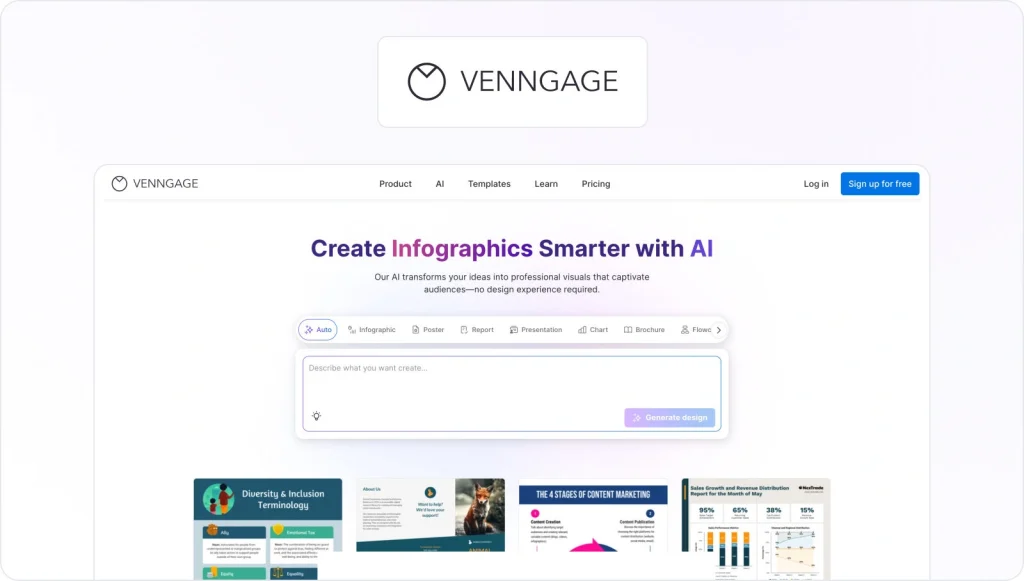
12. Venngage – best for creating accessible visual content
Source: Venngage
Venngage is the ideal visual content software if you need to create professional and accessible infographics and images. It’s simple to use and offers templates for a nice array of content types, including posters, white papers, and newsletters.
Top features
- Library of over 10,000 professionally-designed content templates
- Easily creates long-form visual content like white papers, reports, and case studies
- Simple drag-and-drop editor with baked-in accessibility features
- Makes it easy to create branded data visualizations like checklists, flowcharts, and diagrams for content projects or your web page
Price
Venngage offers a free plan with limited image uploads and designs. The Premium plan starts at $10/user per month (billed annually).
Online proofing tools
The average creative review process takes eight days and over three versions to get approved. That’s too long.
An online proofing platform speeds this process up by as much as 30%, helping you get faster sign-offs on your visual content.
13. Filestage – best for leaving feedback on visual content

Filestage is an online proofing platform that optimizes the content review process. It’s ideal for any business creating high volumes of visual content, especially those in regulated industries with strict compliance requirements.
Our CEO explains how it works in this quick video.
Top features
- The annotation tool allows you to leave in-context feedback on any content format (documents, PDFs, videos, graphics, etc.)
- The AI-powered version compare tool allows you to visualize content changes and flags what’s different
- Automation features make it easy to build a custom review process and reduce repetitive manual tasks
- Provides a centralized hub for all content edits and iterations to prevent key feedback from slipping through the cracks

“As content management gets more complex, Filestage already understands what kind of data formats are important for the future of content creation; for example video, audio and even websites.”
Zsolt Arnodi, Digital Communication Specialist at Braun
Price
Filestage offers a Free plan with one active project, five new files per month, and unlimited reviewers. The Starter plan starts at $199/month (billed annually), with unlimited projects and files, plus features like due dates, reminders, and version comparison.
See how Filestage can speed up your approvals
Enjoy a free, 30 minutes consultation with our experts, tailored to your team and use cases.
Next steps
Producing high volumes of quality visual content remains a big challenge for most businesses and creators. When we toss in the added pressure of strict compliance regulations in industries like consumer goods and pharma, it can be daunting.
But consumers have spoken, and they want aesthetically appealing content in the form of videos, images, and data visualizations. At scale.
These visual content tools can help you meet this demand and build a consistent and sustainable creation process.
And if you’re looking for a way to cut your content review process by up to 30%, grab your free Filestage trial today.
FAQ
What are visual content tools?
Visual content tools are software applications that help create, edit, and manage visual media such as images, videos, infographics, and presentations. They make it easier to design professional-looking content without advanced technical skills. These tools often include templates, drag-and-drop editors, and features for adding text, graphics, or animations.
Which is an example of visual content?
Examples of visual content include social media graphics, videos, infographics, illustrations, charts, and presentation slides. Basically, any content that relies on visuals to convey information rather than just text falls into this category.
Which types of content can I use these tools for?
Visual content tools can be used for images, videos, GIFs, presentations, social media posts, web graphics, infographics, and sometimes interactive content. Many tools now support multiple formats, allowing teams to create different types of visual content in one platform.
Which tool is commonly used for creating visual content?
Canva is one of the most popular tools for creating visual content, thanks to its easy-to-use interface and wide range of templates. Adobe Creative Cloud apps like Photoshop, Illustrator, and Premiere Pro are also widely used for more advanced design and video projects. Other tools, like Figma or Crello, are gaining popularity for collaborative and web-focused visual content.
What are the 5 C’s of content?
The 5 C’s of content are Clear, Concise, Compelling, Consistent, and Correct. They guide creators to produce content that communicates effectively, engages the audience, maintains a consistent brand voice, and is accurate. Following these principles ensures content is both professional and impactful.
How do visual content tools improve collaboration?
Visual content creation tools let multiple team members work on designs and media together in real time. They provide shared access to projects, making it easy to edit, comment, and give feedback directly on the content. This keeps everyone aligned, speeds up the creative process, and ensures the final output matches the team’s vision.
Can I integrate visual content tools into my existing workflow?
Yes, most visual content tools offer integrations with popular project management, cloud storage, and communication platforms. This allows teams to streamline content creation, feedback, and publishing without switching between multiple apps. Integrations can save time, reduce errors, and keep the workflow organized.