
TL;DR
Artwork management software (also called packaging artwork management software or label and artwork management software) handles the full lifecycle of packaging artwork, from artwork creation and briefing through review, approval, and archiving. This guide covers seven of the best options in 2026, the numerous benefits of each, how to pick between them, and what’s changing in the category right now.
Why artwork management software matters for creative teams
Ask anyone who manages packaging artwork without a dedicated system, and you’ll hear the same story. Files buried in email threads. Five versions of the same design, none of them clearly labeled as final. Feedback arriving from six different people on four different platforms. For teams handling large SKU volumes, packaging artwork management without a dedicated system means inefficiency adds up fast.
The consequences of getting it wrong go beyond wasted time. Labeling errors can trigger product recalls and significant regulatory fines. For instance, in Q4 2025, 39% of FDA-listed food and beverage recalls in the USA were tied to packaging or label mistakes.
Artwork management software replaces the chaos across labeling processes with structured workflows, clear version histories, and a single place where every stakeholder knows exactly what’s been approved and what still needs review.
7 best artwork management tools for packaging and labels
1. Artwork Flow – Best for AI-powered proofing and label compliance
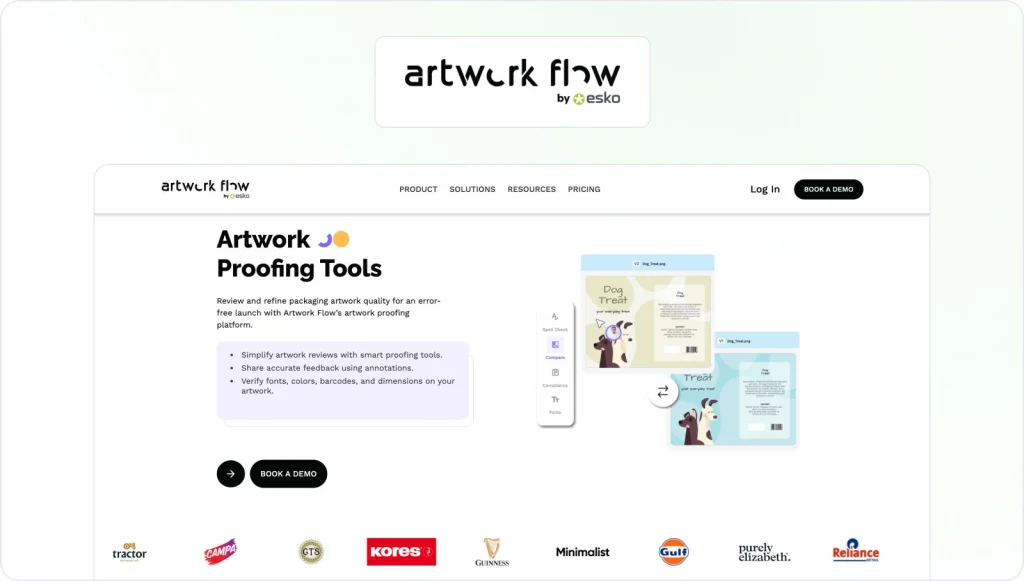
Artwork Flow (by Esko) is a cloud-based platform built specifically for packaging and label teams. Its AI-powered online proofing engine works across more than 160 file formats and automates a lot of what reviewers typically do manually, such as flagging missing label elements, verifying barcodes, running spell checks, performing quality inspection, and comparing artwork versions side-by-side. Teams annotate directly on assets and route approvals through configurable workflows, all from a central dashboard.
Teams that need to manage packaging artwork quickly (particularly in FMCG, food & bev, and cosmetics) will find it a strong fit where label accuracy is business-critical, the need to ensure quality control is constant, and the volume of artwork approvals is high enough to make AI assistance genuinely useful rather than just a selling point and help teams accelerate product launches.
- Pricing: On request
- Capterra score: 4.5/5
- G2 score: 4.8/5
2. ManageArtworks – Best for regulated industries and pharmaceutical teams
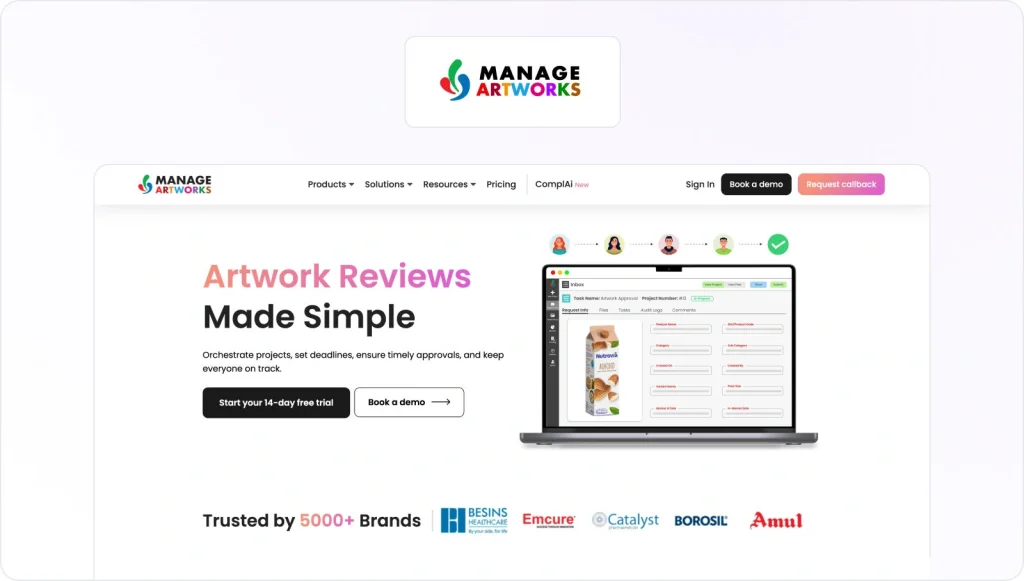
ManageArtworks manages the entire process, connecting internal teams, agencies, and external vendors into a single automated packaging workflow that handles even the most complex workflows. Annotation tools, version tracking, compliance sign-off, role-based access controls, and tools for managing packaging specifications are all built in. With its Adobe Illustrator and InDesign plugin, designers can pull approved pack copy directly into their layouts, which cuts out a whole category of manual transcription error before files even reach the review stage.
Full audit trails and detailed dashboards provide complete transparency and give regulatory teams the traceability they need. It’s most commonly used in pharmaceutical, CPG, and cosmetics businesses managing complex projects across multiple markets, where the artwork approval process in pharma must ensure regulatory compliance and meet strict documentation requirements.
- Pricing: From $359/month (free trial available)
- Capterra score: 4/5 (only 6 reviews)
- G2 score: 4.4/5
3. Filestage – Best for brand, creative, and marketing teams

Filestage is a dedicated artwork approval software that streamlines the review process for creative teams needing a fast, accessible way to collect feedback on packaging artwork, designs, videos, and documents. Reviewers leave precise, timestamped annotations directly on the asset. External stakeholders can do this without needing to create an account, an enhanced accessibility feature that removes one of the most common bottlenecks in agency and brand workflows and strengthens team collaboration.
Configurable approval workflows, version control, and integrations with Slack, Asana, and Adobe Creative Cloud streamline collaboration and make it easy to slot Filestage into an existing process rather than rebuilding around it. The intuitive interface means teams are typically up and running within a day, which is a meaningful advantage when you’re trying to replace email chaos without adding weeks of onboarding.
- Pricing: From $199/month (free plan and free trial available)
- Capterra score: 4.7/5
- G2 score: 4.6/5
See how Filestage can speed up your artwork approvals
Enjoy a free, 30 minute consultation with our experts, tailored to your team and use cases.
4. Cway – Best for FMCG and mid-market brands
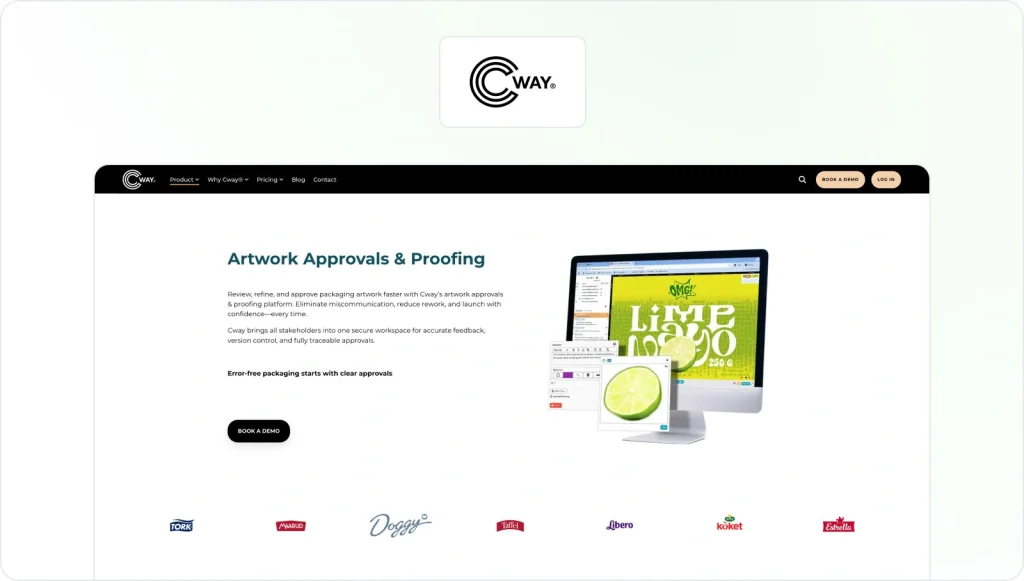
Cway takes a practical approach to packaging artwork management. Its user-friendly interface is modeled on a desktop environment so you get drag-and-drop packaging file management, full-screen artwork review, version comparison, and EAN barcode scanning all built in and accessible without training. Where it stands apart is the service layer: alongside the software, users have direct access to an in-house team of coordinators, designers, print experts, and label printers, which effectively turns a software subscription into a partial managed service.
That combination works particularly well for mid-market FMCG and CPG brands that need solid packaging management capability without the overhead of a large in-house team on even complex packaging projects. Cway is especially popular with Scandinavian and European consumer brands.
- Pricing: From €450/month (pricing in euros)
- Capterra score: 4.8/5
- G2 score: 4.3/5 (2 reviews)
5. 4Pack – Best for food, beverage, and CPG brands managing artwork and specifications together
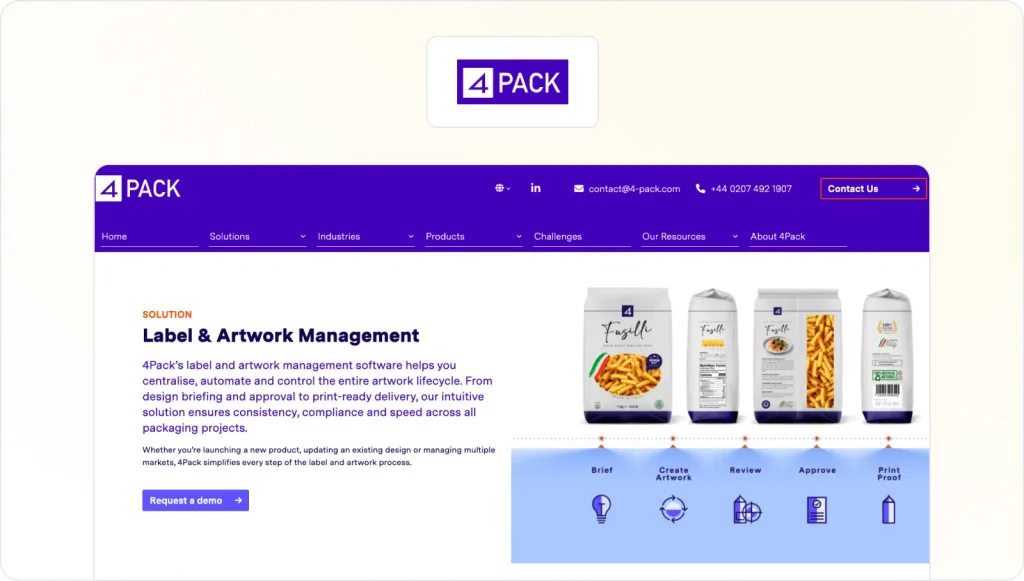
4Pack’s Artwork+ module gives teams full control over the label and artwork lifecycle, from design briefing and revision through to print-ready delivery. Automated approval routing, version tracking, built-in templates, and audit trails are all included. External suppliers can upload files, leave annotations, and approve artwork within the same workspace, which keeps feedback centralised and ensures print-ready files reach the right people without version confusion.
It’s a strong fit for food, beverage, and CPG brands where label accuracy, compliance, and packaging data need to sit in one place.
- Pricing: On request
- Capterra score: No reviews yet
- G2 score: No reviews yet
6. Loftware Smartflow – Best for enterprise packaging and complex compliance workflows

Loftware Smartflow transforms artwork management by covering the full concept-to-shelf artwork lifecycle for large organizations with demanding compliance requirements. Configurable automated workflows, a digital asset library, multilingual pack copy management, and a central phrase library all reduce the manual effort of managing packaging content across multiple markets and languages. A built-in analytics module helps managers identify bottlenecks and tracks cycle times, giving teams the workflow efficiency data they need when running high volumes of projects across different teams.
Smartflow is SOC 2 certified and designed to ensure compliance in regulated industries including pharmaceuticals and medical devices. It typically requires dedicated IT support and a proper implementation process, so it’s best suited to enterprise teams with the resources to support that.
- Pricing: On request (free trial available)
- Capterra score: Not available
- G2 score: No reviews yet
7. Kallik – Best for automated label generation at enterprise scale
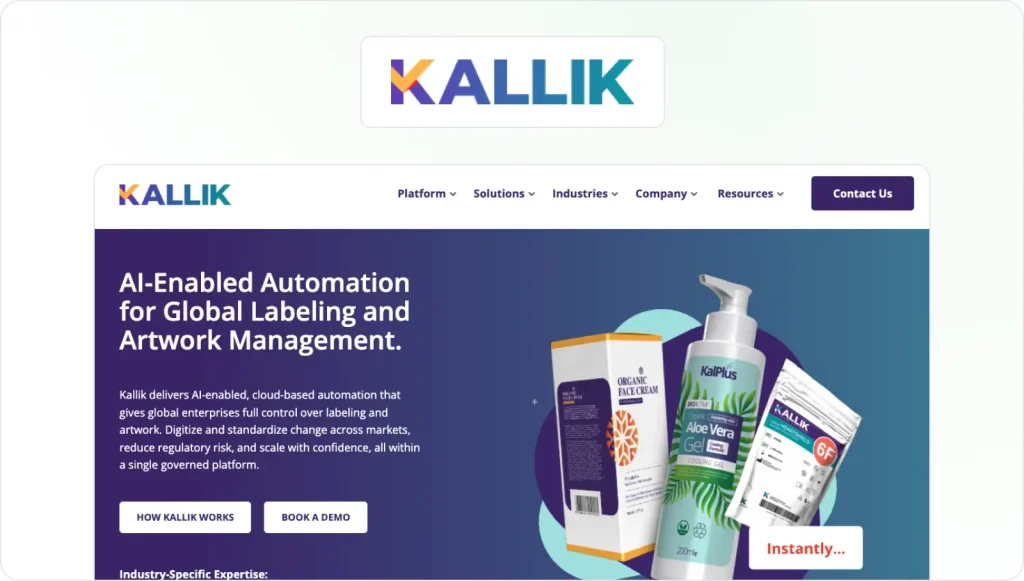
Kallik’s Veraciti platform is built for global enterprises managing large volumes of packaging labels across multiple regions, languages, and regulatory frameworks. Its Automated Artwork Generation engine assembles approved artwork and content into finished labels automatically using a rules-based system. A “Where Used” search tool lets teams identify every label that contains a specific piece of content, update it, and push artwork files through approval in one pass rather than hunting down each file individually.
Kallik serves businesses across the supply chain, including pharma, medical devices, chemicals, cosmetics, and food & bev. It’s an enterprise-only tool, so the investment in implementation is real, but for organizations with serious label management needs and genuinely global complexity it handles things that lighter-weight platforms simply cannot.
- Pricing: On request (enterprise)
- Capterra score: No reviews yet
- G2 score: No reviews yet
How to choose the right artwork management software
Every tool on the above list solves the artwork management problem. However, not every tool solves your artwork management problem.
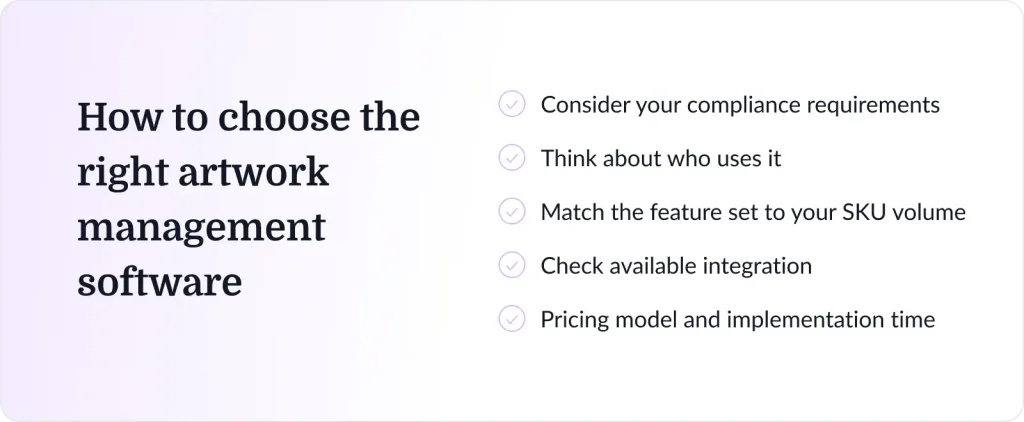
1. Consider your compliance requirements first
Before evaluating key features, start here. If your business operates in a regulated industry like pharmaceuticals, medical devices, food & bev, regulatory requirements mean compliance features aren’t optional. You need full audit trails, electronic signatures, and version traceability that will hold up under scrutiny. Tools like Loftware Smartflow and Kallik are built around those requirements. For teams in less regulated industries, those same features can add more process overhead than they solve.
2. Think about who uses it, not just who manages it
A platform that works well for your brand manager but confuses your external print supplier creates a different kind of chaos. Look at how external reviewers access the system, how much training is realistically needed, and whether the interface makes sense to someone logging in twice a month.
3. Match the feature set to your actual SKU volume
Such software ranges from lightweight to enterprise-grade, so you’ll need to match the feature set to your actual volume. A focused review and approval tool like Filestage covers brand consistency and a lot of ground for teams managing dozens of SKUs. Once you’re in the thousands, automated artwork generation, a robust digital asset library, and analytics that track where projects are slowing down start to matter a lot more.
4. Check integration, pricing model, and implementation time
A few other things worth verifying before committing:
- whether the platform integrates with your existing systems like ERP, PLM, or Adobe Creative Cloud.
- whether the pricing model (per user, flat rate, usage-based) scales sensibly with your team and how far the platform can reduce manual tasks.
- how long it realistically takes to streamline approval processes and get up and running. Some platforms are live in a day while others need weeks of implementation.
See how Filestage can speed up your artwork approvals
Enjoy a free, 30 minute consultation with our experts, tailored to your team and use cases.
Emerging trends in artwork management software in 2026
Artwork management software used to be about replacing email chaos. In 2026, the better platforms are starting to function more like active quality control systems.

AI-assisted quality checks
AI is moving well past basic spell-checking. The current generation of tools can automatically verify barcode compliance, flag regulatory text issues, and compare artwork against brand guidelines and packaging design standards at a speed that manual review can’t match. Artwork Flow’s smart proofing, Filestage’s Review Agents, and Kallik’s rules-based label generation are all examples of these advanced features in practice.

Increased automation
Workflow automation is handling the most time-consuming parts of managing packaging artwork, including routine tasks like chasing approvals, routing files to the right people, and managing revision cycles with the end goal of reducing manual processes that once fell to project managers. The payoff is significant and saves time at scale.
Cloud-based collaboration
Cloud-native platforms are now the default rather than the exception. Real-time collaboration tools now allow internal teams and external agencies to work on the same assets simultaneously, from anywhere. This capability has gone from a differentiator to a baseline expectation and is particularly the case for brands managing global artwork approval workflows across time zones.
Data-driven optimization
Reporting is getting more actionable. So much so that modern platforms don’t just tell you where a project is. They now surface valuable insights to identify bottlenecks, show which reviewers are causing delays, and track how your cycle times compare over time. For teams managing high SKU volumes, that data is how you find the hours worth recovering.
Final thoughts
For most packaging teams, the question isn’t really whether to use artwork management software, but rather which one fits the actual workflow. The tools in this list cover a wide range, from focused review and approval platforms suited to brand and marketing teams through to enterprise systems purpose-built for global label compliance.
Work out where your real bottlenecks are, what compliance requirements you can’t ignore, and how much implementation overhead your team can realistically absorb. Start there, and the shortlist writes itself.
If you’re a brand, creative, or marketing team looking to replace email-based reviews with something faster and more transparent, Filestage is a natural starting point.
FAQs
What is artwork management software?
Artwork management software is a dedicated platform that centralizes packaging artwork management throughout the entire lifecycle, from initial briefing and design through review, approval, compliance checking, and final archiving. The core job is to replace fragmented email-based processes with structured workflows, version control, and full traceability so teams can move faster and catch errors before they become costly.
What industries use artwork management software?
Packaging, pharmaceuticals, food and beverage, cosmetics, medical devices, FMCG, chemicals, and consumer goods are the most common. Any business managing complex labeling requirements, tight regulatory deadlines, or high volumes of packaging artwork across multiple markets tends to get real value from a dedicated artwork management software system.
What are the key features of artwork management software?
The key features to prioritize depend on your industry, but the core ones include version control, audit trails, automated approval workflows, annotation and proofing tools, digital asset management, compliance tracking, and integration with creative tools like Adobe Creative Cloud. More advanced platforms add AI-powered proofing, multilingual content management, automated label generation, and analytics.
What are the benefits of using artwork management software?
Artwork management software offers numerous benefits: faster approval cycles, fewer errors reaching production, reduced rework costs, improved workflow efficiency, better collaboration between internal teams and external vendors, and more reliable compliance documentation. Teams managing high SKU volumes can recover hundreds of hours per year compared to running the same process through email and shared drives.
What’s the difference between artwork management and digital asset management software?
Artwork management focuses on the active workflow (briefing, creation, review, approval, and compliance) managing assets as they’re being worked on and signed off. Digital asset management (DAM) focuses on storing and distributing approved assets once they’re finished. The two overlap, and many artwork management platforms include DAM features, but they’re designed for different stages of the same process.