TL;DR
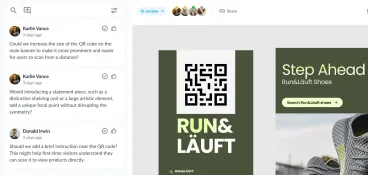
Creative feedback management tools help teams collect feedback and manage reviews so creative projects keep moving without losing context. Instead of scattered comments across email and shared documents, these platforms bring visual feedback into one place and make reviews easier to manage.
This guide compares the best creative feedback management tools for 2026, focusing on how they support design feedback and client feedback across websites, design files, video, and documents.
Some tools focus on website feedback or bug tracking, while others specialize in structured review and approval workflows.
If your team needs a single place for feedback, version control, and clear visibility across creative projects, Filestage is one of the strongest options available.
Why modern teams need creative feedback management software
According to Filestage’s Creative Collaboration Report, the single biggest factor slowing down creative work isn’t lack of ideas or tools. It’s feedback.
Design teams and marketing teams often juggle feedback coming from emails, shared files, and quick comments that lack context. Over time, this creates confusion around versions and unclear ownership. Project managers end up chasing answers instead of moving work forward.
Here’s where creative feedback management tools come in. Unlike generic feedback tools or broad project management platforms, these tools focus on collecting feedback directly on creative work. Visual comments and structured review stages help teams stay aligned and work from the same page.
In this article, I compare the leading creative feedback management tools used by today’s creative teams. I look at how they handle feedback collection, feedback organization, integrations with project management tools, and features such as version control and video feedback.
My goal is to help you choose the right design feedback tool based on how your team actually works.
1. Filestage

Core use case
Filestage is a creative feedback management platform built for marketing teams, creative teams, and agencies that need to manage feedback and approvals across multiple formats. It’s designed for teams handling complex creative projects where feedback, approvals, and version control need to stay organized in one centralized platform.
Feedback capture and precision
Filestage supports visual feedback on documents, PDFs, images, videos, audio files, and live web pages. Your reviewers can leave contextual comments and annotations directly on the asset, with time-based feedback available for video and audio. That way, feedback stays attached to the correct version, helping teams provide precise feedback without revisiting earlier drafts.
Filestage’s AI reviewer is a handy tool for providing early feedback to support review cycles before work moves to approval.
Feedback organization and workflow
Filestage helps teams organize feedback through structured review stages and clear approval actions thanks to its built-in version control. Project managers can track review progress and see who has (and hasn’t) approved without switching tools. This makes it easier to manage feedback across internal team members and external stakeholders.
Integrations
Filestage integrates with popular project management tools and communication channels, including tools like Slack, Microsoft Teams, Asana, Trello, Jira, and Monday.com. It also connects with Adobe tools and supports Figma imports, allowing design feedback to fit into existing project workflows.
Pricing
Filestage offers a free plan and a free trial, with paid pricing plans starting at $199/month for unlimited projects and files.
See how Filestage can speed up your approvals
Enjoy a free, 30 minutes consultation with our experts, tailored to your team and use cases.
2. Ziflow

Core use case
Ziflow is an online proofing and creative feedback management tool aimed at marketing teams, creative agencies, and enterprise organizations handling large volumes of visual content. It’s often used where creative review and approval need structure and predictable workflows, with an emphasis on auditability.
Feedback capture and precision
Ziflow supports visual feedback on images, PDFs, videos, and other creative files. Reviewers can leave contextual comments or draw annotations, then compare versions to understand changes between review rounds. Feedback is tied to specific versions.
Feedback organization and workflow
The platform offers structured review stages and clear approval states, with automated reminders to keep the feedback process moving. It works well when teams need clear review ownership, but offers less flexibility around custom workflows. Users also report a steep learning curve.
Integrations
Ziflow integrates with Adobe Creative Cloud, project management tools, cloud storage platforms, and communication tools like Slack.
Pricing
A free trial and a free plan are available. Paid plans start at $249/month for up to fifteen users.
Check out other Ziflows alternatives to speed up your review and approval process.
3. StreamWork

Core use case
StreamWork is a feedback and workflow platform designed for large organizations managing brand, marketing, and communications work at scale. It’s often used by enterprises that need to coordinate feedback across departments.
Feedback capture and precision
StreamWork supports feedback on marketing assets and documents, with commenting and approval functionality embedded into broader workflows. Annotation depth is typically less design-focused than specialist design feedback tools, but this depends on the setup.
Feedback organization and workflow
Its strength lies in coordination. StreamWork emphasizes workflow visibility, stakeholder alignment, and progress tracking across complex teams and departments. The idea is to manage feedback as part of a wider governance process rather than isolated creative reviews.
Integrations
StreamWork integrates with common project management and collaboration tools and offers API-based customization for enterprise environments.
Pricing
Free trial available. Paid plans start at $219/month for up to fifteen users.
4. ReviewStudio
Core use case
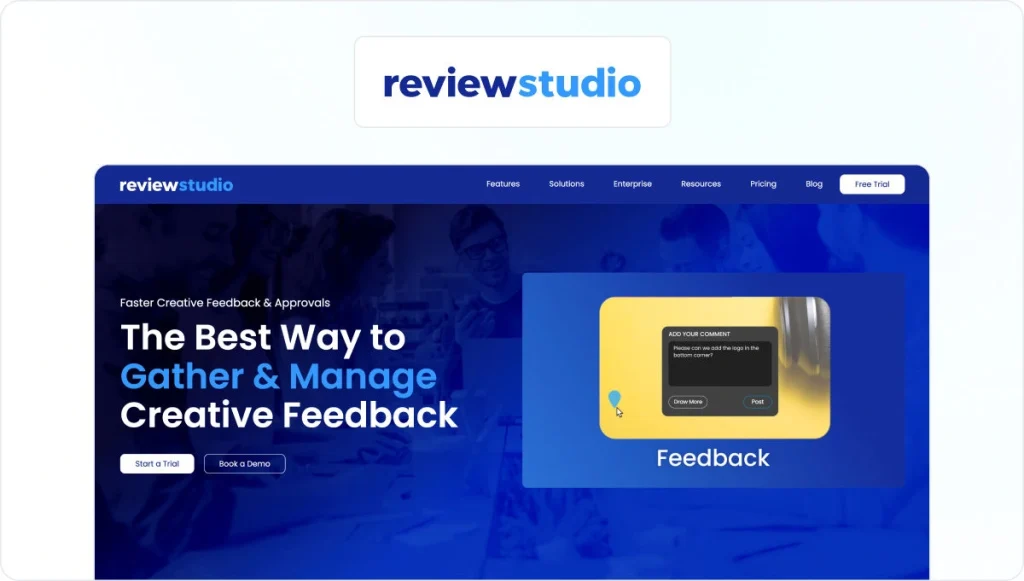
ReviewStudio is an online proofing and feedback management tool used by creative teams and agencies reviewing a mix of design, video, document, and web content. It’s positioned as a flexible option for teams that need multi-format feedback.
Feedback capture and precision
ReviewStudio supports contextual annotations on images, PDFs, videos, HTML files, and live web pages. Its side-by-side version comparison feature helps reviewers provide detailed feedback while keeping changes clear between iterations.
Feedback organization and workflow
Teams can assign comments, track review status, and manage feedback threads across versions. The workflow is lighter than enterprise platforms with users reporting some interface glitches, but it’s more structured than basic feedback tools.
Integrations
Integrations include popular project management platforms and automation tools such as Asana, Monday.com, Wrike, Zapier, and Make.
Pricing
A free plan and free trial are available. Paid plans start at $15/user per month.
5. Frame.io
Core use case
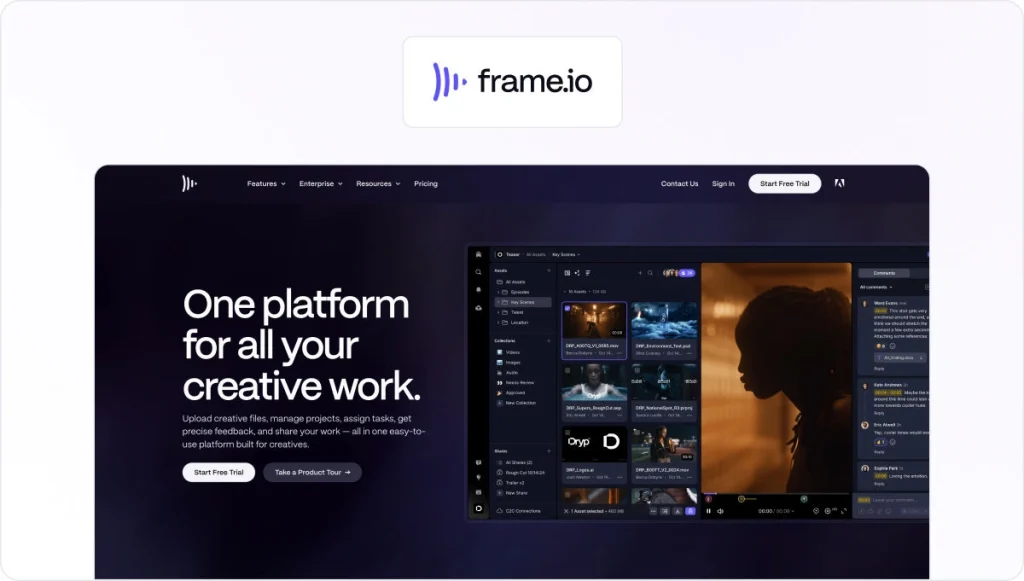
Frame.io is a video-first visual feedback and collaboration tool used by video teams, media departments, and agencies reviewing motion-heavy content. It’s built for workflows where video review dominates the creative process.
Feedback capture and precision
Frame.io supports frame-accurate, time-coded comments directly on video timelines. Reviewers can leave contextual feedback tied to exact frames, with version stacking to compare iterations across review rounds.
Feedback organization and workflow
Feedback is organized around video versions and approval states. This works well for focused video workflows but offers limited support for multi-format review cycles.
Integrations
Deep integrations with Adobe Premiere Pro and After Effects, plus Asana, Monday.com, ClickUp, Trello, and Slack.
Pricing
Free plan available. Paid plans start at $15/user per month.
Check out our Filestage vs Frame.io comparison guide for a comprehensive breakdown of both tools.
6. Wipster

Core use case
Wipster is a video review and approval tool designed for creative teams that need simple collaboration around video content. It’s commonly used by marketing teams producing regular video assets without complex approval chains.
Feedback capture and precision
Wipster allows reviewers to leave time-coded comments directly on videos, keeping visual feedback tied to playback. Version tracking helps teams understand changes, though annotation depth is limited to video use cases.
Feedback organization and workflow
The platform focuses on lightweight review cycles with clear approvals rather than detailed feedback management. It’s not suitable for reviewing campaigns with multiple asset formats.
Integrations
Integrations include Adobe Premiere Pro, Slack, Dropbox, and basic project management tools.
Pricing
No free trial or plan available. Paid plans start at $19/month.
See how Filestage can speed up your approvals
Enjoy a free, 30 minutes consultation with our experts, tailored to your team and use cases.
7. Ruttl
Core use case
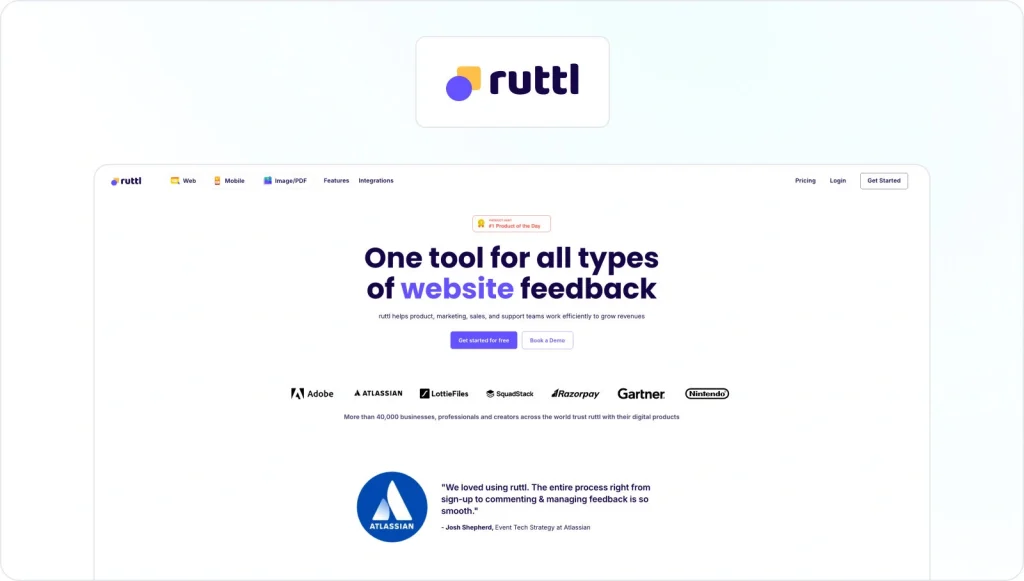
Ruttl is a visual feedback and bug tracking tool for product teams, web teams, and marketing teams collecting feedback across websites, mobile apps, PDFs, and images. It’s positioned as a flexible option for cross-functional feedback collection.
Feedback capture and precision
Ruttl supports pixel-pinned comments on live websites, uploaded files, and mobile apps via SDK. Reviewers can leave contextual feedback, attach files, and use annotation tools to highlight issues.
Feedback organization and workflow
Feedback is managed as tickets within a central dashboard, with assignments, priorities, deadlines, and version history. Similar to Filestage, guests can leave feedback without having to create an account.
Integrations
Ruttl integrates with Jira, Asana, Trello, ClickUp, Slack, and Zapier, with more integrations coming soon.
Pricing
A free plan is available. Paid plans start at $12/user per month.
8. BugHerd

Core use case
BugHerd is a website feedback and QA tool built for agencies and web teams that need clear client feedback during builds and testing. It’s especially popular for UAT and website reviews where technical context matters.
Feedback capture and precision
BugHerd uses point-and-click annotations directly on live websites. Each comment captures screenshots, browser details, screen size, and DOM element data automatically. Reviewers can also submit video or audio feedback for complex issues.
Feedback organization and workflow
All feedback becomes tasks on an integrated Kanban board, making it easy to assign owners, set priorities, and track progress. Client permissions and deadlines help keep review cycles under control.
Integrations
Two-way integrations with Jira, Asana, ClickUp, Monday.com, Trello, GitHub, Slack, and more.
Pricing
Free trial available. Paid plans start at $50/month.
9. Marker.io

Core use case
Marker.io is a website feedback and bug reporting tool designed to help non-technical users submit issues that developers can act on immediately. It’s widely used by product teams, agencies, and SaaS companies running ongoing web iterations.
Feedback capture and precision
Feedback is collected via a widget or browser extension, with annotated screenshots, console logs, network logs, environment data, and optional session replay.
Feedback organization and workflow
Marker.io pushes feedback directly into issue trackers rather than managing tasks internally. Status updates sync back automatically, and guests can track progress without accessing internal tools.
Integrations
Deep integrations with Jira, GitHub, GitLab, Azure DevOps, Linear, ClickUp, Asana, Slack, and QA tools like FullStory.
Pricing
A free trial is available. Paid plans start at $39/month.
10. Feedbucket
Core use case
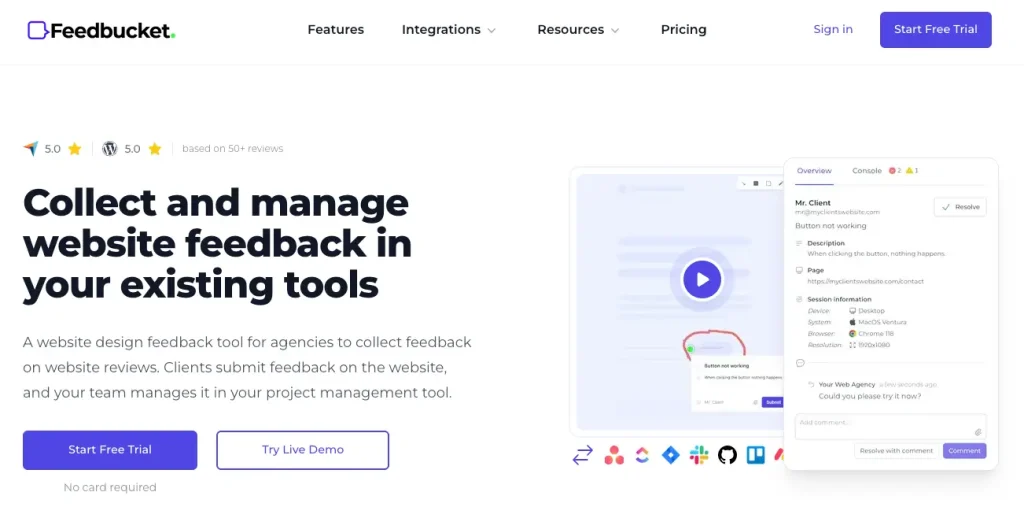
Feedbucket is a client-friendly website feedback tool built for agencies and web teams that want feedback to live inside their existing project management platforms. Clients submit feedback without accounts, extensions, or new tools.
Feedback capture and precision
Users submit annotated screenshots or video feedback directly from the website. Each submission includes technical metadata, and reviewers can draw on screen or record audio to explain changes clearly.
Feedback organization and workflow
Feedbucket is designed to feed into your workflow. Feedback syncs two ways with project management tools, so resolving a task automatically updates the client and closes the loop.
Integrations
Two-way integrations with Asana, Jira, ClickUp, Trello, Basecamp, Monday.com, GitHub, Linear, Notion, Slack, and Zapier.
Pricing
A free trial is available. Paid plans start at $39/month.
11. Markup.io

Core use case
Markup.io is a visual feedback tool designed for product and web teams reviewing websites, images, and documents. It’s often used when teams need fast, contextual feedback without setting up complex approval workflows.
Feedback capture and precision
Markup.io allows users to leave annotations directly on live websites and uploaded files such as images or PDFs. Comments are pinned to specific elements, helping reviewers provide precise feedback without lengthy explanations.
Feedback organization and workflow
Feedback is managed in a simple dashboard where teams can resolve comments and track progress. Workflow controls are lightweight and best suited to smaller teams or early-stage projects.
Integrations
Integrates with Jira, Trello, Asana, Slack, and Zapier. A Chrome extension is also available.
Pricing
A free trial is available. Paid plans start at $79/month.
Check out our round up of the best Markup.io alternatives to streamline visual feedback.
12. GoVisually
Core use case
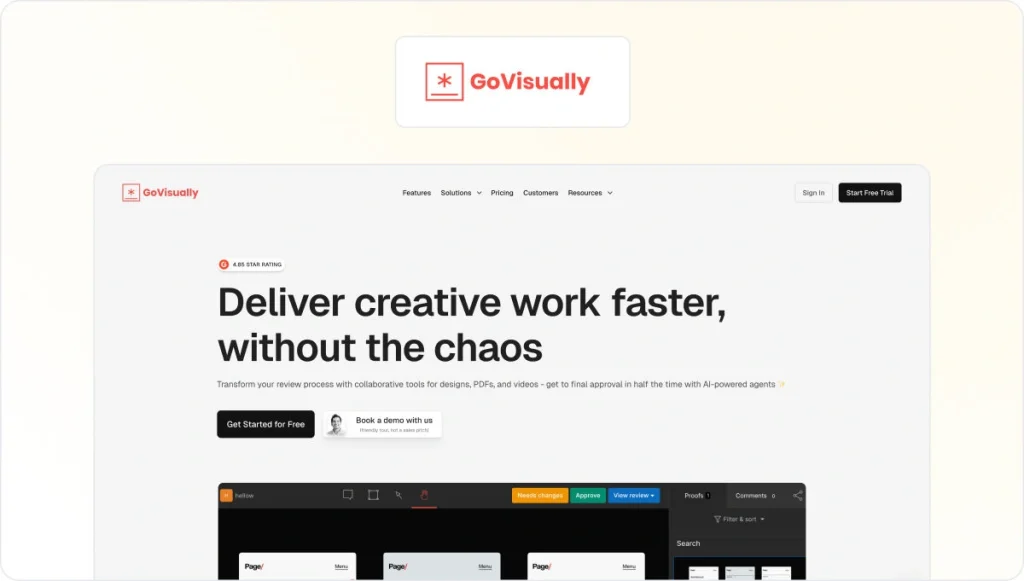
GoVisually is an online proofing and design feedback tool aimed at freelancers, small agencies, and creative teams working with clients on visual assets. It focuses on simplicity and ease of use over advanced workflow management.
Feedback capture and precision
Reviewers can leave visual feedback on images, PDFs, and videos using in-context comments. Annotation tools help clients point out changes clearly without needing design experience.
Feedback organization and workflow
GoVisually supports basic versioning and approval states, making it suitable for straightforward review cycles. It’s less suited to complex projects with many stakeholders or for teams with strict security requirements.
Integrations
Integrates with Adobe Creative Cloud, Slack, Asana, and Zapier.
Pricing
No free plan. Paid plans start at $20/user per month.
Not sure which creative management tool is best for your use case, read our list of the top Filestage alternatives.
13. Pastel

Core use case
Pastel is a website design feedback tool built for designers and web teams collecting comments on live websites. It’s commonly used for quick design reviews during the web design process.
Feedback capture and precision
Pastel lets users leave sticky note–style feedback directly on web pages. Comments stay attached to specific URLs and screen sizes, helping teams understand design context.
Feedback organization and workflow
Feedback is organized by page, with simple resolution states. Workflow features are intentionally minimal, which keeps setup fast but limits scalability.
Integrations
Integrates with Slack, Trello, Asana, Jira, and Webflow.
Pricing
A free plan is available. Paid plans start at $35/month.
Key capabilities to look for in creative feedback management tools
While countless features can be a great selling point, what’s most important is how those features support the day-to-day feedback process.
These are the capabilities that I believe matter most.
Multi-format feedback support
A strong platform should support visual feedback across the formats your team members actually use. That usually means designs, PDFs, videos, web pages, and sometimes in-app feedback for mobile app users. If feedback only works on one asset type, teams end up switching tools mid-project.

Clear context for every comment
Look for pixel-pinned comments and time-coded video feedback, with comments tied directly to specific elements. This reduces clarification loops and shortens the feedback cycle.

Feedback organization and ownership
The right design feedback tools help teams organize feedback, assign ownership, and track progress. You want status indicators and comment resolution, as well as filters by reviewer or asset to make feedback manageable as volume increases.
AI-assisted feedback support
Some platforms now use AI to reduce manual work during reviews, such as clarifying comments or offering early guidance before a review starts. These features support human judgment rather than replace it.
Review stages and version control
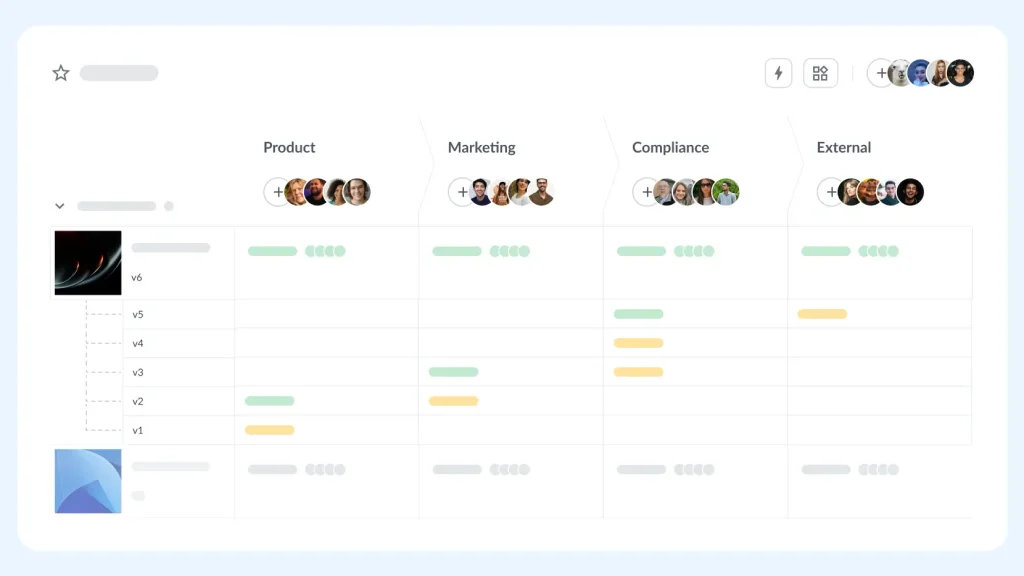
This is an absolute essential, in my book. Version control helps teams compare changes and avoid outdated comments. Review stages and approval states add structure without slowing creative work down.
Integration with existing tools
Effective platforms connect with popular project management tools and communication channels. This helps feedback flow naturally into your existing workflows.
Access for clients and external reviewers
When client feedback is simple, it’s easy to manage. Guest-friendly access in feedback tools allows clients to provide feedback without creating an account, speeding up approval cycles.
Scalability and pricing clarity
As teams grow, feedback volume grows too. Look closely at pricing plans, limits on team members, and how costs scale. Tools with flexible user models tend to age better over time.
See how Filestage can speed up your approvals
Enjoy a free, 30 minutes consultation with our experts, tailored to your team and use cases.
How to choose the best design feedback tool for your team
Choosing the right creative feedback management tool starts with understanding how feedback moves through your team today.
Step 1: Map your real feedback flows
Start by identifying who reviews creative work and how often. Look at which formats dominate your projects, such as video, web pages, or documents. Teams involving legal or leadership reviewers usually benefit from tools with structured review stages and clear approval states.
Step 2: Decide where feedback should live
Some teams want a centralized platform. Others prefer feedback to flow into existing project management platforms like Jira or Asana. Website-heavy teams often prioritize integrations, while campaign teams benefit from broader visibility. It’s up to you to decide where you fit in.
Step 3: Match tools to your team setup
Agencies handling client feedback need simple guest access with minimal disruption. In-house marketing teams often care more about version control and review visibility. Product teams may prioritize in-app feedback or bug tracking.
Step 4: Test with real work
Use a free trial or product demo to run a live project with real team members. Pay attention to how easily non-technical reviewers can give feedback and how smoothly issues move through the review process.
Step 5: Look ahead, not just at launch
As creative output grows, tools with flexible pricing and scalable workflows tend to stay useful longer than lightweight options.
Next steps
Creative work only moves fast when the feedback process stays under control. The right creative feedback management tools help teams gather feedback in context, keep reviews organized, and avoid delays caused by version confusion or scattered comments.
As this comparison shows, some tools specialize in website feedback or bug tracking, while others focus on video or lightweight proofing.
Filestage stands out for teams managing creative projects across multiple formats and approval stages, especially where visibility and structure matter.
If you’re narrowing your options, shortlist two or three tools and run a real project through each one. Pay close attention to how easy it is for non-technical reviewers to provide feedback and how clearly decisions are tracked.
When you’re ready to bring clarity to your creative feedback process, start a free trial with Filestage.
FAQ
What are creative feedback management tools?
Creative feedback management tools help teams collect feedback, keep it organized, and move creative work forward more smoothly. They focus on managing feedback around creative assets rather than creating the assets themselves. When your team reaches the review stage of the workflow, these tools provide a shared space where feedback can be added directly to the work. Comments remain tied to the correct version, screen, or moment in a video, making feedback easier to understand and act on.
Unlike generic feedback tools or broad project management tools, they’re built specifically for visual feedback and collaborative review. Instead of spreading input across email threads, chat tools, and shared files, teams can keep feedback in one place. Agencies use them to manage feedback from multiple clients, while in-house marketing and product teams rely on them to keep reviews structured and decisions clear. At their core, these tools reduce back-and-forth during reviews and help creative projects move forward more efficiently.
Which features matter most when choosing creative feedback management tools?
Look for strong visual feedback, clear ownership, version control, and workflows that fit how your team reviews work. Integrations with existing project management tools are also key.
How do these tools reduce review cycles and version confusion?
They keep feedback tied to specific assets and versions, while making approval states clear and visible.
Can creative feedback tools integrate with existing tools?
Most platforms integrate with popular project management tools and communication channels, including Slack.
When should teams move from email or chat to a dedicated platform?
If user feedback is spread across messages, screenshots, or shared documents, a dedicated design feedback tool quickly pays off in clarity and time saved.