
TL;DR
Design annotation software helps creative and marketing teams give clear, visual feedback directly on designs, images, PDFs, videos, and websites. Instead of vague comments or long email threads, design annotation tools let reviewers highlight exact areas, leave contextual feedback, and keep comments tied to the right version.
In this guide, we compare the best design annotation and feedback tools in 2026. Some focus on quick markups, others specialise in video reviews, while a few support structured design approval processes for complex workflows.
If your team needs precise annotations, traceable sign-offs, and compliance-ready feedback across multiple formats, Filestage stands out as the most complete option.
Why you need design annotation software
Context is absolutely critical when it comes to design feedback. A comment like “can we tweak this?” means very different things depending on where it applies. That’s why design annotation tools have become a core part of modern creative workflows.
The rise of online annotation tools makes real-time collaboration easier and helps teams save time during review cycles. Rather than scattering creative feedback across emails, chat tools, and meetings (and then trying to piece it all together later), design annotation platforms let teams comment right there on the work itself.
Reviewers can give direct visual feedback, compare versions as designs evolve, and keep conversations anchored to the exact asset under review.
In this article, I compare the 15 best design annotation and feedback software for creative and marketing teams in 2026. We look at annotation precision, integrations, security, pricing, and scalability so you’re better equipped to make an informed decision.
15 best design annotation and feedback tools in 2026
1. Filestage

Core use case
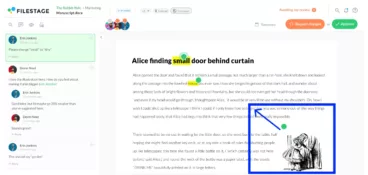
Filestage is a dedicated file proofing and design annotation platform built for creative and marketing teams that need precise feedback and verified approvals across multiple asset types. It replaces scattered email reviews and informal comments with a structured review and approval process.
Feedback precision
Filestage supports detailed annotations on documents, PDFs, images, videos, audio files, and live websites or HTML previews. Reviewers can highlight specific areas, draw shapes, and leave time-stamped comments that stay tied to the correct version. Side-by-side version comparison prevents feedback on outdated files and reduces rework.
AI reviewers
With Filestage, not only can you invite team members, you can also include AI reviewers that automatically flag forbidden terms, brand guideline issues, and basic language errors. This helps teams catch problems early and cut down on avoidable review cycles.
Integrations
Filestage integrates directly into creative and productivity workflows, including Microsoft 365 edit-in-place, Figma imports, and native plugins for Adobe Premiere Pro, After Effects, and InDesign. Teams can connect Filestage with their existing tech stack for seamless collaboration.
Security
Filestage is ISO/IEC 27001 certified, listed on CSA STAR Level 1, and operates under a documented GDPR program. Enterprise features include SSO, role-based permissions, and admin controls designed for audit-ready workflows.
Pricing
Filestage offers a free plan and a free trial. Paid plans start at $199/month for unlimited projects and reviewers. See the Filestage pricing page for more details.
Ready to try it out? Start your free trial of Filestage
See how Filestage can speed up your approvals
Enjoy a free, 30 minute consultation with our experts, tailored to your team and use cases.
2. Ziflow
Core use case
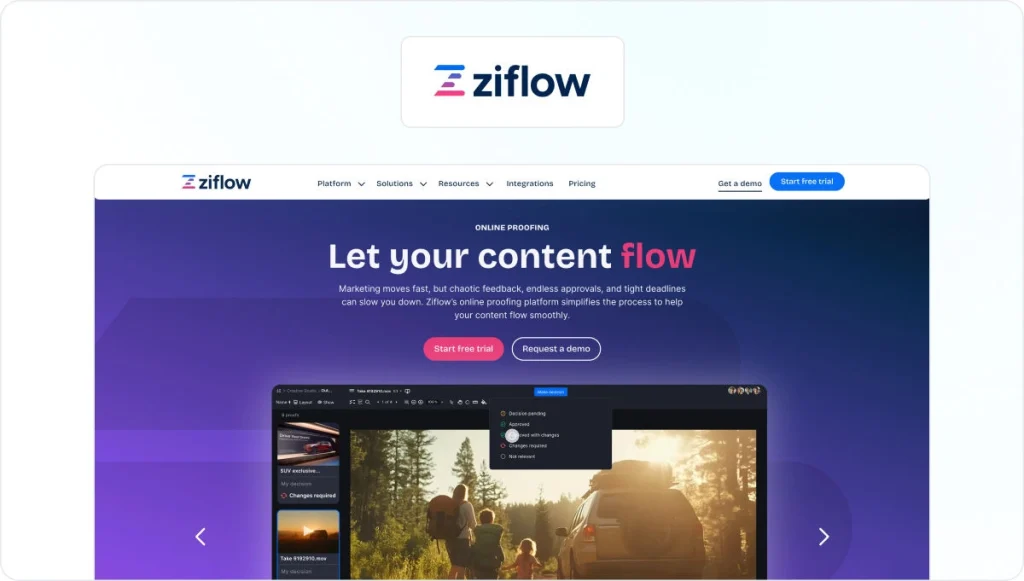
Ziflow is an online proofing platform designed for marketing teams and creative agencies managing high volumes of visual content. It focuses on structured review workflows rather than informal design markups, and sits within the wider design review software category.
Feedback precision
Ziflow lets users annotate videos, images, and PDFs, with threaded comments, version comparisons, and defined approval stages.
Integrations
Integrations include Adobe Creative Cloud, project management tools, collaboration platforms, and private cloud storage services, allowing review workflows to connect with existing stacks.
Security
Ziflow is ISO/IEC 27001 and SOC 2 Type II certified, with encryption and GDPR compliance documented for enterprise use.
Pricing
Ziflow offers a limited free plan and a free trial. Paid plans start at $249/month.
Check out our complete Filestage vs Ziflow comparison guide for a deeper dive.
3. PageProof

Core use case
PageProof is a creative review and approval platform built for marketing teams and agencies that need secure, enterprise-ready feedback on campaign assets.
Feedback precision
The platform supports in-context annotations across designs, documents, videos, and prototypes. Version tracking and structured approval stages help teams reduce confusion during review cycles.
Integrations
PageProof integrates with Adobe Creative Cloud, Figma, Canva, and common project management and document collaboration tools.
Security
PageProof is ISO/IEC 27001 certified and supports GDPR and CCPA compliance, along with SSO and configurable data residency options.
Pricing
PageProof offers a free trial. Paid plans begin at $249/month.
For more, check out our full Filestage vs PageProof comparison guide.
4. Frame.io
Core use case
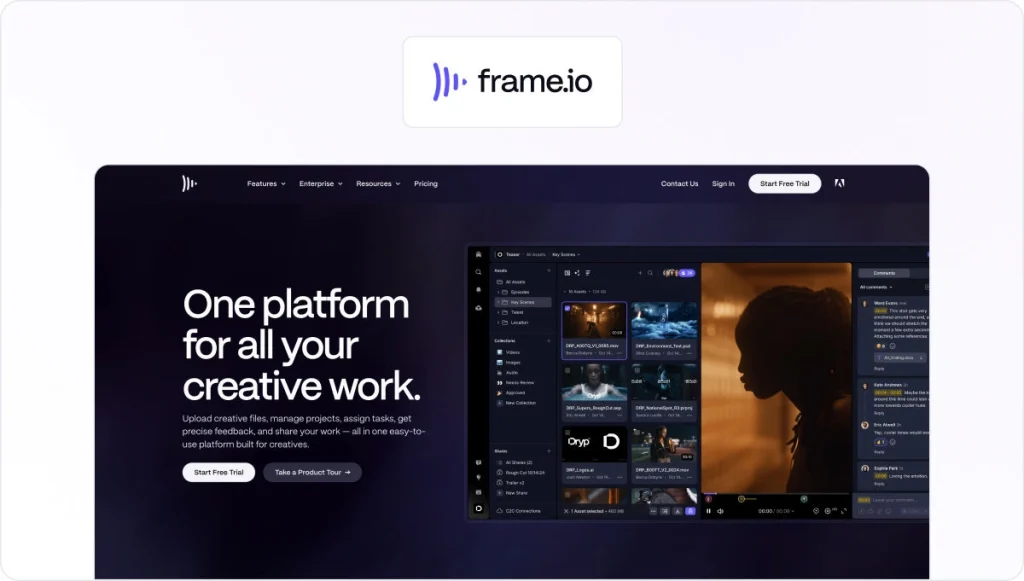
Frame.io is a video-first review and collaborative annotation platform built for media production teams and video-heavy creative workflows.
Feedback precision
It enables frame-accurate, time-coded comments directly on video timelines, with clean version history to support iterative edits. Feedback is tightly coupled to video playback rather than static design files.
Integrations
Frame.io integrates deeply with Adobe Premiere Pro and After Effects, allowing editors to sync comments directly into their timelines.
Security
Frame.io provides enterprise-grade permission controls and secure media handling. It is designed for professional media teams rather than regulated approval workflows.
Pricing
Frame.io offers a free plan with limited storage. The paid plan starts at $15/user per month.
Check out our complete Filestage vs Frame.io comparison guide.
5. GoVisually
Core use case
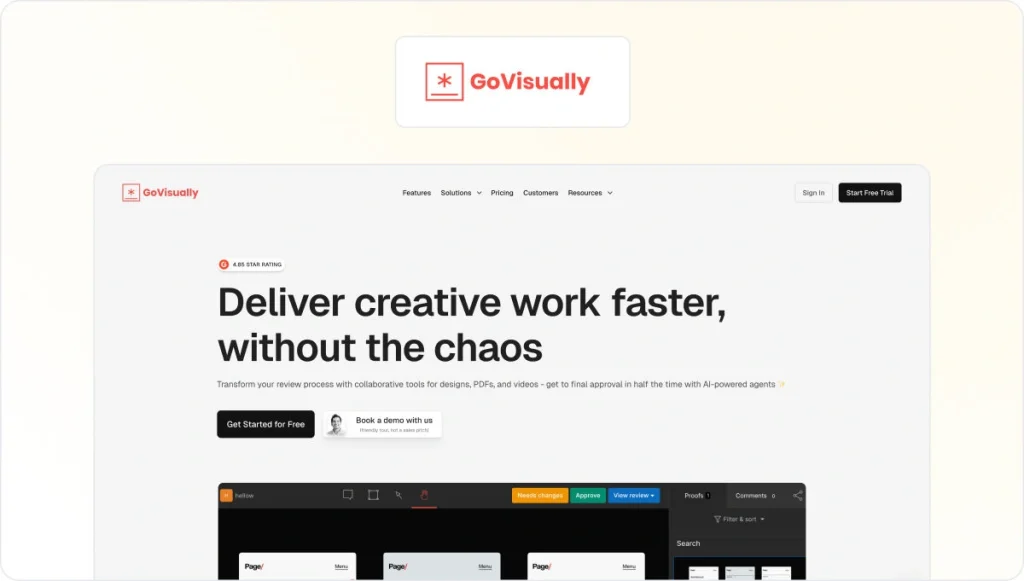
GoVisually is a lightweight online proofing and design annotation tool for freelancers, small agencies, and early-stage creative teams that need a simple way to collect feedback from clients.
Feedback precision
GoVisually supports annotations on images, PDFs, and videos, allowing reviewers to drop comments directly on creative assets. Version tracking is available but designed for simplicity rather than complex, multi-stage reviews.
Integrations
Integrations include Adobe Creative Cloud, Slack, Asana, and Zapier, allowing remote teams to connect proofing activity with design and task management tools.
Security
GoVisually uses encrypted data transfer and operates on SOC 2–compliant infrastructure. No formal compliance certifications beyond this are documented.
Pricing
GoVisually offers a free trial but no free plan. Paid plans begin at $20/user per month.
6. ReviewStudio
Core use case
ReviewStudio is an online proofing and design annotation software used by marketing teams and agencies managing multi-format creative work.
Feedback precision
The platform supports annotations on images, PDFs, videos, HTML content, and live web pages. Reviewers can compare versions side by side and track review progress across iterations.
Integrations
ReviewStudio integrates with project management and collaboration tools including Asana, monday.com, Wrike, Zapier, and Make.
Security
ReviewStudio is ISO/IEC 27001 certified and GDPR compliant. SSO and audit trails are supported.
Pricing
ReviewStudio offers a free plan and a free trial. Paid plans start at $15/user per month.
7. Markup.io

Core use case
Markup.io is a visual feedback tool built for digital, product, and marketing teams reviewing web-based content.
Feedback precision
Users can leave contextual comments designed for fast, real-time feedback on web-based content and digital assets. Feedback is browser-based, prioritising speed over formal review structure.
Integrations
Markup.io integrates with common design and project workflows and is primarily browser-based rather than deeply embedded into enterprise systems.
Security
Markup.io is SOC 2 compliant and supports SSO for enterprise customers.
Pricing
A free trial is available. Paid plans begin at $79/month.
Take a look at the best Markup.io alternatives to streamline your feedback process.
8. Pastel

Core use case
Pastel is designed for collecting direct feedback on websites and web-based designs, particularly in agency-client scenarios.
Feedback precision
Reviewers can leave inline comments directly on live websites or uploaded assets. Versioning is lightweight and focused on quick turnaround rather than structured approvals.
Integrations
Pastel integrates with project management tools such as Trello, Asana, Jira, and Zapier.
Security
Pastel is SOC 2 compliant, with SSO available on enterprise plans.
Pricing
Pastel offers a free plan and a free trial. Paid plans start at $35/month.
9. zipBoard
Core use case
zipBoard is a visual collaboration platform that combines design annotation, bug tracking, and review workflows.
Feedback precision
It supports annotations on websites, PDFs, videos, images, schematics, and course content. Screenshot capture and visual issue tracking are central to its workflow.
Integrations
zipBoard integrates with Jira, Slack, Microsoft Teams, Wrike, Outlook, Procore, LambdaTest, Zapier, and custom APIs.
Security
zipBoard is hosted on AWS and relies on AWS security and compliance controls.
Pricing
zipBoard offers a free trial. Paid plans begin at $99/month.
10. ProofHub

Core use case
ProofHub combines project management with creative review and annotation features in a single platform.
Feedback precision
Team members can annotate creative assets and manage and share feedback alongside tasks and timelines. Annotation depth is functional but not specialised for design-heavy workflows.
Integrations
ProofHub integrates with Slack, Google Calendar, Box, OneDrive, and Dropbox.
Security
ProofHub uses SSL encryption, role-based permissions, and admin controls. No formal compliance certifications are publicly documented.
Pricing
ProofHub offers a free trial. Paid plans start at $50/month.
See how Filestage can speed up your approvals
Enjoy a free, 30 minute consultation with our experts, tailored to your team and use cases.
11. Userback
Core use case
Userback is a user feedback platform that collects input from live websites and applications rather than relying on internal design approvals.
Feedback precision
It captures annotated screenshots, video recordings, session replays, and environment metadata to help teams understand real user issues.
Integrations
Userback integrates with Jira, GitHub, GitLab, Linear, ClickUp, Asana, Slack, Microsoft Teams, Zendesk, Intercom, Zapier, and REST APIs.
Security
Userback is SOC 2 Type II compliant and GDPR compliant, with AES-256 encryption at rest and TLS encryption in transit.
Pricing
Userback offers a free plan. Paid plans start at $7 per user per month.
12. AnnotateWeb

Core use case
AnnotateWeb is a free, browser-based tool for annotating live webpages without requiring an account or setup.
Feedback precision
Users can draw, highlight, and add text annotations on live webpages, collaborating in real time via shared session links. Annotations can be exported as PNG images.
Integrations
No integrations are documented.
Security
Sessions are link-based, store no personal data, and annotations are automatically deleted after short inactivity periods.
Pricing
AnnotateWeb is completely free.
13. Wipster

Core use case
Wipster is a media review and approval platform with a strong emphasis on video workflows.
Feedback precision
It supports frame-accurate comments, version comparisons, and review status tracking across video, images, PDFs, and audio files.
Integrations
Integrations include Adobe Premiere Pro, After Effects, Final Cut Pro, Slack, and an open API.
Security
Wipster uses 256-bit encryption at rest and in transit, supports SSO, and is hosted on Microsoft Azure infrastructure with ISO and SOC certifications.
Pricing
Wipster offers a free trial. The paid team plan starts at $25/user per month.
14. ClickUp

Core use case
ClickUp is an all-in-one work management platform that combines project tracking, documentation, and team collaboration in a single workspace. Design annotation is included as a supporting capability rather than a dedicated focus. ClickUp also offers AI-assisted features that help summarise content and support task creation across visual projects.
Feedback precision
Users can comment on images, PDFs, whiteboards, and embedded design files within tasks and Docs.
Integrations
ClickUp integrates with a wide range of tools, including Figma, Google Drive, Dropbox, Slack, Microsoft Teams, GitHub, Jira, and more via native integrations and APIs.
Security
Enterprise features include SOC 2 Type II and ISO 27001 compliance, SSO, role-based permissions, and regional data residency options.
Pricing
ClickUp offers a free plan. Paid plans begin at $10/user per month.
15. Markup Hero
Core use case
Markup Hero is a lightweight screen annotation tool for fast visual communication.
Feedback precision
Users can capture screenshots, annotate images and PDF documents, and share static links. There is no version control or approval workflow.
Integrations
Integrations include a Chrome extension, Google Drive, Notion, and Slack.
Security
Custom privacy settings are available per markup. No formal security certifications are documented.
Pricing
Markup Hero offers a free plan. Paid plans start at $5/user per month.
How I evaluated these design annotation tools
I evaluated each design annotation platform using publicly available documentation, hands-on product demos, and verified customer use cases to reflect how these tools perform in real-world creative workflows.
My assessment focused first on annotation precision, including how clearly reviewers can leave visual feedback across different formats such as images, PDFs, videos, and live websites.
I then examined whether each tool supports a structured design review process, including version control, approval states, and mechanisms to prevent feedback on outdated files.
I also considered how tools help team members move faster, focusing on automation features, AI-assisted feedback, and reviewer onboarding friction, particularly for external stakeholders.
Integration depth was also key in understanding how well each platform fits into existing creative, marketing, and production stacks.
Finally, I assessed documented security credentials, pricing transparency, and scalability to determine which tools grow smoothly from small teams into more complex environments.
So, which is the best annotation software for creative teams?
The right design annotation tools reduce revisions, keep feedback focused, and prevent approvals from becoming a bottleneck. While many tools support basic markups or single-format reviews, far fewer combine precise visual annotations with structured workflows and approval traceability.
For creative and marketing teams working across multiple asset types, clarity and consistency matter just as much as speed. Even more so when multiple stakeholders get involved.
Filestage brings those elements together in one platform, offering accurate annotations, controlled approvals, and the flexibility to scale as review needs grow.
Book a demo or start a free trial to see how Filestage works in practice.
FAQ – Top design annotation software to collect client feedback
1. What is design annotation software, and how is it different from regular design or project management tools?
Design annotation software allows reviewers to leave visual, contextual feedback directly on designs. Unlike general project management tools, it focuses on contextual comments, version control, and review workflows rather than task tracking alone.
2. Which features matter most when choosing design annotation and feedback tools?
Accurate visual annotations, version comparisons, and low-friction reviewer access matter most. For regulated or brand-sensitive teams, audit trails and compliance features also play a role.
3. How can online annotation tools for design reduce revisions and speed up approvals?
By keeping feedback tied to the correct version of a design, team members avoid confusion and repeated review cycles. Clear annotations replace vague comments and reduce back-and-forth.
4. What file types should good design feedback tools support?
Strong platforms support images, PDFs, videos, and live websites or HTML previews. Multi-format support matters because modern campaigns rarely rely on a single asset type. Read our blog on design feedback tools for more.
5. When does it make sense to choose a dedicated platform like Filestage?
A dedicated design annotation platform like Filestage makes sense when team members need consistent feedback, structured approvals, and traceability across multiple stakeholders and asset types. This is especially true when compliance or brand governance is involved.