
TL;DR
Document management systems organize digital documents and paper records by automating file storage, version control, and workflow management across your organization. Key features include file structuring, scanning, indexing, and more. Choosing the best document management system for your team means identifying your pain points and finding a platform that supports your specific business processes.
Why document management system software is the fix for broken workflows
According to a 2025 study by Crown Information Management, 48% of staff members struggle to find essential documents. That is not a small annoyance. It is a daily drag on delivery, compliance, and customer response times.
Most teams do not have a “document problem.” They have a workflow problem. Files live in too many places, naming conventions break down, and access rules get messy fast. The result is predictable. People waste time searching for duplicate work.
That is where document management system software earns its keep. A good system stores files in one place, controls access, tracks versions, and makes it easy to find the right document quickly. It also supports consistent processes across teams, even when work moves fast.
Therefore, we are going to help you make the most of your document management software. In the upcoming sections, we answer the question: What is document management? And what system should I use?
What is document management?
Document management can be defined as the process of storing, locating, updating, sharing and tracking documents. Documents include any written material – a printed or electronic document that contains information for several purposes.
A document archival system of any kind organizes all documents within an organization. In comparison to function-specific workflows such asmarketing project management, document management systems add value to the organization as a whole and have the potential to contribute significantly to the bottom line of a small and medium enterprise (SME) or large corporation.
The following case study illustrates the power of a document management system:
Previously, the Canadian Seed Growers Association (CSGA) needed to mail paper forms to seed inspectors throughout Canada, resulting in enormous postage bills and wasted labor. With the help ofLaserfiche document management solutions, the CSGA saved $10,000 and 300 labor hours within the first three weeks of its use.

What is a document management system?
A document management system manages, structures, and streamlines the digital document workflow of an organization. While the term “document management” refers to both paper-based and digital document control, a document management system usually involves digital documents only.
Enterprise document management software comes in different varieties, and choosing the best fit will depend on your own preferred business process. Today’s companies generally use cloud-based systems. A cloud-based document management system has its entire IT infrastructure handled by third-party corporations. This means that companies save on infrastructure costs, and they can easily store, manage, and share documents within the cloud.
Some companies prefer more flexibility and also have the resources to create an on-premise infrastructure or private cloud whose servers are located at the company itself. However, the advantages of full flexibility and customization come at a high price.
A third alternative comes in the form of hybrid solutions, where servers are located on company premises but backups are saved in the cloud. Hybrid clouds have the advantage of offering an additional layer of security to on-premise solutions in case the local servers get damaged.
An on-premise or hybrid infrastructure can only be recommended to larger organizations with the resources to manage them. Startups or SMEs should take advantage of cloud-based small business document management software.

So, document management systems help structure the entire document workflow of an organization. In 2020, virtually all companies need a DMS in order to work most efficiently.
In the following section, we outline the important features that a good document management system can bring to your company.
Important features of document management systems
What are the most important features of an enterprise document management system? How can document control system software contribute to the bottom line of your business?

In this section, we outline the most crucial parts of efficient digital document management systems.
File structuring: An electronic document needs to be stored so that anyone within an organization can find the file. An intuitive file storage structure is needed to locate the documents. Automated storage workflows provide consistency for all stored files.
Scanning: We are still far away from a fully digital workspace. A good document system will be connected to scanners, printers, and even fax machines, so that you can start digitizing with ease.
Indexing: Files need to be found easily. A proper search function and indexing features are necessary to lessen the time and effort it takes an employee to find a specific file.
Versioning: Without proper precautions in place, important documents can get deleted or changed by accident. Versioning helps recover important files so that potential damage is minimized.
Integrations: Your company probably already usesproject management tools or productivity software such asGoogle Drive. A good document file system allows you to integrate your BPM tools seamlessly with the system.
Mobile access: In this age of remote work, it is important that team members can connect to your platform from anywhere.
Sharing: A document management software allows you to share documents easily with individuals both inside and outside of the organization. Depending on the document, you can use DM to add additional safety features that restrict sharing or publishing functions.
Security: Some industries, such as legal or finance, have higher security standards and need extremely strict document control. The security infrastructure must prohibit unauthorized access.
Obviously, document management is only a supportive workflow. You need further document management software to support and streamline the document creation process.
Filestage simplifies the approval process of new and updated files by offering a centralized platform where users can share, discuss, and review images, videos, or text files with team members or external partners. Filestage can be used to complement any DMS – once your asset is created and approved, you can use a DMS to index, store, and back up your files.
Some questions about DMS, such as “What is a document manager?” or “What are document services?” always pop up in search engines. To give you a better understanding of how document management systems actually work, we introduce 25 of the most commonly used document management systems.
Overview of the 25 best online document management software
What document management system should your company employ? The best document management software depends on the context in which it is used, as well as your company’s needs.
Therefore, in this section, we provide you with a thorough overview of 25 of the most commonly used document management systems.
1. Filestage – document review and approval

Filestage is a document approval software that helps companies share, discuss, and approve files, such as PDF documents, presentations, and even audio or video files. The cloud-based platform simplifies the review and approval of files by making it easy for reviewers to leave clear feedback while helping project managers collect comments and keep an overview.
Moreover, the platform contains a variety of document collaboration tools for team members and clients, including customizable workflows, task automation, and built-in versioning. As a result, the document review and approval tool saves an indispensable amount of time for everyone involved.
The subscription plan starts at $199 per month and is available at three different price points, which cater to small and large enterprises.

“Before Filestage, our review process was pretty chaotic. Feedback came flying in from all directions – emails, Slack, PowerPoint decks, even WhatsApp (yes, really). It felt like one’s entire role was just to track down comments, consolidate input, and try to maintain a smooth workflow.”
Melissa Abrini, Creative Director at Story
2. Adobe Document Cloud – PDF productivity apps

The Adobe Document Cloud combines a variety of Adobe’s productivity software to manage and edit your documents and streamline your enterprise content management. The package includes Adobe Acrobat, E-Signatures, Acrobat PDF Pack, Acrobat Export PD,F as well as a variety of mobile apps.
Even though the Adobe Document Cloud can help you with creating and editing new PDF files, the individual and SME solution is not a fully-fledged DMS. The enterprise solution comes closer to this goal. For instance, Adobe Sign for business allows you to automate critical workflows to comply with rules and regulations around the globe.
The Adobe Document Cloud is available in different packages – for individuals, teams, and enterprises. Business solutions start at $34.99 per month per user.
3. Alfresco by Hyland – organizational content management
Alfresco by Hyland offers more than pure document management software as it delivers various content solutions, including collaboration tools, case management, and business analytics, as well as AI services inside one single platform.
Alfresco is an open-source solution that is scalable to your organizational needs and highly flexible in terms of its integration into your own ecosystem or applications. Alfresco Content Services works perfectly together with Alfresco Process Services, which offers digital process automation for a variety of workflows.
You can contact Hyland to get a quote on any of its solutions.
4. Bitrix24 – DMS and project management solutions
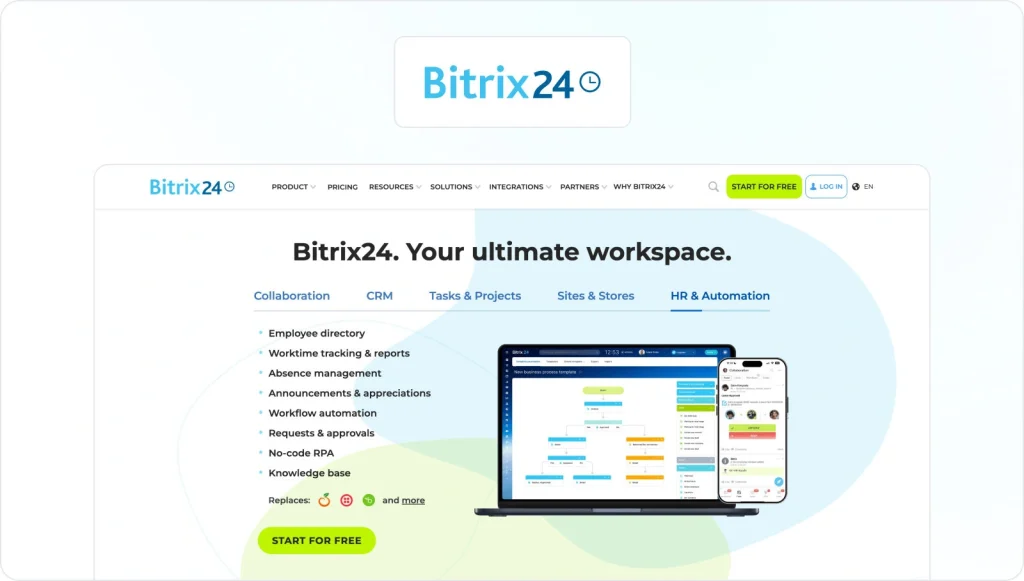
Bitrix24 is an extensive project management platform that offers multiple tools for a variety of purposes.
These include communication tools in one place, video chat and messaging, as well as calendars, social intranet, human resource management systems, and document management systems that store and share files.
This document management software has four different subscription plans, starting at $49 per organization per month for five users.
5. Bynder – DAM and DMS

Bynder is a digital asset management (DAM) system that contains multiple DMS features. It can contribute to your overallbrand asset management strategy while streamlining document management workflows.
Tools such as Video Brand Studio allow you to scale and automate video creation, while digital brand templates help produce consistent content. Furthermore, the digital asset management system enables your company not only to centralize and manage documents, but also virtually all digital assets.
If you are interested in this document management software, you can set up a 15-minute call with the company to discuss your individual needs.
6. Docuvita – flexible DMS
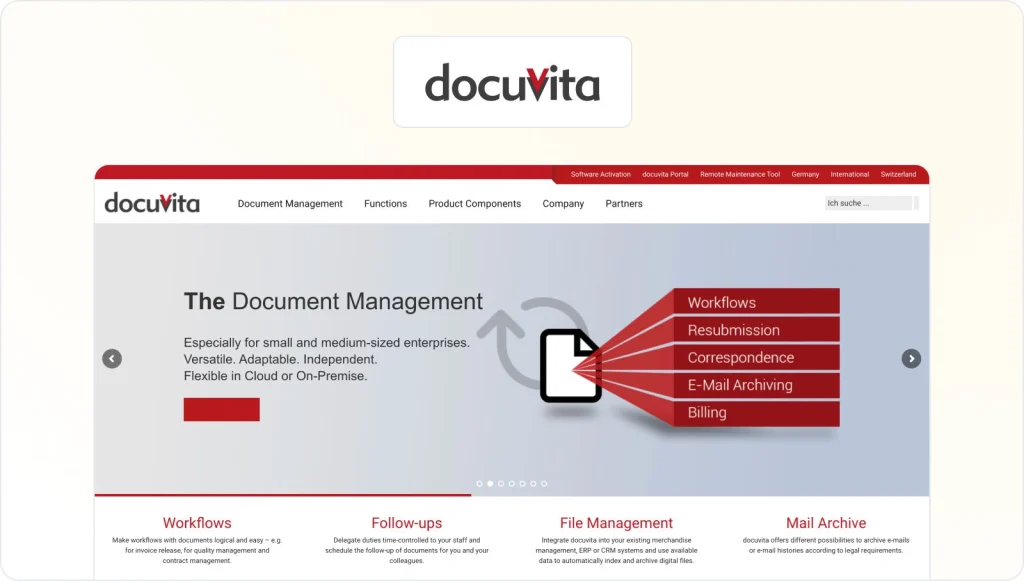
Docuvita is a flexible and adaptable document management system that integrates with your enterprise resource management (ERM) or customer relationship management (CRM), resulting in reduced time spent on processes and a seamless workflow across multiple systems.
Docuvita has multiple automation functions so team members can concentrate on more pressing tasks instead of manually filing documents. Most importantly, Docuvita has advanced security features to protect your documents from unauthorized access.
You can get in touch with Docuvita to get a quote for your needs.
7. Dropbox Business – the popular cloud-based DAM
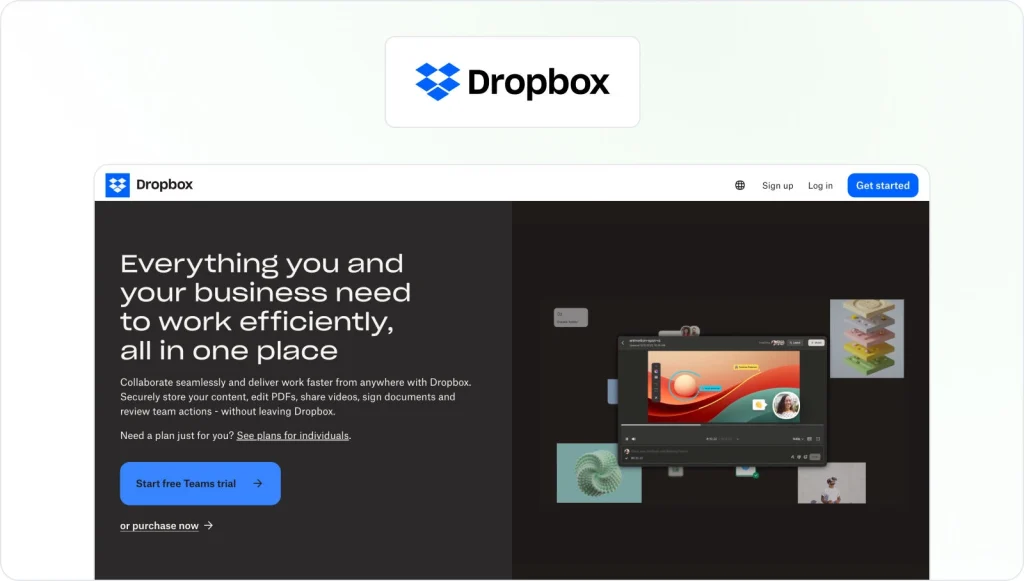
Almost everybody knows Dropbox. Since most consumers have used the free version at least once, Dropbox Business is a great option for businesses to integrate a lightweight DAM that is already familiar to staff.
Dropbox Business offers a great way to clean up messy workflows. It offers a centralized place where different tools, such as Google Docs, Trello boards, and others, can be accessed. Additionally, it offers multiple administrative tools so that you can build and maintain a clear structure.
Dropbox Business is available in multiple subscription plans, which differ in storage size and feature volume. The “Standard” offer starts at $12 per month per user.
8. Filecamp – creative file management

Filecamp is mainly a digital asset management system that works well for creative files and documents.
In addition to traditional DAM features, such as a media library, brand guidelines, and online proofing, Filecamp offers the capability to store, index, and easily find all your documents. Furthermore, you can create various sub-accounts in case you are working with multiple brands.
Filecamp is easy to use, so team members won’t feel overwhelmed. The DAM system is available in three different subscription models, and the “Basic” package is available at $29 per month.
9. FileHold – fully-fledged DMS

FileHold offers all of the features you would expect from an advanced document management system. These include version control, indexing, an intuitive search function, and customizable access control to all your documents.
Additionally, FileHold streamlines workflows and can be integrated with multiple Microsoft applications and services, including SharePoint or Active Directory. Furthermore, companies can customize distinct features such as language localization or auto-filing.
This document management software offers multiple flexible pricing options so that you can choose the version that best meets your company’s needs.
10. Hightail Business – unlimited storage DAM

Hightail Business offers unlimited storage space for your company and provides multiple extras, adding up to an attractive DAM system.
Features of Hightail Business include version control with side-by-side comparison, advanced collaboration features, integrations with popular productivity software and cloud storage partners, as well as organizational-level permissions, member management, and administrative reports.
The Hightail Business subscription is available at $36 per user, and more cost-efficient plans are available with fewer features. A trial version of the business plan is also available, so that you can test its advanced features without the need to commit.
11. Ideagen – regulatory and compliance DMS
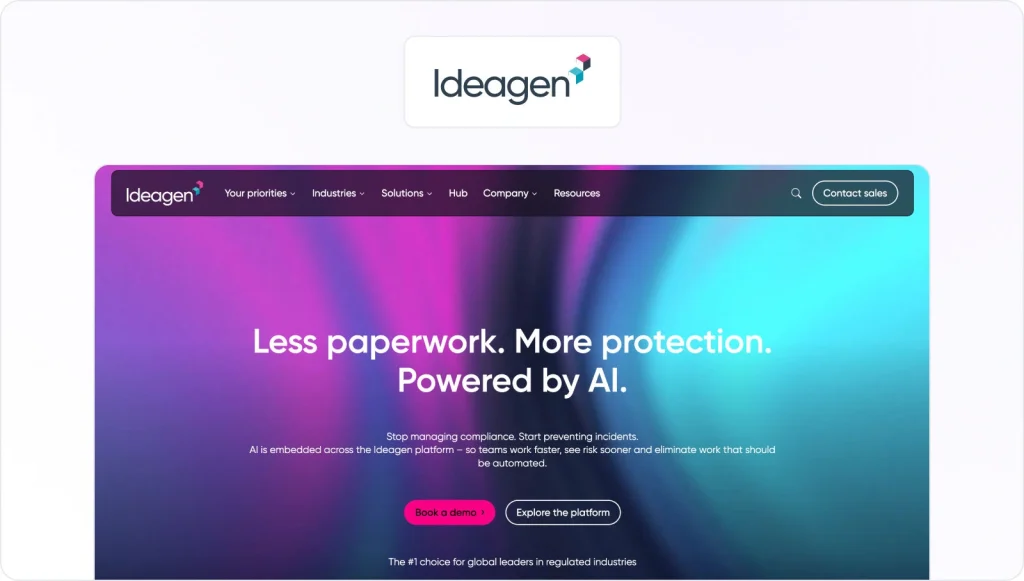
Ideagen is a document management solution focused on regulatory and compliance issues by offering a cloud-based system that gives companies control over all assets. This system avoids unnecessary mistakes through its co-authoring and review system processes.
Moreover, Ideagen offers tailored document management solutions for specific industries, such as aerospace and defense, aviation, construction, energy, financial services, food and drink, healthcare, manufacturing, life sciences, and rail.
To get a quote, companies can contact the sales department of Ideagen.
12. iManage – DMS for law firms
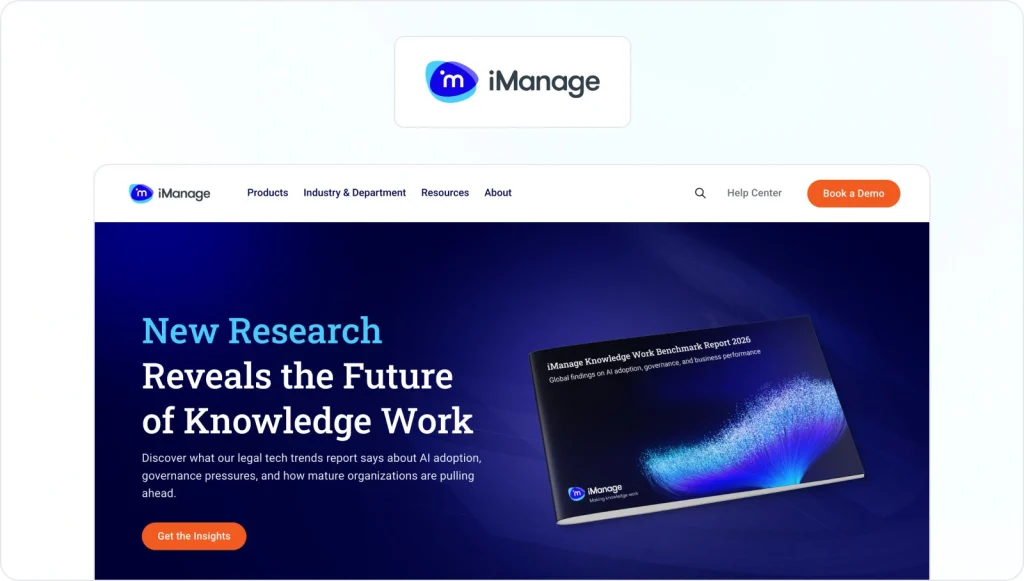
iManage mainly offers solutions for law firms. With its cloud-based document and email management solution, the workflows of law firms are simplified, with security standards paramount.
iManage offers a wide range of collaboration tools that enable users to manage and work on legal documents. The platform can be accessed from anywhere through a mobile-friendly interface.
Project files allow users to combine different documents and emails so that all related documentation is easily accessible in a single place. A demo version of Closing Folders is available. You can contact iManage to request a quote.
13. LogicalDOC – public cloud, on-premise, or hybrid DMS

LogicalDOC offers full flexibility when it comes to the underlying IT structure of a document management system. Small businesses can make use of a public cloud, while larger enterprises can choose a private cloud or hybrid solution if more control and flexibility are desired.
The advanced subscription plans offer a wide variety of extra features, such as FTP / FTPS support, more integrations like Kofax – metadata extraction, and more storage possibilities through remote folders (SMB), Amazon S3, or Microsoft Azure – depending on the cloud model chosen.
You can contact LogicalDoc for a free trial or pricing information.
14. Legito – smart drafting of legal documents
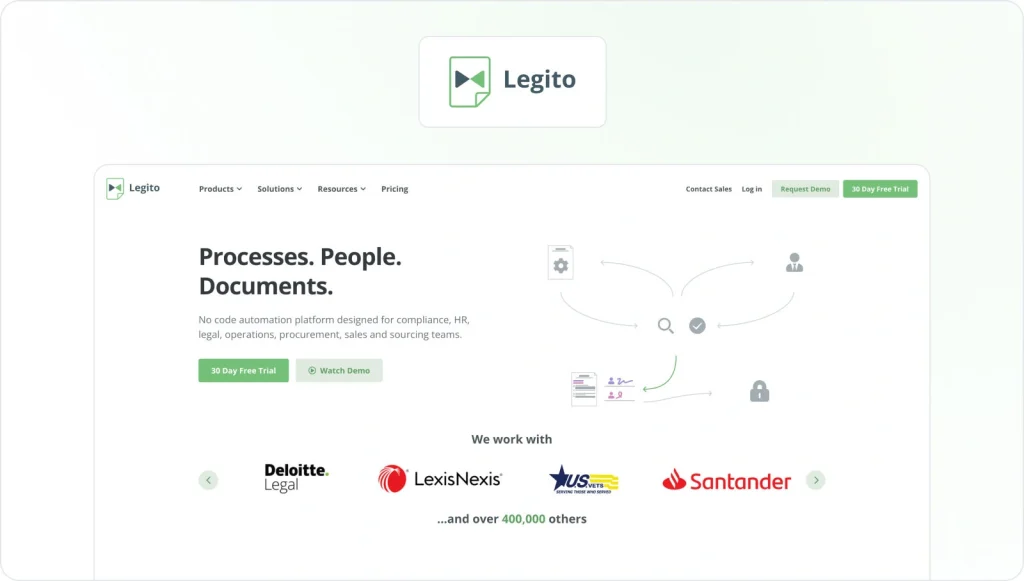
While most DMSs help companies organize their documents,Legito shines in the creation process of legal documents. The company serves big-name organizations, such as PWC, Société Générale, and Skoda.
The unique selling proposition of Legito is the smart drafting process that allows content creators to create automated contract drafts, which can easily be customized for a multitude of purposes. This saves time and allows lawyers to focus on representing their clients.
Moreover, this document management software offers processes to store and analyze, negotiate and sign, as well as manage and share documents – thereby offering support at every step of the legal process.
Legito comes in three different versions, which differ in features as well as in the number of users allowed. There is a free version, a team version at $1,100 per month, and an enterprise version with custom pricing.
15. M-Files – intelligent information management
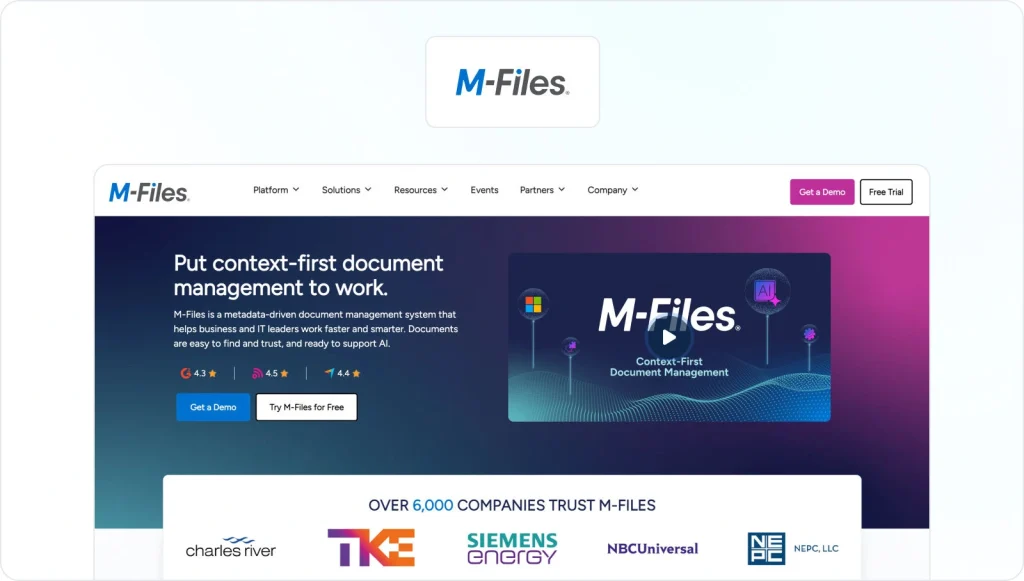
M-Files is more than a regular DAM. It combines document management and enterprise content management into one unified platform. With M-Files, documents can be found based on what they contain, not where they are stored.
Furthermore, M-Files has a multitude of interesting project management features that aim to streamline workflows and provide a bird ’s-eye view of all projects and deadlines. Additionally, M-Files can be integrated with the most commonly-used enterprise software solutions, such as SAP, and a wide range of productivity apps.
Contact M-Files to request a quote and free demonstration.
16. Microsoft SharePoint – intranet DMS
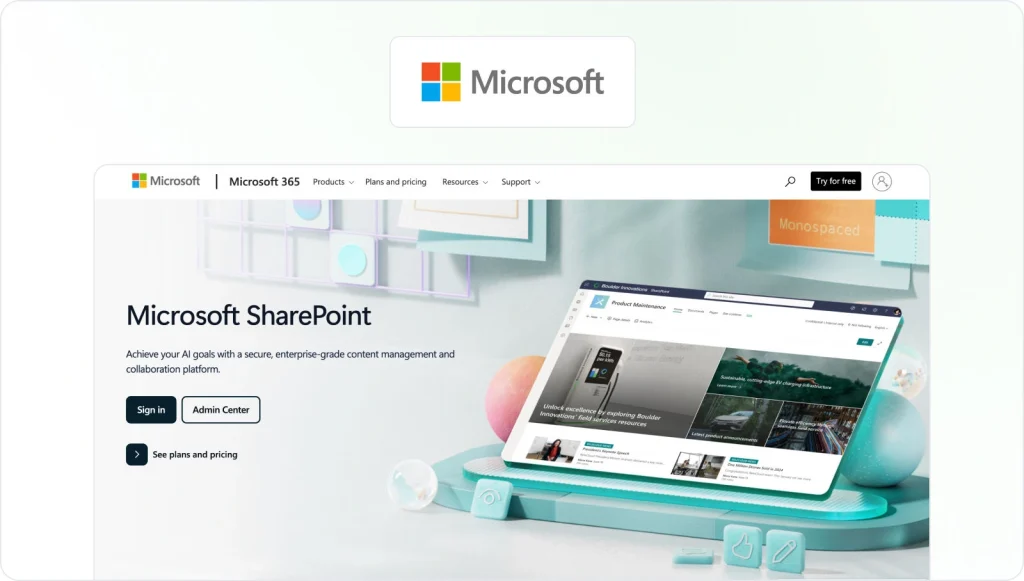
Microsoft SharePoint is popular among businesses for its flexibility and application possibilities. No matter the industry or your organization’s goals, you can be sure that SharePoint has a solution that caters to your needs.
As part of the Microsoft Office Suite, SharePoint offers a variety of features, including messaging, document sharing, compliance, and management functions.
SharePoint comes in two different online plans and can be ordered with Office 365 as well. Plan 1 starts as low as $5 per user per month, while Plan 2 costs $11 on an annual basis. Additionally, Plan 2 plus Office 365 is available at $20 per user.
17. Microsoft OneDrive for Business – DMS cloud solution
OneDrive for Business is the business version of the famous consumer cloud solution OneDrive. It offers all the important features you would expect from a comprehensive DMS, including intuitive file structure management, sharing, and collaboration features.
With OneDrive for Business, it is even possible to upload data up to 100 GB, facilitating the mobility of your larger files. Furthermore, OneDrive for Business can easily sync libraries and has multiple security features that add an extra layer of protection to sensitive files.
The business-tailored subscriptions come in two different plans and can also be combined with subscriptions to SharePoint and Office 365 for an all-encompassing service from a single provider. Like SharePoint, the OneDrive for Business Plan 1 starts as low as $5 per month per user.
18. OpenKM – DMS with strong integration capabilities
OpenKM is a document management system that offers a wide range of customization and integration capabilities, making it stand out from competitors. As a fully customizable solution, OpenKM’s developmental tool suite even allows your IT team to create its own apps to cater to the specific needs of your organization.
With OpenKM, it is possible to store, manage, and track electronic documents and scans of paper documents. You can automate processes and collaborate on different projects while setting up workflows to review, approve, and validate tasks.
You can request a trial version and quote from OpenKM’s sales staff.
19. Orcanos – for medical quality management and compliance

Orcanos is a document management system focused on the healthcare industry. Among its many features, Orcanos enables your organization to export data into Word documents and even e-sign through its document management.
Orcanos offers a wide variety of customization tools for numerous documents and enables you to generate workflows for approvals and e-signatures. Full access control can be maintained on any document, as you can delegate specific adding, editing, or viewing rights to each document user. Moreover, Orcanos is intuitive and can be used efficiently from the start.
Orcanos is available in three packages: Starter, Essentials, and Professional. Contact sales staff for a free demo and pricing.
20. PowerDMS – for policy management
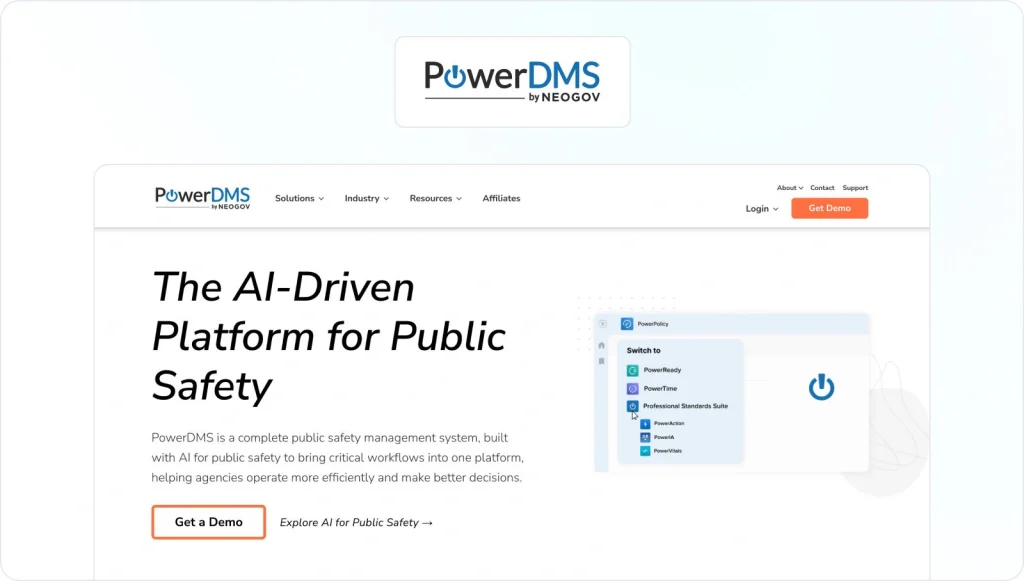
PowerDMS helps your company streamline its policy and procedure management. It automatically assigns and collects signatures and tracks important policies and procedures.
PowerDMS has unique functions that cannot be found in other document management systems. For instance, training management allows your company to test employees through several methods – thereby ensuring everybody in the company is up-to-date regarding all important issues.
In addition to businesses, this document management software caters to the needs of specific governmental organizations, such as municipalities or law enforcement. You can get access to a free demo and request prices via the contact form on the PowerDMS website.
21. Revv – for NGOs and fundraisers
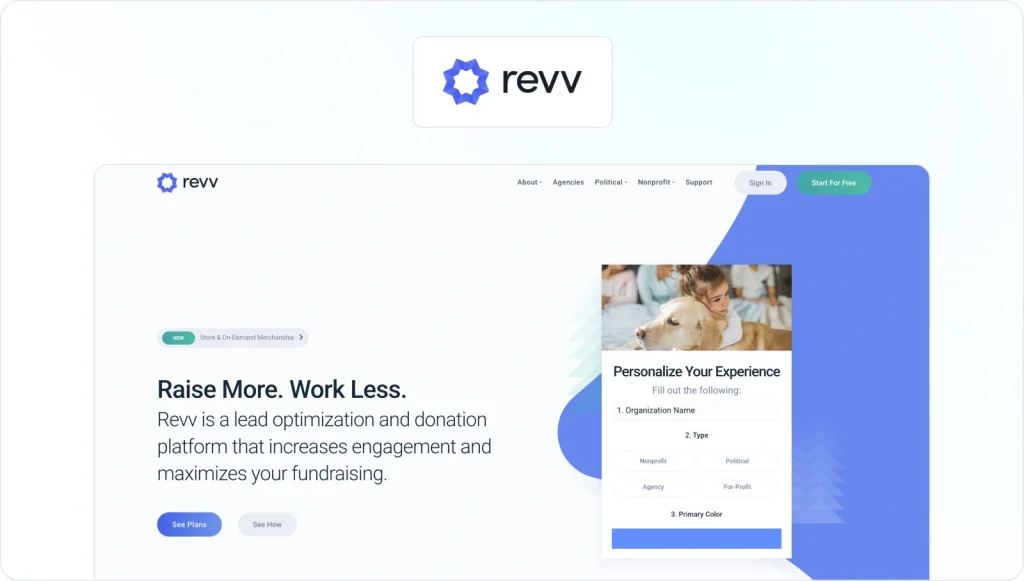
Revv is a specialized platform and DMS that caters to NGOs and facilitates fundraising as well as user engagement.
The platform features a wide range of reporting and political compliance tools, which are customizable to your specific needs. Tools even have automated reporting schedules, so that you always stay up-to-date on projects and deadlines.
Furthermore, Revv helps your organization streamline workflows and delivers industry-specific features, such as one-click donations or forms, petitions, and surveys. Finally, Revv is equipped with sales tools to market your services.
Revv is available in a free version as well as a paid subscription plan available at $49 per month.
22. Revver (formerly Rubex by eFileCabinet) – document workflow automation

Revver (the next evolution of Rubex by eFileCabinet) is a cloud-based document management and workflow automation platform for document-heavy teams in industries like accounting, HR, legal, insurance, and financial services. It brings all your documents, business processes, and stakeholders together in one place so you can organize, route, and approve work more efficiently.
Alongside secure storage and robust version control, Revver includes no-code workflow automation for reviews and approvals, client and employee document portals, integrated e-signatures, and AI-powered Smart Extract to automatically classify documents and pull key data points out of files.
Revver doesn’t list fixed plan names or per-user pricing on its site; instead, pricing is quote-based and tailored to storage, automation, and compliance needs. To get accurate costs, teams need to contact Revver sales directly.
23. ShareArchiver – for data storage management
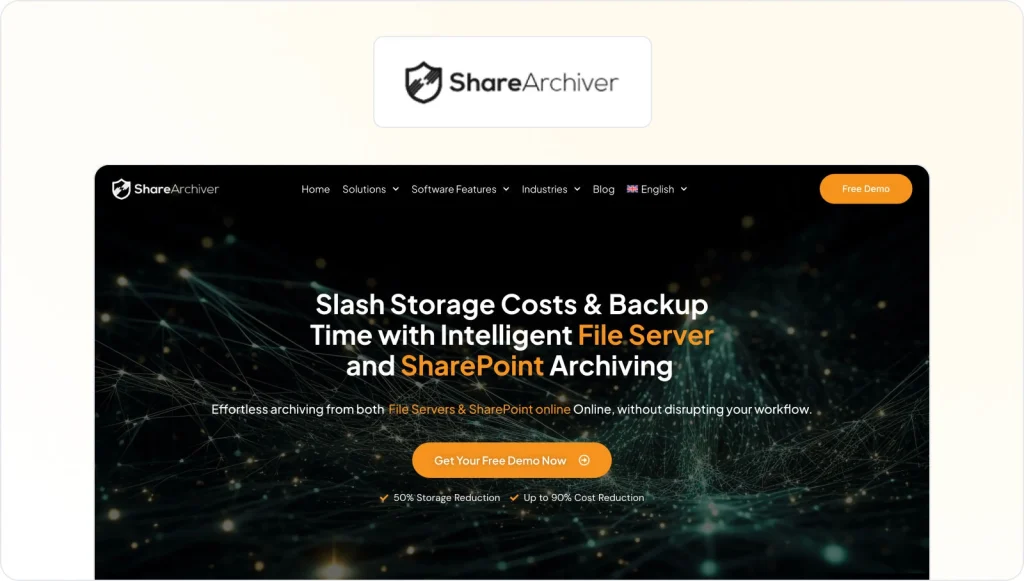
ShareArchiver is a data storage management solution that reduces storage costs by up to 80%, increases data security, and helps your organization access your data more easily.
ShareArchiver has an advanced automation system that makes it possible to set rules to automatically archive files according to organization-specific or departmental criteria, thus freeing up time for your IT department.
You do not need to worry about security, as data is protected via 256-bit AES encryption and SSL technology.
Get in touch with ShareArchiver for a free demonstration and pricing quotation.
24. XaitPorter – for co-authoring and automation

XaitPorter is a software solution that supports the editing process with a wide range of collaborative creation tools. XaitPorter is a cloud-based solution, enabling content creators from all over the world to efficiently work together.
With the help of XaitPorter, your document creation process will be streamlined; you can produce documents up to 70% faster with a higher quality output and increase your win rates for bids and proposals. Furthermore, XaitPorter offers automation features to further reduce unnecessary workloads.
You can schedule a live demonstration and request a quote from an XaitPorter representative via their contact form.
25. ZohoDocs – online file management for teams and individuals
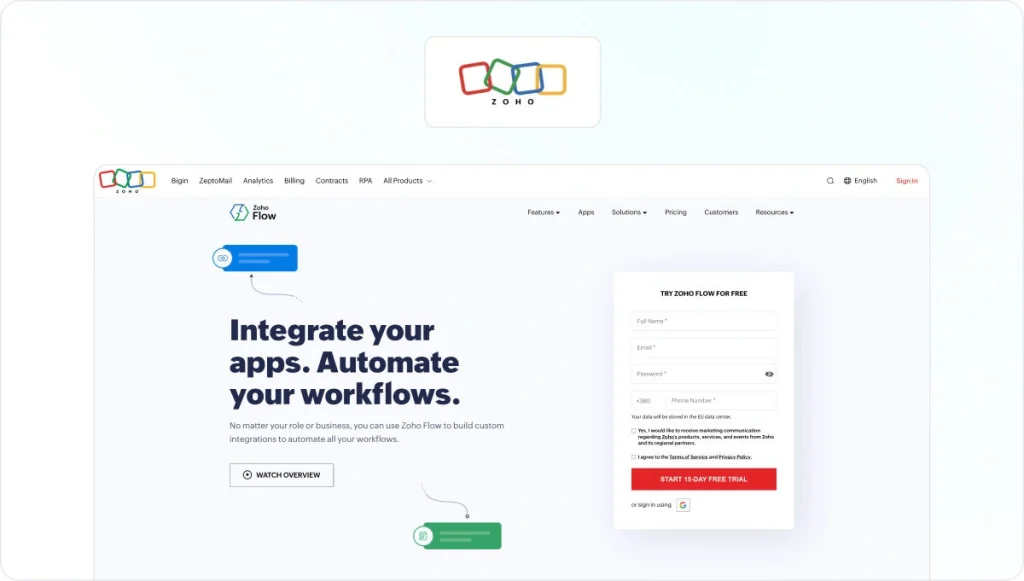
ZohoDocs provides companies and individuals with a virtual drive that syncs Windows, Mac and Ubuntu Linux computers to the cloud. ZohoDocs allows you to customize and structure your files and folders according to your needs. For instance, you can categorize files according to project, file type or author.
Moreover, this document management software comes with its own collaboration suite, allowing you to create and share documents or publish your work as HTML and export to WordPress, for example.
ZohoDocs comes in very affordable subscription packages. In addition to a free version, there is a $2.50 starter plan, as well as a $4.50 team plan and a $ business plan.
Why is a document management system necessary?
As the questions “What is a document repository?” and “What is a DMS?” have been answered, it is time to get to the questions that matter most to your own business.
What is a document management system in relation to your own enterprise? And why should you bother spending money on a non-critical function?
With an ever-growing need for digital content and increased social media presence, it is important to organize our digital assets in a more efficient way. A centralized platform, which is accessible from everywhere, is the simplest and most convenient way to keep a set of ever-expanding digital assets structured.
To fully understand the benefits of document management systems, it might be helpful to take a further look at document management software reviews as well as real-life case studies of one of the examples listed above (and a free demonstration) before committing to a subscription plan.
In the next section, we review the three most important benefits a DMS can offer.
What are the top three benefits of document management systems?

In the following section, we provide you with the most important reasons why you should invest in a document management system.
Keep track of all your documents
If you do not use a document management system, you will be desperate to keep track of all your documents. From important contracts to customer files to personnel information – a DMS gives you a bird’s eye view of all of your documents and allows you to make better decisions concerning future projects. In order to implement project management best practices, you need to have an easily accessible overview of all of your resources, which includes digital documents.
Save time
Another great advantage of any DMS is the time it saves – and we are talking about a lot of time. Just ask yourself how much time you waste on a daily basis by searching for paper-based or digital documents, and multiply it by a working year to see how much time is wasted.
Paper-based industries suffer the most. As mentioned earlier, professionals in paper-heavy industries spend about 50% of their time just looking for the right information. You can imagine how much you can save in labor costs by adding a proper DMS.
Increased efficiency
Time savings go along with increased efficiency. With an effective DMS in place, your employees have more time to focus on tasks that matter. And this is where document management systems can shine: not only do they contribute to marketing resource management and project documentation, they also increase the efficiency of every single employee.
There are quite a few document management systems to choose from, so we offer a short guideline on how to choose the system that best aligns with your organizational needs.
How to find the best document management system for your needs
Out of the 25 products listed, how can you make sure that you choose the option best-suited to your company’s needs? In the following section, we provide a guideline on making your final decision.
What are the main pain points the solution should solve?
As a first step, you need to consider your organization’s current pain points. Do you feel your team members spend too much time looking for documents because of an inefficient organizational system, or do you need to improve the consistency of your output?
No matter what your pain points are, it makes sense to think systematically by using a project plan template. This tool approaches your decision-making process as a business project and gives you the necessary structure to make a wise choice.
Which features are mandatory for your work, and which are not?
Make a Top 10 list of all mandatory features you need from a DMS. No matter what features you choose, a Top 10 list of products will reduce the possible choices to an acceptable minimum.
Create a list of your favorite tools to compare them
Do some more research and compare all of the document management systems and their tools that fall into your Top 10 list. Assign points to each and every feature, so that you can come up with a measurable and communicable outcome and find a winning solution.
How to navigate workflow with document management software

In this last section, we show you how to navigate a digital document workflow.
1. Creating the document
Whether you are creating an entirely new file or updating a pre-existing document, creating the document is always the first step.
Depending on the size of the task, plan ahead and make use of project management templates. After you have outlined the goals for the document, content creators will create the document itself. Content creators may be copywriters, the design team, or even other stakeholders involved with certain types of documents.
2. Reviewing and approving the document
After back-and-forth between the content creators and the project managers, the first draft can be presented for review. But the question is, how to do this?
If you do not use a review and approval software such as Filestage, you probably need to send out several emails to all stakeholders and wait for days or weeks until you can gather feedback from everyone. Then you will summarize, compare, and clarify all feedback. Accordingly, the approval of documents can be a very time-consuming and nerve-wracking process.
However, with Filestage, you can simplify and reduce the time spent on the review and approval process. After uploading documents to the platform and inviting reviewers to comment, you are ready for feedback. By adding a due date to each file, everyone is automatically informed of progress and deadlines.
Additionally, reviewers can discuss proposed changes directly in the file with each other. This makes long email threads redundant and reduces the possibility of misunderstandings, while saving time for everyone involved.

3. Uploading the document to your DMS
If there are still changes to be made, the annotated document is sent back to the content creators who make the necessary changes and re-upload the file. Once everybody gives their approval, you are ready to upload the document to your DMS.
4. Sharing the document with colleagues
Depending on the original purpose, you can now distribute your published document to colleagues and clients, or simply publish it on social media.
How efficiently are your documents managed?
In a world of ever-growing digital output, we need to take a step back from our day-to-day tasks and assess the bigger picture to analyze our efficiency when it comes to handling our documents.
By introducing the right DMS to your company, the general quality and consistency of any type of output will increase. Your colleagues will thank you for saving them precious time. And all of this will have a positive effect on the bottom line.
Therefore, help your company to become more organized and efficient by introducing the right document management system today!
FAQ
What metadata structure should document management system software use for fast retrieval?
Fast retrieval starts with consistent metadata, not deeper folder trees. In document management software system setups, define required fields per document type, then keep values controlled so search functions stay reliable. Add naming rules that match your standard operating procedures, and store associated data like client, campaign, or region to support digital document management at scale.
This approach works whether you use a lightweight tool or an enterprise document management system software deployment, because teams can filter and retrieve documents without guessing where files live.
Who needs access to your document management system?
Most people in your company need some level of access to your document management system, but for different reasons. Content creators like marketers, designers, copywriters, HR, and finance teams need access to upload, edit, and version their files so they can keep work moving without waiting on someone else every time something needs to change.
Reviewers and approvers, such as team leads, legal, compliance, finance, and senior stakeholders, need access to review, comment, and approve documents, but usually not to rewrite them. For sensitive content like contracts, employee records, or financial reports, their access should be limited to specific, secure spaces rather than the whole system.
Project managers and account managers need broader visibility so they can track progress, manage versions, and coordinate reviews across teams, but only a small group, usually IT or system owners, should have full admin rights. External collaborators like clients, agencies, and freelancers should only get access to the projects they work on, often as reviewers only. Overall, give each person the minimum access they need to do their job effectively while keeping sensitive information protected.
How can you approve your marketing documents before storing them in DMS?
You can use Filestage as the “front door” for all your marketing documents before anything lands in your DMS. Upload your files to a project, group reviewers by step (for example, marketing, brand, and legal), and set due dates so everyone knows when they need to review. Each group can comment in context, request changes, and formally approve the file, while Filestage keeps full version history and a record of who signed off. Once the final reviewer group has approved the file, you have a clean, compliant sign-off before it ever reaches your DMS.
Then connect Filestage to your document management or storage system, such as Google Drive, OneDrive, or Dropbox. With Filestage’s Google Drive sync, for example, you can automatically upload new versions for review and export approved files back into a dedicated “Approved” folder in Drive. You can also use automation tools like Zapier or Power Automate so that whenever a file’s review status changes to “approved” in Filestage, it is uploaded to the right folder in your storage or DMS. That way, your DMS only stores final, approved assets while Filestage handles the messy review and approval process.