

TL;DR
Marketing has moved from occasional campaigns to always-on, multi-channel activity – and manual spreadsheets just can’t keep up. Marketing workflow software helps marketing teams organize campaigns, automate repetitive tasks, and keep everyone on the same page across channels and tools. This article compares 12 of the best workflow software for marketing teams in 2026, including features, workflow automation options, and pricing.
Why modern marketing teams need workflow software in 2026
In this day and age, it’s become unthinkable to be successful in your marketing efforts without a whole set of tools helping you organize your activities and improve efficiency.
We are far from the Mad Men days. What used to be a yearly poster is now a daily content production whirlwind. Marketing teams are active on a wide range of digital channels, regularly publishing content to capture the audience’s attention.
And it’s more important than ever to adopt marketing workflow tools to help you optimize your team’s efforts while maintaining the high quality of your work. Recent 2025 research from Sprout Social found that nearly two-thirds (63%) of marketing teams feel bogged down by manual tasks, leaving less time for high-impact work.
To give you a comprehensive roundup of the marketing workflow software options available and help you make the right decision for your team, we’ve gathered the top 12 marketing workflow tools in one place, along with their key features and pricing options.
So let’s dive in!
1. Trello
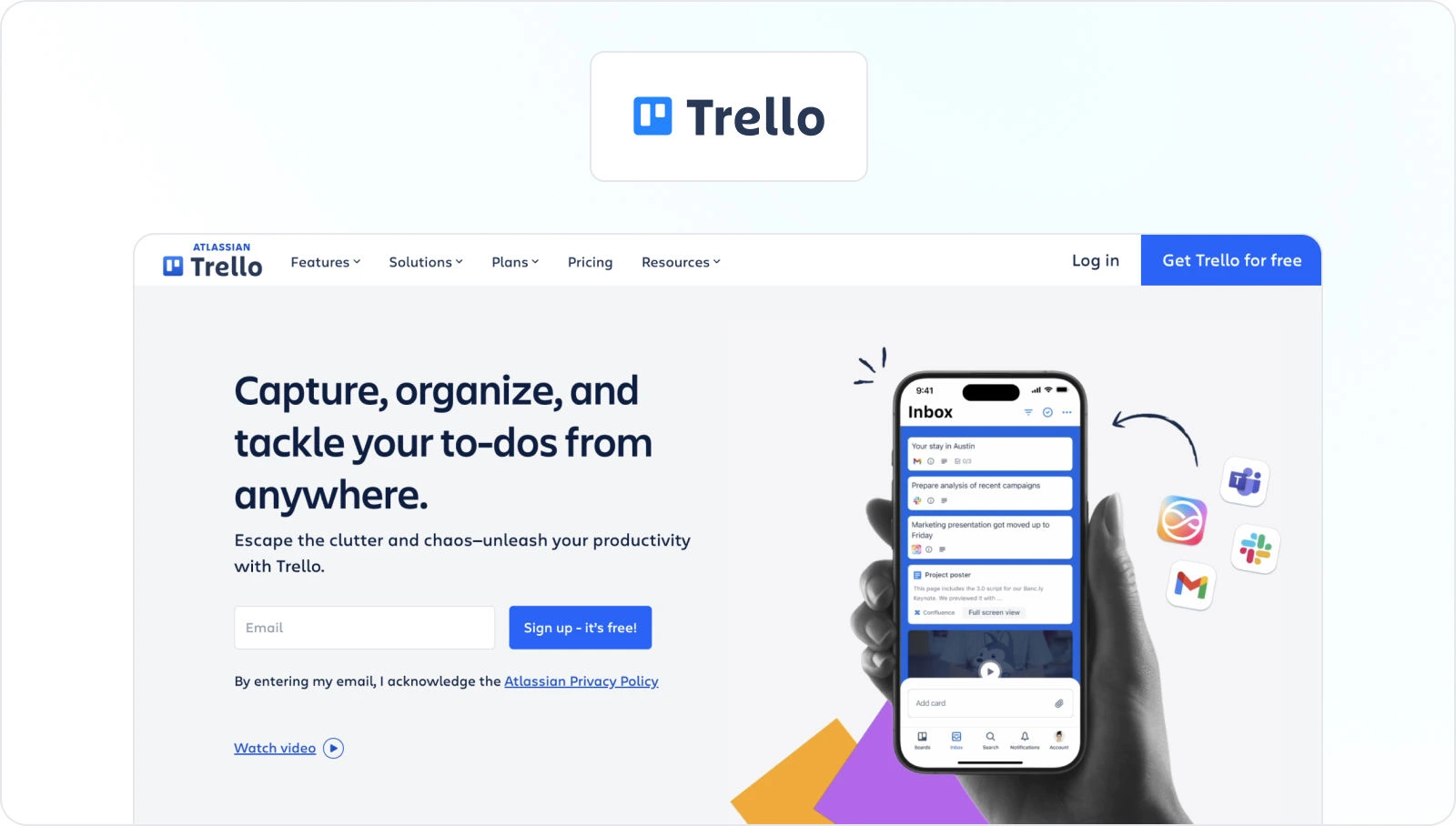
Trello is a valuable asset in the realm of marketing workflow management. This intuitive marketing workflow software offers marketing teams a streamlined and visually engaging platform to plan, execute, and track their campaigns with precision and efficiency.
Its popularity among marketers is rooted in its simple yet highly effective interface, which is organized into boards, lists, and cards, mirroring the dynamic nature of marketing projects. Trello promotes collaboration by enabling team members to assign tasks, set deadlines, and attach files directly to project cards.
Key features
- Boards and lists – Trello’s boards allow marketers to create dedicated spaces for each campaign or project, while lists within boards help categorize and prioritize tasks and stages of the workflow
- Card-based organization – Cards represent individual tasks or projects, making it easy to track progress, assign responsibilities, and add detailed descriptions and checklists
- Labels and tags – You and your team members can use labels and tags to classify and color-code cards, helping you simplify the categorization of tasks, campaigns, or different content types
- Due dates and reminders – Trello enables you to set due dates and receive notifications, which helps you make sure that marketing projects stay on schedule
- Powerful integrations – Trello offers a variety of integrations with other project management tools like Google Drive, Slack, and Zapier, expanding its functionality and adaptability to specific marketing needs
Pricing
Trello offers four different pricing plans, including:
- Free Plan with unlimited personal boards, cards, and lists
- Standard Plan (for $5/ user per month) that includes all the features of the Free plan, plus unlimited boards, custom fields, and more
- Premium Plan (for $10/ user per month) that includes all the features of the Standard plan, plus AI, workspace-level templates, and more
- Enterprise Plan designed for large organizations (for $17.50/user per month)
2. Filestage

Filestage is a unique marketing workflow management software that allows you and your team members to collaborate on campaign content and marketing assets entirely online. It streamlines and automates your campaign review and approval processes, providing one centralized place for you to share files, collect and discuss feedback, and keep your projects moving forward.

“Before Filestage, our review process was pretty chaotic. Feedback came flying in from all directions – emails, Slack, PowerPoint decks, even WhatsApp (yes, really). It felt like one’s entire role was just to track down comments, consolidate input, and try to maintain a smooth workflow.”
Melissa Abrini, Creative Director at Story
Unlike other marketing workflow tools, Filestage doesn’t require installation, and your stakeholders (both internal and external) can review and approve without creating an account.
Key features
- Automations – allow you to reduce manual tasks and speed up content reviews
- Due dates – keep your projects on track and help you meet deadlines
- In-context comments – make for clear feedback that shows up in real time
- Visual annotations – designed to bring comments to life and make it clear what needs changing
- To-do lists – give your team a clear picture of what needs amending
- Version history – helps you keep tabs on previous comments and see what’s changed
- Review steps – means your files get approved by the right people at the right stage of the process
- Project dashboards – help you keep track of who you’re still waiting to hear from
- Integrations – Integration with popular tools like Dropbox, Google Drive, Slack, Microsoft Teams, and more
- File encryption – 256-bit SSL file encryption for secure file sharing
Pricing
Filestage offers different pricing plans, including:
- Free plan with unlimited files, versions, and reviewers
- Basic Plan – Starts at $109/month and includes more projects and storage
- Professional Plan – Starts at $299/month and includes more storage and complex features like compare versions, and automation
- Enterprise Plan – Custom pricing (contact sales)
Supercharge your review process
Share content, get feedback, and manage approvals with Filestage.
3. Asana

Asana is a powerhouse when it comes to optimizing marketing workflows – and it’s also one of our favorite process tools in the Filestage team. This robust project management platform is designed to help marketing teams plan, execute, and oversee their campaigns with remarkable efficiency.
Asana excels at facilitating collaboration, offering an intuitive interface for task management, project planning, and progress tracking. This visual workflow tool is particularly valuable for marketing teams that are looking to streamline their operations and improve overall productivity.
Key features
- Task management – Asana allows marketing teams to create, assign, and prioritize tasks, helping you make sure that everyone knows their responsibilities and deadlines
- Project planning – Your team can organize campaigns, content calendars, and marketing initiatives using customizable project boards and timelines
- Dependency tracking – Asana allows marketers to define task dependencies, making sure that one task must be completed before another can begin, which leads to smoother project execution
- Automations – You can automate repetitive tasks and workflows, helping you reduce manual effort and increase productivity
- Collaboration tools – Asana fosters collaboration through features like commenting, file sharing, and mentions, which improve communication and feedback among team members – a crucial aspect for marketing projects with multiple stakeholders
Pricing
Asana offers four pricing plans:
- Basic – free for up to 15 users and includes basic task management and collaboration features, with limited storage and integrations.
- Premium – starting at $10.99/user per month
- Business – starting at $24.99/user per month
- Enterprise – designed for larger teams and offers custom solutions and support
4. Monday.com
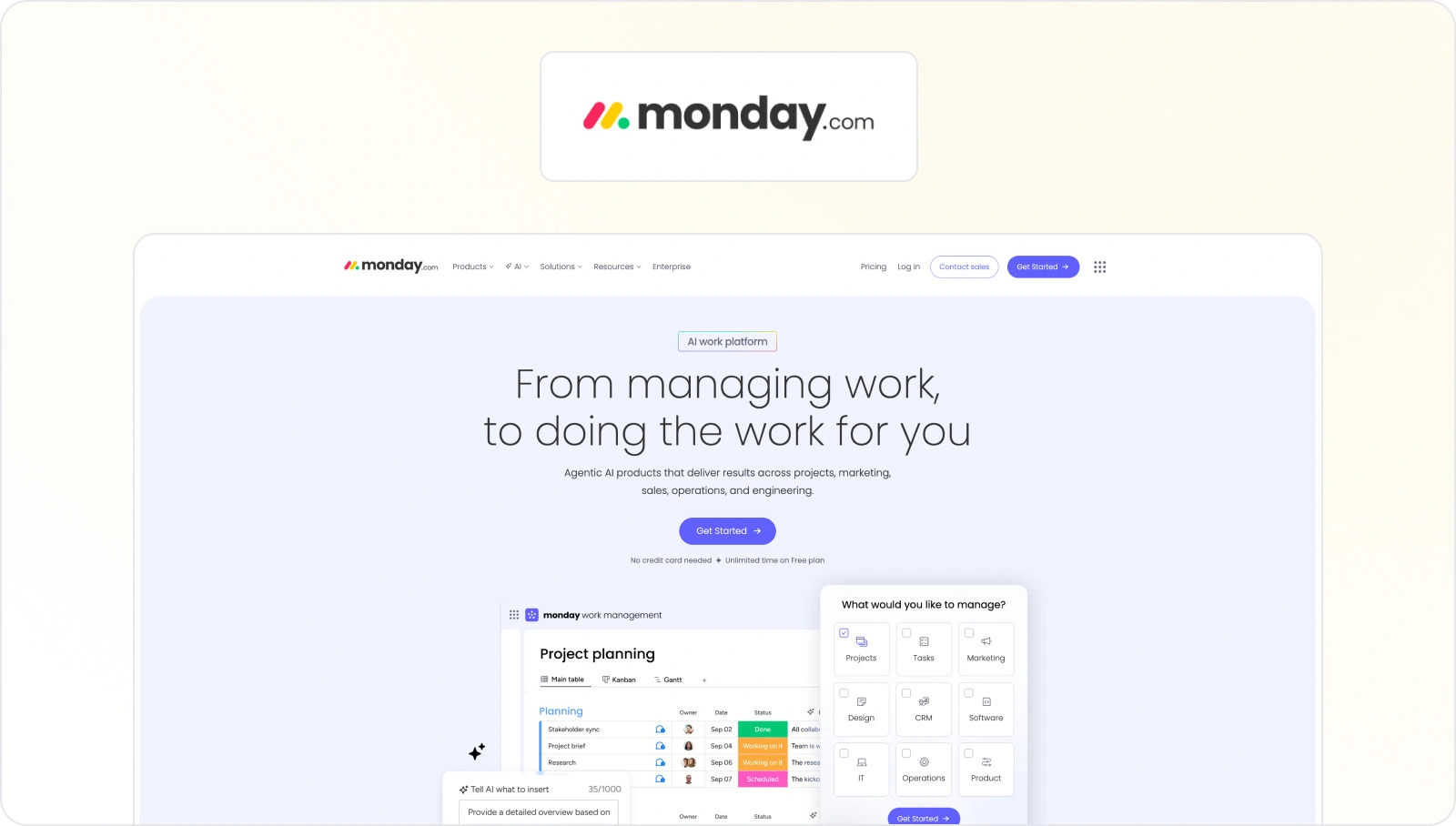
Monday.com is a versatile and highly customizable work operating system that serves as a powerful ally for marketing teams seeking to streamline their workflows. With its user-friendly interface and extensive set of features, Monday.com empowers marketing professionals to efficiently plan, execute, and manage their campaigns and projects. It offers a visually engaging platform that can adapt to various marketing needs, making it a valuable asset for teams striving for enhanced collaboration and productivity.
Key features
- Customizable workflows – Users can design and customize their workflows, boards, and project views to match their specific marketing processes and requirements.
- Task management – Monday.com provides robust task management capabilities, allowing teams to create tasks, assign responsibilities, set deadlines, and track progress with ease.
- Automation – The platform offers powerful automation tools to streamline repetitive tasks, notifications, and actions, reducing manual effort and increasing efficiency.
- Integration hub – Monday.com integrates seamlessly with a wide range of marketing tools and platforms, enabling marketers to connect data, streamline processes, and centralize information.
- Visual dashboards and reporting – It offers customizable dashboards and reporting features, providing real-time insights and analytics to track campaign performance and make data-driven decisions, vital for marketing success.
Pricing
Monday.com offers several pricing plans:
- Free plan – free forever
- Basic plan – starting at $8/user per month
- Standard plan – starting at $10/user per month
- Pro plan – starting at $16/user per month
- Enterprise plan – with custom pricing with additional support, and security features
5. Wrike
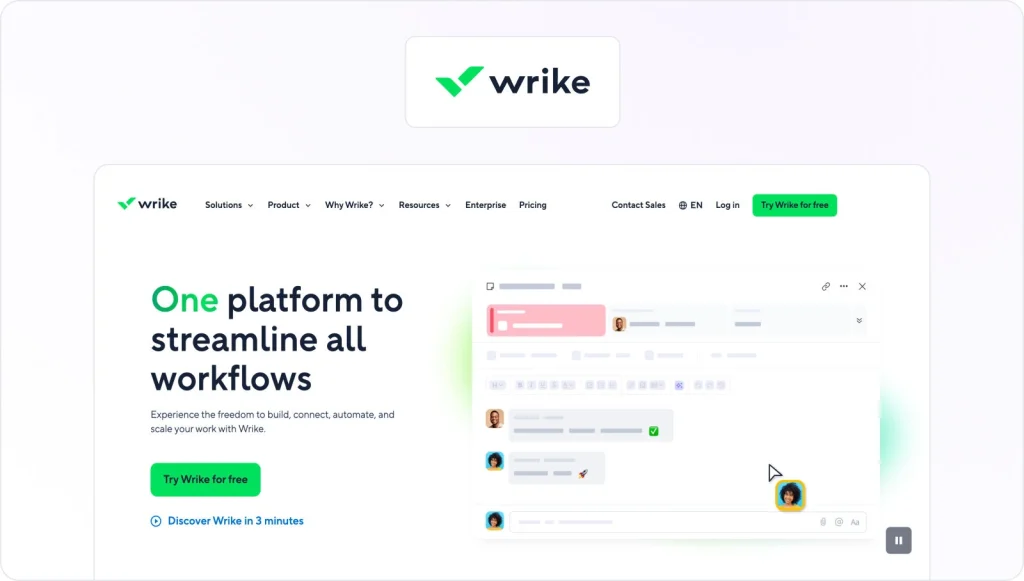
Wrike is a comprehensive project management and collaboration tool that significantly enhances marketing workflow efficiency. Designed to meet the intricate demands of marketing campaigns, Wrike enables teams to plan, execute, and oversee marketing initiatives with precision.
Its versatile platform empowers marketing professionals to optimize their strategies, improve team collaboration, and meet campaign deadlines effectively. Wrike’s robust set of features and integrations makes it a valuable asset for marketing teams striving for success in a dynamic and fast-paced industry.
Key features
- Task management – Wrike allows marketers to create, assign, and track tasks, making it easy to manage projects and campaigns with clear accountability
- Gantt charts – The tool offers interactive Gantt charts to visualize project timelines and dependencies, which improves project planning and execution efficiency
- Custom workflows – Users can create custom workflows and templates to match their marketing processes, promoting consistency and efficiency
- Document sharing and proofing – Wrike stimulates document collaboration with real-time editing and proofing, which helps you streamline content creation and review processes
- Integrations – Wrike integrates seamlessly with various marketing and productivity tools like Adobe Creative Cloud, Google Workspace, and Salesforce, enhancing its capabilities and adaptability to meet diverse marketing needs
Pricing
Wrike offers a Free plan for teams getting started, a Team plan starting at $10 per user/month, and a Business plan starting at $25 per user/month. For larger or more complex work needs, Enterprise and Pinnacle plans are available with custom pricing.
6. Airtable

Airtable is a highly adaptable and user-friendly marketing workflow management software that plays a vital role in optimizing marketing workflows. Combining the simplicity of a spreadsheet with the power of a database, Airtable helps marketing teams seamlessly organize, track, and collaborate on a wide range of tasks and projects.
This versatile marketing workflow software caters to the diverse needs of marketing professionals, allowing them to create content calendars, manage campaigns, and maintain data-driven decision processes.
Airtable’s unique blend of flexibility and functionality makes it a valuable asset for marketing teams who are looking to streamline their operations and enhance productivity.
Key features
- Customizable templates – Airtable provides a variety of customizable templates designed for marketing tasks, enabling teams to jumpstart their projects with ease
- Grid and calendar views – Users can switch between grid and calendar views to visualize data, making it suitable for managing content schedules and editorial calendars
- Collaborative editing – Airtable allows real-time collaborative editing and commenting, facilitating teamwork and feedback on marketing assets and plans
- Integration capabilities – It integrates seamlessly with popular digital marketing apps and platforms, enabling marketers to connect data and streamline workflows effortlessly
- Automation – Its automation features help automate repetitive tasks and actions, saving time and ensuring consistent processes throughout marketing campaigns
Pricing
Airtable offers four different pricing packages, including:
- Free plan for individuals or very small teams just getting started
- Team plan, starting at $20 per seat/month billed annually ($24 billed monthly)
- Business plan, starting at $45 per seat/month billed annually ($54 billed monthly)
- Enterprise Scale plan with custom pricing for organizations that need more advanced governance and administration
7. Notion

Notion is a versatile all-in-one workspace that empowers marketing teams to transform their workflow management and collaboration processes. With its adaptable structure and rich feature set, Notion is a valuable addition for marketing professionals seeking to streamline their operations.
This marketing workflow tool functions as a centralized hub where teams can plan, execute, and track marketing campaigns and projects efficiently. Notion’s flexibility allows it to serve as a content calendar, project management tool, and knowledge base, making it a versatile marketing workflow solution for the ever-evolving needs of marketing teams.
Its intuitive interface and customizable templates promote effective collaboration, allowing marketers to work together seamlessly and deliver impactful results.
Key features
- Customizable workspaces – Notion’s flexible structure allows you and your teammates to create customized workspaces, databases, and templates tailored to your marketing projects and processes
- Task management – It offers task lists, kanban boards, and calendars for organizing marketing tasks, campaigns, and deadlines
- Content collaboration – Notion enables real-time collaboration on content creation and editing, fostering teamwork and content quality
- Knowledge base – Teams can use Notion as a knowledge repository for storing important marketing documentation, best practices, and resources with easy access
- Integration capabilities – Notion integrates with various tools and platforms, allowing marketers to connect data, streamline workflows, and centralize information across their marketing stack
Pricing
Notion offers a Free plan for individuals to organize personal projects and life. The Plus plan costs $10 per member/month for small teams and professionals who need to work together.
The Business plan starts at $20 per member/month for growing businesses that want to streamline teamwork. You can also purchase an Enterprise plan with custom pricing for organizations that need extra scalability, control, and security.
8. HubSpot

HubSpot is a comprehensive marketing automation software that plays a pivotal role in transforming marketing workflows. Designed with marketers in mind, HubSpot offers an integrated suite of tools to streamline and optimize every aspect of your marketing campaigns. It’s one of the most popular campaign management tools on the market.
Its all-in-one approach simplifies lead generation, content management, email marketing, and analytics, making it a powerful solution for marketing professionals looking to build a powerful marketing workflow that drives growth and engagement. HubSpot’s user-friendly interface empowers teams to plan, execute, and monitor their strategies with ease, while its robust analytics and reporting capabilities facilitate data-driven decision-making.
In a fast-paced digital landscape, HubSpot empowers marketing teams to stay agile, automate repetitive tasks, nurture leads effectively, and ultimately achieve their marketing goals.
Key features
- Marketing automation – HubSpot offers powerful automation tools that enable marketers to create personalized workflows, segment audiences, and nurture leads at scale
- Content management – It provides a content management system (CMS) for creating and organizing web content, blogs, and landing pages
- Email marketing – HubSpot’s email marketing tools allow for the creation of personalized email campaigns, tracking email performance, and automated follow-ups
- CRM integration – It seamlessly integrates with the HubSpot CRM, which creates a unified view of contacts, leads, and customer data across the marketing and sales teams
- Analytics and reporting – HubSpot’s robust analytics and reporting dashboards provide insights into campaign performance, lead generation, and ROI, which enables your marketing team to make data-backed decisions and optimize your strategies
Pricing
HubSpot Marketing Hub offers two different pricing plans:
- Professional plan – starting $800 per month
- Enterprise plan – starting at $3600 per month
9. Sprout Social

Sprout Social is a valuable marketing workflow automation tool for marketing professionals looking to optimize their social media management. As a robust social media management platform, it helps your marketing team to efficiently plan, execute, and analyze social media campaigns.
Sprout Social offers a centralized hub for managing social media content, scheduling posts, engaging with audiences, and measuring performance.
Its intuitive interface makes it easy to coordinate social media efforts across various platforms and enhance your brand’s visibility and engagement. With Sprout Social, your team can streamline your social media workflows, collaborate effectively, and gain valuable insights to refine all strategies.
Key features
- Social media publishing – Sprout Social simplifies content scheduling and publishing across multiple social media platforms, ensuring a consistent online presence
- Social media engagement – It provides tools for monitoring and responding to comments, mentions, and messages, facilitating active engagement with the audience
- Analytics and reporting – Sprout Social offers in-depth analytics and reporting features to track social media performance, measure ROI, and make data-driven decisions
- Content calendar – Marketers can use the content calendar to plan and visualize their social media content schedule, ensuring a cohesive and organized approach
- Team collaboration – The platform supports collaborative efforts with features like content approval workflows and shared content calendars, making it easier for teams to work together effectively in managing social media campaigns
Pricing
- Standard plan – $199 per seat per month
- Professional plan – $299 per seat per month
- Advanced plan – $399 per seat per month
- Enterprise plan – With custom pricing
10. CoSchedule

CoSchedule is a dedicated content marketing calendar and social media marketing automation software that significantly streamlines marketing workflows. The tool is designed to meet the specific needs of content marketers, and it serves as a central hub for planning, executing, and managing content marketing campaigns with precision and efficiency.
CoSchedule empowers marketing teams to create content calendars, schedule and automate social media posts, and collaborate seamlessly. With its user-friendly interface and array of features, it helps marketers stay organized, save time, and improve content consistency and visibility.
CoSchedule’s robust capabilities make it an essential companion for marketing professionals aiming to drive engagement and deliver high-quality content to their audiences.
Key features
- Content calendar – CoSchedule offers a visual content calendar that allows marketers to plan and organize their content, ensuring a consistent publishing schedule
- Social media automation – It enables the scheduling and automation of social media posts across various platforms, increasing efficiency and reach
- Team collaboration – CoSchedule supports team collaboration with features like task assignments, comments, and content approval workflows, enhancing teamwork and content quality
- Content optimization – Marketers can use CoSchedule’s analytics and optimization tools to analyze content performance and make data-driven improvements
- Marketing campaign management – It provides tools for managing marketing campaigns, tracking campaign progress, and ensuring all campaign elements are executed on time and effectively
Pricing
- Free Calendar – For individuals looking for basic social publishing
- Social Calendar – $19/per month, designed for individuals and teams looking for limitless social publishing
- Agency Calendar – $59/per month, designed for agencies needing calendars for each of their clients.
- Content calendar – With custom pricing, designed for teams that want all of their content and social on one calendar
- Marketing Suite – With custom pricing, for marketing teams looking to coordinate their marketing process, projects, and teams
11. Basecamp
Basecamp is a versatile project management and team collaboration tool that has proven invaluable for marketing professionals looking to enhance their workflow efficiency. It serves as a centralized platform for marketing teams to plan, execute, and oversee campaigns and projects seamlessly.
Basecamp’s user-friendly interface simplifies task management, document sharing, and communication, making it an excellent choice for marketing teams with multiple stakeholders. With its focus on simplicity and clarity, Basecamp helps marketing professionals stay organized, collaborate effectively, and meet project deadlines with ease.
Its collaborative features promote transparency, ensuring all team members are on the same page and contributing to successful marketing initiatives.
Key features
- Task management – Basecamp allows users to create to-do lists, assign tasks, and set deadlines, facilitating effective project management
- Message boards – Teams can use message boards for discussions, announcements, and updates, ensuring clear communication within the marketing team
- File sharing – Basecamp enables document sharing and storage, ensuring all project-related files and assets are easily accessible to team members
- Calendar – The calendar feature helps teams plan and track project timelines, campaign launch dates, and important events
- Project templates – Basecamp offers project templates for recurring marketing tasks or campaigns, streamlining the creation of new projects with predefined structures and tasks
Pricing
- Basecamp plan – for $15/user per month and ideal for freelancers, startups, or smaller teams
- Basecamp Pro unlimited – for $299/month billed annually for unlimited users, designed for growing businesses, larger groups, and companies that want the best
12. Workfront

Workfront, now part of Adobe Experience Cloud, is a robust work management platform that plays a pivotal role in optimizing marketing workflows. Tailored to meet the complex demands of marketing teams, Workfront empowers professionals to efficiently plan and execute marketing campaigns and creative projects.
The platform offers a comprehensive suite of features, from task management and project tracking to resource allocation and reporting. Its user-friendly interface and automation capabilities make it an invaluable asset for marketing professionals striving for enhanced collaboration, productivity, and visibility across their projects.
Workfront’s ability to align teams, streamline processes, and deliver results on time and within budget is crucial in the fast-paced and competitive field of marketing.
Key features
- Project and task management – Workfront offers robust tools for planning, assigning, and tracking tasks and projects, providing clarity and accountability within marketing teams
- Resource management – It allows for efficient allocation of resources, helping marketing teams balance workloads and ensure timely project delivery
- Customizable workflows – Users can create and automate workflows tailored to their marketing processes, promoting consistency and efficiency
- Reporting and analytics – Workfront provides detailed insights and reporting capabilities to assess project and campaign performance, enabling data-driven decision-making
- Integration with Adobe Experience Cloud – As part of Adobe’s ecosystem, Workfront seamlessly integrates with Adobe tools, enhancing its capabilities and adaptability within the marketing tech stack
Pricing
Workfront offers four plans with custom pricing options to meet every team’s work management needs.
Final thoughts
Finding the right marketing workflow tool for your team can be a difficult task. And it’s important to take all important factors into the equation when deciding on your next tool. Hopefully, this comprehensive list of marketing workflow software options gives you a good understanding of the landscape and simplifies the decision for you.
If you’d like to see how Filestage can help you build strong marketing workflows, make sure to try it for free →
FAQ
1. What is marketing workflow software?
Marketing workflow software helps teams plan, execute, and track marketing activities and campaigns in a structured way. Instead of juggling docs, spreadsheets, and communication apps, you use one or more workflow management tools to organize tasks, assign owners, automate steps, and track progress across campaigns, channels, and assets.
2. What is the best workflow software for marketing teams in 2026?
There’s no single “best software for marketing workflow” because every team’s stack and processes are different. Many marketing teams combine a project management tool with specialized apps for social media, marketing automation, and marketing approvals (for example, Filestage for content review). The best workflow management software for your team will match your campaign complexity, team size, channels, and reporting needs.
3. How is marketing workflow software different from marketing automation platforms?
Marketing workflow management software focuses on organizing internal work: task management, project timelines, approval workflows, and collaboration features for your marketing team.
Marketing automation software focuses more on external campaigns, including email marketing, lead nurturing, and customer data flows across multiple channels. Most mature teams use both: workflow software to manage campaigns internally and marketing automation platforms to execute them at scale.
4. What features should I look for in marketing workflow management software?
Look for an intuitive interface, flexible workflow templates, and precise task tracking to make it easy to assign tasks, automate routine steps, and see who’s doing what. Good marketing workflow software should support automated workflows (or at least basic task automation), integrate with your core marketing tools (such as social media marketing apps, file storage, and communication apps), and provide strong reporting capabilities. This allows you to see how campaigns are performing and where manual effort is slowing things down. If you handle a lot of content, tools that support structured marketing approvals (such as Filestage for review and sign-off) can make a big difference, too.
5. Is there free marketing workflow software for smaller teams?
Yes. Several tools in the article offer a free plan or free calendar, which is ideal if you’re just getting started with marketing workflows. Free plans usually limit things like users, projects, or automation features, but they’re enough to manage basic workflows, organize content calendars, and test whether a tool fits your marketing processes. As your campaigns become more complex and you need multi-step workflows, AI tools, or advanced automation features, you can move to paid plans or custom pricing.