

TL;DR
Project collaboration tools combine project management and collaboration in one place so teams can manage tasks, share files, and communicate in real time without drowning in email. The tools in this guide cover everything from lightweight kanban boards and free project management collaboration tools to robust platforms with resource management, workflow automation, and time tracking. They help project managers coordinate complex projects, track progress across multiple projects, and keep every team member on the same page with minimal effort.
What are project management collaboration tools?
Project management collaboration tools are pieces of software that help project managers and teams simplify their tasks and achieve better results. These tools offer a wide range of functionality to help with key tasks, such as:
- Instant messaging
- Video conferencing
- Real-time collaboration
- Task management
- File transfers
- Project monitoring
As you can see, these project management collaboration tools can really help simplify teamwork. But there are lots of options out there, so it can be difficult to really identify which tool is best for your needs.
Therefore, many project managers develop a method for assessing the quality of each tool.
The three most important criteria for choosing the right project collaboration tool
Here’s a closer look at the three most important factors for choosing the right project collaboration tool.
1. Ability to solve your challenge
If a team has a problem, its project manager will want to identify it, then find the project collaboration tool that offers the best solution. Let’s imagine that a project manager has identified a collaboration issue. If so, they should now look for collaborative project tools that can effectively remedy it.
2. Usability for the team
Project managers should look at a project collaboration tool and decide how effectively the team will use it. For example, if a project manager knows his or her team is already tired of complex tools, he or she will want to find a lightweight solution.
3. Fits your practical needs
One important thing is that team productivity tools for project managers should always be practical. In other words, you should look at the price, contract terms, and integrations with other project management tools in their suite.
32 best project management collaboration tools
The right project collaboration tool could transform how you and your team work. Are you ready to find it in this list? Let’s get started!
1. Filestage

Filestage offers project managers a revolutionary new way to manage their digital projects. Our intuitive tool gives you the ability to bring your stakeholders (internal and external) together to collaborate on the review and approval process.
This specialized project management collaboration tool takes the hassle and confusion out of this complicated process. And it fosters effective communication and makes life much simpler for your clients.
This project collaboration tool is for…
Project and marketing managers who want to say goodbye to endless email threads and confusing feedback.
Pros
- In-context comments make for clear feedback that shows up in real time
- Visual annotations bring comments to life and make it clear what needs changing
- To-do lists give your team a clear picture of what needs amending
- Version history helps you keep tabs on previous comments and see what’s changed
- Review steps help to make sure your files get approved by the right people at the right stage of the process
- Project dashboards help you keep track of who you’re still waiting to hear from
- Automations reduce manual tasks and speed up content reviews
- Integrations with Dropbox, Google Drive, Slack, Microsoft Teams, and more make your workflow faster and easier to manage
Cons
- No mobile or desktop app
See Filestage in action
We’ll give you a personalized tour to help you choose the best online proofing tool for your brand or agency.
2. Planview AdaptiveWork (formerly Clarizen)
Planview AdaptiveWork (formerly Clarizen) is a highly configurable project collaboration software that gives businesses the power to manage everything in their organization. It can help them create and plan company goals, and it can enhance management to more effectively execute these goals.
This project management collaboration tool can be deployed over the web and accessed by mobile applications. Since it offers online support, the tool can be used at your convenience.
This tool is for…
Enterprise-level project managers who need a flexible project management tool that shows users the big picture.
Pros
- It offers immense opportunities for customization.
- It’s a good fit for extremely large teams.
- It provides a detailed breakdown of the structure of work.
Cons
- It has a steep learning curve.
- Its customization options can sometimes cause confusion.
- It can be expensive, depending on the use case.
3. Trello

Trello is a highly customizable project management and collaboration software for task management that can help project managers foster deeper collaboration in a team. This collaboration tool’s intuitive system of cards, lists, and boards is very simple to use, but there’s also a lot of complexity beneath the surface.
This project team collaboration software offers a wide range of integrations. And due to its simplicity, it can become a project hub that fosters collaboration.
This tool is for…
Teams of all sizes that need a simple, scalable solution for task management that won’t break the bank.
Pros
- It’s very easy to get started.
- You can view the project progress at a glance.
- It offers a way to manage tasks that’s visually satisfying.
Cons
- If you use a lot of boards, it can get overwhelming.
- It doesn’t regularly add new features.
- Some of its basic functionalities can only be achieved through integrations.
4. Bit

Project managers can use Bit to create interactive project spec documentation, product strategy, internal guides, customer-facing guides, product requirement documents, roadmaps, user journeys, prototypes, KPIs, competitive analysis, and much more!
This collaborative project management software helps you work together with your team in real-time and store all project assets in one place for easy and fast access. You can add content from over 70+ various applications that will live inside your Bit documents.
Bit provides a common workplace for connected team members and executives to collaborate, share their knowledge, brainstorm ideas, and innovate together.
This tool is for…
Teams of all sizes that need a common workplace to discuss projects and collaborate on responsibilities could benefit the most from this collaboration tool.
Pros
- Robust smart search to find anything quickly
- Content and knowledge management
- Wiki
- Simple and modern UI
- Document Tracking
Cons
- No mobile app
- Absence of Gantt charts
- Untimely notifications can be a bit distracting
5. Wrike
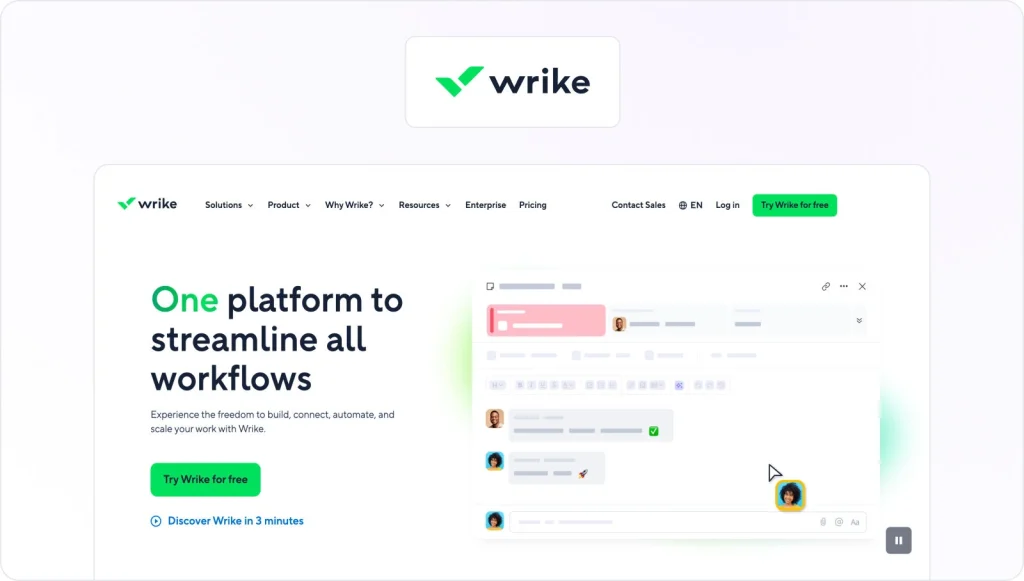
Wrike is a project management tool that’s aimed at midsize teams that have at least 20 members. It encourages collaboration via milestone tracking, Gantt charts, collaboration tools, and more.
This collaboration software aims to differentiate itself through its enterprise-level security and potential for vast scalability.
This tool is for…
Larger teams need a suite of sophisticated project management features that will secure their success.
Pros
- It helps teams stay organized.
- The lists are simple to create and view.
- Its dependencies are functional and useful.
Cons
- It can take some time to start using the tool.
- The learning curve is quite steep.
- There’s no offline version.
6. Asana
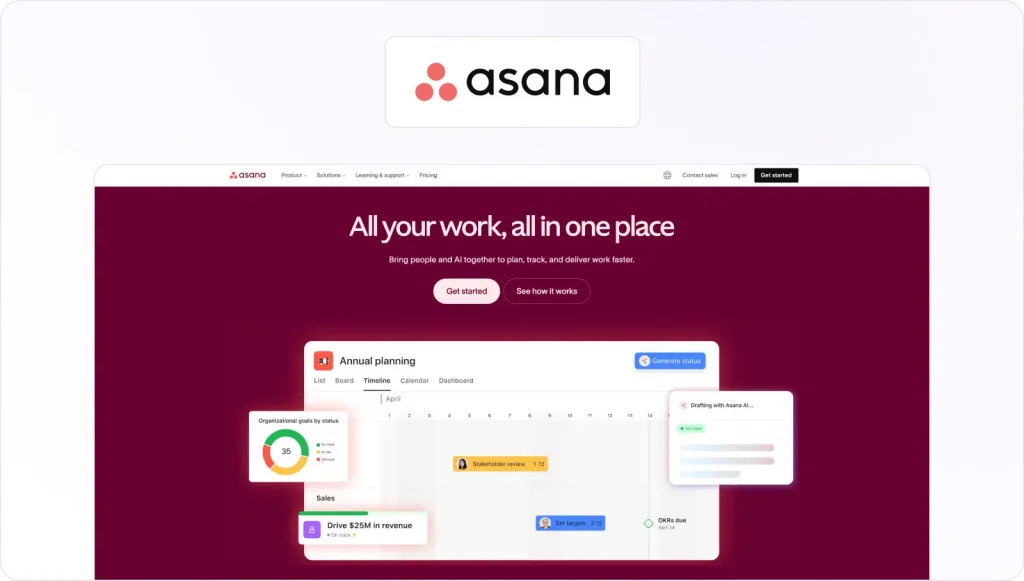
Asana gives project managers a simple way to manage team projects, processes, and tasks. It fosters collaboration by helping your team stay productive and deliver work in a better, faster way.
This team collaboration software has the potential to help you reduce the amount of time you spend switching between meetings, emails, chats, and spreadsheets.
This tool is for…
Teams of all sizes that want to move faster, reduce complexity, and make a bigger impact in terms of results.
Pros
- It’s easy to share tasks, deadlines, notes, and projects.
- The notes are visible, and they can expedite tasks.
- The UI and UX are fantastic.
Cons
- The pricing structure can be very complex
- The notifications can be intrusive and distracting.
- Certain functionalities are complex, so users will need training to employ them.
7. Basecamp
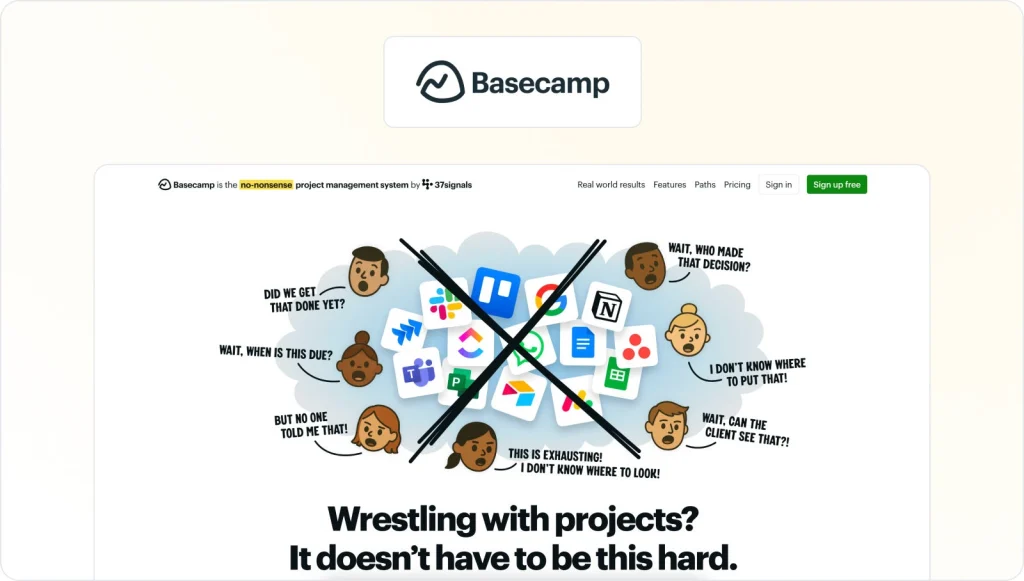
Basecamp consolidates all of the tools that teams need to finish their work, including message boards, scheduling functionality, to-do lists, group chat, file storage, and more.
This collaborative project platform fosters teamwork and efficiency by putting all of these disparate features under one roof. This goal prevents tasks from slipping through the cracks, and it keeps team members from getting confused.
This tool is for…
Teams of all sizes that want to know exactly what’s going on with their projects at all times.
Pros
- It has competitive pricing, given its functionality.
- It’s user-friendly for admins and project managers.
- It’s easy to see which files are associated with which projects.
Cons
- The export feature suffers from a range of problems.
- The UX can be confusing for non-administrators.
- Basecamp requires a big commitment from every project member.
8. Kantata (formerly Mavenlink)
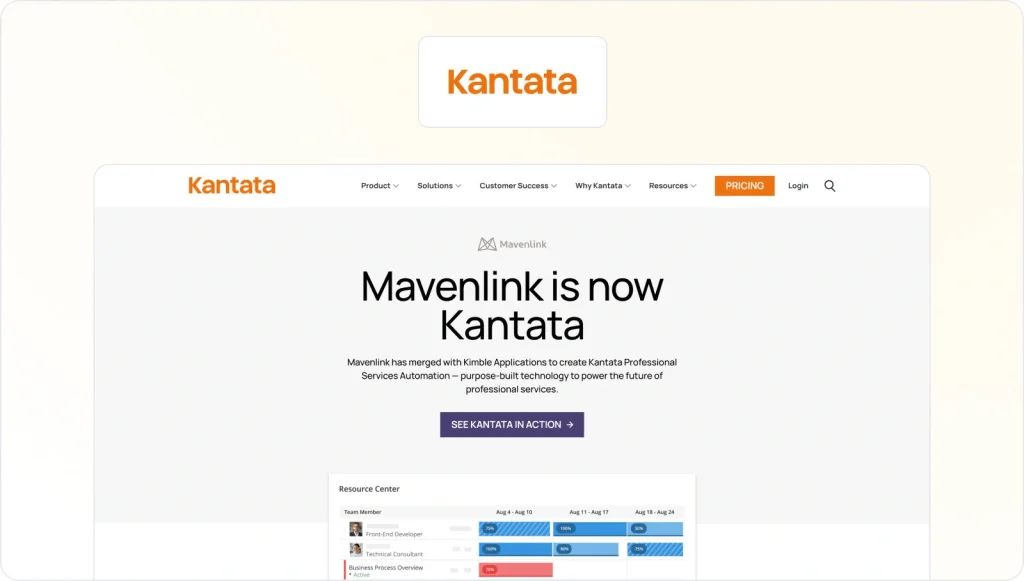
Kantata gives businesses the power to consolidate project management, time tracking, resource management, collaboration, and more.
This vast functionality means that Kantata can boost collaboration and insight, which gives teams the information and functionality they need to more predictably and profitably deliver projects.
This tool is for…
Larger businesses that specialize in professional services want to enhance their results and drive collaboration across the organization.
Pros
- It has some really strong integrations.
- You can utilize it to manage many types of projects.
- It offers multiple project-status reviews that increase transparency.
Cons
- It’s difficult to find out who’s responsible for tasks.
- It lacks status options for tasks.
- Its mobile experience is poor.
9. Easy Project
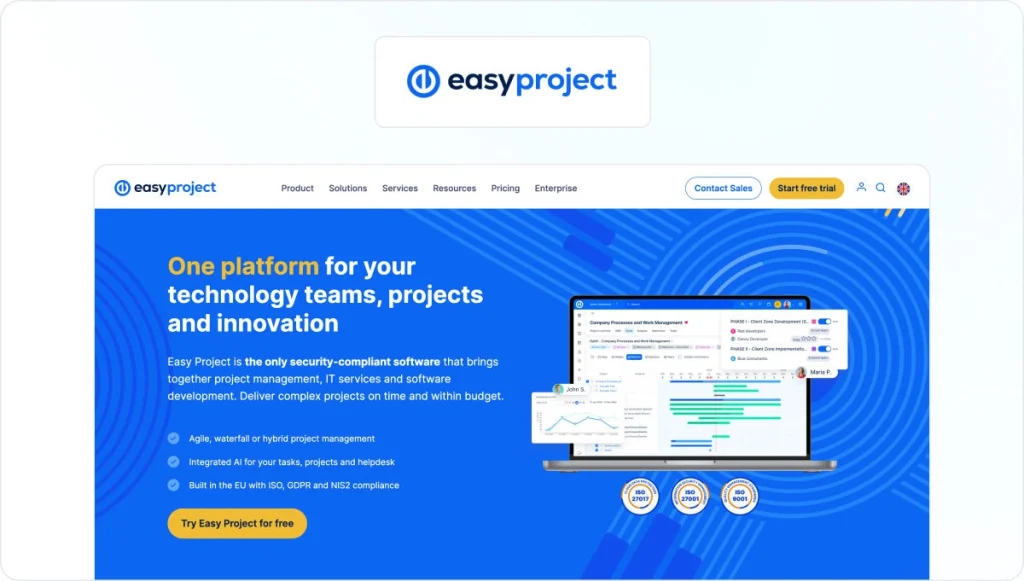
Easy Project is a collaborative project platform that aims to help fast-moving teams within midsize businesses achieve faster, more efficient collaboration.
This team collaboration software offers a suite of features that increase transparency and boost the potential for collaboration, including kanban boards, Gantt charts, critical path management, and portfolio management.
This tool is for…
Midsize teams that have outgrown their entry-level solutions and need a more robust offering to achieve collaboration across more complex projects.
Pros
- It’s easy to adjust this tool to established workflows.
- Its automatic notifications arrive at appropriate times.
- It offers sensible, competitive pricing.
Cons
- Its UX is poor for external users.
- Its UX is outdated in some key areas.
- It can be difficult to locate past projects.
10. Scoro

Scoro gives project managers an end-to-end solution for both project and business management. This collaboration software aims at helping project managers control their entire workflow and boost collaboration from a single, central location.
This project team collaboration software offers a range of collaboration features, such as reporting, real-time dashboards, and task scheduling.
This tool is for…
This is one of the best project management collaboration tools for businesses that want a single platform for managing projects, time tracking, sales, finances, and reporting.
Pros
- It’s intuitive and user-friendly.
- It ensures that users can access appropriate information. i
- The information it provides is clear and easy to read.
Cons
- It can be difficult to find contacts.
- It takes a while to fully understand the software.
- The price is often very high.
11. ActiveCollab
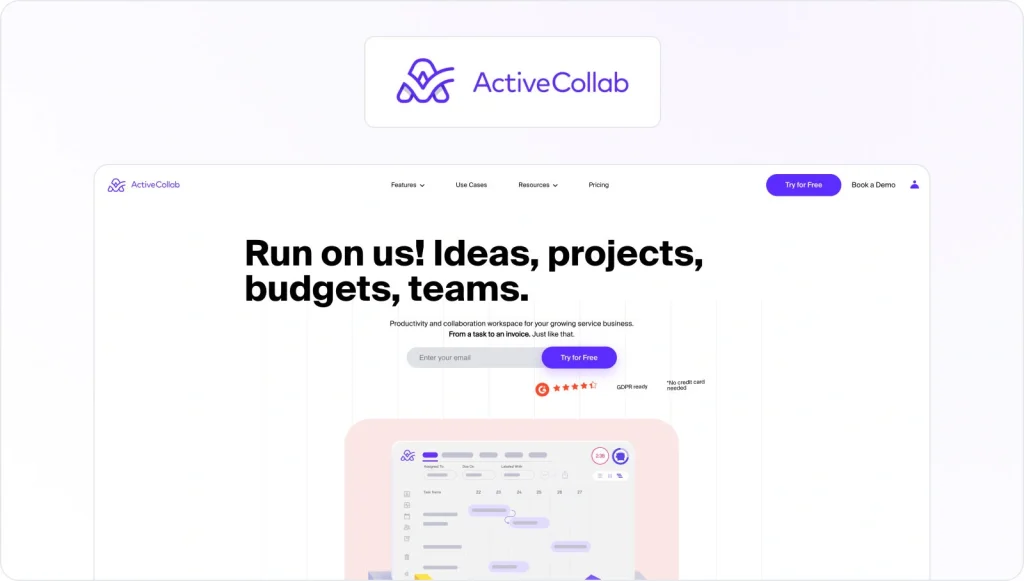
ActiveCollab is a collaboration tool that gives project managers and their teams a break from juggling various tasks and missing deadlines. It offers a suite of features that eliminate distractions and keep the team focused on collaborating effectively.
Its features include time tracking, invoicing, third-party integrations, and more. These handy features mean that your team can focus on collaborating and completing their tasks.
This tool is for…
Teams of all sizes that are looking to effectively manage their projects while boosting their team members’ productivity.
Pros
- It has a simple, attractive UI.
- Its customer service is brilliant.
- Its features are very diverse.
Cons
- The mobile experience leaves a lot to be desired.
- Its reporting options are limited.
- Its user numbers are restrictive.
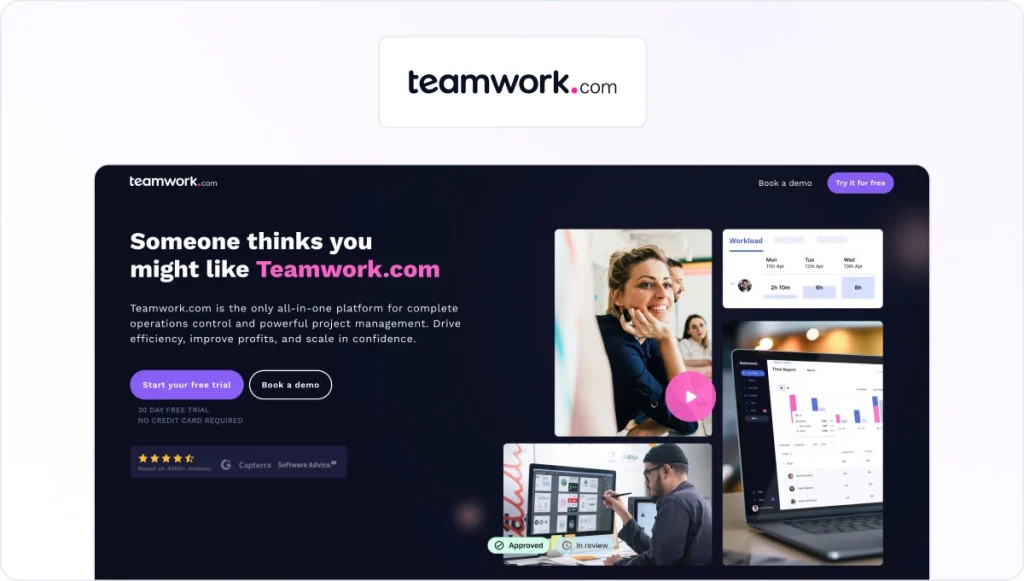
12. Teamwork Projects
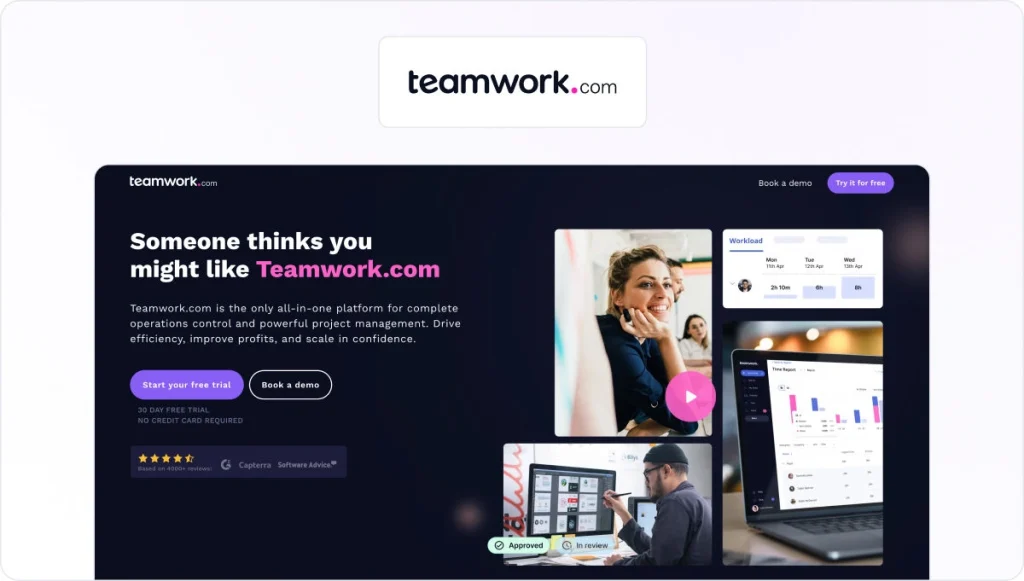
Teamwork Projects makes it possible for project managers to focus on managing people, rather than tools. This software places a range of detail-oriented features at your disposal, which helps you manage every element of a project.
This platform increases accountability and transparency, which will ultimately create a stronger sense of collaboration between your team members.
This tool is for…
This is one of the best online collaboration tools for project managers who have control over multiple projects and need a way to coordinate with their team members.
Pros
- It has an elegant yet comfortable design.
- It offers lots of features.
- It frequently releases new functionality.
Cons
- The features can feel overwhelming and superfluous.
- The updates can be disruptive and make the tool feel less friendly.
- Its task management functionality is somewhat restricted, and it requires a lot of manual intervention.
13. Zoho Projects
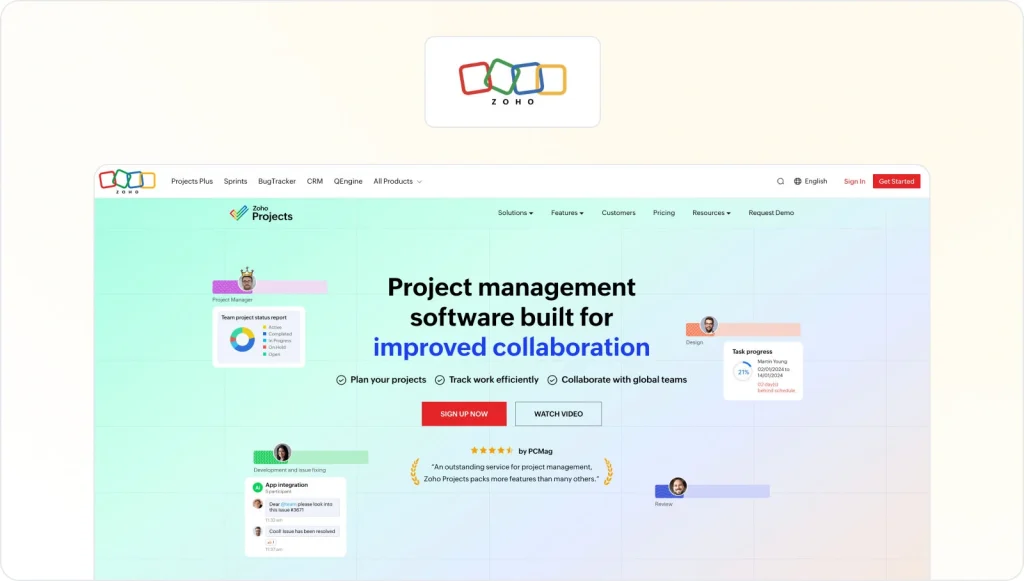
Zoho Projects helps project managers plan their projects, assign tasks, encourage clear communication, and share important updates with their teams.
Its detailed reports drive transparency and help project managers get the best from each team member. When combined, these features mean that Zoho Projects is a great way to harness true collaboration.
This tool is for…
Teams of all sizes in any industry that need to execute their projects in a timely way and achieve high standards.
Pros
- Its UI is clear and logical.
- It provides users with multiple views, which gives them the information they need.
- It provides a timer to help gauge projects.
Cons
- Its documentation is poor, and it’s difficult to navigate.
- It can be quirky, buggy, and confusing.
- Its search functionality isn’t robust.
14. Portfolio Manager (formerly LiquidPlanner)

Portfolio Manager (formerly LiquidPlanner) makes it possible for project managers and their teams to focus on the work that really matters—by offering a suite of features (including project management and scheduling) via the cloud.
These features allow teams to track time, collaborate, manage shared resources, schedule tasks, and upload documents in a single space.
This tool is for…
This is one of the best collaboration tools for technology companies and other teams that need to quickly respond to changes.
Pros
- It’s easy for team members to use it.
- It offers a range of views about the project status.
- It facilitates agile methodologies.
Cons
- It lacks third-party integrations.
- The learning curve for new users is steep.
- The explanatory documentation falls short.
15. Monday.com
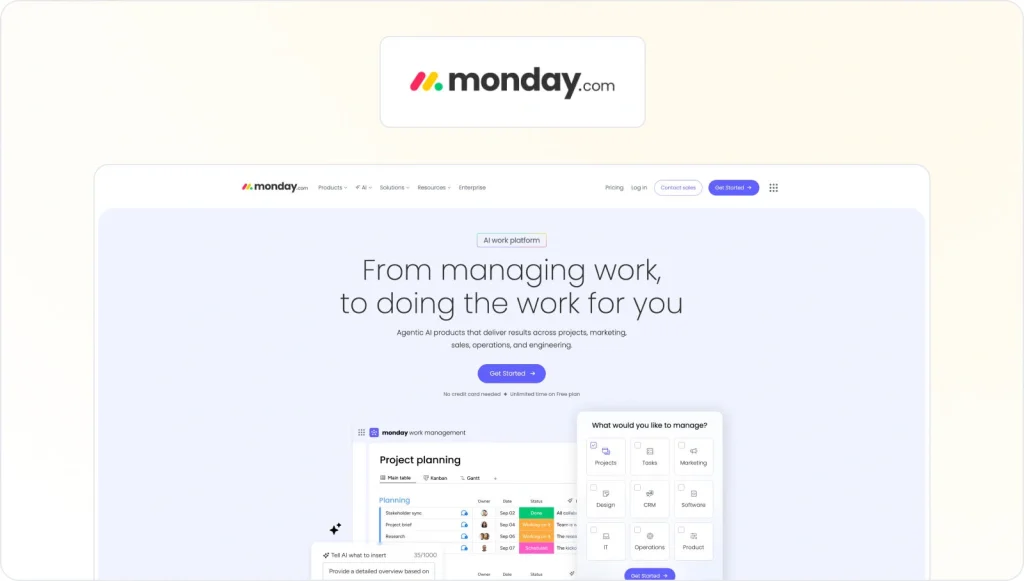
Monday.com is a simple collaboration tool that helps managers and team members alike sync, plan, organize, and track tasks over the course of a project.
These features have a very pleasant UI, which means that teams find it easier to collaborate. So they’ll be able to easily understand the assignees and responsibilities for each task.
This tool is for…
Teams of all sizes that want a versatile platform that focuses on visuals and simplicity, in order to foster collaboration.
Pros
- Thanks to its clean UI, it offers clear visibility into projects.
- Its simple drag-and-drop functionality gets everyone involved.
- It has various calendar views that suit the needs of all users.
Cons
- Some of its features are superfluous and distracting.
- It can be difficult to predictably calculate the pricing.
- Users will need new computers to be able to effectively run the tool.
16. ProofHub

Proofhub gives users a range of features that help them bolster collaboration within their team. These features include group chats, discussions, workflows, project reports, and more.
These features help teams collaborate and communicate in easy, flexible ways across a wide range of devices.
This tool is for…
Teams of all sizes that want a tool for project management and collaboration that can scale to meet their needs.
Pros
- It’s very easy to use.
- The cost is reasonable compared to its competition.
- It offers a suite of practical features.
Cons
- It could be too simple for larger projects.
- Its Gantt charts can be difficult to create and use.
- Its documentation isn’t very helpful to new users.
17. Viva Engage (formerly Yammer)

Viva Engage (formerly Yammer) is an internal communications tool offered by Microsoft. This tool aims at bringing employees together across an enterprise-wide social network, which helps them share knowledge and important updates.
These features help keep everyone updated, and they can boost collaboration throughout entire organizations. So it can have an important, positive impact on your projects.
This tool is for…
Any business or team looking to create an internal social network that can increase value by providing information.
Pros
- It’s simple to navigate.
- It’s easy to quickly get important information.
- It creates a sense of community and camaraderie.
Cons
- Its design doesn’t have a contemporary feel.
- It lacks important social features.
- It’s difficult to motivate all team members to adopt it.
18. Jira

Jira is a software development tool that’s adored by development teams around the world. This prominent tool makes it easier for teams to capture and organize development-related issues, assign work, and track activity.
These important features mean that development professionals find it easier to work on complex development projects that are prone to constant change.
This tool is for…
Agile development teams that need to find a way to effectively stay on top of fluctuating and ever-changing agile projects.
Pros
- It’s an established tool with lots of technical support.
- It allows teams to visualize complex projects.
- It automates the allocation and tracking of tasks.
Cons
- The layout is a little messy, particularly on huge project lists.
- No one except the person who created a ticket can close it.
- Smaller companies often view it as too pricey.
19. Podio

Podio gives project managers and their teams a simple way to organize themselves, communicate, and get their work done. This tool aims to become a one-stop shop for communication and tracking in order to boost collaboration.
Therefore, it offers a suite of features to help teams share key information and updates.
This tool is for…
Teams of all sizes that want to use Podio’s flexibility to foster better collaboration over the course of their projects.
Pros
- Users can quickly configure it and set it up.
- It’s easy to share it with external stakeholders.
- It offers lots of options for customization.
Cons
- Its flexibility can create confusion.
- It doesn’t provide an admin group to supervise other admins.
- Its reports are limited.
20. Atlassian Confluence
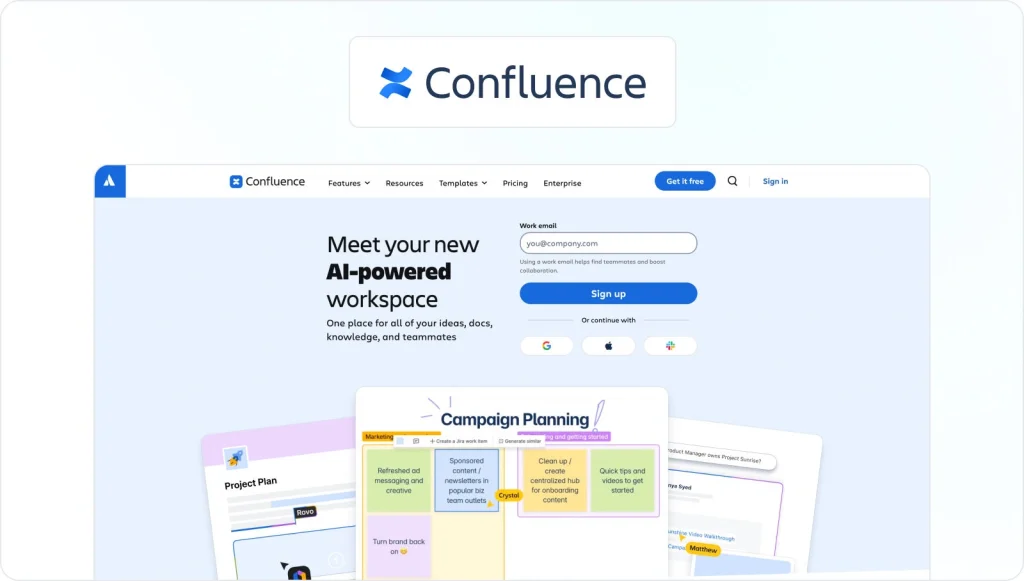
Confluence is a knowledge-sharing platform that exists to connect people, ideas, and information. Therefore, it helps teams build momentum and avoid knowledge loss. The goal is for every person to perform his or her best work.
This tool offers a wide range of spaces that help teams create, manage, and collaborate on their work while they share important project updates.
This tool is for…
This is one of the best collaboration tools for any team working on a complex project that requires a centralized platform to deposit and display important information.
Pros
- It’s very easy to create a wide range of documents.
- Its mobile app is functional and can be read on the move.
- The search function is robust and performant.
Cons
- At times, it isn’t user-friendly.
- Some users struggle to grasp its hierarchy.
21. Workamajig
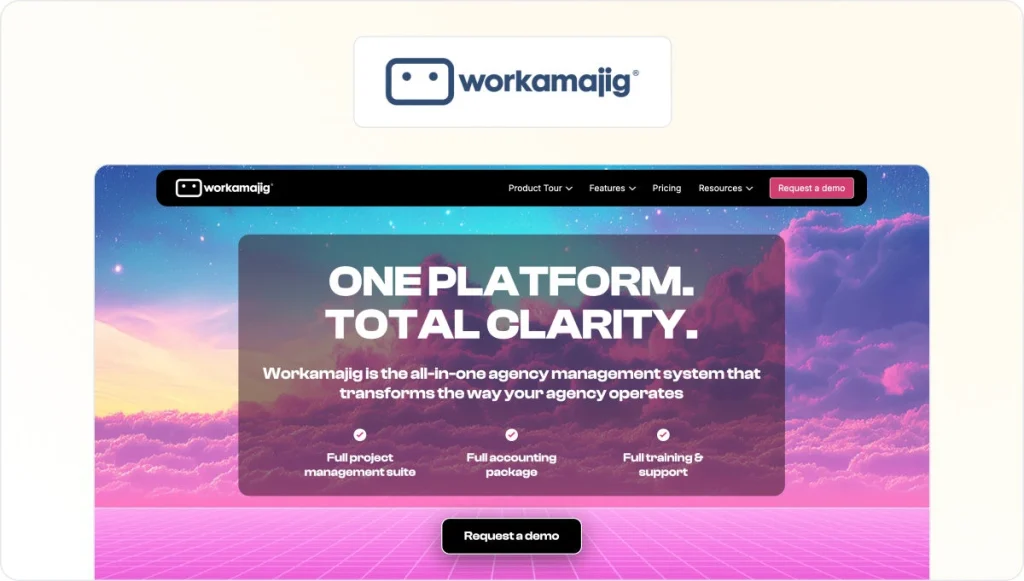
Workamajig is software for creative agencies that offers a suite of features (including project management, resource management, and time tracking) to facilitate creative collaboration, CRM, sales, and more.
This tool offers these features to help teams collaborate seamlessly and achieve the best results possible on their projects.
This tool is for…
A wide range of teams, including advertising agencies, marketing firms, digital agencies, creative agencies, and more.
Pros
- It’s cloud-based, which makes it easy to access.
- Each user can customize Workamajig’s project pages.
- It’s easy to give its users rights and privileges.
Cons
- At times, the UI can be confusing.
- It requires a lot of manual input.
- It’s difficult to create clear priorities.
22. Slack
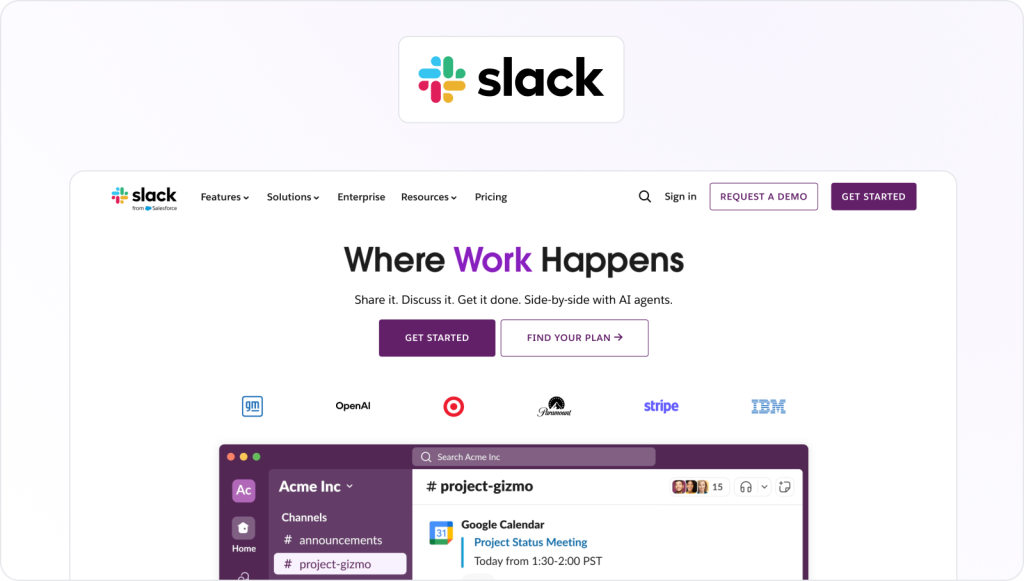
Slack aims to make itself the top platform for collaboration. Whatever the task, it aims at expediting the way your team drives value, and it makes work less stressful. To achieve this goal, Slack offers a range of integrations.
Slack is more than a chat application. Due to its range of integrations, it can also assist with project management, collaboration, time tracking, and more.
This tool is for…
Teams of any size that need a centralized space to discuss projects and collaborate on tasks.
Pros
- It has a very modern feel and a premium design.
- It’s easy to search through messages.
- It’s also easy to divide key project areas into channels.
Cons
- Its notifications can be difficult to manage.
- The free version has a limit of 10,000 messages, which is somewhat restrictive.
- Its threads can cause users to overlook information.
23. Workzone

Workzone is project management software that prides itself on its power and usability to help project managers share a large number of projects across a diverse user base.
This tool brings technical and non-technical users together. It also helps project managers get through large volumes of work while they keep their teams in sync.
This tool is for…
Any project managers who find themselves simultaneously managing multiple complex projects.
Pros
- It’s user-friendly.
- It offers lots of guidance and documentation.
- Its key reporting functionality is driving transparency.
Cons
- It doesn’t offer templates.
- It sends too many email notifications.
- It has a relatively high learning curve.
24. Celoxis

Celoxis gives project managers an all-in-one platform for project management and collaboration, which helps facilitate projects, tasks, resources, timesheets, expenses, issues, and more.
This large and diverse suite of features helps project managers encourage collaboration at every stage of a project, which boosts both results and employee morale.
This tool is for…
Teams of all sizes that want a comprehensive platform for project management that boosts collaboration.
Pros
- It provides transparency in a range of areas
- Its reporting can shine a light on important areas that require collaboration.
- Its functionality is impressive.
Cons
- Its web-based UI is a little restrictive.
- Its voluminous features can sometimes feel overwhelming.
- It has a steep learning curve that can intimidate some users.
25. Smartsheet

Smartsheet is an online platform for work execution that gives project managers and their team members the ability to plan, track, automate, and report. It achieves this outcome by offering a suite of diverse features.
Its features include work automation, an easy-to-use interface, and real-time Gantt charts and dashboards.
This tool is for…
Project managers who need an intuitive solution that’s capable of scaling across multiple teams and organizations.
Pros
- Its interface is spreadsheet-based.
- It has a range of project views.
- Users can add collaborators to a project for free.
Cons
- The spreadsheet UI could be unattractive to some.
- The app sometimes suffers from lags and unexpected errors.
- It places limits on exporting reports.
26. Workfront

Workfront is a modern platform that gives project managers the power to consolidate their projects. It achieves this outcome by streamlining requests, prioritizing projects, managing processes, and more.
With this functionality, project managers can easily lower barriers between their team members, which empowers them to produce their best work.
This tool is for…
Enterprise teams and departments that need a single platform to manage their work and boost their collaboration.
Pros
- It could potentially boost a lot of productivity.
- Its reporting options are sophisticated.
- Its support team is helpful.
Cons
- Some of its functionality is difficult to access.
- It’s somewhat expensive, compared to its competition.
- Its new users have a steep learning curve.
27. Freedcamp
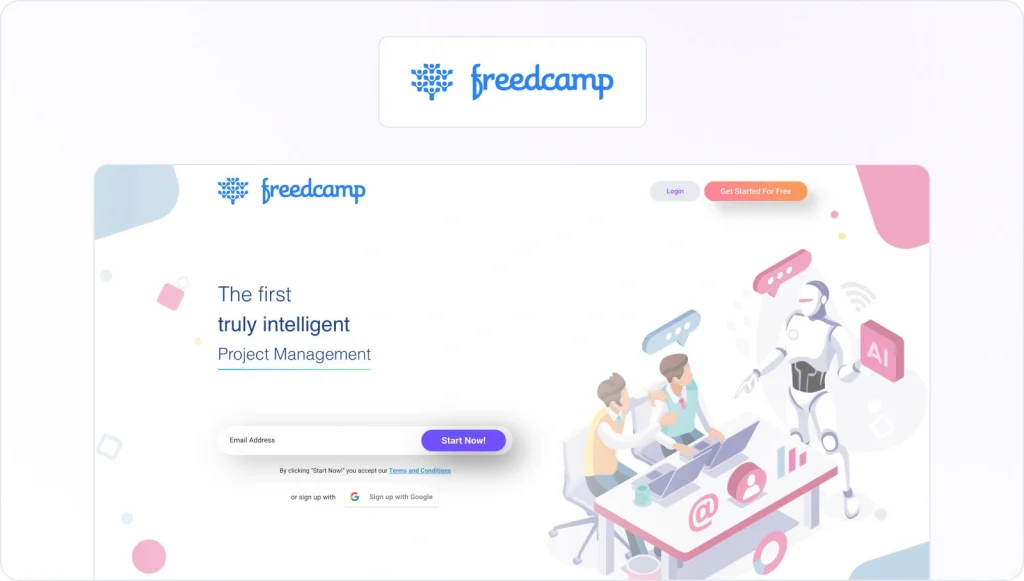
Freedcamp is a freemium project management application that offers a suite of components that empower project managers to get the results they need and improve collaboration throughout their team.
Project managers find that they can manage tasks, milestones, discussions, time tracking, and more. Therefore, this modularity can achieve the desired scale.
This tool is for…
Teams of all sizes that want to improve project management and boost collaboration.
Pros
- Its effective pricing structure fits any business/
- Its free version has many strong standard features.
- Its dashboard is tailored to every user.
Cons
- The free version offers no reporting features.
- The mobile app has far less functionality than the website.
- Its task reminders aren’t very robust.
28. Hive
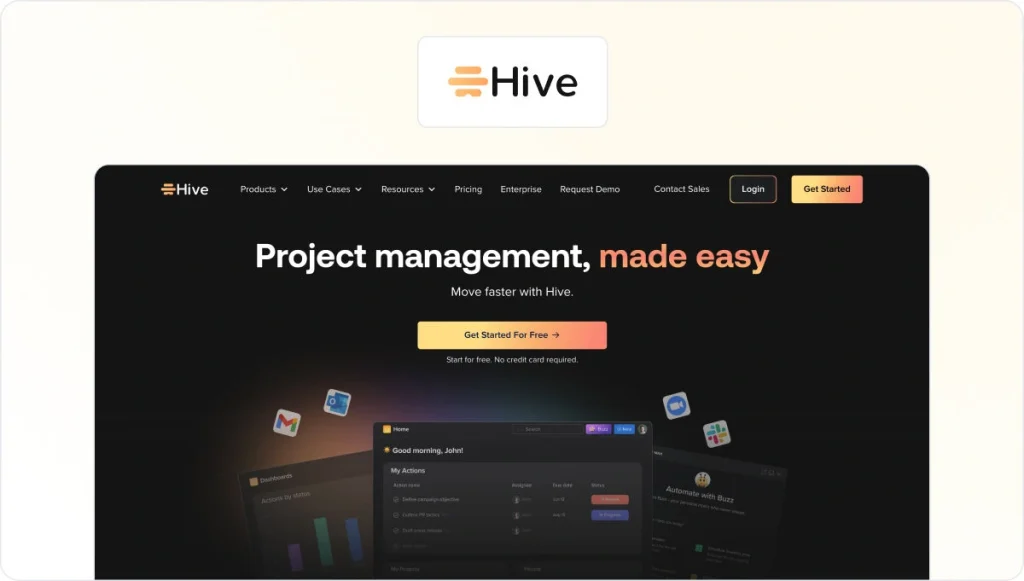
Hive is a platform for real-time collaboration that’s aimed at teams that want to capture rapid growth. It helps these teams achieve this outcome by offering thousands of integrations and sophisticated analytics that track progress and identify risks.
These features empower project managers to find ways to improve their teams by encouraging deeper collaboration.
This tool is for…
This is one of the best collaboration tools for project managers working within agencies and businesses that want to utilize great collaboration to achieve faster growth.
Pros
- It offers various project views.
- It’s easy to update any team, even a disparate one.
- Its filtered views drive accountability.
Cons
- The mobile app has a range of bugs.
- It doesn’t feature time-tracking yet.
- Some users have complained that the app’s loading times have caused it not to load properly.
29. Flock

Flock is a competitor of Slack, which aims at driving deeper collaboration by ending ineffective, impersonal email chains. It offers a suite of features that range from instant messaging to the creation of channels, to-do lists, and more.
The application also offers a wide range of integrations with popular external apps. This feature also enhances the value of these apps, which further boosts collaboration.
This tool is for…
Teams of all sizes in numerous industries that want a robust, feature-packed communication tool.
Pros
- A seamless, effective UI makes it easier to manage projects.
- It offers lots of integrations and features.
- It’s user-friendly and convenient.
Cons
- Its notifications can be problematic.
- It has so many updates that it must frequently be restarted.
- It has fewer integrations than its competitors, such as Slack.
30. ProjectManager.com

ProjectManager.com is a team collaboration software for online project management, time tracking, and collaboration that helps managers and their teams keep their projects on track. It has the ability to update timesheets and tasks anytime, which encourages harmony and collaboration.
This collaboration software also offers real-time visibility, which makes it easy for project managers to track the way their most important projects are progressing.
This tool is for…
Managers and team members in businesses of all sizes throughout a wide range of industries.
Pros
- It’s very simple to use and set up.
- Its support team is very helpful, and they are very attentive to feature requests.
- It offers the ability to create detailed project plans.
Cons
- Its reporting can be somewhat challenging.
- It’s not well-suited to large, complex projects.
- It takes a long time to incorporate saved changes.
31. ClickUp

ClickUp aims to help every type of team successfully plan, organize, and collaborate on their projects. This goal is achieved through task management, reminders, calendars, scheduling, and more.
These features aim at making collaboration more enjoyable and effective. The stronger the sense of collaboration, the better the results will be by the end of the project.
This tool is for…
Project managers and teams of all sizes that want a platform can use this collaboration software to make sure they collaborate more effectively.
Pros
- It has a comprehensive suite of features.
- Its feature requests are often incorporated.
- It provides a simple procedure for organizing tasks.
Cons
- The range of features can be somewhat intimidating
- Its recurring tasks can be complicated
- A lot of tweaking and adjusting is required to set the tool up.
32. Notion

Notion is an all-in-one workspace that empowers project managers and their teams to focus on data-driven collaboration. It gives these teams the tools they need to collect, combine, visualize, and collaborate on various pieces of data.
This collaboration software does not require any experience in coding or development. And you can create dashboards within minutes. Its rich reports can reveal key data that boosts collaboration.
This tool is for…
Project managers who want to collate and call on vast troves of data that drive key decisions and insights.
Pros
- It’s easy to use.
- It offers lots of features.
- Users don’t need programming abilities to create complex apps.
Cons
- It doesn’t offer offline support.
- Some large documents can be sluggish.
- It lacks the ability to track changes.
Check out this list of free online project collaboration tools to get started.
Final thoughts
As you can see, there are lots of great collaboration tools for project management out there. Each one can help you in a new, exciting way. It’s all about finding the right tool. Looking for even more options? Read our comprehensive guide to collaboration tools.
FAQ
1. How do project collaboration tools differ from basic project management software?
Basic project management software focuses on planning and tracking work – things like tasks, deadlines, and timelines. It helps you answer questions like “Who’s doing what?” and “Are we on track?”
Project collaboration tools go a step further. They don’t just show the plan – they give teams a place to do the work together.
Compared to basic tools, project collaboration tools typically add:
– Task management & project tracking – assign tasks, set due dates, and track progress (same as basic PM tools).
– Built-in communication – comments, @mentions, and notifications so people can discuss work in context, instead of jumping to email or chat.
– File sharing & docs – upload assets, share links, or attach documents directly to tasks so everything lives in one place.
– Real-time collaboration – multiple team members can update boards, Kanban views, or timelines at once and see changes instantly.
In short, basic project management software helps you organize work, while project collaboration tools help your team organize and collaborate on that work in the same place.
2. How do I choose the best project collaboration tool for my team?
Start with your workflows and complexity, then match tools to your business needs.
A quick checklist:
Team size & project complexity
– Small teams / simple projects → light, visual tools (e.g., Trello, Asana’s free plan, ClickUp’s free plan)
– Complex projects / very large projects → robust platforms with resource management, task dependencies, and reporting features
Key features you actually need
– Task management and project planning (lists, kanban board, calendar, or timeline views)
– Progress tracking and reporting (who’s doing what, where things are stuck)
Integrations with tools like Google Workspace, Microsoft Teams, Google Calendar, and other apps
Budget & pricing
– Try a free plan or free trial first
– Compare paid plans based on time tracking features, workflow automation, and the number of specific team members you can add
We recommend testing two or three project collaboration tools in parallel on a real project before committing.
3. What are some good examples of project collaboration tools for different team types?
Here are a few project collaboration tools examples mapped to typical use cases:
Marketing & agency teams
– Trello or Asana for task tracking and campaign boards
– Filestage or a similar review platform for content approvals
– Slack for internal team communication
Product & software developers
– Jira or ClickUp as a collaborative project management tool with task dependencies and advanced features
– Confluence or Notion for managing ideas, specs, and project documents
General business & operations teams
– Monday.com, Smartsheet, or Teamwork as robust platforms for project planning, project timelines, and budget monitoring
Most tools play nicely with other tools, so you can combine a project management platform with a more specialized review or communication solution if needed.
4. Are free project management collaboration tools enough for serious work?
They can be – it depends on your scope and expectations.
Free versions are usually enough when:
– You’re a small team managing a few projects
– You mainly need task tracking, simple boards, and basic project progress views
– You don’t need advanced reporting or workload management yet
You’ll likely need paid plans when you want:
– Advanced reporting features and key metrics
– Time tracking tools and resource management for multiple projects
– Workflow automation (automate tasks and status changes in just a few clicks)
– Stronger permissions for very large projects or multiple clients
5. How can project collaboration tools improve team communication and productivity?
Project collaboration tools reduce context switching and help your team work more seamlessly.
Everything in one place
– Tasks, files, comments, and status updates live together, so team members stay on the same page
– Project managers can monitor progress without chasing people on separate channels
Real-time collaboration & communication
– Assign tasks to specific team members, @mention others, and resolve questions right on the task
– Real-time collaboration features (live updates, synced boards) prevent duplicate work
Better time and workload management
– Project managers can see workload management views to check team capacity
– Team members see what’s next at a glance, which improves time management and team performance
Used well, the best project collaboration tools become the single source of truth for project tracking and team communication, reducing meetings, avoiding misunderstandings, and helping teams manage projects more efficiently.