
TL;DR
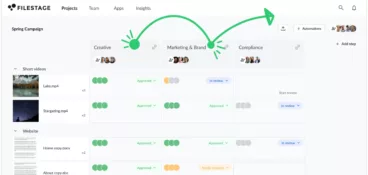
This guide compares 27 of the best feedback tools for every situation – from visual feedback tools like Filestage for reviewing creative content, to customer feedback surveys, website feedback widgets, and UX analytics tools. You’ll see how different feedback software helps you collect feedback, manage feedback data, and turn raw feedback into actionable insights with features like customizable survey templates, AI-powered sentiment analysis, and automated workflows across your customer journey.
Why modern teams need more innovative feedback tools
Feedback is essential in just about every company. It helps you improve your content, products, and user experience and keep your business moving forward. And the way teams collect internal feedback still isn’t working – Axios HQ’s 2025 State of Internal Communications report found that while 72% of leaders think employees have an easy way to share feedback on internal communications, only 46% of employees agree, showing how often feedback gets lost across channels without the right tools in place.
But managing the feedback collection process can be hard work. Between chasing stakeholders, consolidating comments, and staying on top of approvals, it can sometimes feel like a full-time job. Luckily, feedback software makes all of this so much easier.
I’ve compiled a list of the 27 best feedback tools for every situation to help you transform your ways of working!
Best customer feedback tools for reviewing content
Collecting customer feedback on the content you’ve created is made infinitely easier with the help of customer feedback software. Sharing your content, collating product feedback, and implementing suggestions, proofing software streamlines your feedback loop from start to finish.
1. Filestage – best client feedback management tool for brands and agencies
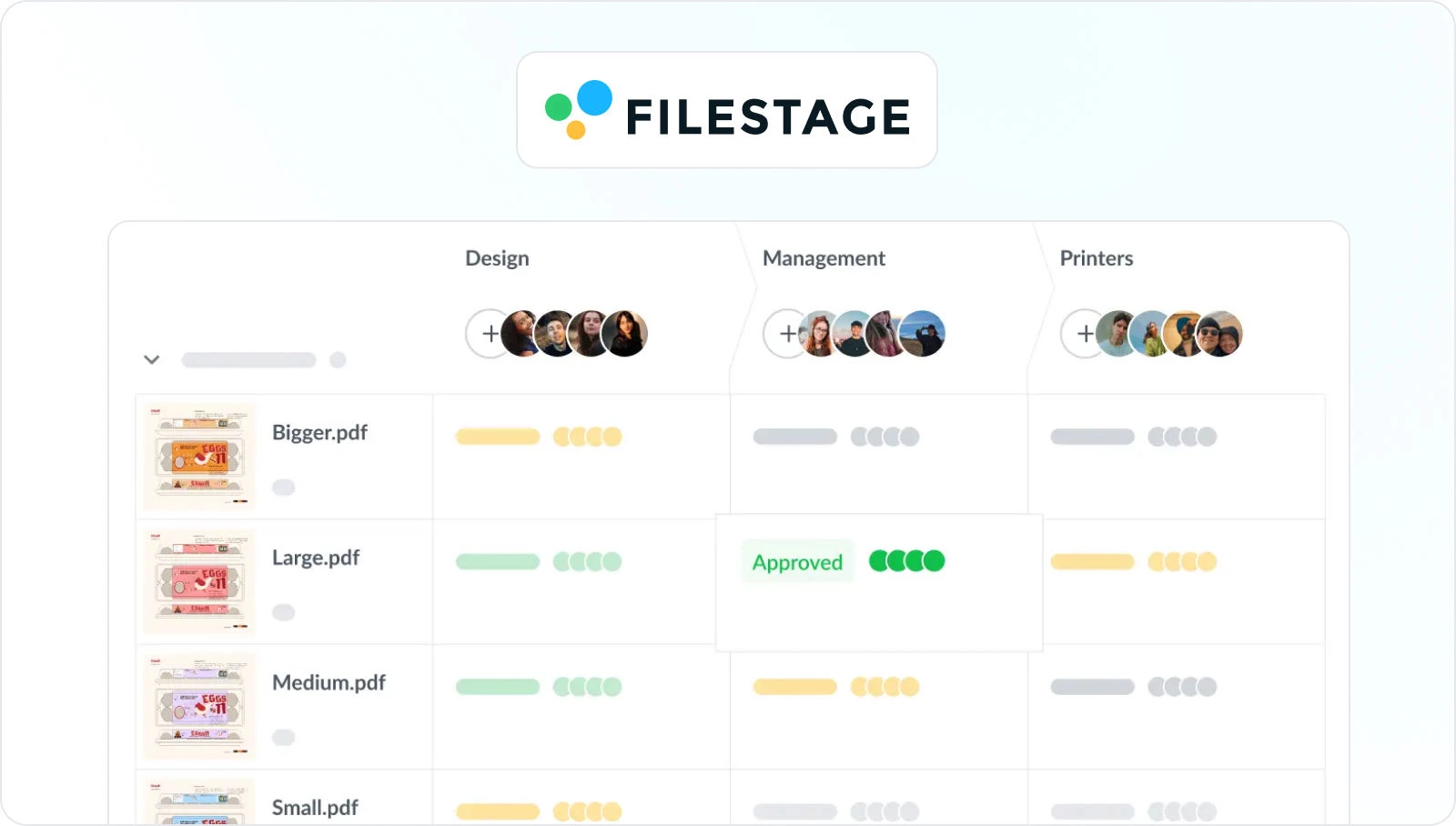
Filestage is a client feedback tool designed to help brands and agencies collect feedback on creative assets – all in one place. It makes the entire process faster and less stressful. For you, and for your reviewers too!
And once all the feedback is in, you can just click on a comment to jump to that page or frame. This is super useful for big design files like travel brochures, as it helps you get right to the action.
Key features:
- Due dates keep your projects on track and help you meet deadlines
- In-context comments make for clear feedback that shows up in real time
- Visual annotations bring comments to life and make it clear what needs changing
- To-do lists give your team a clear picture of what needs amending
- Version history helps you keep tabs on previous comments and see what’s changed
- Review steps mean your files get approved by the right people at the right stage of the process
- Project management tools like dashboards help you keep track of who you’re still waiting to hear from
- Integrations with Dropbox, Google Drive, Slack, Microsoft Teams, and more
- Automations to reduce manual tasks and speed up content reviews
You can use Filestage to review:
- Videos
- Images
- Designs
- Documents
- PDFs
- Live websites
- Audio

“I’ve looked at DAMs and other software and only Filestage specifically catered to what I needed and what I was looking for.”
Sunshine Taboada, Digital Account Director at Create Group
Filestage’s free plan ($0/month) for small teams, plus Starter ($199/month on a yearly plan), Business ($329/month on a yearly plan), and custom-priced Enterprise plans, all with unlimited reviewers and a free trial on paid tiers.
See how Filestage can speed up your approvals
Enjoy a free, 30 minutes consultation with our experts, tailored to your team and use cases.
2. Approval Studio

Approval Studio is a tool built specifically for design teams, especially those agency-side that work with external teams and clients.
The feedback tool helps creative teams get feedback on artwork and designs.
Key features:
- Real-time communication with clients
- Four compare modes to check different versions and edits side by side
- Dashboard to keep track of the status of projects and tasks
Pricing from $55/month (five users included).
3. Frame.io

Frame.io is a video feedback tool that lets you share videos with teammates and reviewers to collect their feedback. There’s a bit of a learning curve because of the complex UI. But once you get past that, there are lots of great features for video collaboration.
Key features:
- Pause videos, add comments, and draw annotations
- Discuss feedback in the comments section before sharing the next version
- Compare versions side by side to see what’s changed
- Integrations for Adobe Premiere, After Effects, and Final Cut
There’s a free edition of this video review software for up to 2 users, or professional pricing starts at $15/user/month.
Looking for more video-friendly solutions? Take a look at our roundup of Frame.io alternatives.
4. Ziflow

Ziflow is a customer feedback platform that allows you to share content and gather customer feedback. It’ll simplify your feedback loop but is slightly more complex to set up than other platforms. But it has a range of automated features that still help to speed up feedback surveys and save you time.
Key features:
- Workflow automation and templates prevent you from having to repeat tasks
- Version management to ensure everyone knows which is the latest iteration
- Version comparison at the pixel level
- Integration with file storage tools like Dropbox and Google Drive
There’s a free trial for personal use, or business pricing begins from $199/month for 15 free users.
Check out our list of the best Ziflow alternatives to find the right online proofing tool for your team.
5. GoVisually
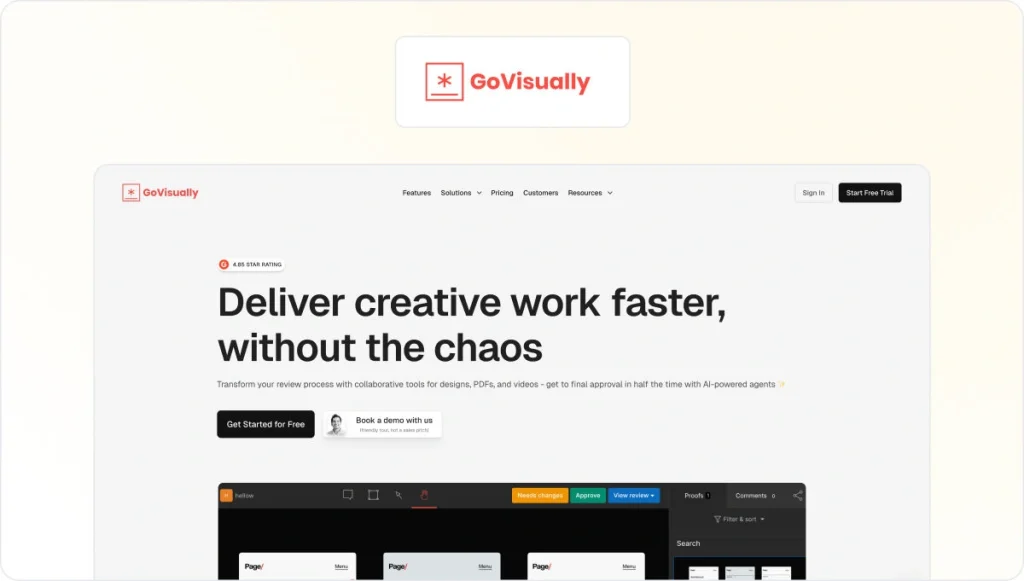
GoVisually is the simplest proofing and creative feedback tool for collecting customer feedback on designs, PDFs, and video content. Invite unlimited reviewers to use this customer feedback tool by sharing a link.
Key features:
- You can upload and annotate any PNG, JPG, PSD, PDF, and video files in a few clicks.
- Share your files with unlimited reviewers and make collecting customer feedback and approval easy.
- Keep all your file versions organized in one space. They will be categorized and labeled so you’ll never mix them up.
Pricing from $26/user/month (for 15 projects and up to 5 users).
6. GoProof
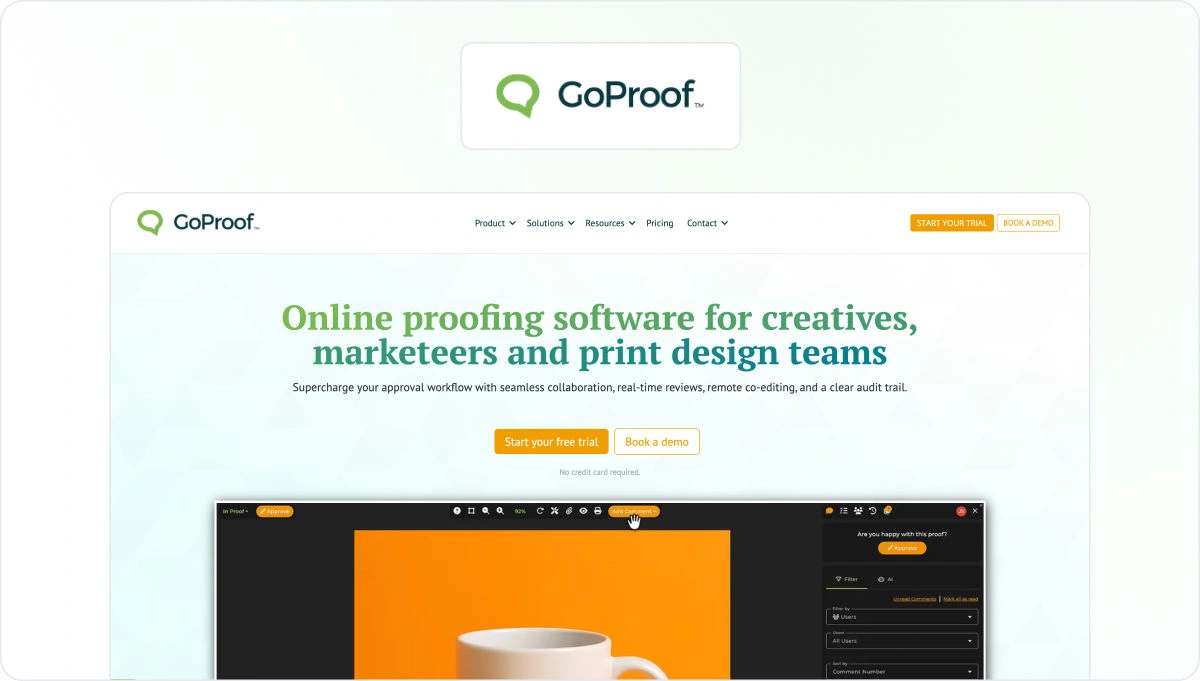
GoProof is designed for integration with Adobe Creative Cloud apps. If you commonly use Adobe software, then this is perfect for streamlining your feedback loop, workflow, and bringing all your media collaboration into one place.
Key features:
- The free add-on for Adobe means you can share content without having to export to PDF, PNG, or other file formats
- Sophisticated annotation tools so that no comment is misunderstood
- Gather feedback with real-time communication
Pricing begins from $129/month for up to 2 users and unlimited proofs.
7. Aproove

Aproove is a content feedback management tool that helps to streamline your workflow, improve collaboration, increase employee engagement, and ensure compliance.
Key features:
- More than 180 supported file types
- Conflict resolution managers can be assigned at different stages to resolve conflicts and prevent delays
- Individual and team to-do lists make it clear who needs to do what
- Automatic timesheets help you and your team to keep tabs on how much time has been spent on tasks
Pricing starts from $750 each month.
8. ReviewStudio

ReviewStudio is a collaborative feedback tool that comes with easy-to-use features for gathering feedback, editing digital media, and tracking creative work from conception to completion.
Key features:
- Varied annotation tools for clear and precise feedback surveys
- Version comparison and “diff” feature to highlight the differences between two versions
- Options for both live and independent review sessions
- Threaded comments and conversations keep everyone in sync
A free starter account is available. Paid accounts start from $12/user/month (10 active reviews per user).
9. Markup.io

Markup.io is a content feedback platform that makes collecting feedback and collaborating infinitely easier. It supports a wide range of file formats, including images, videos, PDFs, and live websites.
Key features:
- Pixel-accurate visual annotations
- Real-time discussion threads and @mentions
- Google Chrome extension for quick and easy website annotation
- Link-enabled file sharing
There’s a free trial, or professional plans start from $79/month for unlimited users.
See how Filestage can speed up your approvals
Enjoy a free, 30 minutes consultation with our experts, tailored to your team and use cases.
Best feedback tools for market research
When it comes to carrying out market research and getting customer feedback on a particular product, service, or concept, the right customer feedback tool can work wonders. It can help you collect feedback, sort, and analyze the data too.
10. Typeform – best customer survey templates

Typeform is a great customer feedback tool for online form building. The platform makes it easy to distribute customer surveys online and is well known for its user-friendly forms.
Key features:
- Create forms, customer feedback surveys, quizzes, and more
- Share your brand’s personality through design and personalization
- Incorporate different types of media to bring questions to life
- Get a shareable report in a couple of clicks, or sync responses to your favorite tools
Pricing starts from $29 per month.
11. SurveyMonkey

SurveyMonkey is a global leader in survey tools. It’s a powerful and intuitive tool that gets you the answers you need. It’s secure and easy to control, giving you the power to collect actionable data from survey respondents worldwide.
Key features:
- Create attractive and branded surveys quickly
- Share those surveys rapidly and easily with a single link
- Create rules to analyze data and decide next steps
Pricing starts from $30/user/month.
12. Google Forms

Google Forms is a simple online survey tool that is integrated within the G Suite. The application makes it easy for you to collect surveys quickly and in style.
Key features:
- Choose from a large set of curated themes and incorporate your own branding
- Collect and sort through data in an intuitive way with charts and automatic summaries, or open the raw data for deeper analysis
There’s a free personal version, or business versions start from $6/user/month.
13. Jotform

Jotform is an online form builder that makes it easy to create robust forms and collect important feedback from any device.
Key features:
- Choose from a large selection of themes and templates
- Use conditional logic to show or hide form fields based on how the user fills in your form
- Turn data into eye-catching visual reports
- Measure net promoter score (NPS) to get a good look at customer satisfaction
There’s a free starter version or an upgrade from $34/user/month.
14. AskNicely

AskNicely’s customer feedback software solution helps you to gather customer feedback quickly and in a professional, friendly, and non-interrogative way.
Key features:
- Create customizable surveys to collect customer feedback in the survey data directly after they’ve used a service
- Connect real-time customer feedback with all your teams, systems, and processes
- Create rule-based automations that trigger automated emails or the next best action
AskNicely pricing is not publicly available online.
15. Survicate

Survicate is a survey software for businesses that want to collect customer feedback using a survey template. Once set up, you can get ongoing insights from customers, so that your team can continually react and improve your acquisition, engagement, and.
Key features:
- Make your surveys smart with skip logic, custom actions, and redirects
- See survey results in real time
- Trigger automated campaigns based on customer feedback
You can run ad hoc surveys for free, or flexible plans start at $79/month for unlimited users.
16. Zoho Survey
Zoho Survey is an easy-to-use online survey and questionnaire-building platform, with all the essential features you need to create surveys, distribute them, and analyze responses. Create your survey in minutes and view results immediately with this real-time.
Key features:
- Choose from 250 templates tailored to different business categories
- Collaborate with colleagues so they can provide feedback on questions and how they look
- Reach a wider audience or a specific demographic with paid-for survey panels
- Customizable reports help you visualize response trends and make informed decisions
There’s a free trial, or paid plans start from $8/user/month.
17. Lucky Orange

Lucky Orange offers businesses powerful ways to learn about their website visitors, with the aim of improving their website’s conversion rate. The platform boasts a range of tools to help you monitor how people engage with your website and identify any sticking points in the process.
Key features:
- Surveys to ask key questions to different parts of your audience
- Session recordings to watch a specific person navigate your website to see why they’re not converting
- Dynamic heatmaps to see what people engage with on a page
There’s a free trial, or paid-for plans start from $32/month for 5,000 monthly sessions.
18. Survey Sparrow
SurveySparrow is another online survey platform that allows you to create and distribute surveys and evaluate responses. It specializes in conversational surveys that help you to create an engaging, chat-like customer experience. And increase completion rates as a result.
Key features:
- Mobile-first surveys to engage your audience on the go
- Recurring survey feature to automate surveys at regular intervals
- Advanced report filters to sort your responses based on questions, answers, a time period, respondent details, and more
Personal plans range from free to premium, while business plans start at $79 per month for three full users.
Best customer feedback platform for user experience testing
Customer feedback software plays a big part in user experience testing. With the right feedback collection tool, you can understand what your customers are thinking and feeling to improve customer satisfaction. Identify pain points in your customer experience and work out how to fix them.
Validate design decisions before committing to a plan. And get the data you need to influence stakeholders to make improvements. There’s a variety of different user experience tools you can use. For example, feedback forums, feedback polls, online behavior, feedback widgets, visitor recording, and many more.
19. UserTesting – best user experience feedback tool

UserTesting is a customer feedback software for getting rapid customer feedback on almost any customer experience you can imagine. Websites. Prototypes. Real-world customer experience. You name it! It helps you collect audio and video recordings, so you can see and hear the experiences of real people as they complete the tasks you’ve set.
Key features:
- High-quality “think out loud” feedback from your exact target audience helps you validate concepts, designs, and decisions
- Powerful visualizations make for easy analysis. Analyze product feedback, analyze customer feedback, and measure customer loyalty through user recordings.
- Integration with popular prototyping tools, including Figma, Axure, Adobe XD, and more
UserTesting doesn’t put a specific price on its core product – you have to contact the company to get a personalized quote based on your team’s needs.
20. Hotjar
Hotjar is a powerful feedback tool that reveals the online behavior and voice of your users. Heatmaps, recording, and live, in-context feedback help you to spot problems with your customer experience, prioritize changes that matter, uncover opportunities for optimization, and collect ideas.
Key features:
- Live feedback gives you an understanding of what users really think about your site
- Heatmaps give you an at-a-glance overview of how people interact with a page
- Recordings let you experience your website through the eyes of your site visitors
- Integration with Google Analytics, Slack, Zapier, and more
There’s a free basic plan, or paid plans start at $40/month for 7k monthly sessions.
21. FullStory
FullStory tells you everything you need to know about your customers’ experience on your website – even things you didn’t know you needed to know! By combining quantitative and qualitative data, FullStory helps you see the bigger picture and discover bugs, friction, and opportunities that would have otherwise flown under the radar.
Key features:
- Autocapture technology to see where and why users are struggling with your website, mobile apps, or software platform
- Heatmaps, click maps, and scroll maps to show what gets your visitors’ attention (and what needs more work)
- Dashboards provide useful summaries to help you cut through analytics clutter
FullStory’s plans and pricing are customized to meet your organization’s needs.
22. Smartlook
Smartlook is a visitor recording tool that allows you to see your website and mobile app through the eyes of your visitors. Discover whether users do what you want them to, where they click, how far they scroll, and where and why they drop off. Then use those insights to make improvements.
Key features:
- Session recordings help you see what users do on your website or app and understand why they don’t take the action you want them to
- Click, scroll, and movement heatmaps give you an overview of user behavior on a page
- Retroactive funnel analysis allows you to speed up user behavior analysis by using existing data
There’s a free version for personal use, or professional plans start from $55/month.
23. Contentsquare

Contentsquare is a digital experience analytics platform designed to help businesses understand hidden customer behaviors and use those insights to drive more successful experiences. Use these insights to produce user-generated content based on customer behaviors. As well as its original Clicktale heatmap, session recording, and A/B testing tools, it now boasts a whole suite of customer journey analytics capabilities.
Key features:
- Anonymously tracks all mouse movements, clicks, and mobile interactions inside your site or app
- Intuitive visual reporting makes it easy to see how customers are using your site or app
- Automated insights highlight your biggest opportunities and issues
Contentsquare’s custom pricing model is based on the monthly number of pageviews on your site or sessions in your mobile app.
24. VWO
VWO is an A/B testing tool that helps businesses to optimize their web experience by conducting tests, gathering user insights, and analyzing results. It’s designed to be super user-friendly – you can launch a test within minutes.
Key features:
- Run powerful A/B, multivariate, split, multi-device, and multi-page tests
- Get assistance from ready-to-use widgets and the AI copy generator to create and test variations
- Identify bottlenecks and opportunities with funnels, session recordings, and heatmaps
Pricing is customized based on your business’s use cases and specific requirements.
25. Mouseflow
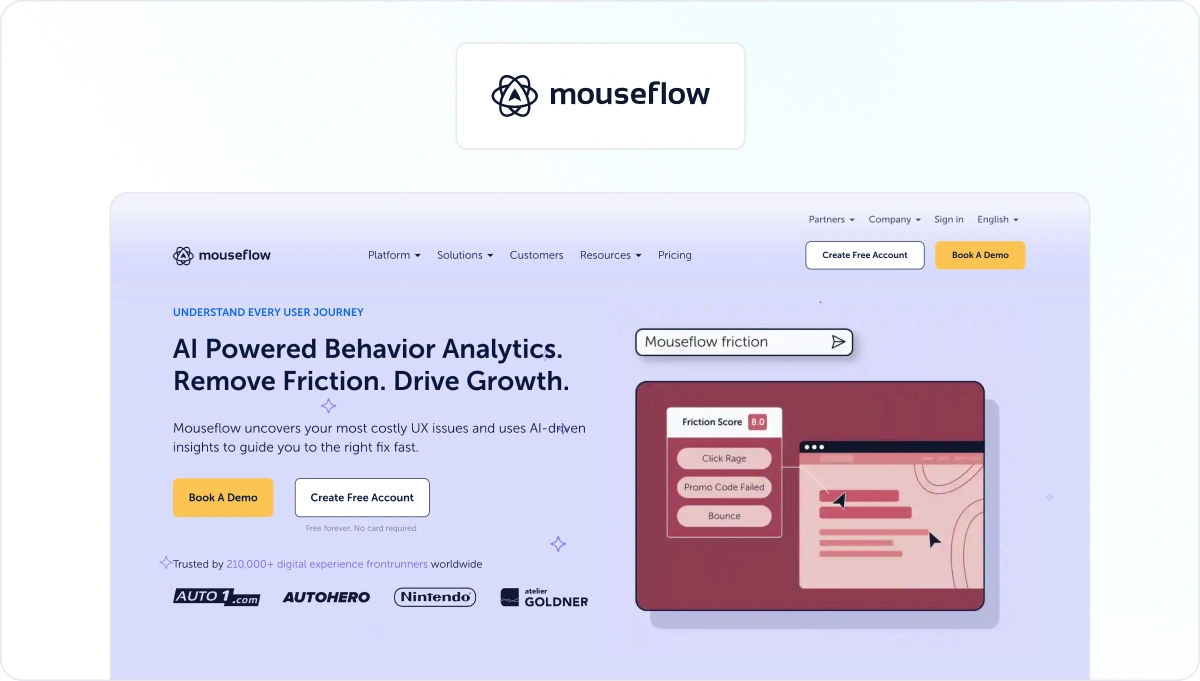
Mouseflow is a behavior analytics tool used to optimize website experiences. Get indirect feedback by watching sessions, building heatmaps, setting up funnels, and launching feedback campaigns, you can learn more about your site visitors, what they need, and what you need to do to convert them.
Key features:
- Always-on session recording, with no forced sampling of data collection
- Six types of heatmaps to see what grabs visitors’ attention
- Friction scores flag pain points so you know where to start
- Custom, interactive customer surveys allow you to target a specific audience in seconds
There’s a free-to-use option, or paid-for plans start at $25/month for 5,000 monthly sessions.
26. Crazy Egg
Crazy Egg is an analytics platform that tracks and optimizes website visitor behavior so you can improve user experience, increase your conversion rates, and boost your bottom line. They’re best known for their heatmap reports, but they can also help you run A/B tests.
All the features:
- Heatmaps and session recordings help you understand your website visitors’ behavior and where they’re getting stuck
- Lists of unresolved errors show you exactly what needs fixing
- Targeted surveys provide you with valuable user feedback in real time
Pricing starts from $29/month.
27. Inspectlet

Inspectlet is a session recording tool that records videos of your visitors as they use your site. See every movement, scroll, click, and keypress on your site. You can see what’s grabbing their attention, where they’re getting confused, and what you need to do to increase your conversion rate. This customer feedback software will make you aware of the improvements you can make.
Key features:
- Eye-tracking, click, and scroll heatmaps highlight what your users are drawn to
- On-page survey customer feedback tool helps you to collect direct customer feedback
- Form analytics show where visitors are hesitating or getting confused
There’s a free version, and paid plans start from $39/month.
Final thoughts
And there you have it, the 27 best feedback tools for reviewing content, carrying out market research, or conducting UX testing. I hope you’ve found one (or several) that resonates. Most offer free trials so that you can make sure they’re the right tool before you commit. If you’d like to see for yourself how Filestage can help with user feedback, start a free trial today →
FAQ
1. What are feedback tools?
Feedback tools are software platforms that help you collect, organize, analyze, and turn feedback into actionable insights. They can capture customer feedback, internal stakeholder comments, and user feedback across the whole customer journey.
Common types of feedback tools include:
– Customer feedback tools – usually online tools that collect structured responses and customer data via feedback forms, email, or in-app surveys. They help you measure customer satisfaction, understand customer sentiment, and identify trends with analytics tools and reporting tools.
– Employee feedback tools – help HR and leadership teams run feedback loops between employees and managers through surveys. Most come with powerful data analysis tools that make it easy to measure satisfaction, spot feedback trends, and analyze feedback data over time.
– Visual feedback tools – serve as a feedback portal for creative work. They let teams leave direct feedback as comments and annotations on files. Then use automated workflows to manage feedback and approvals at scale.
The best feedback tools combine a user-friendly platform with strong feedback management, so you can capture raw feedback, structure it, and use it to improve your content, customer experience, or internal processes.
What are the five R’s of feedback?
The five R’s of feedback offer a simple framework to make it easier to give and receive feedback. It works for all types of feedback loops, from giving creative feedback to 360 reviews. Here’s a quick overview of the model:
Request – Actively seek feedback. Be specific about the type of feedback you need and who you need it from.
Receive – Actively listen to the feedback without being defensive. Ask questions to clarify.
Reflect – Take time to consider how you can apply the feedback (if it aligns with your professional and personal goals).
Respond – Close the loop by thanking the person for taking the time to give you the feedback.
Resolve – Create a plan to implement the feedback and communicate this to the person who gave the feedback to show your appreciation for their input.
3. What are the four types of feedback, and how does feedback software help manage them?
Feedback is often grouped into four main types:
1. Positive feedback – Recognizes what’s working and reinforces good behaviors.
2. Negative feedback – Points out where performance or outcomes are falling short.
3. Constructive feedback – Mixes positives with straightforward suggestions, giving people actionable insights on how to improve.
4. Feed-forward feedback – Focuses on future actions rather than past mistakes.
Modern feedback tools and platforms help you handle all four by providing structured channels for direct feedback (such as feedback forms, widgets, and customer surveys) and visual tools for commenting on creative work.
When it comes to creative feedback on visual assets, feedback tends to be very specific and sometimes very technical. In this case, online proofing software with built-in annotation features allows you to leave all four types of feedback directly on assets so that the right amount of context is there.
4. How does Filestage help manage feedback on content and creative work?
Filestage is a visual feedback tool explicitly built for reviewing content – think videos, designs, PDFs, web pages, and more. Instead of chasing feedback through emails or chat threads, you send a review link and collect all feedback in a centralized place. Reviewers can comment directly on the content, use on-screen annotations, and approve files when they’re happy.
Filestage offers workflow automation features and allows integrations with project management tools and other business tools. This makes it easier to capture feedback, assign follow-up tasks, and keep the feedback moving. Because all the feedback lives in one place with a clear version history, teams get deeper insights into what clients and stakeholders actually want – and can turn feedback into finished work much faster, without losing context.
If you’re already using survey tools and customer feedback tools to gather customer insights, Filestage is a firm companion for the “what do we actually change in this asset?” part of feedback management.
5. How do AI-powered feedback tools improve customer insights and decision-making?
Many of the best feedback tools now include AI-powered features to help you go beyond basic survey results and simple charts. With AI-powered sentiment analysis, platforms can automatically scan survey responses, comments, and website feedback for tone and emotion, helping you quickly understand customer sentiment at scale.
These AI features can also surface automated insights from large volumes of feedback data – for example, highlighting recurring themes in online surveys, clustering similar issues, or spotting hidden feedback trends across customer data and user behavior. Paired with strong data security and data management, this means you can start collecting feedback, use customizable surveys to capture structured feedback, and then rely on AI and advanced analytics to identify trends and prioritize what to fix first.
In practice, you might use an AI-powered survey tool to gather customer and user feedback, then a visual platform like Filestage to manage content changes and keep all the feedback and approvals in one place. Together, these feedback tools turn scattered comments into valuable insights you can actually act on.