Whether you’re working from home, as part of a team, or just need to quickly fire something off to your colleague while they’re next to you, file transfer software has become a staple in our working lives.
With the exponential rise in cloud-based service in the workplace, it transpired that in 2022, 80% of employees in the US requested file sharing as a tool on their cloud-based service. This was due to a 92% loss in files from using email, increasing the need for file transfer software.
It’s imperative that workplaces are adequately equipped with efficient tools for file transfer. They must offer maximum file security and optimum storage space for sharing large files without crashing, helping to improve workflow and collaborative efforts between teams.
So hop on and come with us as we take a look at the best file transfer software of the year (so far).
1. Dropbox – best for sharing and storing files across devices

Dropbox is a cloud-based file-sharing service that allows you to upload, sync, and share files across multiple devices. Features like Dropbox Dash make it ideal for teams looking for a fast way to find, organize, and protect their files.
With AI-powered search and strong content management features, you can easily find the files you need. Plus, you can use secure links to safely share sensitive content.
Pros
- Robust sharing options for extra security (custom permissions, expiry dates, etc)
- Integrates with third-party apps for better collaboration
- Advanced search to speed up the time spent finding files
Cons
- Limited access to features on lower pricing plans
Pricing
Dropbox offers different subscriptions, ranging from a free service to a paid Professional account that costs $15/month/user.
Share files and get feedback in one place
Review and approve videos, designs, documents, and more with Filestage.
2. WeTransfer – best file transfer software for quick content sharing

WeTransfer is a cloud-based online file sharing service that’s gathered over 70 million users across 190 countries. You can send large files without having to register for an account, with a tiered subscription service for unlimited file space.
It’s best for transferring large and multiple files quickly over the internet. And when we say quickly, we mean quickly.
In a test conducted by yours truly, a 3 GB file took less than three seconds to transfer. I did send it to myself, but that’s by the by …
Just pop your recipient’s email address in or generate the link and you’re good to go!
Prefer to send your PDF files over email? Check out the easiest ways to send large files over email for all there is to know.
Pros
- Super fast file transfer speed
- Three-tiered subscription service
- Email or link for sharing files
Cons
- Limited file size for transferring with free service
Pricing
WeTransfer offers a three-tiered subscription service, ranging from the free service to a paid account from $12/month.
3. Send Anywhere – best file transfer software for sending large files
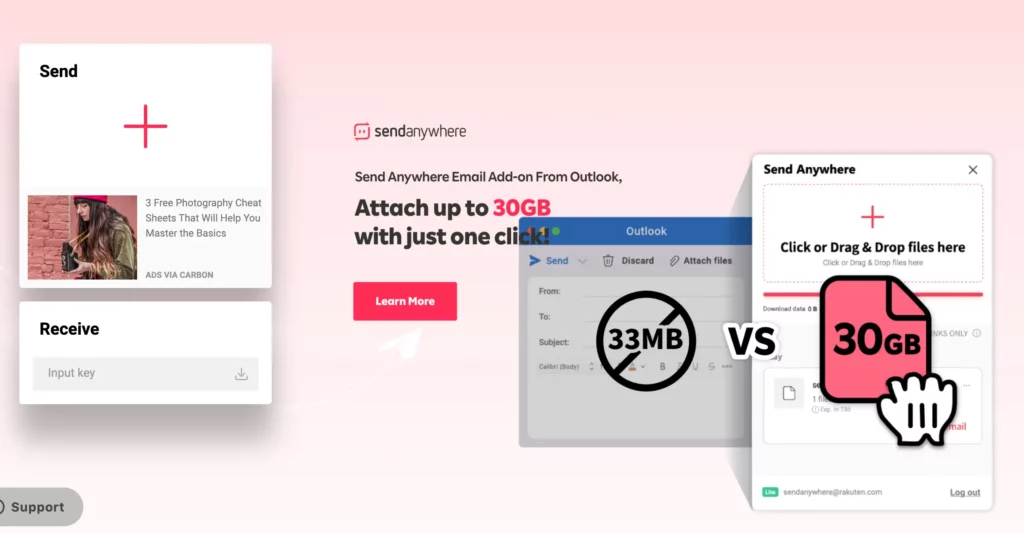
We know what you’re thinking … “it can’t get much faster than WeTransfer”. Well, we’re here to tell you that it can.
Presenting a more easy-to-use interface (it’s easy on the eye, too. Check out those illustrations!), Send Anywhere is an online file sharing platform that requires absolutely no setup, so you can get right on to it. You can share files online via desktop or downloadable app on Windows, Android, MACos, and iOS.
All you have to do is upload your file for transfer, sending the file directly through the website, email, or a shareable URL.
It can even transfer data in real time, just start entering the six-digit verification code and the file transfer begins. Talk about a USP.
Pros
- Easy to use
- Super speedy, real-time transfer speed
- Generous cloud storage space for free users
Cons
- Heavy use of ads with the free version
Pricing
Send Anywhere starts with a free option that offers unlimited real-time 1:1 file transfers with link creation up to 10 GB. The Lite option comes in at $5.99/month, while the Standard subscription prices up at $9.99/month.
4. Google Drive – best file transfer software for teams
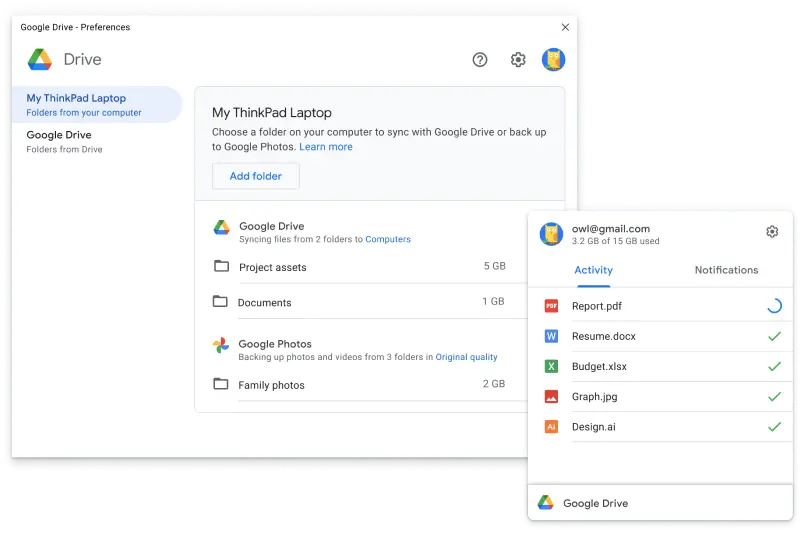
We’ve been expecting you, Google Drive.
Google Drive is a go-to when it comes to file sharing software. It’s just one in a huge list of the best file sharing applications, but has proven to be one of the most universally used platforms, accounting for 44.97% of the market share.
With Google Drive, you’ve got the option to send your file over email if your file is up to 25 GB in size. If it exceeds that, it’ll automatically upload onto Google Drive, generating a link to share with colleagues and collaborators without having to waste time compressing and transferring zip files.
It has a blink-and-you’ll-miss-it file upload speed (we literally blinked and missed it when we tested it ourselves), making for a far more efficient file transfer, leading to lightning-quick project turnarounds.
Pros
- Accessible – works on phone, desktop, and has a downloadable app
- Fast file upload speed
- Generous storage allowance
- Affordable
Cons
- No full backup solution
- Daily file size upload limit
Pricing
Google Drive starts with a free plan, with Basic, Standard, and Premium tiers ranging from $1.99/month to $9.99/month.
5. Hightail – best file transfer software for designers
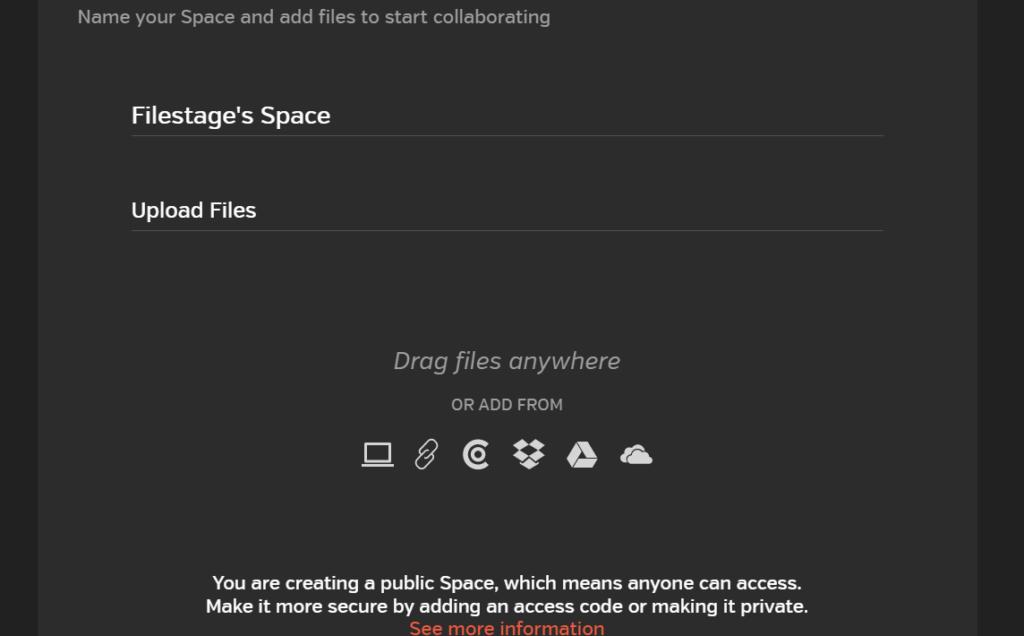
Hightail not only offers an extensive list of collaborative tools for team projects, helping aid large video uploads and the post-production process.
It’s also a file upload and transferring service that you can use exclusively without having to use the collaborative tools.
Hightail’s file sharing tool for business is super accessible as it can transfer files through desktop or the downloadable app. It sends large files to colleagues and collaborators with ease, whether you’re stuck at your desk or on the go.
If you’re a creative type (designers, mainly), Hightail might be the one for you. It enables users to integrate with Adobe extensions such as Photoshop and Illustrator via the Hightail Sync extension so you can share and synchronize files, comment, and leave feedback straight from your chosen Adobe software!
Pros
- Integrations with Adobe programs
- Collaborative devices
- Accessible
Cons
- Slower upload speed than previous platforms
- User interface could be complicated for beginners
- Smaller size limit with the Free plan
Pricing
Starting with the free tool that includes a 100 MB file upload limit and 2 GB of storage, Hightail’s pricing graduates to Pro, Teams, and Business subscriptions, costing $12/month, $24/month, and $36/month respectively.
Honorable mention: Filestage – best for review and approvals
Filestage isn’t exactly file transfer software, but it’s an excellent tool if your marketing team or agency needs a quick way to collect feedback on creative assets. You can easily share documents, videos, images, and even live websites with internal or external stakeholders. And make their lives easier by having every file version in one central dashboard.
It’s ideal if your team needs a tool that supports:
- Speedy file transfers
- Centralized content reviews
- Real-time collaboration and feedback on digital content
- Visual annotations and feedback comments directly on assets
- Fast, transparent approvals on marketing content
All you have to do is upload your file, pop in the reviewers’ email address or copy and paste the review link, and share to your heart’s content!
Here’s how your dashboard could look in Filestage – all your files (and versions) neatly stacked in one tidy dashboard.

When it comes to file transfer software, Filestage is super easy to use compared to other file transfer platforms. It integrates with multiple collaboration tools, including Asana, Microsoft Teams, Figma, and OneDrive.
Music to your ears? Speaking of – Filestage also supports audio file transfers and reviews.
Pros
- Quick and efficient upload speed
- Real-time collaboration tools
- Version comparison
- Review live websites
- Easy-to-use hub
- Vast integration options
Cons
- No downloadable app
Pricing
Filestage is firstly a free file transfer software, graduating to the Basic service at $109/month, or our most popular Professional subscription at $299/month. All of which feature unlimited collaborators and files, versions, and reviews.
What to look for when transferring and uploading files
This list is just the tip of the iceberg when it comes to all the file upload tools that are out there.
We understand it can be overwhelming when trying to find the right software for you and/or your teams.
So, we’ve collated a checklist of integral features to look out for when finding the perfect file uploading software for exactly what you need.
File upload speed
Being chased for files or working to a deadline can add a lot of unnecessary pressure. To get projects started, submit edits, or fire that file off to a colleague as quickly and efficiently as possible, a quick file upload speed is an absolute must.
Security and privacy
Security, as we know, is super important when it comes to online data management. When we pop something up into the cloud, we expect it to be protected.
When looking for a file upload and transferring system, make sure that it has excellent security measures in place, such as end-to-end encryption, two-factor authentication, and password protection.
Back-up systems
Let’s face it, we’ve all accidentally closed a file without saving, deleted it, or it’s vanished off into the abyss (where do they go?).
Save yourself the instant panic by ensuring that your file upload software has an efficient back-up system, so you can recover your files instantly. No sweat.
Integration
Finding a file upload system that integrates with existing tools is imperative for a steady workflow.
With this, you can upload your files to your chosen platform via your email service or work-based communication networks such as Microsoft Teams, and upload straight from creative softwares like Adobe Illustrator.
Ease-of-use
Naturally, you want your file upload to be as seamless as possible, so opting for an easy-to-use service ensures that anyone can use it, fuss-free.
With an easy-to-use interface, there’s a significantly smaller chance of mistakes, such as missing files, your file being uploaded and/or sent to the wrong place, or generally overcomplicating file uploads with a large number of steps and lengthy sign-up processes.
It’s also important to match the software to your needs. For instance, if you need a tool that allows you to easily transfer files for your small marketing team, then you probably don’t need features like unlimited storage. On the other hand, if you want to not only send files, but also have a central platform to access files or leave feedback, then you’ll want something like an online proofing tool.
Share files and get feedback in one place
Review and approve videos, designs, documents, and more with Filestage.
File transfer FAQs
Is there a free file transfer?
Yes, several file transfer solutions like Google Drive or Dropbox offer free versions that can cover your needs if you only have to send a few assets. Most free versions offer limited sharing on smaller files, so they generally wouldn’t cover your needs if you need a tool for your marketing team or agency.
Is WeTransfer free really free?
Yes, WeTransfer offers a basic version for free. With the free plan, you can send files up to 2GB in size, with a limit of 10 transfers per month. This wouldn’t cover your needs if you need to share large files or a large quantity of assets. It’s also not recommended for sensitive content, as security is limited.
What are the three types of file transfer?
Three common types of file transfer include:
- Peer-to-peer (P2P) transfer – direct transfers between two devices
- Cloud-based (hosted) transfer – files are uploaded to a cloud server for the recipient to download
- Protocol-based transfer (like FTP or SFTP) – files are transferred using standardized network protocols
For most marketing teams or agencies, cloud-based file sharing is the standard.
Final thoughts
File transfer software has become a pivotal part of our working lives. Though less theatrical than floppy disks and USB sticks, file transferring through email and cloud-based services are a sure-fire way to ensure that your small, larger, and multiple files are transferred safely and quickly to colleagues, collaborators and clients.
The list of file transfer software is extensive, boasting unique tools and competitive pricing among a plethora of features that can make it almost impossible to choose just one from the bunch.
With file transfer software like Filestage, rest assured that your files will be uploaded safely and efficiently to an easy-to-use online community hub. Ensuring a steady and streamlined workflow for future projects and collaborations without compromising on time and productivity.
Looking for more ideas to improve your tech stack? Check out our roundup of the best file comparison tools for documents, videos, and more!