

Cut feedback cycles by 30% with video approval software

Share, comment, and approve videos in one place, with automated timestamps, version control, and real-time collaboration. Filestage is the video approval software for busy marketing and creative teams.

video approval software header

Trusted by professionals from top brands and agencies

Siemens logo
Lukkien logo
dm drogeriemarkt
WMF logo
Liebherr logo

Real results from marketing, creative, and production teams

Teams spend less time chasing approvals and more time creating with Filestage’s automated online proofing software.

Faster approval cycles across creative projects
0 %
Emails eliminated per review cycle
0 +
Fewer compliance and version mistakes
0 %
Saved on content approvals every week
0 + hrs

*Based on customer usage data and internal analysis.

Manual video approval process vs video approval software

Manual video reviews quickly become chaotic: missing timecodes, confusing screenshots with no context, and feedback arrives via email, Slack, or PDFs. It’s just not scalable. With Filestage’s video feedback tool, you can set up clear approval stages and automated workflows to:
Comments, people, feedback

Centralize feedback

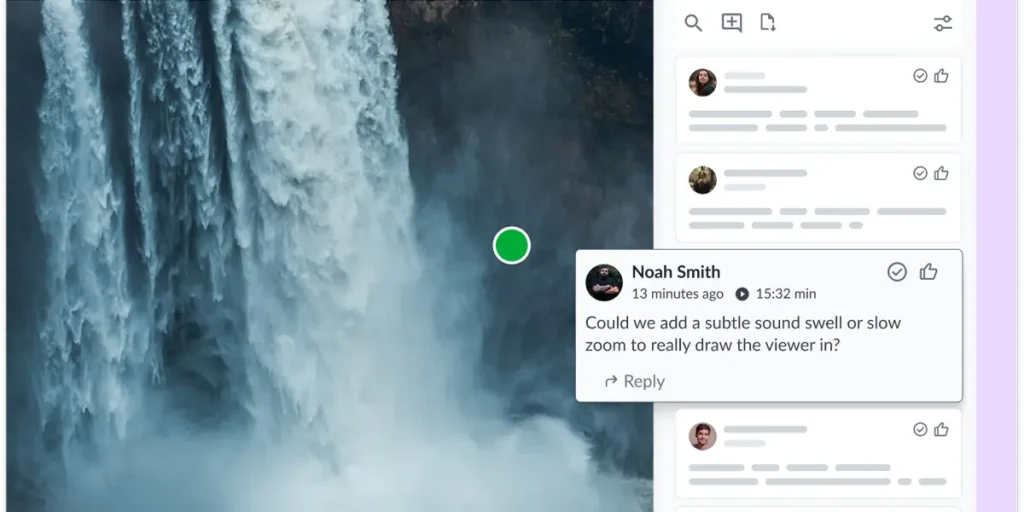
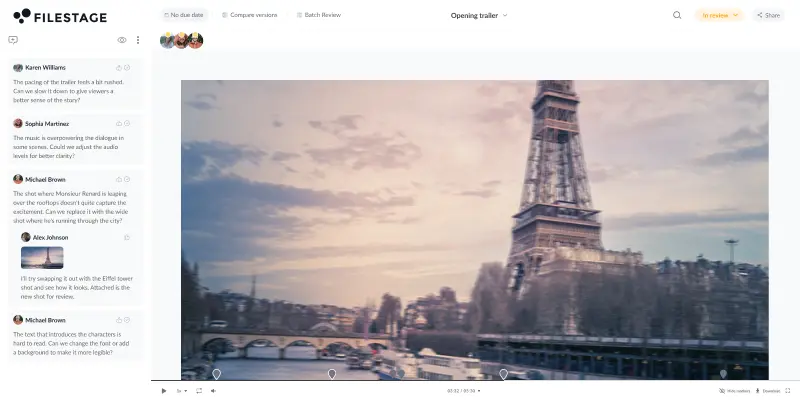
Keep all comments in one place on the video timeline. This reduces time wasted consolidating scattered feedback.

Automate timestamps

Link comments to the exact video timeline to make sure feedback has the context editors need.

Manage video versions

Automatically track changes and approvals in a central dashboard. Stack all video versions in one place.


A structured video approval workflow for every asset

Keep feedback clear and approvals fast, from draft to final cut:
Upload any file to Filestage
Invite reviewers to your file
Collect feedback
Track status in real time in Filestage

How we help teams like yours get real results

Reduce bottlenecks across teams so campaigns launch on time. No more last-minute escalations, missed approvals, or siloed feedback.

Calendar, date, due date

10 days saved per project

Fanuc now gets files from V1 to approved in just five days.

Megaphone, microphone, announcement

320% ROI on marketing reviews

Kärcher saves around $79,000 in feedback time with a 320% ROI.

Fast, bolt, speed, integration

30% faster campaign approvals

Sixt has reduced feedback time by 30% and eliminated communication mistakes.

See how top brands get videos approved 30% faster

Book a 30-minute, tailored walkthrough of your real workflows to see how Filestage can support your team.

Learn how leading brands get video campaigns signed off faster.

Teams enjoy 30% faster creative collaboration with Filestage

“Filestage helped us reduce miscommunication in video approvals because the feedback can no longer get lost over a series of emails.”

Karina Berner

Angelika Schneider

Executive Creative Direction Motion Design at Sixt
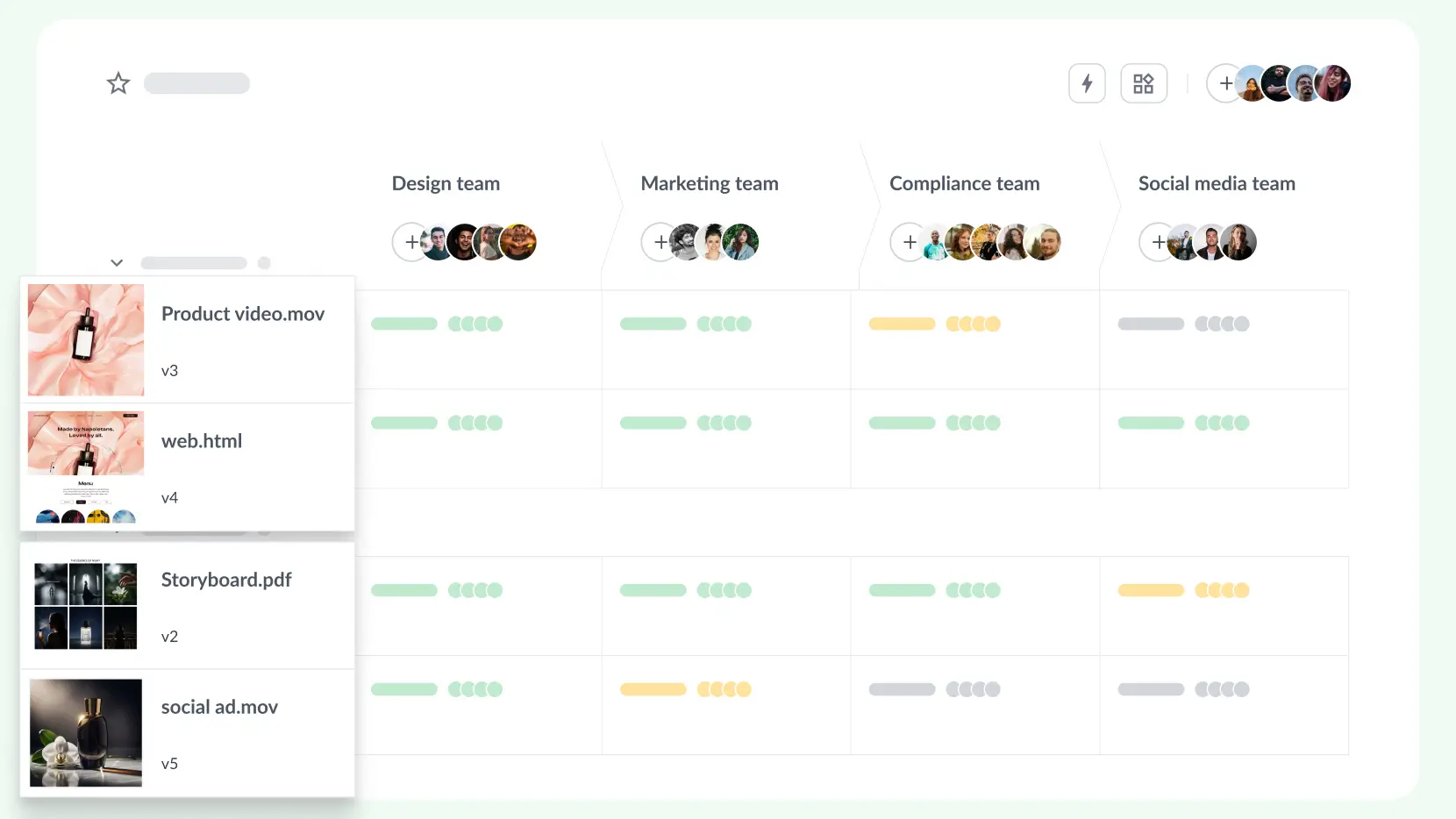
Manage all file types in one dashboard
“Filestage makes our approval process much more thorough. Our designer simply uploads a video and all reviewers can comment and select the area where the changes need to be made.”

Naeran Rubio

Sharp Imaging and Information Company of America

Give precise visual feedback on videos
“Filestage is a must for marketing agencies. It allows everyone, from our team to our clients, to have all the information they need and know exactly where to find all versions. “
Melissa Abrini, Creative Director at Story

Melissa Abrini

Creative Director at Story

Compare two versions of a video file

“During the approval process we need on average 1-2 review rounds less per approval, and we send and receive about 20% fewer emails.”

Stephanie Flaig

Stephanie Isabelle Flaig

Head of Operations at Videoboost
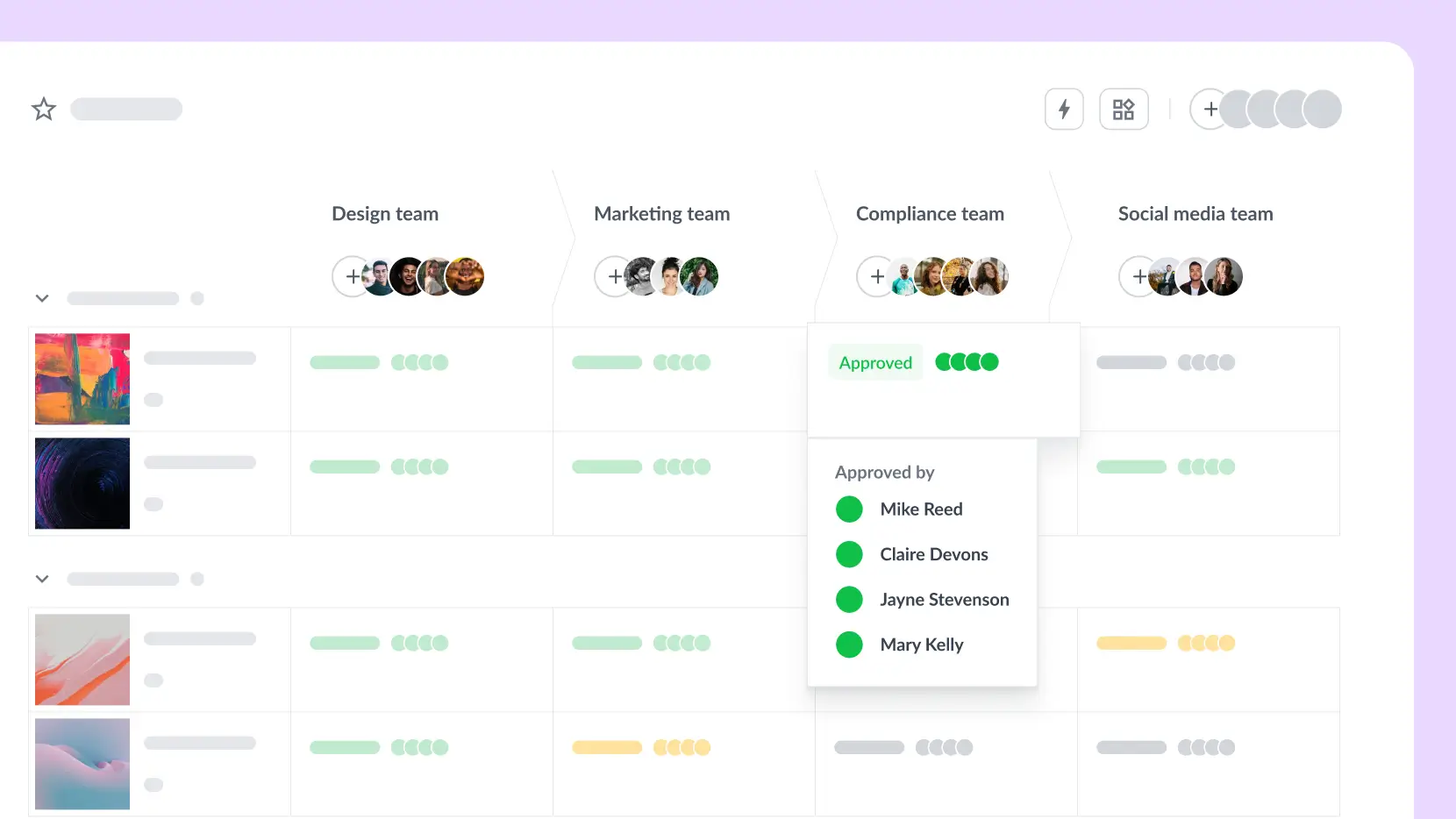
Clear overview of the file status

Video proofing software designed for your peace of mind

Share video content with confidence with password protection, download restrictions, and anonymized feedback.


Filestage offers full GDPR compliance, AES 256 encryption that’s certified against ISO/IEC 27001:2022, and certified EU servers.

Connect Filestage with your favorite apps

Automate your workflow with our native and custom Zapier integrations.

Project Management

Assign review tasks to your teammates and track file statuses in your project management tool.

Messenger

Share files, comments, and review decisions in your favorite channels and spaces.

Content creation

Upload files and see comments in your content creation tools, so you can iterate and get approval faster.

And many more!

Create custom integrations in Zapier, turn marketing request forms into projects, and more.

Learn more about video review software

Video review software: your questions answered

What is video approval software?
Video approval software is a collaborative platform that lets teams share video content, collect frame-accurate feedback, and get final approval from stakeholders all in one place. Instead of exchanging files over email or consolidating notes from Slack and PDFs, everyone reviews the same version of the video in their browser, leaves timestamped comments directly on the frame, and clicks to approve or request changes. It makes it easy to manage feedback on video assets.
Video review software focuses on collecting feedback like comments, annotations, and timestamps. Video approval software takes this further by adding structured sign-off workflows: staged reviewer groups, approval statuses, audit trails, and automated reminders. Filestage combines both, so teams can collect clear feedback and track every approval decision in one place.
The best tool depends on your workflow. Marketing teams and agencies that manage multiple asset types (videos, designs, documents, websites) alongside cross-functional stakeholders – from creative to legal to clients – benefit most from a platform like Filestage that handles all formats with multi-stage approval workflows. Video production teams may prefer a tool built exclusively for video post-production.
Absolutely! You can organize reviewers into groups that reflect your real approval chain, for example, internal team first, then client, then legal. Each group reviews and approves before the video moves to the next stage – and you can easily track progress in the project dashboard. This prevents external stakeholders from seeing content before it’s been internally signed off.
No. Reviewers can access videos and leave feedback via a shared link – no account, download, or software installation required. They simply add their name and email, watch the video in their browser, and click to comment or approve.
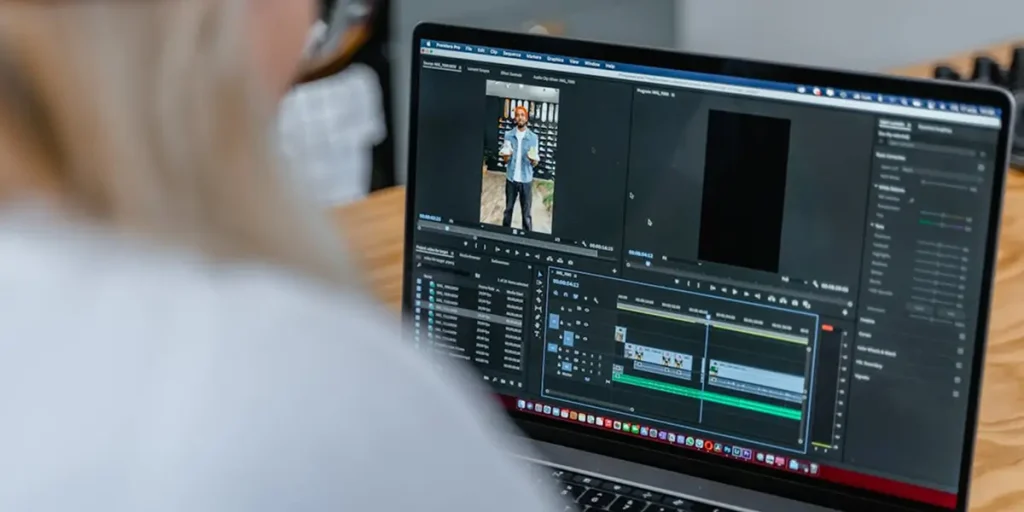
Filestage integrates directly with Adobe Premiere Pro and After Effects. Video editors can send renders to Filestage without leaving their editing software, and incoming feedback appears directly in their timeline. This eliminates the back-and-forth of exporting files and cross-referencing comments. It also connects with project management tools so you can manage the full creative process from one place.
Filestage’s video review app offers a Free plan for 10 team members. It includes one project, two reviewer groups, five new files per month, and unlimited reviewers. If you’re managing more projects or need more reviewer groups and storage, you can upgrade to one of our paid plans. We also offer a free 14-day day trial if you’d like to put Filestage to the test.
When you upload a new version, it stacks automatically on top of the previous one. You can flip between versions at any point or compare two versions side by side to verify that specific changes were made. All comments and approval decisions from each round are preserved. This is ideal for managing client feedback or if you need to revert back to an earlier iteration.
Filestage supports all major video formats including MP4, MOV, and AVI. Beyond video, you can also review and approve audio files, images, PDFs, documents, designs, live websites, and interactive HTML in the same platform.
No, Filestage works in your browser on your desktop, tablet, or mobile. When you invite someone to give feedback, they’ll get a link in their inbox – or you can copy and paste it to them in your chat tool. Then they can open the link, watch the video, and click directly on your content to add feedback.
With Filestage, you can invite as many people as you like to give feedback and approve your content. If you’re working with external agencies or production partners, you can also give them access to upload content.
The main time savings come from three areas: 1) Eliminating version confusion by keeping all files and feedback in one dashboard, (2) Removing unclear feedback with frame-accurate timestamped comments, and (3) Automating the approval chain with due dates, reminders, and real-time status tracking. Teams using Filestage report up to 30% fewer revision rounds and significantly fewer approval-related emails.