TL;DR
Content workflow software keeps your entire content production process, from planning and briefs to reviews, approvals, and publishing, in one connected system. The tools in this article help content teams replace creative chaos and repetitive tasks with automated workflows, clearer ownership, and better collaboration. This makes it easier for marketing teams to plan content, manage creative assets, route work for review, and track performance across different platforms. And they can do all this without losing brand consistency.
How better workflows help you create better content
Almost every company these days has to have a digital presence and regularly publish content to attract new customers. And while content has been on the rise for quite some time now, a 2025 content marketing trends report found that marketing content creation has risen by 49% as brands race to meet shifting buyer demands.
So whether you’re a small business owner offering local produce through Instagram or a CMO of a global tech company trying to spread the word about your product through various channels, consistent and high-quality content production can make or break your business!
But building your digital presence is more than just having a great idea every once in a while. Content production requires great organization, consistency, an analytical mindset, and a reliance on adequate content workflow software.
Let’s look at the best content workflow tools for different use cases to help you find the best solution for your situation!
1. Trello
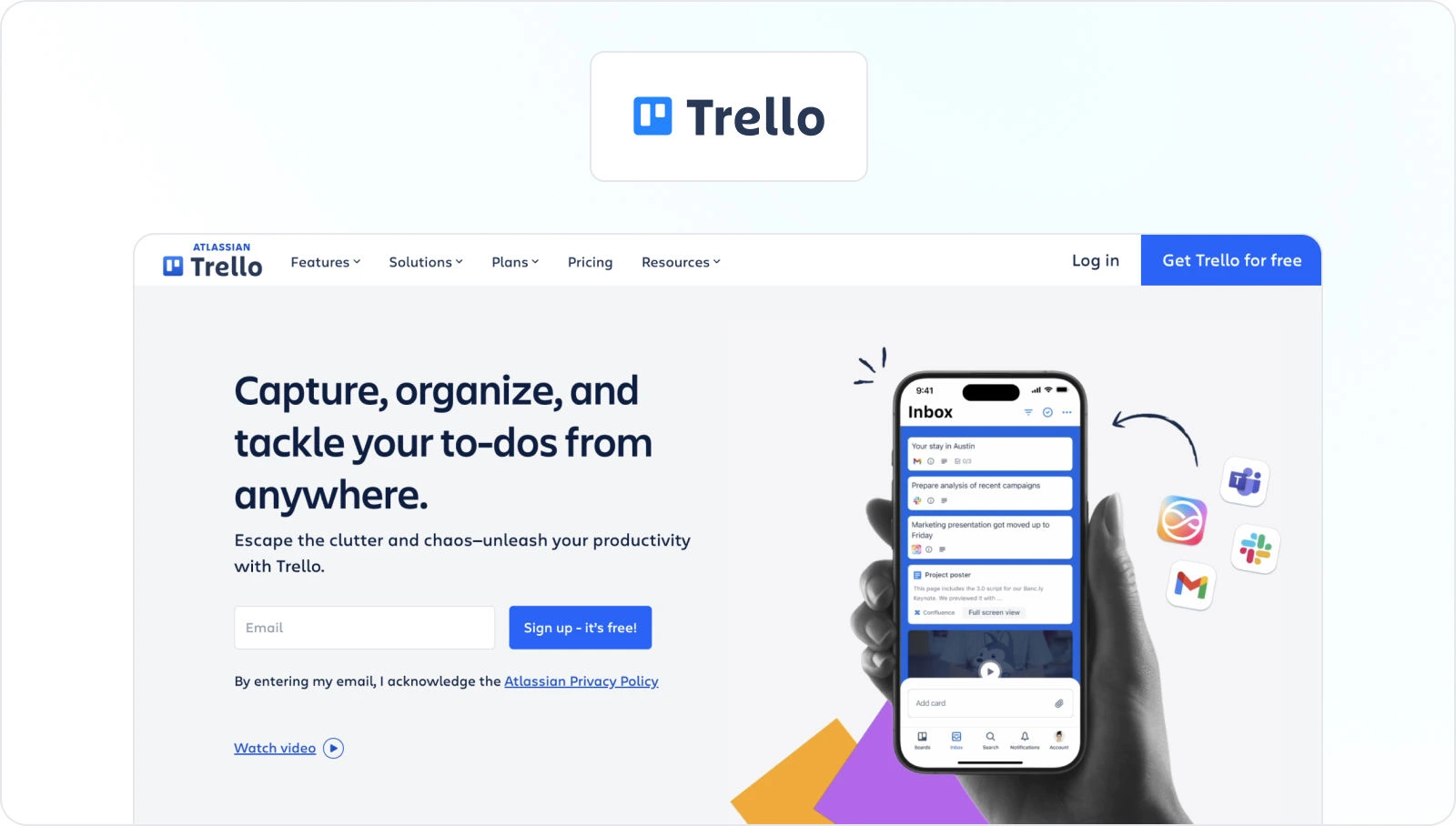
Trello is a popular project management tool with flexible boards and cards, making it adaptable for content workflows. The tool is very popular among social media and marketing teams for its simple and intuitive card system that allows you to seamlessly organize and track your daily tasks.
Trello is suitable for both small businesses and freelancers, and accessible to large enterprises. So if you’re looking to organize the chaos that goes into publishing various forms of content on different platforms, make sure to give Trello a try.
Key features
- Boards, cards, and lists – Trello organizes work into boards for projects or custom workflows, cards represent tasks, and lists for different stages of work
- Checklist – You can add checklists to cards to break down tasks into smaller subtasks
- Assignees and due dates – You can assign due dates to your team members for a streamlined content creation process
- Attachments and comments – Files, images, and comments can be attached to cards to provide additional information
- Activity log – Trello tracks all activity on a board, so team members can see what’s been done and who did it
- Butler automation – Trello Butler is a built-in task automation tool that can be used to automate repetitive tasks and workflows
Best for task management and project tracking
Trello is a simple and flexible tool that can be used for a wide variety of projects, from software development to marketing campaigns. The tool is particularly well-suited for teams that need to visualize their work and track their progress.
The Kanban-style board makes it easy to see what needs to be done, who is responsible for it, and what stage of completion it is in.
Pricing
- Free plan – includes Unlimited cards, up to 10 boards per Workspace, unlimited Power-Ups per board, and unlimited storage (10MB/file)
- Standard plan – for €5/month, with everything from the free plan, plus additional features like 1,000 workspace command runs per month, single board guests, and saved searches
- Premium plan – for €10/month, with everything from the Standard plan, plus additional security and organization features
- Enterprise plan – for €17.50/month, with unlimited workspaces and other advanced features like public board management, multi-board guests, and attachment permissions
Supercharge your review process
Share content, get feedback, and manage approvals with Filestage.
2. Filestage

Filestage is a unique content workflow software that allows team members to collaborate on digital content entirely online. It streamlines and automates your project review and approval processes while ensuring secure file sharing that complies with key regulatory requirements.
No installation is necessary, and your stakeholders can review and approve without registering for an account.
Designed with creative teams in mind, this content collaboration tool is the perfect choice for marketing agencies, corporate marketing teams, remote teams, and collaborative content creators.
Key features
- Automation to reduce manual tasks and speed up content reviews
- Auto compare text feature for streamlined AI content creation and document approval workflow
- Due dates keep your projects on track and help you meet deadlines
- In-context comments make for clear feedback that shows up in real time
- Visual annotations bring comments to life and make it clear what needs changing
- To-do lists give your team a clear picture of what needs amending
- Version history helps you keep tabs on previous comments and see what’s changed
- Review steps mean your files get approved by the right people at the right stage of the process
- Project dashboards help you keep track of who you’re still waiting to hear from
- Integrations with Dropbox, Google Drive, Slack, Microsoft Teams, and more
- 256-bit SSL file encryption for secure file sharing
Best for streamlining the content review and approval process
Filestage is best for streamlining the content review and approval process because it offers a centralized location for feedback, contextual feedback, real-time collaboration, version control, and custom approval workflows. This visual workflow platform is also easy to use and has a user-friendly interface.
The tool is designed for both smaller teams and enterprise marketing needs that work with different agencies to perfect their content. One unique thing about Filestage is that the pricing isn’t defined by reviewers, making it possible to share your content for review with as many people as you need.

“From product images to online banners and application videos, Filestage gives our suppliers and agencies a centralized platform to submit creative assets for feedback and approval. This helps us deliver content at speed and scale.”
Johannes Morath, Manager Marketing Projects Home & Garden
Pricing
Filestage offers four different pricing plans, including:
- Free plan – for freelancers and smaller teams, including unlimited files, versions, and reviewers
- Basic plan – for $109/month for smaller teams managing feedback across a range of file formats
- Professional plan – for $299/ month for large teams collecting feedback from different types of reviewers
- Enterprise plan – Custom pricing, designed for larger teams with a need for a tailored solution
3. Asana

Asana is a versatile workflow management tool that can be used for project management and collaboration. It’s also one of our favorite process tools here at Filestage.
It offers features like task assignment, due dates, and project tracking, making it easier for your team to work together on each piece of content and deliver great results.
Here’s how this project management tool helps your team plan and execute content marketing projects:
- Plan and structure your content creation in a way that works best for you
- Assign tasks, set priorities, and deadlines
- Track all your content and tasks to completion
Key features
- Task management – Asana allows you to create tasks, assign them to team members, and set due dates
- Project management – You can create projects, organize tasks within projects, and set dependencies between tasks
- Communication – Easily communicate with team members about tasks and projects, and make sure everyone is always on the same page
- Reporting – Generate reports on your work, such as task progress and time spent on task,s for a more informed
- Integrations – Asana integrates with a variety of other apps, such as Google Drive, Salesforce, and Slack
Best for streamlining project management and task collaboration
Asana is your go-to tool for organizing tasks, assigning responsibilities, setting deadlines, and fostering team communication.
With features like automation, goal tracking, and calendar views, Asana helps your team efficiently plan, execute, and monitor projects, making it an ideal tool for boosting productivity and project success.
Pricing
Asana offers four pricing plans:
- Basic – free for up to 15 users and includes basic task management and collaboration features, with limited storage and integrations.
- Premium – starting at $10.99/user per month
- Business – starting at $24.99/user per month
- Enterprise – designed for larger teams and offers custom solutions and support
4. Wrike
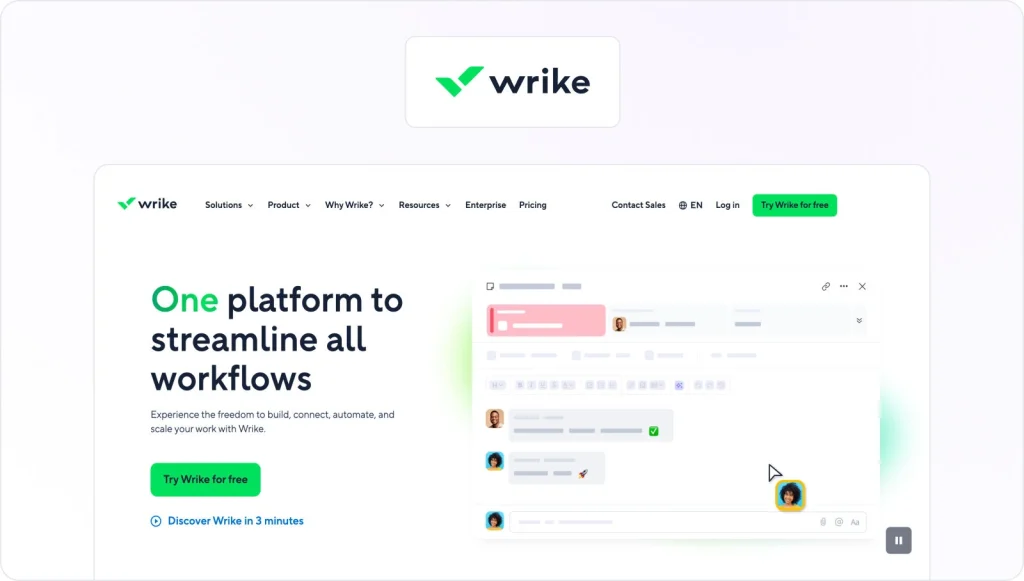
Wrike is a collaborative workflow management system with features for planning, organizing, and executing content creation workflows. This content workflow software allows your team to focus on creativity, and the tool takes care of the rest for you.
Whether you’re looking to automate your creative asset production, break down each campaign into smaller tasks, or streamline your processes and keep your team organized, Wike’s got you covered!
Key features
- Project and task management – Wrike offers robust tools for task and project organization and tracking
- Customizable Workflows – Tailor workflows to fit your team’s unique needs
- Gantt charts – Visualize project timelines and dependencies with Gantt charts
- Collaboration tools – Real-time collaboration features, including comments and file sharing
- Integration hub – Seamlessly integrate with popular third-party applications and services
Best for versatile project management and collaboration
Wrike’s flexibility, Gantt chart functionality, and robust collaboration tools make it an excellent choice for organizations and teams looking to manage a wide range of projects while fostering effective teamwork and efficient workflows.
Pricing
Wrike offers a free plan for small teams of up to 5 users, which includes basic project management features. From there on, larger teams can choose between a Professional plan (starting at $9.80/ user per month), Business plan (starting at $24.80/user per month), and the Enterprise plan (with custom pricing).
5. Monday
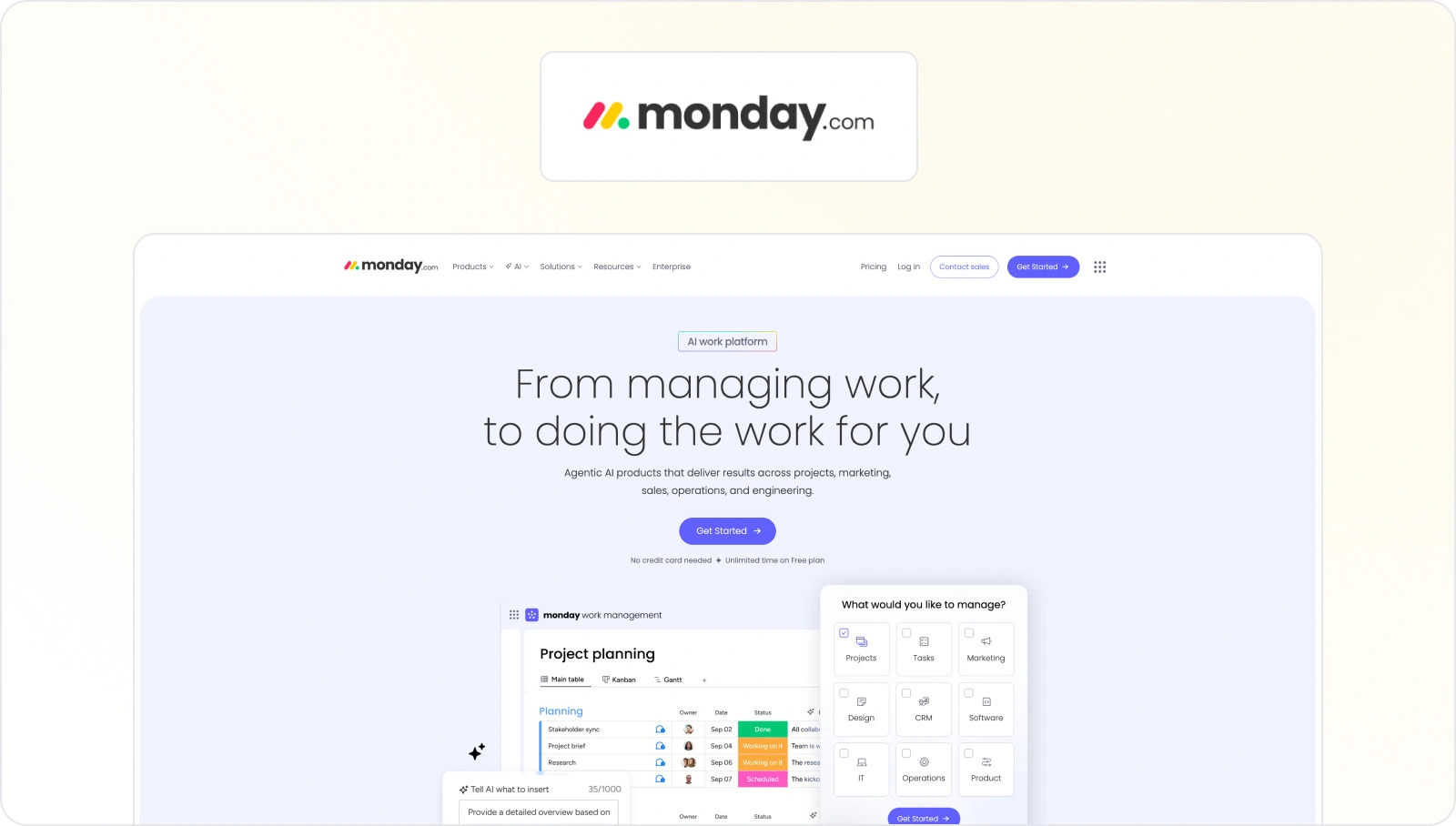
Monday.com is a work operating system that can be customized for content workflows. It’s well-suited for content creation because it offers customizable workflows and collaboration features. It allows your team to plan content calendars, assign tasks, set deadlines, and track progress visually.
You can also integrate it with various tools, such as Google Drive or Dropbox, to manage content assets seamlessly. This makes it a great solution for optimizing enterprise workflow automation in your organization. To use Monday.com for content creation, create a board specifically for content projects, outline content ideas, assign writers, editors, and designers, and set due dates – and you’re good to go!
Key features
- Customizable workflows – Monday.com allows users to adapt workflows to their unique needs, fostering flexibility
- Visual dashboards – Users can create customizable dashboards, gaining a visual overview of projects, tasks, and data
- Automation – Powerful automation tools streamline repetitive tasks, enhancing productivity
- Integration capabilities – It integrates seamlessly with numerous third-party apps and services
- Collaboration features – Real-time collaboration features like file sharing and commenting promote teamwork
Best for comprehensive project and team management
Monday.com has adaptable features, visual dashboards, and automation capabilities, which make this tool the best solution for a more complex project and team management needs. So, if your team is looking to streamline your content creation workflow, collaborate efficiently, and manage projects of varying complexities, Monday is the right solution for you.
Pricing
- Free plan – free for up to two seats and includes up to three boards, unlimited docs, and 200+ workflow templates
- Basic plan – for €8/seat per month and includes unlimited free viewers, unlimited items, and 5GB file storage
- Standard plan – for €10/seat per month and includes timeline & Gantt views, calendar view, guest access, and over 250 automated actions per month
- Pro plan – for €19/seat per mont,h including advanced features like private boards, chart view, and time tracking
- Enterprise plan – with custom pricing and includes enterprise-scale automation and integrations, multi-level permissions, enterprise-grade security, governance, advanced reporting & analytics
6. Contentful
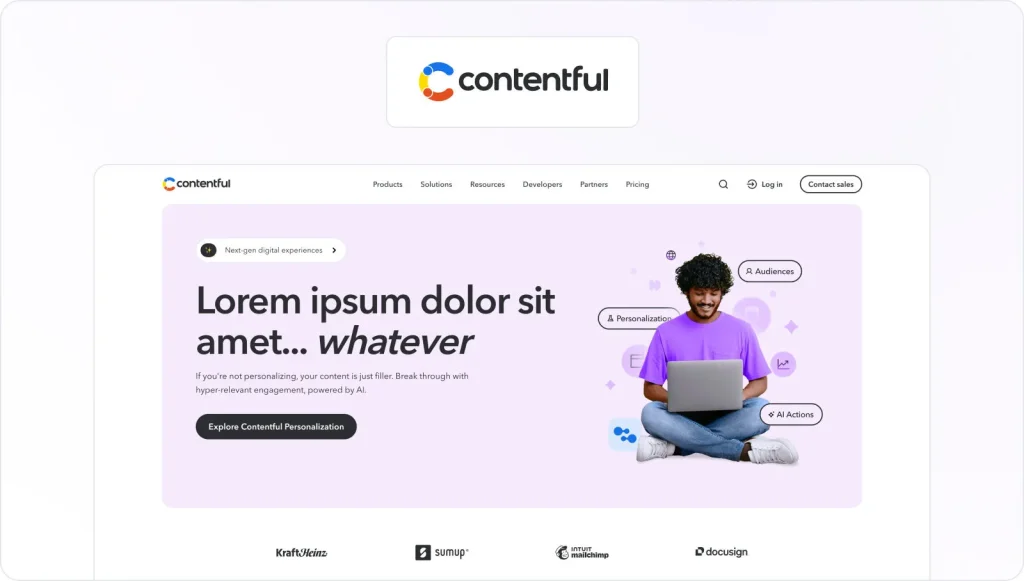
Contentful is a content workflow software solution that helps teams create, manage, and deliver content across different digital channels. With a headless CMS system and robust API, it streamlines content creation, empowering teams to produce and publish content efficiently while ensuring a consistent user experience.
Key features
- Headless CMS – Contentful is a headless CMS, which means that it separates content from presentation, making it versatile for delivering content across multiple platforms and devices
- Content modeling – It allows you to define content structures, content types, and relationships, providing flexibility in organizing and managing content
- API-first approach – Contentful’s API-first approach enables easy content integration into websites, apps, and other digital experiences, promoting seamless content delivery
- Rich media support– It handles various content formats, including text, images, videos, and more, making it suitable for multimedia-rich content creation
- Content versioning and collaboration – The tool offers version control and collaborative features, allowing multiple team members to work on content simultaneously and track changes over time
Best for content workflow building due to a headless CMS
Contentful separates content from presentation, making it versatile and adaptable for multiple platforms. Content creators can collaborate seamlessly, and developers can easily integrate content into various applications and websites.
Its API-first approach, user-friendly interface, and version control ensure efficient content production and delivery, enhancing content workflow management.
Pricing
Contentful offers three different pricing plans, including:
- Free plan – the plan is designed for developers and marketers building individual projects and includes one free intro space license
- Lite plan – costs $300/month, and it’s designed for teams building sites and apps
- Premium plan – has custom pricing and it’s designed for organizations that are building scaled experiences. The plan allows you to have thousands of users with a custom number of roles, locales, and more.
7. Airtable

Airtable combines the simplicity of a spreadsheet with the complexity of a database, making it versatile for content planning and tracking. This content workflow management system allows you to organize, collaborate on, and track content-related tasks and projects. With customizable tables and task templates, it’s a flexible solution for managing content calendars, editorial workflows, and collaboration with team members.
Key features
- Customizable tables – Users can create custom databases with fields tailored to their needs, making it adaptable for various content management tasks
- Grid and Kanban views – Airtable provides both spreadsheet-like grid views and Kanban board views, allowing your team to visualize and manage content in a way that suits your workflow
- Collaborative features – Airtable supports real-time collaboration, enabling multiple team members to edit and comment on records simultaneously
- Templates and blocks – Users can leverage pre-designed templates and add-ons called “Blocks” for tasks like content calendar management, project tracking, and data visualization
- Integration and workflow automation features – Airtable offers integrations with popular tools and the ability to set up automation workflows using “Automations” for streamlining content-related tasks and data management
Best for flexible and collaborative project planning
Airtable is best for managing and organizing diverse sets of data and tasks. It serves as a versatile tool for project management, content planning, inventory tracking, CRM, and more. Its customizable databases, collaborative features, and integrations make it a go-to platform for teams and individuals looking to streamline various workflows efficiently.
Pricing
- Free plan – the plan includes unlimited bases, 1,000 records per base, up to 5 editors, and 1 GB of attachments per base
- Team plan – the plan costs $20 per seat per month and includes everything in the Free plan, plus 50,000 records per base, 25,000 automation runs, 20 GB of attachments per base, standard sync integrations
- Business plan – the plan costs $45 per seat per month and includes everything from the Team plan, plus 125,000 records per base, 100,000 automation runs, 100 GB of attachments per base, premium sync integrations, verified data
- Enterprise plan – has custom pricing and requires speaking with sales.
8. CoSchedule

CoSchedule is a comprehensive marketing calendar and project management platform. It centralizes marketing efforts by enabling teams to plan, schedule, and analyze campaigns in one place.
With features like social media workflow automation, content marketing, and analytics, it streamlines your marketing and content workflows, enhances team collaboration, and optimizes strategies for increased productivity and success in your digital marketing efforts.
Key features
- Marketing calendar – CoSchedule provides a centralized calendar view to plan and schedule marketing campaigns, content, and social media posts, ensuring a unified marketing strategy
- Social media automation – Users can automate social media posting, including scheduling, publishing, and monitoring, across various channels from within the platform
- Content marketing suite– It includes tools for content ideation, creation, and optimization, helping teams plan and execute content marketing strategies effectively
- Workflow management – CoSchedule enables task assignment, collaboration, and approval workflows, streamlining project management and ensuring team accountability
- Analytics and reporting – The platform offers data-driven insights, including engagement metrics and performance analytics
Best for optimizing content workflows
CoSchedule is best for optimizing content workflows, particularly in content marketing teams. It excels in content planning, creation, and publication.
Its content calendar and task management features streamline content production and scheduling, while integrated social media automation helps distribute content effectively. Collaboration tools and analytics also enhance content workflow efficiency, making it an ideal choice for content teams aiming to boost productivity and content quality.
Pricing
- Free Calendar – For individuals looking for basic social publishing
- Social Calendar – $19/per month, designed for individuals and teams looking for limitless social publishing
- Agency Calendar – $59/per month, agencies needing Calendars for each of their clients
- Content calendar – With custom pricing, designed for teams that want all of their content and social on one calendar
- Marketing Suite – With custom pricing, for marketing teams looking to coordinate their marketing process, projects, and teams
9. Canto

Canto is a digital asset management (DAM) solution that aids in organizing and managing content assets, which is crucial for content workflows.
Key features
- Centralized asset storage – Canto provides a centralized repository for storing images, videos, documents, and other digital assets
- Metadata and tagging – Users can add custom metadata and tags to assets, making it easy to search for and categorize files
- User permissions and collaboration – Canto allows administrators to set user permissions, ensuring that only authorized individuals can access or modify specific assets
- Custom brand portals – Canto enables organizations to create branded portals for sharing assets with external partners, clients, or stakeholders
- Version control and approval workflows – Canto offers version control to track changes and revisions to assets
Best for digital content management
Canto is best for efficient and organized management of digital assets such as images, videos, and documents. It excels in streamlining asset organization, facilitating collaboration, maintaining brand consistency, ensuring version control, and simplifying asset distribution.
Canto is ideal for businesses and creative teams seeking a comprehensive digital asset management solution.
Pricing
Canto offers customized quotes based on your organization’s unique needs.
10. Acquia DAM

Acquia is a robust digital asset management (DAM) solution designed for businesses to centralize and manage their digital assets efficiently. It offers features for organizing, sharing, and distributing assets such as images, videos, documents, and more.
With its user-friendly interface, version control, and collaboration tools, Acquia empowers organizations to streamline workflows, maintain brand consistency, and enhance content management processes.
Key features
- Asset organization – Acquia allows you to categorize, tag, and organize digital assets in a structured and intuitive way, making it easy to search and retrieve files
- Version control – You can track changes and revisions to assets, making sure that you always use the most up-to-date and approved versions in marketing materials
- Collaboration tools – Acquia offers collaboration features like comments, annotations, and sharing capabilities, facilitating teamwork and asset review processes
- Brand portals – They allow organizations to create branded portals for sharing assets with external partners, clients, or stakeholders while maintaining consistent branding
- Analytics and reporting – Acquia provides insights into asset performance and usage metrics, helping organizations make data-driven decisions and assess the effectiveness of their digital assets
Best for digital content management
Acquia offers robust solutions for organizing, sharing, and distributing multimedia files, which makes it an ideal tool for streamlined digital asset management. This content management system excels at maintaining brand consistency, enhancing collaboration, ensuring version control, and providing valuable insights through analytics. It’s ideal for organizations looking to manage their digital assets efficiently and improve content workflows.
Pricing
Acquia offers three different pricing plans, including Workgroup DAM, Workgroup DAM and PIN, and Enterprise DAM. Specific information for each pricing plan is available by contacting their customer support team.
11. Contently

Contently is a content workflow management software that helps you connect your business with freelance writers, editors, and content strategists.
To use Contently effectively, start by creating a project and defining your content requirements. You can then tap into Contently’s pool of freelancers or integrate your in-house team. The platform facilitates collaboration, content ideation, and editorial workflows.
Contently also offers analytics to measure content performance. Its focus on talent, workflow, and data empowers businesses to produce engaging and impactful content, making it an ideal choice for content creation and marketing efforts.
Key features
- Content talent network – Contently provides access to a network of skilled freelance writers, designers, videographers, and other content creators
- Content workflow and collaboration – Contently offers tools for managing the content creation process, including content planning, ideation, and editorial workflows
- Content strategy and planning – The platform includes features for developing content strategies, setting goals, and planning content calendars
- Content performance analytics – Contently provides insights into content performance through analytics and reporting tools
- Content distribution – Contently supports content distribution by integrating with various marketing channels and social media platforms
Best for high-quality content creation and management
Contently is great at connecting your business with skilled freelance content creators, streamlining content workflows, and providing analytics to optimize content strategies. This platform helps organizations produce engaging, data-driven content that aligns with their marketing goals.
Pricing
Contently offers customized quotes based on your organization’s unique needs.
12. Adobe Experience Manager (AEM)

AEM is a comprehensive content management solution from Adobe that provides content workflow capabilities along with content creation and delivery features.
This workflow software is designed for businesses to create, manage, and deliver personalized digital experiences across various channels. It integrates web content management, digital asset management, e-commerce capabilities, and marketing automation tools.
Key features
- Web content management – AEM provides robust tools for creating, editing, and publishing web content, allowing teams to manage websites and digital properties effectively
- Digital asset management (DAM) – AEM’s DAM capabilities allow you to organize, search, and retrieve multimedia assets, which makes sure their efficiently used in content creation
- Personalization – AEM offers powerful personalization tools to deliver tailored content and experiences to users based on their behavior and preferences
- Multi-channel delivery – It supports multi-channel content delivery, allowing businesses to publish content across various platforms, including websites, mobile apps, email, and social media
- Marketing automation – AEM integrates with Adobe’s marketing suite, providing marketing automation features like campaign management, analytics, and audience segmentation to improve digital marketing efforts
Best for seamless content creation, management, and delivery
Adobe Experience Manager (AEM) is the best content workflow software for optimizing content workflows by providing a seamless process for creating, managing, and delivering content. It streamlines content production, approval, and distribution, ensuring consistency and efficiency.
AEM’s integration with marketing automation tools improves content targeting and personalization, making it ideal for complex, data-driven content workflows.
Pricing
Adobe Experience Manager offers custom pricing for different plans and options. None of the exact pricing options is available on the official website.
The top five features to look out for when comparing content workflow software
As we can see, there are numerous content workflow software available on the market. All contain more or less specialized features that fit the needs of different teams.
But whether you’re a freelancer or a part of a bigger team, there are some core features to look out for when comparing different content workflow software.
Here they are:
- Customizable workflows
- Collaboration and communication tools
- Integration capabilities
- Version control and history
- Analytics and reporting
Customizable workflows
Look for software that allows you to create, modify, and automate content approval workflows to match your unique processes. Every team follows specific processes as a part of their content strategy, and it’s essential to find a tool that will allow workflow customization and be able to adjust to your team’s needs.
Look out for features to automate manual tasks for more efficient processes. These workflow automation examples will inspire you.
Collaboration and communication tools
Effective content creation often requires collaboration between multiple departments and stakeholders. That’s why make sure that the software provides features like commenting, task assignment, and notifications to streamline communication among all your team members. The right collaboration tools will make your team’s life a lot easier.
Integration capabilities
Check if the software integrates seamlessly with your existing tools and platforms, such as content management systems (CMS), creative automation tools, and analytics platforms. Integration will simplify your data transfer and improve overall productivity.
Version control and history
Version control makes sure you can track changes, revert to previous versions, and maintain an audit trail of all the content edits. File versioning is crucial for helping you maintain content quality and compliance.
Analytics and reporting
Choose software solutions that offer analytics and reporting capabilities to track content performance, engagement metrics, and workflow efficiency. Access to data-driven insights helps you refine content strategies over time.
Final thoughts
There is no successful content workflow without suitable content workflow software helping you along the way. That’s why it’s essential to assess your team’s needs and find the solution that will complement your content production every step of the way.
With a tool like Filestage, you can have one platform for all your teammates to gather, discuss, and approve each piece of content. See for yourself how Filestage helps you streamline your content project by starting a free trial →
FAQ
What is content workflow software?
Content workflow software is a tool that helps teams plan, create, review, and approve content in a clear, structured way. It brings tasks, files, feedback, and approvals into one place, so everyone knows what to do next, who’s responsible, and which version is final.
How do I know it’s time to move from spreadsheets to dedicated content workflow software?
You’re ready for content workflow software when:
– You’re juggling multiple projects, blogs, videos, and social posts at once
– Feedback is scattered across email, chat, and docs, and approvals slow everything down
– You can’t easily see who’s doing what, by when, and what’s blocked
– You’re copy-pasting the same tasks into new campaigns instead of using a reusable system
At that point, tools designed as content workflow software for content production give you:
– Centralized content planning, task management, and project management
– Better visibility into status and workload for different team members
– A single place to store briefs, documents, and creative assets and track them to completion
For basic workflows, spreadsheets can still work, but as soon as content is a real engine for your business, you’ll save time and reduce errors with purpose-built workflow software.
Is free content workflow software enough for a small content team?
Sometimes, yes, especially if you’re early in your content workflows. Many tools offer a free plan or free version with:
– Basic task and project management
– Simple boards or calendars to manage ideas and tasks
– Limited users, storage, or automation
Free content workflow software is usually enough when:
– You’re a small team or freelancer running just a handful of projects
– You don’t need advanced reporting, complex workflows, or strict permissions
– You’re okay doing some manual work (like adding tasks or moving cards)
As you scale content production, you’ll hit the limits of free plans and need paid plans to unlock things like automated workflows, time tracking, advanced security, and deeper integrations.
How can content marketing workflow software help us maintain brand consistency across different platforms?
Good content marketing workflow software helps you maintain brand consistency by:
– Centralizing brand guidelines, templates, and approved assets so teams aren’t – hunting through old folders
– Creating standard workflows for review and approval processes before anything is published
– Keeping a single source of truth for copy, visuals, and messaging across different platforms (website, emails, social, ads)
A review tool like Filestage fits into this stack by giving content teams a single place to upload creative assets, collect feedback in context, and ensure key stakeholders approve content before anything goes live. Paired with your planning tool and digital asset management system, it’s much easier to maintain brand consistency at scale.
How does content management workflow software connect with other tools like DAMs, CRMs, and analytics?
Modern content management workflow software is built to sit in the middle of your stack rather than replace everything. The right software usually offers:
– Digital asset management integrations so you can pull images and videos from a DAM and push approved creative assets back
– CRM systems connect to target content by audience or lifecycle stage and see which assets support which campaigns
– Analytics and reporting hooks linking to tools like Google Analytics or other apps, so you can track performance and refine what you create
When comparing platforms, check their integration pages and make sure they support the tools you already rely on (email platforms, social schedulers, CMS, DAM, CRM). That’s what turns a standalone project into an end-to-end content production workflow.
What role does generative AI play in content workflow software, and what should teams watch out for?
Generative AI is increasingly baked into content production workflow software to remove repetitive tasks rather than replace humans. Common uses include:
– Drafting or refining content creation (subject lines, snippets, outlines)
– Auto-tagging assets in digital asset management systems
– Suggesting next steps, deadlines, or owners in project management views
– Flagging potential issues with tone, compliance, or missing elements in review stages
For example, platforms like Filestage allow you to build customized AI reviewers that can check content for grammar and spelling mistakes, forbidden terms, or mandatory images.
Things to watch out for:
– Quality & accuracy: AI-generated copy still needs human editing for nuance and correctness
– Brand voice: make sure AI outputs are customized and reviewed so they don’t drift from your brand
– Security & data: understand how tools handle your content and audience data, especially in regulated industries
Used thoughtfully, AI features inside workflow software help teams streamline workflows, keep focus on high-value creative work, and scale content production without burning people out.